50M
+Creator

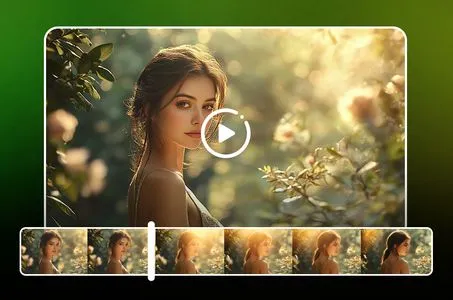
Turn any idea into a scroll-stopping AI influencer video. Upload a reference photo, type a simple prompt, and generate smooth, lifelike motion with consistent characters - no filming, no editing skills required. Start free and build viral-ready content today.
Browse AI influencer videos crafted by our community of creators, marketers, and creative teams.


Zero Skill Barrier
Type what you want and upload a photo - get professional AI influencer videos instantly.

Access to Top Video Models
Choose from leading AI video models in one place. Switch styles and quality levels to match your vision, no tool-hopping required.

Studio-Quality Output
Export crisp, social-ready clips optimized for TikTok, Instagram Reels, and YouTube Shorts.

All-in-One Creative Workspace
Generate, refine, and polish in one platform. From character consistency to motion control and video editing, stay inside SeaArt AI.
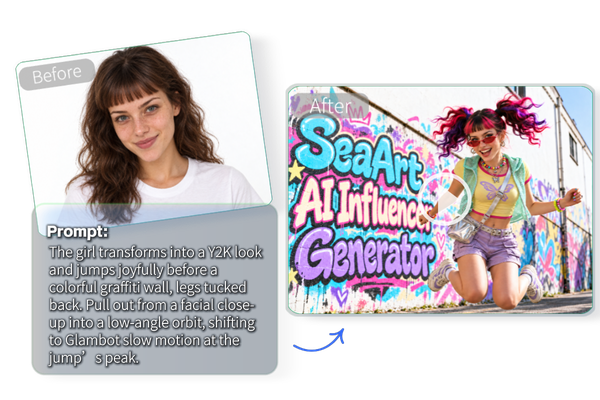
Drop in a character photo and describe the scene in plain English. The AI influencer generator turns your words into natural, realistic movement with authentic lighting, expressions, and body dynamics. You can also start by creating a base image with our AI image generator, then bring it to life as video. No technical skills needed, just production-ready AI influencer videos that feel filmed, not synthetic.
Upload any trending clip and let motion control + mimic motion recreate the exact gestures, camera work, and timing on your AI influencer. Jump on viral dances, product demos, or signature poses while keeping full creative freedom over the look.
Feed the tool a photo or short clip as guidance. The AI influencer generator locks in appearance, outfit, and style, then expands it into a full moving sequence, ideal when you need precise visual fidelity without starting from zero.
Upload one clear reference image of your influencer and the face, body, hair, and overall identity stay locked across every new video. Switch outfits, locations, or moods, your AI influencer remains instantly recognizable whether you create lifestyle clips, product shots, or narrative scenes.
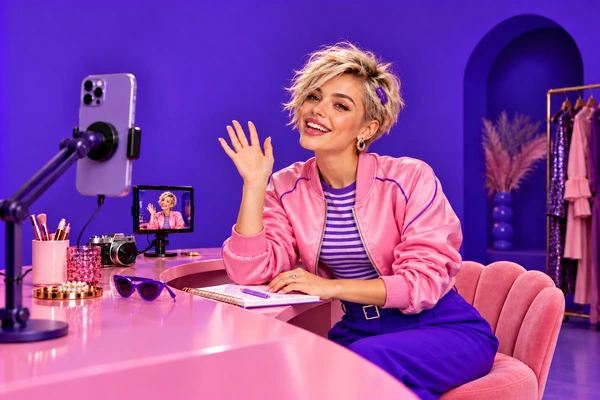
Build a full virtual persona that posts daily without camera time or travel. Generate lifestyle, fashion, travel, or niche content that stays on-brand and keeps your audience engaged while you focus on strategy and growth.
Upload Your Reference
Select a video model that best matches the style and quality you need. Drop in a clear photo of the face or full body you want as your AI influencer. Optional: add a short motion reference clip.
Describe the Scene or Action
Write a simple prompt (or pick a trending motion template). Tell the AI influencer generator the setting, outfit, mood, and movement you need.
Generate, Edit & Download
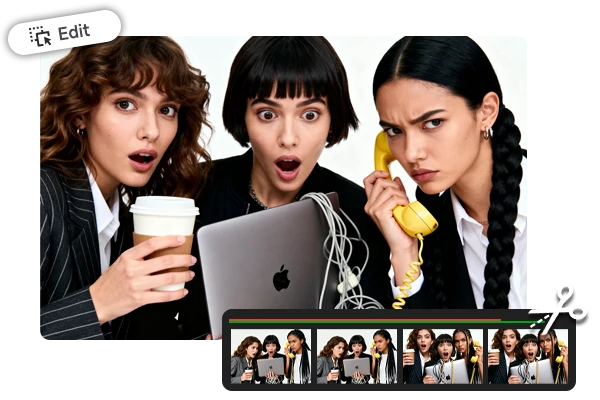
Watch the realistic video appear in minutes. Use the video editor for style transfer, upscaling, or fine-tuning, then export and post.

Can I use my own photo for the character?

How do I copy a trending motion without copying the whole video?
Use Mimic Motion to bring in the action rhythm or pose progression from a reference, then change the character, scene, styling, and message for your own concept. Borrowing a movement is not a replacement for creative direction, so avoid making a near-copy of somebody else's finished post. Focus on what makes your version distinct from the source post.
Can the same character appear in more than one video?
Yes, start each concept with the same character reference image and keep the prompt anchored to the same persona. That gives you a practical way to build a series, though each generated clip still needs a quick check for expression, movement, and small visual differences. Plan a review pass before publishing the series.
Do I need video editing skills to begin?
You can begin with a prompt and a photo, then use the editor for a focused style or clarity pass after generation. For polished brand work, a human review still matters because a tool cannot decide what fits your channel, audience, or publishing standard. Check the final clip at the size people will actually see.
Stop waiting on shoots, editors, or expensive talent. Create consistent, motion-rich AI influencer videos in minutes and start posting content that actually performs.