50M
+Creator

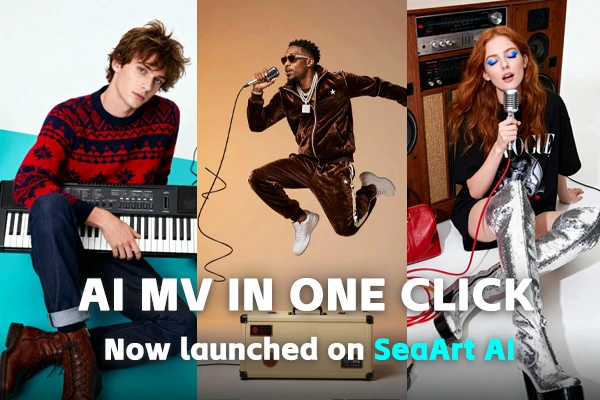
Use AI MV generator free online to create native videos with music built in. Make lyric videos, dance MVs, or virtual singer clips directly in your browser. Add a singer avatar with lip sync for performance clips, or start from an image to keep character consistency. Export 1080p music videos for TikTok, Reels, and YouTube Shorts.


Music-to-Video, Fast
Turn a track idea into a watchable MV without editing timelines, keyframes, or stock hunting.

Beat-Matched Motion
Keep scene motion and cuts aligned to the rhythm so your hook lands like a real music clip.



Lyric-First Output
Build a lyric video with readable subtitles that follow your song structure and mood shifts.

Share-Ready Quality
Export clean MP4 drafts for TikTok, Reels, Shorts, and YouTube uploads or promos.
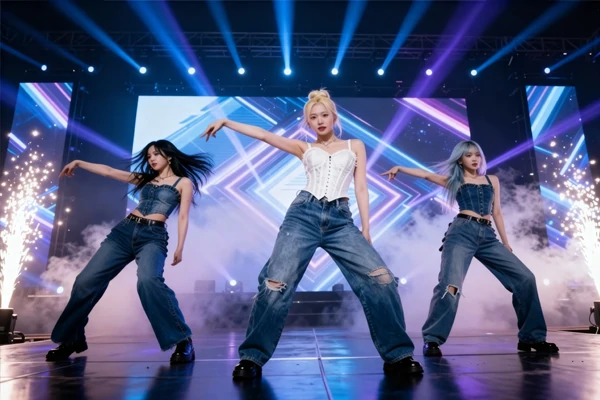
Create any-style AI music videos like anime, K-pop, Western pop stars, rap, or R&B with SeaArt AI music video generator. Start by making your track in AI song generator, then feed the lyrics, vibe, and a reference image to generate an MV that matches the beat. Choose an AI virtual singer for lip-sync performance, or go dance-first for chorus hooks. Keep one style per clip so the look stays coherent.
Easily craft your MV with AI music video generator: start with a short text brief (genre, mood, hook), then upload a reference image to keep the singer, avatar, or cover-art look consistent. Choose a style like anime, K-pop stage, realistic performance, or dance MV, and generate beat-matched scenes with clean lyric subtitles. Keep one style per clip for clarity, then export a 1080p MP4 for Shorts and Reels.
For performance MVs, AI music video generator can produce singer-style shots with precise AI lip sync. Keep vocals in short phrases, pick close-up or medium framing, and ask for steady head movement so mouth shapes read clearly. Add simple props (mic, guitar, stage light) to sell the performance without clutter. Great for rap, fast syllables, and chorus hooks.
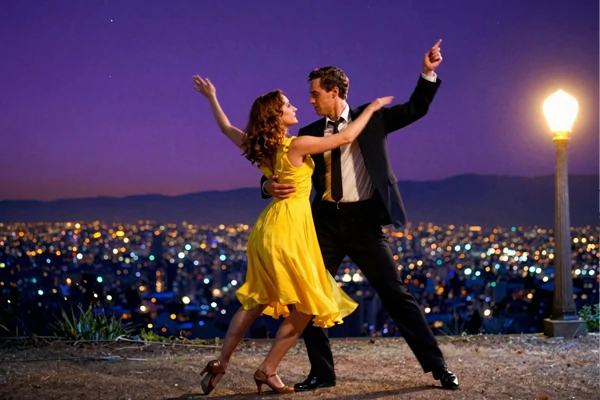
This AI music video generator shines on dance snippets when you simplify the choreography brief: one dancer, one background, one signature chorus move. Specify motion cues (two-step loop, hand choreography, upper-body groove) and keep the camera distance stable so rhythm reads cleanly. This fits K-pop teasers, Shorts/Reels loops, and character dance video edits.
Step 1: Input Your Creative Vision
Start with lyrics (paste chorus lines) or upload a reference image for your singer/avatar look, then enter your genre and mood to the AI MV generator.
Step 2: Define Your MV Style
Specify your video type (lyric video, lip-sync performance, or dance MV), subtitle rules, motion cues, and on-screen text. Choose duration and style.
Step 3: Generate and Download
Click the "Generate" button, and wait for a few minutes. Once you're satisfied with the result, save the AI generated videos to your device.
SeaArt AI offers you powerful all-in-one image&text-to-video AI generator. Beyond its core tools, it brings multiple industry-leading video models together in one place, so you can switch between them smoothly and create impressive visuals without bouncing across platforms.

What is an AI music video generator and what can it create?

How do I keep lip sync believable for singing or rap?
Use a close-up or medium close-up, even lighting, and avoid fast head turns. Keep the performer centered and reduce background motion near the face so mouth shapes read more naturally.
Can I use the generated music videos commercially?
Commercial rights depend on the platform. Most AI music video generators allow you to use outputs for promotional content, social media, YouTube monetization, and client work. Check the platform's terms to confirm whether you own full rights or need attribution for specific use cases.
Can I start from a photo for a singer-style MV?
Yes. An image to music video generator approach works well when you begin with one clear portrait and a simple stage concept, then keep framing stable and describe a short performance action.