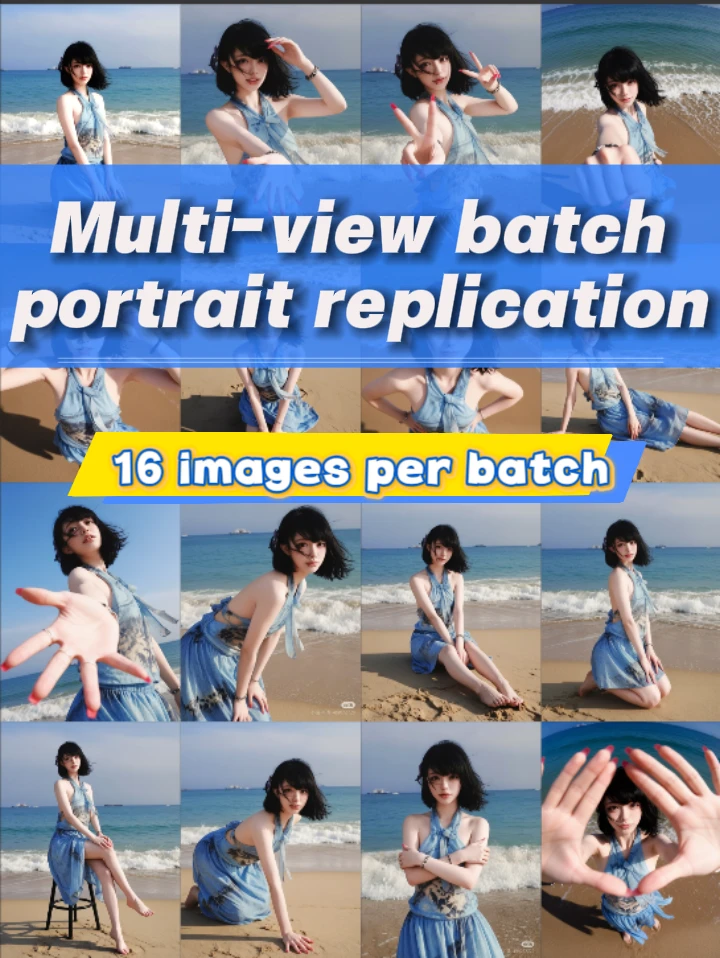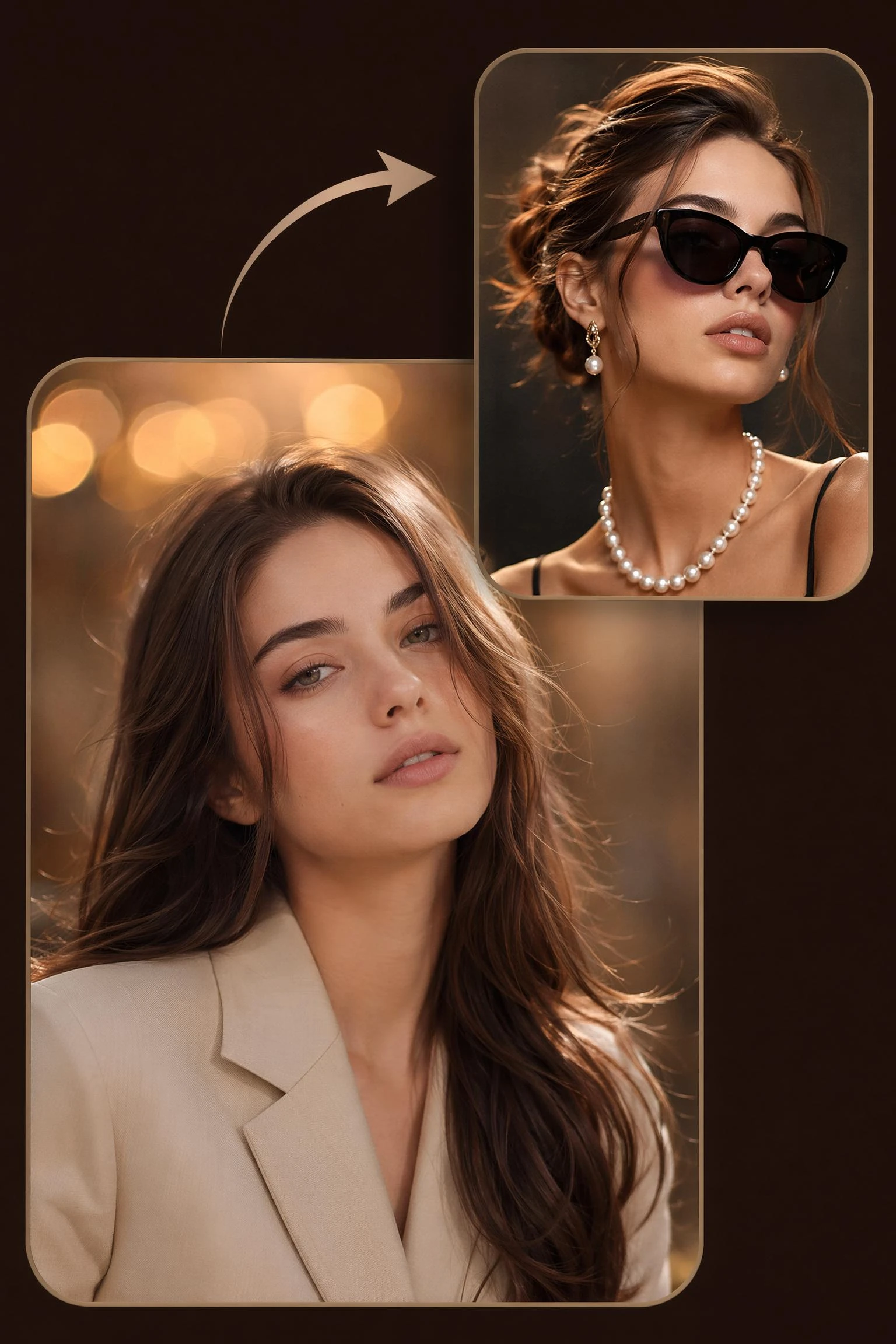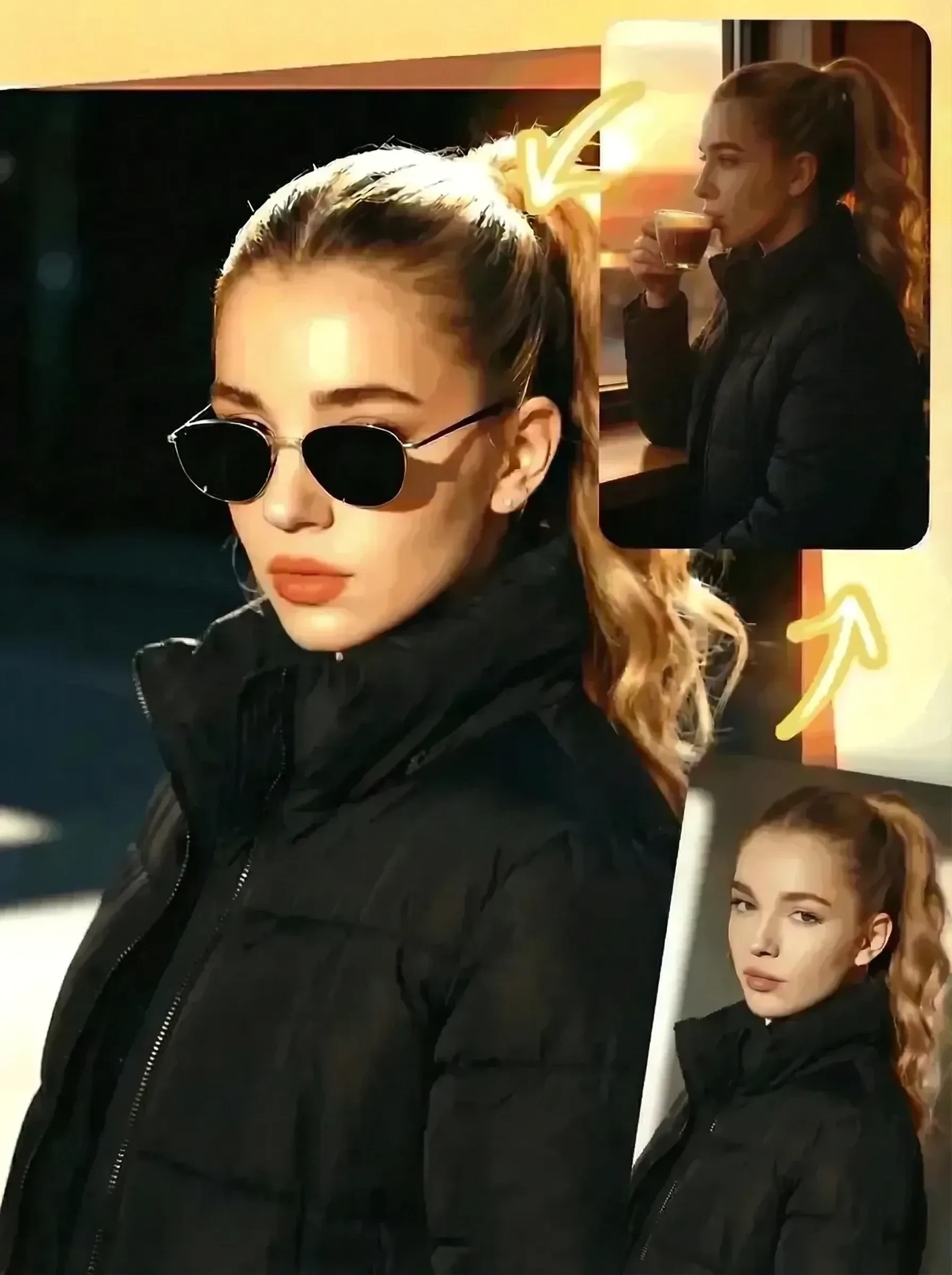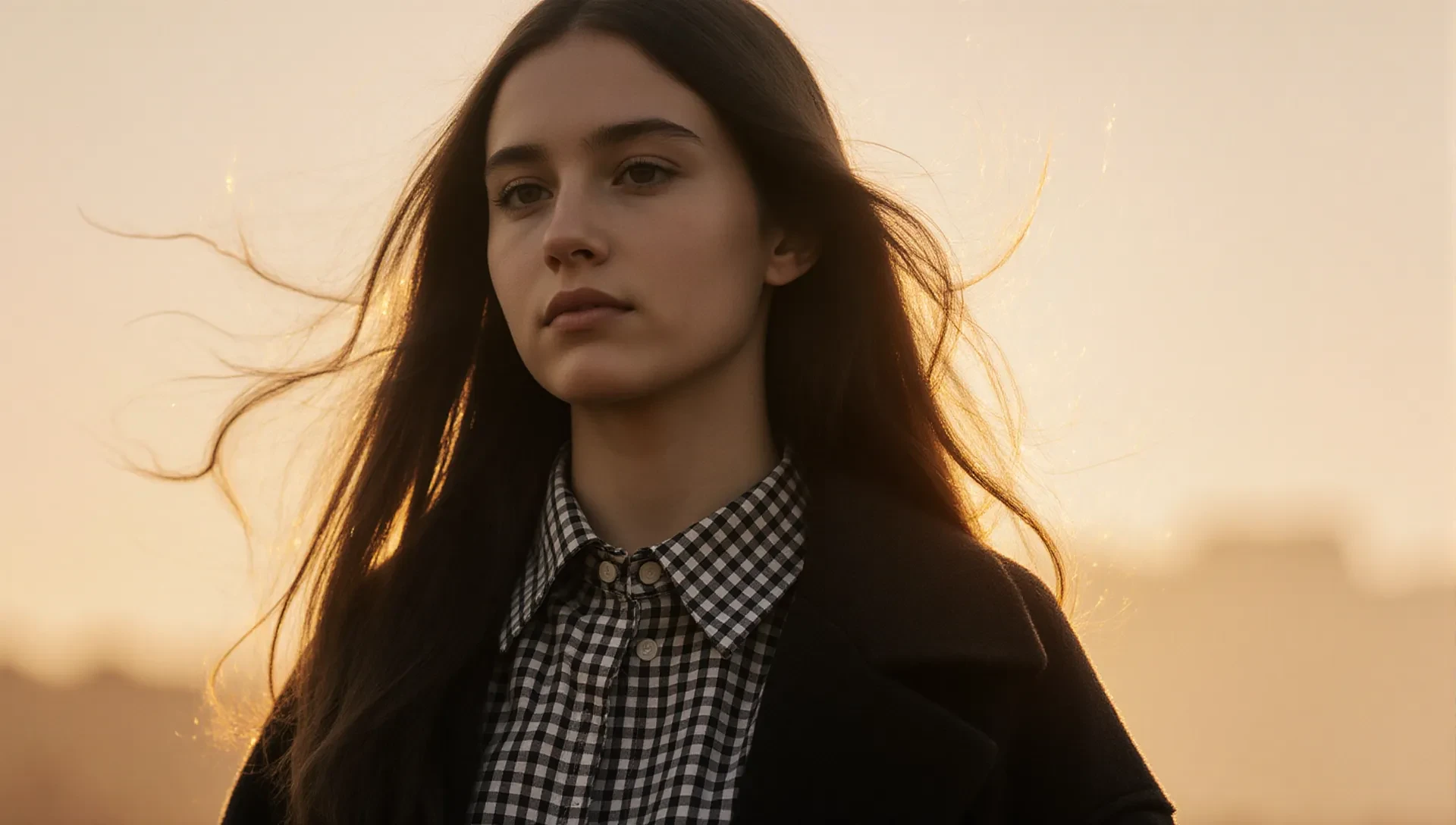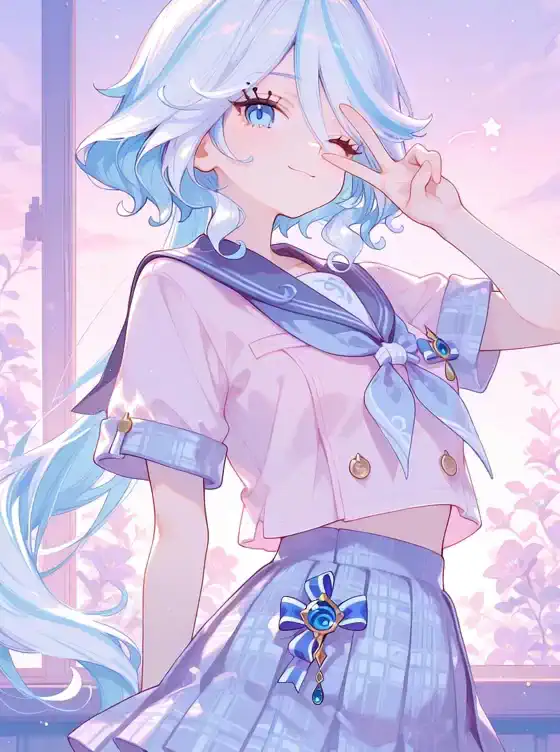
Input one character image and take sixteen portraits from different angles!!! (Generate sixteen images at once)
Not enough ratings or reviews received yet

From one upload to a complete set of character angles, each feature helps turn a single portrait into practical visual reference material.


16 Views From One Photo
Upload one character portrait and generate a full angle set with front, side, three-quarter, and close-up portrait angles in one run.
Consistent Character Identity
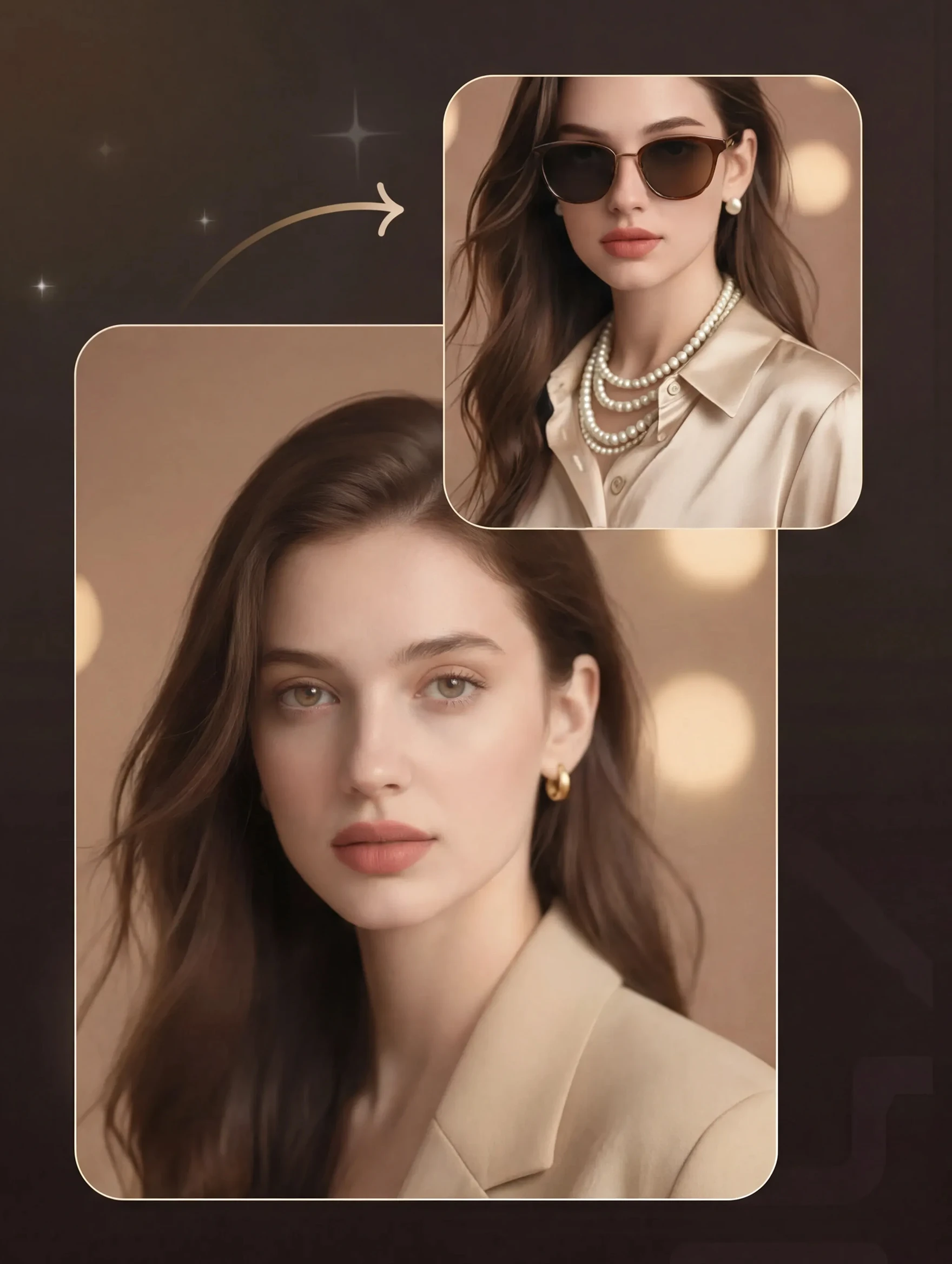
Keep recognizable face structure, hairstyle, clothing cues, and character styling across the portrait batch.
Faster Angle Planning
Skip testing camera angle prompts one by one. Compare the generated grid quickly and choose the strongest views for your project.
Ready-to-Use Outputs
Download clean portrait views for OC sheets, roleplay cards, avatars, profile packs, or later editing and scene building.

The tool turns one portrait into a batch of 16 different viewpoints, so creators can compare front views, side turns, three-quarter shots, and close portrait directions in one set. This helps when a character needs more than one profile image, especially for storyboards, roleplay cards, model references, and social identity packs. You can also take a selected view into the AI image generator when you want to test new outfits, lighting, or scene ideas around the same character.

A useful multi-angle portrait generator needs the same character to remain recognizable across the set. This workflow is built for consistent face structure, hairstyle, clothing cues, and mood while changing viewpoint. It is especially helpful when artists need a believable reference sheet but do not want to redraw every direction by hand.

Camera angle prompts can be slow when every prompt must be tested one by one. This app gives creators a faster visual draft: upload the character, generate the batch, then pick the angles that match the scene. It works as a planning layer before illustration, comic panels, cosplay references, thumbnails, or profile images.
Upload your character to ai camera angles and get a complete angle grid for reference sheets, profile packs, and faster visual planning without testing each view one by one.
Upload a Clear Portrait
Choose a front-facing or three-quarter character image with visible facial details and a stable hairstyle.
Run the Batch
Start the generation and wait while the app builds a 16-view portrait set from the uploaded image.
Save Your Best Angles
Review the grid, download useful views, and use them as references for drawing, avatars, or story planning.
What does this app actually generate?
It generates a 16-image portrait batch from one uploaded character image. The output focuses on different portrait viewpoints rather than full-body poses, so it is best for face references, profile images, character sheets, and visual planning.
Do I need to write camera angle prompts?
You can use the app without writing a long prompt. Uploading a clear image is the main input, which makes it easier than testing separate camera angle prompts for front view, side view, and three-quarter view one at a time.
Will every angle keep the same face perfectly?
Results can vary, especially if the source image is blurry, heavily stylized, or partly hidden. A clean portrait with visible facial structure gives the tool more detail to carry across the different views.
Does this work better for real people or fictional characters?
It can work for realistic portraits, roleplay characters, and original characters. For copyrighted characters or real people, use images you have the right to upload and avoid making misleading or harmful content.
Can I use the results with other SeaArt AI tools?
Yes. Many creators use one generated view as a reference image, then continue editing with SeaArt AI image tools for style changes, portrait polish, background work, or new scene generation. You can also use the free AI art generator to explore broader styles after the portrait angle set is ready.