النوع
Checkpoint
وقت النشر
2023-11-25
النموذج الأساسي
SDXL 1.0
كلمة التشغيل
modisn disney
modisn disney style
نسخ

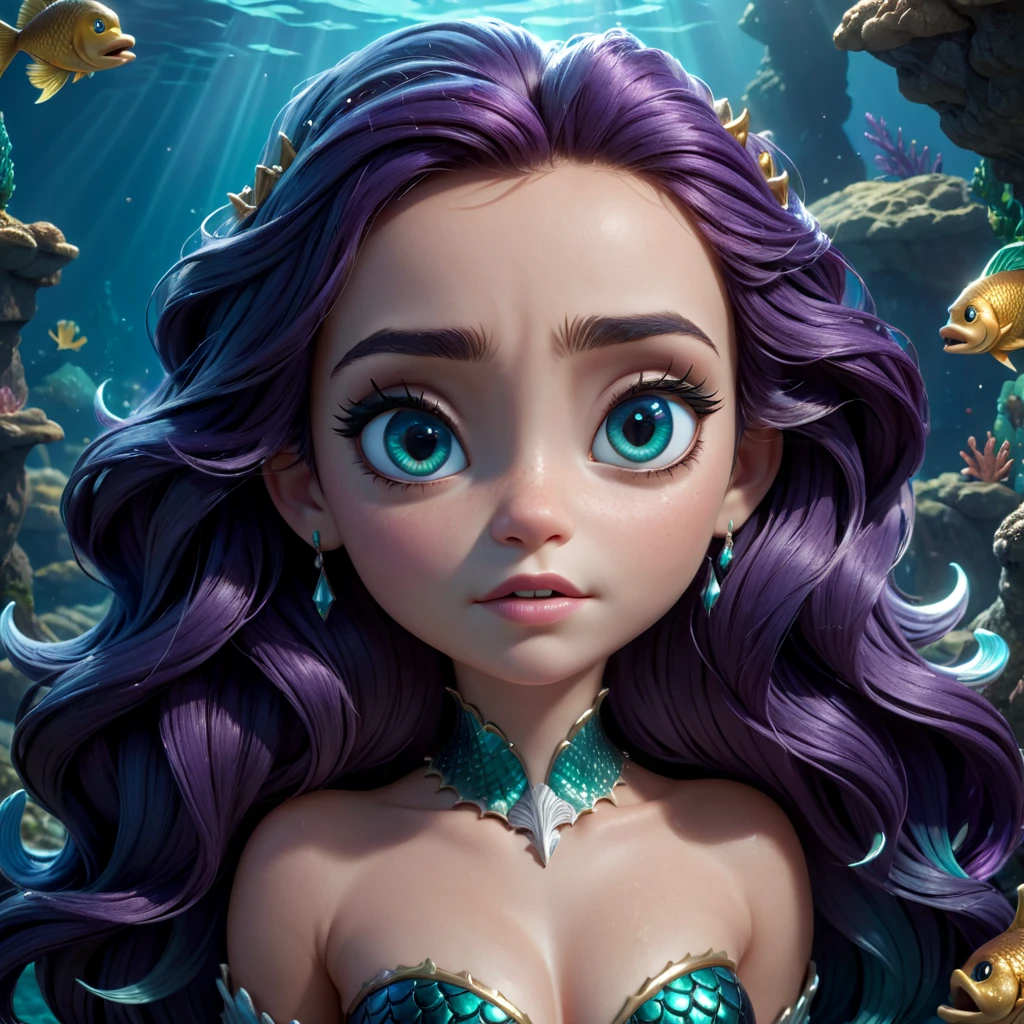
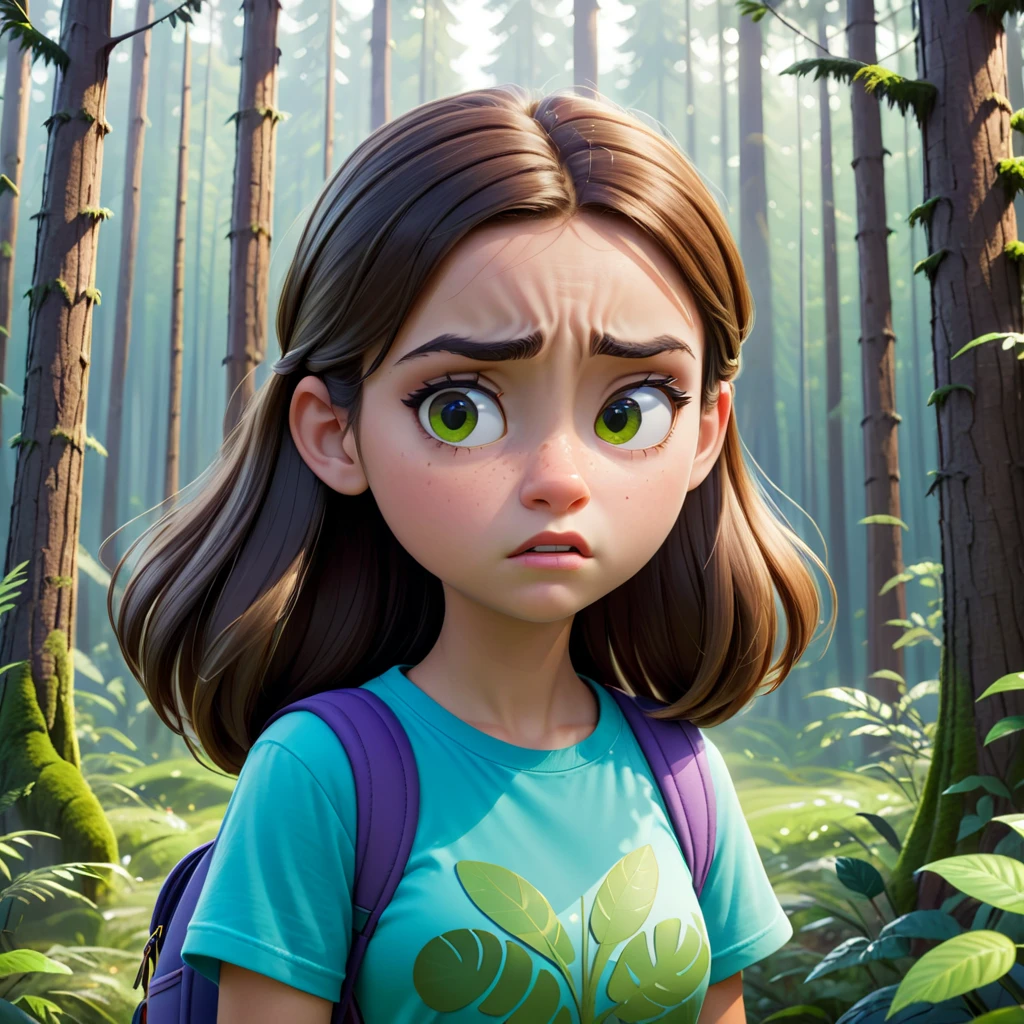
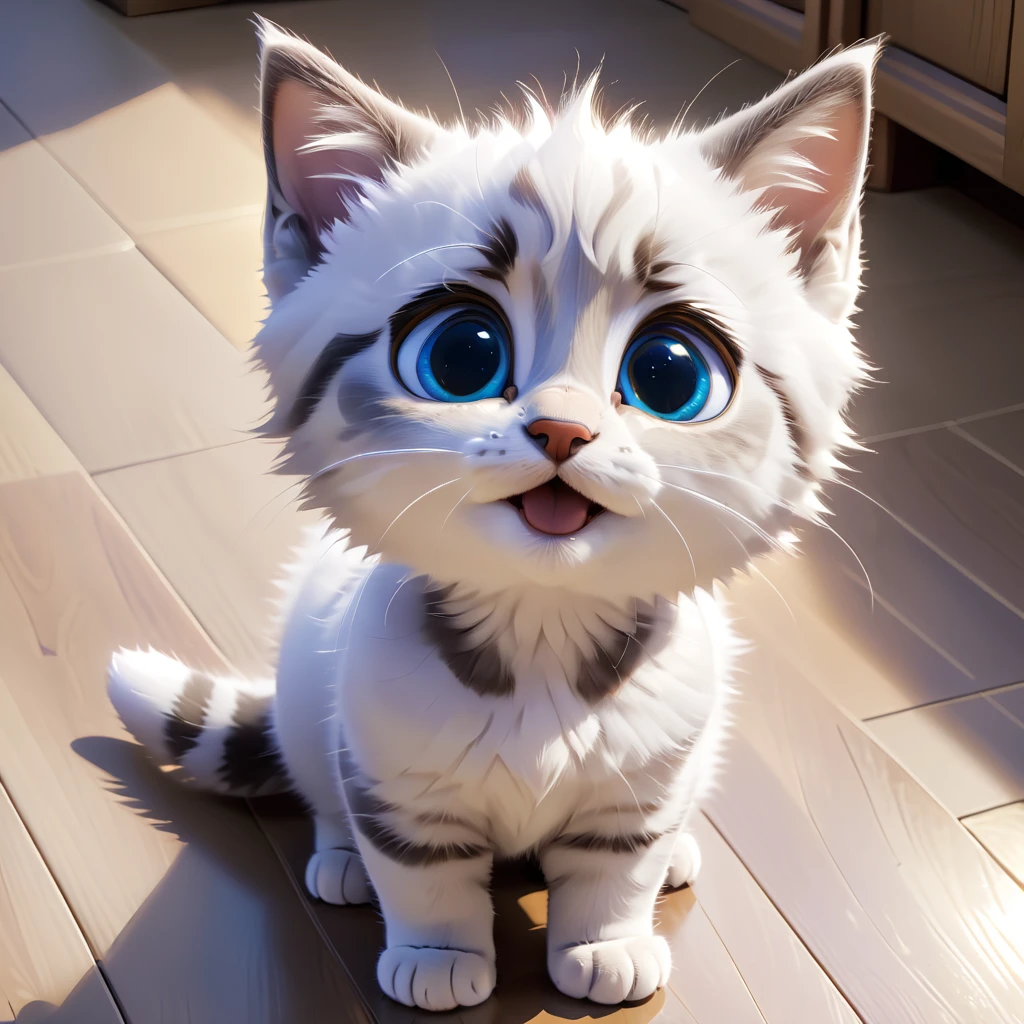
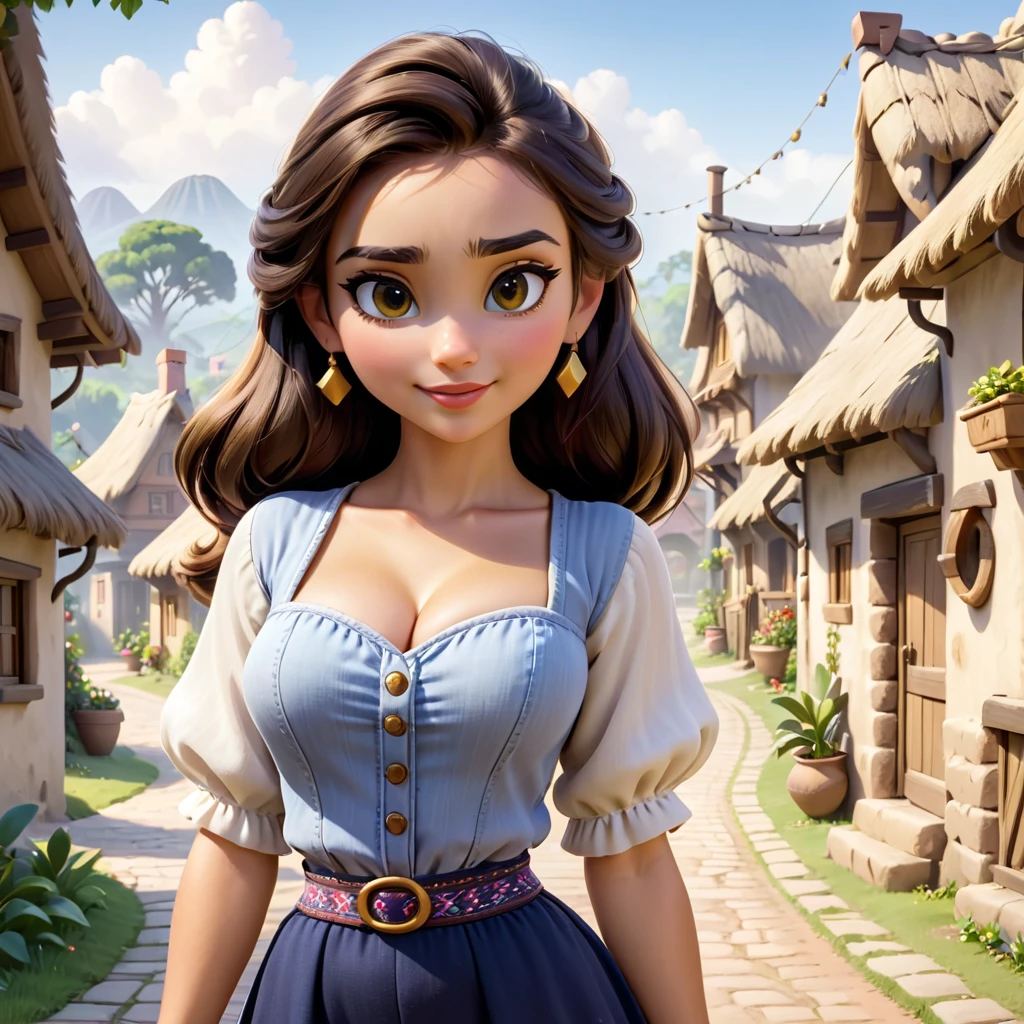
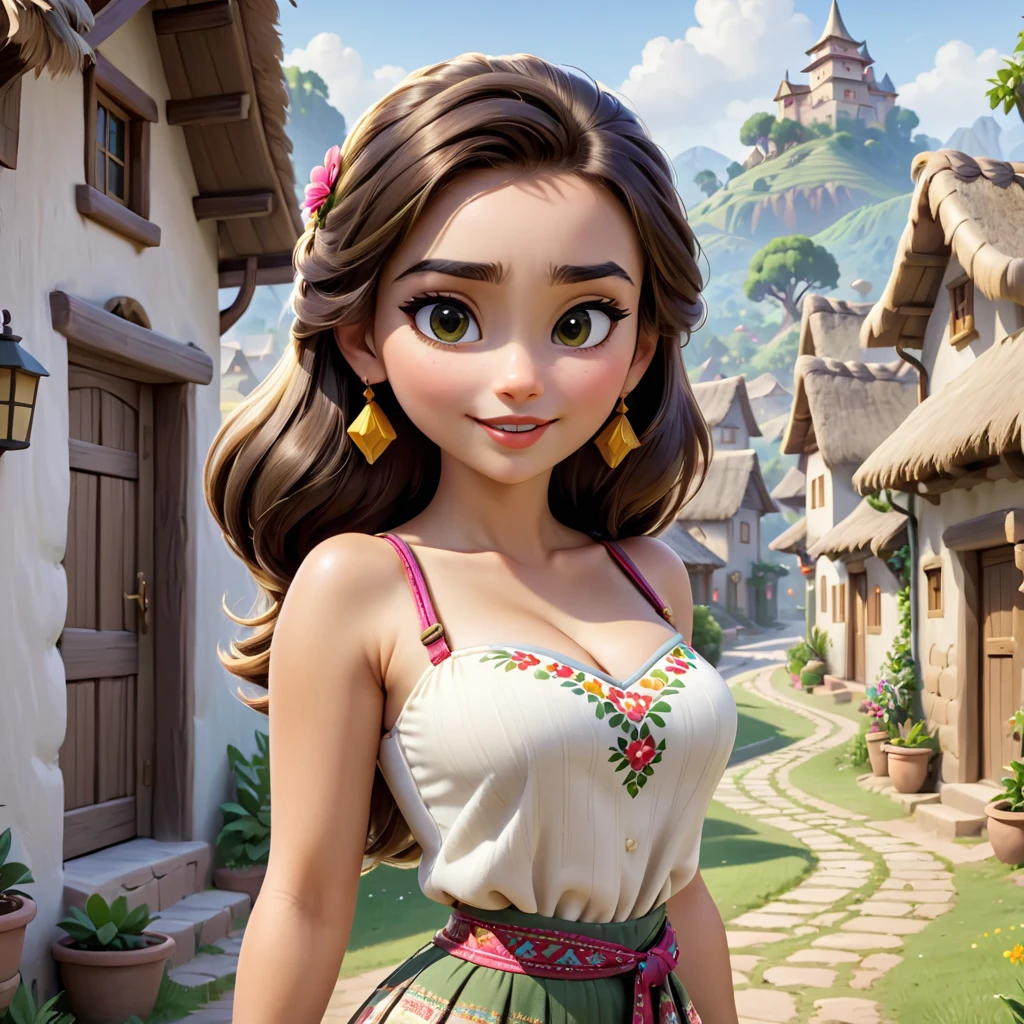
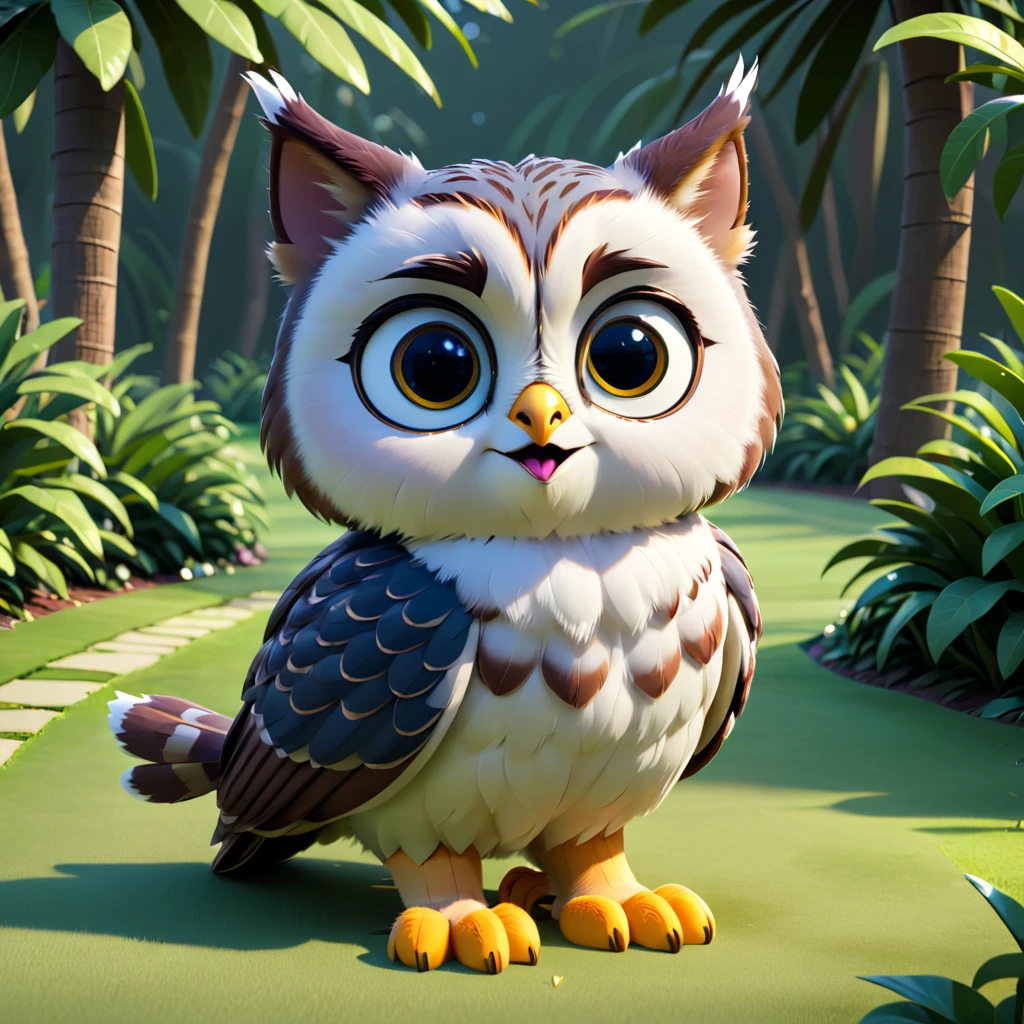
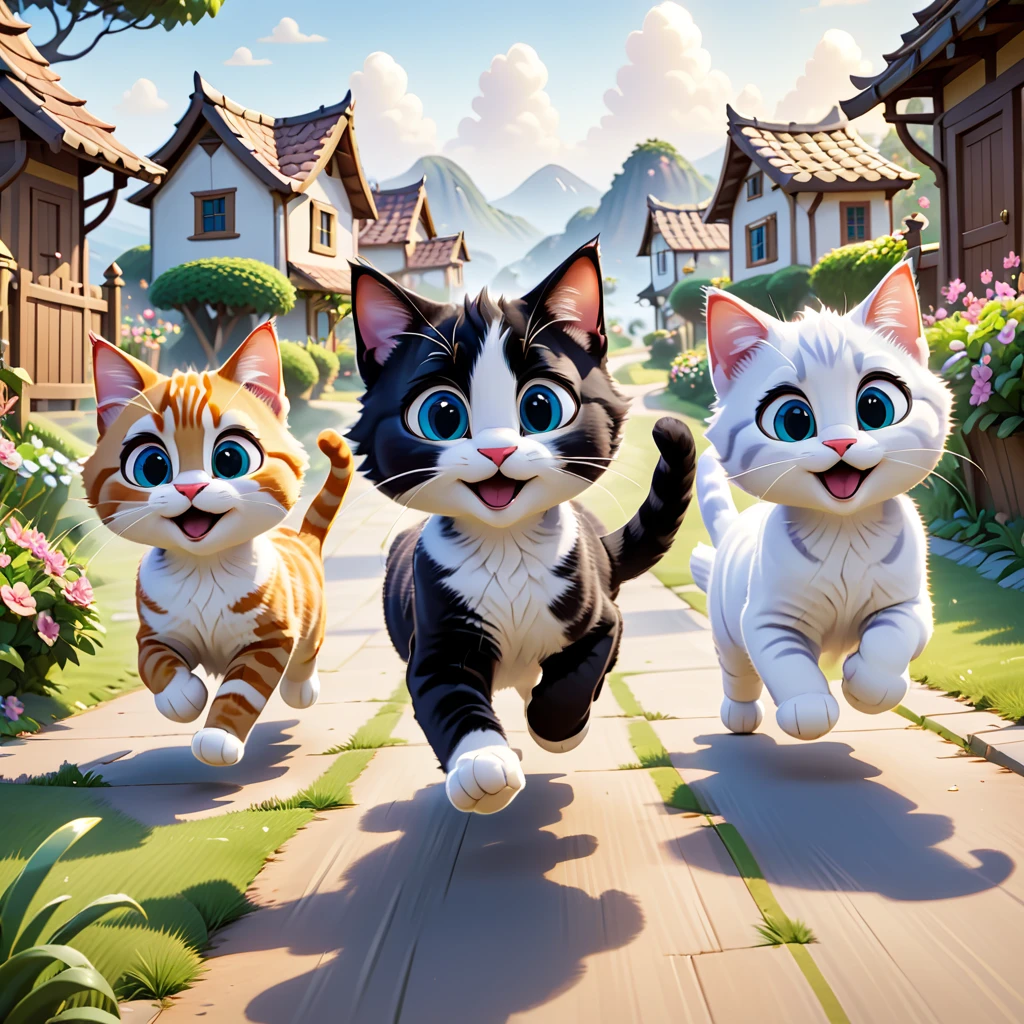
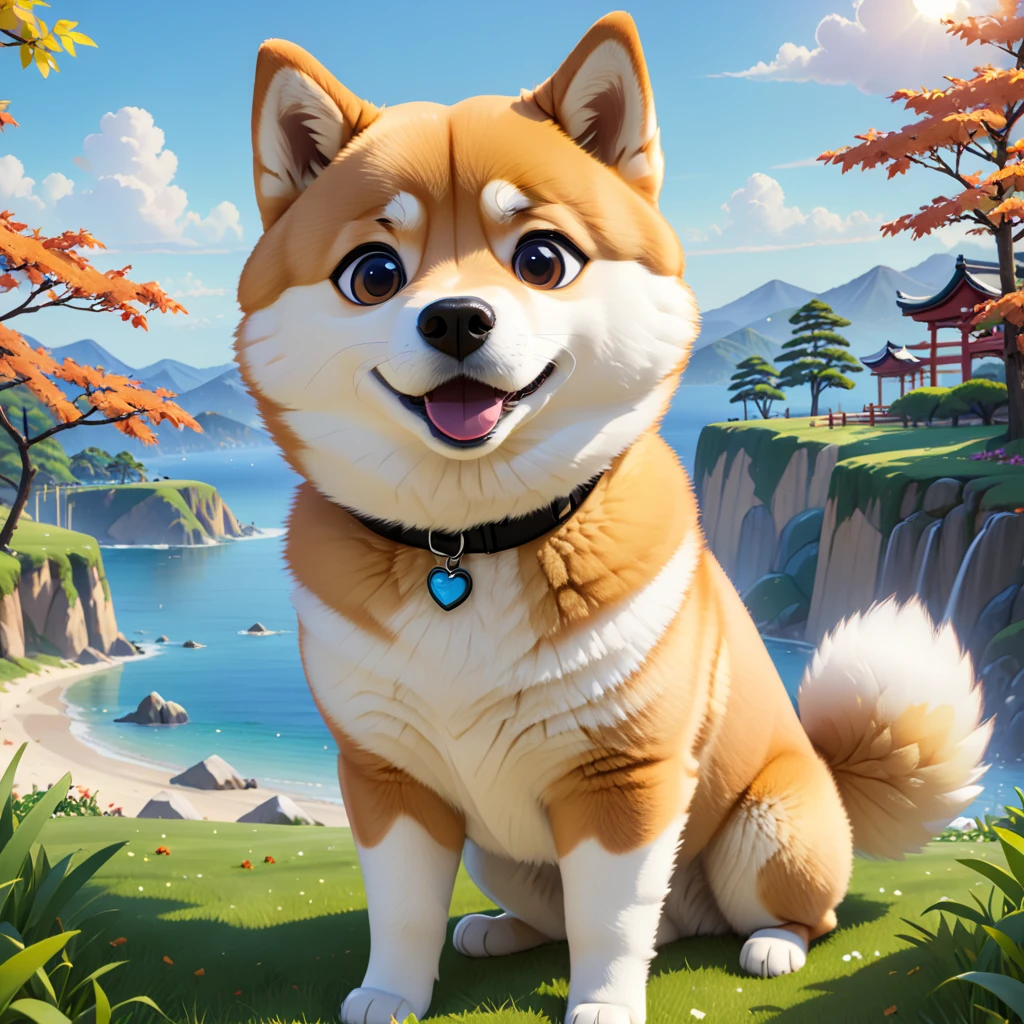
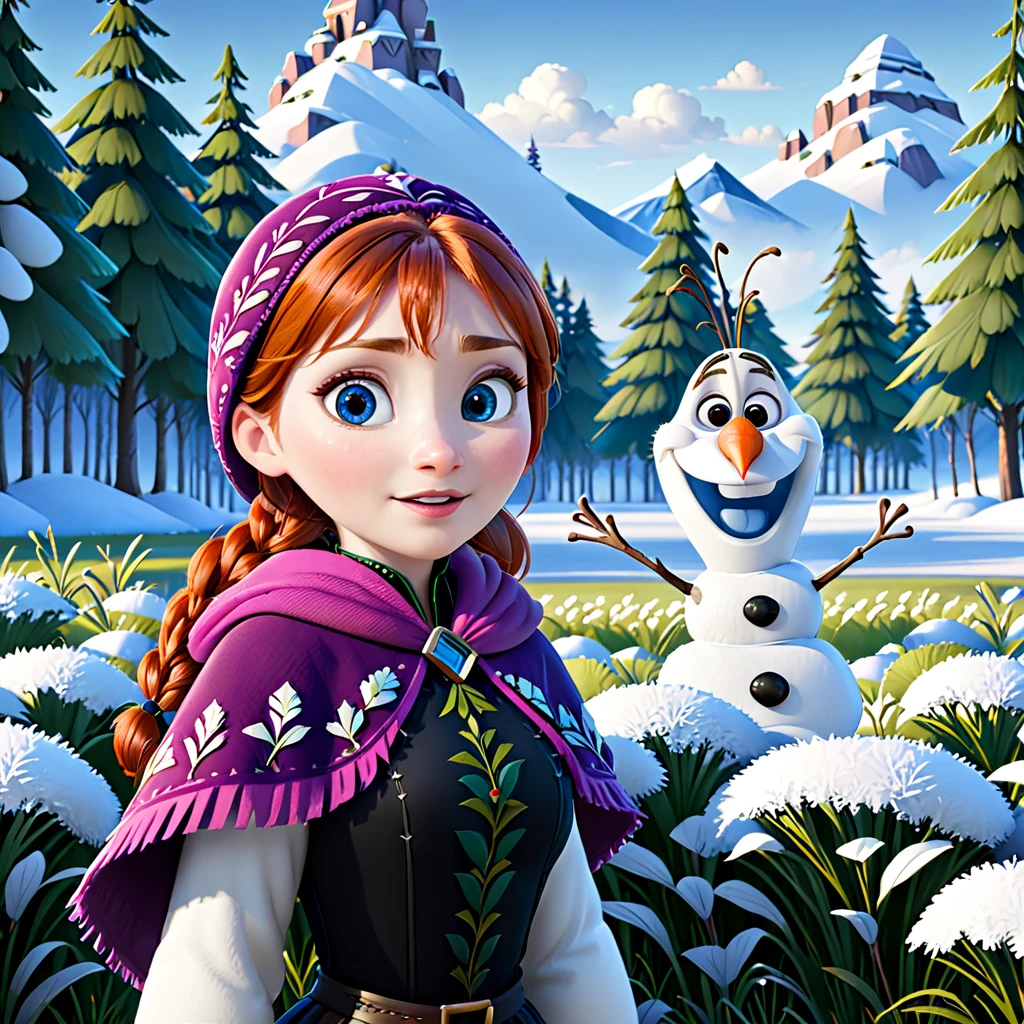
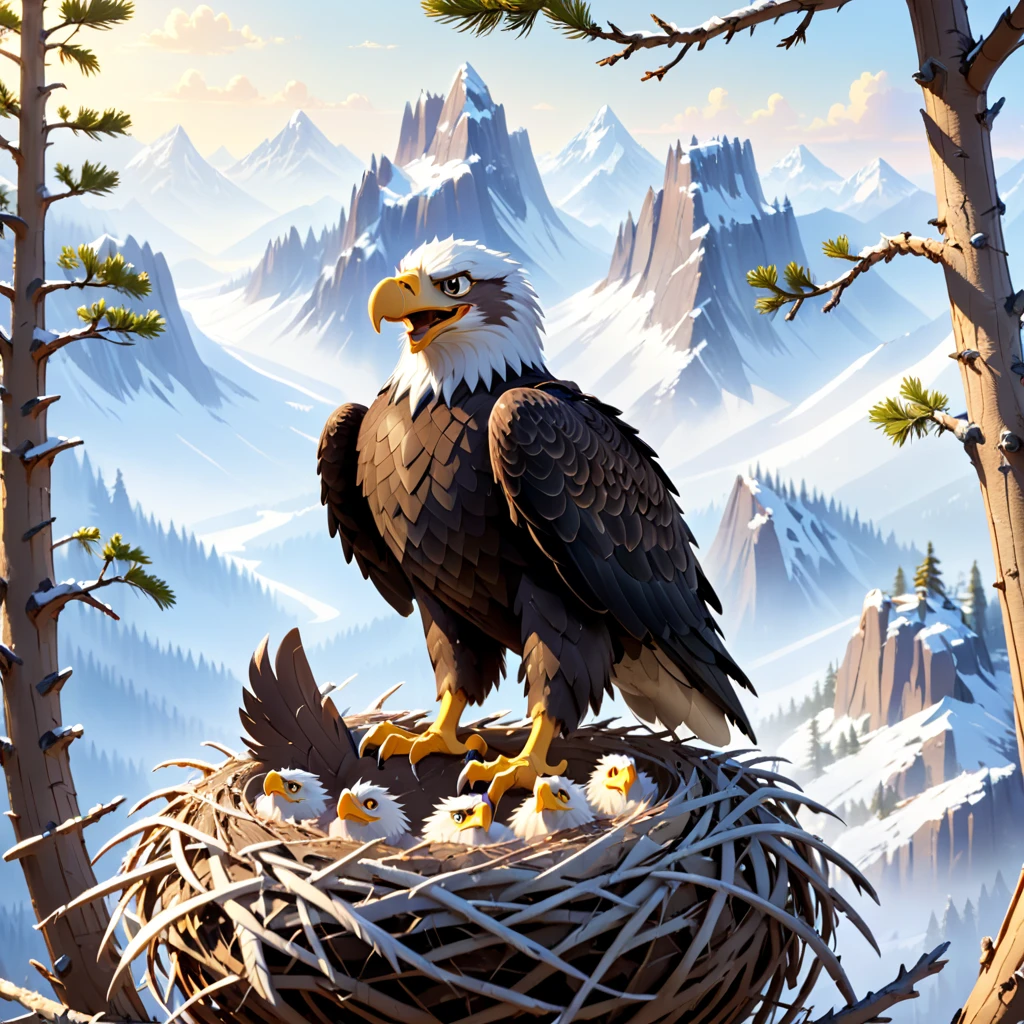

I added an inpainting version for this model, I recommend using the "color correction" option under the img2img tab in AUTO1111 settings. To do this "drop-in replacement" inpainting shown in the image, you need to set "Masked content" to "latent noise", and set "Denoising strength" to 1. I used Mask blur 16 and padding 8. Put "error" in negative prompt to suppress artifacts.
Version 3: I think this one is a major improvement to v2, I used the same prompts in the image showcase as a comparison.
The trigger tokens are in the model description to the right, they are not necessary but recommended for most cases. Try adding "pixar render" if you want more disney/pixar style images.
The now ancient "modern disney v1" model was one of my favorite, so I decided to carry on some of its legacy by training an SDXL version!
Img2img aka "Disneyfication":
Choose any image you want (realistic photos probably work best)
Resize your image so that its resolution fits within SDXL resolution bounds (e.g. resize to 1024px on the shorter side)
Use AUTO1111 img2img tab and load image (or the equivalent for any alternative UI)
Choose Euler sampler (usually best results), start with denoising 0.1, steps 40-120 (lower denoising needs higher steps to compensate)
Enter "modisn disney style" as a prompt (sometimes giving a general description of the image can help, e.g. "modisn disney style, girl holding a cat"). You can try working with the negative prompt but keep both prompts short
Hit generate and see what you get! Play around with the settings, higher denoising values allow for stronger Disney render effect but will also deviate more strongly from the original image. CFG also controls the strength of the effect.
(Optional) Choose AUTO1111 loopback script on the bottom, I recommend staying with only 2 loops, start with the first loop at 0.1 and the second at 0.15 or 0.2, and see what you can do from there. It will allow you to use higher denoising values while suppressing unwanted "mutations" in the image.
1- النموذج المعاد النشر هو فقط لأغراض التعلم والتبادل والمشاركة، حقوق النشر والتفسير النهائي تعود للمبدع الأصلي.
2- إذا رغب المبدع الأصلي للنموذج في استلام نموذجه، يرجى التواصل مع موظفي SeaArt AI عبر القنوات الرسمية للتوثيق والاعتماد. نحن نلتزم بحماية حقوق كل مبدع. انقر للاستلام
