banner_image ×
SeaArt AI الإصدارة المؤسسية

A man with a beard and a beardless face is smiling in front of a purple background with a blue
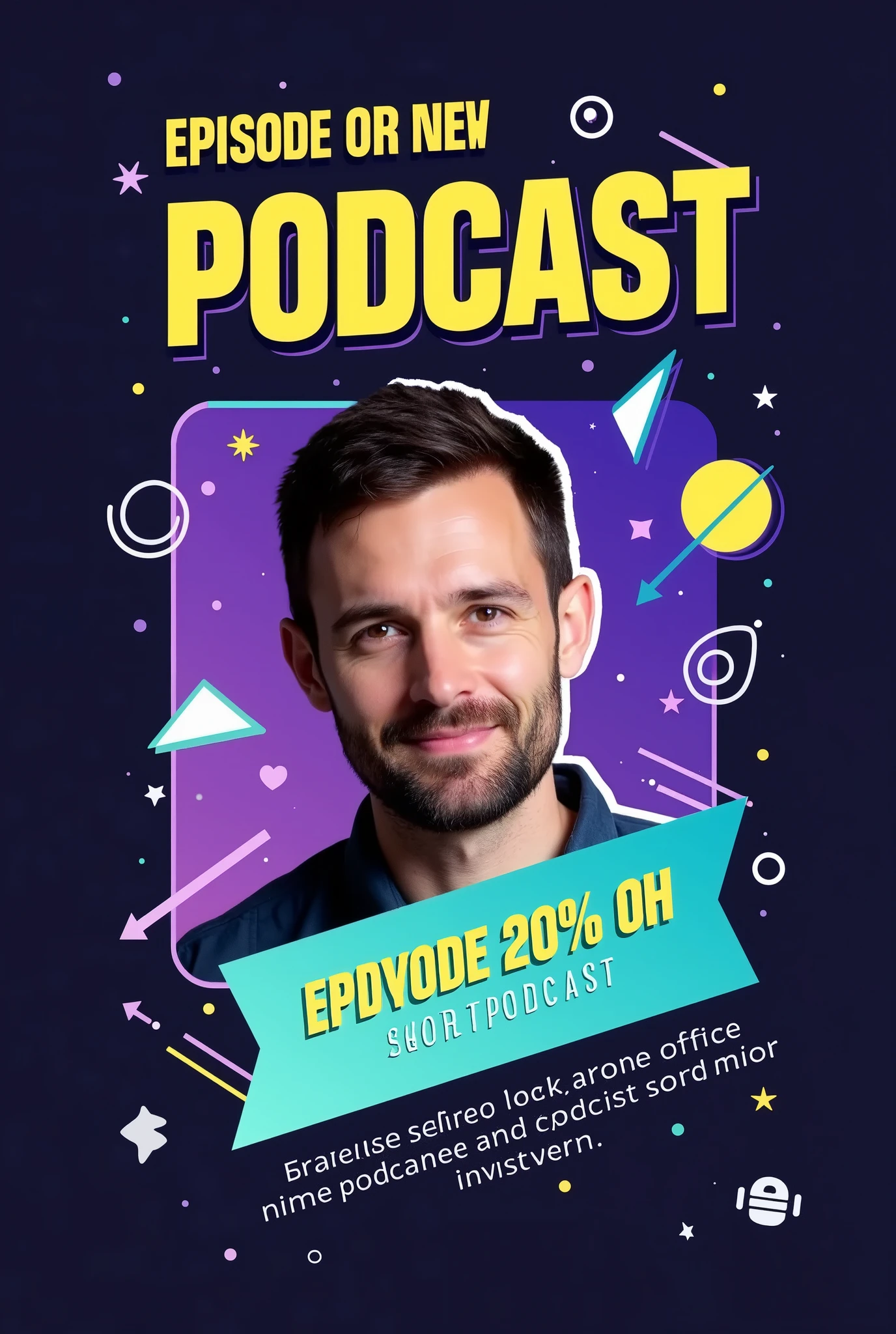

Prompt:

"Create an eye-catching Instagram post announcing the release of a new podcast episode with the following details:

Background: Use a gradient background with a dark-to-light transition, such as deep navy fading into a vibrant color like purple or teal. This adds depth and makes the design more dynamic.

Title Text: Place the episode title in a bold, modern sans-serif font like 'Montserrat' or 'Bebas Neue,' using a bright, contrasting color like neon yellow or white. The title should be large and centered at the top, reading something like 'New Episode Out Now!'

Subheadline or Short Description: Below the title, include a short description in a slightly smaller, sleek font like 'Open Sans.' Use a white or light gray color. The text could say something like 'Join us as we dive into the latest trends.'

Host or Guest Image: Feature a high-quality, cutout image of the host or guest in the center, slightly tilted or overlapped by graphic elements. Apply a subtle shadow or glow effect around the image to make it pop from the background.

Visual Elements:

Sound Waves or Audio Lines: Add subtle but dynamic sound wave graphics or audio line visuals emanating from the sides of the host image or near the title. Use a matching color scheme, like neon yellow or blue, to create motion and energy.
Geometric Shapes: Include overlapping circles, triangles, or rectangles in the background, with varying levels of transparency. These shapes can be in complementary colors (e.g., light blues, purples, or pinks) to add depth and interest without overwhelming the main content.
Icons: Place small, modern icons that represent the podcast theme (e.g., a microphone, headphones, or a podcast symbol) near the bottom corners or integrated within the background elements. These should be in a bright color to ensure they stand out.

Highlight Box: Use a semi-transparent highlight box or ribbon behind the subheadline text to make it stand out more. This box can be in a subtle gradient, ma
image
avatar
G
Gabriel Amorim
معلومات الإبداع
ريمكس
كلمة التلميح
Prompt: "Create an eye-catching Instagram post announcing the release of a new podcast episode with the following details: Background: Use a gradient background with a dark-to-light transition , such as deep navy fading into a vibrant color like purple or teal . This adds depth and makes the design more dynamic . Title Text: Place the episode title in a bold , modern sans-serif font like 'Montserrat' or 'Bebas Neue , ' using a bright , contrasting color like neon yellow or white . The title should be large and centered at the top , reading something like 'New Episode Out Now ! ' Subheadline or Short Description: Below the title , include a short description in a slightly smaller , sleek font like 'Open Sans . ' Use a white or light gray color . The text could say something like 'Join us as we dive into the latest trends . ' Host or Guest Image: Feature a high-quality , cutout image of the host or guest in the center , slightly tilted or overlapped by graphic elements . Apply a subtle shadow or glow effect around the image to make it pop from the background . Visual Elements: Sound Waves or Audio Lines: Add subtle but dynamic sound wave graphics or audio line visuals emanating from the sides of the host image or near the title . Use a matching color scheme , like neon yellow or blue , to create motion and energy . Geometric Shapes: Include overlapping circles , triangles , or rectangles in the background , with varying levels of transparency . These shapes can be in complementary colors (e . g ., light blues , purples , or pinks) to add depth and interest without overwhelming the main content . Icons: Place small , modern icons that represent the podcast theme (e . g ., a microphone , headphones , or a podcast symbol) near the bottom corners or integrated within the background elements . These should be in a bright color to ensure they stand out . Highlight Box: Use a semi-transparent highlight box or ribbon behind the subheadline text to make it stand out more . This box can be in a subtle gradient , ma
مقاس
1376X2048
تاريخ
Aug 25, 2024
الوضع
الاستوديو
النوع
upscale
Checkpoint & LoRA
SeaArt Infinity
Checkpoint
SeaArt Infinity
0 تعليق
0
0
0
0/400

تطبيقات الـAI السريعة من SeaArt
ai_video_generationimg
توليد فيديو AI

أطلق العنان لخيالك ودع AI يخلق روائع بصرية من أجلك.
face_swap_titleimg
مبادلة الوجه عبر الإنترنت مجانا

إبداع الفيديوهات والصور المضحكة أو الواقعية لمبادلة الوجه بسرعة
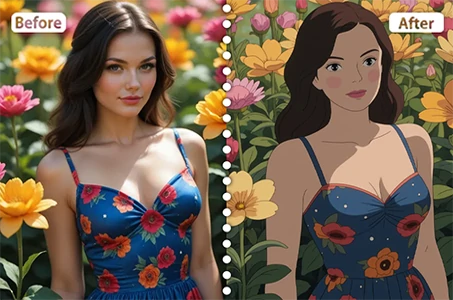
ghibli_filter_h1img
فلترة جيبلي

حوّل أي صورة إلى فن فريد بأسلوب جيبلي بنقرة واحدة فقط.

ai_tools_2img
إزالة الخلفية

أزل الخلفيات من أي صورة في ثوانٍ.
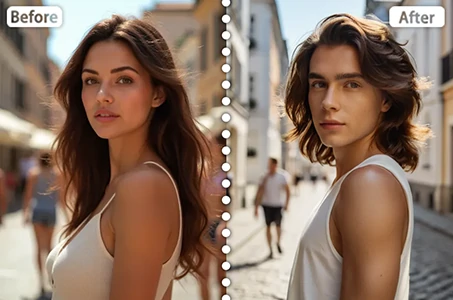
gender_swapimg
مبادلة الجنس

بادل الأجناس في الصور والفيديوهات باستخدام مبادل جنس الـAI من SeaArt. استمتع بالتحولات الممتعة والواقعية بسهولة، مجانا عبر الإنترنت!
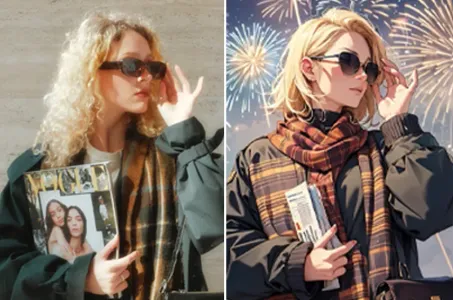
ai_tools_4img
فلاتر AI

جعل كل صورة تصبح عملاً فنيًا

استكشاف المزيد من تطبيقات الـAI 

اقتراحات ذو صلة

شبكة التحكم
logo
العربية
تطبيقة
توليد الصورة شخصيات AI سويفت AI تدريب النموذج اللوحة المتقدمة الأداة السريعة تيار العمل
ذات الصلة
الاستوديو التصنيفات كلما عالت جودة الصور المولدة، زادت العملات الرمزية المستهلكة، والآن مجاني لفترة محدودة مدونة AI أخبار AI
دعم
الدليل خدمة العملاء
احصل على التطبيق
icon
Download on the
APP Store
icon
GET IT ON
Google Play
تابعنا
iconiconiconiconiconiconiconicon
© 2025 SeaArt, Inc.
Copyright Policy
شروط
سياسة الخصوصية 特定商取引法 資金決済法に基づく表示
المزيد