





التفاصيل
يوصى
v1.0
【SDXL Turbo】 Pixel Art | Super Fast Only 5 Steps

【SDXL Turbo】 Pixel Art | Super Fast Only 5 Steps

774
31
51
#أنمي
#واقعية جدا
#بكسل
#نمط
#أين يا رجل؟
#فتيات
#الواقعية
#لعبة فیدیو

Download closed, online link:

https://d.design/model-detail/a3147d8fb62e489bb0f73b1c69992539

Hi guys,this is Husky_AI,

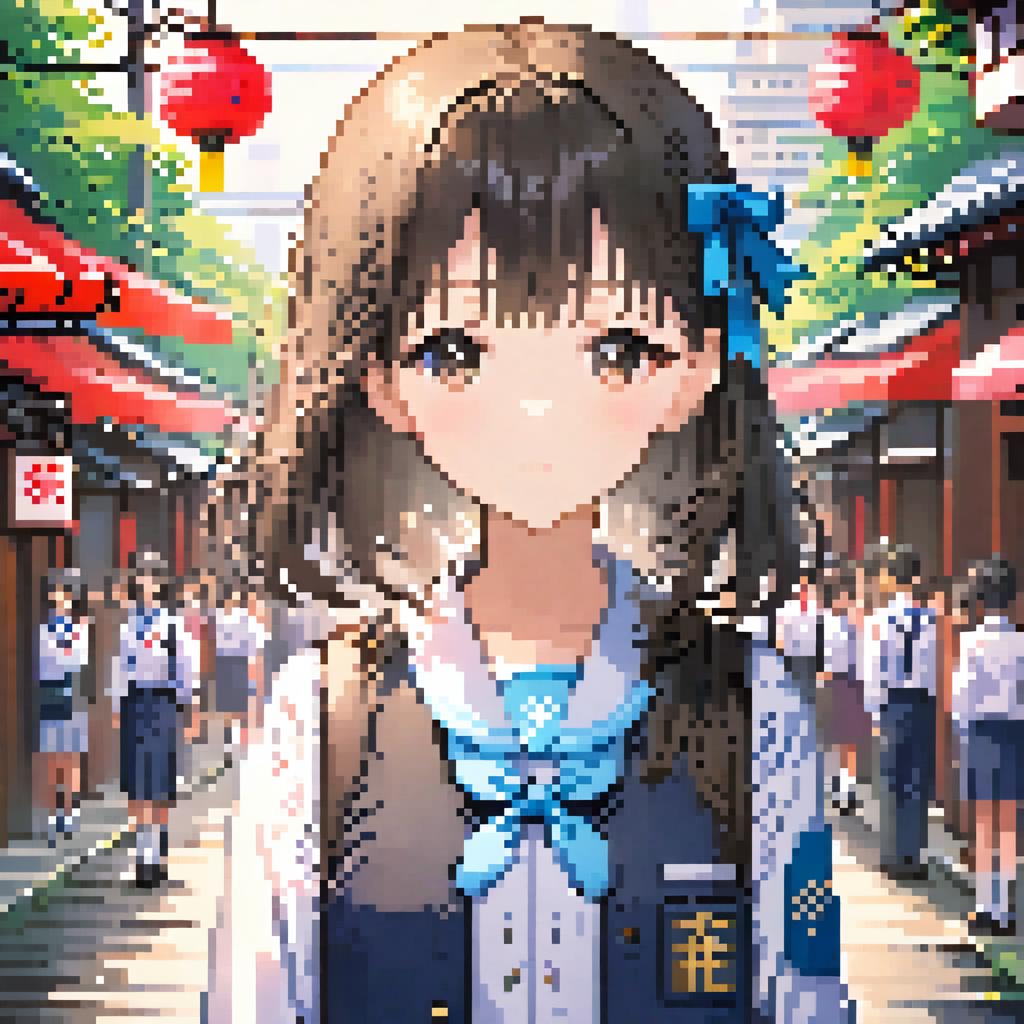
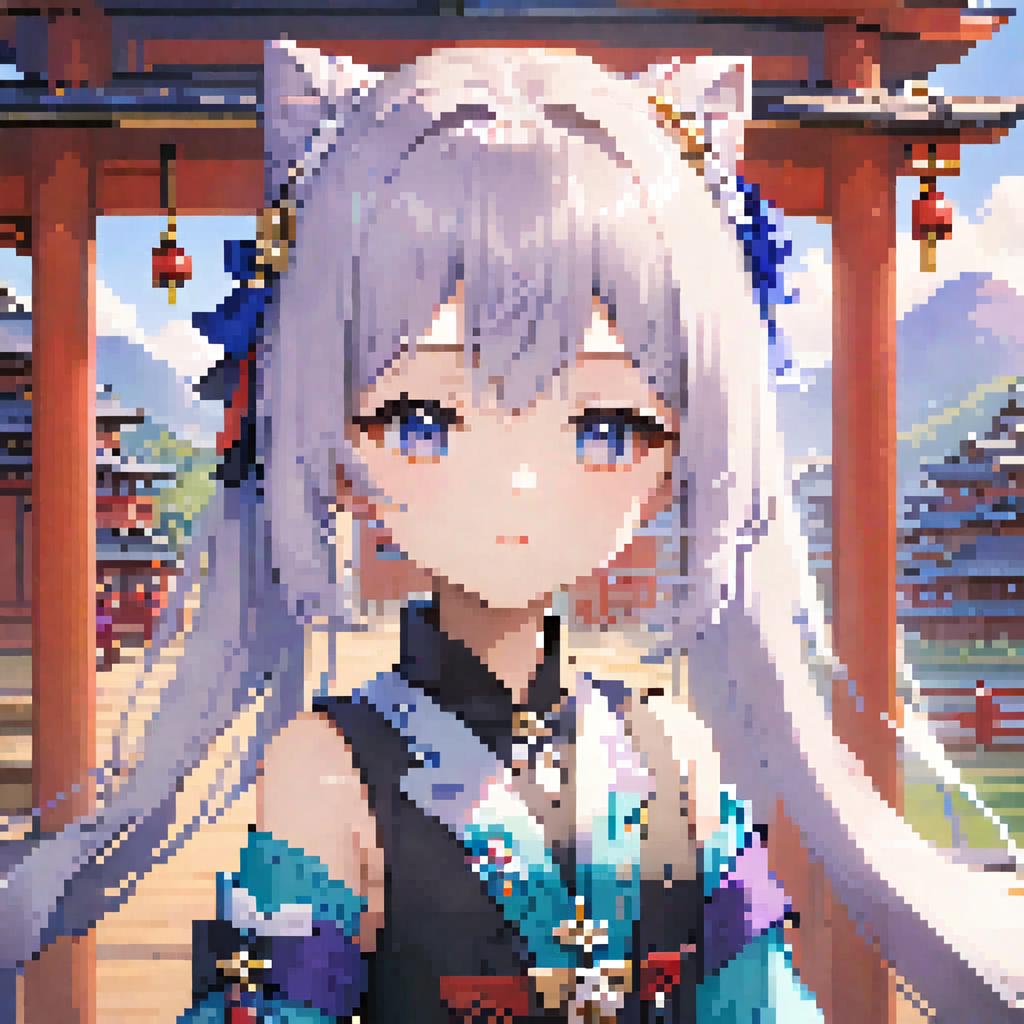
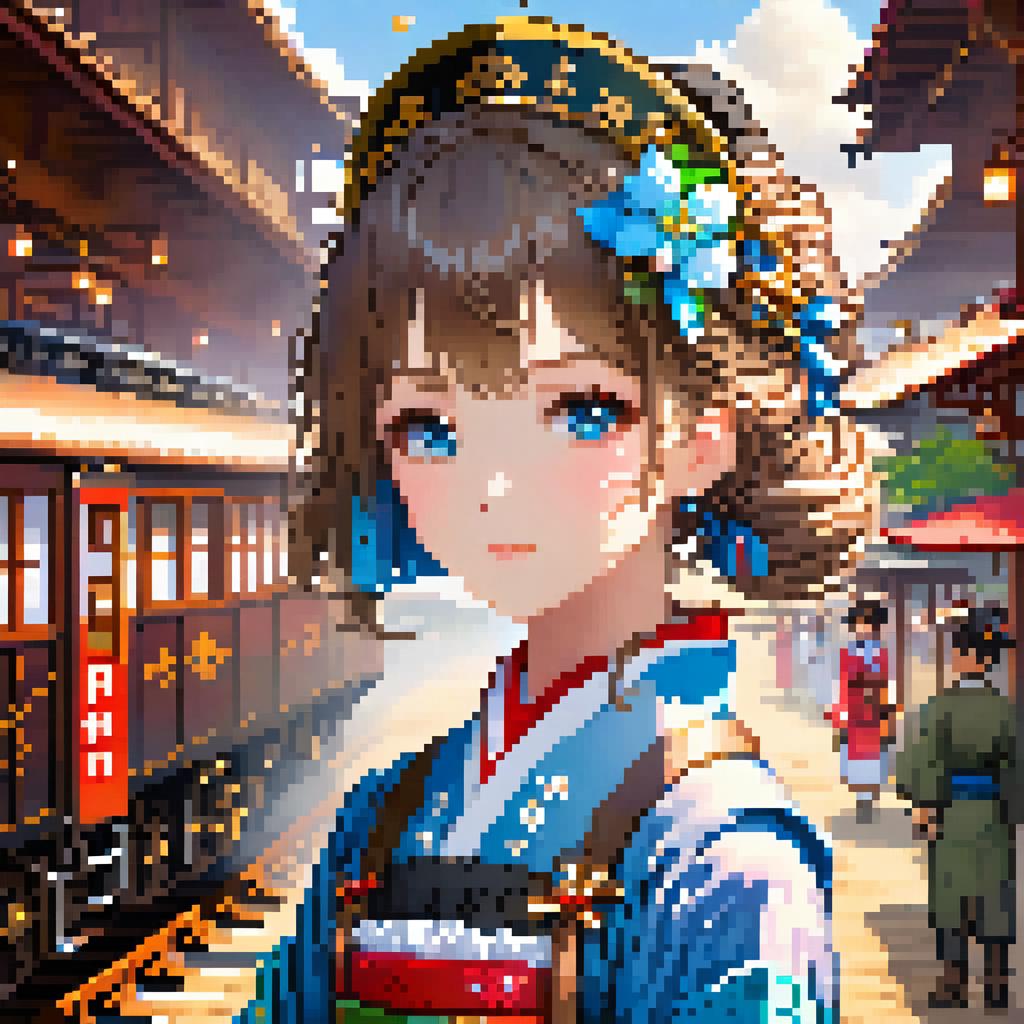
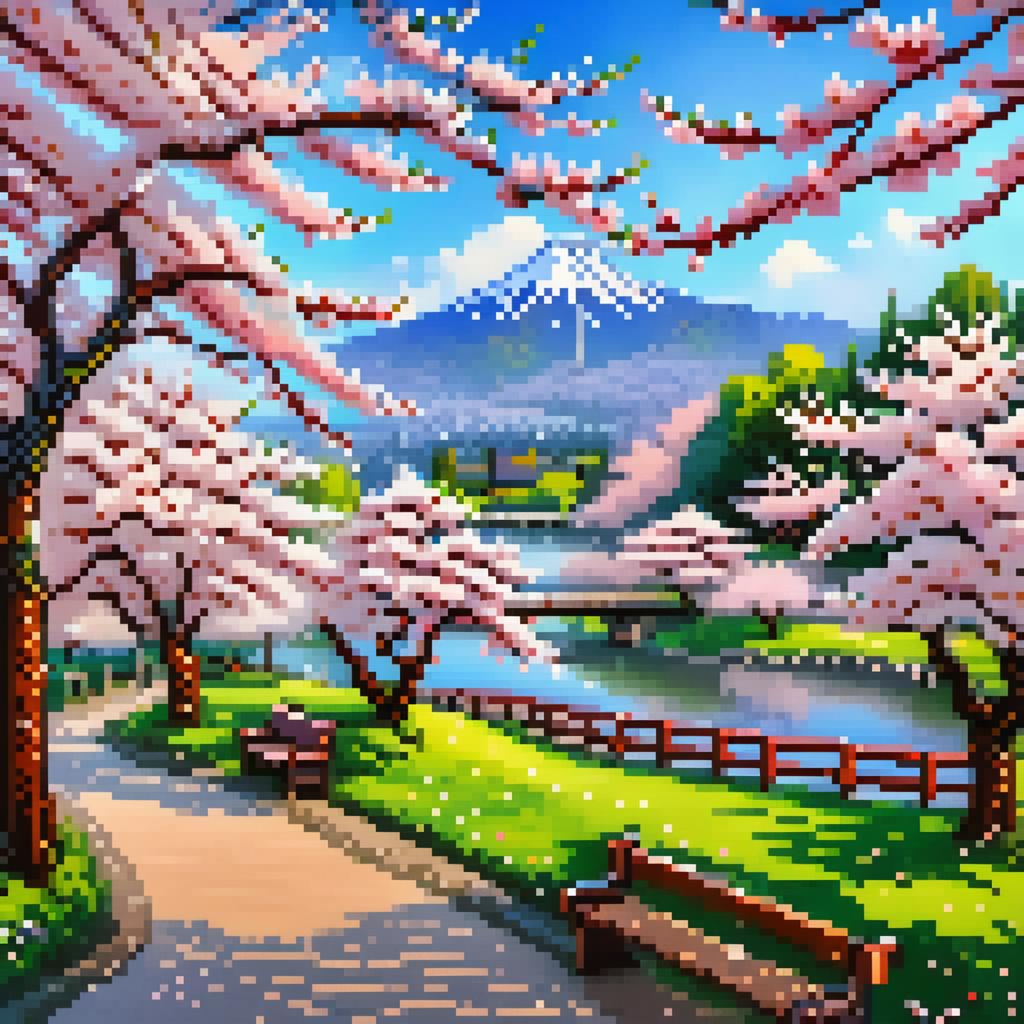
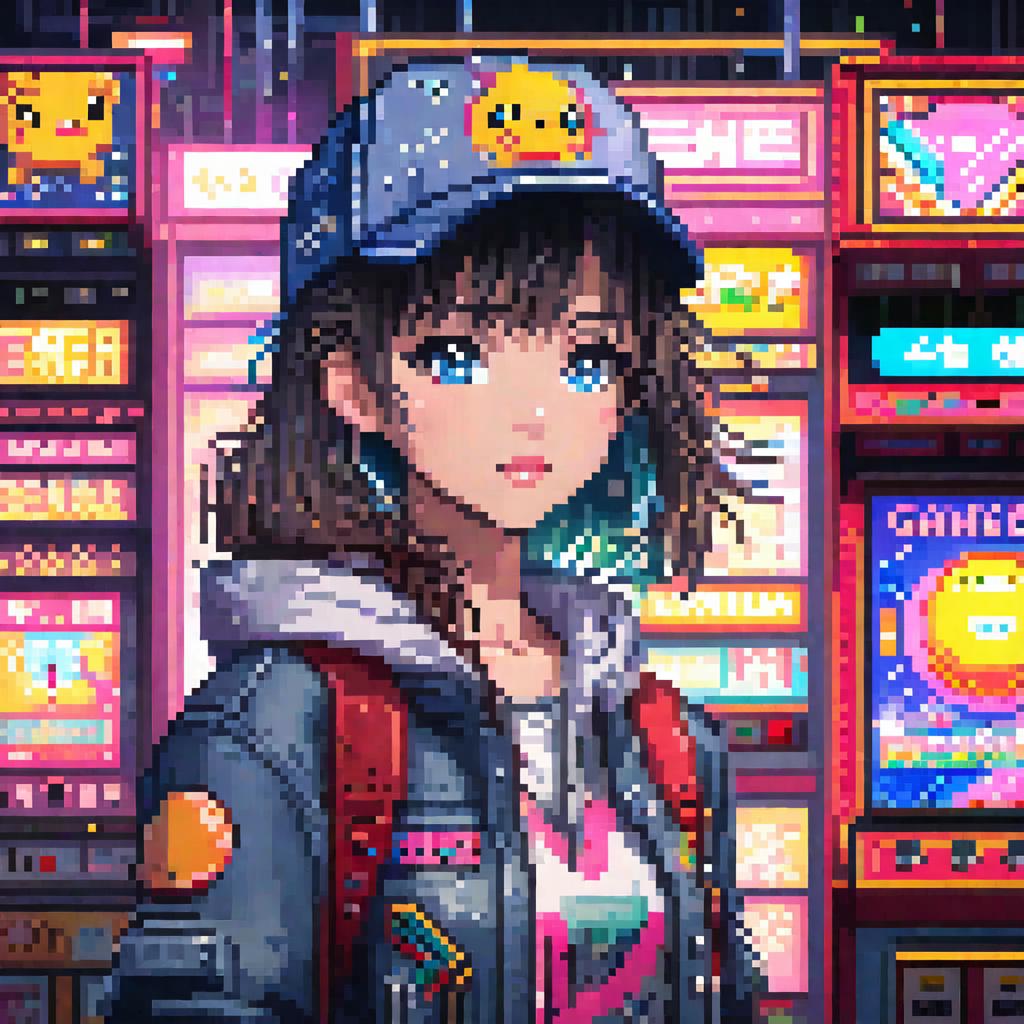
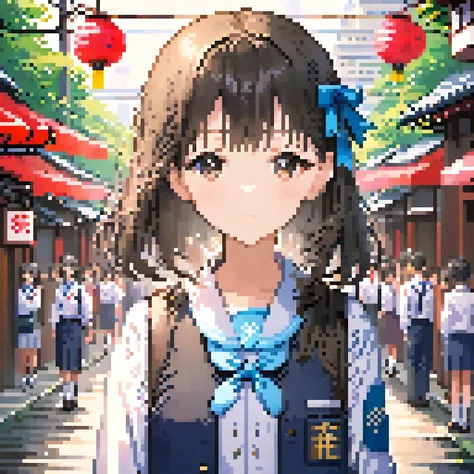
This is a pixel art model based on SDXL training:

The triggering words is: pixel art.

For anime style, please write: anime

Realistic: realistic

Chibi: chibi

Landscape: landscape

=============================================

Turbo Recommended parameters:

Steps:5

sampler:DPM++ SDE

CFG Scale:4

=============================================

Below is a pixel repair plugin I wrote for this model, which can fix subtle pixel distortions in images:

https://github.com/sd47942452/sd-webui-pixel-fix

Install PIL: pip install Pillow

Download the plugin and place it in the following path:

Your path\extensions

Start sd-webui, and you will find "Pixel Fix" in the lower-left corner of the interface.

Check the enable box, adjust the size of the pixel grains, and then run the image normally. After running, you will have the original image and the repaired image.

こんにちは、みなさん、Husky_AIです。

これはSDXLトレーニングに基づくピクセルアートモデルです。

トリガーワードは「pixel art」です。

アニメスタイルの場合は、animeと書いてください。

リアル:realistic

チビ:chibi

風景:landscape

Turbo Recommended parameters:

Steps:5

sampler:DPM++ SDE

CFG Scale:4

以下は、このモデル用に私が書いたピクセル修復プラグインです。これは画像中の微細なピクセルの歪みを修復できます:

https://github.com/sd47942452/sd-webui-pixel-fix

PILのインストール:pip install Pillow

プラグインをダウンロードして、次のパスに配置します:

あなたのパス\extensions

sd-webuiを起動すると、インターフェースの左下隅に「Pixel Fix」が表示されます。

有効ボックスをチェックし、ピクセル粒子のサイズを調整してから画像を通常通り実行します。実行後、元の画像と修復された画像が得られます。

مشاهدة الترجمة

التقييمات والتعليقات

5.0 /5
0 من التقييمات

لم يتم استلام تقييمات أو تعليقات كافية بعد

no-data
لا توجد بيانات حاليا
avatar
دردشة مع النموذج
إعلان
2024-04-01
نشر النماذج
2026-01-22
تحديث معلومات النموذج
تفاصيل النموذج
النوع
Checkpoint
وقت النشر
2024-01-15
النموذج الأساسي
SDXL 1.0
كلمة التشغيل
pixel art
نسخ
مقدمة الإصدارة

我是《AI魔法绘画》的作者,链接:https://item.m.jd.com/product/14093180.html 购书后可进官方群

Hi guys,this is Husky_AI,

This is a pixel art model based on SDXL training:

The triggering words is: pixel art.

For anime style, please write: anime

Realistic: realistic

Chibi: chibi

Landscape: landscape

Below is a pixel repair plugin I wrote for this model, which can fix subtle pixel distortions in images:

https://github.com/sd47942452/sd-webui-pixel-fix

Install PIL: pip install Pillow

Download the plugin and place it in the following path:

Your path\extensions

Start sd-webui, and you will find "Pixel Fix" in the lower-left corner of the interface.

Check the enable box, adjust the size of the pixel grains, and then run the image normally. After running, you will have the original image and the repaired image.

こんにちは、みなさん、Husky_AIです。

これはSDXLトレーニングに基づくピクセルアートモデルです。

トリガーワードは「pixel art」です。

アニメスタイルの場合は、animeと書いてください。

リアル:realistic

チビ:chibi

風景:landscape

以下は、このモデル用に私が書いたピクセル修復プラグインです。これは画像中の微細なピクセルの歪みを修復できます:

https://github.com/sd47942452/sd-webui-pixel-fix

PILのインストール:pip install Pillow

プラグインをダウンロードして、次のパスに配置します:

あなたのパス\extensions

sd-webuiを起動すると、インターフェースの左下隅に「Pixel Fix」が表示されます。

有効ボックスをチェックし、ピクセル粒子のサイズを調整してから画像を通常通り実行します。実行後、元の画像と修復された画像が得られます。

نطاق الترخيص
مصدر: civitai

1- النموذج المعاد النشر هو فقط لأغراض التعلم والتبادل والمشاركة، حقوق النشر والتفسير النهائي تعود للمبدع الأصلي.

2- إذا رغب المبدع الأصلي للنموذج في استلام نموذجه، يرجى التواصل مع موظفي SeaArt AI عبر القنوات الرسمية للتوثيق والاعتماد. نحن نلتزم بحماية حقوق كل مبدع. انقر للاستلام

نطاق الترخيص الإبداعي
توليد الصورة عبر الإنترنت
دمج
السماح بالتنزيل
نطاق الترخيص التجاري
بيع أو الاستخدام التجاري للصور المولدة
إعادة بيع النماذج أو بيعها بعد الدمج
QR Code
تنزيل تطبيق SeaArt
واصل رحلة إبداعك بالـAI على الهاتف المحمول