النوع
LORA
وقت النشر
2024-04-14
النموذج الأساسي
Pony
كلمة التشغيل
CarnageStyle
نسخ


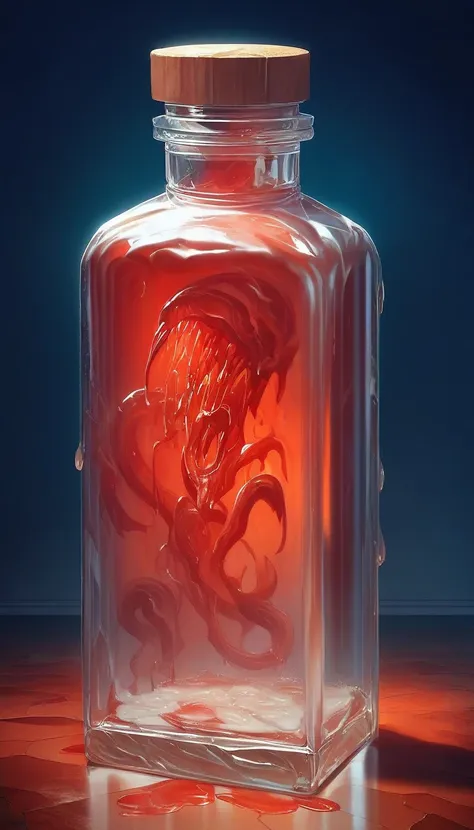
Use the trigger word: "CarnageStyle" along with the LoRA to activate it.
Example prompt: gory, bloody, messy, CarnageStyle assassin kitten <lora:CarnageStyleXL:1.5>
This LoRA supports RGB color changes. Simply prompt any color after the activation keyword, and before your subject, as seen from the examples.
Note:
I may be using the following extensions in the reference images: FreeU or ADetailer / Face Editor. I may also be using a specific Hires Checkpoint (swaps to another model when doing the hires steps). If your results don't match mine exactly, this may explain why.
Here's a list of keywords you can use to enhance the different effects of the model.
blood

liquid
wet
red slime

splatter
organs
guts
goo
glowing
luminous_red
black
ebony
abyss
dark
mouth
maw
teeth
incisors
tongue
tendrils
feelers
evil
darkness
spiral
spirals
mutilation
mutation
horror
terror
scary
killer
bloody
hemoglobin
life-fluid
fluid
bodyfluid
slaughter
gruesome
moist
drenched
crimson
malevolence
wickedness
abyss
deformation
alteration
frightening
ominous
macabre
Training Data attached.
Like it?


1- النموذج المعاد النشر هو فقط لأغراض التعلم والتبادل والمشاركة، حقوق النشر والتفسير النهائي تعود للمبدع الأصلي.
2- إذا رغب المبدع الأصلي للنموذج في استلام نموذجه، يرجى التواصل مع موظفي SeaArt AI عبر القنوات الرسمية للتوثيق والاعتماد. نحن نلتزم بحماية حقوق كل مبدع. انقر للاستلام
