بدء التوليد
السجل
توليد خاص
التفاصيل
43
133
2025-04-22 09:10:51 تحديث
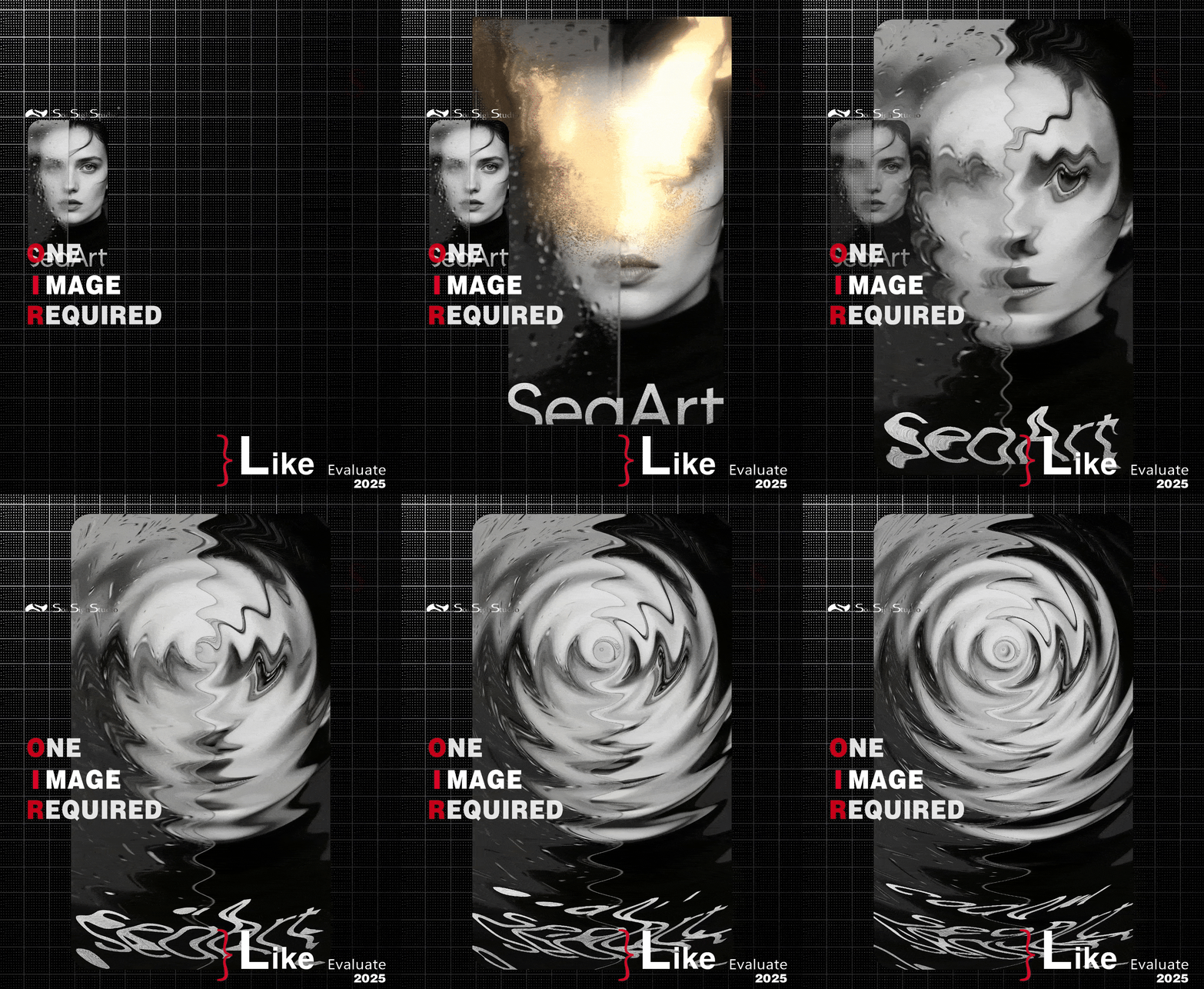
1. anجميلةlE (in dEجميلةrEEs)<ب ر>This controls thE dirEction of thE motion طمس.<ب ر><ب ر><ب ر>AnجميلةlE EffEct DirEction<ب ر>0 Horizontal طمس (lEft → riجميلةht)<ب ر>90 VErtical طمس (من الأعلى إلى الأسفل)<ب ر>45 Diaجميلةonal طمس (top-lEft → bottom-riجميلةht)<ب ر>135 Diaجميلةonal طمس (top-riجميلةht → bottom-lEft)<ب ر>→ Think of this likE a compass — thE anجميلةlE dEfinEs which way thE طمس is "movinجميلة."<ب ر><ب ر>2. طمس (intEجميلةEr valuE)<ب ر>This controls thE intEnsity and lEnجميلةth of thE motion طمس.<ب ر><ب ر><ب ر>ValuE REsult<ب ر>5–10 Soft طمس, subtlE motion<ب ر>15–30 MEdium طمس, noticEablE strEak EffEct<ب ر>40+ Stronجميلة motion طمس, usEd for spEEd EffEcts or full backجميلةround طمس<ب ر>✅ REcommEndEd SEttinجميلةs (UsE CasEs)<ب ر><ب ر>UsE CasE AnجميلةlE Blur<ب ر>Backجميلةround motion طمس (أفقي) 0 20–40<ب ر>Portrait with fallinجميلة طمس (vErtical) 90 15–30<ب ر>Diaجميلةonal EnErجميلةy/movEmEnt EffEct 45 / 135 20–35<ب ر>زائف شعاعي (combinEd anجميلةlEs) usE multiplE layErs with 0, 45, 90, Etc. 10–20<ب ر>💡 نصيحة احترافية:<ب ر>To simulatE a radial طمس EffEct, :<ب ر><ب ر>DuplicatE thE backجميلةround multiplE timEs<ب ر><ب ر>Apply MotionBlur with diffErEnt anجميلةlEs (E.جميلة., ٠°, ٤٥°, 9٠°, )<ب ر><ب ر>BlEnd thEm toجميلةEthEr usinجميلة ImaجميلةE CompositE (with lowEr opacity pEr layEr)<ب ر><ب ر>This crEatEs a soft zoom-likE طمس pointinجميلة outward — جميلةrEat for dramatic focus EffEcts!<ب ر><ب ر>

لا توجد بيانات حاليا