1. Prepare a photo. 2. Open SeaArt.AI, click "Create," and select " Img2Img" in "Advanced." 3. Upload the prepared photo, choose the "Disney Pixar Cartoon type B" model, adjust the repainting intensity (recommended to be around 0.35). 4. Enter a prompt to describe the scene, then click "Generate". And voila! You have transformed your photo into Pixar-style artwork!

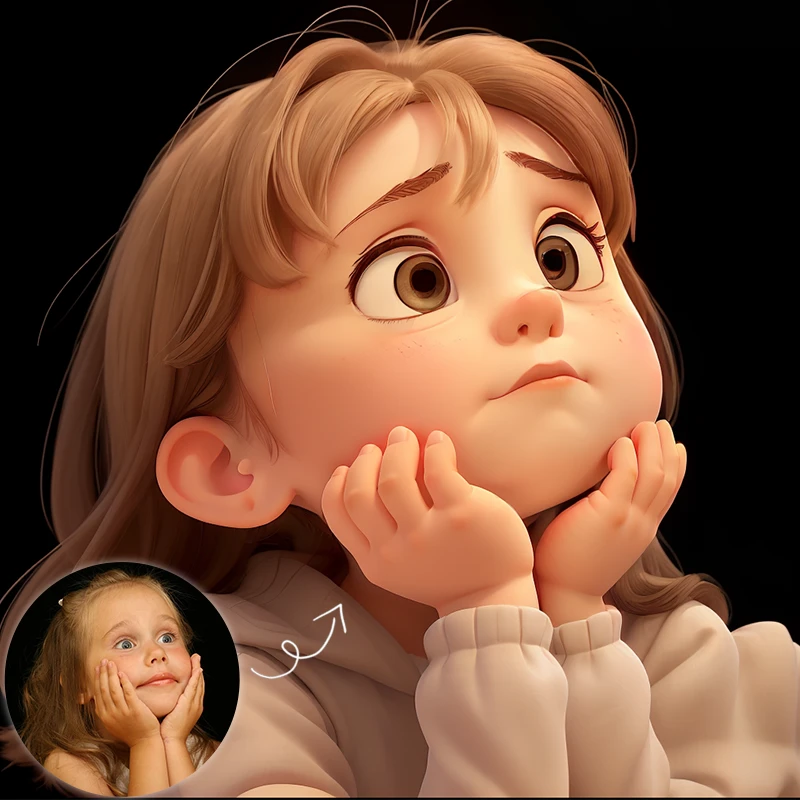
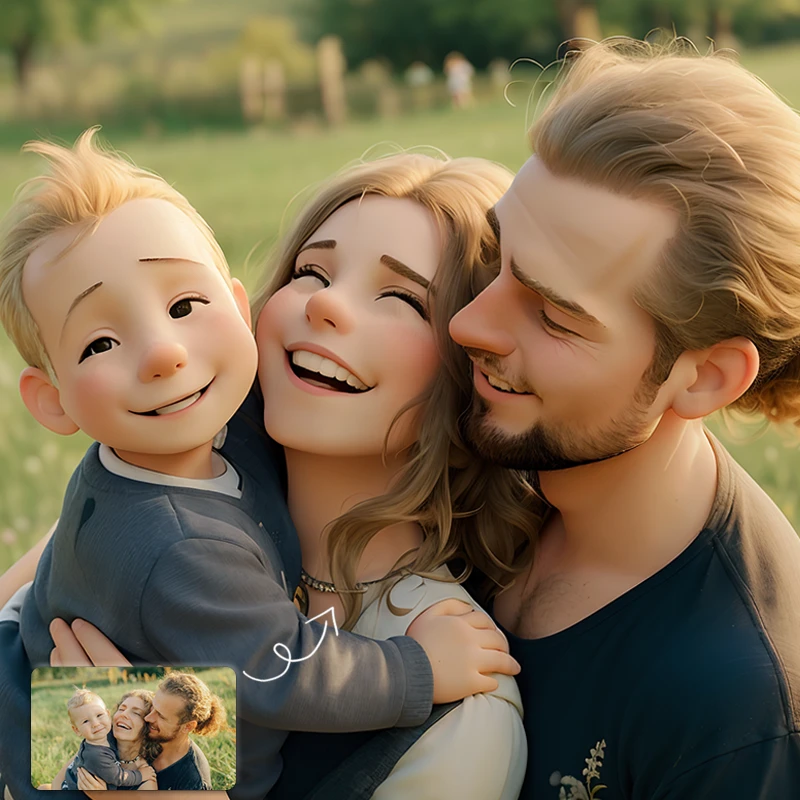


Pixar-style Avatar Tutorial
1. Prepare a photo.
2. Open SeaArt.AI, click "Create," and select " Img2Img" in "Advanced."
3. Upload the prepared photo, choose the "Disney Pixar Cartoon type B" model, adjust the repainting intensity (recommended to be around 0.35).
4. Enter a prompt to describe the scene, then click "Generate". And voila! You have transformed your photo into Pixar-style artwork!