ControlNet -> Canny -> upload an image for the reference
Mode -> SDXL
Model ( Checkpoint ) -> AutismMix SDXL
LoRA -> of your choice.
LoRA's weight: 1 ( almost always 1, check the LoRA's Civitai page to be sure. )
Refiner -> Off
Basic setting: don't touch anything except image quantity depending on how many you want AI to generate. Default is 1.
ControlNet:
Type: Canny
Preprocessor: Yes
Preprocessor: Canny
Preprocessing model: diffusers_xl_canny_full
Preprocessor resolution: 1024
Control mode: Prioritize Prompts
Control Weight 0.25-0.45 ( I use 0.3 most of the time )
Advanced config
Negative prompts: You can keep it pretty much empty. I add there only "blurry, monochrome, , from above, from side, from below" for first work and "blurry, monochrome, , from above" for the second one + characters' default clothing pieces when changing their outfits.
VAE: sdxl_vae
LCM -> off
Sampling method: DPM++ 2M
Sampling steps: 31
SFG Scale: 7
Seed: -1
Clip skip: 2
Positive prompts: score_9, score_8_up, score_7_up, source_anime, anime screencap, + CHARACTER'S TRIGGER WORD and CLOTHES + ACTION AND ANGLE
Generate.
--------------------------------------------------------+
Img2img section:
You can salvage deep-fried ( doodle ) images by running it through img2img. Here's how:
1. Download the deep-fried image.
2. Replace the reference image with it.
3. Click img2img ( bottom right )
4. Set denoising strength to 0.8. You don't need to change anything else.
5. Generate.
Be advised, AI still can and will deep-fry the image from time to time here too. The solution to that is to add or subtract one sample step and attempt to generate again.
And yes, despite how irrecoverable an image can look color-wise, AI is able to save it. Check out my recent posts on SeaArt, I now use img2img a lot and many reference images in my works are deep-fried ones. Click "Remix" and see for yourself.
You can also use the img2img instrument to:
1. Fix small details that ruin otherwise good image.
- let's say you got an almost perfect image but there's one or two small details that ruin it. Same as previous, download the image and run it through img2img with denoising strength 0.8.
- additionaly, you can apply manual fixes to that images first before using img2img to further increase the AI's output accuracy.
2. To attempt to make an already good image even better. This is optional and changes are often very trivial.
- Just download that image and replace your reference image with it, click img2img, set denoising strength to 0.8 and generate.
One last important thing about img2img instrument. You can't use it like Canny. The reference image used there must closely resemble the character you're trying to create an image of in order for it to work.
---------------------------------------------------------
Advice and explanation section:
Always put this chain of prompts first in the positive prompts section before anything else -> score_9, score_8_up, score_7_up, source_anime <-. This is PonyXL's equivalent of "masterpiece, higres, very high quality, etc." prompts, but much shorter and standardized for every generation.
---
PonyXL FAQs section:
"AI turned my image into a doodle / deep-fried it, what to do?" - There's no fixing that as far as I can currently tell. AI just does it once in a while. The next best thing you can do about it, since fixing Is not an option, is to copy the doodle's seed ( circular icon with "i" in the center is where you find the seed number ) and put into the seed section instead of -1 when trying to generate again. I recommend you doing this only if the doodle you've got looks like it would've otherwise been a decent image. If it does not, just generate again with -1. You can get multiple doodles in a row. I don't know why AI does it.
Here's how to significantly reduce the chance of AI turning your next generation into a doodle after you got one. Repeat the generation attempt but this time add or subtract 1 sampling step. Yes it sucks to manually tweak sampling steps each time you get a doodle, but I simply haven't found a better solution yet. It's also not guaranteed to work, mind you, the success rate is ~4/5 times.
"AI deep-fried my image or turned it into a static / rorschach painting. Why?" Two possible cases:
1. You used sampling method other than euler a. Switch your sampling method to euler a. I had this problem at the beginning when I was just starting learning PonyXL. Once I switched to euler a, the problem ( so far ) never appeared again. Also use this if DPM++ 2M turns every image into a static, not a doodle, the static.
2. Prompt strength modifiers. Some LoRAs react badly to attempts to both increase or decrease the strength of a prompt, I.e. (PROMPT:1.1) or (PROMPT:0.9). If AI started turning your images into a static after you added either, it's 100% the case why.
 Enterprise Version
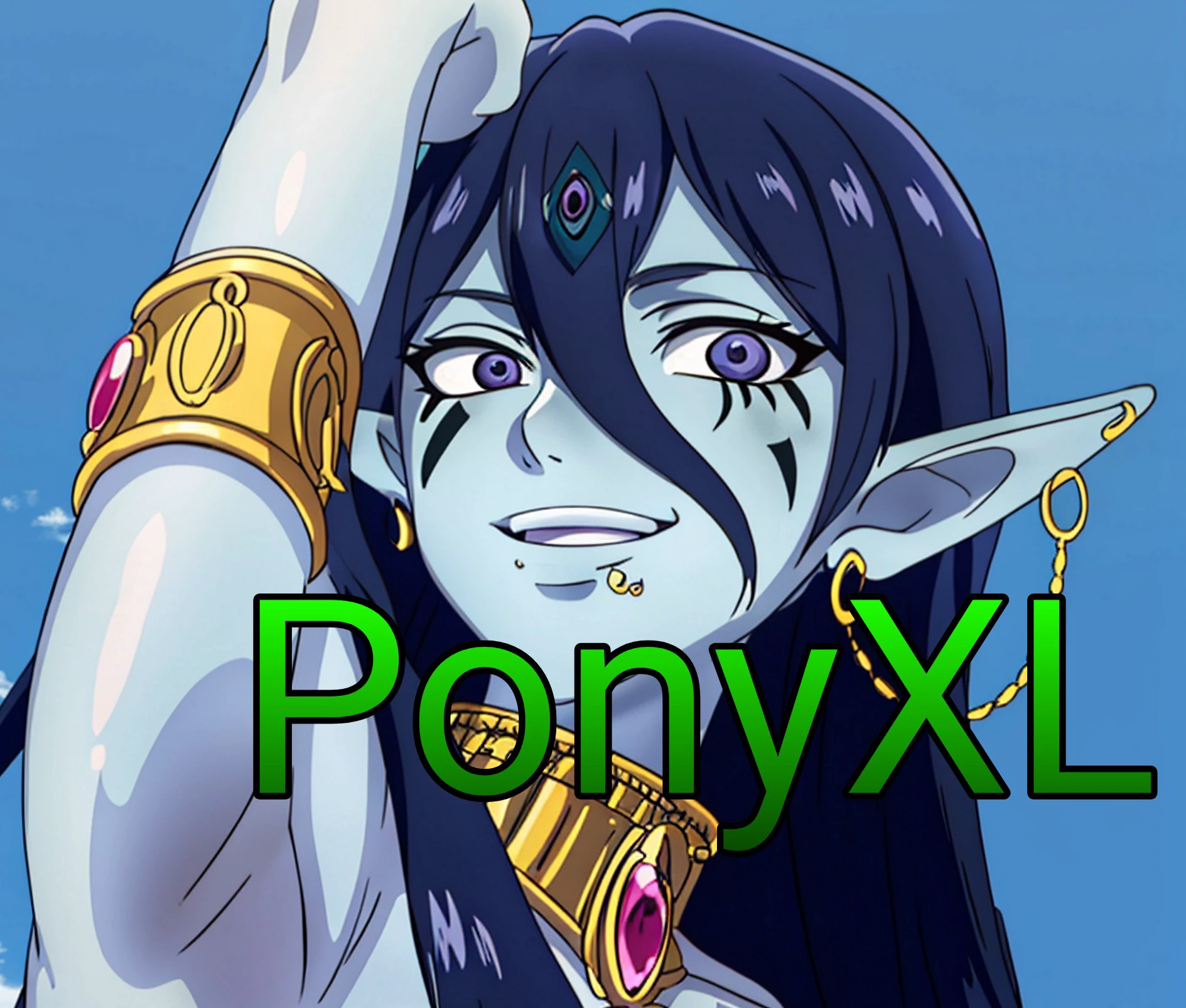
PonyXL GENERATION GUIDE by WakiStorage01
W
WakiStorage01
Updated on Oct 24, 2024
6
52
6
0 comment
6
52
0
0/1000
Related Guides

COMPREHENSIVE GUIDE DIRECTORY

S

SeaArt Official
15627
6002
【基礎】illustrious プロンプト解説

椎

椎名
25
921
LTX2.3 PROMPTING GUIDE
W

wiz.X
30
212
Illustrious XL Character Generation Guide - Prompt Techniques Without LoRA
S
SeaArt Official
172
561
SeaArt動画生成モデル比較
R
razor
215
808
AI写真術:50種類のカメラアングル+プロンプト完全ガイド—
S
SeaArt Official
6
380
curious how to make a long take video?
W
wiz.X
4535
3217
More
SUNRISEAI PTE. LTD.