

When generating an image with SeaArt, there are many options for adjusting the image output including adding one or multiple LoRas. LoRas provide the AI additional image and text information, and your image outputs can change drastically depending on the LoRas you use.
For this guide, here is the example LoRa: https://www.seaart.ai/models/detail/ct6cg85e878c73caqln0
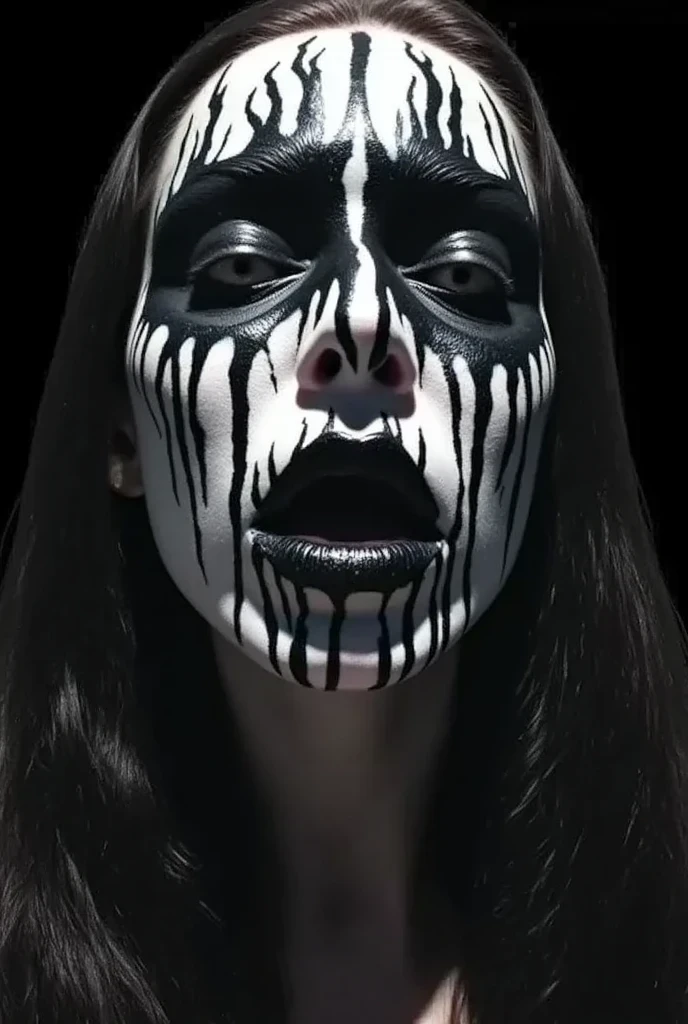
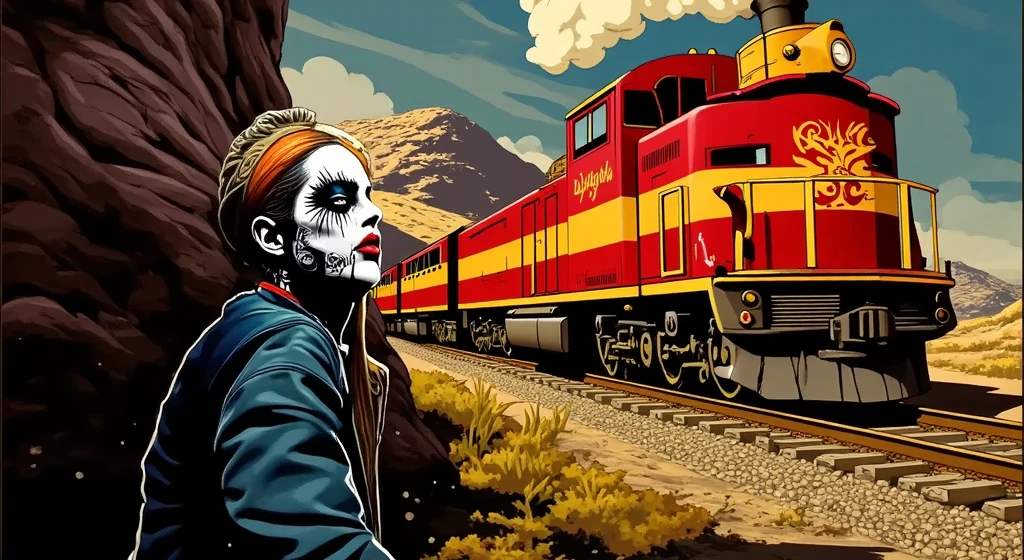
This LoRa was trained on ***paint face paint as well as rattlesnakes and adds distinct alterations to the face of generations. This applies to images uploaded for image to image, as well as text to image generations.
____
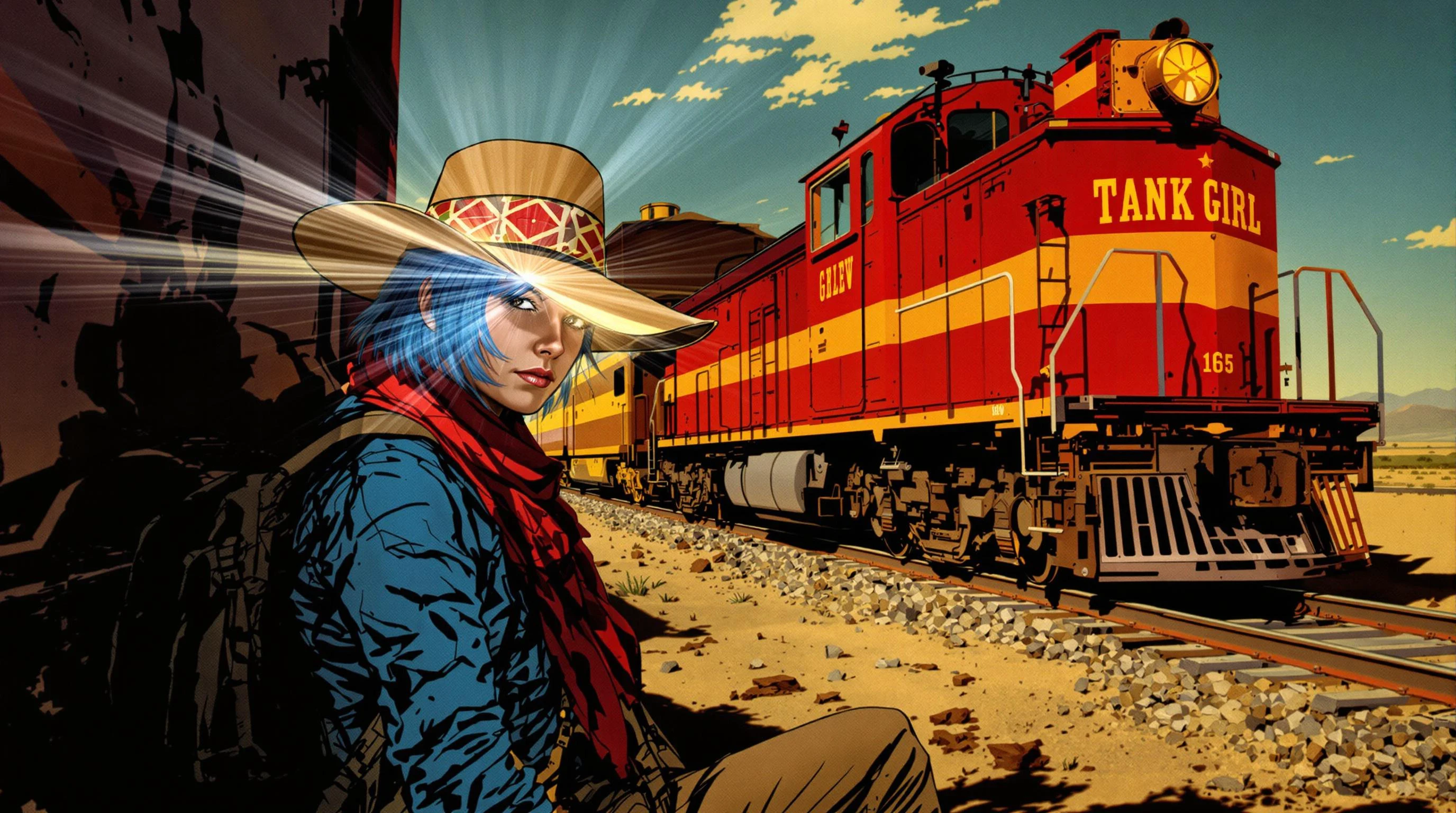
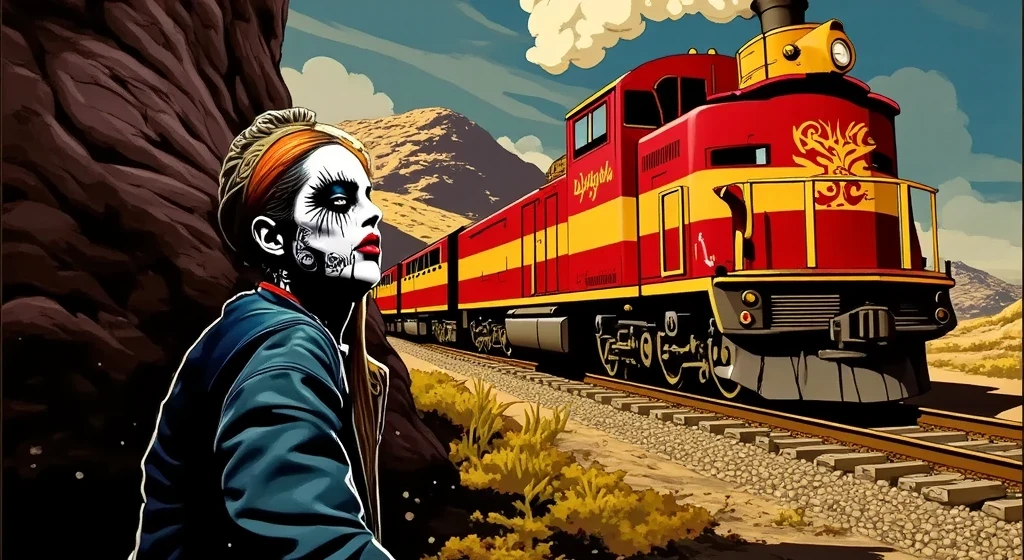
This is an example of using the LoRa with image to image, to change the look of an image. The setting and train maintain their general look, while the character has a drastic transformation to match the style preset of the LoRa. There are some slight changes such as the front of the train, these changes are based on the LoRa strength.
___
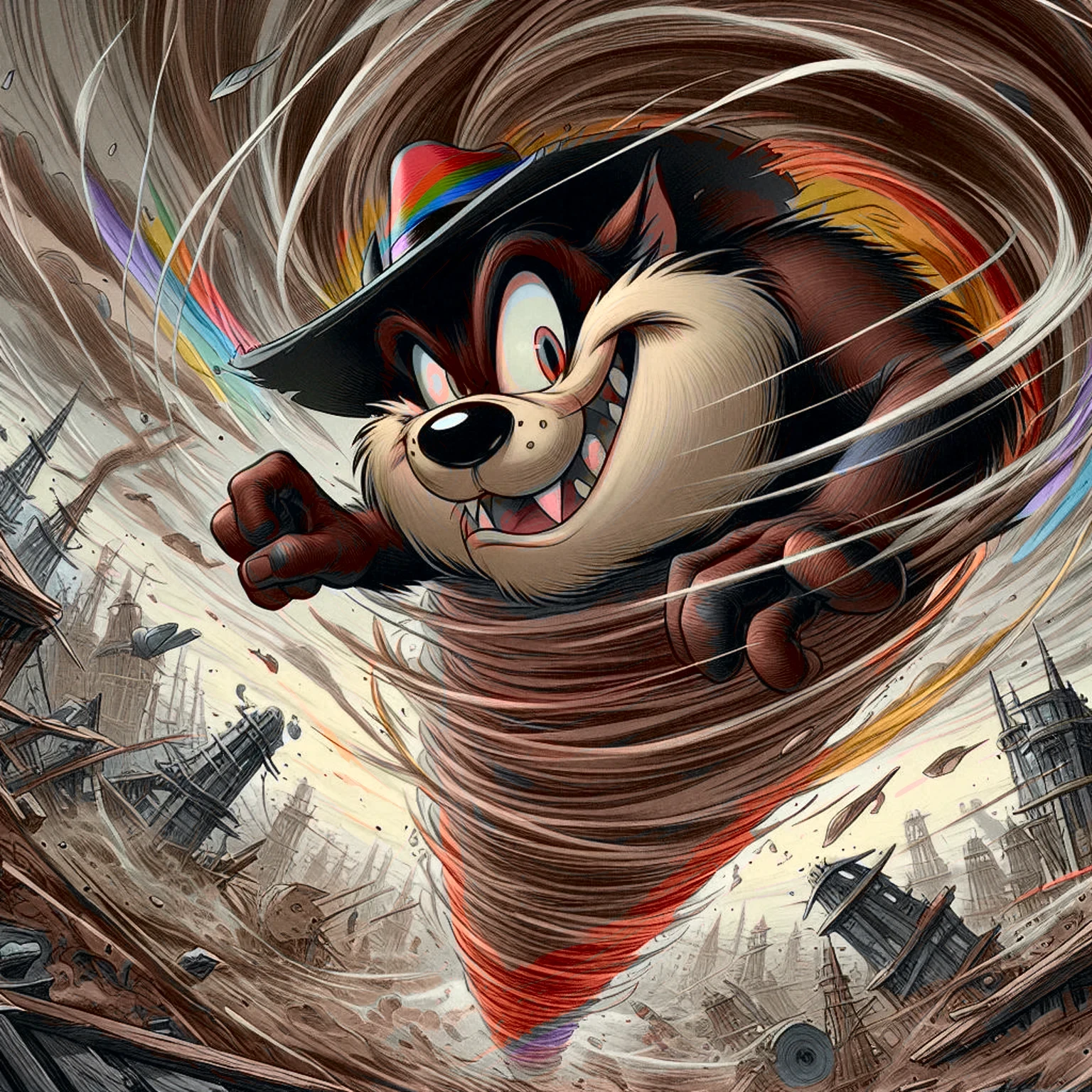
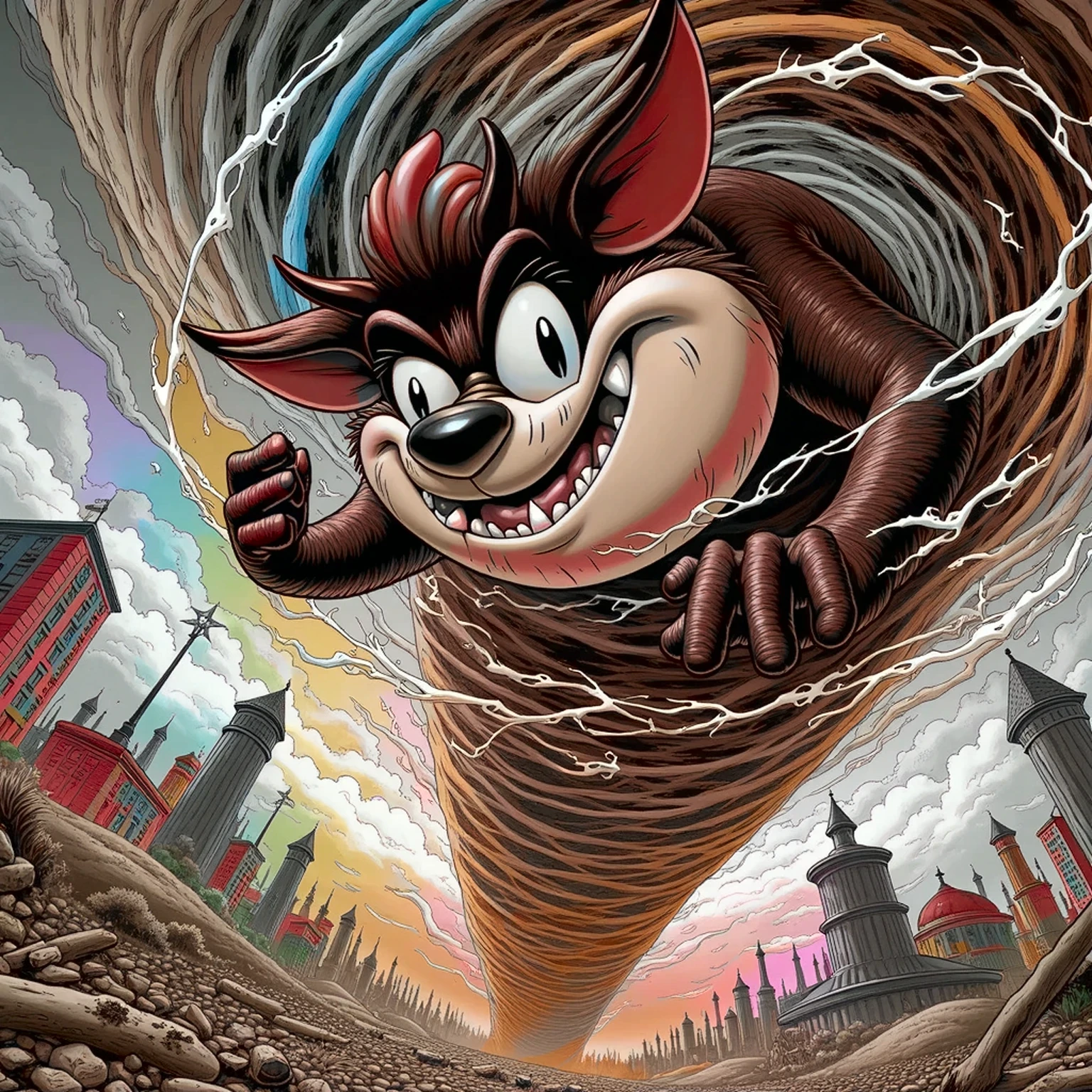
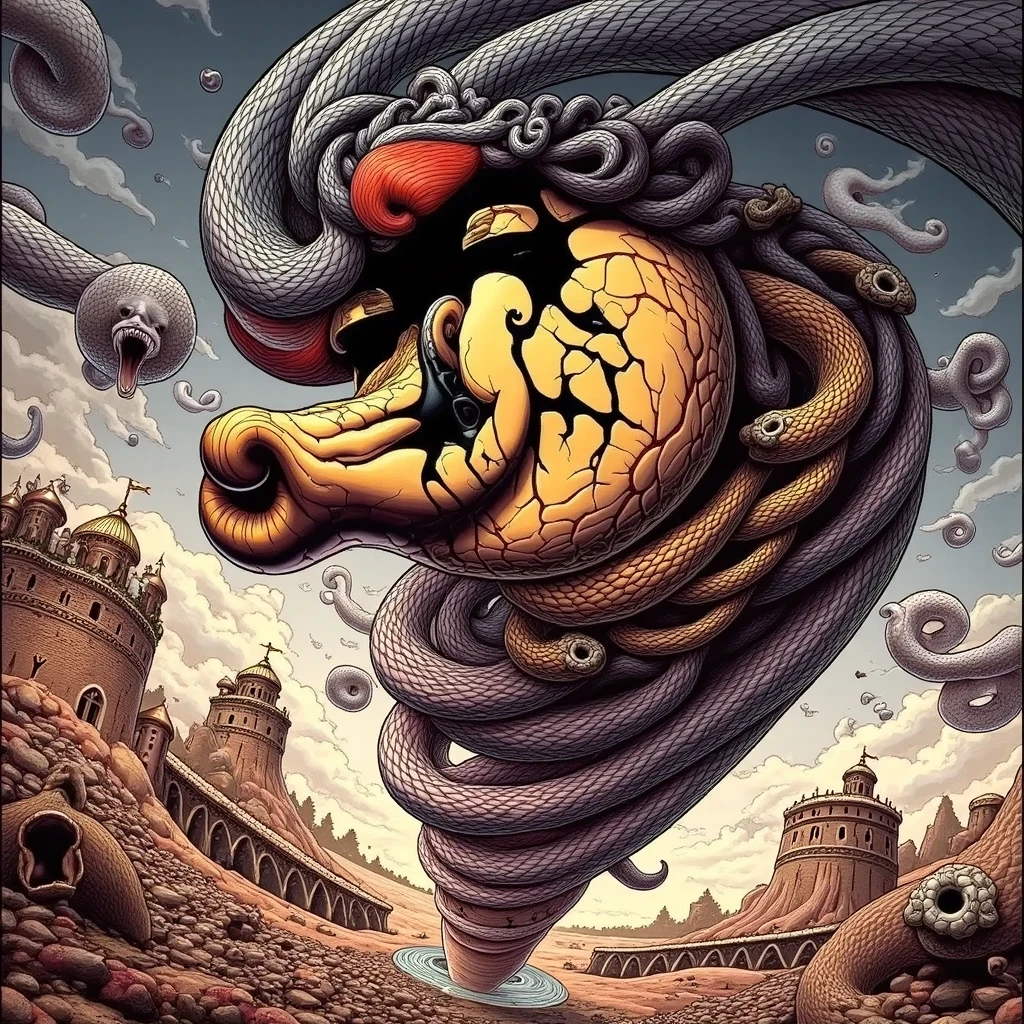
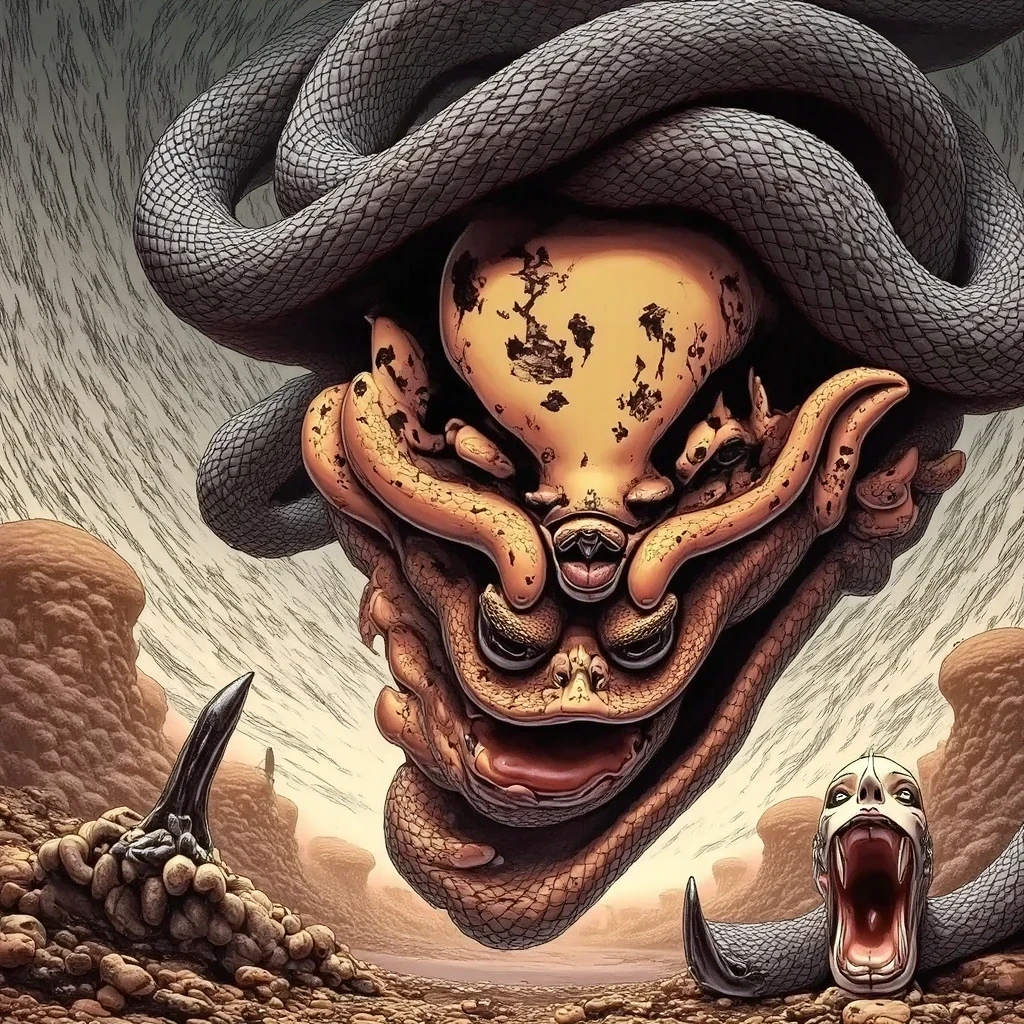
For this progression of Taz in a tornado, each step has more strength of the LoRa added, to the point where full 2 strength is nearly unrecognizable to the original source image. This comes down to personal taste and the direction you wish to take the image.
___
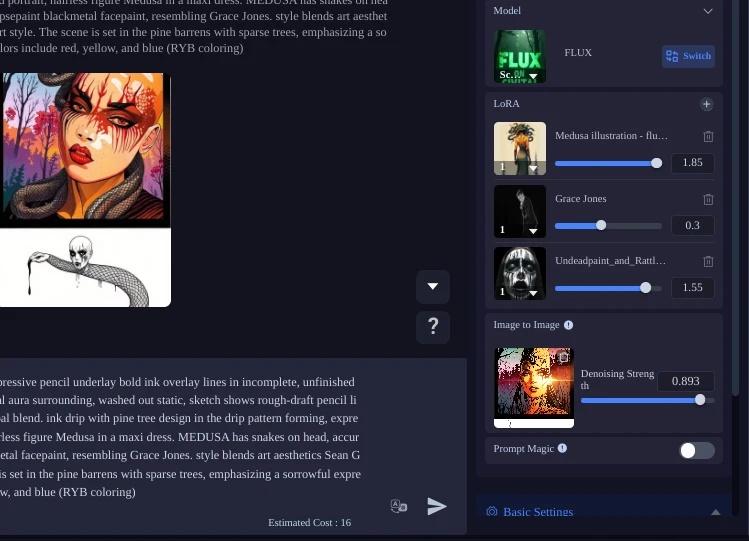
From this example from my workflow, you can see how I use three separate LoRas at once, each with different strength settings, this allows greater control and ability to shift the image in any direction you see fit. Pressing the + icon next to LoRa in the LoRa box in Image generation will take you to the Select Model (LoRa) page, where you can search styles and experiment. You can also train your own LoRa models with SeaArt and use those as well with ones already uploaded.
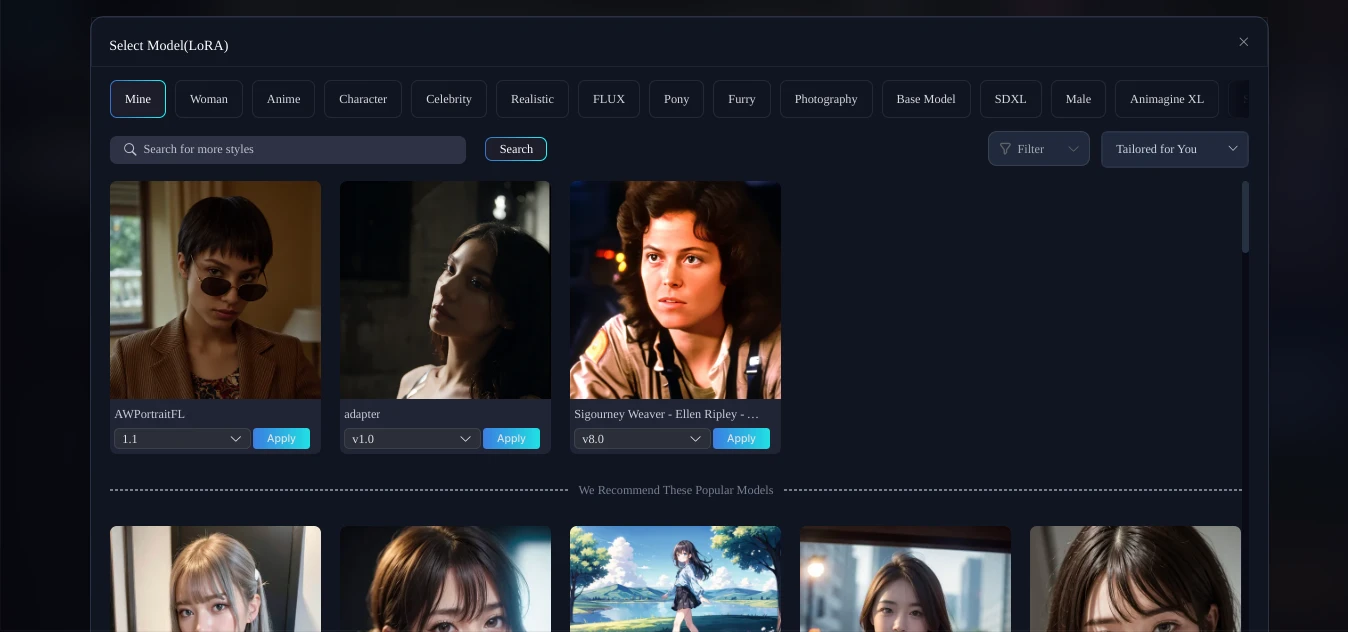
LoRas are not required to make an image with SeaArt, they are an optional ability to introduce specific changes in style to the images you are making. Additionally, you can emphasize the same changes in your text prompting. There are many use cases for LoRas, from complimentary aesthetics, to juxtaposition and clashing by prompting the opposite style of your LoRas. It is up to you the creator to decide which types of LoRas will be chosen to fit the image you are making.
Different models (Flux, SDXL) have different LoRas that work with them, so you can select different models and search the LoRas that are compatible.
LoRas can add realism, a certain medium or style, different VFX, it takes patience and experimentation to find the right blends that work for you. Have fun creating and finding out for yourself.