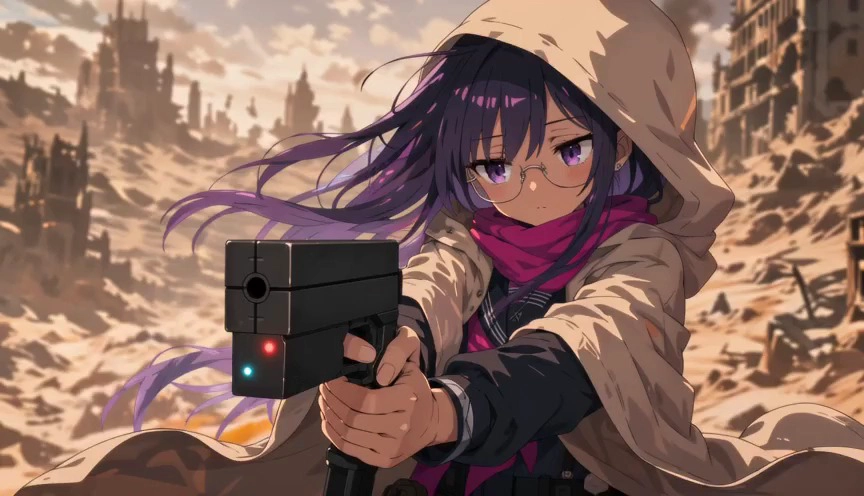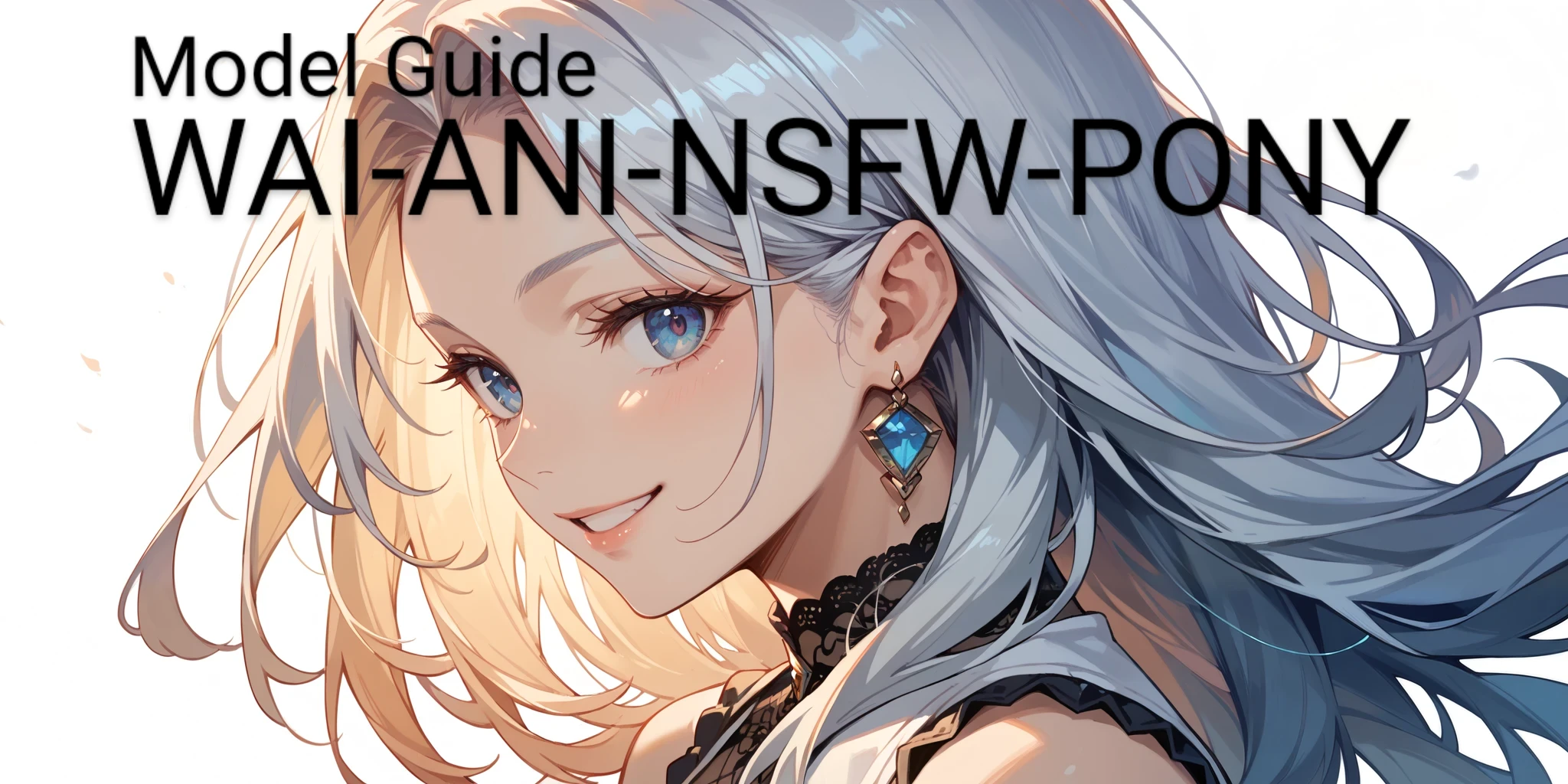
WAI-ANI--PONYXL is one of the best anime focused checkpoints trained on Pony base model. Model's value comes from its high creativity about compositions and better prompt understanding skills. It's suitable for both basic and more complex prompts. Model has more stable and aesthetic anime style compared to standart Pony checkpoints.
What This Model Excels At
- Crafting high quality stylized anime arts.
- `source_anime` tag is important for prompting, it can be used after score tags.
- Generating human/humanoid, however model still can generate pony/furry images but it's not main purpose of model. (Not recommended to use for furry/pony images.)
- Generating female/male/transgender subjects.
- Crafting SFW/ content imagery.
- Crafting images with wide-range themes. (fantasy, sci-fi, medieval etc.)
- Recognizes many of Danbooru based tags, also perform well both with simple sentence and tag based prompting.
- Knowledge of many well-known anime/cartoon/game characters.
- Knowledge of various face/body/characteristic/outfit terms.
- Can create amazing background/landscapes.
- More stable than other PonyV6 based models.
- Great lighting/shadow usage over composition.
Cautions For Optimal Usage
- Model uses negative prompts, but best usage is keeping it short and using recommended keywords.
- Does not require quality modifiers like `masterpiece, best quality, hd` etc.
- Make sure to use Clip Skip at `2`.
- Model is suitable for LoRAs trained on Pony V6 model.
- Doesn't require vae to perform well.
- `score` tags must be used front of prompt.
- Distance can reduce quality slightly but model still performs better than most of Pony models about long-distance renders.
- Sometimes eyes can be rendered bad but using "Creative Upscale" fix this issue.
Recommended Settings
- Steps: 30
- CFG Scale: 7
- Sampler: Euler a, DPM++ 2M Karras
- Clip Skip: 2
- VAE: None (User Preference)
Suggested Resources
LoRA
- Model doesn't require any extra resource to perform well but LoRAs based on Pony models can be used.
Prompt Style
- Requires `score_9, score_8_up, score_7_up` in front of positive prompt.
- Keyword `source_anime` can be used after score tags to have more stable anime style.
- `score_4, score_5, score_6` should be used in negative prompt for high quality outputs. Users also can prefer to use `source_cartoon` in negative to reduce style confusions.
- Certain tags from Danbooru such as `lowres, monochrome, blurry, watermark, bad , bad hands, 3d, censor` also can be used in negative prompt to improve accuracy and quality of results.
- Prefers tag like prompts and can understand most of Danbooru tags but also perform well with natural language prompts.
Recommended Prompt Order
- `score_9, score_8_up, score_7_up, source_anime`
- Subject
- Subject Details
- Pose/Action
- Additional Details of Composition (Background, theme etc.)
- Additional Modifiers and Tags
Prompt Examples
Protector of Abyss
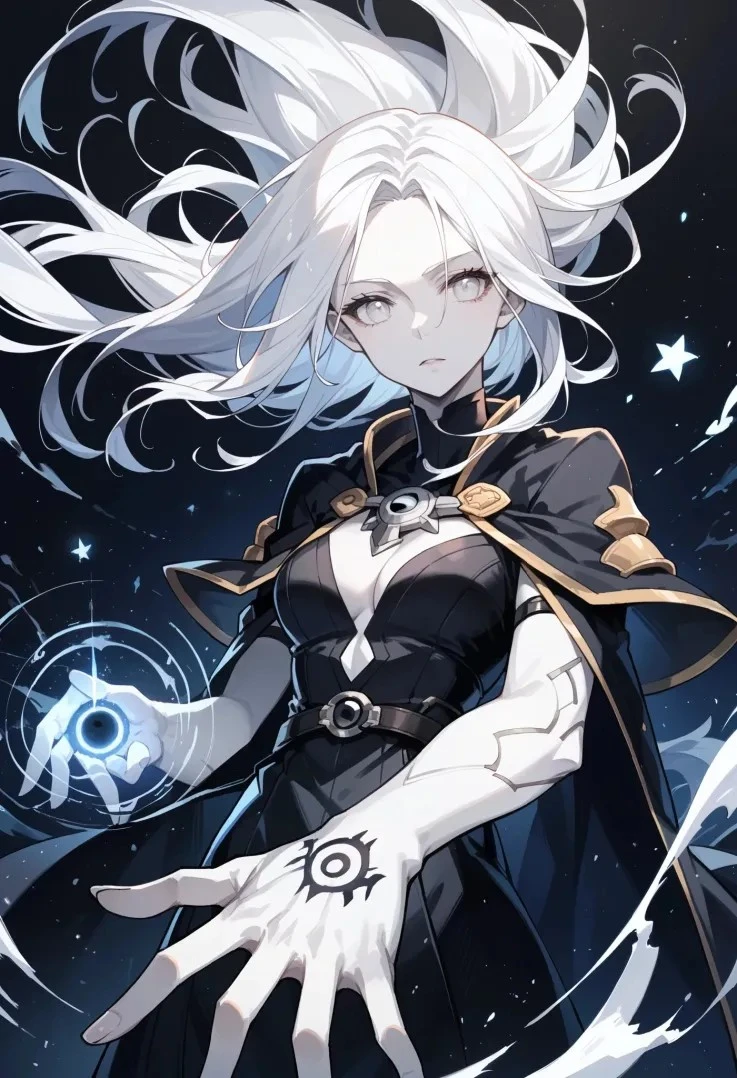
Positive Prompt
`score_9, score_8_up, score_7_up, solo, 1girl \(protector of abyss, demigod\), upper body, white eyes, white hair, (white skin, pale skin), (floating hair:1.2), (black robe), casting spell, creating a (black hole:1.2), holding a black hole, dark magic, black background, abyss scenery, fallen stars, light particles, floating particles`
Negative Prompt
`score_4, score_5, score_6, lowres, worst quality, low detail, (blurry), watermark, 3d, (censor), child, childish, , , `
Farmer
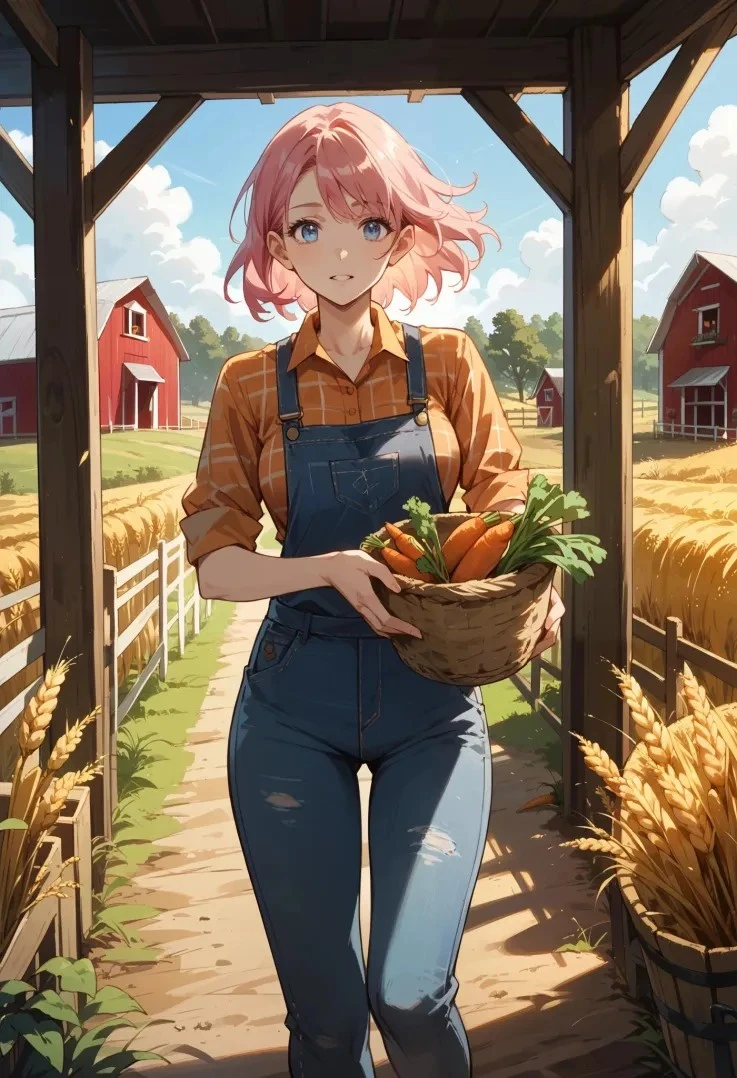
Positive Prompt
`score_9, score_8_up, score_7_up, 1girl, farmer, pink hair, blue eyes, holding basket, carrying carrots, carrots in basket, walking on farm, wheat farm, barn, nature background, highly detailed, high resolution, 8k`
Negative Prompt
`score_4, score_5, score_6, lowres, worst quality, low detail, (blurry), watermark, 3d, (censor), child, childish, , , , deformed, jpeg artifacts`
You can join SeaArt Discord Community for more content, also you will have opportunity to choose next model guides with your vote. You can use comments or SeaArt server #guides-feedback to leave feedback or suggestion. We look forward to seeing you on the server.
Happy Generations To Everyone!