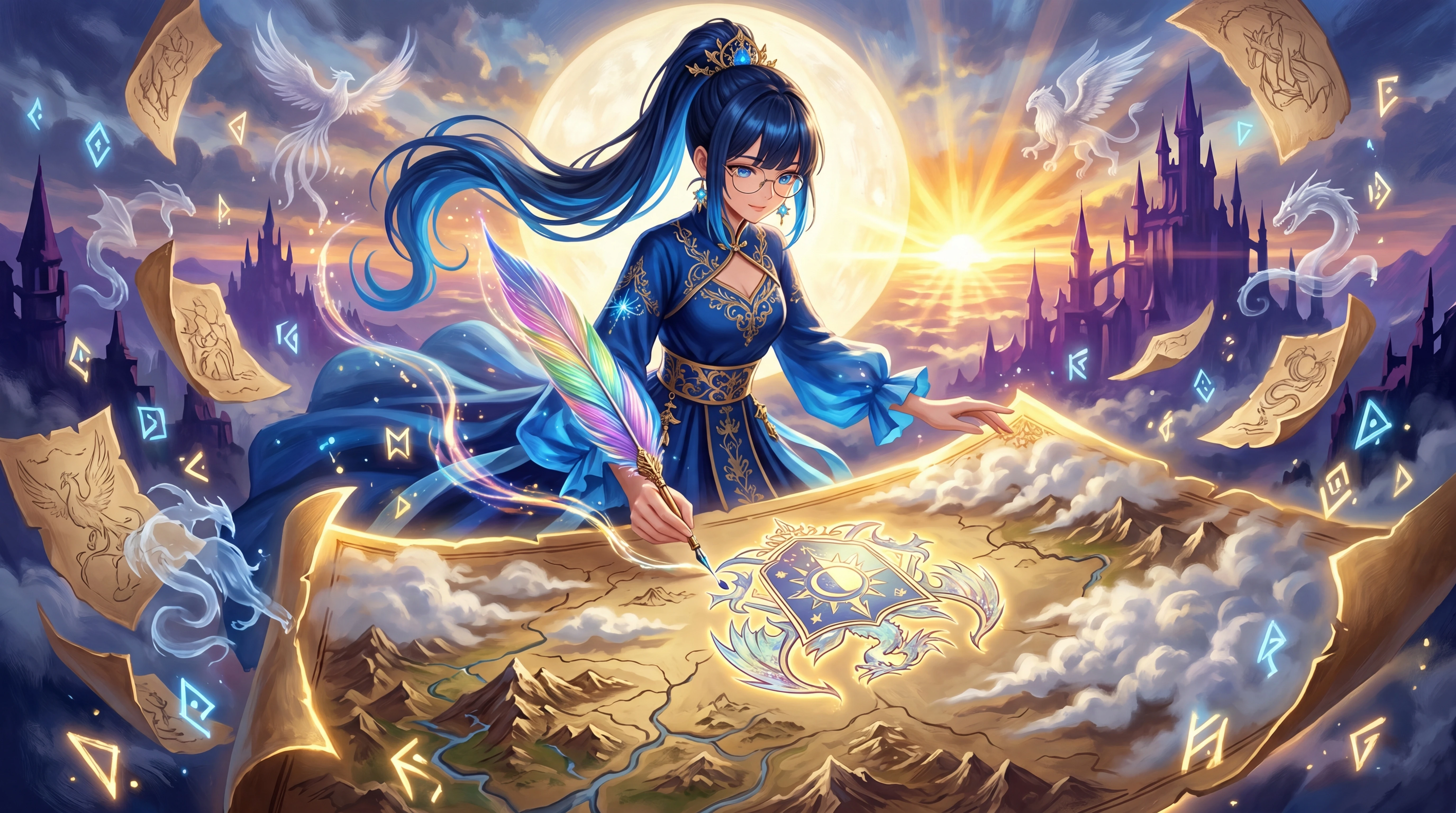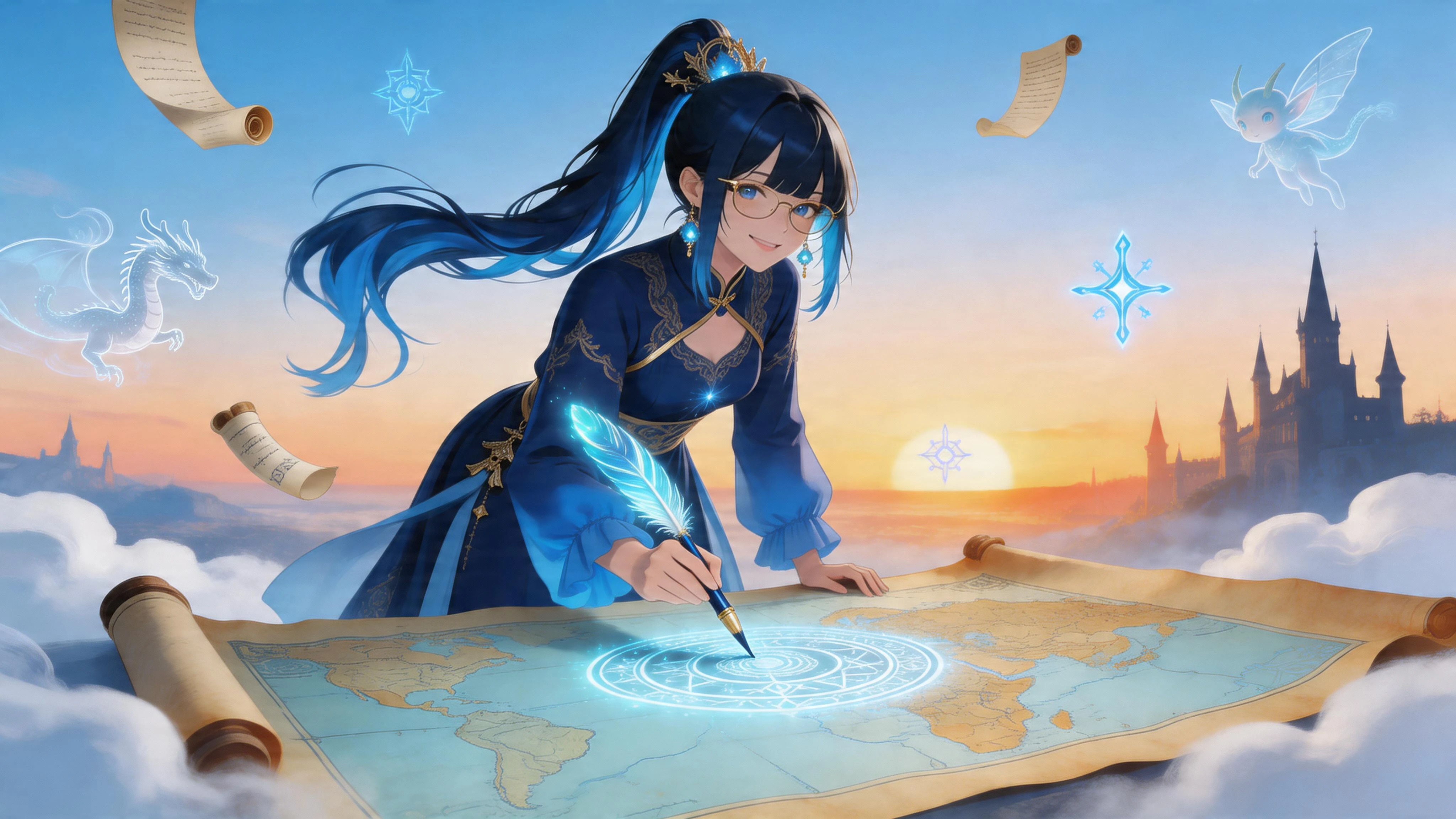
GR-Illustrious is a SeaArt Exclusive high quality anime style model that based on Illustrious XL model. It excels at producing aesthetic stylized anime renders but also capable of generating additional styles. It has certain keywords to activate styles of model alongside standart artist styles of Danbooru database. Model recognizes Danbooru characters, artists and tags as other Illustrious models also it has CFG Detail slider, which means you can change detail level of result with changing CFG value. Model aims to generate 3 different style as base which is "Aesthetic Anime (60%), Anime Screencap (20%) and 2.5D realistic renders (20%)".
What This Model Excels At
- Based on `booru` tagging system, highly recommended to use Danbooru tags for prompting. It can also handle natural language prompts but quality and accuracy is reduced compared to tag based prompting.
- It has good prompt understanding skills and can produce good results with both short and long prompts. Generally, long prompts are better for detailed results.
- Generating aesthetic anime, anime screencap and hyper-detailed 2.5D anime renders alongside artist styles of Danbooru dataset, but can't recognize real artists.
- Generating highly creative compositions without sacrificing quality and accuracy of result.
- Generating female/male/transgender subject.
- Generating human/humanoid/furry/anthro subjects and their interactions.
- Generating magnificent landscape/scenery images.
- Recognizes almost any character from its Danbooru tag with high accuracy. Most of characters generated perfectly with only their name tag but some of them still requires their characteristic tags for perfect results.
- Long complex tag based prompts are better than general prompting styles.
- Highly customizeable with correct usage of Danbooru tags.
- Generating multiple subjects easily with tags. `2girls, multiple subjects` like tags must be used instead of `1girl, solo` like tags.
- Knowledge of various outfits, characteristics, poses, expressions from tags.
- Detail level of image can be adjusted with CFG Setting.
- Good with LoRAs made for Illustrious XL based models.
Cautions For Optimal Usage
- ClipSkip must be set on 2.
- Illustrious models are highly tends to follow what you prompted. Every tag placed in prompt has direct effects to results.
- `masterpiece, best quality, amazing quality` are trigger words, it's essential to use them for best results. It's recommended to use them in front of prompt.
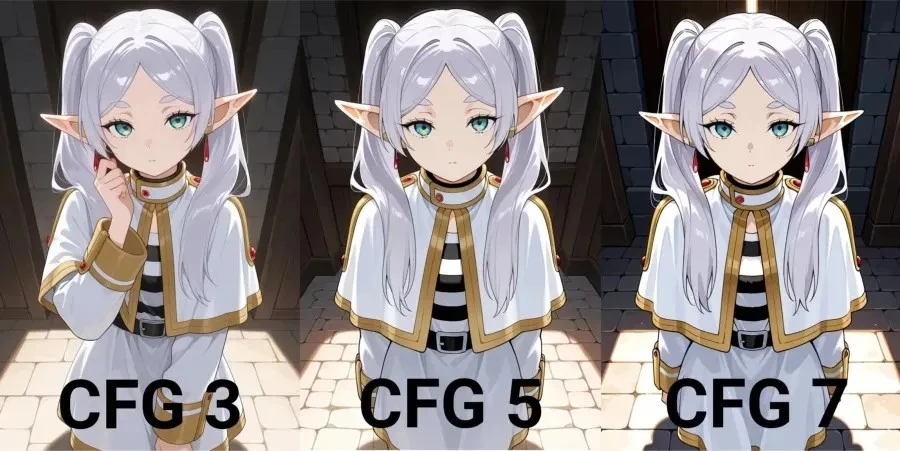
- Model can adjust detail level of result with CFG, you can set CFG between `3`(lowest) and `7`(highest) to adjust details. `5` is sweetpoint for model in most cases.
- User should specify subject count with `1girl`, `2girls` like tags to avoid generations with wrong subject count.
- Adding `by` to in front of artist names or using `artist:` alongside name is most effecient way to use artist references. For example, `by ebifurya` or `artist:ebifurya`.
- It can work with standart tag like prompting but actual Danbooru tags are best choice for prompting.
- Since it's Danbooru based, be sure to use `watermark, censor` like tags in negative to avoid them appear in your artworks.
- Danbooru is not totally safe and Illustrious models are still in beta phase, please use `child, childish, , ` like terms in your negative and `adult` in your positive to avoid sexualized child depictions. Creating them on purpose may end up with ban.
Recommended Settings
- Steps: 25-40 (mostly 30)
- CFG Scale: 3-7 (mostly 5)
- Sampler: Euler a
- Clip Skip: 2
- VAE: None, model has baked-in vae.
CFG Detail Enhancer
This model optimized to use CFG as a Detail Enhancer LoRA by itself. You can set CFG value between 3 and 7 to adjust detail level of results.
Higher value equals to...
- Stronger Lines.
- Higher contrast.
- Sharper Images.
- More Light/Shadow effect over composition.
Base Styles of GR-Illustrious
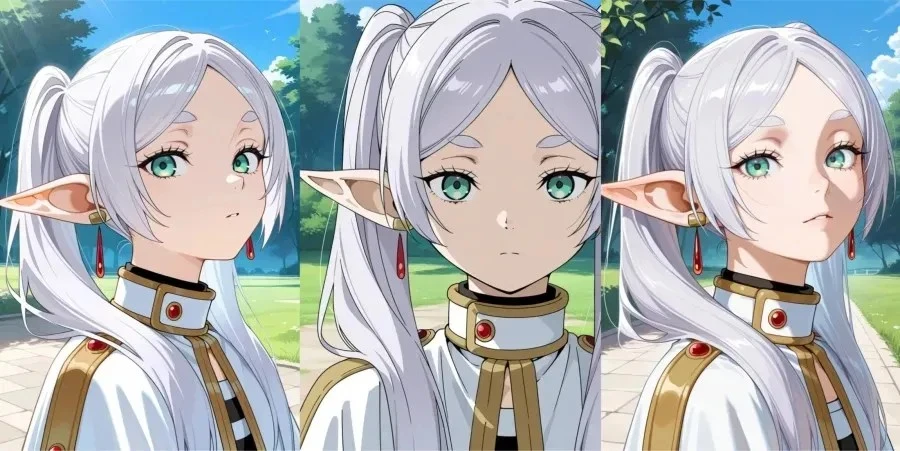
Model has 3 base style that users can use.
- Aesthetic Anime Style is standart style of model and users can achieve it without doing anything.
- Anime Screencap Style is additional style of model and users can achieve it by adding `anime screencap` keyword at the end of prompt.
- Realistic 2.5D is additional style of model and users can achieve it by adding `hyper-detailed, realistic` keywords to their prompt.
Side-by-Side Comparison
Same Settings And Fixed Seeds
Prompt Style
- Illustrious models are based on Danbooru dataset, it's highly recommended to use Danbooru tags for prompting. Although, model still can be used with other prompting styles.
- Model perform well with both long and short prompts. Long prompts are better in general.
- `masterpiece, best quality, amazing quality` keywords should be used in prompt for best results.
- `worst quality, bad quality, bad detail` like standart negative tags and certain Danbooru tags such as `lowres, bad , watermark, deformed, bad hands, sketch` etc. creates main structure of negative prompt.
- Style keywords must be used to change style of model.
- `1girl, 1boy` like terms are tag of this model so it's better to use them instead of `woman, man`. If subjects looks inappropriate, add `adult` like terms to your prompt and adjust your subject's appearance.
- Use `1female, 1male` instead of `1girl, 1boy` tags if subject is furry or humanoid creature.
Recommended Prompt Order
- `masterpiece, best quality, amazing quality` (Quality Keywords)
- Subject with count (eg. 1girl, 2girls)
- Character and Serie name (Danbooru Tag)
- Characteristic Tags
- Pose/Action Tags
- Background/Environment
- Additional Composition Tags (Theme, color, expression)
- Modifier Tags
- Lighting/Shadow
- Artist References (Only Danbooru)
Note: For style tags, i prefer using `anime screencap` at the end of prompt and `hyper-detailed, realistic` after Quality Keywords but you can try different placements for them.
Prompt Examples
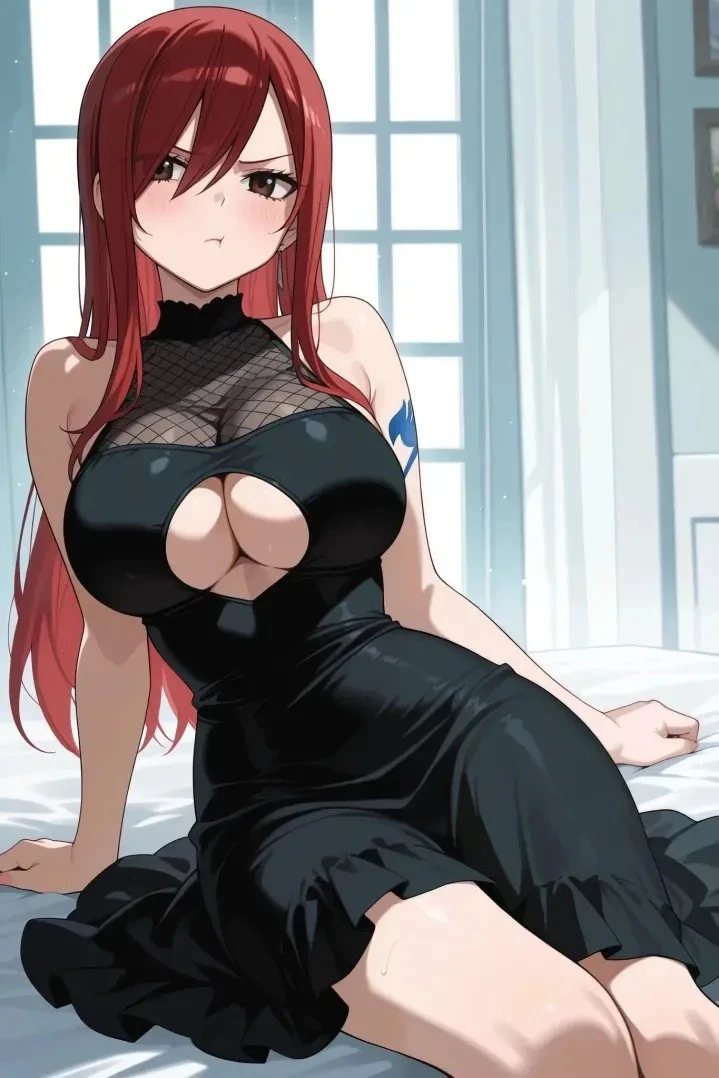
Erza Pout (Aesthetic Anime)
Positive Prompt
`masterpiece, best quality, amazing quality, 1girl, erza scarlet, fairy tail, arm tattoo, black dress, sleeveless dress, , cutout, shoulders, pout, :t, absurdres`
Negative Prompt
`lowres, bad quality, worst quality, bad , sketch, jpeg artifacts, ugly, poorly drawn, censor, blurry, watermark, simple background, bad hands, , child, childish`
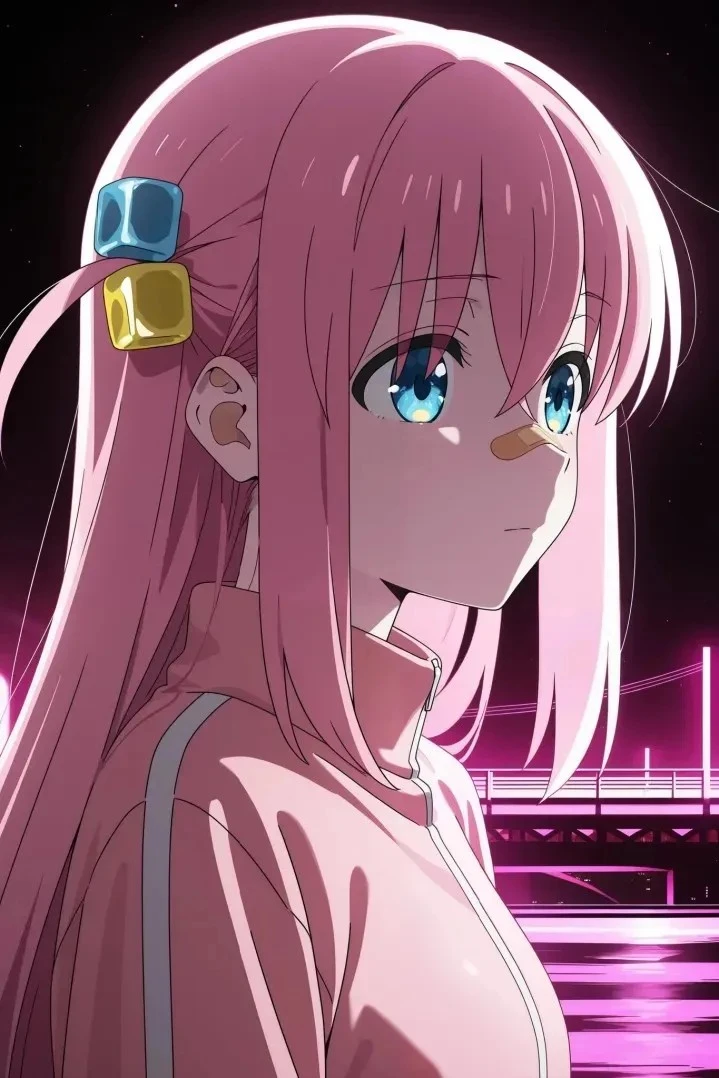
You Look Lonely (Anime Screencap)
Positive Prompt
`masterpiece, best quality, amazing quality, 1girl, gotoh hitori, bocchi the rock!, from side, depressed, expressionless, :|, bandaid on nose, looking to the side, pink light, ambient studio lighting, cyberpunk bridge, bridge background, shiny skin, (anime screencap:1.2)`
Negative Prompt
`lowres, bad quality, worst quality, bad , sketch, jpeg artifacts, ugly, poorly drawn, censor, blurry, watermark, simple background`
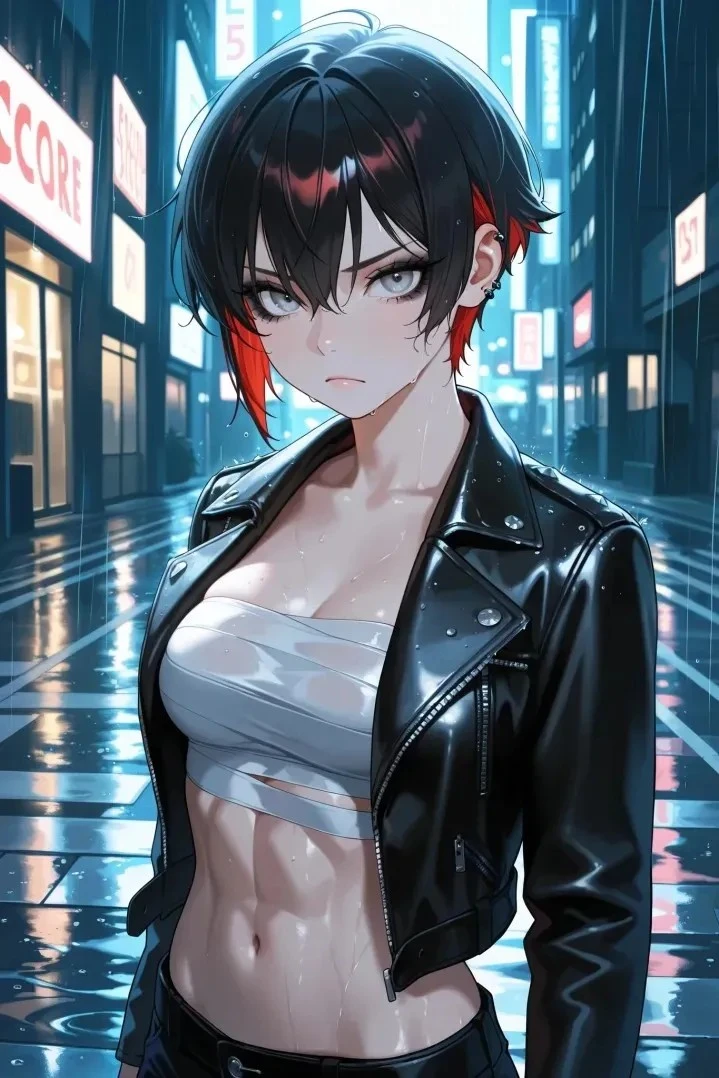
Rainy Night (Realistic 2.5D)
Positive Prompt
`masterpiece, best quality, amazing quality, very aesthetic, newest, hyper-detailed, realistic, solo, 1girl, tomboy, punk, two-tone hair, short hair, black hair, red hair, grey eyes, black eyeshadow, thick eyelashes, frown, , sarashi, leather jacket, , navel, wet, abs, looking at viewer, raining, street background, night, depth of field, highres`
Negative Prompt
`lowres, bad quality, worst quality, bad , sketch, jpeg artifacts, ugly, poorly drawn, censor, blurry, watermark, simple background, bad hands, , child, childish`
You can join SeaArt Discord Community for more content, also you will have opportunity to choose next model guides with your vote. You can use comments or SeaArt server #guides-feedback to leave feedback or suggestion. We look forward to seeing you on the server.
Happy Generations To Everyone!