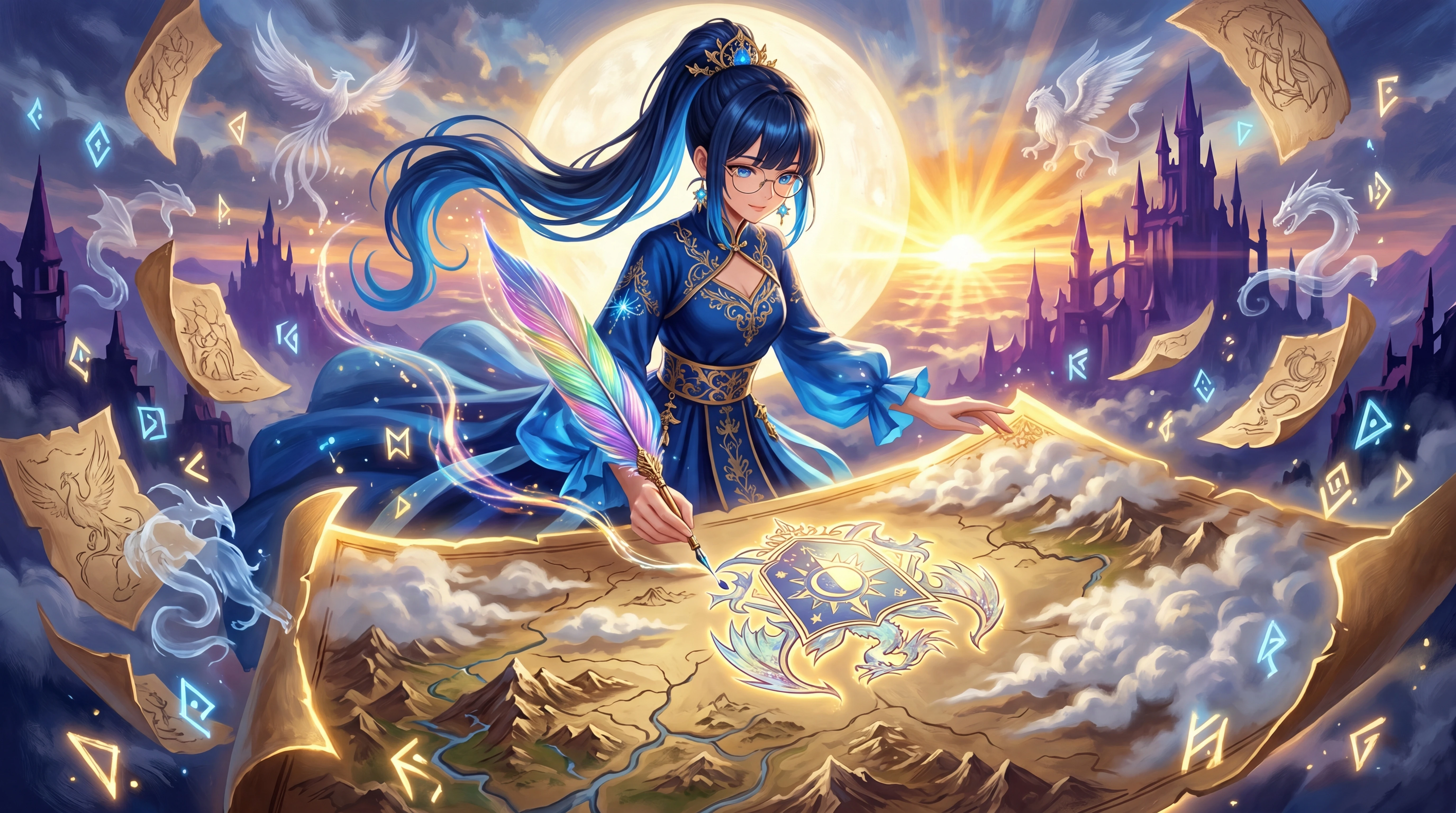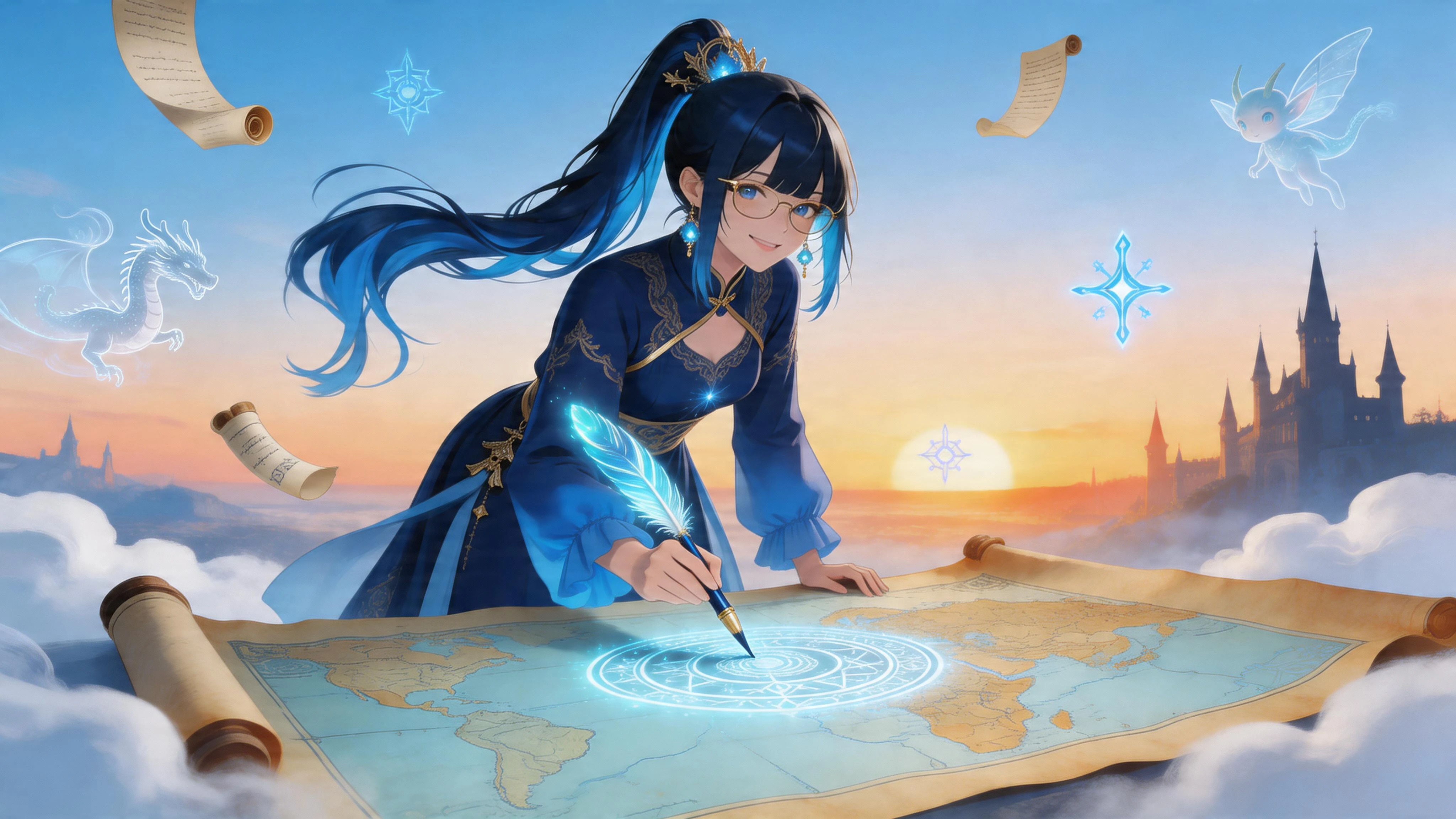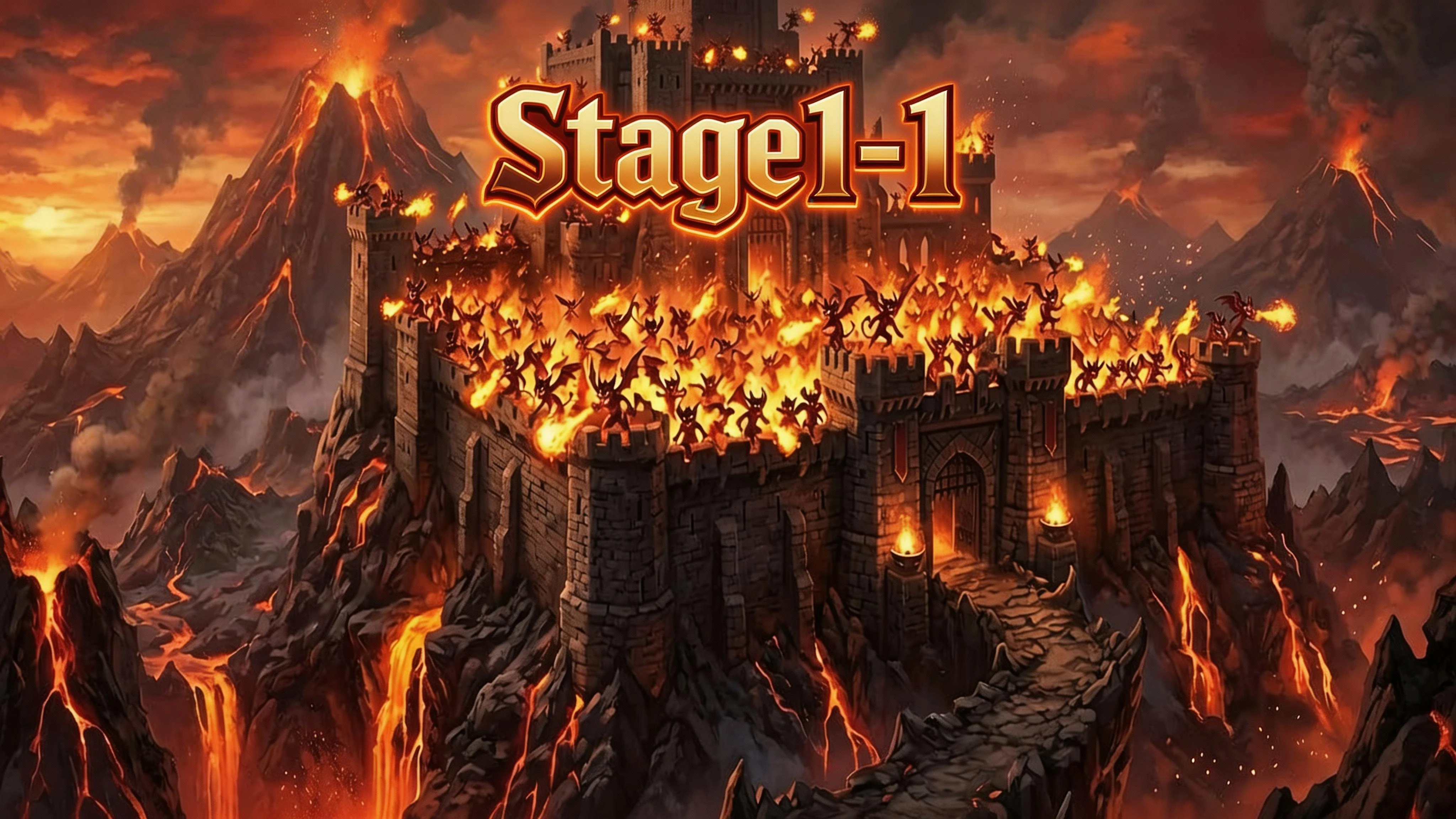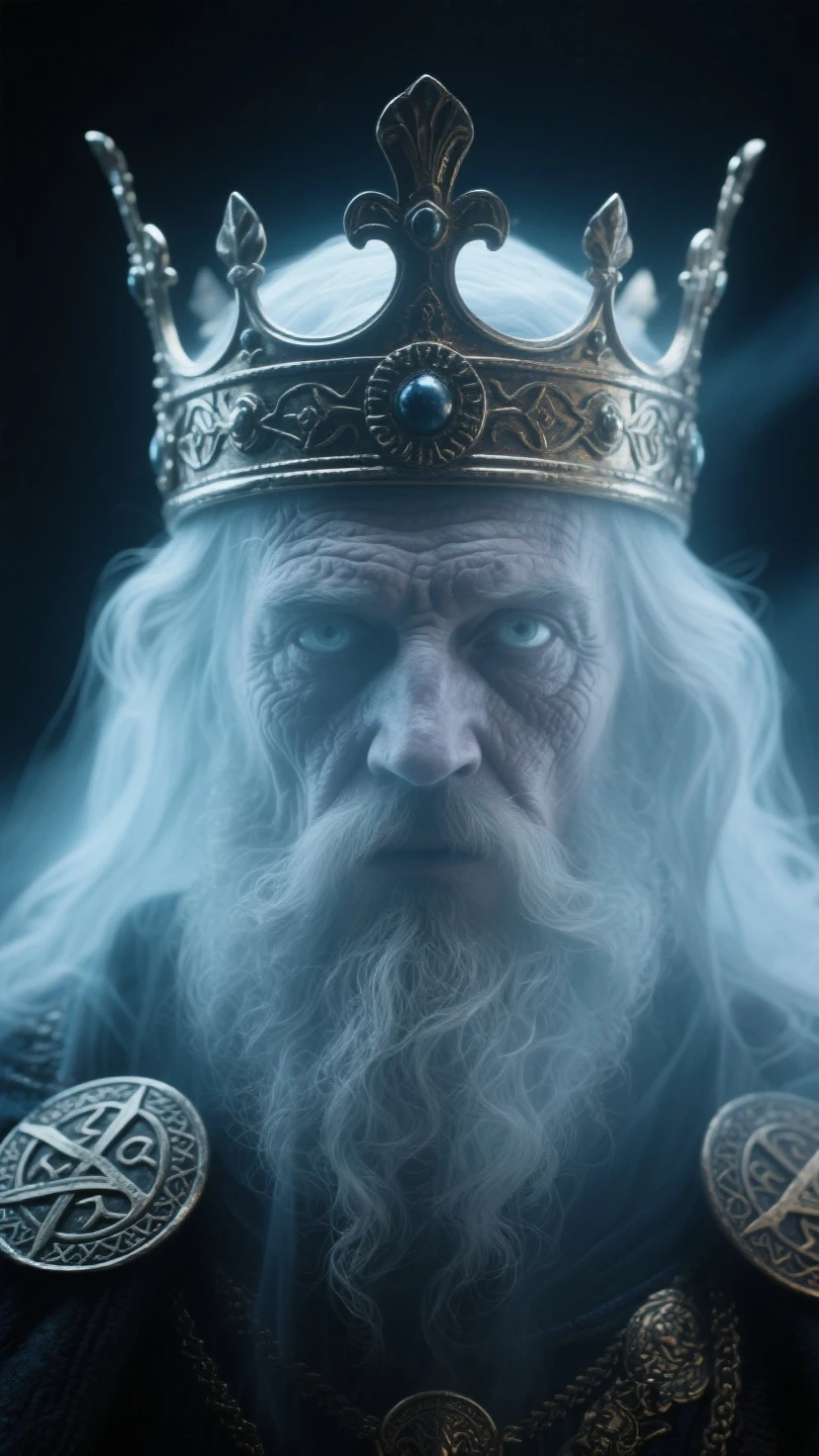
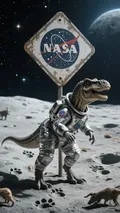
Hello, fellow creators! Welcome to my deep dive into one of SeaArt's powerful image models: SeaArt Infinity V2.0. For this evaluation, I embarked on an adventure to bring legendary mythical creatures to life, testing the model's ability to handle fantasy, detail, and dramatic lighting.
This tutorial will guide you through my process, sharing tips and tricks so you can master this fantastic tool for your own creative visions.
1. Model Introduction: SeaArt Infinity V2.0
SeaArt Infinity V2.0 is a versatile and robust text-to-image model. My testing reveals that it's an all-around powerhouse, but it truly excels in creating high-detail, semi-realistic, and cinematic artwork. It understands complex prompts with nuance and renders textures and lighting with incredible fidelity.
- Suitable Styles:Photorealism & Semi-Realism: Excellent for creating images that look like high-quality photographs or digital paintings.Fantasy & Sci-Fi Art: Its main strength. It can generate epic landscapes, detailed characters, and fantastical creatures with ease.Cinematic Shots: Capable of producing images that feel like stills from a blockbuster movie, complete with dramatic lighting and composition.Portraiture: Renders human and non-human faces with great detail and emotional depth.
- Generation Characteristics:It has a strong grasp of natural language and complex sentence structures in prompts.The model pays close attention to lighting keywords like "cinematic lighting," "god rays," and "rim lighting."It produces highly detailed textures, from metallic reflections and fur to rough stone and shimmering scales.
- Pros & Cons:Pros:Stunning Detail: Generates incredibly high-resolution details without much prompting effort.Excellent Prompt Adherence: Follows complex instructions accurately.Versatile Stylistically: Can shift between realism, fantasy, and anime-inspired looks effectively.Great with Lighting: Produces atmospheric and believable lighting conditions.Cons:Complex Hands: Like many models, it can sometimes struggle with generating perfect hands, though it's better than average.Can Be "Too Detailed": Sometimes, it can over-render an image, making it look a bit busy if the prompt isn't specific enough.
2. Usage Process & Parameter Setting Tips
To get the best results from SeaArt Infinity V2.0, a structured approach is key. Here's my recommended workflow and the parameters I found most effective.
Step 1: The ??????? of a Powerful Prompt
I found the model responds best to a structured prompt. Think of it like giving instructions to an artist.
Formula: [Subject] + [Action/Pose] + [Detailed Setting] + [Artistic Style] + [Technical Details]
- Subject: Be specific. Instead of "dragon," try "a majestic, ancient red dragon with obsidian scales."
- Action/Pose: Describe what the subject is doing. "perched atop a snowy mountain peak, roaring at the sky."
- Detailed Setting: Add context. "under a stormy sky with flashes of lightning."
- Artistic Style: Define the look. "epic fantasy painting, cinematic, hyper-detailed, style of Greg Rutkowski."
- Technical Details: Specify quality and lighting. "8K, UHD, masterpiece, god rays, rim lighting."
Step 2: Leveraging the Negative Prompt
The negative prompt is your "what not to do" list. It's crucial for cleaning up artifacts and refining the final image.
My Go-To Negative Prompt:low quality, worst quality, blurry, deformed, disfigured, ugly, extra limbs, extra fingers, poorly drawn hands, watermark, text, signature, jpeg artifacts
Step 3: Key Parameter Settings
- Image Size: For maximum detail, I recommend starting with a resolution of 1024x1024 or a similar aspect ratio like 1024x1536 (for portraits).
- Sampler: DPM++ 2M Karras is my preferred sampler. It provides a great balance of speed and high-quality detail.
- CFG Scale (Guidance Scale): This parameter controls how strictly the AI follows your prompt.5-7: More creative and artistic, but might ignore some details.7-10: The sweet spot. Great balance of following the prompt while allowing for some creative interpretation. I used 8.5 for most of my generations.11+: Very strict. Can sometimes lead to less natural-looking images.
- Seed: If you get an image you love, save the seed number! You can reuse it to generate similar images with slight prompt variations.
3. Generated Case Showcase
Here are three mythical creatures I created using the techniques above.
Case 1: The Azure Leviathan
This piece was designed to test the model's ability to render underwater scenes, bioluminescence, and massive scale.
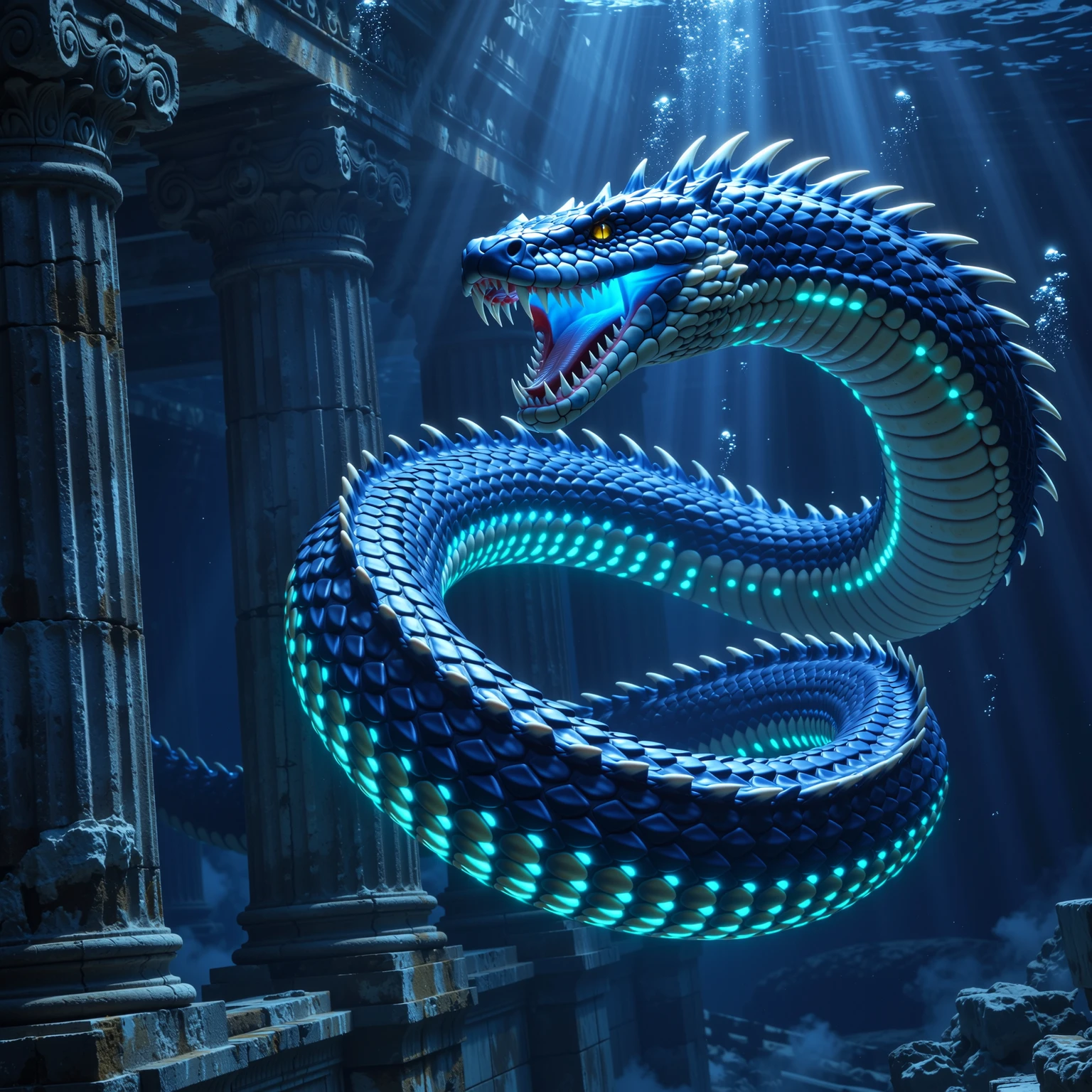
- Prompt: epic photo of a colossal bioluminescent leviathan sea serpent with glowing azure scales, swimming in the deep ocean abyss, surrounded by ancient underwater ruins, cinematic lighting, god rays piercing the darkness, hyper-detailed, masterpiece, 8K, UHD
- Negative Prompt: low quality, worst quality, blurry, deformed, cartoon, painting, sunny, surface
- Parameters: Sampler: euler / CFG Scale: 7
- Analysis: Infinity V2.0 perfectly captured the sense of scale and the eerie beauty of the deep ocean. The lighting effects and the detail on the creature's scales are absolutely top-tier.
Case 2: The Sunstone Griffin
Here, the goal was to test textures (feathers and fur) and a bright, high-contrast lighting environment.
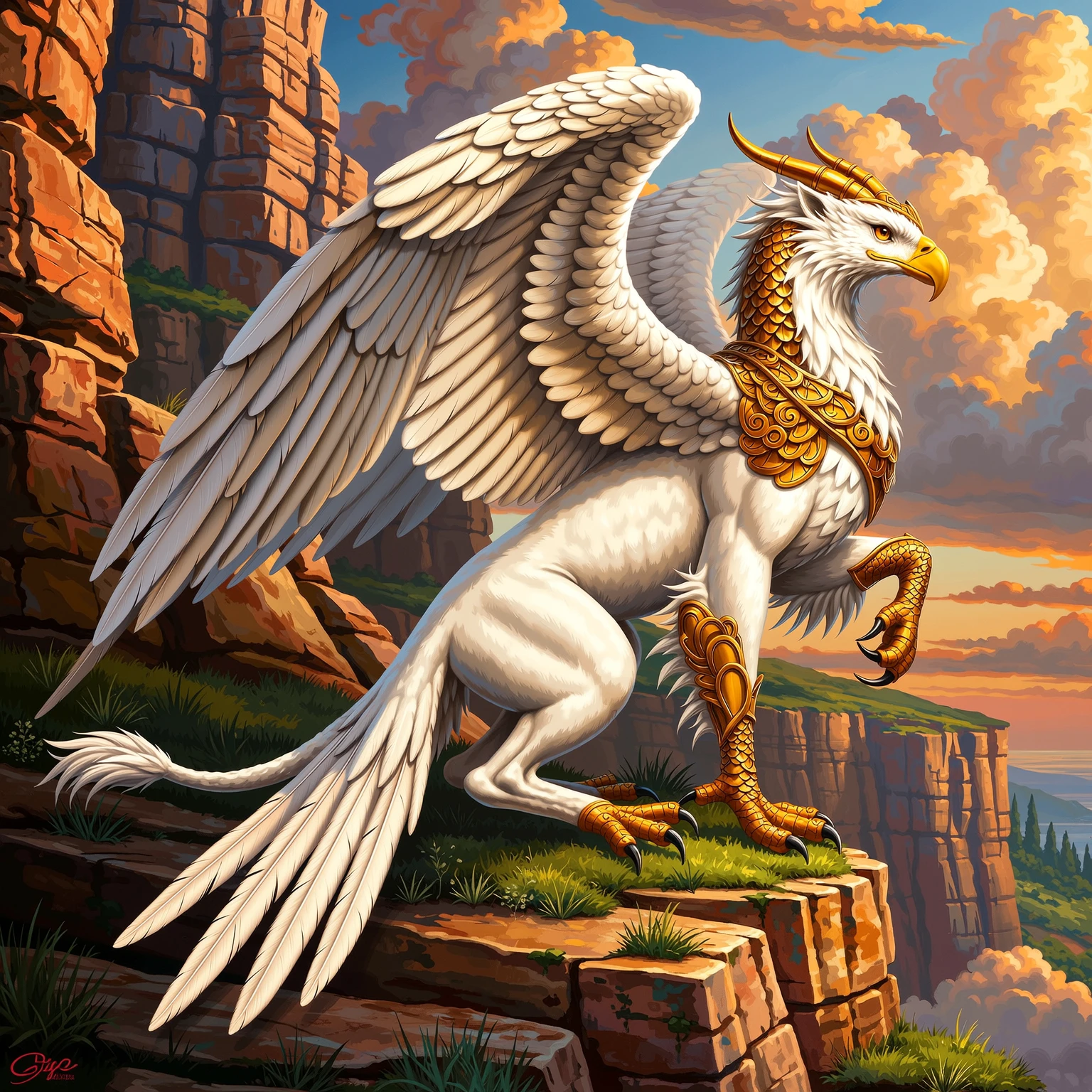
- Prompt: a majestic griffin with the body of a lion and the head of a golden eagle, perched on a sun-drenched cliff edge, feathers shimmering like gold, fur rendered in high detail, epic fantasy painting, cinematic, matte painting style, masterpiece
- Negative Prompt: low quality, worst quality, blurry, disfigured, ugly, extra limbs, poorly drawn hands
- Parameters: Sampler: euler / CFG Scale: 7
- Analysis: The model beautifully differentiated between the soft fur of the lion's body and the sharp, detailed feathers of the eagle's head. The "sun-drenched" keyword produced gorgeous, realistic lighting.
Case 3: The Kitsune Spirit
This test focused on creating a more ethereal, character-focused image, testing the model's ability to render magical effects and expressions.
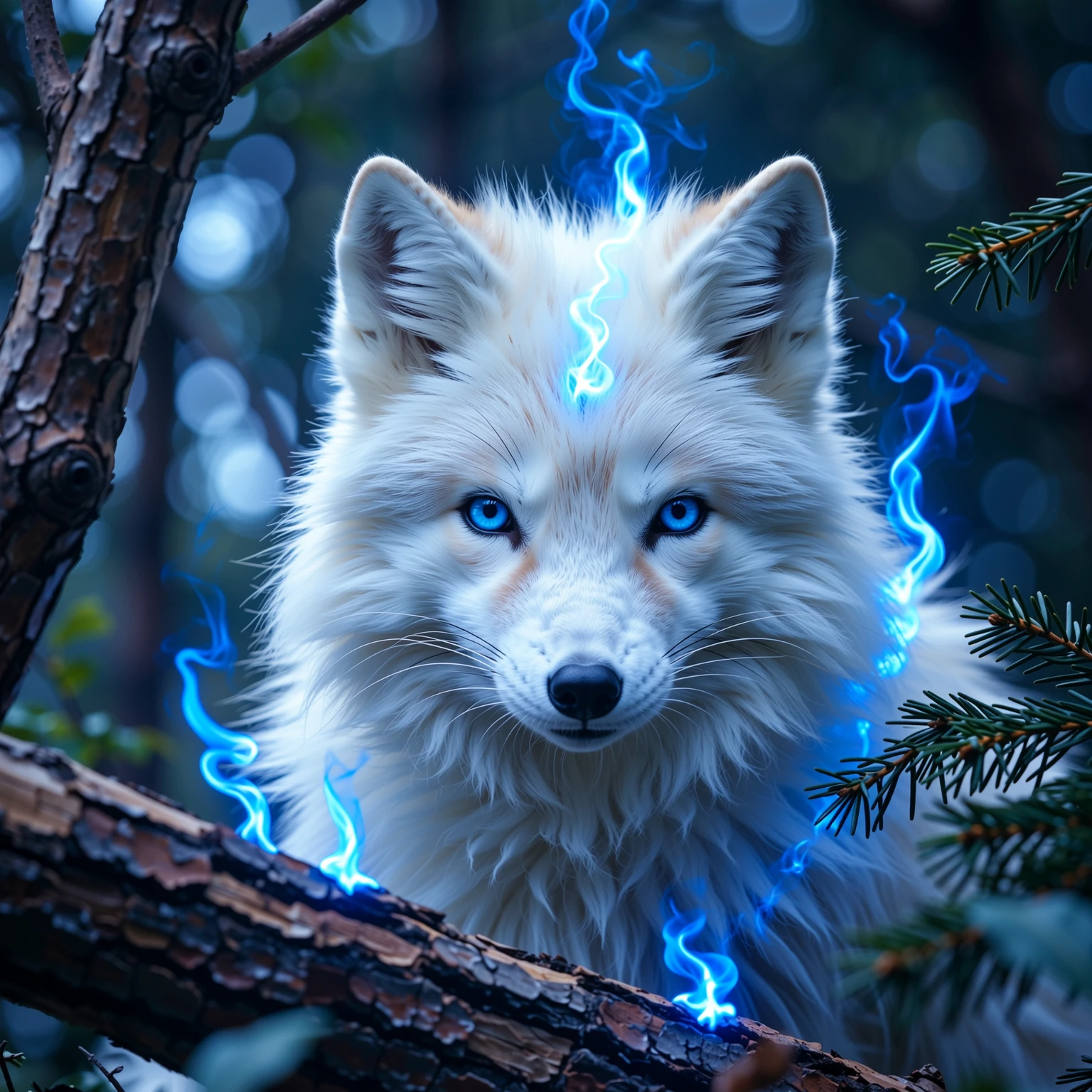
- Prompt: beautiful portrait of a mystical Japanese kitsune, a nine-tailed fox spirit with white fur and wise, glowing blue eyes, surrounded by floating ethereal blue flames, in an enchanted forest at night, cinematic portrait, hyper-detailed face, fantasy art
- Negative Prompt: low quality, worst quality, blurry, deformed, ugly, extra tails, missing tails, cartoon
- Parameters: Sampler: euler / CFG Scale: 7
- Analysis: Infinity V2.0 created a stunning character portrait. The expression is captivating, and the glowing flames add a magical atmosphere that feels perfectly integrated into the scene. It correctly rendered all nine tails as requested.
4. Evaluation Conclusion
After extensive testing, SeaArt Infinity V2.0 has become one of my go-to models for any project requiring detail, realism, and a touch of the epic.
- My Real Experience: The experience was incredibly smooth. The model is intuitive and rewards thoughtful, descriptive prompting. It felt less like a struggle and more like a creative collaboration. I was consistently impressed by its ability to take an abstract idea and turn it into a breathtaking, detailed image.
- Suggestions: For new users, I suggest starting with the prompt formula I outlined above. Don't be afraid to be very descriptive! For the developers, continued work on refining hand generation would make this model nearly flawless.
SeaArt Infinity V2.0 is perfect for artists, storytellers, and creators who want to produce professional-grade fantasy and realistic art with stunning clarity and impact. It’s a powerful tool that truly pushes the boundaries of what's possible with AI.
Happy creating!