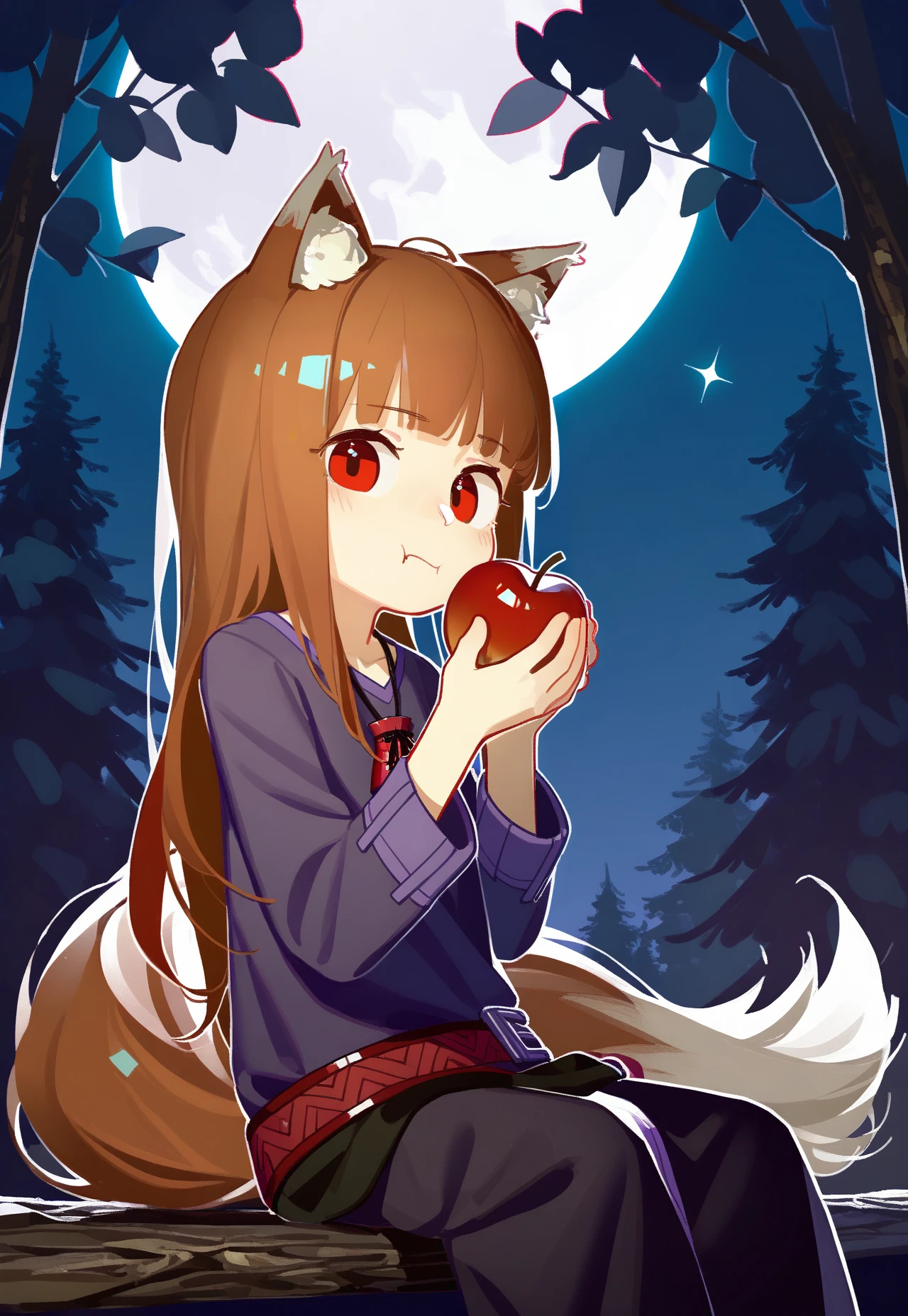
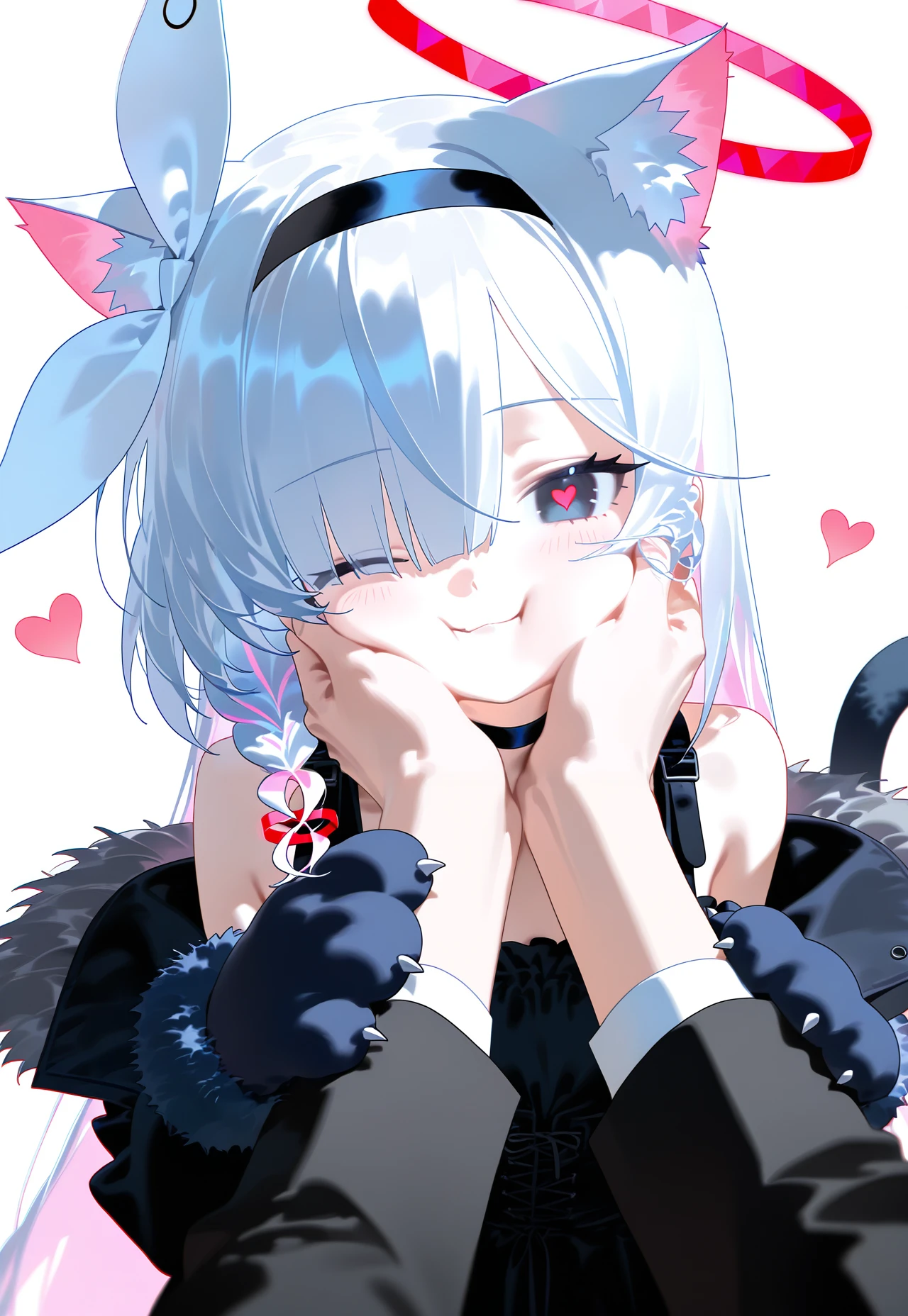
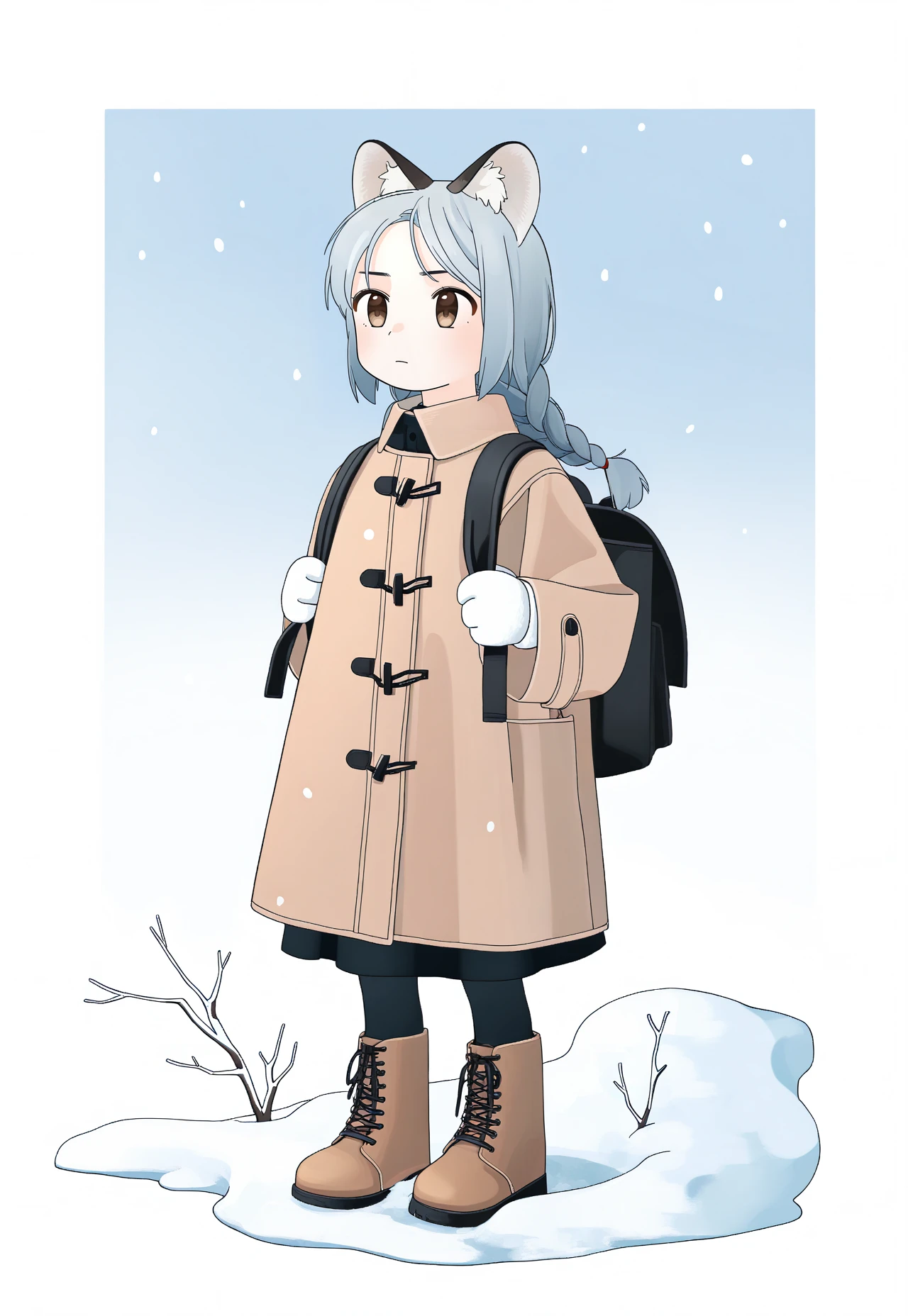
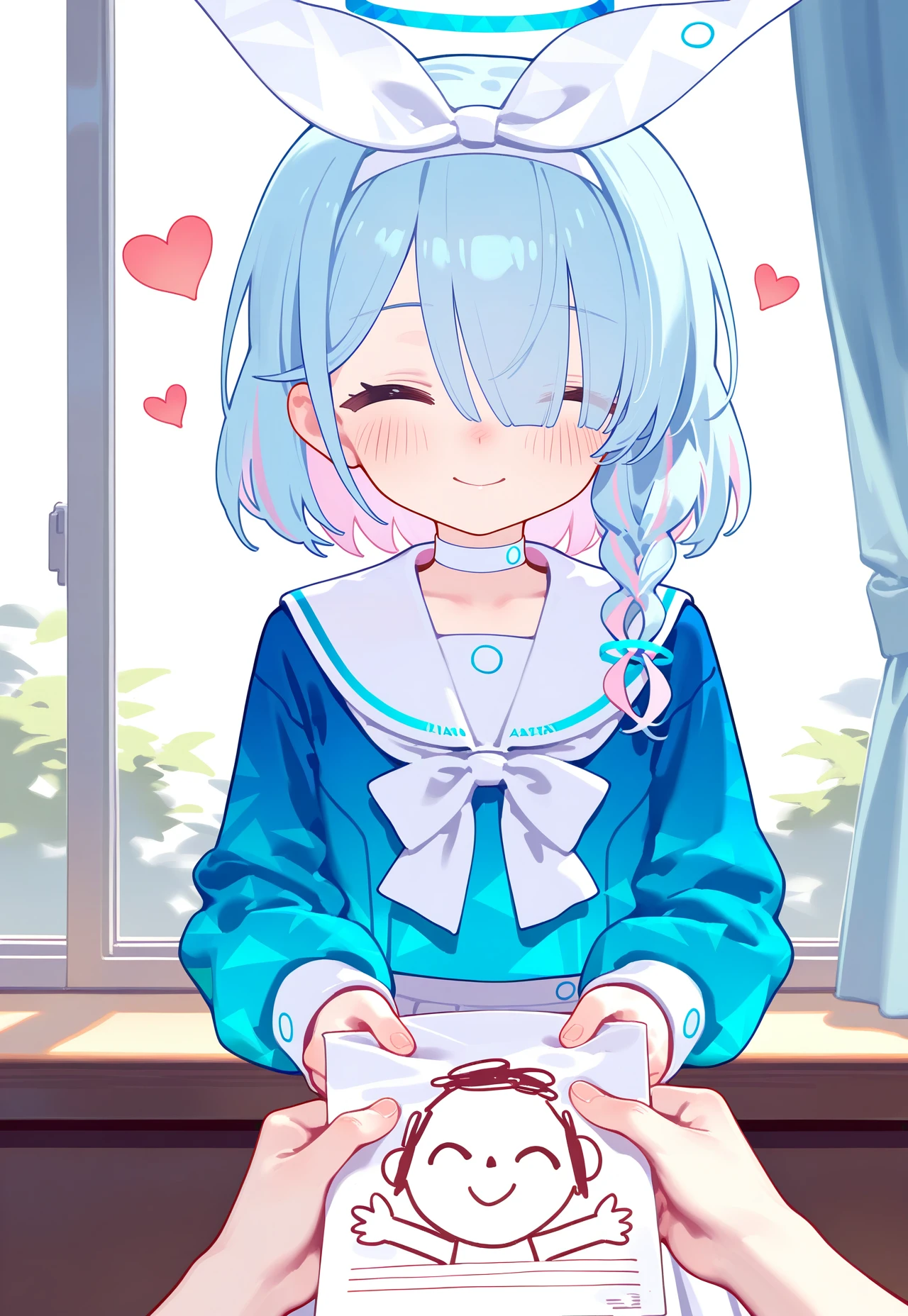
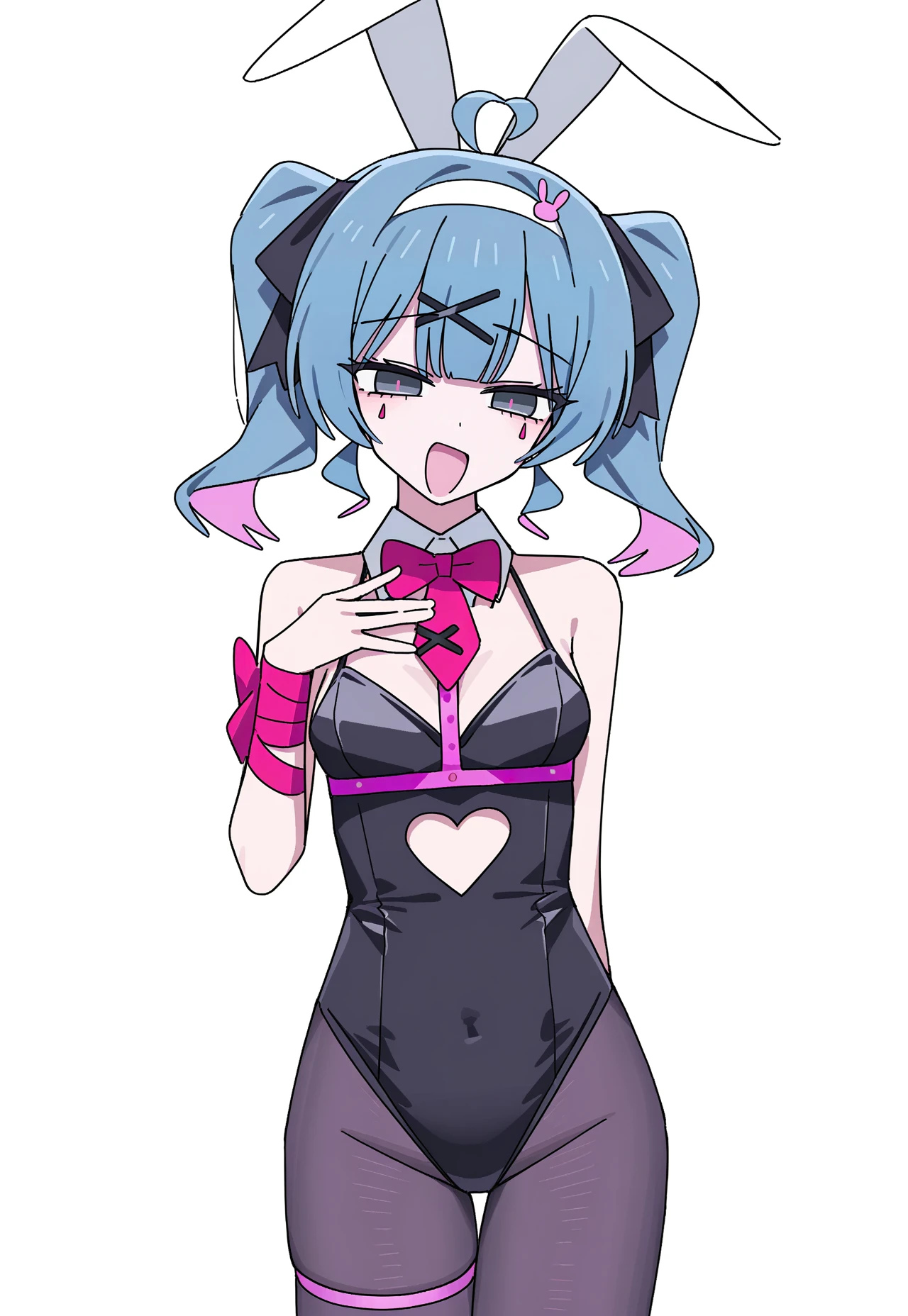
icbinf-extract_v1 info: Lora extract of this checkpoint trained a little bit as a lora to save style coherency, while still should be compatible with most of noob-vpred1.0 derivative checkpoints without too much of anatomical issues. Styles list are the same as for checkpoint.
V3-noob-vpred info: This version was made to work specifically with early version of vpred converted noob checkpoint. Images with empty prompts was made with custom nodes in comfyui, whole workflow and prompts is there, just drag it anywhere, preferably comfy, to read it. Styles list remains the same as for illust-v3.
Main recommendations: first of all enable vpred with ztsnr using reforge extension with this settings or comfyui node called ModelSamplingDiscrete, in the future it will be automatically activated when loading vpred checkpoint. Second - use compel for downweighting. It's available in comfyui, just a matter of time when it will be available in reforge. Third - multiply scheduler sigmas by 2, comfy extension, workflow included with comfy images examples. It's also avail with reforge. Not completely sure about efficiency of that one, but from my tests on multiple prompts, it behaves more coherent with absolutely no compute overhead about it, about why you should do that you can read here, part 2.3
V3 info: Further dataset expansion to ~35.5k, lora now contains 148 styles total, trained for longer than previous versions for each style. Best way to combine styles with downweighting would be using compel weighting, example workflow for comfy embedded inside some of the images for that. Images that doesn't display any prompt is images generated with comfyui, they are contain the whole flow with prompts, but you should drag them into comfyui window to see that. Full list of artists attached to files, or could be found at catbox. Hello Asuka grid with all styles.
V2 info: Dataset was expanded to 16.5k pics, lora now contains 75 artists. Prompting syntax changed, it's now just artist_name without "by" before it. Full list of artists attached to files, or could be found at catbox. Hello Asuka test grid with artists could be found here.
V1 info: Aesthetic tune with a little bit than 11000 cherrypicked pictures of different aritsts with purpose to make Illustrious xl look more clean. Most of the artists are already known by the model and this lora will further strengthen some unstable knowledge, some additional artists are included too. Steps for each artist was uniformly spreaded with the help of repeats. Total list of 48 artists attached to files, or additionally you could grab it from catbox. Grid with comparison is here. You could use artist names wherever in the prompt, but it's recommended to drop it into the start of the prompt with "by" syntax to avoid prompt bleeding. Artists with constant watermark appearance, such as personal ami or sciamano240 should not popup watermarks with this lora.