×
SeaArt AI Unternehmensversion

Arafed image of a man with a smile holding a cell phone
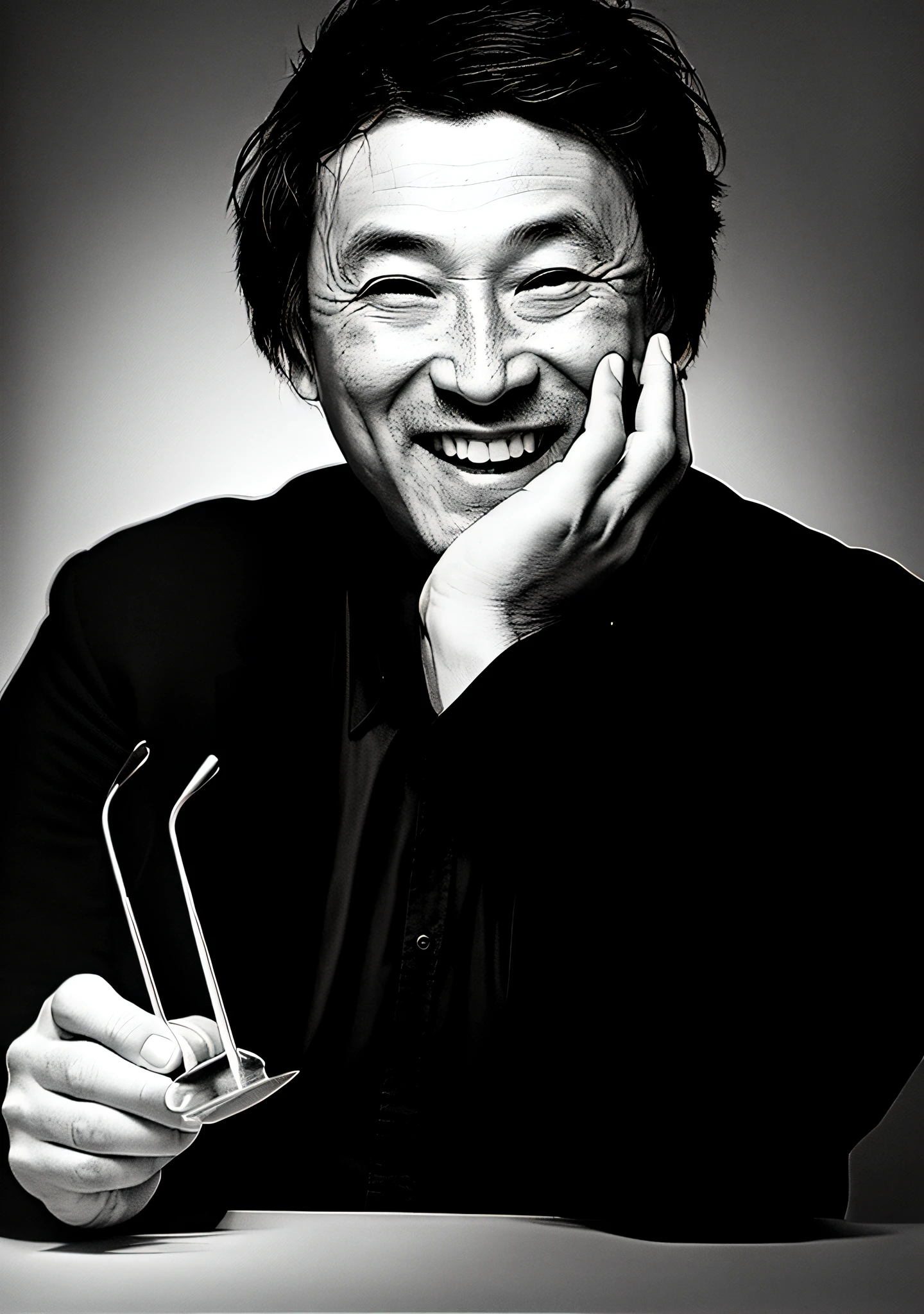

(写真の全ての文字は除外してください:1.3)、特に髪の毛の量は写真通り忠実に描いて下さい、肌の色は自然なアジア人の肌色でお願いします、肌のシミ・斑点は除去して下さい、(来ている服の輪郭はハッキリと描いてください: 1.5)、(左手の肘の部分・角度も完璧に描いてください: 1.3)、Start by uploading the provided photo of Juzo Itami to seaart’s platform and select the ‘realistic portrait’ option under the intelligent analysis settings. Adjust the ‘detail’ and ‘smoothness’ sliders to enhance the portrait’s details and achieve a smooth effect. Use the ‘lighting’ and ‘shadow’ settings to add depth and dimension to the portrait, paying particular attention to the area where the left hand is placed on the chin. To ensure a realistic depiction of the hand, use the brush tool to manually adjust the area. Use the ‘detail’ and ‘smoothness’ settings to match the hand’s texture and skin tone with the rest of the portrait. Utilize technical lighting techniques such as split light to achieve a super realistic result. Consider adding black and white effects or concept art elements to the portrait to make it stand out. Take inspiration from buttonerdvision3 and other highly detailed artists on artstation to keep up with the trend. Once satisfied with the portrait’s overall look and focus, save it in a high-resolution format for the highest quality result.
image
avatar
S
SilentVoice
Erstellungsinformationen
Remix
Prompts
(写真の全ての文字は除外してください:1 . 3)、特に髪の毛の量は写真通り忠実に描いて下さい、肌の色は自然なアジア人の肌色でお願いします、肌のシミ・斑点は除去して下さい、(来ている服の輪郭はハッキリと描いてください: 1 . 5)、(左手の肘の部分・角度も完璧に描いてください: 1 . 3)、Start by uploading the provided photo of Juzo Itami to seaart’s platform and select the ‘realistic portrait’ option under the intelligent analysis settings . Adjust the ‘detail’ and ‘smoothness’ sliders to enhance the portrait’s details and achieve a smooth effect . Use the ‘lighting’ and ‘shadow’ settings to add depth and dimension to the portrait , paying particular attention to the area where the left hand is placed on the chin . To ensure a realistic depiction of the hand , use the brush tool to manually adjust the area . Use the ‘detail’ and ‘smoothness’ settings to match the hand’s texture and skin tone with the rest of the portrait . Utilize technical lighting techniques such as split light to achieve a super realistic result . Consider adding black and white effects or concept art elements to the portrait to make it stand out . Take inspiration from buttonerdvision3 and other highly detailed artists on artstation to keep up with the trend . Once satisfied with the portrait’s overall look and focus , save it in a high-resolution format for the highest quality result .
Größe
1440X2048
Datum
Jul 1, 2023
Modell
Standard
Typ
upscale
Checkpoint & LoRA
Realistic Vision V6.0 B1
Checkpoint
Realistic Vision V6.0 B1
0 Kommentar(e)
0
11
0
0/400

Sonderangebote

Mehr anzeigen 

Verwandte Inhalte

ControlNet
logo
Deutsch
Anwendungen
Bild erstellen KI-Charaktere Swift AI Modelltraining Canvas Quick Tool Arbeitsablauf
Infos
Studio Rangliste KI-Chat KI-Blog KI-Nachrichten
Hilfe
Anleitungen Kundenservice
APP hunterladen
icon
Download on the
APP Store
icon
GET IT ON
Google Play
Uns folgen
iconiconiconiconiconiconiconicon
© 2025 SeaArt, Inc.
Copyright Policy
Nutzungsbedingungen
Datenschutzrichtlinie 特定商取引法 資金決済法に基づく表示
Mehr