

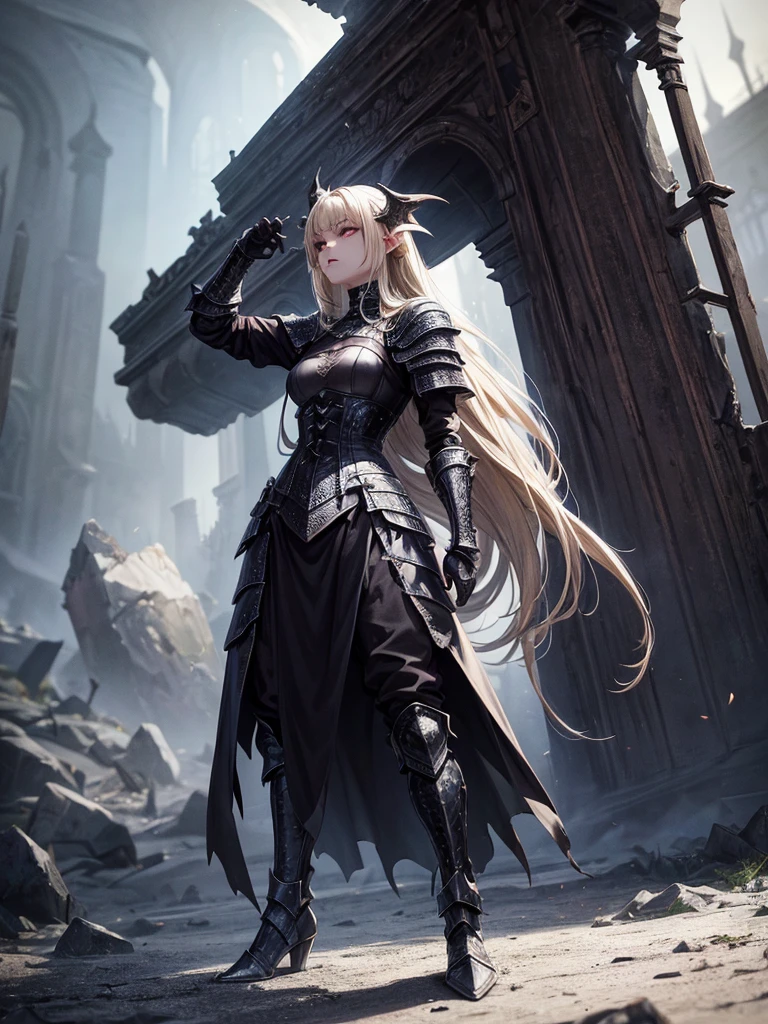
# Script: AI-Generated Art - Gothic Dark Souls-Inspired Woman with Dragon Eyes a

Erstellungsinformationen
Protokolle
Prompts
# Script: AI-Generated Art - Gothic Dark Souls-Inspired Woman with Dragon Eyes and Wings
**Objective:**
Create an AI-generated image of a woman with specific features and attire
,
inspired by the Gothic style of the Dark Souls series
.
**Character Description:**
- **Gender:** Female
- **Hair:** Long blonde hair
,
tied back
- **Eyes:** Red
,
dragon-like
- **Dragon Features:** Small wings
- **Attire:** Full-body medieval armor
- **Style:** Gothic
,
similar to Dark Souls aesthetics
**Steps:**
1
.
**Gather Reference Images:**
- Collect images of full-body medieval armor from the Dark Souls series
.
- Find examples of blonde hair tied back
.
- Look for images of red
,
dragon-like eyes and small dragon wings
.
- Compile Gothic art references to understand the desired aesthetic
.
2
.
**Character Design:**
- **Hair:** Design the long blonde hair tied back
,
ensuring it looks natural and flows realistically
.
- **Eyes:** Create piercing red eyes with elongated pupils to give a dragon-like appearance
.
- **Dragon Features:** Add small
,
subtle dragon wings that look natural on her back
.
- **Armor:** Design full-body medieval armor with intricate Gothic patterns and dark tones
,
appearing worn and battle-scarred
.
Ensure the armor covers the entire body
,
including helmet
,
chest plate
,
gauntlets
,
greaves
,
and boots
.
- **Overall Style:** Use dark
,
muted colors with high contrasts to emphasize the Gothic style
.
Incorporate dark shadows and dim lighting
.
3
.
**Pose and Composition:**
- Position the character in a dramatic pose
,
possibly standing or in mid-battle stance
.
- Choose a dark
,
eerie background that complements the Gothic theme
,
like a ruined castle or a foggy forest
.
- Use lighting to create a moody
,
atmospheric effect
,
casting shadows that highlight the character’s features and armor
.
4
.
**AI Tools and Techniques:**
- Use AI art generation tools like DALL-E
,
MidJourney
,
or Stable Diffusion
.
- Input the character description and upload refer
Checkpoint & LoRA
Checkpoint
MeinaUnreal
0 Kommentar(e)
0
0
0
0/400
SeaArt schnelle KI-Apps
KI-Video-Erstellung
Entfessle deine Fantasie und lass die KI visuelle Wunder für dich erschaffen.
Gesicht kostenlos tauschen
Erstelle lustige oder realistische Gesichtstausch-Viedeos und Fotos.
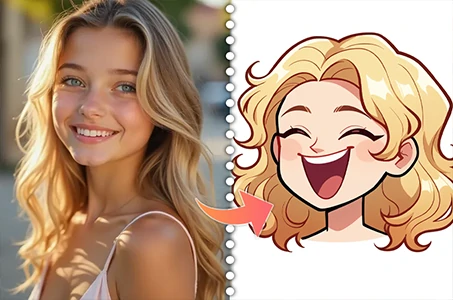
Cartoon-Avatar-Ersteller
Verwandle deine Fotos sofort in einzigartige Cartoon-Avatare.
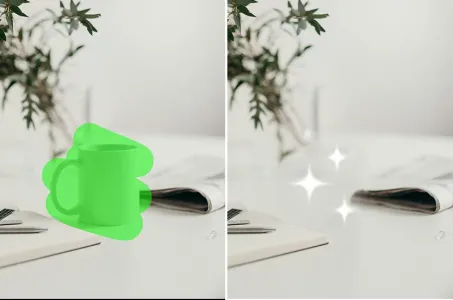
KI-Entfernung
Entferne ganz einfach unerwünschte Objekte, Wasserzeichen oder Personen aus deinen Fotos.
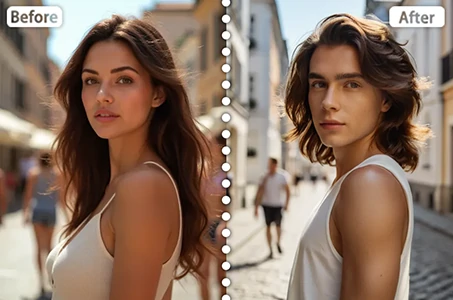
Geschlechtertausch
Tausche in Fotos und Videos das Geschlecht mit SeaArt KI-Geschlechtswechsler. Genieße unterhaltsame und realistische Transformationen mühelos und kostenlos online!
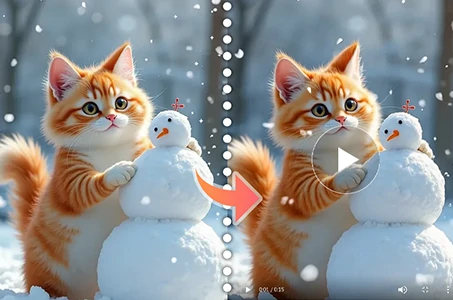
Wan 2.1 Bild-zu-Video
Animiere Fotos mit realistischer Bewegung und kinematischen Effekten.
Entdecke mehr KI-Apps