

Background: background-image: Use an image that refers to the history of aviati


Erstellungsinformationen
Protokolle
Prompts
Background:
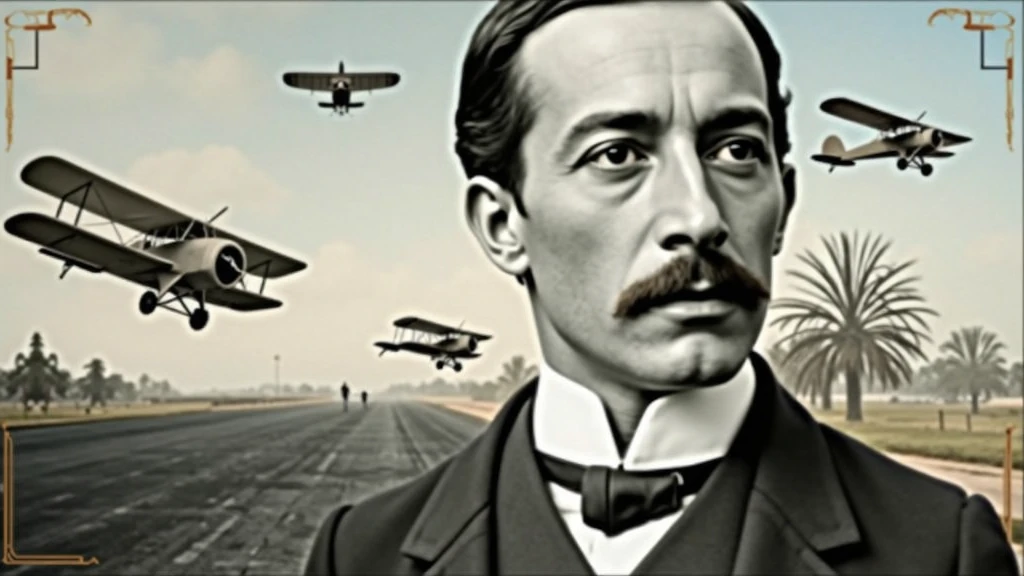
background-image: Use an image that refers to the history of aviation
.
It could be a photo of an old runway
,
a blue sky or a montage with vintage aviation elements
.
Another option is a background that matches Santos Dumont'
;
s era
.,
as an early 20th century setting
.
Color Effect: Consider a sepia tone or a slight texture to give the background a historic
,
vintage feel
..
main image:
Portrait of Santos Dumont: Place a central image of Santos Dumont
.
It could be a classic photo of him or a stylized illustration
..
If you use an illustration
,
make sure it captures the essence of Dumont'
;
s pioneering spirit and personality
.
Historical Aircraft: Include images of your most famous inventions
,
like the 14-Bis or the Demoiselle
,
somewhere on the cover
.
These planes can be in the background or as part of the design
..
Leading text:
Video Title: Add a big
,
eye-catching title
,
as “Santos Dumont: Aviation Pioneer and His Technological Vision”
.
Use an elegant
,
easy-to-read font
,
like “Garamond” or “Montserrat”
.
Color and Effect: Use colors that contrast with the background
,
like white or gold
.
Consider adding a light shadow or outline to improve readability
..
Additional Text:
Subtitle or Short Description: Include shorter text that provides more context
,
as “Exploring the History and Innovations of the Father of Aviation”
.
Use a smaller font and keep the color consistent with the title
,
but a little less prominent
.
Position and Colors: Position the subtitle below the main title
,
ensuring that it does not overlap the main image
.
Use a complementary color to the main text
.
Graphic elements:
Icons and Symbols: Add subtle aviation-related graphics
,
like stylized wings
,
old planes or aircraft parts
.
Position them to complement the main image and text
.,
without overloading the cover
.
Borders and Dividers: Use discreet borders or dividers to separate text from images
,
if necessary
.
Logo and B
Checkpoint & LoRA
Checkpoint
SeaArt Infinity
0 Kommentar(e)
0
1
0
0/400
SeaArt schnelle KI-Apps
KI-Video-Erstellung
Entfessle deine Fantasie und lass die KI visuelle Wunder für dich erschaffen.
Gesicht kostenlos tauschen
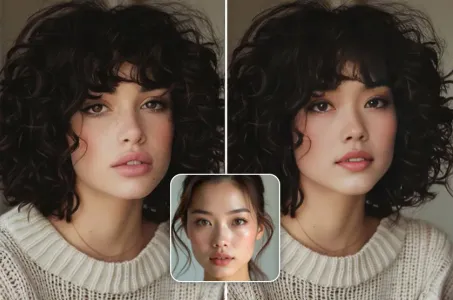
Erstelle lustige oder realistische Gesichtstausch-Viedeos und Fotos.
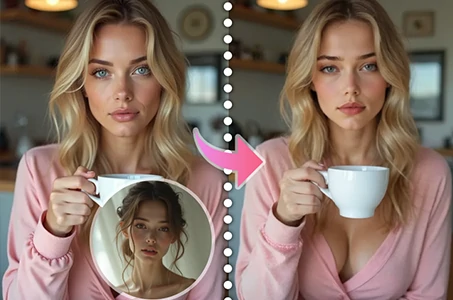
Video-Gesichtstausch
Erstelle lustige Videos, indem du Gesichter in jedem Videoclip austauschst.
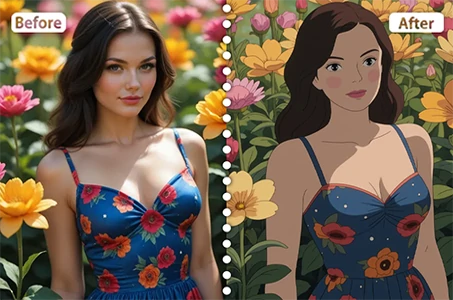
Studio-Ghibli-Filter
Verwandle jedes Foto mit nur einem Klick in einzigartige Ghibli-Style-Kunst.
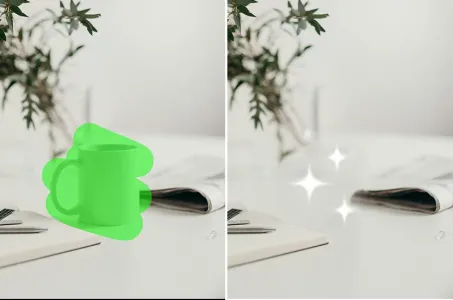
KI-Entfernung
Entferne ganz einfach unerwünschte Objekte, Wasserzeichen oder Personen aus deinen Fotos.
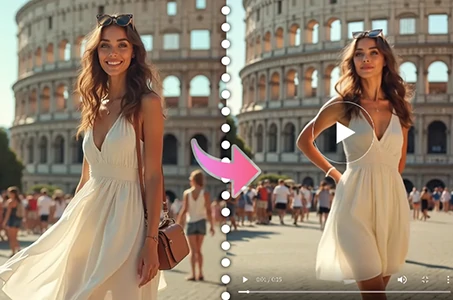
KI-Tanz-Video-Generator
Probiere diesen KI-Tanzvideo-Generator aus und entfessle sofort deinen inneren Tänzer!
Entdecke mehr KI-Apps