banner_image ×
SeaArt AI Unternehmensversion

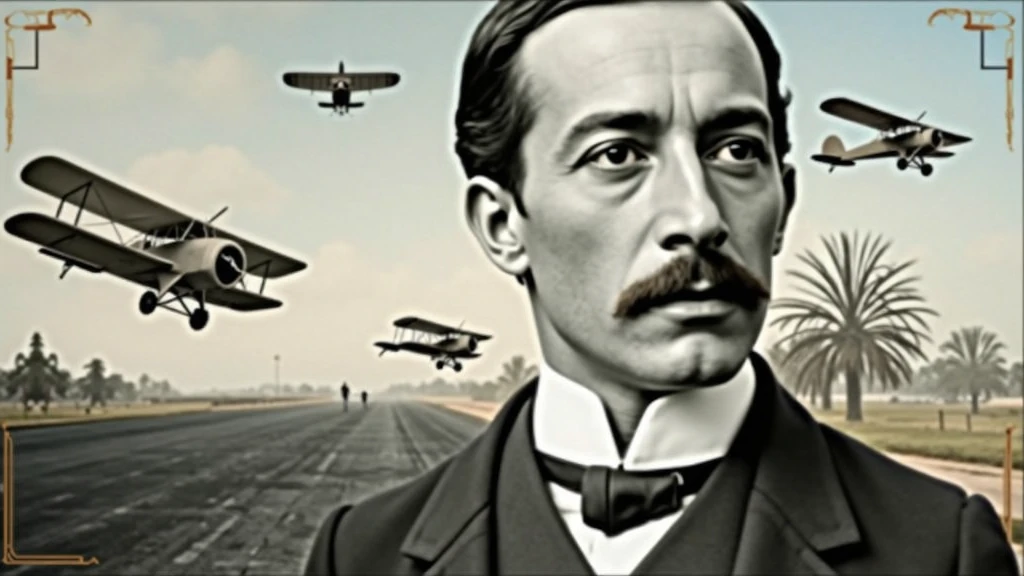
Background: background-image: Use an image that refers to the history of aviati

Background:

background-image: Use an image that refers to the history of aviation. It could be a photo of an old runway, a blue sky or a montage with vintage aviation elements. Another option is a background that matches Santos Dumont's era., as an early 20th century setting.
Color Effect: Consider a sepia tone or a slight texture to give the background a historic, vintage feel..
main image:

Portrait of Santos Dumont: Place a central image of Santos Dumont. It could be a classic photo of him or a stylized illustration.. If you use an illustration, make sure it captures the essence of Dumont's pioneering spirit and personality.
Historical Aircraft: Include images of your most famous inventions, like the 14-Bis or the Demoiselle, somewhere on the cover. These planes can be in the background or as part of the design..
Leading text:

Video Title: Add a big, eye-catching title, as “Santos Dumont: Aviation Pioneer and His Technological Vision”. Use an elegant, easy-to-read font, like “Garamond” or “Montserrat”.
Color and Effect: Use colors that contrast with the background, like white or gold. Consider adding a light shadow or outline to improve readability..
Additional Text:

Subtitle or Short Description: Include shorter text that provides more context, as “Exploring the History and Innovations of the Father of Aviation”. Use a smaller font and keep the color consistent with the title, but a little less prominent.
Position and Colors: Position the subtitle below the main title, ensuring that it does not overlap the main image. Use a complementary color to the main text.
Graphic elements:

Icons and Symbols: Add subtle aviation-related graphics, like stylized wings, old planes or aircraft parts. Position them to complement the main image and text., without overloading the cover.
Borders and Dividers: Use discreet borders or dividers to separate text from images, if necessary.
Logo and B
image
avatar
S
SOFT BYTE
Erstellungsinformationen
Remix
Protokolle
Prompts
Background: background-image: Use an image that refers to the history of aviation . It could be a photo of an old runway , a blue sky or a montage with vintage aviation elements . Another option is a background that matches Santos Dumont&#39 ; s era ., as an early 20th century setting . Color Effect: Consider a sepia tone or a slight texture to give the background a historic , vintage feel .. main image: Portrait of Santos Dumont: Place a central image of Santos Dumont . It could be a classic photo of him or a stylized illustration .. If you use an illustration , make sure it captures the essence of Dumont&#39 ; s pioneering spirit and personality . Historical Aircraft: Include images of your most famous inventions , like the 14-Bis or the Demoiselle , somewhere on the cover . These planes can be in the background or as part of the design .. Leading text: Video Title: Add a big , eye-catching title , as “Santos Dumont: Aviation Pioneer and His Technological Vision” . Use an elegant , easy-to-read font , like “Garamond” or “Montserrat” . Color and Effect: Use colors that contrast with the background , like white or gold . Consider adding a light shadow or outline to improve readability .. Additional Text: Subtitle or Short Description: Include shorter text that provides more context , as “Exploring the History and Innovations of the Father of Aviation” . Use a smaller font and keep the color consistent with the title , but a little less prominent . Position and Colors: Position the subtitle below the main title , ensuring that it does not overlap the main image . Use a complementary color to the main text . Graphic elements: Icons and Symbols: Add subtle aviation-related graphics , like stylized wings , old planes or aircraft parts . Position them to complement the main image and text ., without overloading the cover . Borders and Dividers: Use discreet borders or dividers to separate text from images , if necessary . Logo and B
Größe
1024X576
Datum
Aug 25, 2024
Modell
Studio
Typ
cell
Checkpoint & LoRA
SeaArt Infinity
Checkpoint
SeaArt Infinity
0 Kommentar(e)
0
1
0
0/400
Sonderangebote

Feine Kennerin
icon
Feine Kennerin
avatar
9
avatar_frame
93GSD5
Megan
icon
Megan
avatar
L
LJG
Zaya
icon
Zaya
avatar
J
Johnson Miller
Schwebende Bekleidungsanzeige
icon
Schwebende Bekleidungsanzeige
avatar
K
avatar_frame
Kaia
Einfache Erstellung von 360°-Panoramabildern.
icon
Einfache Erstellung von 360°-Panoramabildern.
avatar
青
avatar_frame
青苹果
Haar über dem Auge - Anime
icon
Haar über dem Auge - Anime
avatar
L
Lüthi
Kelmeister Junge
icon
Kelmeister Junge
avatar
A
Al Francis Alindogan
Img2 Taro-K Stil konvertieren
icon
Img2 Taro-K Stil konvertieren
avatar
S
avatar_frame
SoraSleep
Bilder
icon
Bilder
avatar
Y
Yasmin Khan(pink)
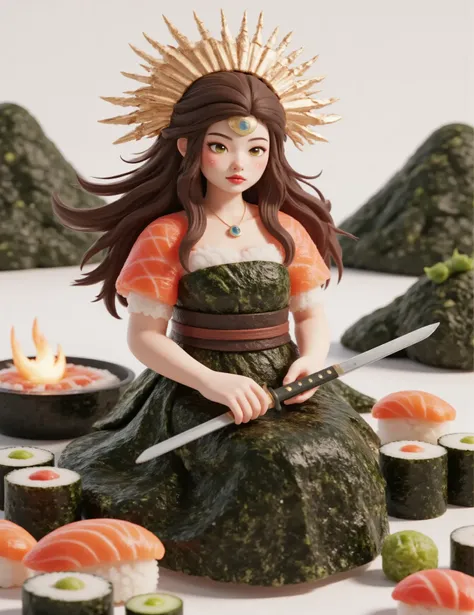
Aus Sushi hergestellt, Sushi-Stil
icon
Aus Sushi hergestellt, Sushi-Stil
avatar
A
avatar_frame
AI-KSK
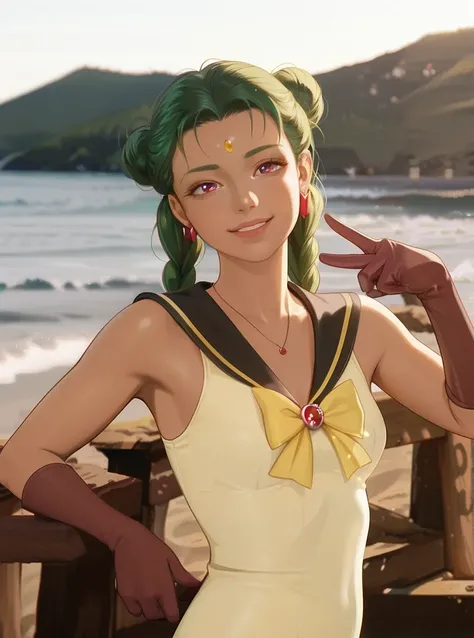
Sailor Moon Filter
icon
Sailor Moon Filter
avatar
A
Ashen
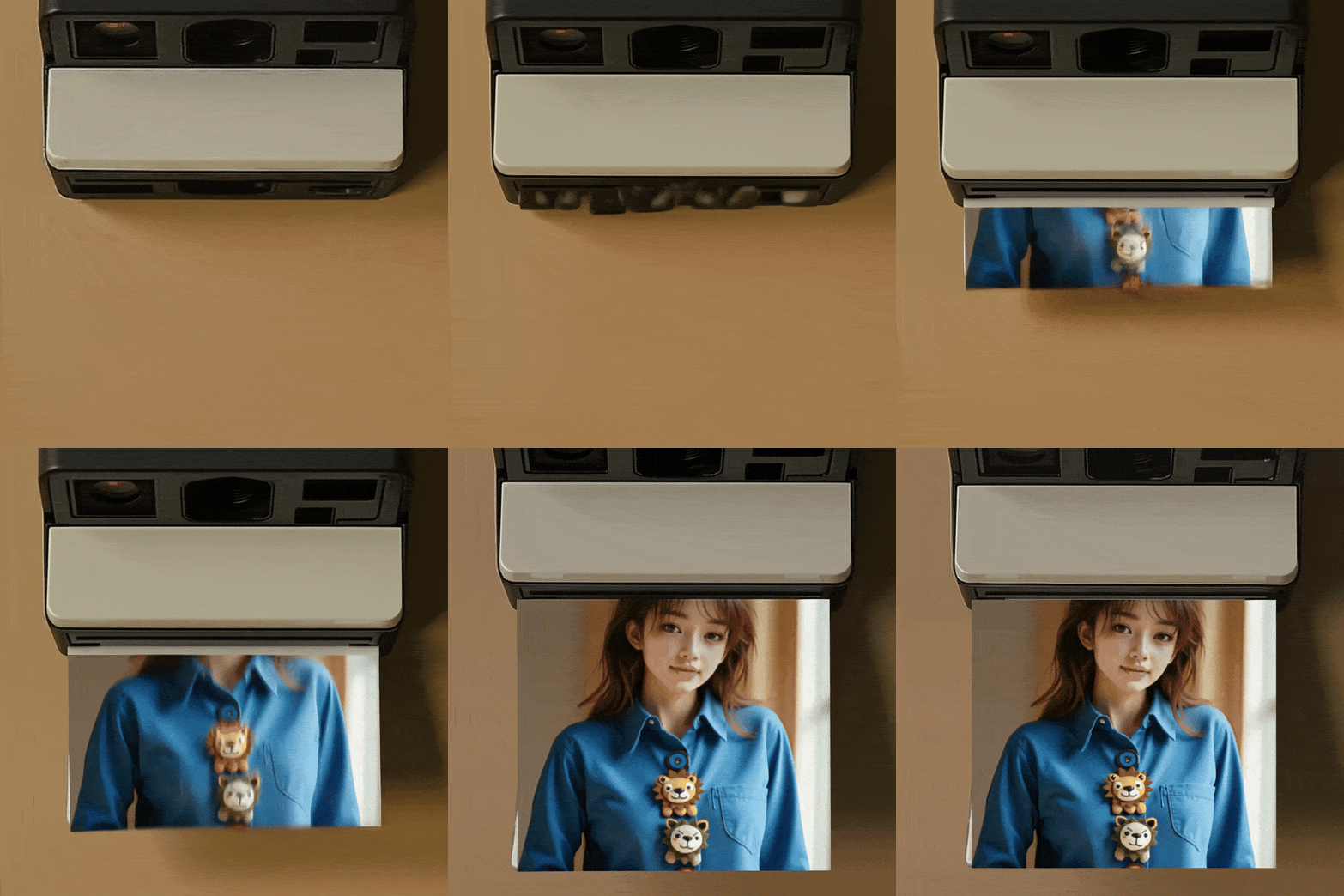
Polaroid-Drucker
icon
Polaroid-Drucker
avatar
9
avatar_frame
93GSD5
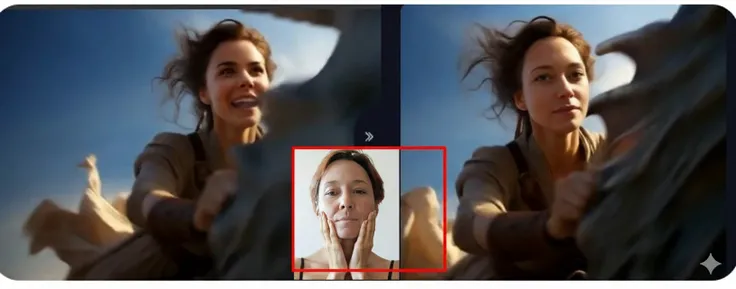
Video Gesichtsverwechslung
icon
Video Gesichtsverwechslung
avatar
M
avatar_frame
Max Rozhkov
Konverter von Video zu Pixel-Art
icon
Konverter von Video zu Pixel-Art
avatar
浓
avatar_frame
浓郁
Löwen im Kolosseum bekämpfen
icon
Löwen im Kolosseum bekämpfen
avatar
A
avatar_frame
AI-KSK
Seifenblasen mit meinem Mund blasen
icon
Seifenblasen mit meinem Mund blasen
avatar
洛
avatar_frame
洛希瓣酒徒
Bewegen Sie sich nach oben, um einen entfernten Luftaufnahme-Effekt zu erzielen
icon
Bewegen Sie sich nach oben, um einen entfernten Luftaufnahme-Effekt zu erzielen
avatar
Y
avatar_frame
YUXINN6362
Wutanfall
icon
Wutanfall
avatar
H
hornyloser
Lawinenverfolg: Speed-Ski-Königin KI
icon
Lawinenverfolg: Speed-Ski-Königin KI
avatar
大
大凯智障君
Gehen Sie auf stabile Weise nach vorne
icon
Gehen Sie auf stabile Weise nach vorne
avatar
青
avatar_frame
青苹果
WAN2.2 aus Text in Video(Upscaling、Mehrsprachige Eingabeaufforderung)
icon
WAN2.2 aus Text in Video(Upscaling、Mehrsprachige Eingabeaufforderung)
avatar
猫
avatar_frame
猫ニコ
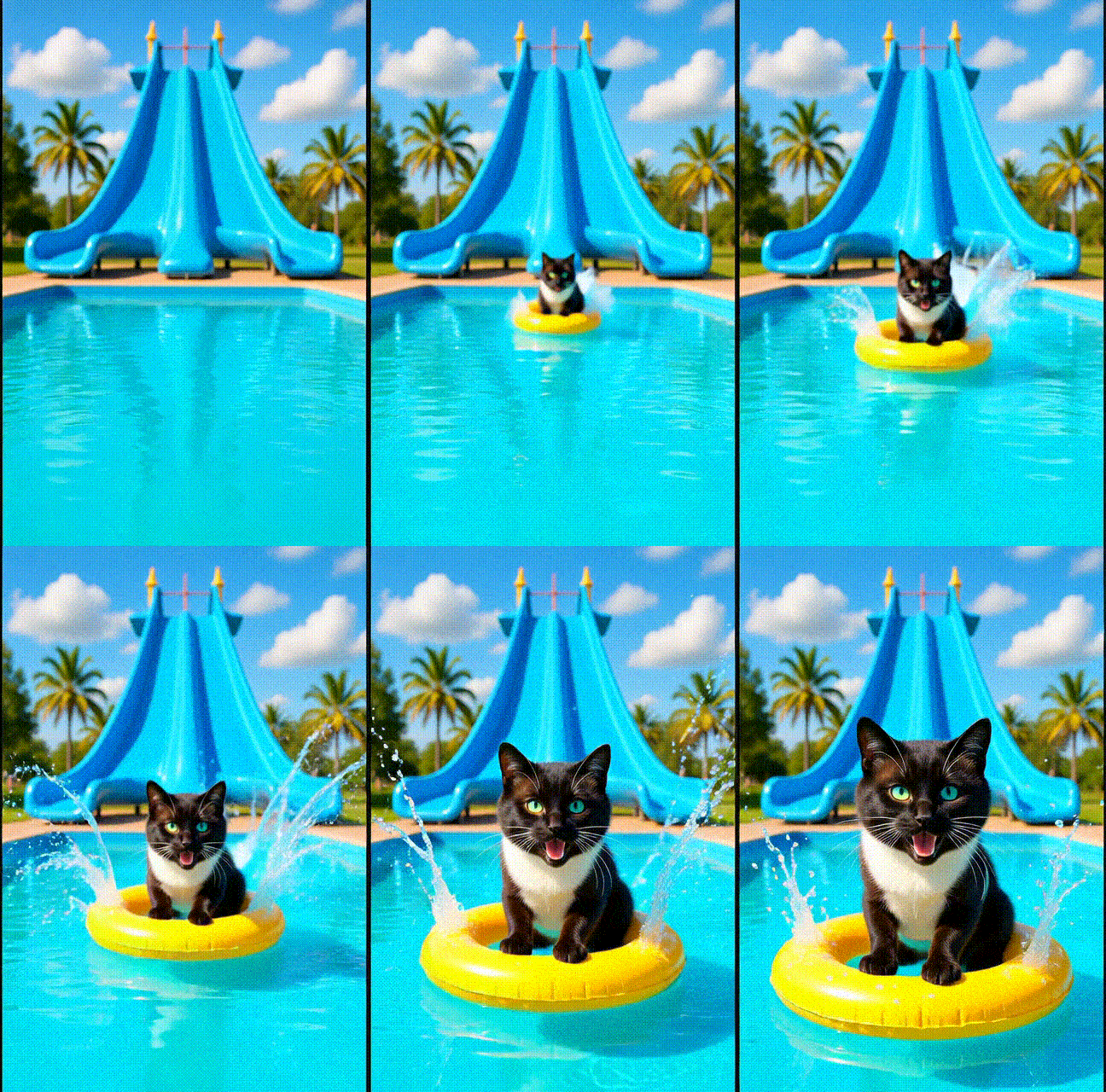
Lass uns im Sommer in den Wasserpark gehen und auf der Rutsche spielen
icon
Lass uns im Sommer in den Wasserpark gehen und auf der Rutsche spielen
avatar
J
avatar_frame
J-NANX
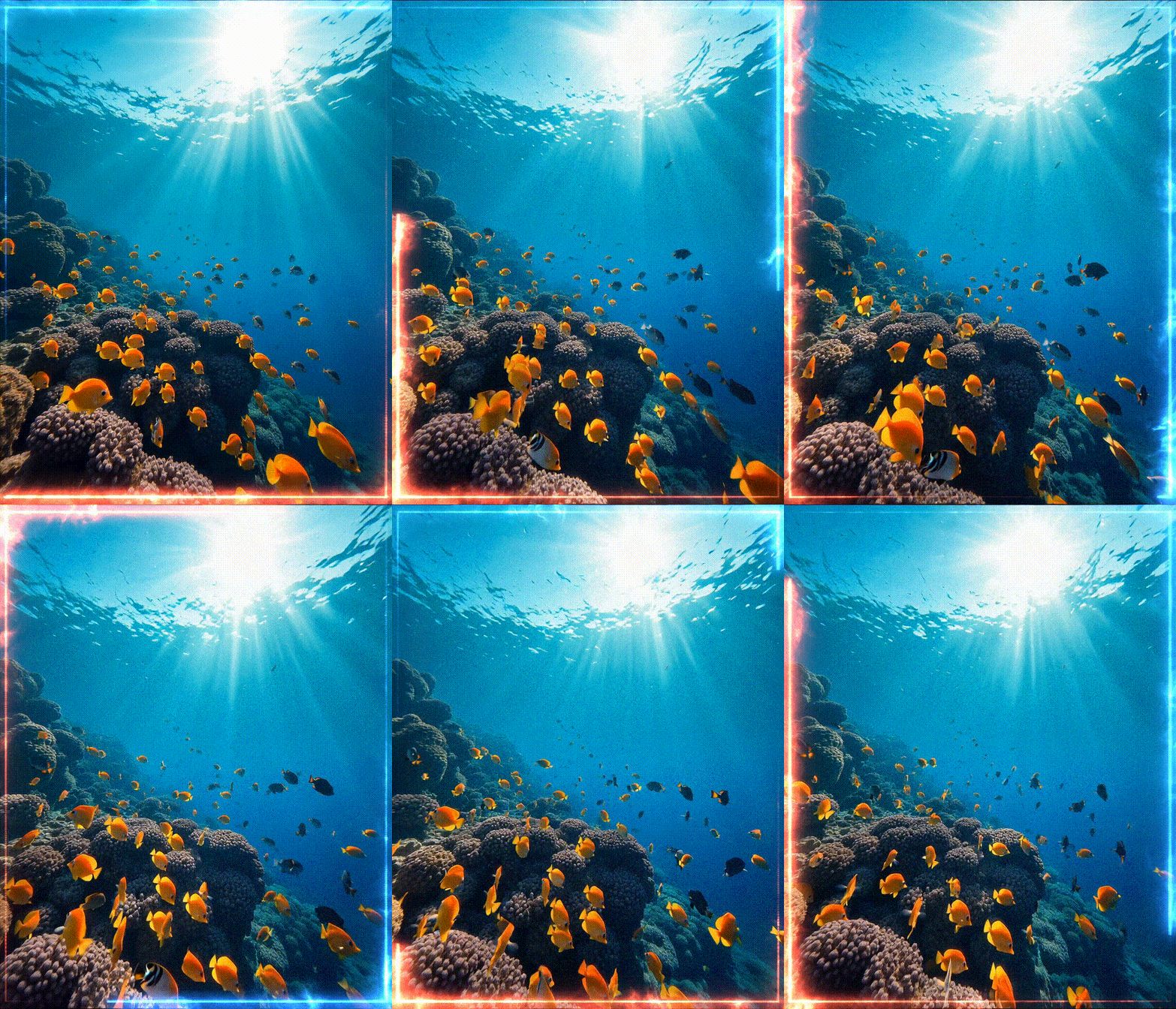
V10s Unterwasser-Fisch von iLegal Tech
icon
V10s Unterwasser-Fisch von iLegal Tech
avatar
I
avatar_frame
iLegal Tech
Kosmisches Gebräu: Universum in einer Tasse KI
icon
Kosmisches Gebräu: Universum in einer Tasse KI
avatar
大
大凯智障君

WAN 2.1 I2V mit 2 LoRAs
icon
WAN 2.1 I2V mit 2 LoRAs
avatar
C
avatar_frame
Captain Web Spinner
Mehr anzeigen 

Verwandte Inhalte

ControlNet
logo
Deutsch
Anwendungen
Bild erstellen KI-Charaktere Swift AI Modelltraining Canvas Quick Tool Arbeitsablauf
Infos
Studio Rangliste KI-Chat KI-Blog KI-Nachrichten
Hilfe
Anleitungen Kundenservice
APP hunterladen
icon
Download on the
APP Store
icon
GET IT ON
Google Play
Uns folgen
iconiconiconiconiconiconiconicon
© 2025 SeaArt, Inc.
Copyright Policy
Nutzungsbedingungen
Datenschutzrichtlinie 特定商取引法 資金決済法に基づく表示
Mehr