Typ
Other
Veröffentlichungsdatum
2024-05-20
Basismodelle
Other

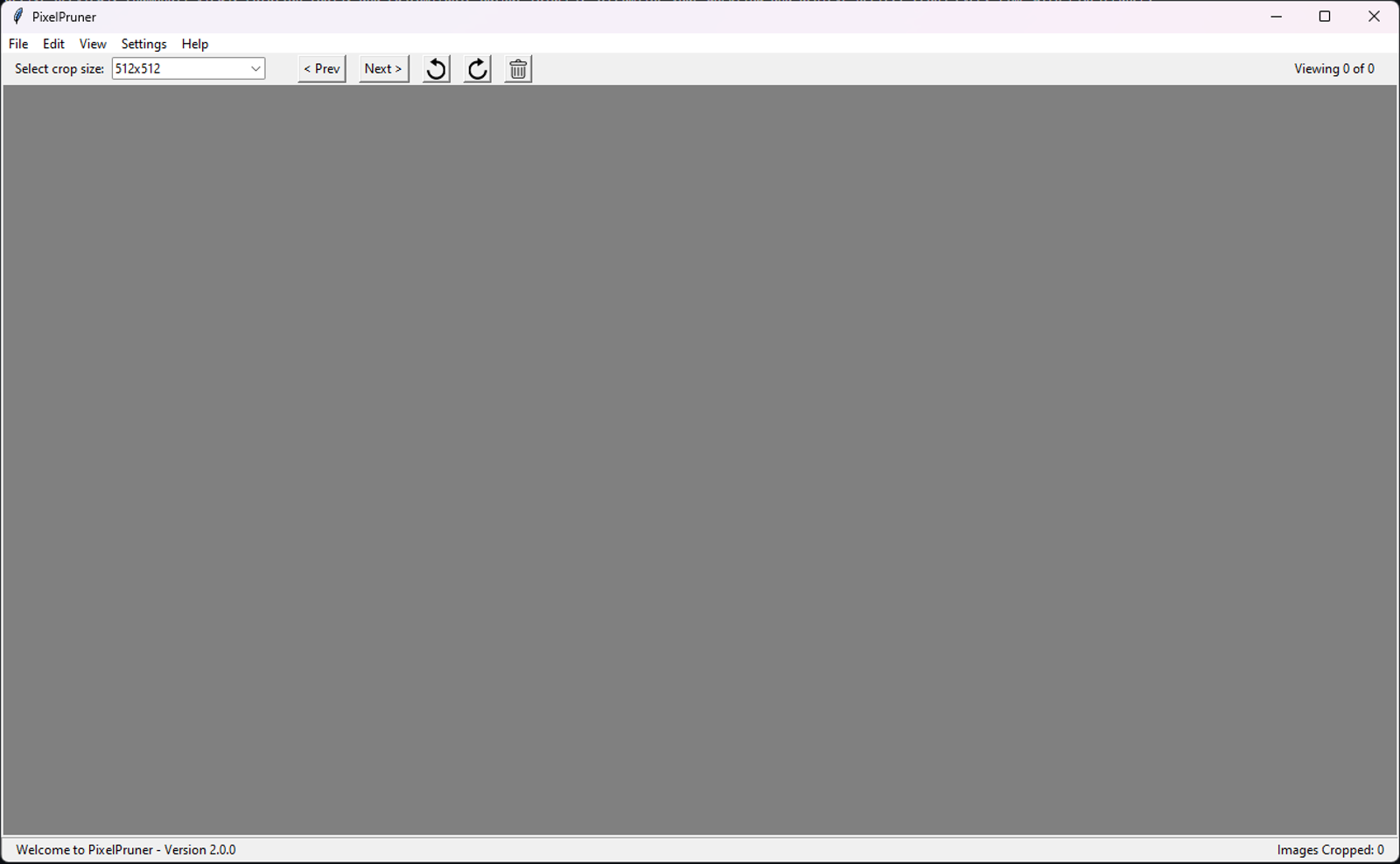

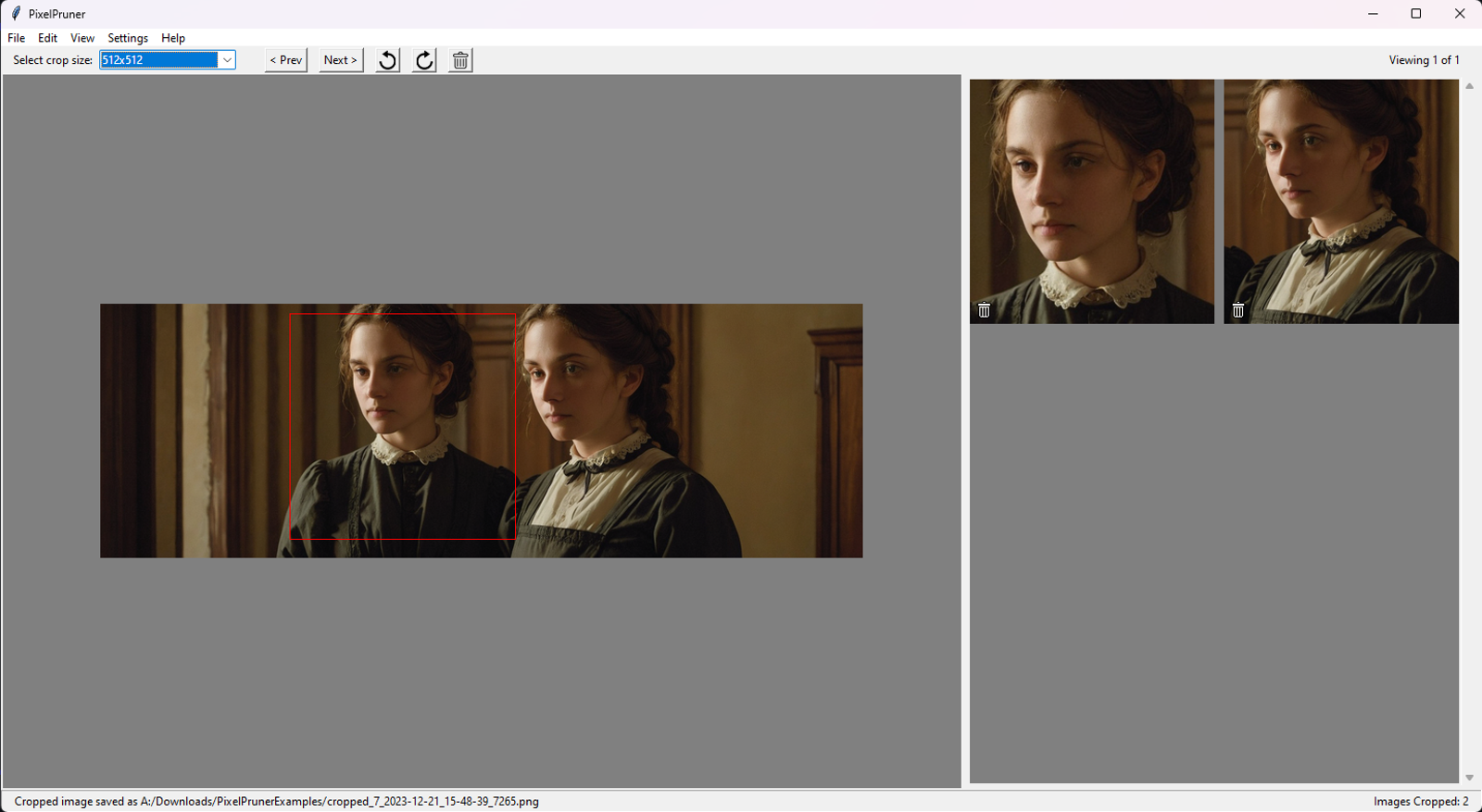
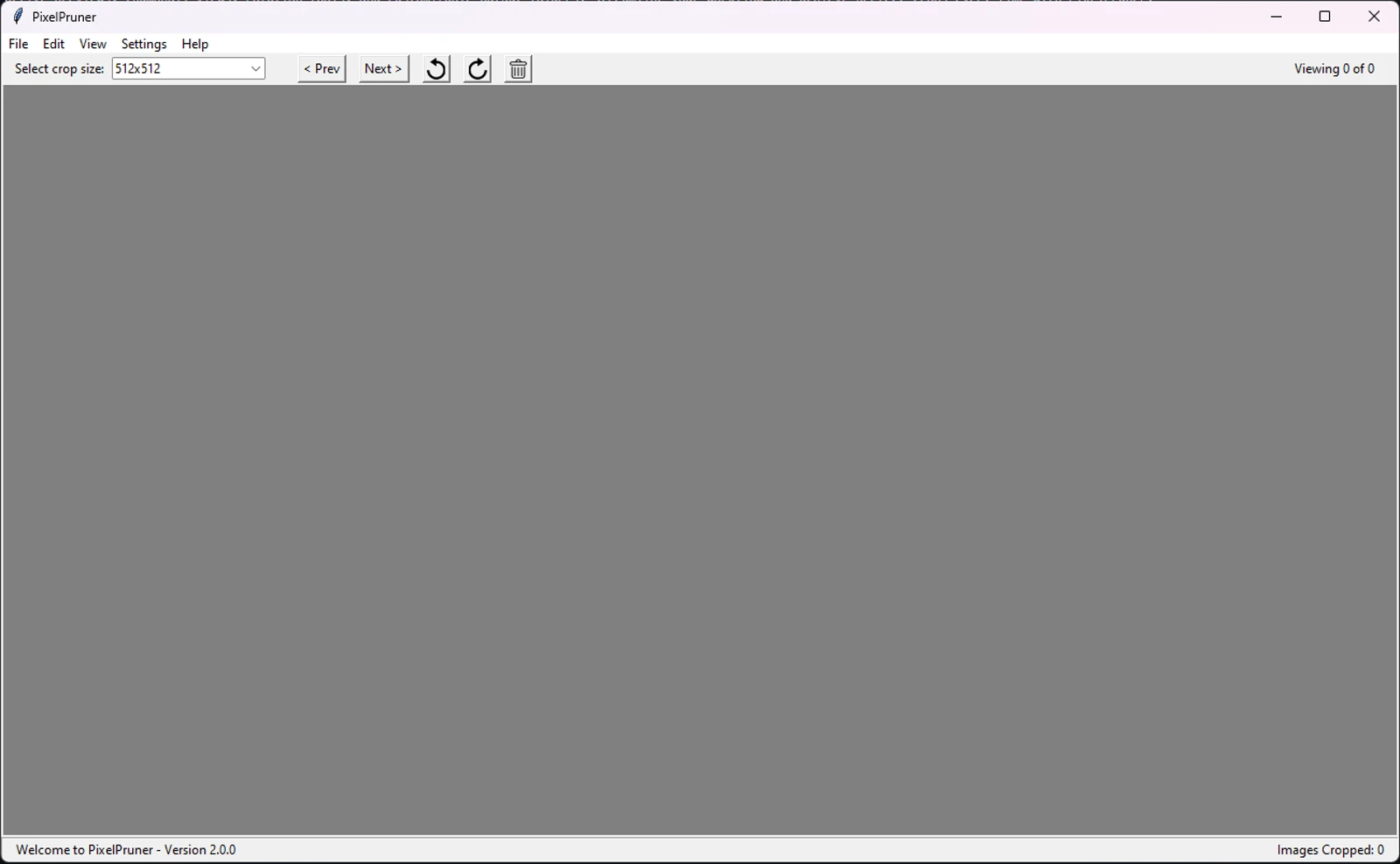
PixelPruner is a user-friendly image cropping app, built to assist in LoRA creation. It supports PNG, JPG, JPEG, and WEBP formats. Easily crop, preview, and manage images with interactive previews, thumbnail views, rotation tools, and customizable output folders. Streamline your workflow and achieve perfect crops every time with PixelPruner.
Multi-Format Support: Supports cropping images in PNG, JPG, JPEG, and WEBP formats. Crops are converted to PNG.
Interactive Crop Previews: Preview your crop selection in real-time with an interactive preview pane, before you make the crop.
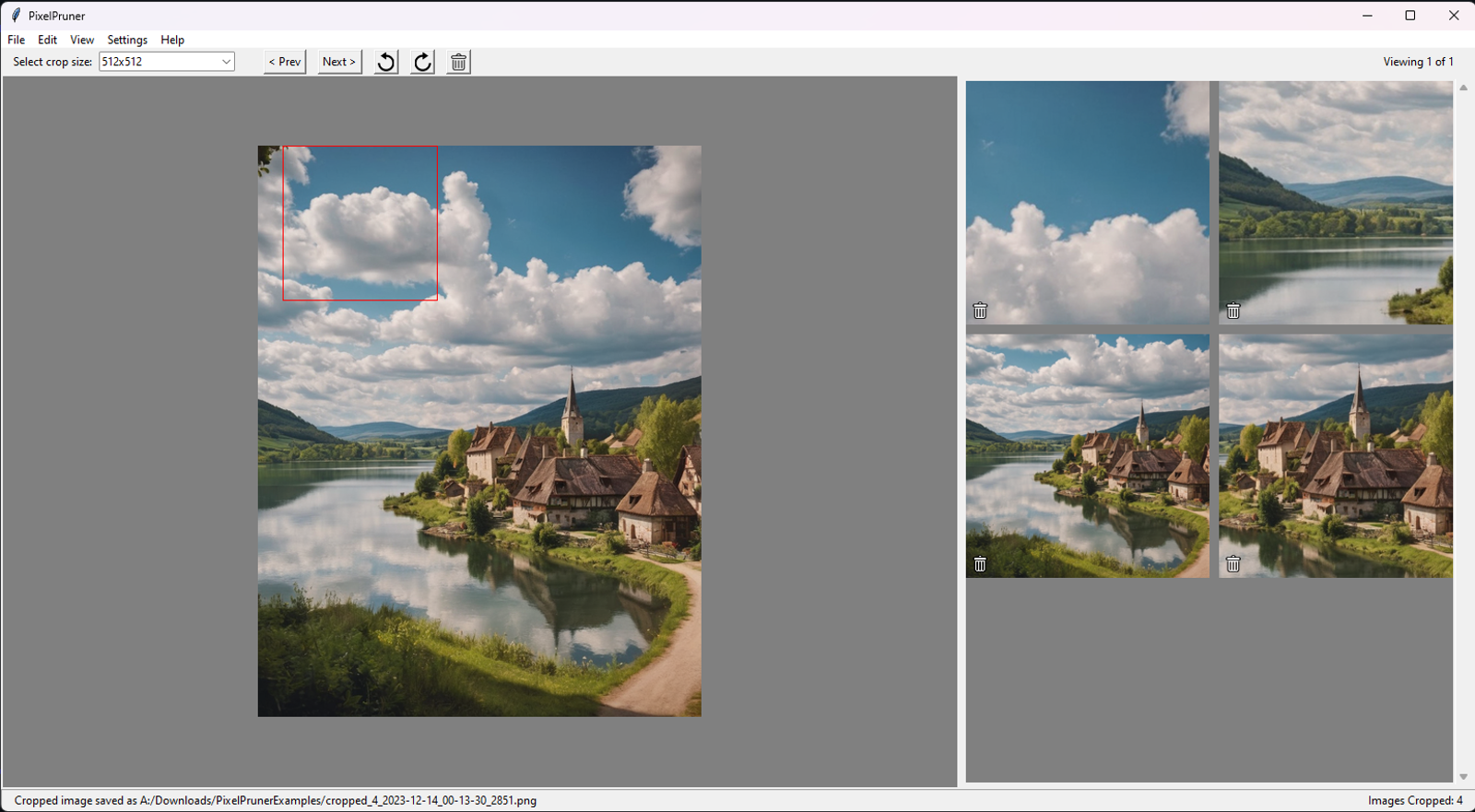
Thumbnail View of Crops: View all your cropped images as thumbnails in a dedicated pane, making it easy to manage and review your work.
Rotation Tools: Easily rotate images to achieve the perfect orientation before cropping.
Multi-Crops: Make multiple crops from the same image. Multiple faces? No problem!
Customizable Output Folder: Choose a custom folder to save your cropped images.
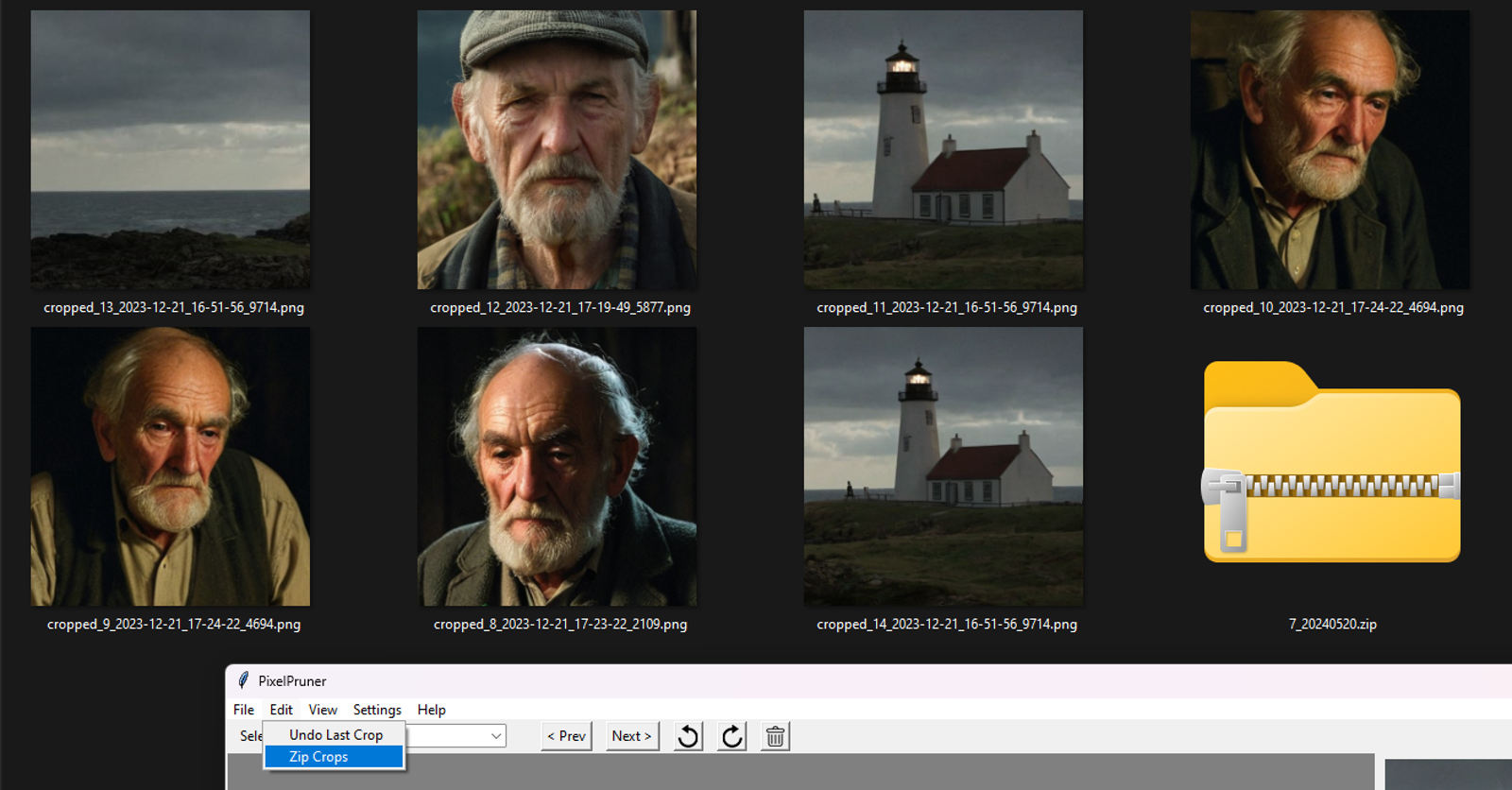
Zip Crops: Quickly zip all cropped images into a single archive for easy sharing, storage, or upload to the Civitai.com on-site LoRA Trainer.
Undo Crop Actions: Made a mistake? Simply undo the last crop with the click of a button.
Keyboard Shortcuts: Navigate and manipulate images effortlessly with convenient WASD keyboard shortcuts.
View GitHub for the latest release!

1. Dieses Modell dient nur Lernzwecken. Urheber- und Auslegungsrechte liegen beim Originalautor.
2. Bist du der Originalautor eines Modells, kontaktiere uns bitte zur Authentifizierung über unsere offiziellen Kanäle. Wir schützen die Rechte aller Schöpfer. Hier klicken, um es zu verifizieren.
