


Details
Empfehlungen
v2.1 Turbo DPM++ SDE
Lightning DPM++ SDE
SFW v2 Turbo DPM++ SDE
SFW Lightning DPM++ SDE
v2 Turbo DPM++ SDE
Turbo DPM++ SDE
SFW Turbo DPM++ SDE
alpha2 (xl1.0)
alpha1 (xl0.9)
DreamShaper XL

DreamShaper XL

2.2M
4.3K
32.3K
#Anime
#Kunst
#Basismodell
#artstyle
#Fotografie
#Realismus
#dreamshaper
#turbo
#xl
#SDXL
#Anime
#Kunst
#Basismodell
#artstyle
#Fotografie
#Realismus
#dreamshaper
#turbo
#xl
#SDXL

DreamShaper XL - Now Turbo!

Also check out the 1.5 DreamShaper page

Check the version description below (bottom right) for more info and add a ❤️ to receive future updates.
Do you like what I do? Consider supporting me on Patreon 🅿️ to get exclusive tips and tutorials, or feel free to buy me a coffee

Join my Discord Server

Alpha2 is a bit old now. I suggest you switch to the Turbo or Lightning version.
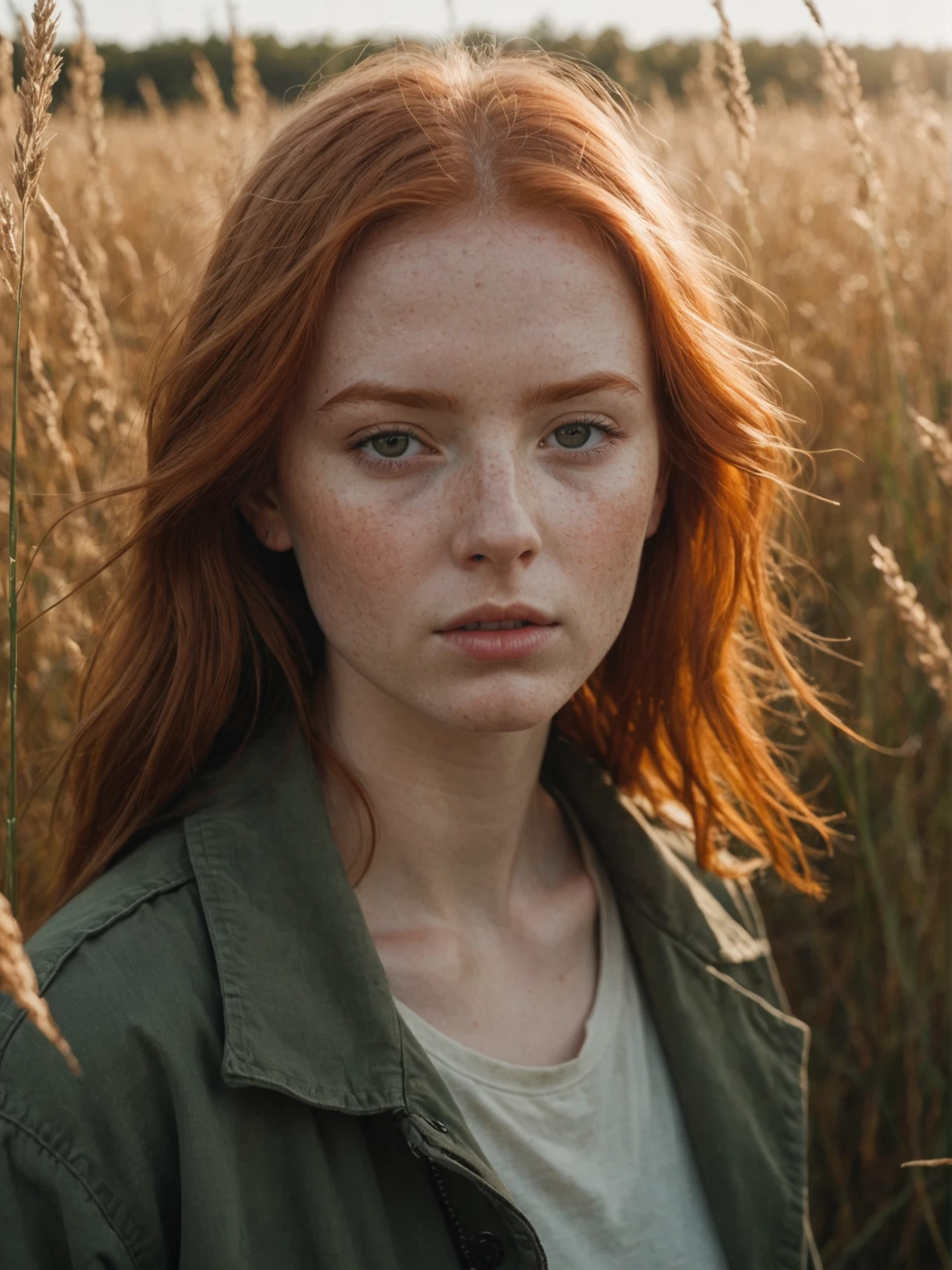
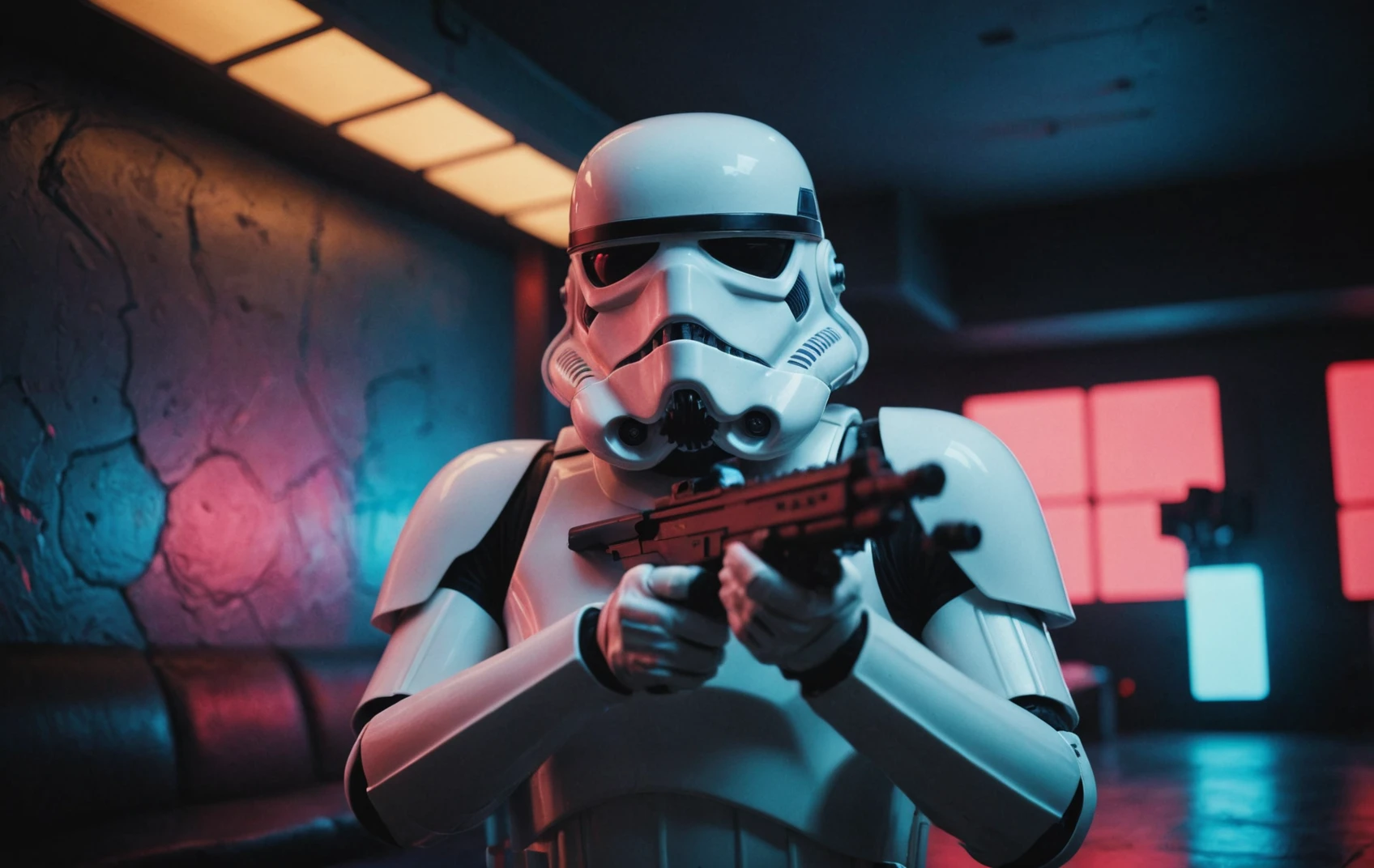
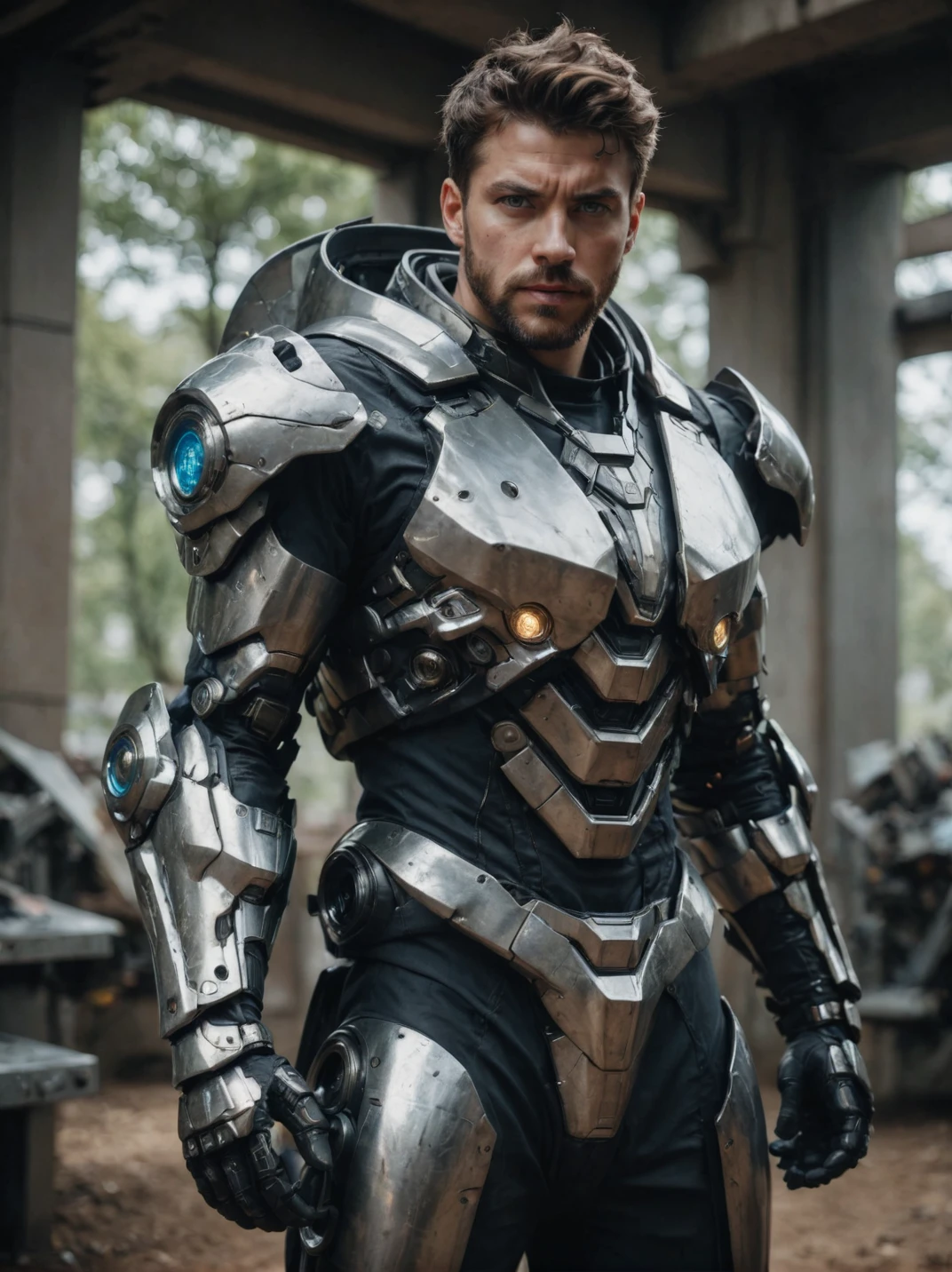
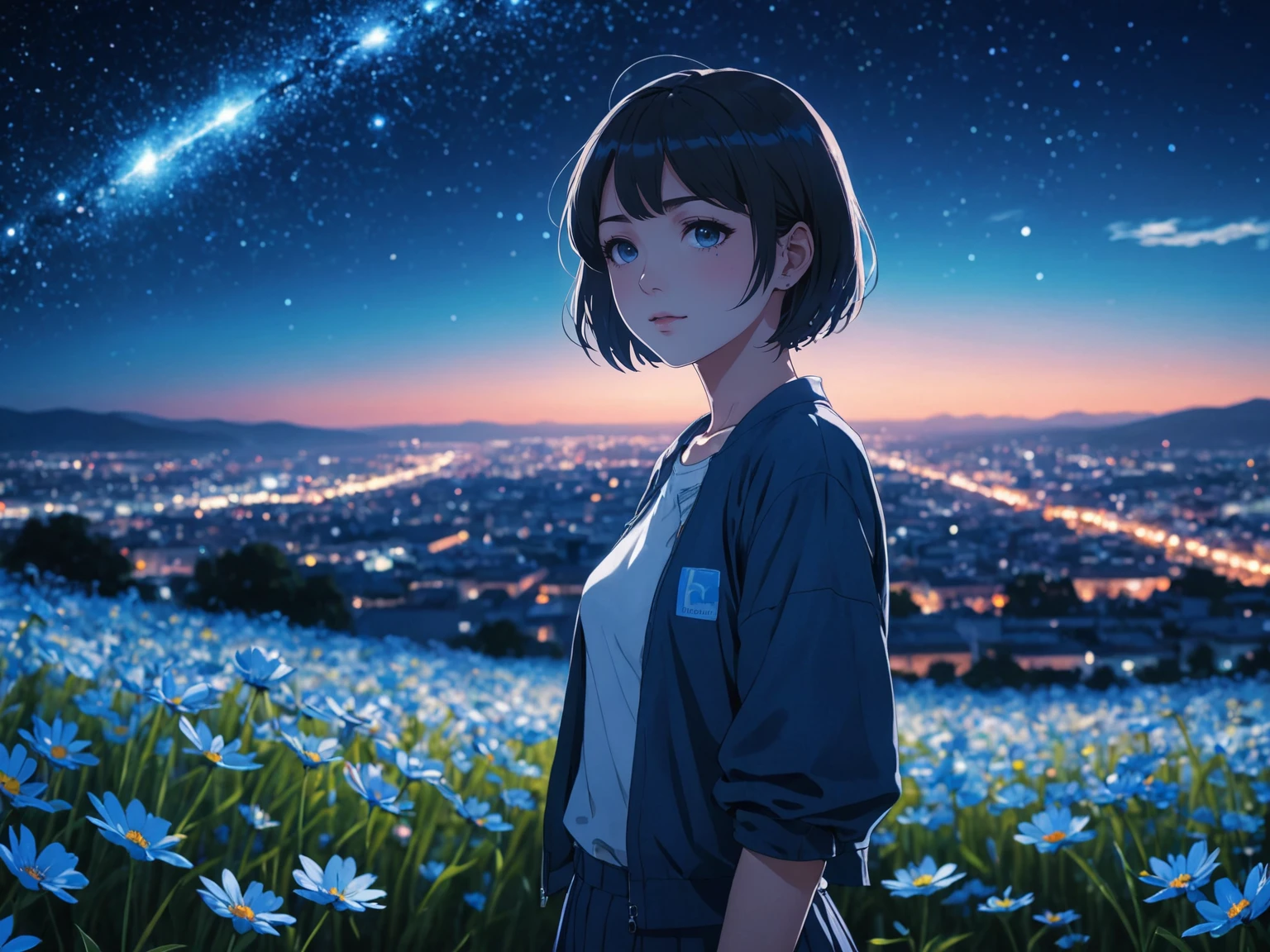
DreamShaper is a general purpose SD model that aims at doing everything well, photos, art, anime, manga. It's designed to go against other general purpose models and pipelines like Midjourney and DALL-E.

"It's Turbotime"

Turbo version should be used at CFG scale 2 and with around 4-8 sampling steps. This should work only with DPM++ SDE Karras (NOT 2M). You can use this with LCM sampler, but don't do it unless you need speed vs quality.
Sampler comparison at 8 steps: https://civitai.com/posts/951781
UPDATE: Lightning version targets 3-6 sampling steps at CFG scale 2 and should also work only with DPM++ SDE Karras. Avoid going too far above 1024 in either direction for the 1st step.

No need to use refiner and this model itself can be used for highres fix and tiled upscaling.
Examples have been generated using Auto1111, but you can achieve similar results with this ComfyUI Workflow: https://pastebin.com/79XN01xs

Basic style comparison: https://civitai.com/images/4427452

If you train on this, make sure to use DPM++ SDE sampler and appropriate steps/cfg.

Keep in mind Turbo currently cannot be used commercially unless you get permission from StabilityAI. Get a membership here: https://stability.ai/membership

You can use the Turbo version (not Lightning) as a non-Turbo model with DPM++ 2M SDE Karras / Euler at cfg 6 and 20-40 steps. Here is a comparison I made with some of the best non-Turbo XL models (with regular settings and turbo settings): https://civitai.com/posts/1414848
I have no idea why anyone would prefer 40 steps over 8, but you have the option.

Old description referring to Alpha 2 and before

Finetuned over SDXL1.0.
Even if this is still an alpha version, I think it's already much better compared to the first alpha based on xl0.9.
For the workflows you need Math plugins for comfy (or to reimplement some parts manually).
Basically I do the first gen with DreamShaperXL, then I upscale to 2x and finally a do a img2img steo with either DreamShaperXL itself, or a 1.5 model that i find suited, such as DreamShaper7 or AbsoluteReality.

What does it do better than SDXL1.0?

  • No need for refiner. Just do highres fix (upscale+i2i)

  • Better looking people

  • Less blurry edges

  • 75% better dragons 🐉

  • Better NSFW

Old DreamShaper XL 0.9 Alpha Description

Finally got permission to share this. It's based on SDXL0.9, so it's just a training test. It definitely has room for improvement.

Workflow for this one is a bit more complicated than usual, as it's using AbsoluteReality or DreamShaper7 as "refiner" (meaning I'm generating with DreamShaperXL and then doing "highres fix" with AR or DS7).

Results are quite nice for such an early stage.

I might disable the comment section as I'm sure some people will judge this even if it's early stage. I also don't think this is on par with SD1.5 DreamShaper yet, but it's useless to pour resources into this as SDXL1.0 is about to be released.

Have fun and make sure to add a ❤️ to receive future updates.

Non commercial license is forced by Stability at the moment.

Übersetzung anzeigen

Bewertungen & Kommentare

4.9 /5
0 Bewertungen

Noch nicht genügend Bewertungen oder Rezensionen erhalten

no-data
Keine Daten
avatar
Lykon
6.5K
82.2K
Chatte mit dem Modell
Mitteilung
2023-07-20
Modell veröffentlichen
2024-02-22
Modellinformationen aktualisieren
Modelldetails
Typ
Checkpoint
Veröffentlichungsdatum
2024-02-19
Basismodelle
SDXL Turbo
Versionsvorstellung

DreamShaper XL - Now Turbo!

Also check out the 1.5 DreamShaper page

Check the version description below (bottom right) for more info and add a ❤️ to receive future updates.
Do you like what I do? Consider supporting me on Patreon 🅿️ to get exclusive tips and tutorials, or feel free to buy me a coffee

Join my Discord Server

Alpha2 is a bit old now. I suggest you switch to the Turbo or Lightning version.
DreamShaper is a general purpose SD model that aims at doing everything well, photos, art, anime, manga. It's designed to go against other general purpose models and pipelines like Midjourney and DALL-E.

"It's Turbotime"

Turbo version should be used at CFG scale 2 and with around 4-8 sampling steps. This should work only with DPM++ SDE Karras (NOT 2M). You can use this with LCM sampler, but don't do it unless you need speed vs quality.
Sampler comparison at 8 steps: https://civitai.com/posts/951781
UPDATE: Lightning version targets 3-6 sampling steps at CFG scale 2 and should also work only with DPM++ SDE Karras. Avoid going too far above 1024 in either direction for the 1st step.

No need to use refiner and this model itself can be used for highres fix and tiled upscaling.
Examples have been generated using Auto1111, but you can achieve similar results with this ComfyUI Workflow: https://pastebin.com/79XN01xs

Basic style comparison: https://civitai.com/images/4427452

If you train on this, make sure to use DPM++ SDE sampler and appropriate steps/cfg.

Keep in mind Turbo currently cannot be used commercially unless you get permission from StabilityAI. Get a membership here: https://stability.ai/membership

You can use the Turbo version (not Lightning) as a non-Turbo model with DPM++ 2M SDE Karras / Euler at cfg 6 and 20-40 steps. Here is a comparison I made with some of the best non-Turbo XL models (with regular settings and turbo settings): https://civitai.com/posts/1414848
I have no idea why anyone would prefer 40 steps over 8, but you have the option.

Old description referring to Alpha 2 and before

Finetuned over SDXL1.0.
Even if this is still an alpha version, I think it's already much better compared to the first alpha based on xl0.9.
For the workflows you need Math plugins for comfy (or to reimplement some parts manually).
Basically I do the first gen with DreamShaperXL, then I upscale to 2x and finally a do a img2img steo with either DreamShaperXL itself, or a 1.5 model that i find suited, such as DreamShaper7 or AbsoluteReality.

What does it do better than SDXL1.0?

  • No need for refiner. Just do highres fix (upscale+i2i)

  • Better looking people

  • Less blurry edges

  • 75% better dragons 🐉

  • Better NSFW

Old DreamShaper XL 0.9 Alpha Description

Finally got permission to share this. It's based on SDXL0.9, so it's just a training test. It definitely has room for improvement.

Workflow for this one is a bit more complicated than usual, as it's using AbsoluteReality or DreamShaper7 as "refiner" (meaning I'm generating with DreamShaperXL and then doing "highres fix" with AR or DS7).

Results are quite nice for such an early stage.

I might disable the comment section as I'm sure some people will judge this even if it's early stage. I also don't think this is on par with SD1.5 DreamShaper yet, but it's useless to pour resources into this as SDXL1.0 is about to be released.

Have fun and make sure to add a ❤️ to receive future updates.

Non commercial license is forced by Stability at the moment.

Umfang der Lizenz
Source-Modell: civitai

1. Dieses Modell dient nur Lernzwecken. Urheber- und Auslegungsrechte liegen beim Originalautor.

2. Bist du der Originalautor eines Modells, kontaktiere uns bitte zur Authentifizierung über unsere offiziellen Kanäle. Wir schützen die Rechte aller Schöpfer. Hier klicken, um es zu verifizieren.

Umfang der Kreativlizenz
Online Generierung
Fusion durchführen
Download zulassen
Umfang der Business-Lizenz
Generierte Bilder können verkauft oder für kommerzielle Zwecke verwendet werden
Modelle können weiterverkauft oder nach der Fusion verkauft werden
QR Code
SeaArt App herunterladen
Setze deine KI-Kreativreise auf dem Mobilgerät fort