Typ
LORA
Veröffentlichungsdatum
2024-01-15
Basismodelle
SDXL 1.0
Auslösewörter
limoon
Kopieren

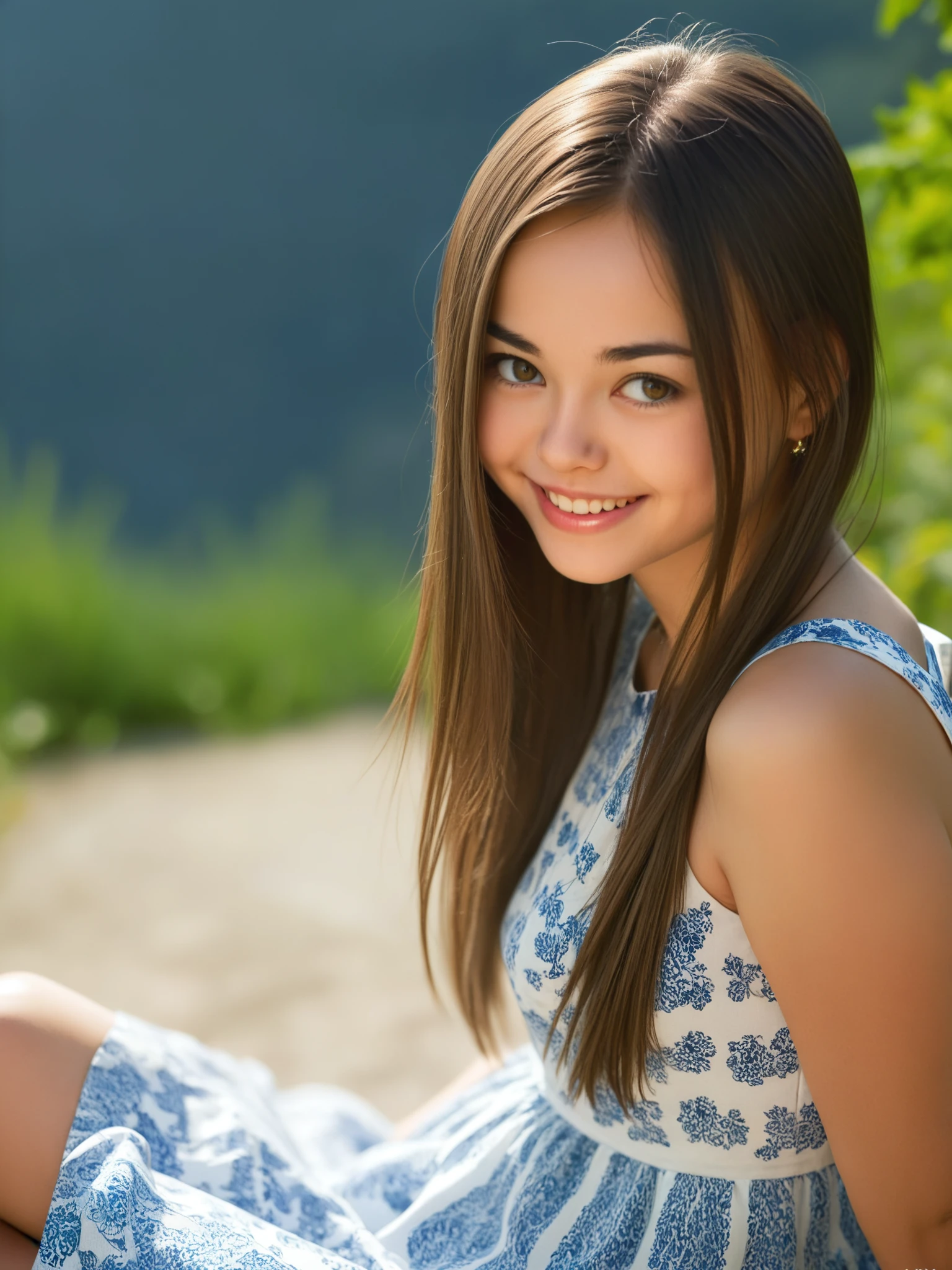

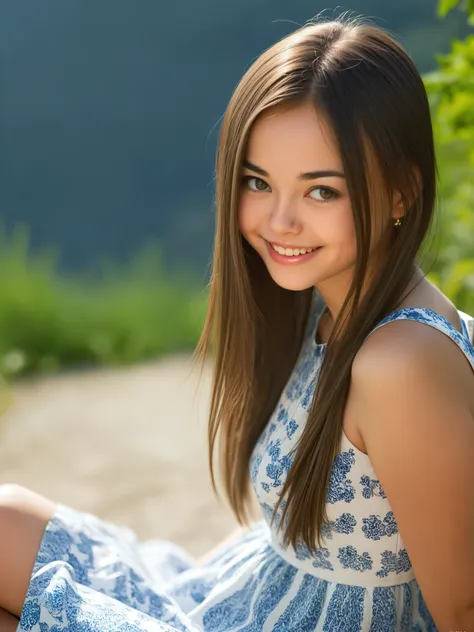
LoRA of the model Li Moon aka Anna Lemon / Annika A / Kiki / Anna Moon / Inna T / Lee Moon, trained on 9709 different images.
For upscaling I'm using the "multidiffusion upscaler for automatic1111":
https://github.com/pkuliyi2015/multidiffusion-upscaler-for-automatic1111
This extension can be installed to Automatic1111 using "Install from URL". Usually I generate images in 768x102ixels and upscale them to 1536x2048 using the following parameters:
Sampling steps: 100
CFG Scale: 7
Denoising strength: 0.35
Enable Tiled Diffusion: ✓
Keep input image size: ✓
Method: Mixture of Diffusers
Latent tile width: 128
Latent tile height: 128
Latent tile overlap: 48
Latent tile batch size: 2
Upscaler: 4x_NMKD-Superscale-SP_178000_G
Scale Factor: 2
Enable Noise Inversion: ✓
Inversion steps: 10
Retouch: 1
Renoise strength: 1
Renoise kernel size: 2
"Region Prompt Control" currently does not work with SDXL. If you want to use this as well, there are other options that work with SDXL like "Regional Prompter".
Tiled VAE might be necessary depending on the VRAM of your GPU and image size. If you need to use it, you can use the Fast Encoder without problems but don't use the Fast Decoder. Fast Decoder always gave me noisy images.
This upscaling first simply upscales the image with the chosen "Upscaler" by your "Scale Factor" (2) and then splits the image into overlapping 1024x102ieces ("Latent tile width/height" multiplied by 8). The amount of overlapping is defined by "Latent tile overlap". The amount of "Denoising strength" changes how close the result should be to the original. Lower values are closer to the original, but also quality wise and therefore will result in a blurry image. Higher values give the algorithm too much space for changes when only seeing a piece of the image which can result in awful results with multiple faces etc. Therefore try to use the highest Denoising strength without image artefacts. Most of the time 0.35 is the perfect value for me.
Keep in mind that since the algorithm only sees parts of the image, it is extremely important to use the right prompts/LoRAs for this. If for example your prompt describes a face and your Denoising strength is high enough, you might get multiple faces in your image since the algorithm tries to fulfil the prompt in every piece of the image. Most of the LoRAs also create problems during upscaling, so you might want to reduce their strength or exclude them from your prompt entirely. Most of the time only using general prompts like "highres, masterpiece, best quality" etc. is your best choice. My Li Moon SDXL LoRA is versatile enough to generally shows no problems when being included in the prompt using this upscaling procedure.


1. Dieses Modell dient nur Lernzwecken. Urheber- und Auslegungsrechte liegen beim Originalautor.
2. Bist du der Originalautor eines Modells, kontaktiere uns bitte zur Authentifizierung über unsere offiziellen Kanäle. Wir schützen die Rechte aller Schöpfer. Hier klicken, um es zu verifizieren.
