
Typ
Wildcards
Veröffentlichungsdatum
2023-06-01
Basismodelle
SD 1.5
Versionsvorstellung
Initial release

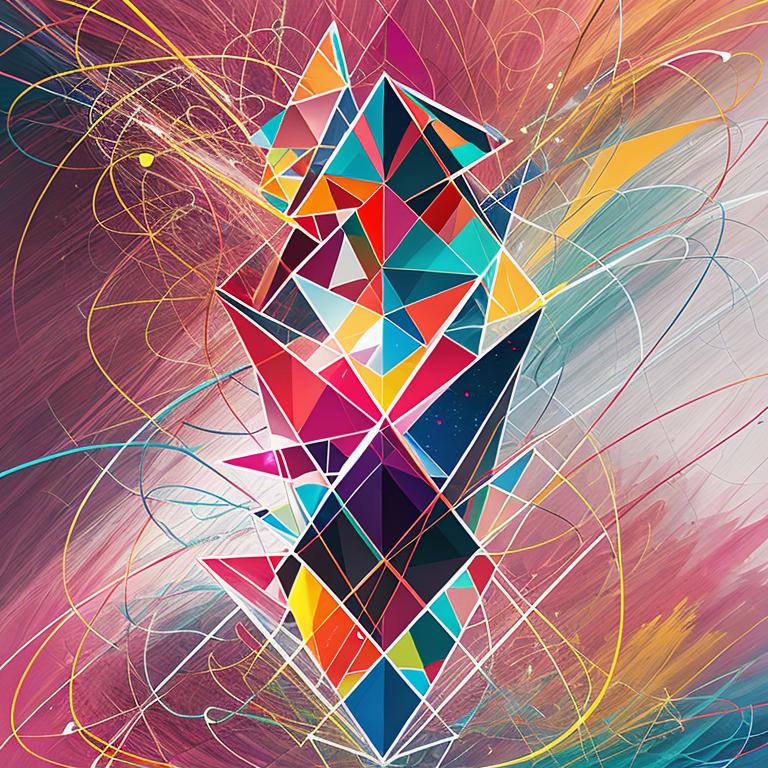
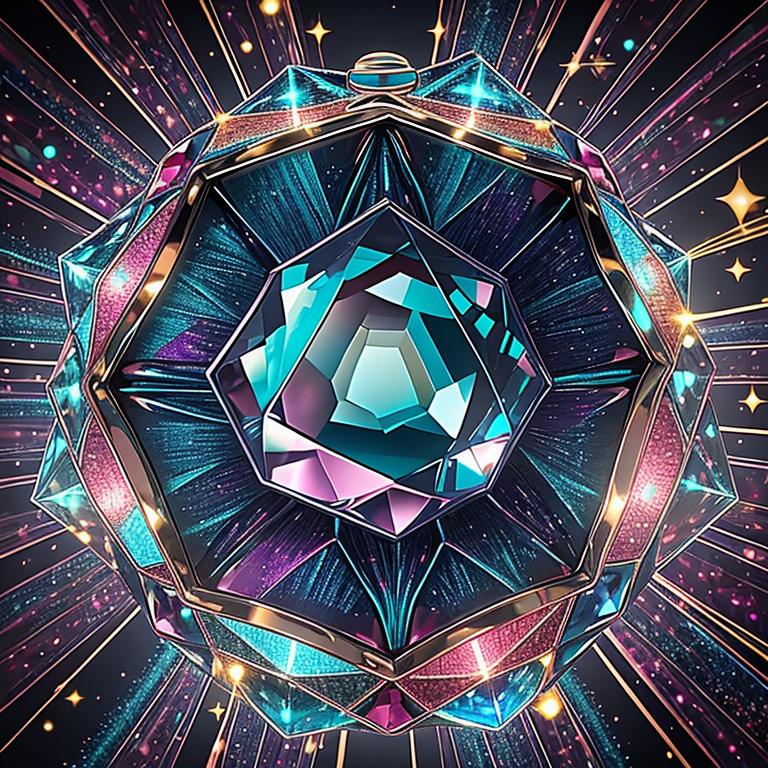
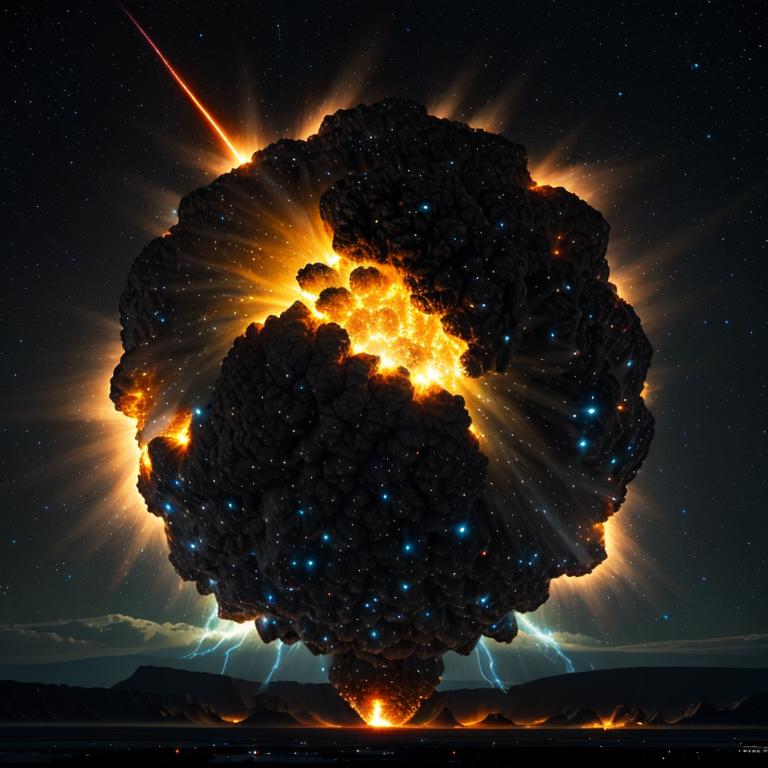
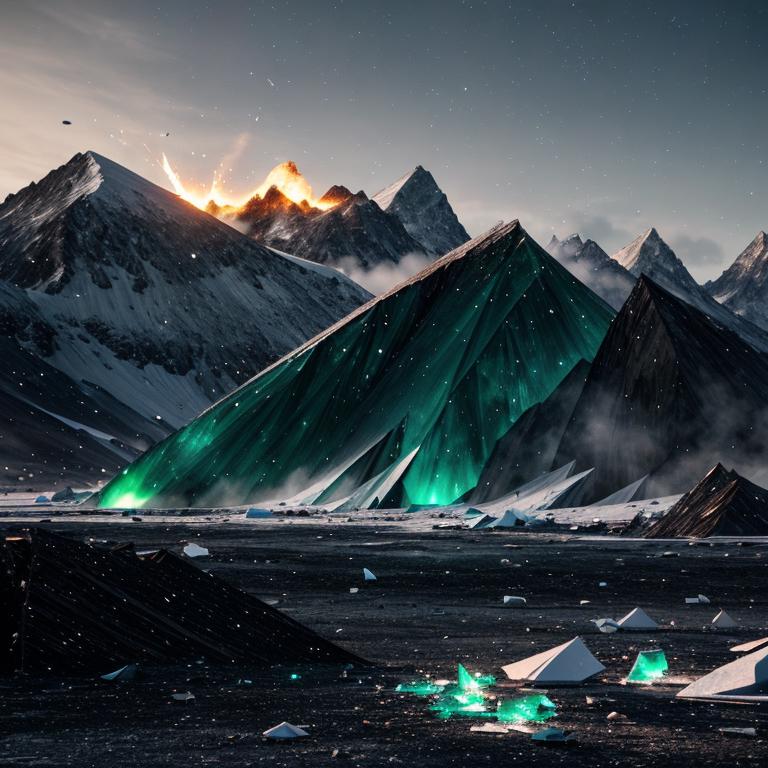
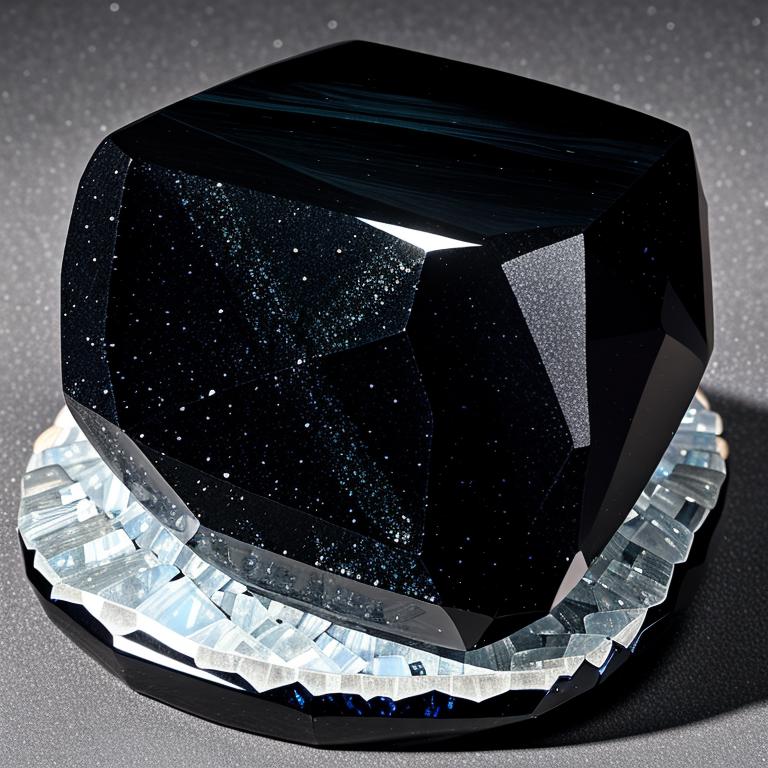
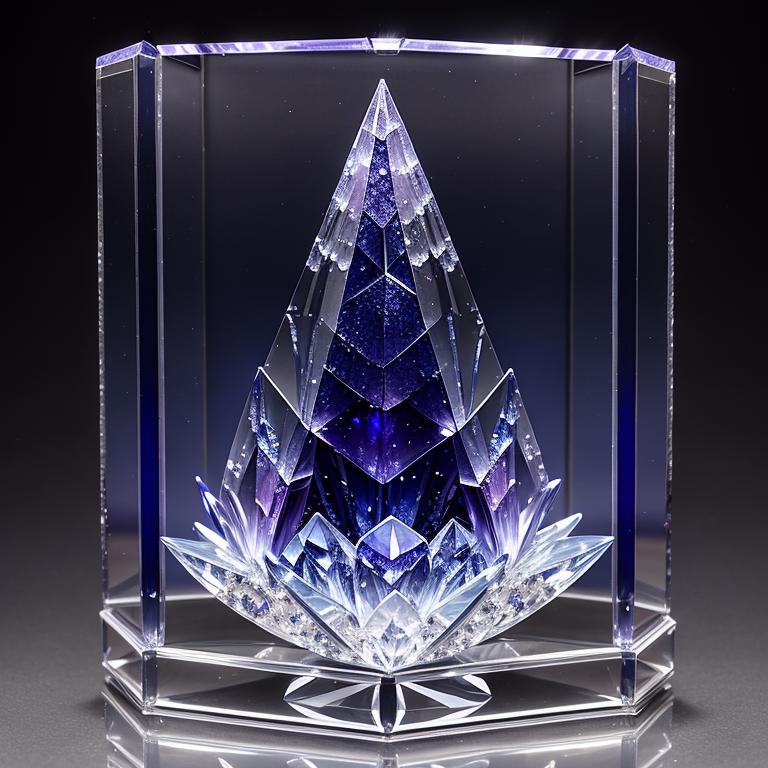
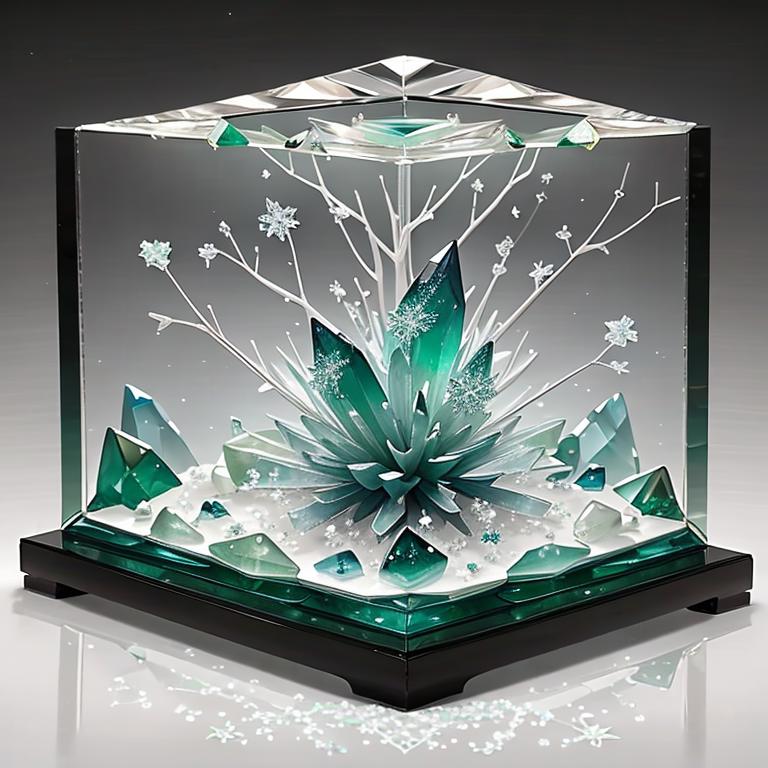
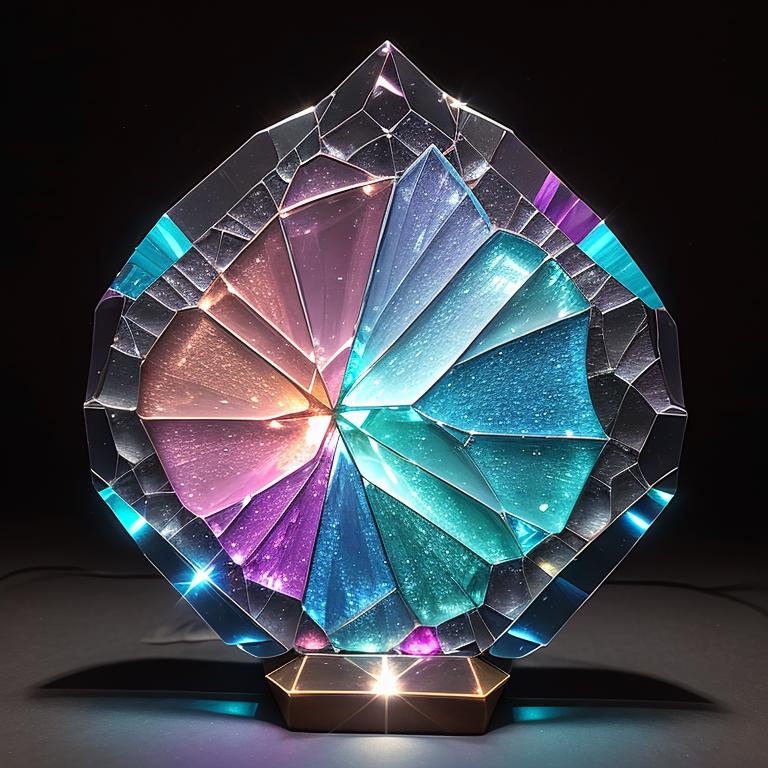
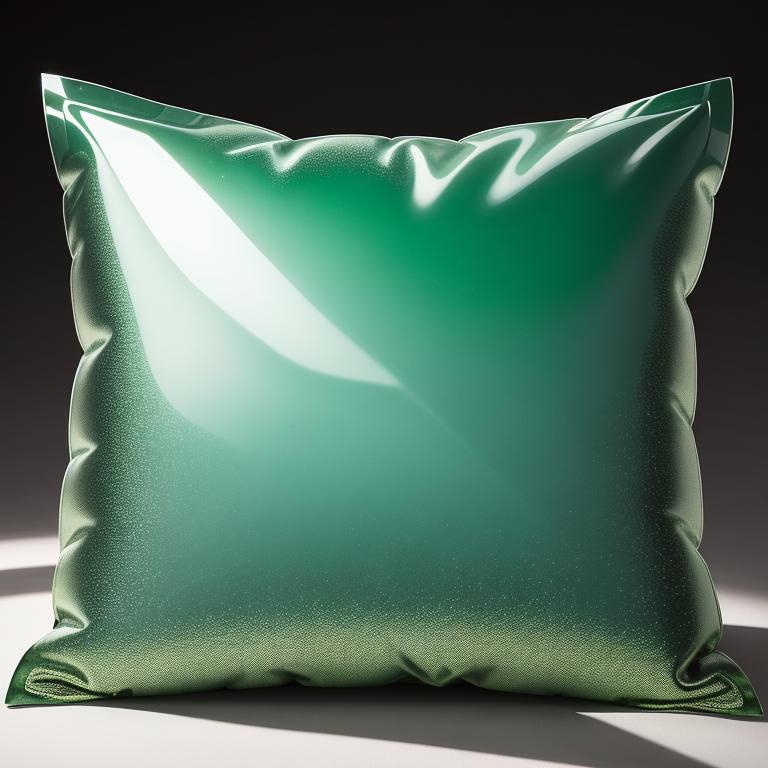
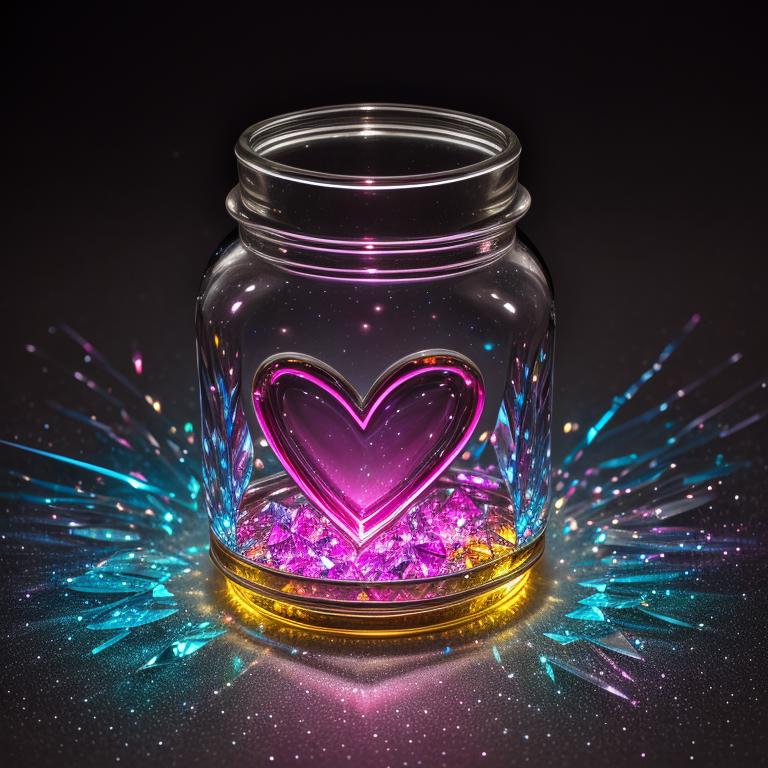
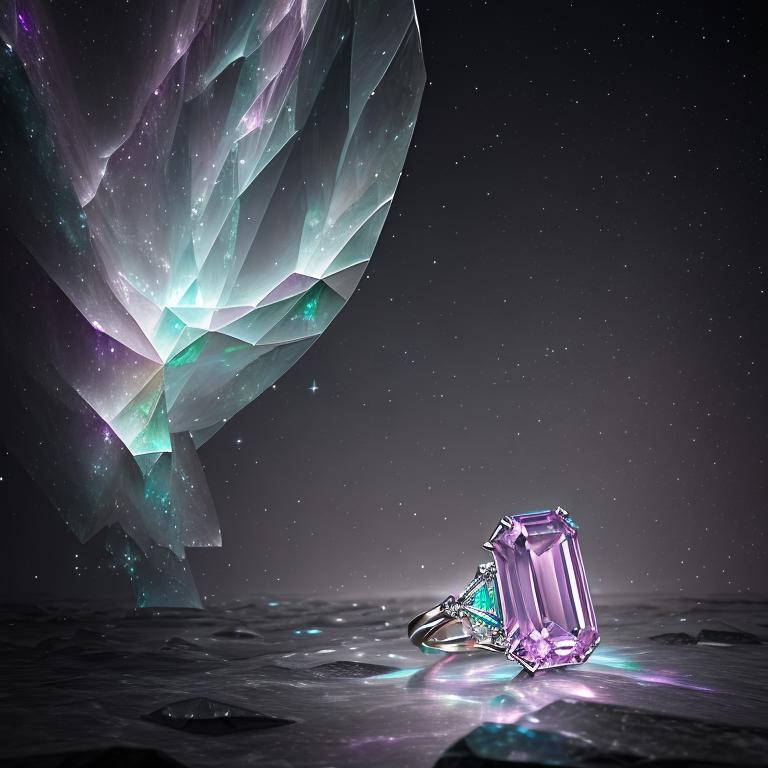
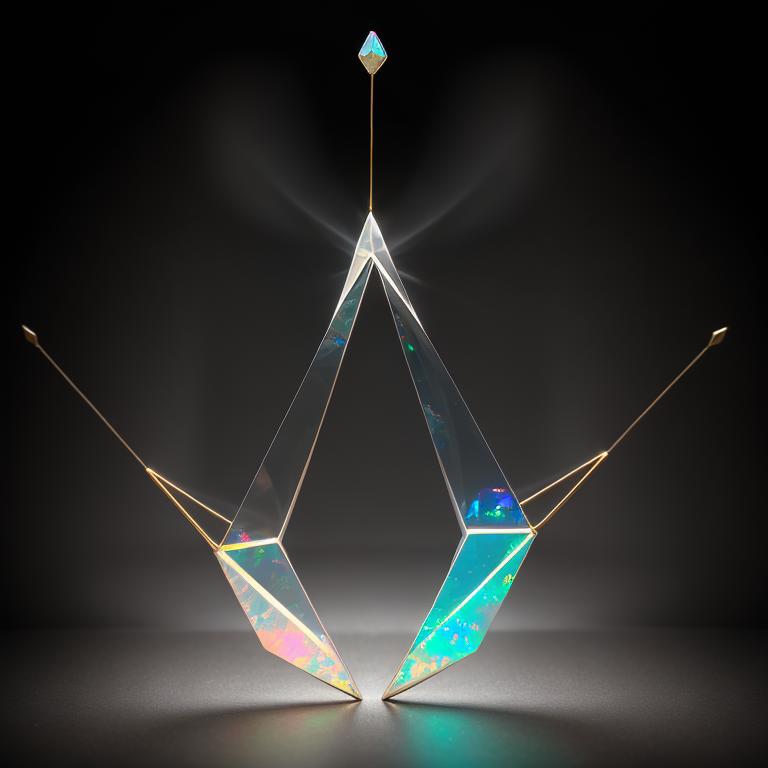
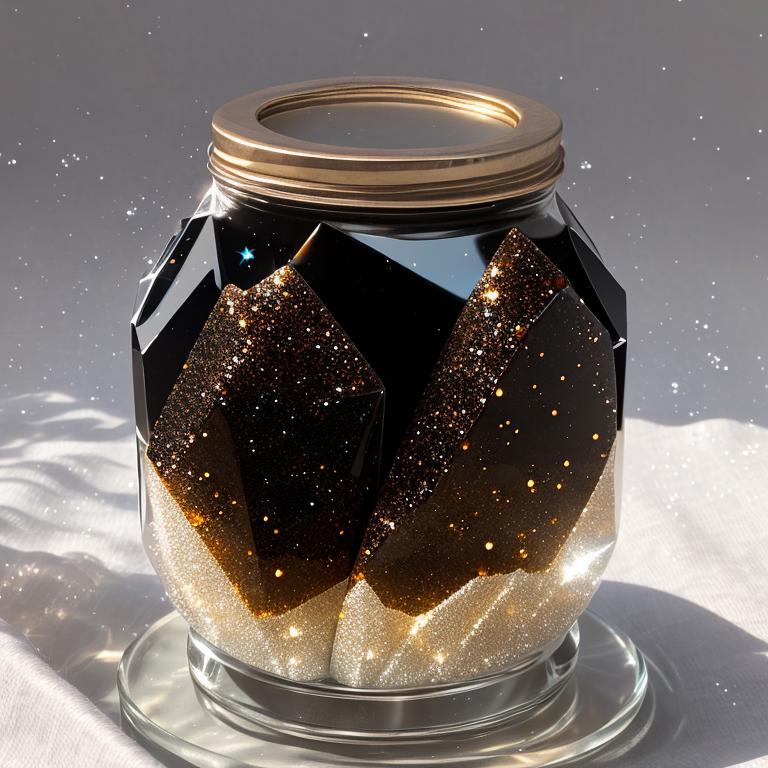

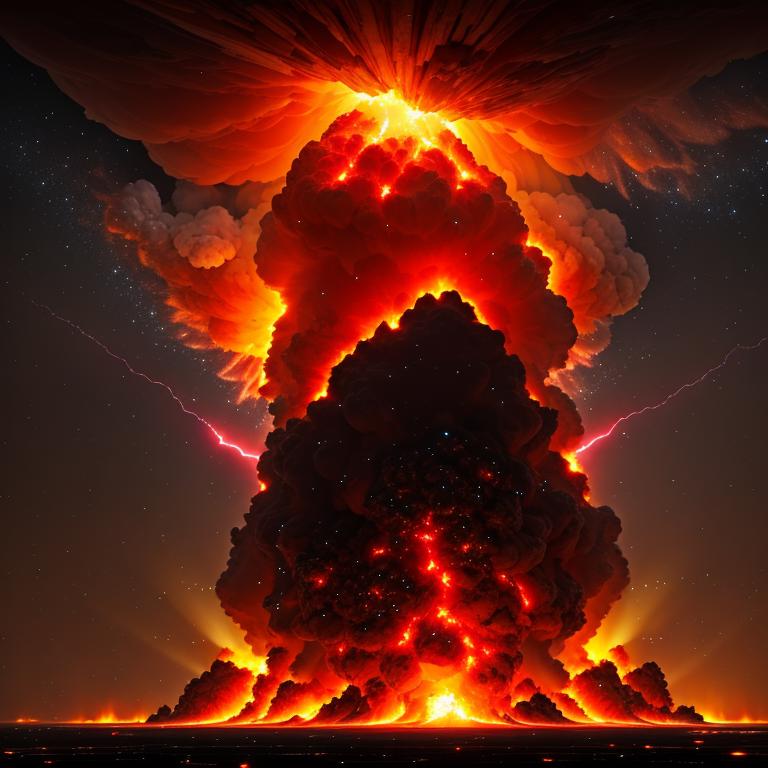
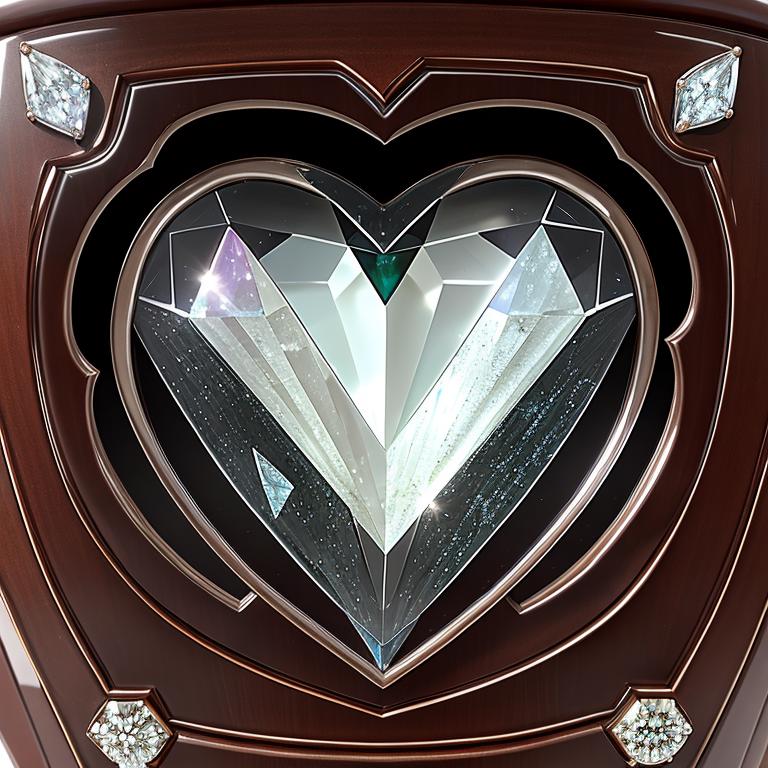
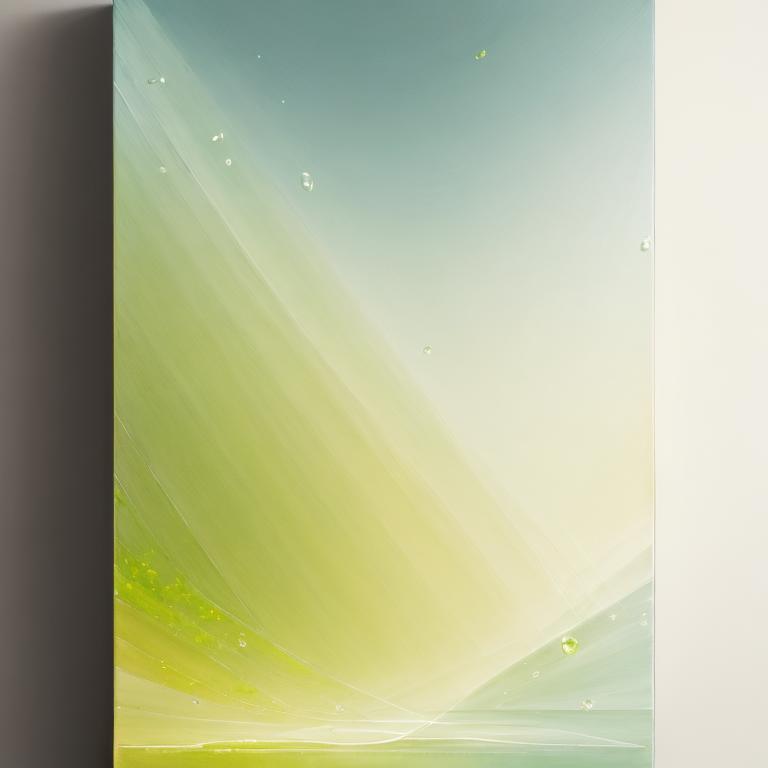
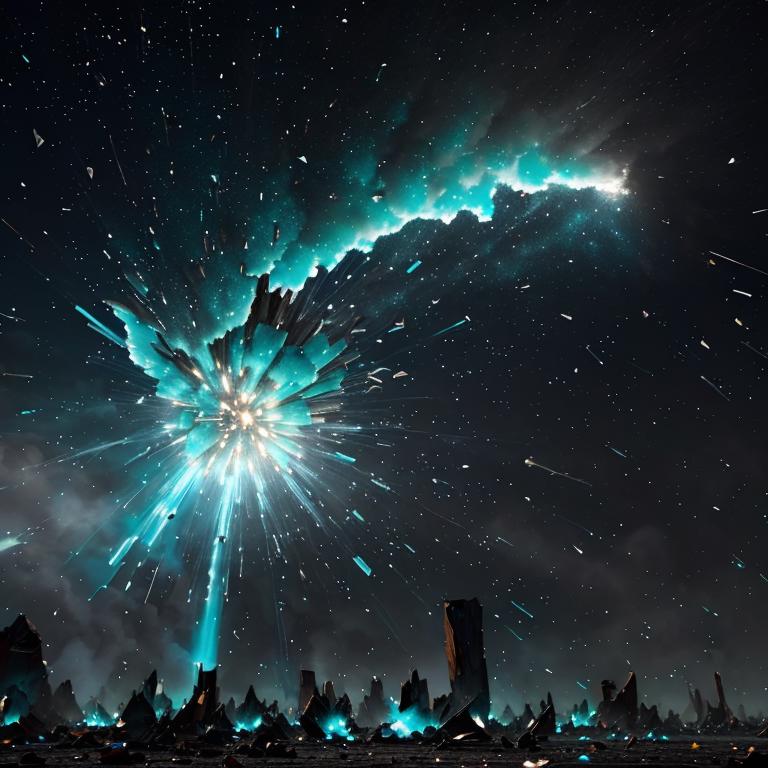

Shiny ✨ gemstones 💎 will be yours by using these wildcard lists.
Example prompt for precious_metal_jewelry_image: grand, Rhodochrosite, earring, Rhenium, X-shape, practical light, sunny, accent light
Example prompt for gems_in_containers: A captivating garnet gem with its deep red color, symbolizing passion and fiery energy, Oval, practical light, sunny, accent light, inside (( Glass jar ))
Example prompt for shatterede_gems_in_containers: A captivating garnet gem with its deep red color, symbolizing passion and fiery energy, Oval, practical light, sunny, accent light, inside (( Glass jar )), A shattered surface with irregular chunks and splinters jutting out
Example prompt for explosive_gems: Rhodochrosite, inside (( The explosion shatters the tranquility unleashing a fiery burst of energy and chaos )), Desolate lunar surface
Example prompt for abstract_gems: A vibrant composition of colors and shapes, evoking a sense of energy and movement, Rhodochrosite, Oval
Example prompt for crystallized_gems: Rhodochrosite, A crystalized texture with a rough and faceted surface, displaying the raw beauty of natural minerals, inside (( Glass jar ))
Example prompt for luster_gems: Rhodochrosite, Oval, Shimmering luster that adds a touch of elegance and allure
Example prompt for luster_gems_in_container: Rhodochrosite, Oval, Shimmering luster that adds a touch of elegance and allure, inside (( Glass jar ))
Example prompt for gem_items: Assemble, Rhodochrosite, Woodcarving, Shimmering luster that adds a touch of elegance and allure
Open automatic1111 SD / any other SD creation tool with similar prompt file input
Select <Script> --> Prompts from file or textbox
Drop file or copy paste contents in the "List of prompts inputs"
To view information on images you have created you can use "PNG Info" tab in Automatic1111.


Initial release
1. Dieses Modell dient nur Lernzwecken. Urheber- und Auslegungsrechte liegen beim Originalautor.
2. Bist du der Originalautor eines Modells, kontaktiere uns bitte zur Authentifizierung über unsere offiziellen Kanäle. Wir schützen die Rechte aller Schöpfer. Hier klicken, um es zu verifizieren.
