Type
Poses
Publish Time
2023-12-09
Base Model
SD 1.5

![[Openpose + Lineart] Sword poses](https://image.cdn2.seaart.me/temp-convert-webp/jpeg/static/6e15f64b6ed10ffd573409f7d01f2de8/1706200344270/baa47f1caa05f5b176741740ed4d1501_low.webp)
English (日本語版は下にあります)
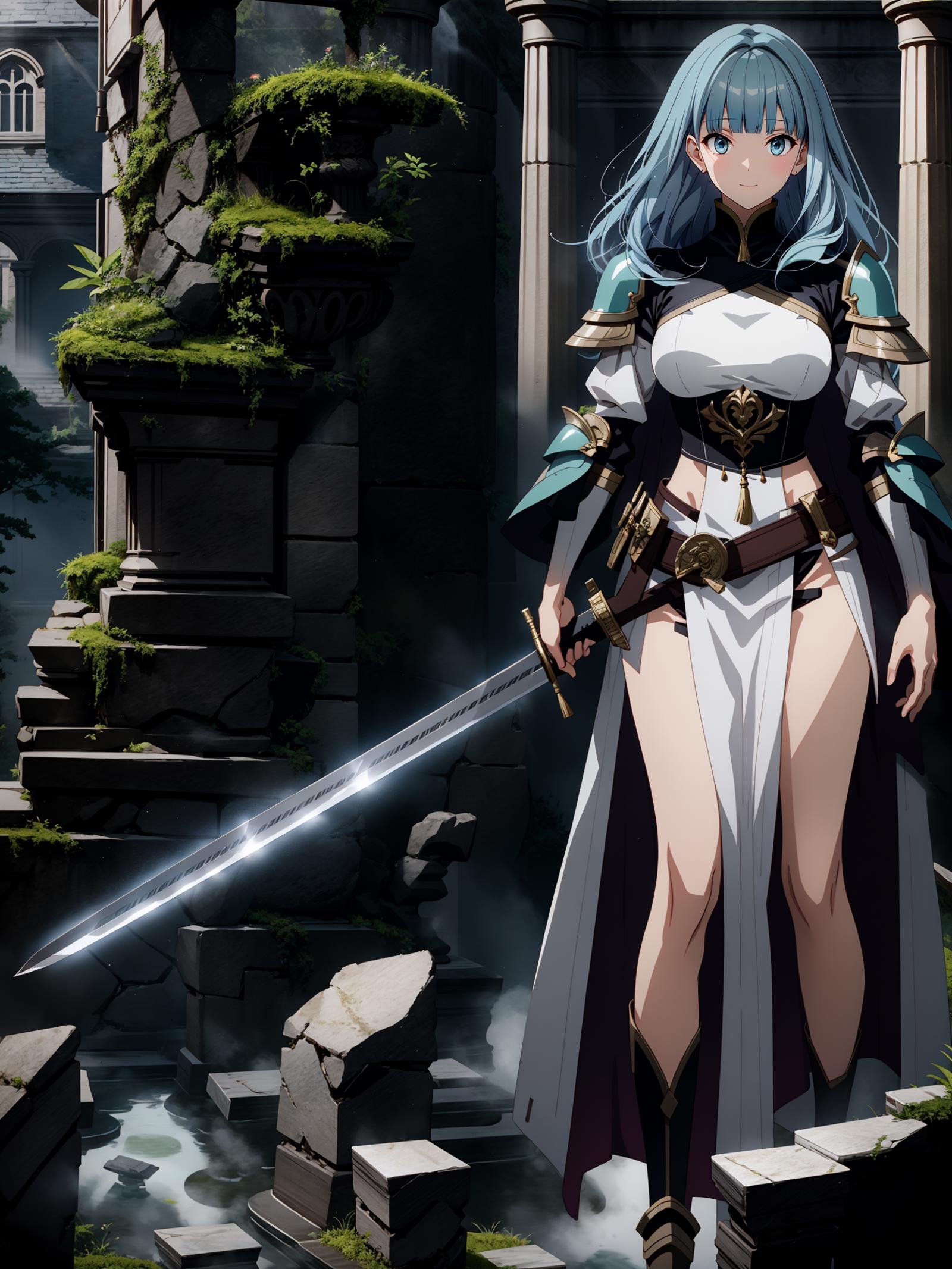
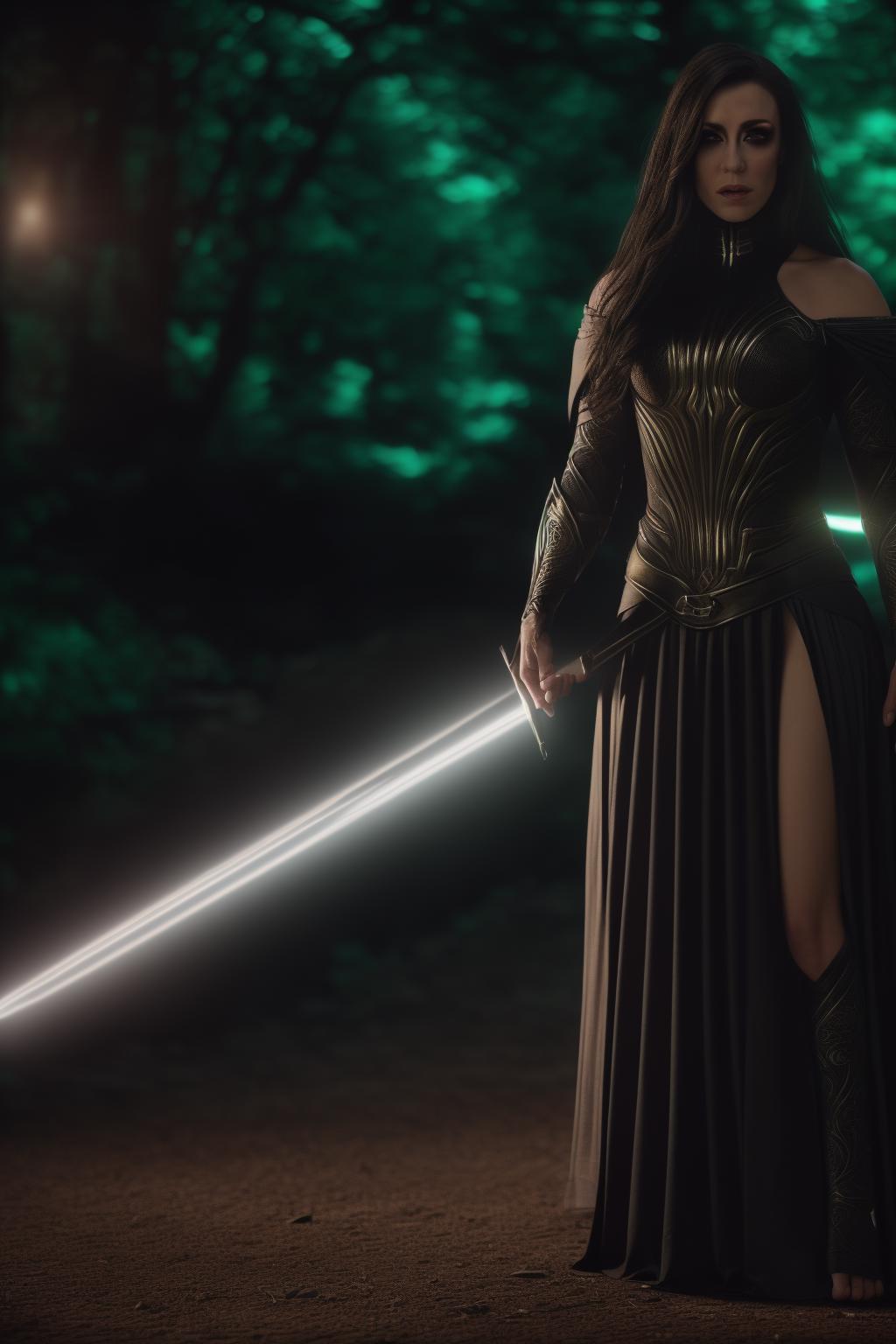
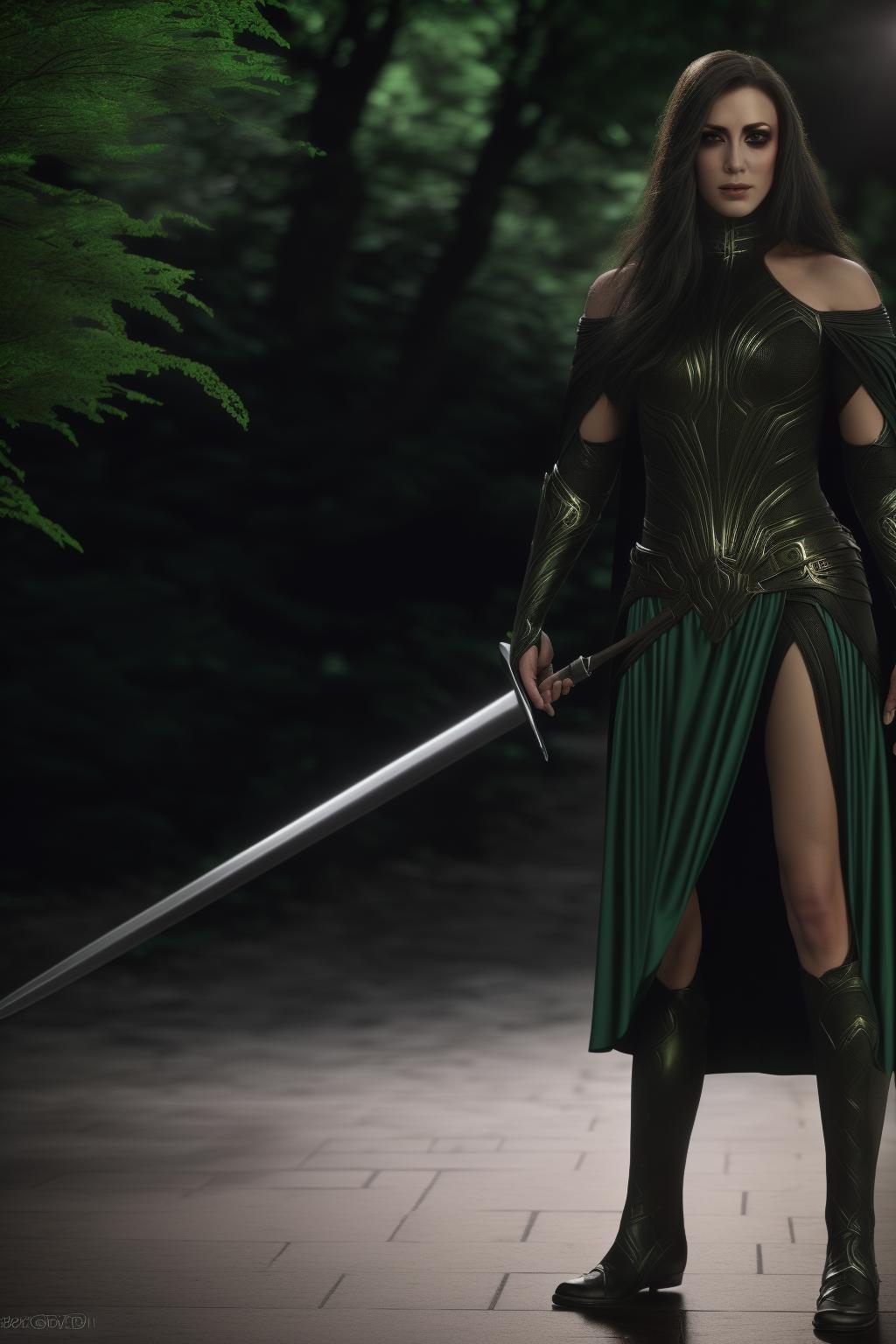
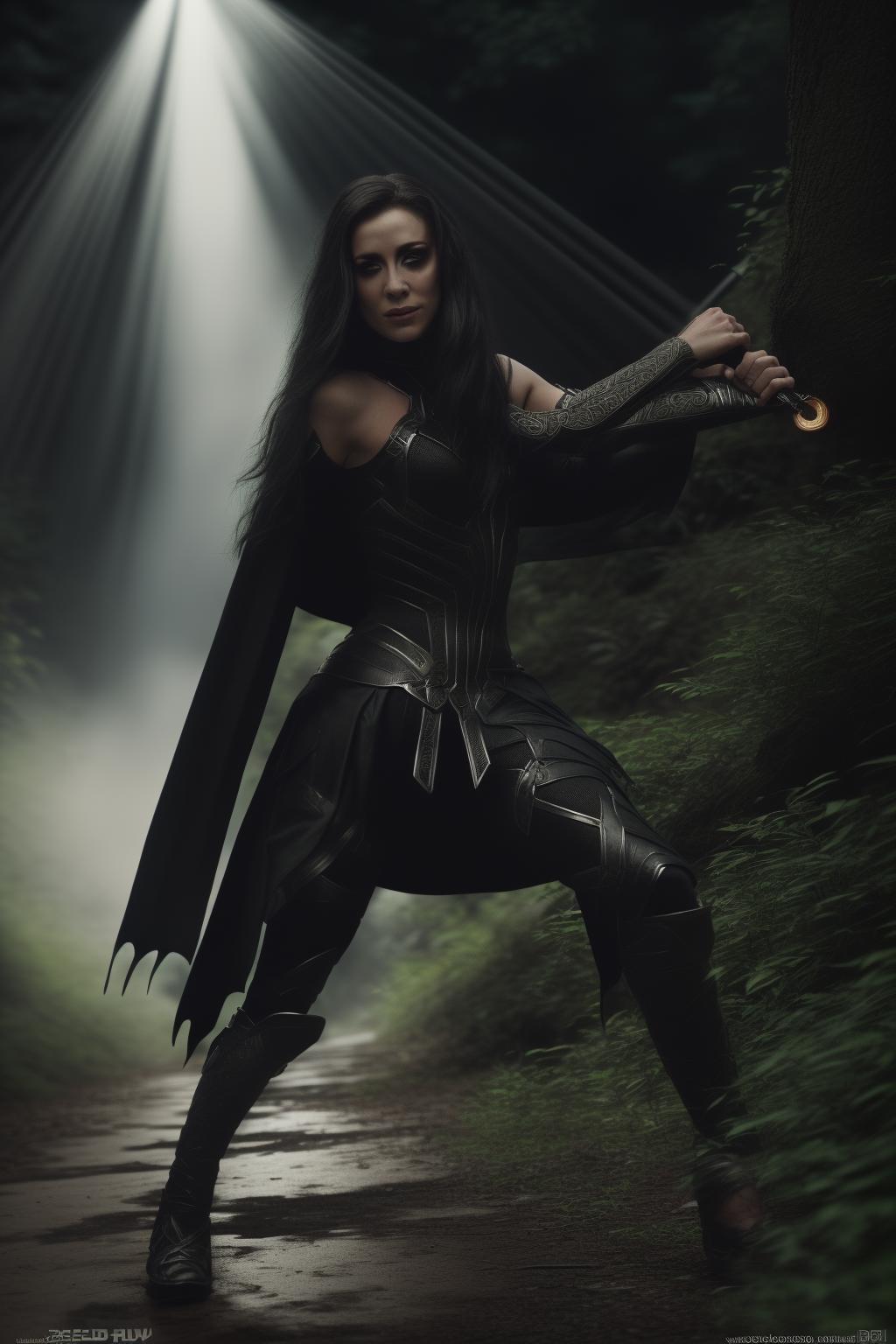
A series of Openpose bone images and lineart for three different poses holding a long sword (walking sword in hand; readying a slash; after a slash).
To use it:
- Ensure you have at least two ControlNets enabled
- Put the Openpose bones in the first ControlNet, with a weight between 0.9 and 1.1, in mode "Balanced"
- Put the lineart image in the second ControlNet, with a weight between 0.9 and 1.1, in mode "ControlNet is more important"
Please set preprocessor to "None" for both
Please use a resolution of 512x768 or similar aspect ratio. It is highly likely that SD will not render the fingers correctly, in particular those gripping the hilt, so manual adjustment or inpainting is recommended.
Note that models may differ in how they render the result. I have tested this with anime models only, so I don't know how it fares with realistic models. It was generated from a 3D mannequin and a 3D long sword from CLIP STUDIO PAINT.
To be up to date on my activities, feel free to follow me on Twitter (Japanese only; https://twitter.com/EinarRainhart)
日本語
Openposeのボーン画像と線画で、長剣を持つ3つの異なるポーズを表現しています:歩きながら剣を持つ、斬撃の準備をする、そして斬撃の後です。
使い方は以下の通りです。
- ControlNetを2つ以上有効にしてください
- OpenPoseのボーン画像を最初のControlNetに入れて、重みを0.9から1.1の間に設定して、モードを「Balanced」にしてください
- lineartを2番目のControlNetに入れて、重みを0.9から1.1の間に設定して、モードを「ControlNet is more important」にしてください
両方のプリプロセッサに「None」を設定してください。
解像度は512x768または同じアスペクト比を使用してください。特に刀の柄を握る指が正確に生成されない可能性が高いので、手動での調整やインペイントが推奨されます。
モデルによっては、結果の生成が異なる場合があります。私はアニメ風のモデルでしかテストしていないので、リアルなモデルではどうなるかわかりません。これは、CLIP STUDIO PAINTの3Dマネキンと3D剣から生成されました。
私の活動について最新の情報を知りたい方は、ぜひTwitterで(https://twitter.com/EinarRainhart)フォローしてください。
1. The rights to reposted models belong to original creators.
2. Original creators should contact SeaArt.AI staff through official channels to claim their models. We are committed to protecting every creator's rights. Click to Claim
