


Details
Ralated
v2.0
v1.0
AITKcine

AITKcine

7
1
1
#Base Model
#cinematic
#Realism
#????
#sfw
#concepts

IMPORTANT PLEASE READ THE SETTINGS AND USES FOR THIS MODEL BELOW

Comment some suggestion for improvments in future version.

Share your creation under this model, i'm super curious of what you can do with it.

Don't forget to leave a like at the molde if you did.

🔵AITKcine: Your Ultimate Creative Companion

🔵AITKcine V2: Expanding Your Artistic Horizons

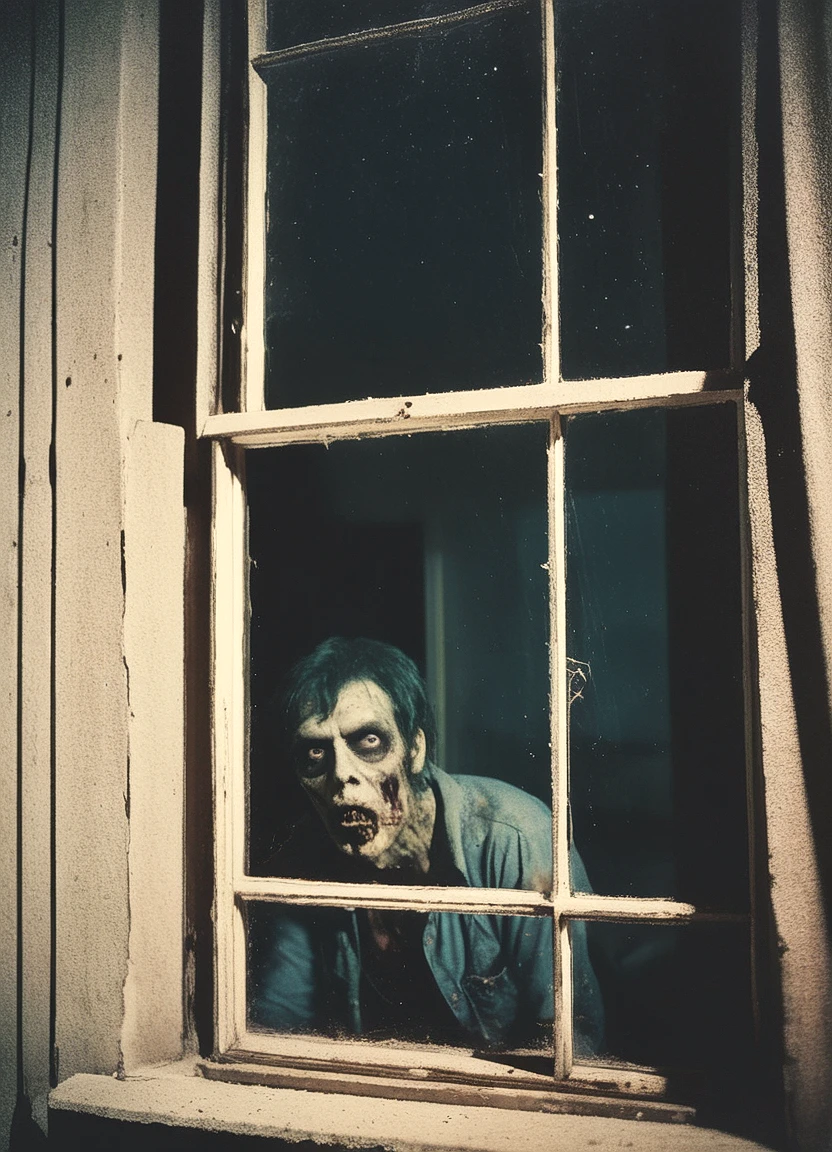
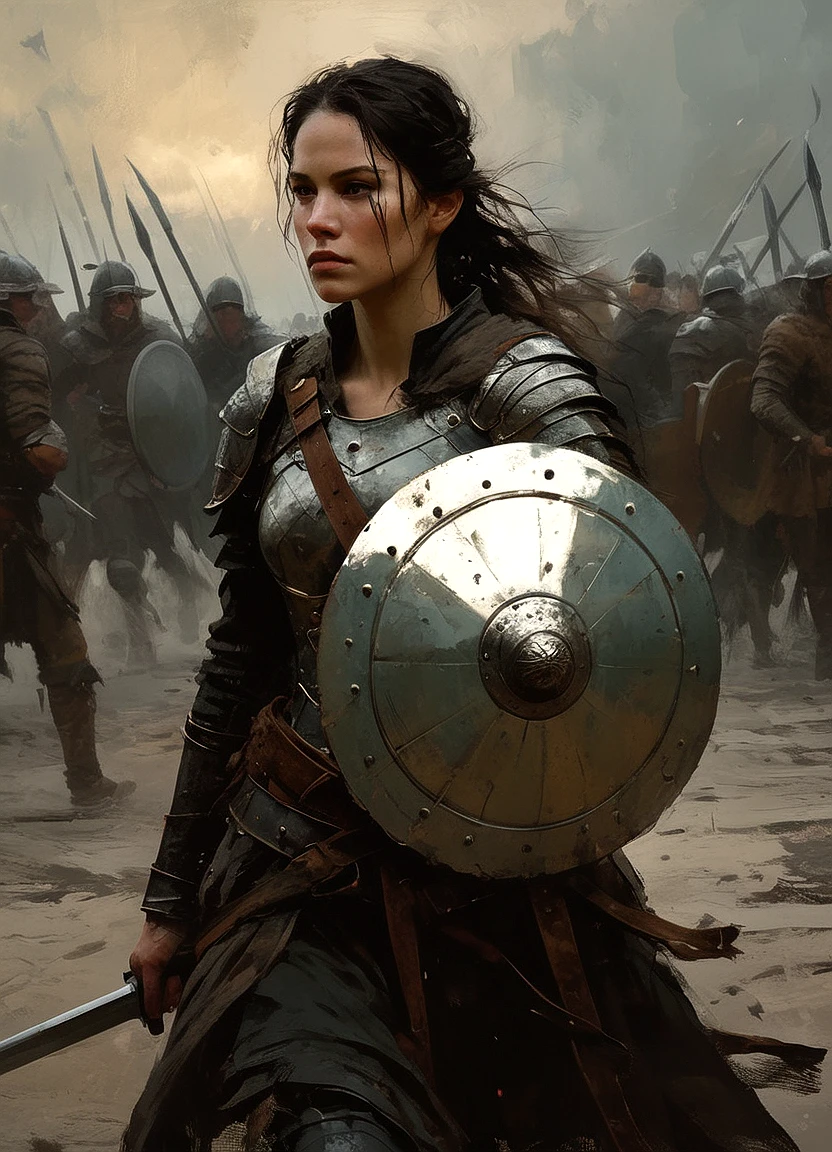
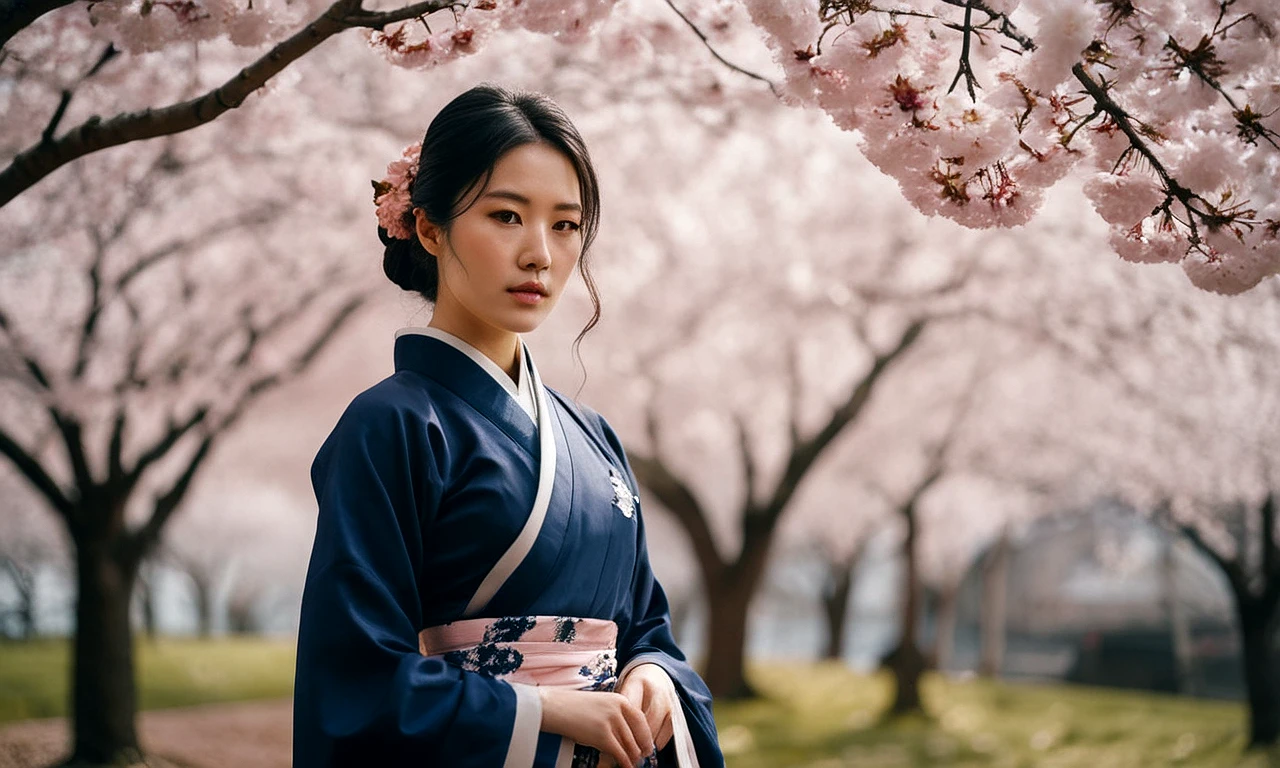
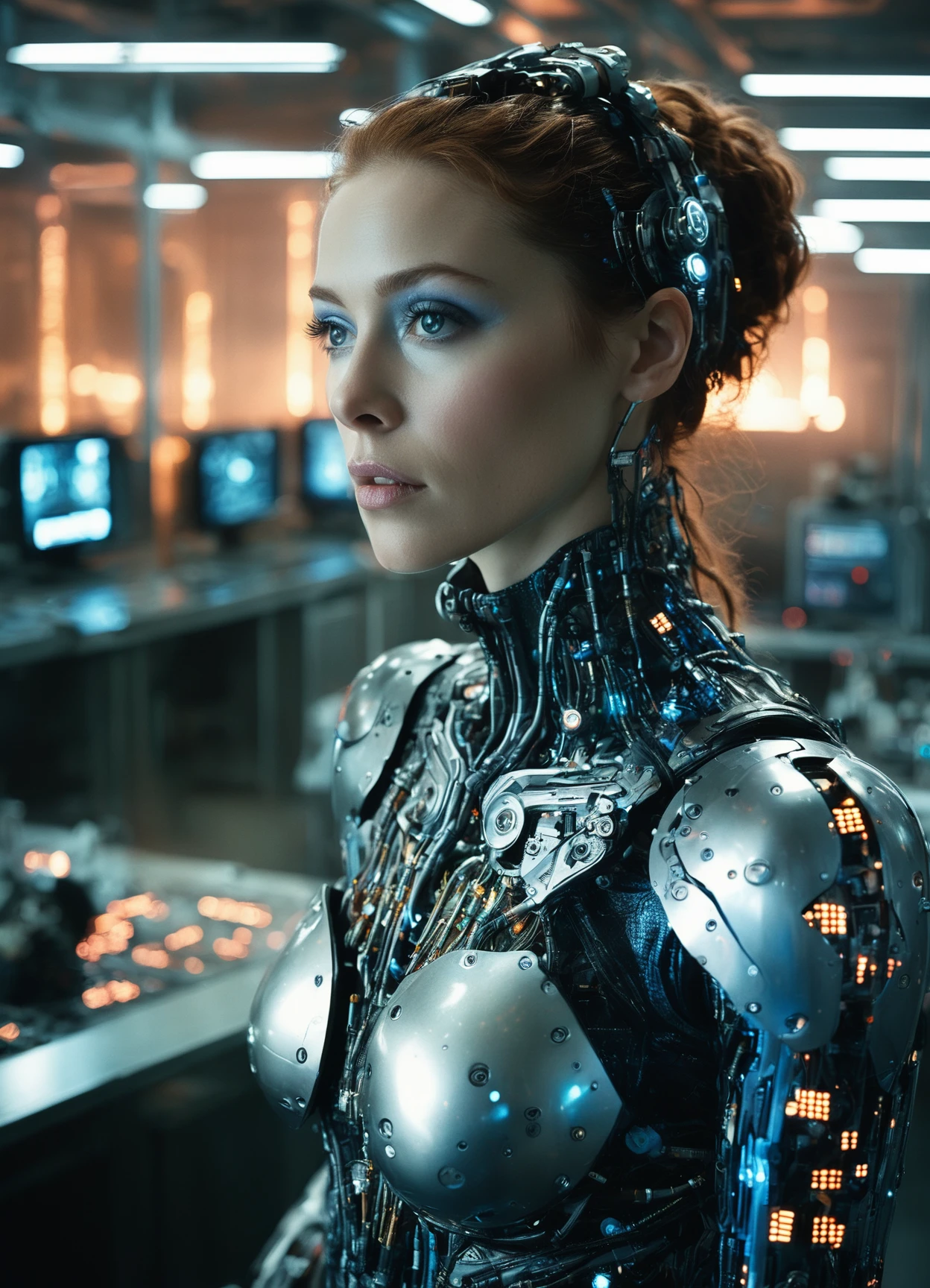
🔵AITKcine V2 takes your creative projects to the next level with a vastly expanded range of art styles and capabilities. In this version, the model has been trained on 10,000 images from movies, incorporating a variety of model merges to enhance its versatility. Whether you're aiming for cinematic realism, digital art, anime, or illustrations, AITKcine V2 delivers outstanding results across all mediums.

Optimal Settings:

These settings are my personal preference, and I encourage you to test the model with the settings you prefer to find what works best for your specific needs. the model works on all samplers. i have been messing around with DEIS lately and this modle delivers incredibly coherent result with the settings below.

  • Sampler: New DEIS sampler with DDIM uniform scheduler

  • Clip Skip: 3

  • CFG: 3.5

  • Steps: 20-40

Special Features:

  • No Trigger Words: While there are no specific trigger words, you need to clearly state the medium you want (e.g., cinematic, photography, anime, illustration).

  • Negative Prompts: Typically requires minimal negative prompts. Start with none and gradually add what you don't want to see. The deep^negative embedding is a good starting point.

  • High-Resolution Tips: For maximum detail, use highres fix on A1111 (denoising range: 0.4 to 0.6). On ComfyUI, upscale latent by 1.5 and run it into another sampler with a denoise range of 0.5 to 0.65.

Additional Notes:

  • Word Economy: The model doesn't respond well to "word salads" and unnecessary terms. Keep prompts clear and concise for best results.

  • Literal Prompts: The model responds well to literal prompts, meaning that describing a scene in detail with natural language is better than a succession of keywords. There might be a great balance between these two ways of prompting.

  • Realism Settings: For realism, the recommended settings (DEIS sampler and DDIM uniform) work exceptionally well.

🔵AITKcineV1 is an extraordinary merge of various community models and personal creations, meticulously crafted for those who seek cinematic realism and concept art excellence. While the origins of some elements are lost in time, part of its foundation is built on RealVis by SG_161222.

This model, initially designed for personal use, excels in producing highly realistic images, offering a true HDR range, it has true white and true black. Though it primarily focuses on realism, it can handle both SFW and ???? content (keep in mind it wasn't designed to do pornographic images).

🔵How to Use:

Ideal Samplers and Steps:

DPM_3m-sde with Exponential Scheduler

  • Steps: 25-35

  • CFG: 3 to 7

DPM_2m-sde with Karras Scheduler

  • Steps: 23-40

  • CFG: 3 to 7

Tips for Best Results:

  • Highres Fix: Use the highresfix or upscale latent by 1.5 for enhanced image quality.

🔵Special Acknowledgements:

A heartfelt thanks to my friend Stan Katayama for his invaluable assistance in creating this model.

View Translation

Rating & Review

-- /5
0 Ratings

Not enough ratings or reviews received yet

avatar
Notice
2024-06-18
Publish Model
2024-07-08
Update Model Info
Model Details
Type
Checkpoint
Publish Time
2024-07-08
Base Model
SDXL 1.0
Version Introduction

🔵AITKcine V2: Expanding Your Artistic Horizons

🔵AITKcine V2 takes your creative projects to the next level with a vastly expanded range of art styles and capabilities. In this version, the model has been trained on 10,000 images from movies, incorporating a variety of model merges to enhance its versatility. Whether you're aiming for cinematic realism, digital art, anime, or illustrations, AITKcine V2 delivers outstanding results across all mediums.

Optimal Settings:

These settings are my personal preference, and I encourage you to test the model with the settings you prefer to find what works best for your specific needs. the model works on all samplers. i have been messing around with DEIS lately and this modle delivers incredibly coherent result with the settings below.

  • Sampler: New DEIS sampler with DDIM uniform scheduler

  • Clip Skip: 3

  • CFG: 3.5

  • Steps: 20-40

Special Features:

  • No Trigger Words: While there are no specific trigger words, you need to clearly state the medium you want (e.g., cinematic, photography, anime, illustration).

  • Negative Prompts: Typically requires minimal negative prompts. Start with none and gradually add what you don't want to see. The deep^negative embedding is a good starting point.

  • High-Resolution Tips: For maximum detail, use highres fix on A1111 (denoising range: 0.4 to 0.6). On ComfyUI, upscale latent by 1.5 and run it into another sampler with a denoise range of 0.5 to 0.65.

Additional Notes:

  • Word Economy: The model doesn't respond well to "word salads" and unnecessary terms. Keep prompts clear and concise for best results.

  • Literal Prompts: The model responds well to literal prompts, meaning that describing a scene in detail with natural language is better than a succession of keywords. There might be a great balance between these two ways of prompting.

  • Realism Settings: For realism, the recommended settings (DEIS sampler and DDIM uniform) work exceptionally well.

License Scope
Model Source: civitai

1. The rights to reposted models belong to original creators.

2. Original creators should contact SeaArt.AI staff through official channels to claim their models. We are committed to protecting every creator's rights. Click to Claim

Creative License Scope
Online Image Generation
Merge
Allow Downloads
Commercial License Scope
Sale or Commercial Use of Generated Images
Resale of Models or Their Sale After Merging
QR Code
Download SeaArt App
Continue your AI creation journey on mobile devices