
Type
LORA
Publish Time
2024-04-02
Base Model
SD 1.5


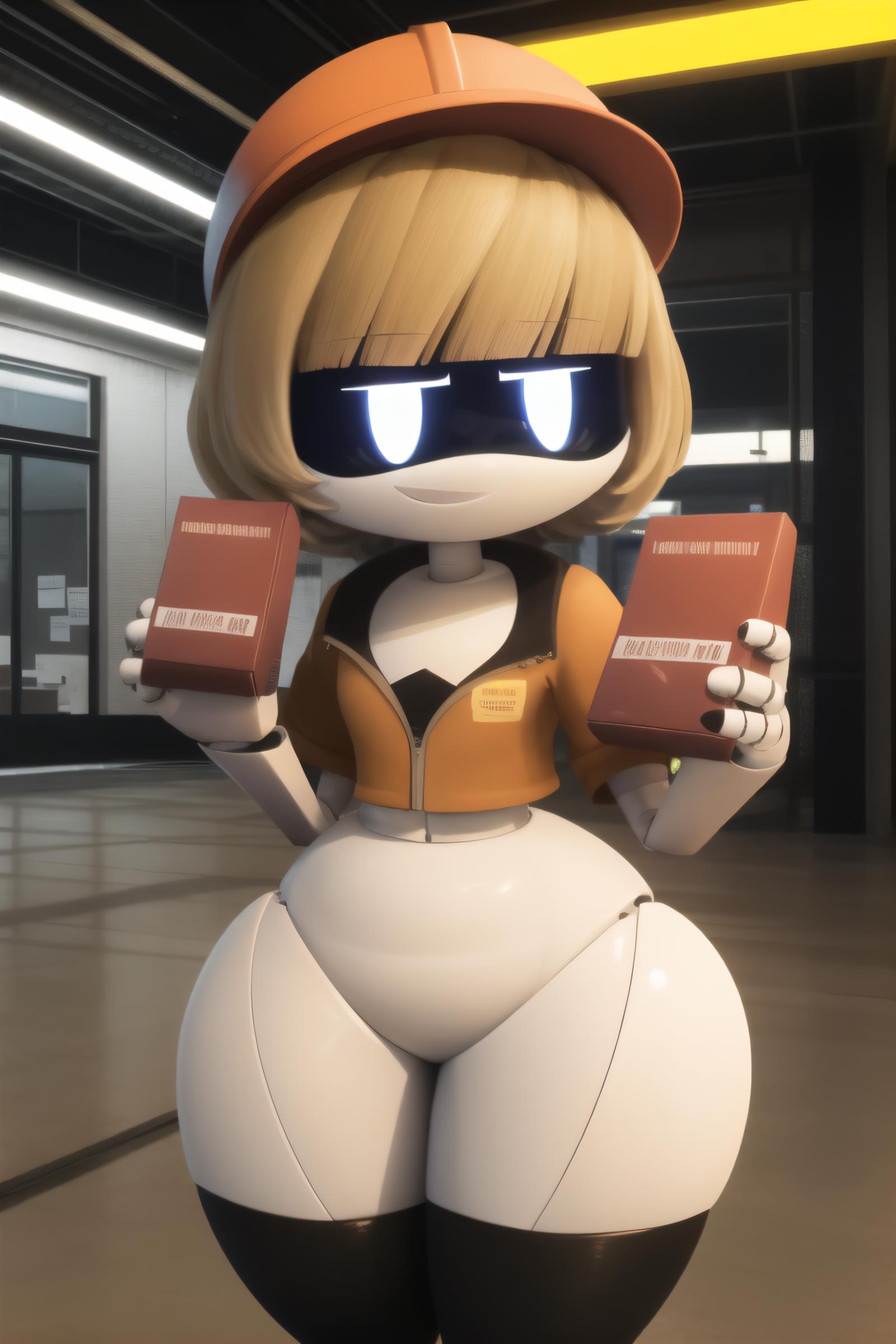


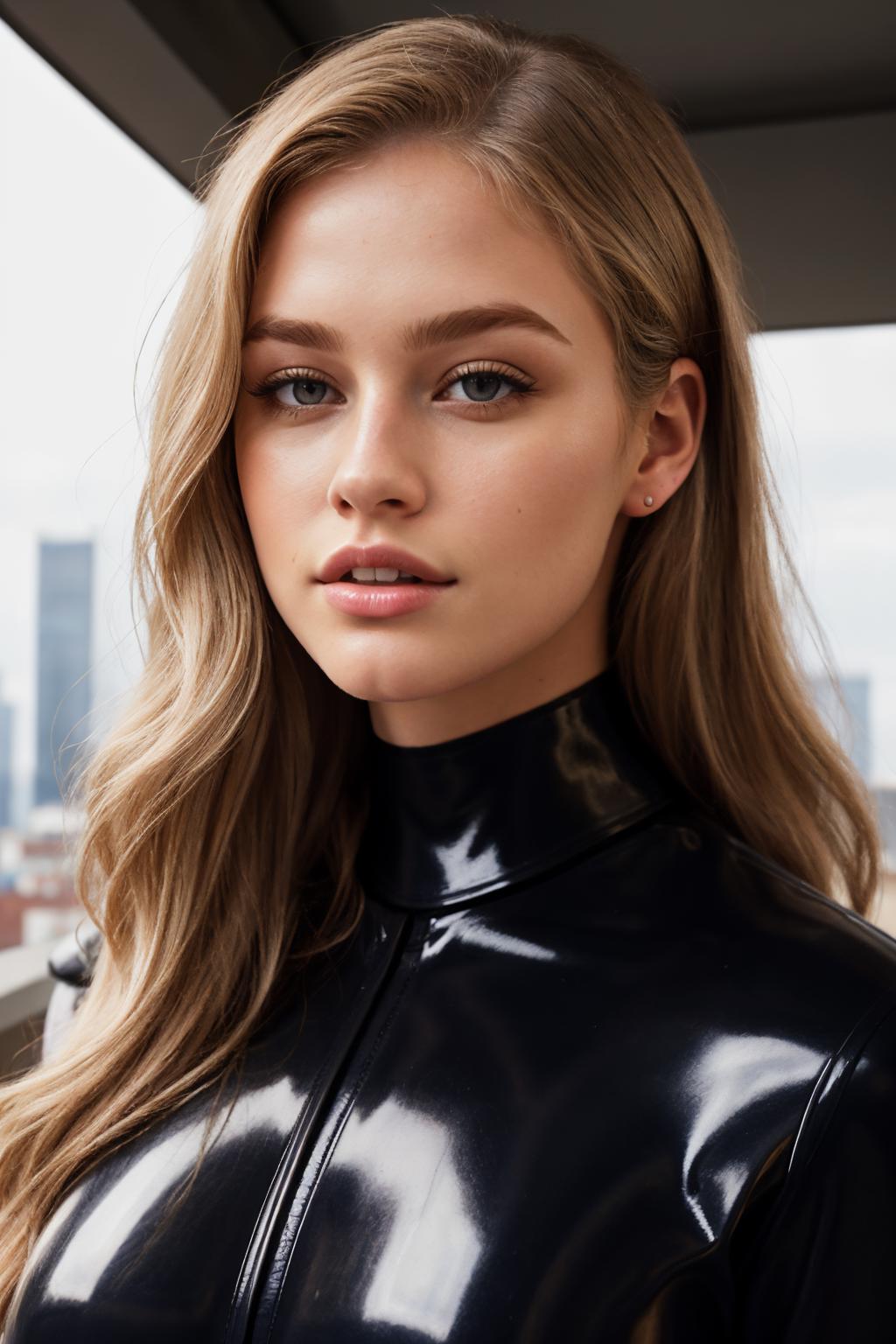
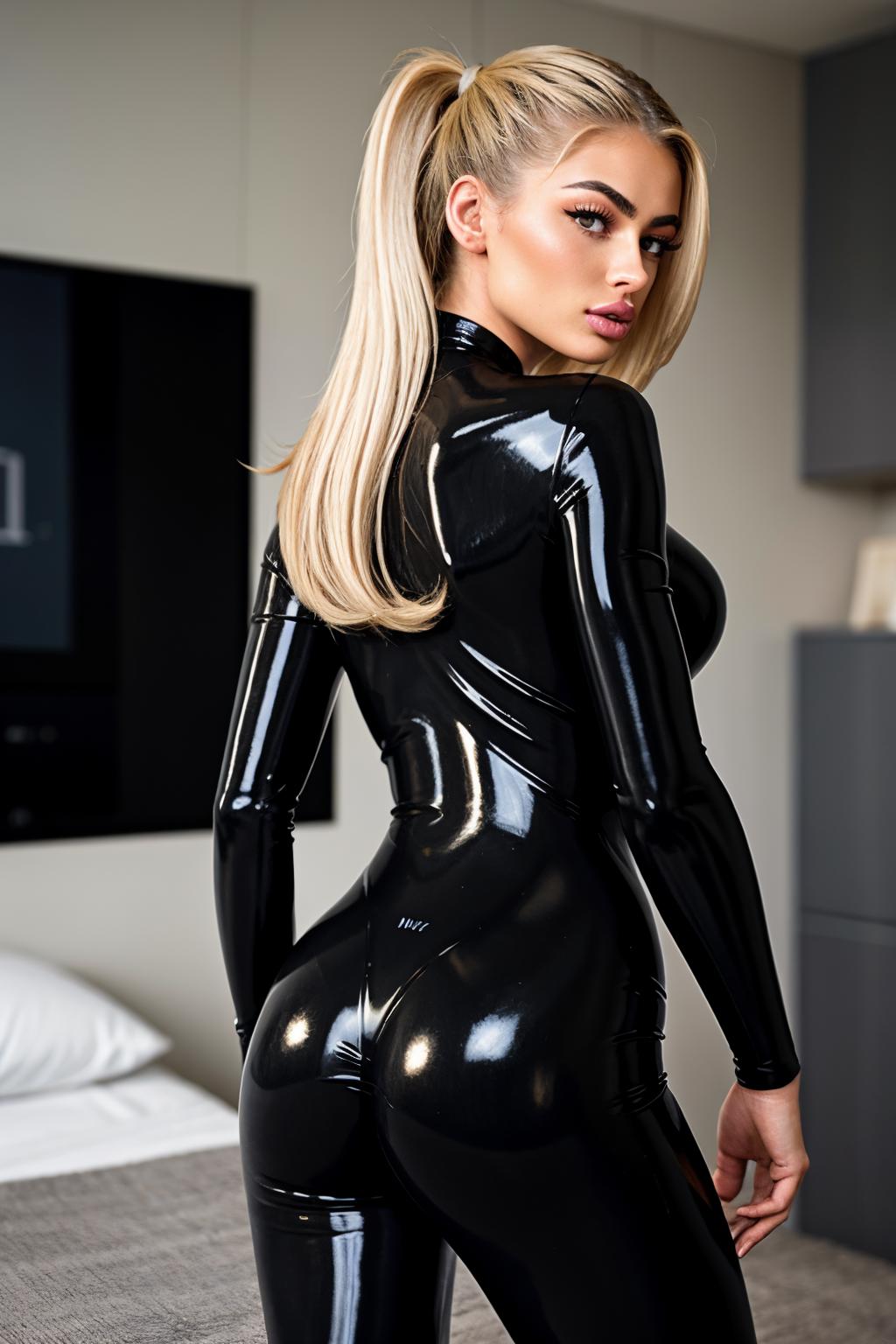
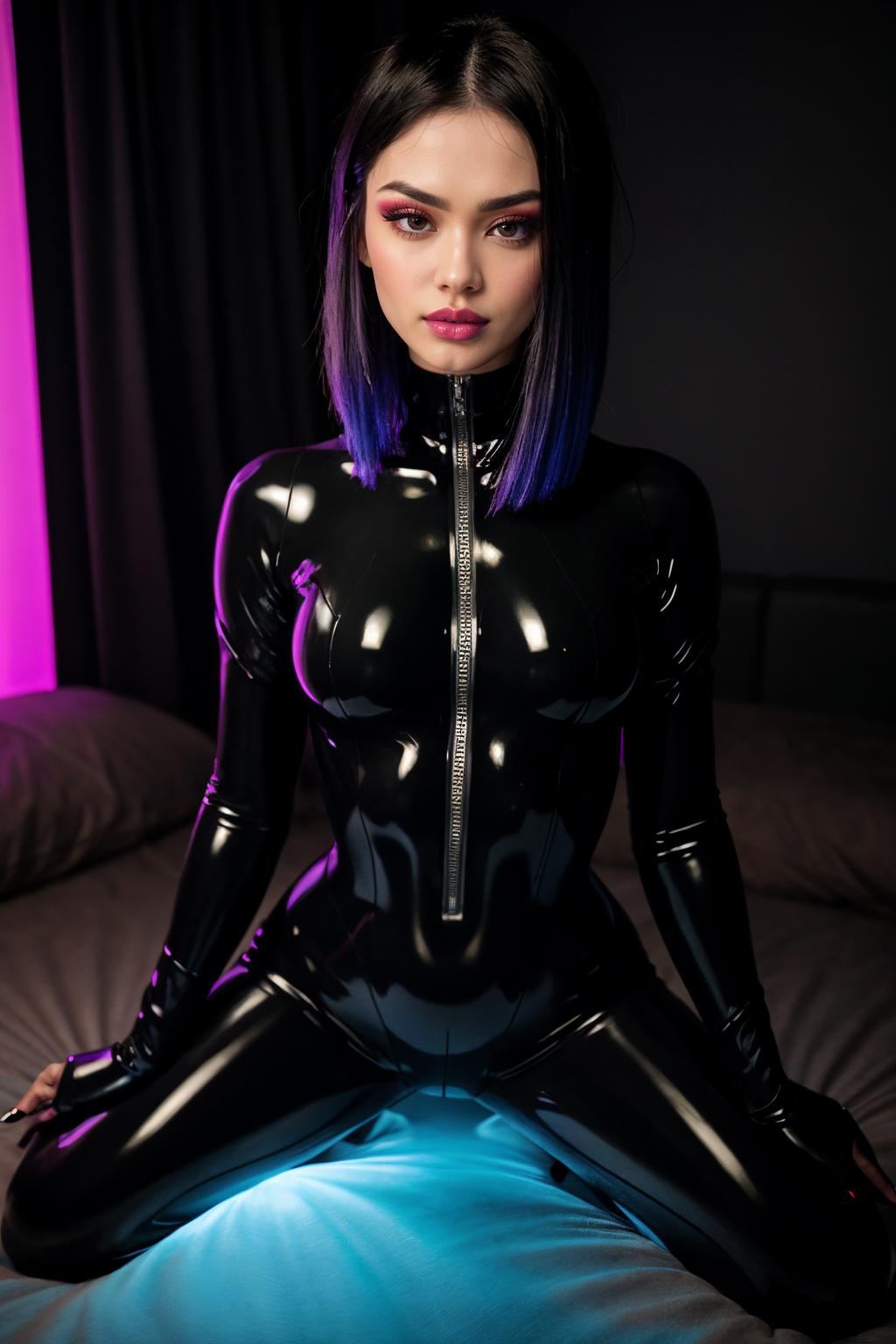
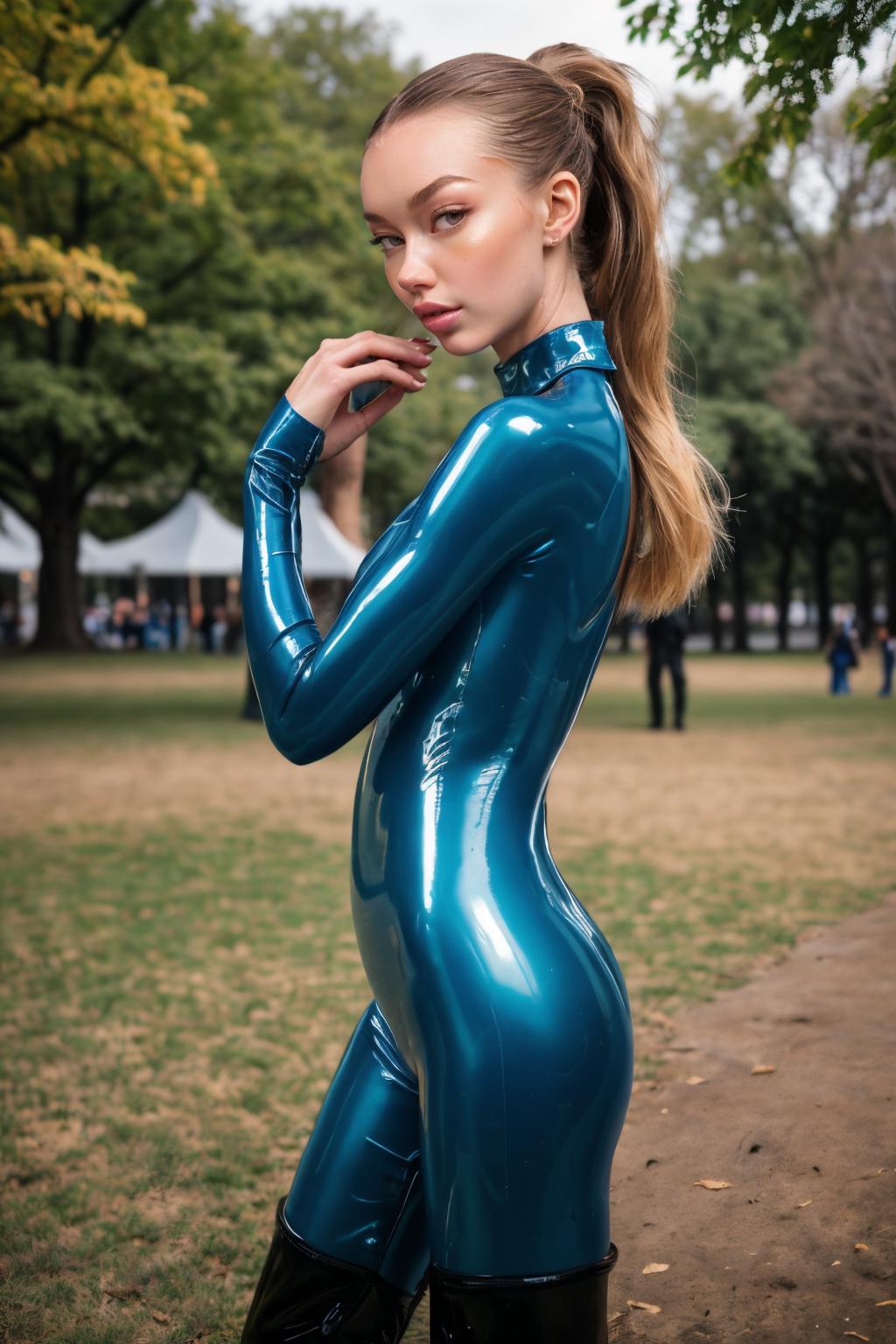
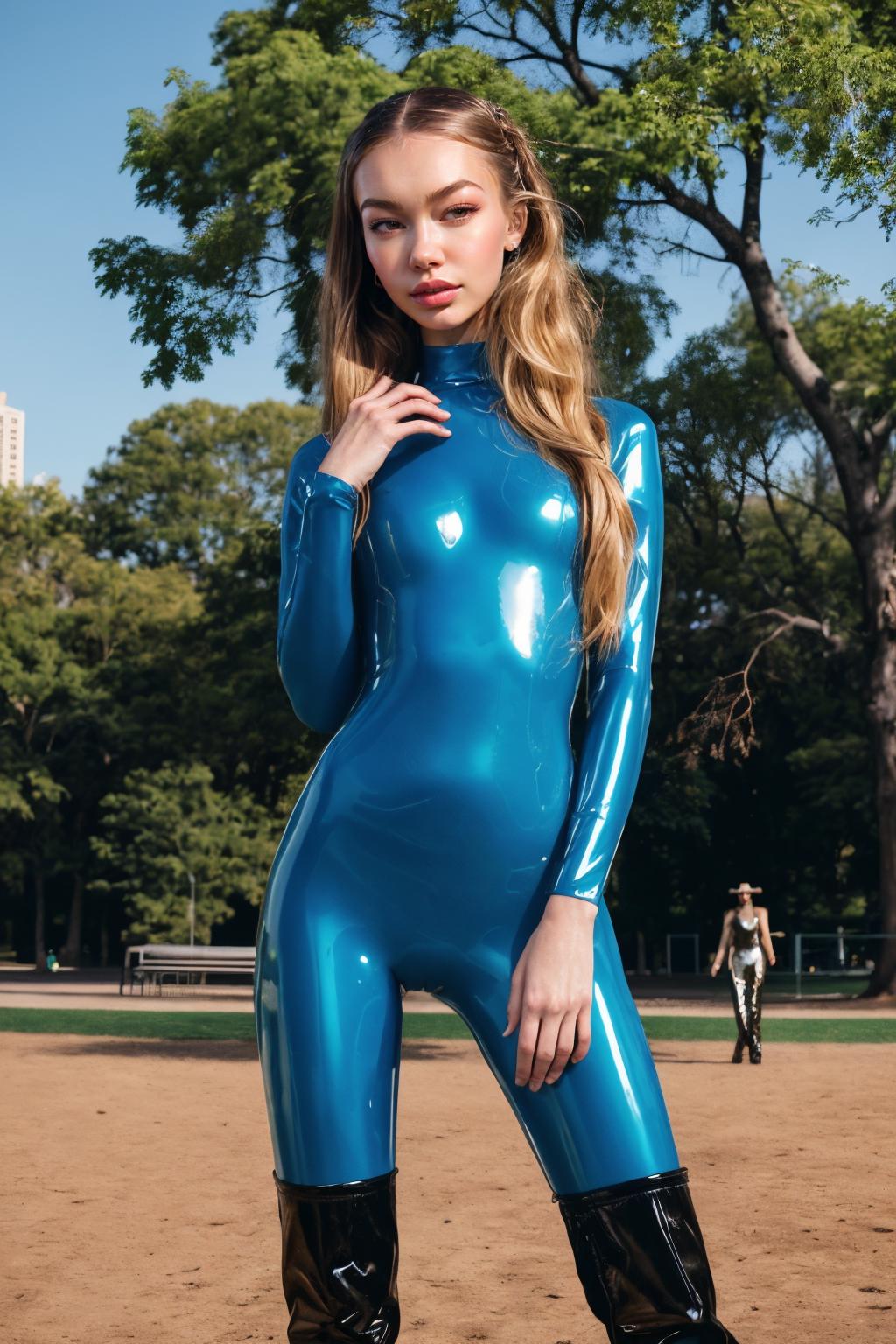

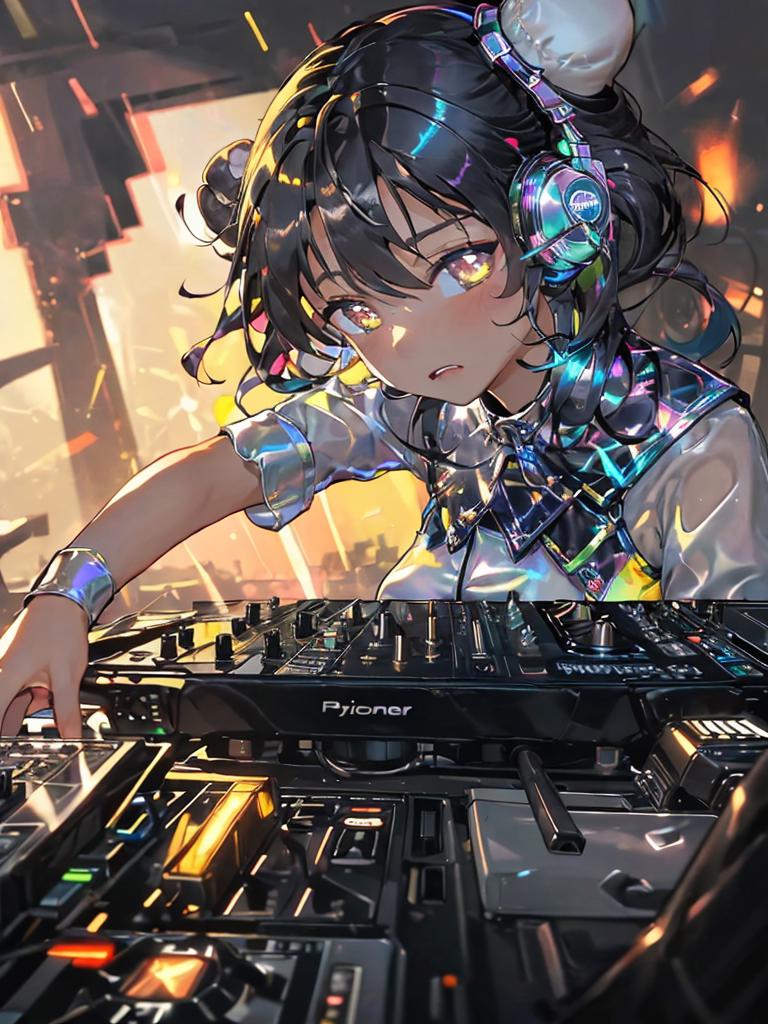

This model removes belly buttons. No keyword required.
How it was trained:
Lora overtrained on an image
Second lora overtrained on an edit of that image (in this case the belly button was inpainted out)
Repeated the above a few times
Merged all the loras trained on edited images into checkpoint_a
Merged all the loras trained on unedited images into checkpoint_b
Extracted lora from checkpoint_a - checkpoint_b
Zeroed out non-required blocks in the lora using trial and error to reduce lora side effects on generated image
Used the following guide:
https://civitai.com/models/98334/difflorafaceshadowtweaker
https://1lemon1lemon.netlify.app/2023-06-27_difflora/
Used this for training:
https://github.com/bmaltais/kohya_ss
Used the following command for overtraining loras (paths replaced with ...):
accelerate launch --num_cpu_threads_per_process=2 "train_network.py" --enable_bucket --pretrained_model_name_or_path="..." --train_data_dir="..." --resolution="768,768" --output_dir="..." --logging_dir="..." --network_alpha="16" --save_model_as=safetensors --network_module=networks.lora --unet_lr=0.001 --network_train_unet_only --network_dim=32 --output_name="01a" --lr_scheduler_num_cycles="1" --learning_rate="0.001" --lr_scheduler="constant" --train_batch_size="1" --max_train_steps="400" --save_every_n_epochs="1" --mixed_precision="fp16" --save_precision="fp16" --cache_latents --optimizer_type="AdamW8bit" --max_data_loader_n_workers="0" --bucket_reso_steps=64 --xformers --bucket_no_upscaleUsed this A1111 extension for merging:
1. The rights to reposted models belong to original creators.
2. Original creators should contact SeaArt.AI staff through official channels to claim their models. We are committed to protecting every creator's rights. Click to Claim
