









Details
Related
v1.0
JAY-Photographic Realism

JAY-Photographic Realism

61.4K
307
542
#Base Model

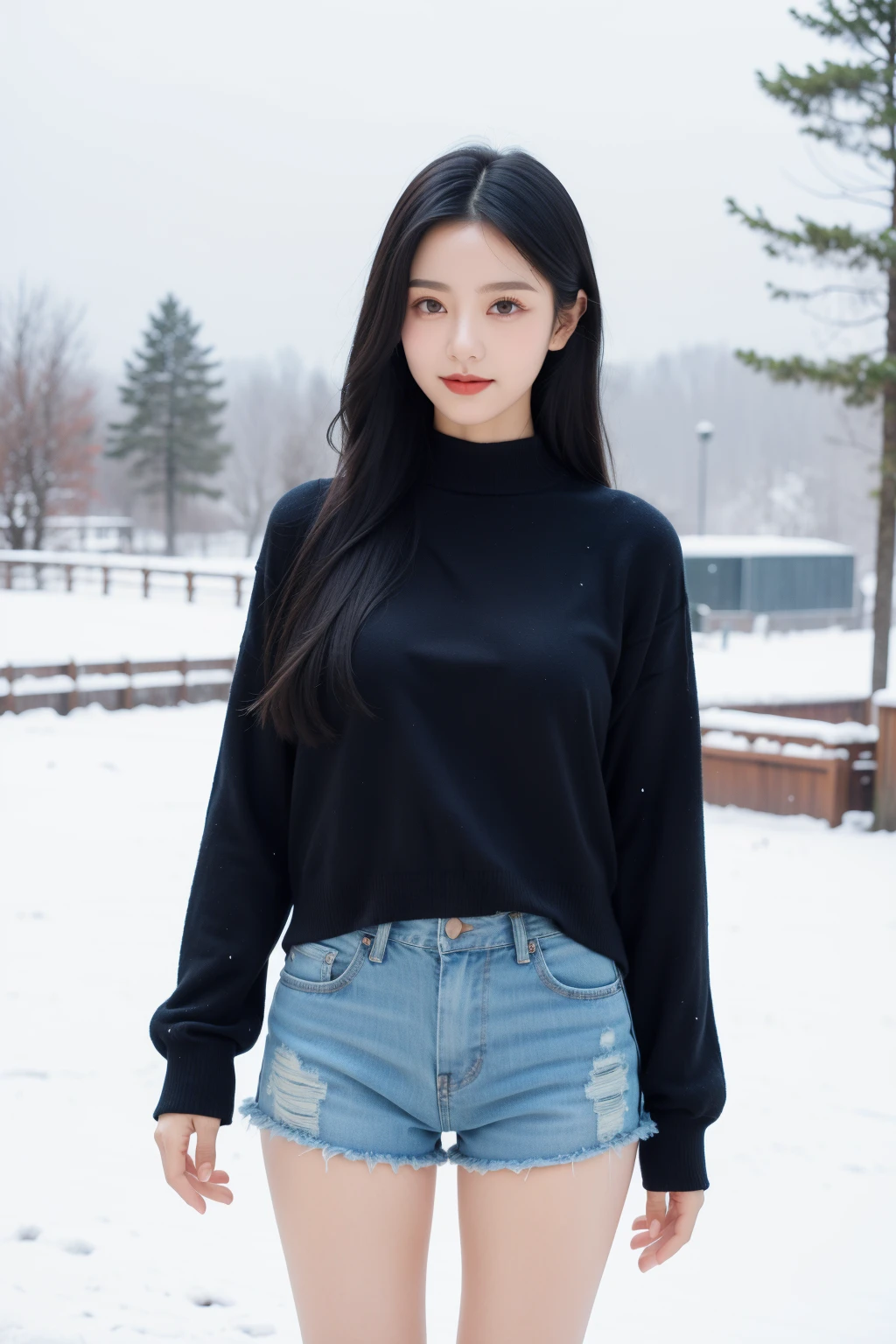
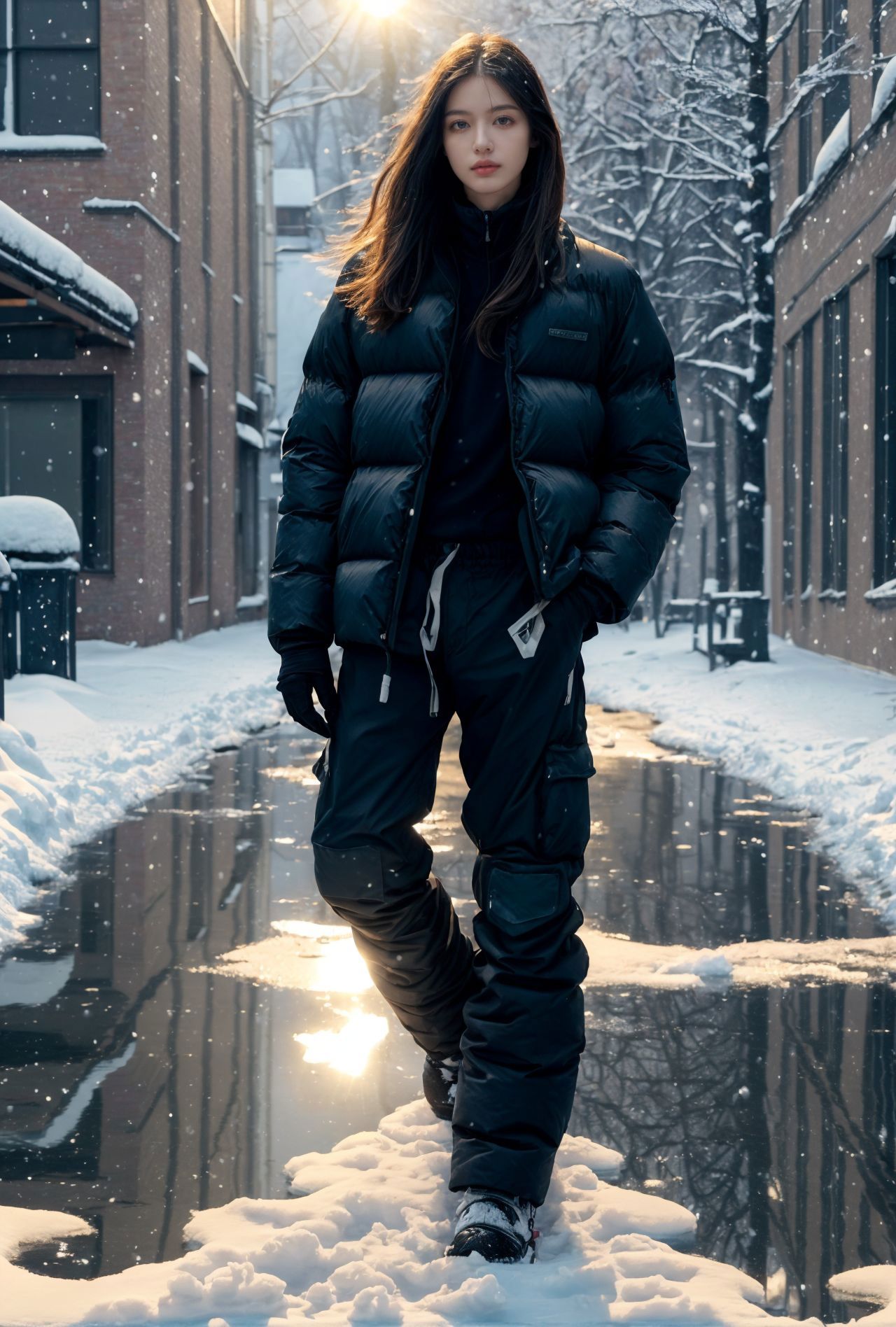
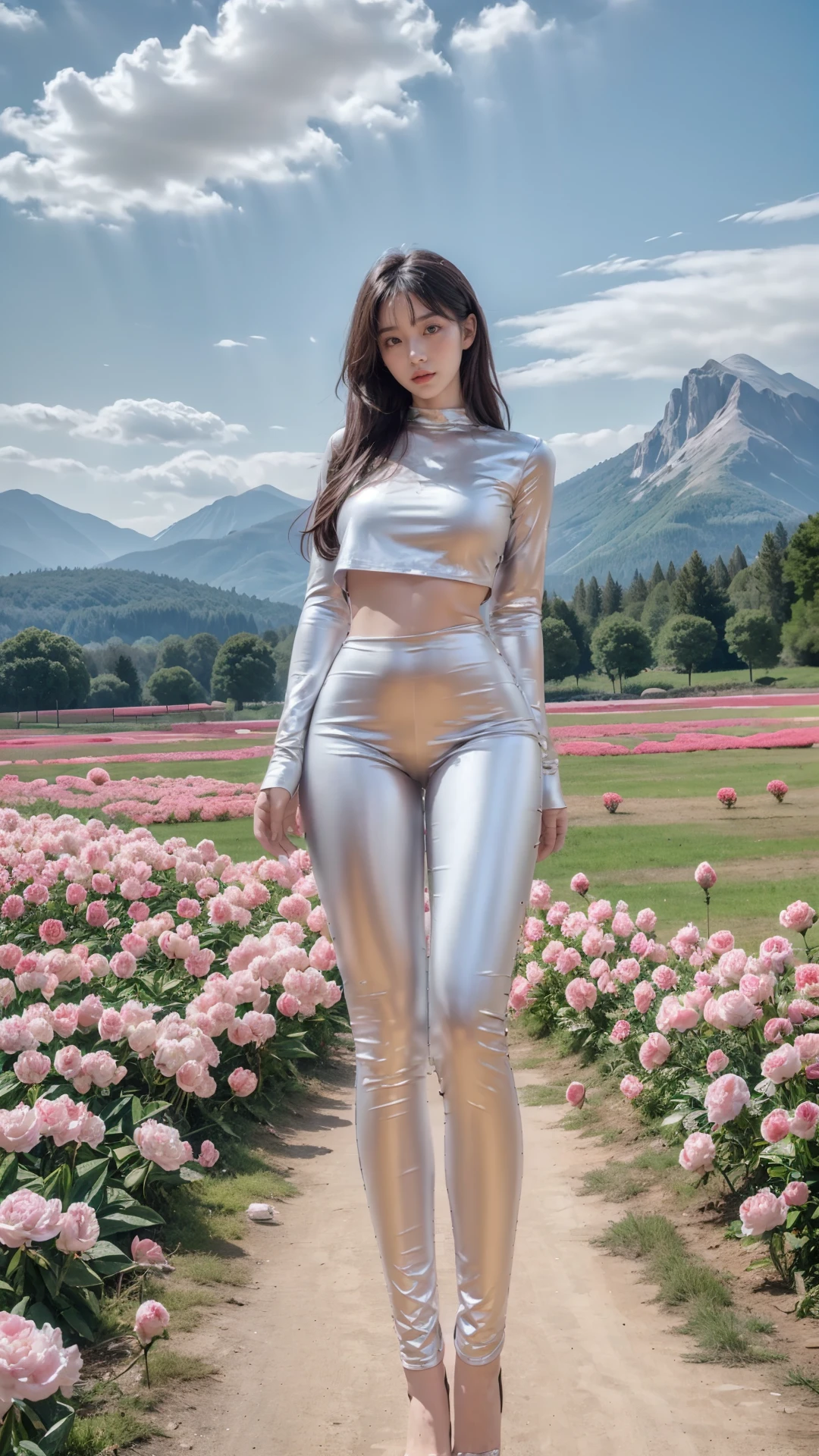
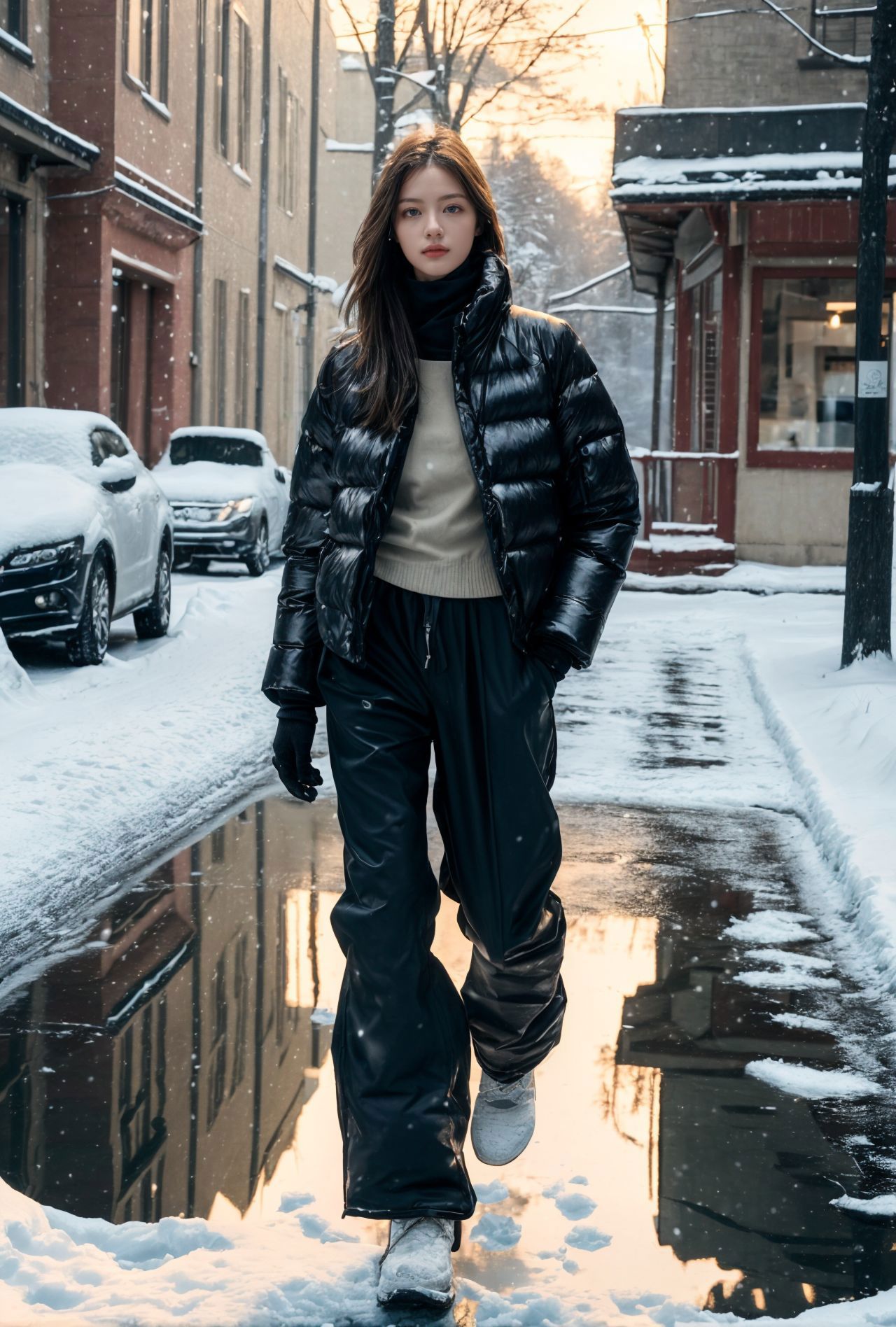
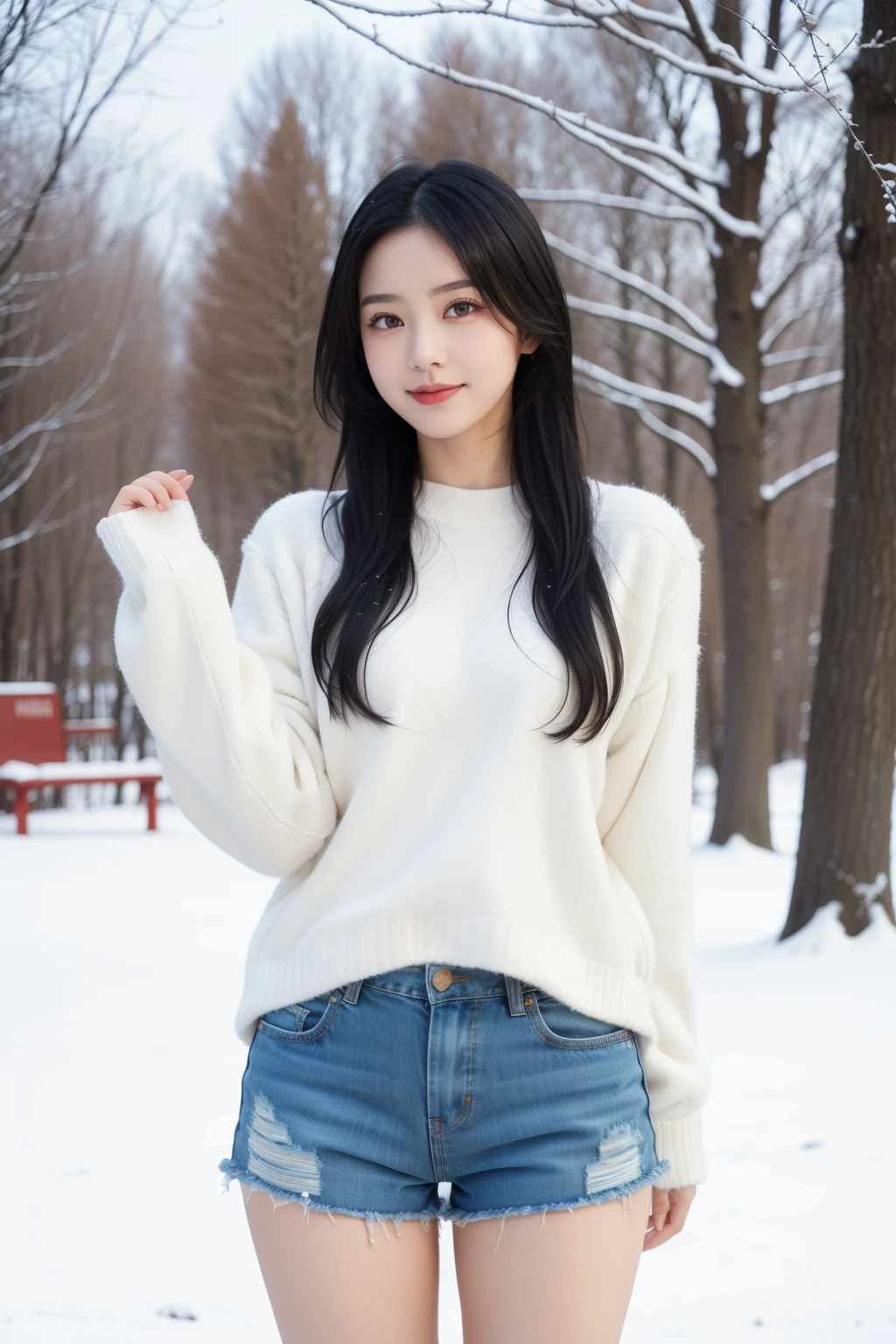
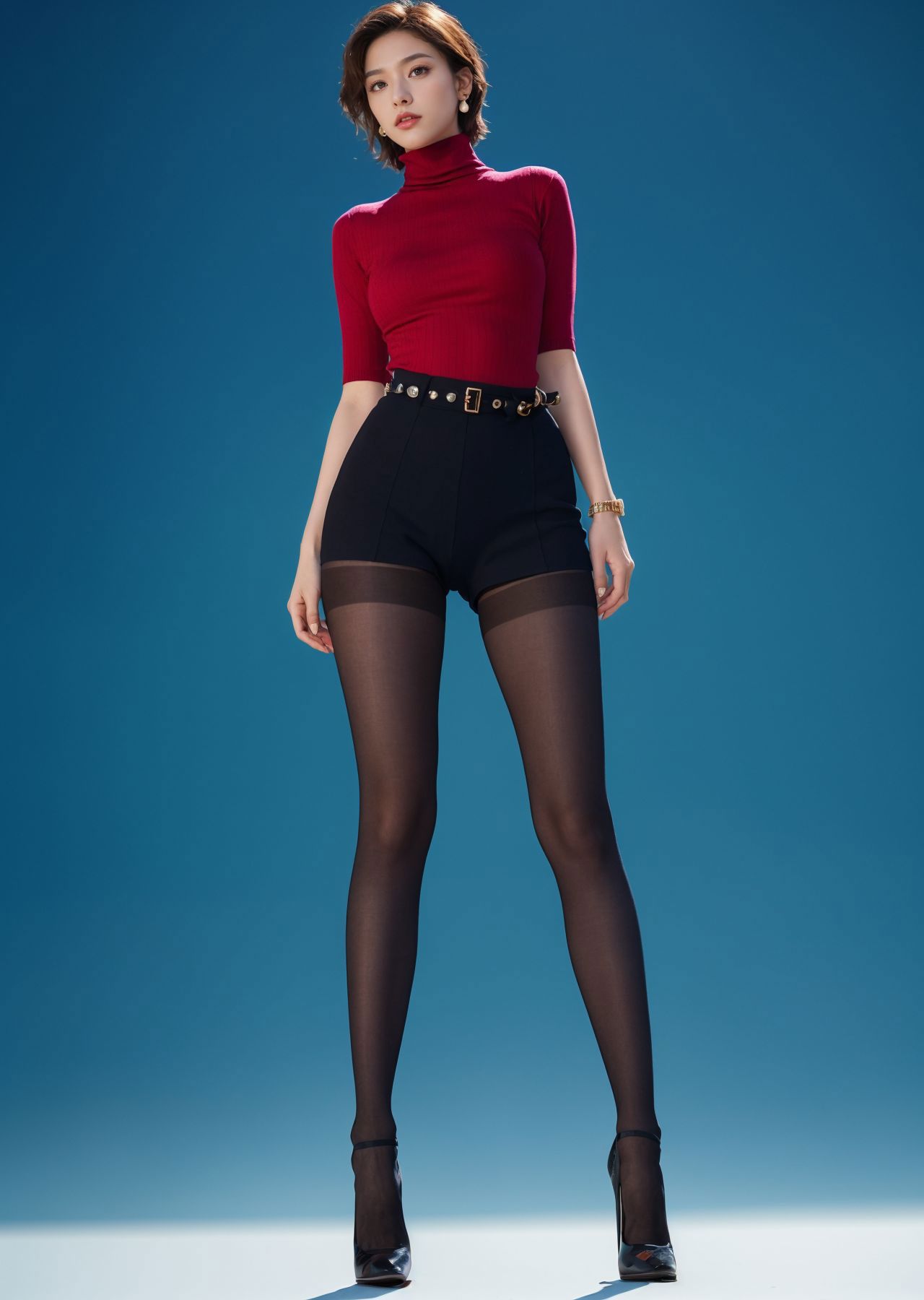
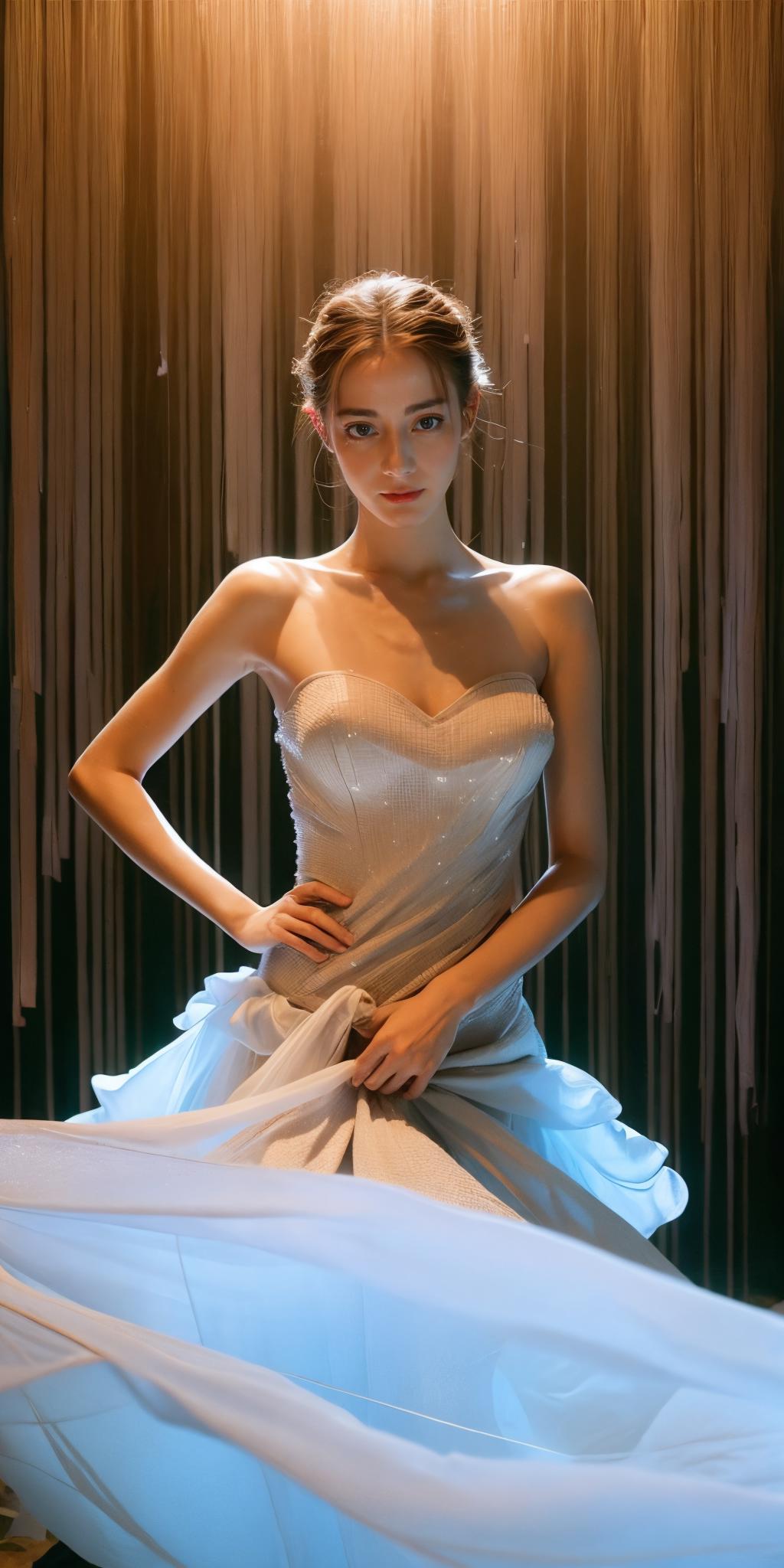
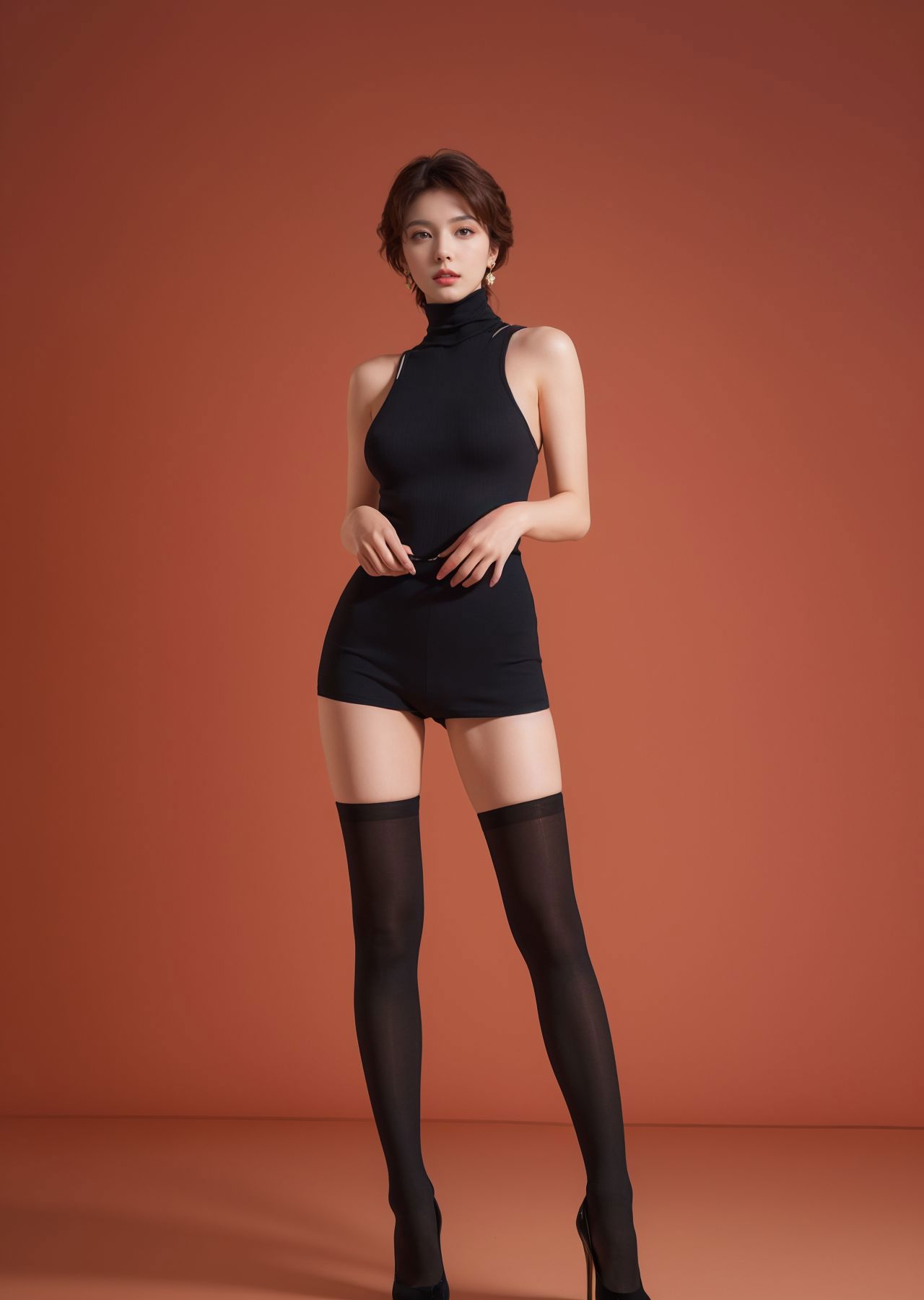
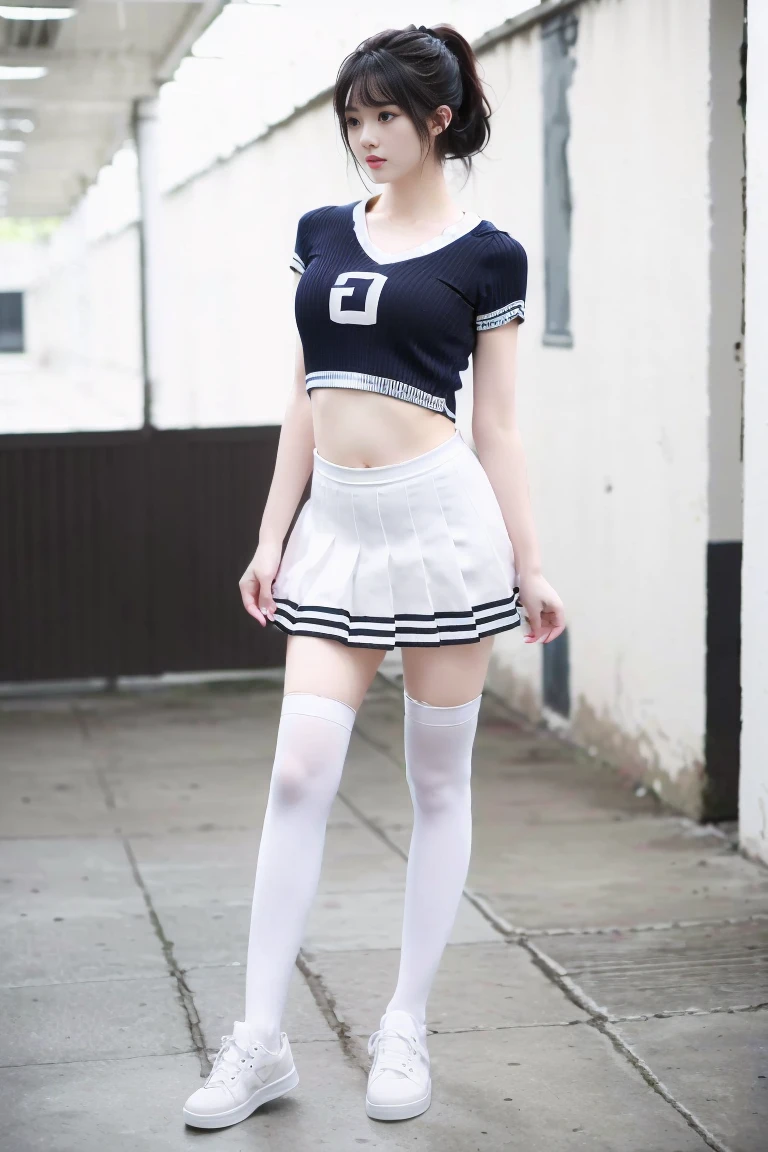
Regarding everyone’s feedback on the inconsistent proportions of the model’s body: The sample picture is 1024*2048, which is a fashion display photo, mainly to highlight the specific cut size of the clothes on the model.

If you don't like this size, you can set it to the default size, such as -512*768, 768*1024. It is recommended to use controlnet to fix the finger problem.

Recommended number of steps: 30-150 (30-50 is basically enough, unless you need to add more details on the clothing, you can open the large tag to adjust)

Sampling recommendation: spm++sde karras (I usually use this, you can test the others by yourself)

Recommended magnification algorithm: 4x-ultrasharp (redraw amplitude is about 0.2, magnification factor is generally 2)

Recommended size: 512x1024*2 (if you mind if your person is too long, you can use: 512*768/768*1024) cfg recommendation: 2-11 (if you are looking for some distinctive clothing or effects, 2-3.5 is recommended)

There isn’t much to share about controlnet.

Maybe it would be easier to understand by watching a video tutorial.

Version 1.0 is still very good, but version 2.0 is equally excellent, so choose yourself! E-commerce or other commercial graphics can be produced using post-processing software, so I won’t introduce them here.

View Translation

Rating & Review

5.0 /5
0 Ratings

Not enough ratings or reviews received yet

avatar
jaysdvn
11
272
Notice
2024-05-06
Publish Model
2023-10-30
Update Model Info
Model Details
Type
Checkpoint
Publish Time
2023-10-30
Base Model
SD 1.5
Trigger Words
realistic
Copy
Version Introduction

Regarding everyone’s feedback on the inconsistent proportions of the model’s body: The sample picture is 1024*2048, which is a fashion display photo, mainly to highlight the specific cut size of the clothes on the model.

If you don't like this size, you can set it to the default size, such as -512*768, 768*1024. It is recommended to use controlnet to fix the finger problem.

Recommended number of steps: 30-150 (30-50 is basically enough, unless you need to add more details on the clothing, you can open the large tag to adjust)

Sampling recommendation: spm++sde karras (I usually use this, you can test the others by yourself)

Recommended magnification algorithm: 4x-ultrasharp (redraw amplitude is about 0.2, magnification factor is generally 2)

Recommended size: 512x1024*2 (if you mind if your person is too long, you can use: 512*768/768*1024) cfg recommendation: 2-11 (if you are looking for some distinctive clothing or effects, 2-3.5 is recommended)

There isn’t much to share about controlnet.

Maybe it would be easier to understand by watching a video tutorial.

Version 1.0 is still very good, but version 2.0 is equally excellent, so choose yourself! E-commerce or other commercial graphics can be produced using post-processing software, so I won’t introduce them here.

License Scope
Model Source: civitai

1. The rights to reposted models belong to original creators.

2. Original creators should contact SeaArt.AI staff through official channels to claim their models. We are committed to protecting every creator's rights. Click to Claim

Creative License Scope
Online Image Generation
Merge
Allow Downloads
Commercial License Scope
Sale or Commercial Use of Generated Images
Resale of Models or Their Sale After Merging
QR Code
Download SeaArt App
Continue your AI creation journey on mobile devices