
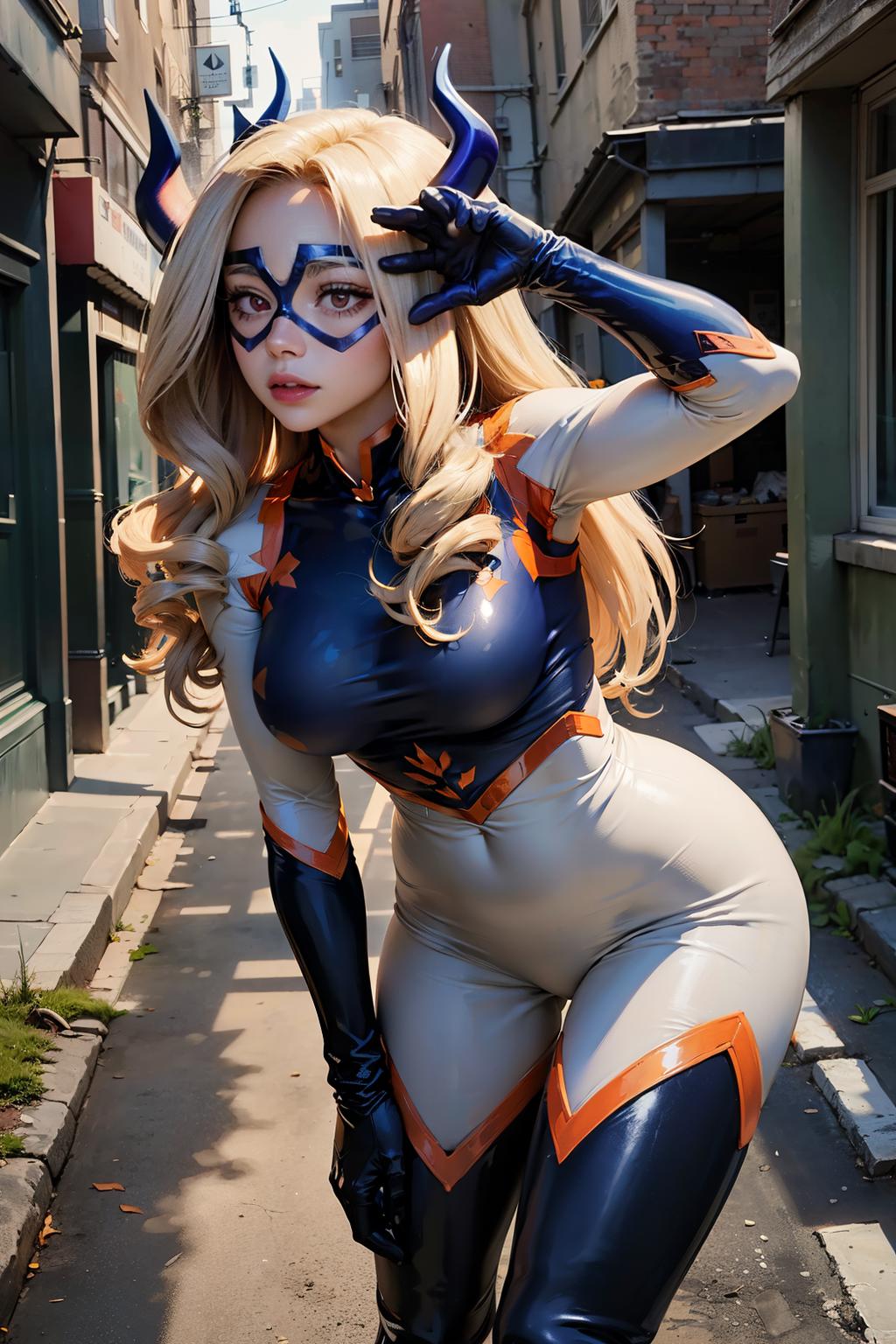
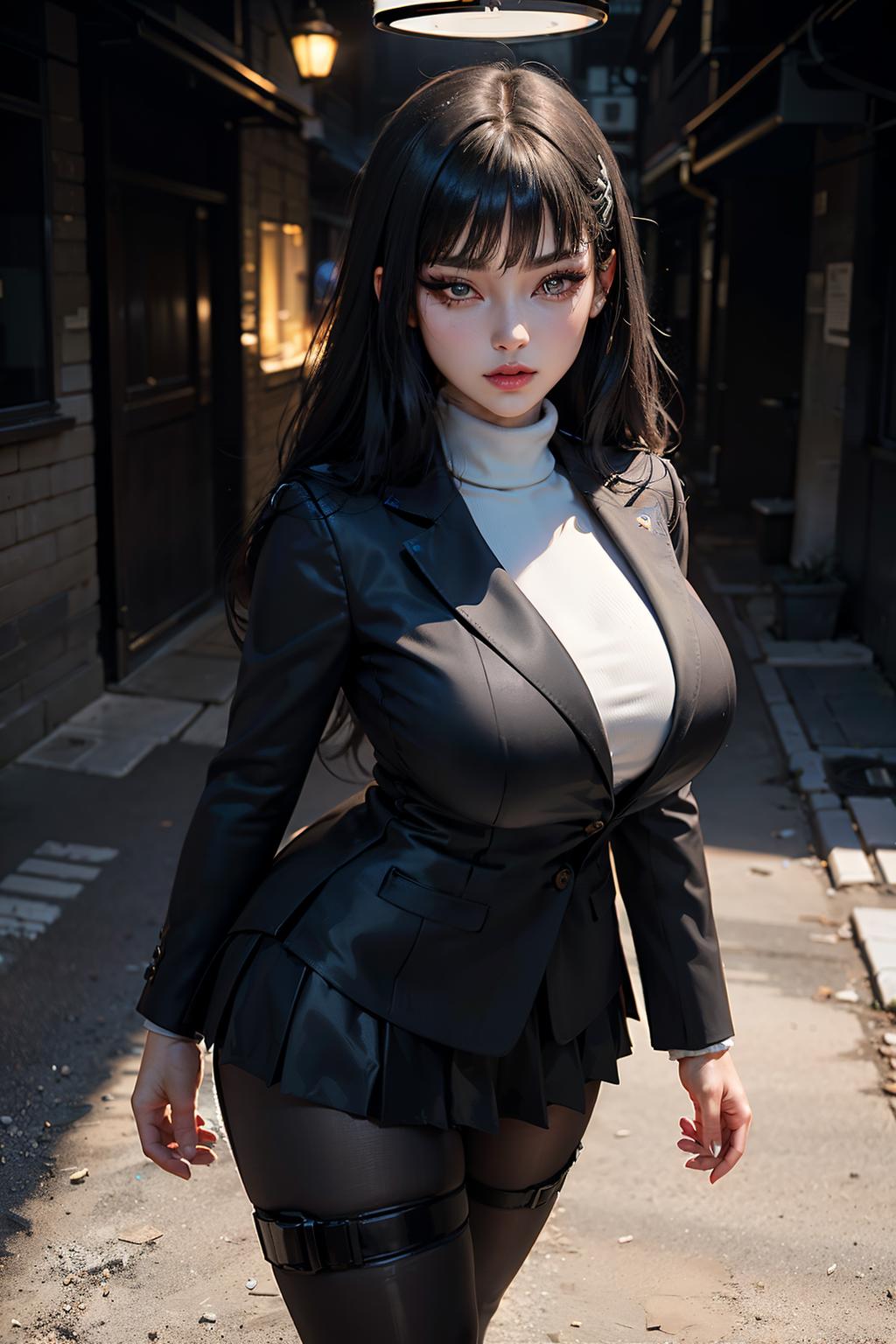
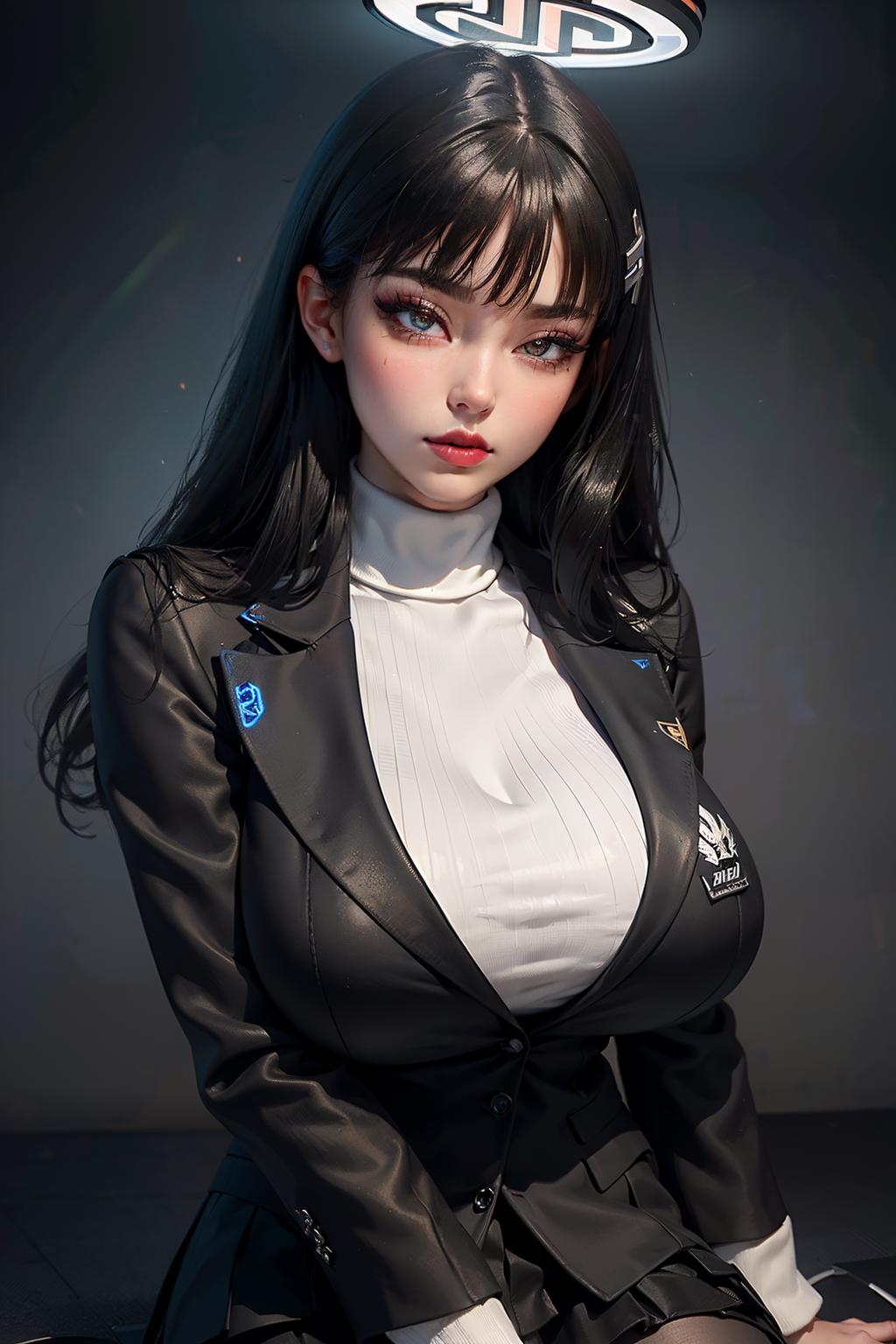
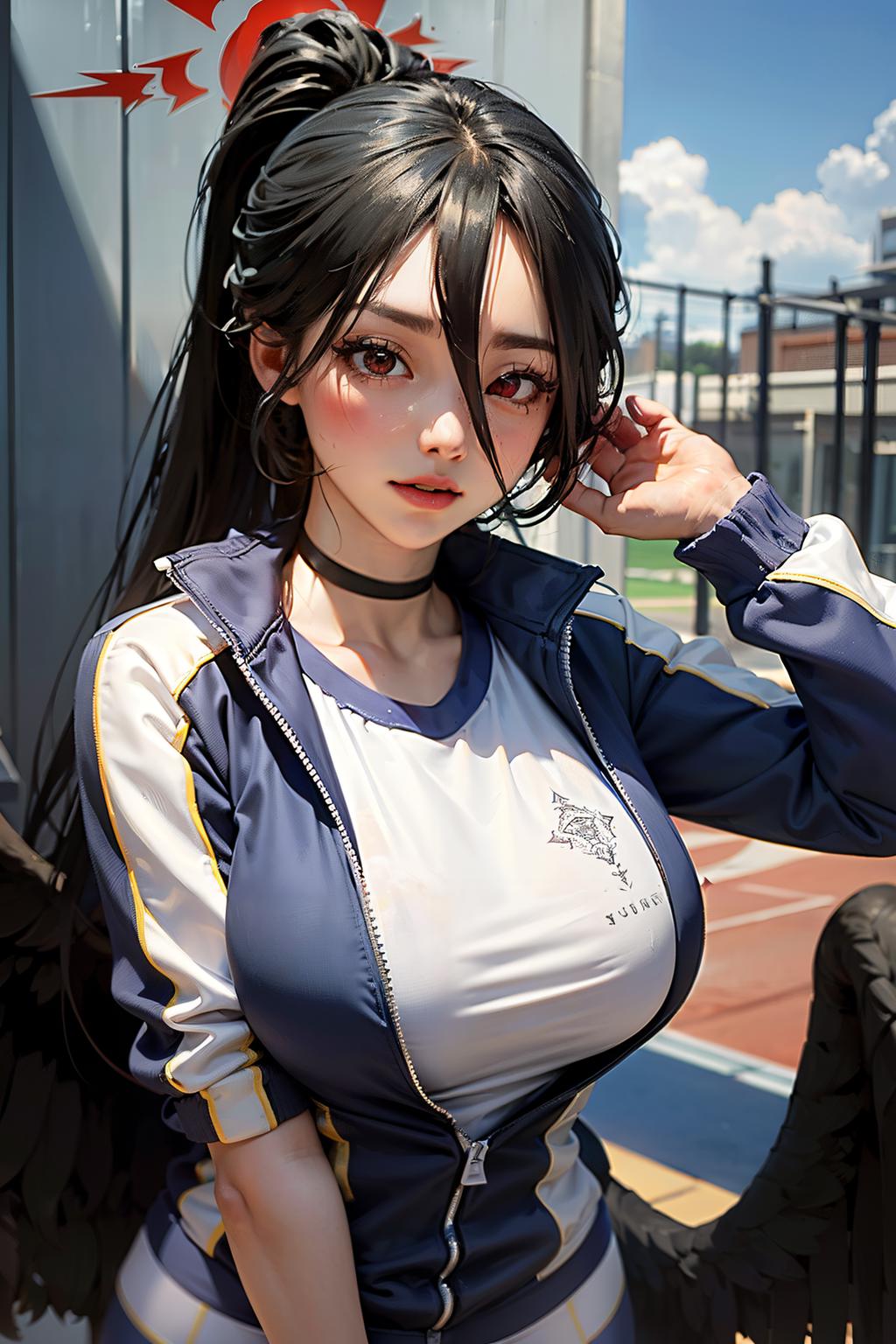

Details
Related
v2.0
v1.0
EndReal MIX

EndReal MIX

794
160
526
#Anime
#Photorealistic
#Female
#Base Model
#woman
#Realism
#cloth
#semirealistic
#Anime
#Photorealistic
#Female
#Base Model
#woman
#Realism
#cloth
#semirealistic

Description

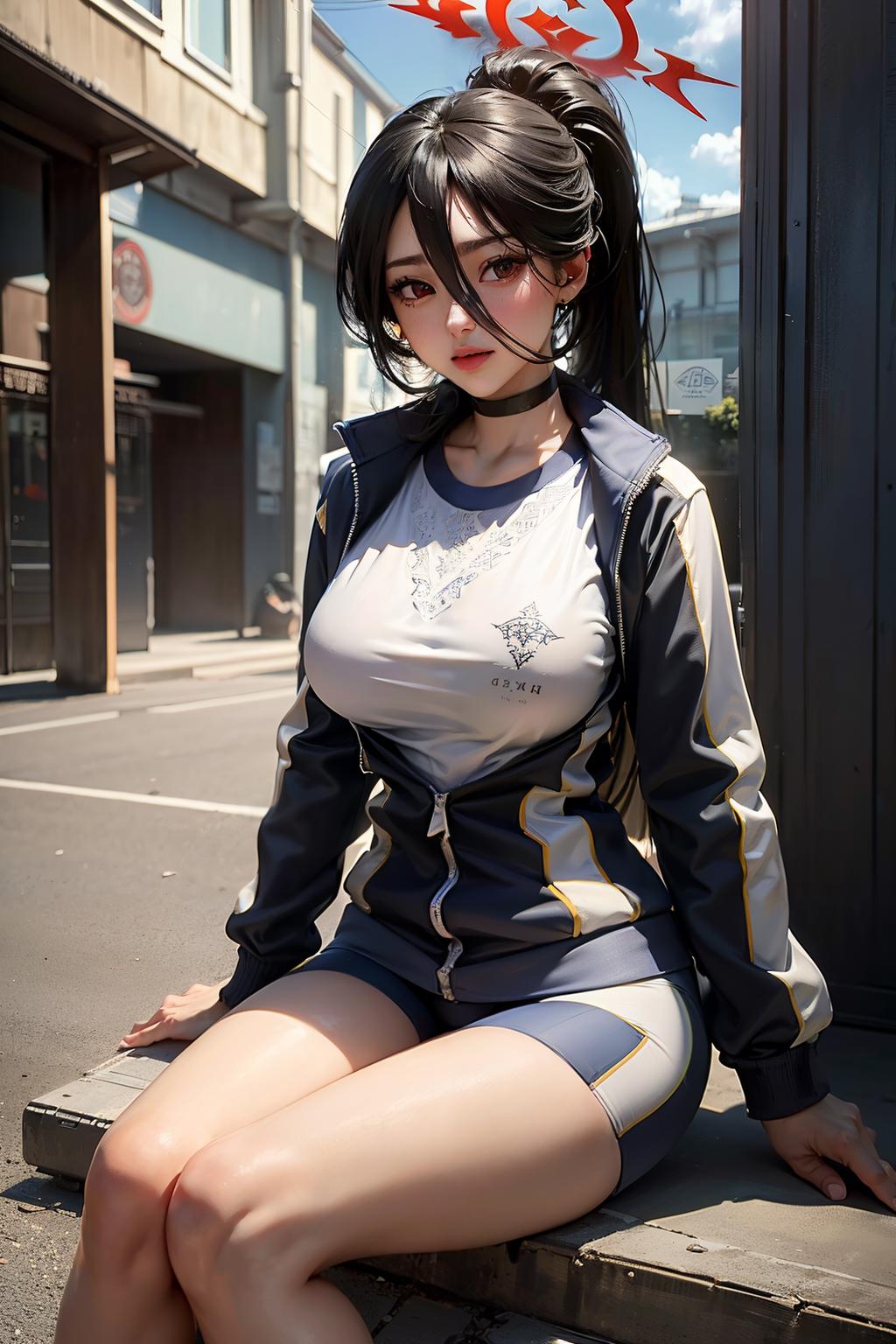
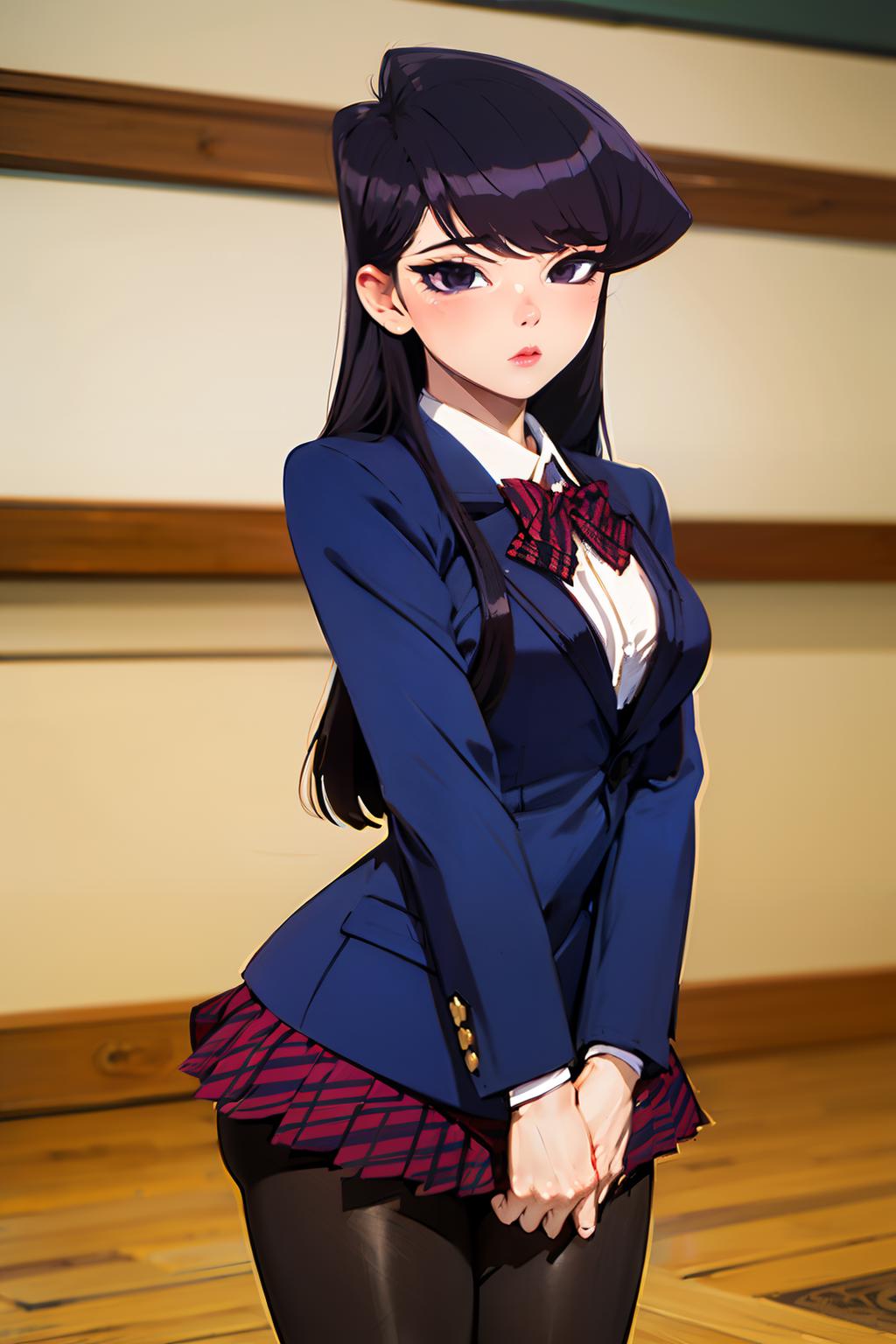
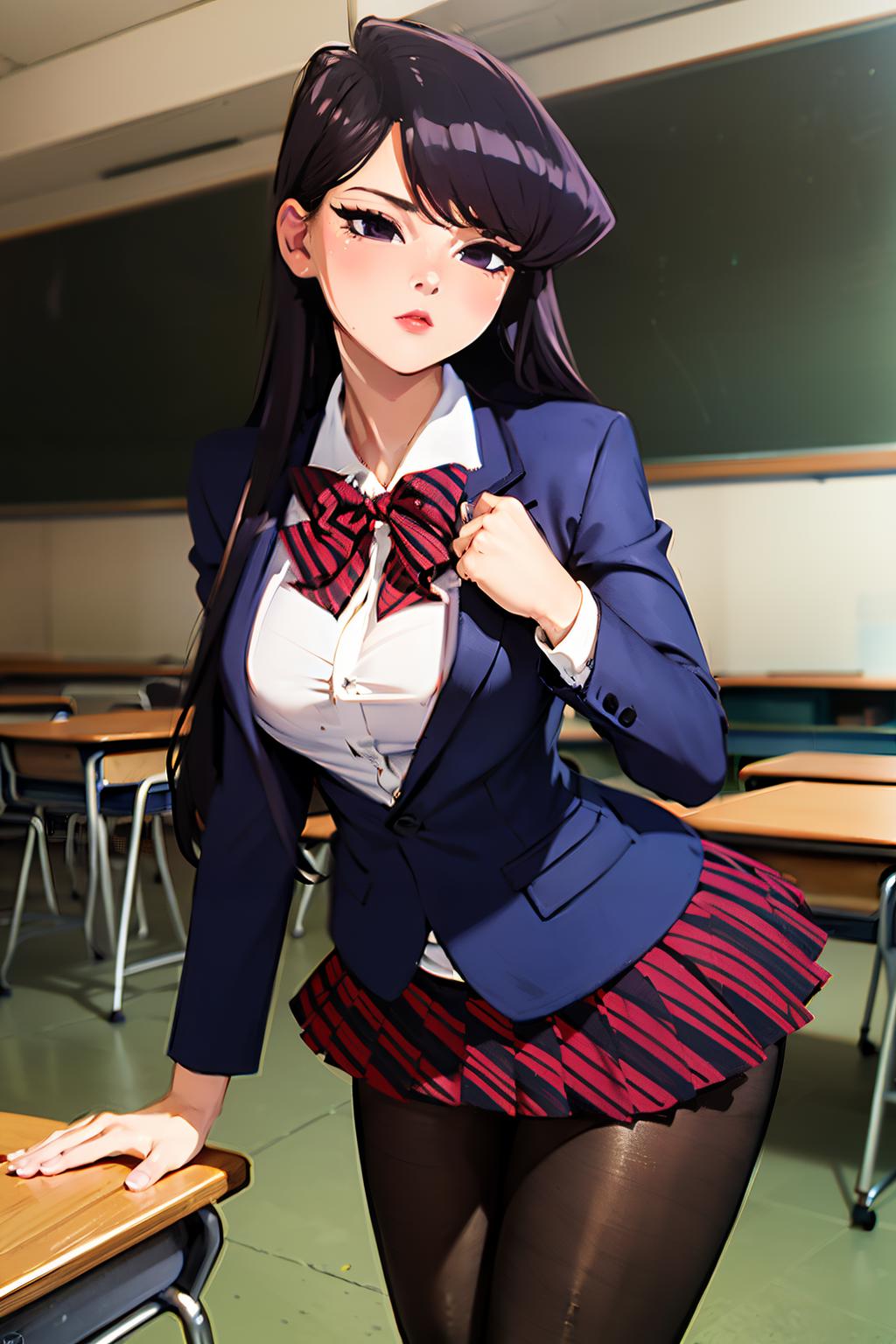
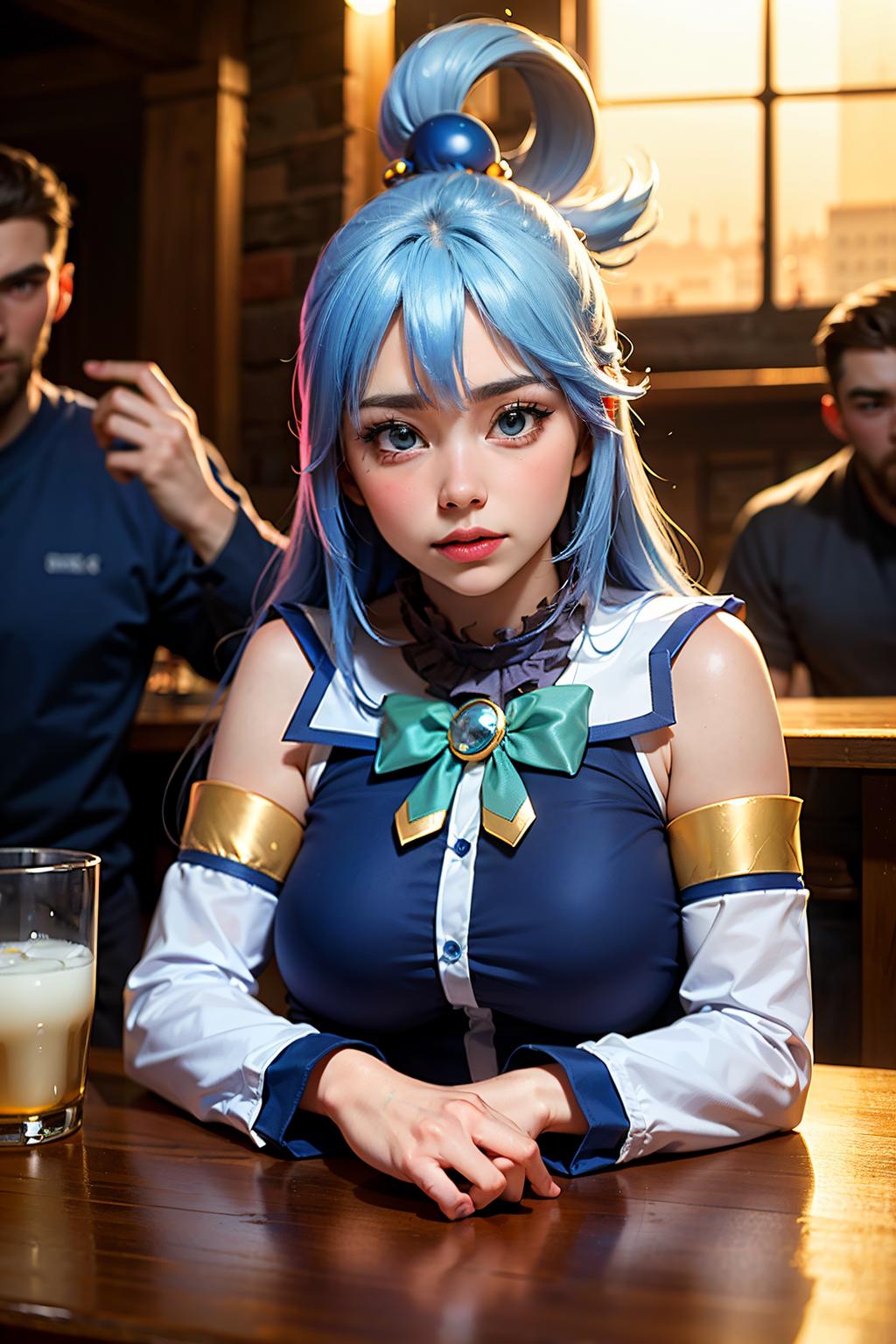
I made a different base model from V1.0, and in this update I made checkpoints that make it easier to combine several Loras such as Lora characters, poses and clothing. So at this checkpoint we can maximize the Lora that we use for our design. Good Luck and Have Fun

Usage Guide:

  • (highly recommended) Use a Lora for best results

  • (highly recommended) Upscaling at 2x using 4xUltrasharp works very well (with denoising 0.35-0.45 will work fine). Additionally, generating the pre-upscaled image at 512x768 .

  • (recommended) Use DPM++ 2M Karras, 20-30 sampling step, with Clip Skip 2

  • (recommended) use prompts: "Hyper realistic" and "Realistic" for realistic results

  • This merge is very easy to prompt, and does not require a ton of prompt engineering to get good results, but if you want maximum results, use the prompt from following format will yield maximum results:

    • Prompt:

      • ((masterpiece)), (best quality),intricate design, (insanely detailed:1.4), (extremely fine details:1.35), hyper-detailed, (detailed),

    • Negative:

      • easynegative, (worst quality, low quality:1.4), bad-hands-5, bad-image-v2-39000, (worst quality:2), (low quality:2), (normal quality:2), lowres, normal quality, ((monochrome)), ((grayscale)), bad ???????, missing arms, missing legs, extra arms, extra legs, fused fingers, too many fingers, watermark,

View Translation

Rating & Review

-- /5
0 Ratings

Not enough ratings or reviews received yet

U
Notice
2024-11-02
Publish Model
2023-10-28
Update Model Info
Model Details
Type
Checkpoint
Publish Time
2023-10-28
Base Model
SD 1.5
Version Introduction

Description

I made a different base model from V1.0, and in this update I made checkpoints that make it easier to combine several Loras such as Lora characters, poses and clothing. So at this checkpoint we can maximize the Lora that we use for our design. Good Luck and Have Fun

Usage Guide

  • (highly recommended) Use a Lora for best results

  • (highly recommended) Upscaling at 2x using 4xUltrasharp works very well (with denoising 0.35-0.45 will work fine). Additionally, generating the pre-upscaled image at 512x768 .

  • (recommended) Use DPM++ 2M Karras, 20-30 sampling step, with Clip Skip 2

  • (recommended) use prompts: "Hyper realistic" and "Realistic" for realistic results

  • This merge is very easy to prompt, and does not require a ton of prompt engineering to get good results, but if you want maximum results, use the prompt from following format will yield maximum results:

    • Prompt:

      • ((masterpiece)), (best quality),intricate design, (insanely detailed:1.4), (extremely fine details:1.35), hyper-detailed, (detailed),

    • Negative:

      • easynegative, (worst quality, low quality:1.4), bad-hands-5, bad-image-v2-39000, (worst quality:2), (low quality:2), (normal quality:2), lowres, normal quality, ((monochrome)), ((grayscale)), bad ???????, missing arms, missing legs, extra arms, extra legs, fused fingers, too many fingers, watermark,

License Scope
Model Source: civitai

1. The rights to reposted models belong to original creators.

2. Original creators should contact SeaArt.AI staff through official channels to claim their models. We are committed to protecting every creator's rights. Click to Claim

Creative License Scope
Online Image Generation
Merge
Allow Downloads
Commercial License Scope
Sale or Commercial Use of Generated Images
Resale of Models or Their Sale After Merging
QR Code
Download SeaArt App
Continue your AI creation journey on mobile devices