SeaArt
📸 Beyond the Lens – SeaArt Film Video Realistic Style Creation Guide
Create AI visuals that look even more stunning than real-life photos!
🧠 1. What Is Realistic Style? What Can SeaArt Film Video Do?
The realistic style is an image generation approach that aims to faithfully replicate real-world details—covering aspects like skin texture, light and shadow, material rendering, and scene structure.With the SeaArt Film Video model, realistic generation has reached a new level. The images are packed with rich details, stable composition, lifelike textures, and natural lighting—approaching the quality of professional photography.
✅ Ideal Use Cases for SeaArt Film Video (Realistic Style):
- Studio-quality portraits (virtual models / AI photo shoots)
- Urban scenery and architectural compositions
- Highly detailed still life or food photography
- Interior spaces and furniture mockups
- Realistic wallpapers, promotional posters, or cinematic storyboards
🎞️ 2. Image-to-Video: Bringing Realistic Style to Life
SeaArt Film Video not only generates stunning still images—it also animates realistic visuals into cinematic short videos. By uploading a static image and adding a detailed dynamic prompt, you can create high-quality, film-like video content.
🔧 Recommended Settings for Image-to-Video Generation:
| Item | Recommended Setup |
|---|---|
| Image Format | PNG / JPG, min. resolution 300px; clear composition, complete subject |
| Prompt Description | Clear actions, facial expressions, and camera movement; use specific, concrete language |
| Style Consistency | Avoid mixing cartoon/illustration terms; use keywords like photo-realistic, cinematic movement |
| Motion Suggestions | Subtle movements recommended: head turns, eye shifts, breathing, smiling, lighting changes—all to maintain realism |
🎬 Example 1: Subtle Motion Portrait of a Virtual Model
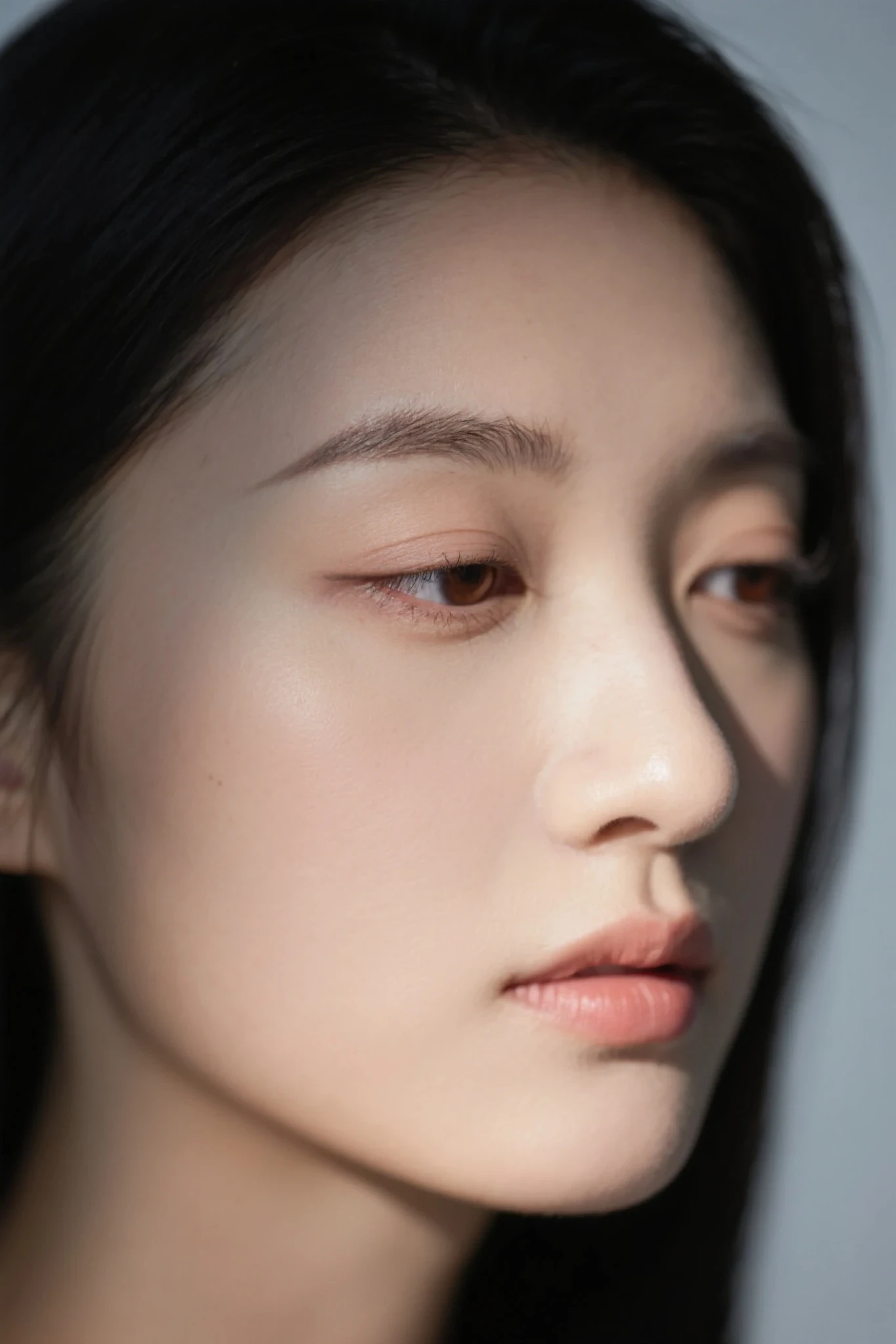
📷 Original Image Setup:
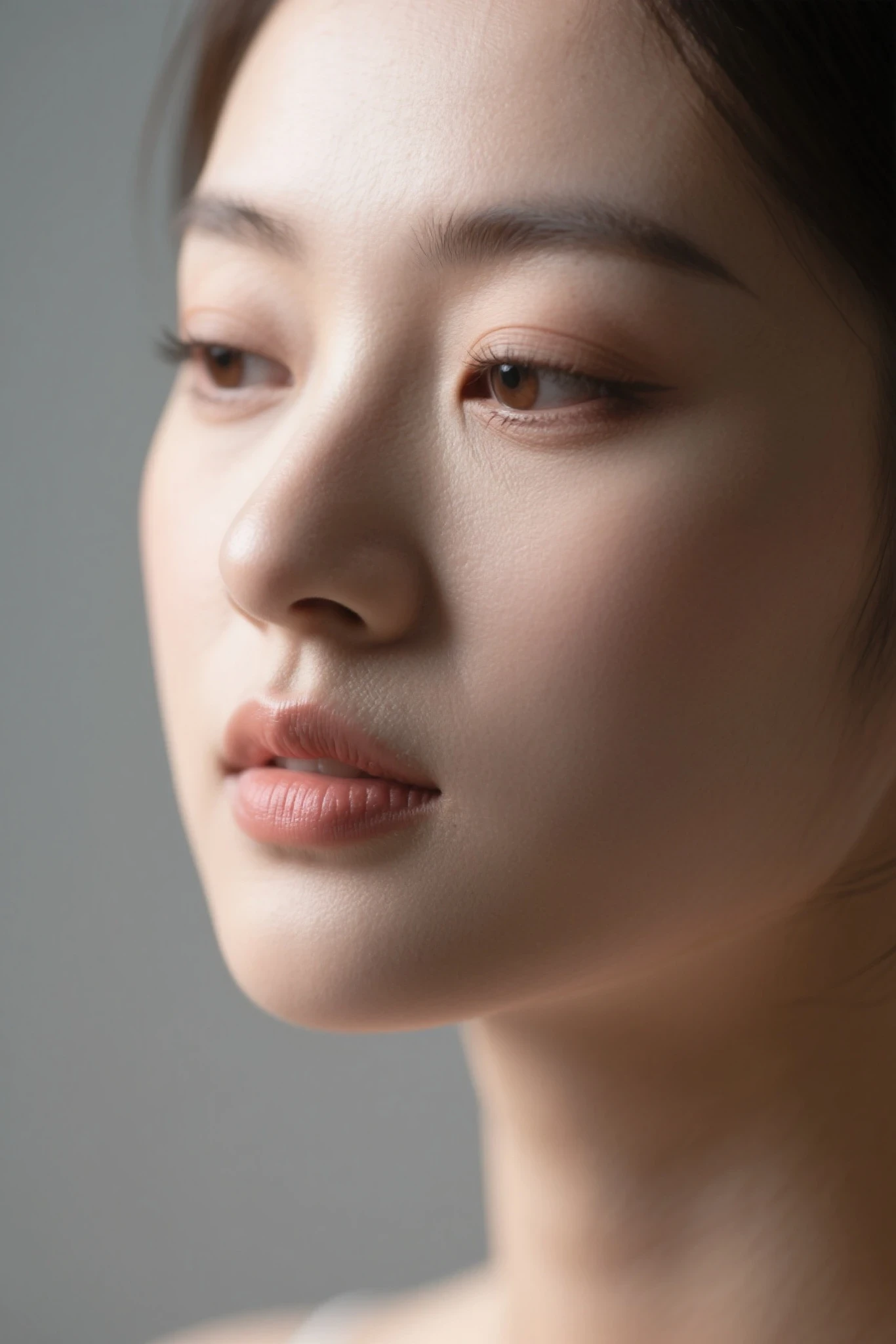
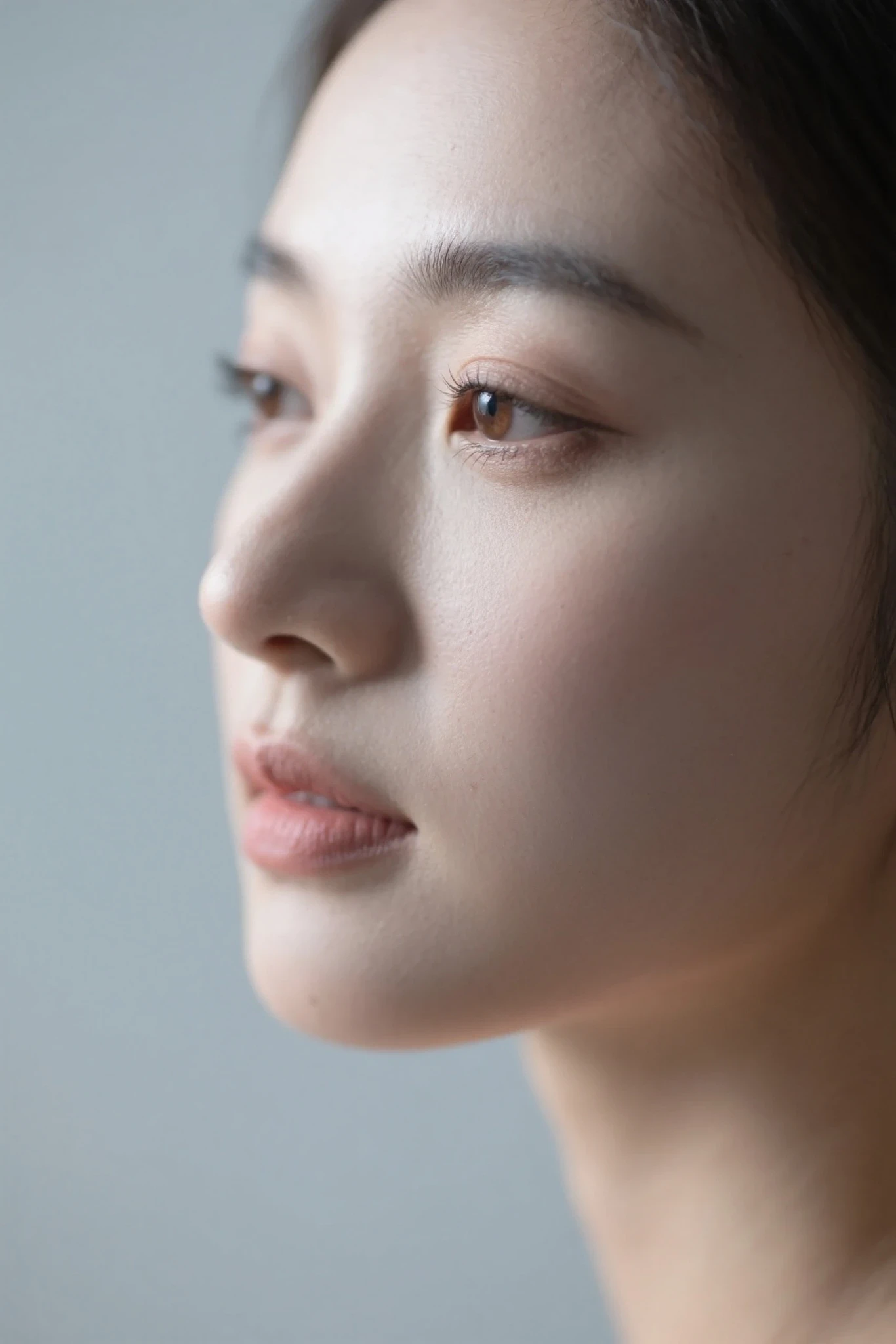
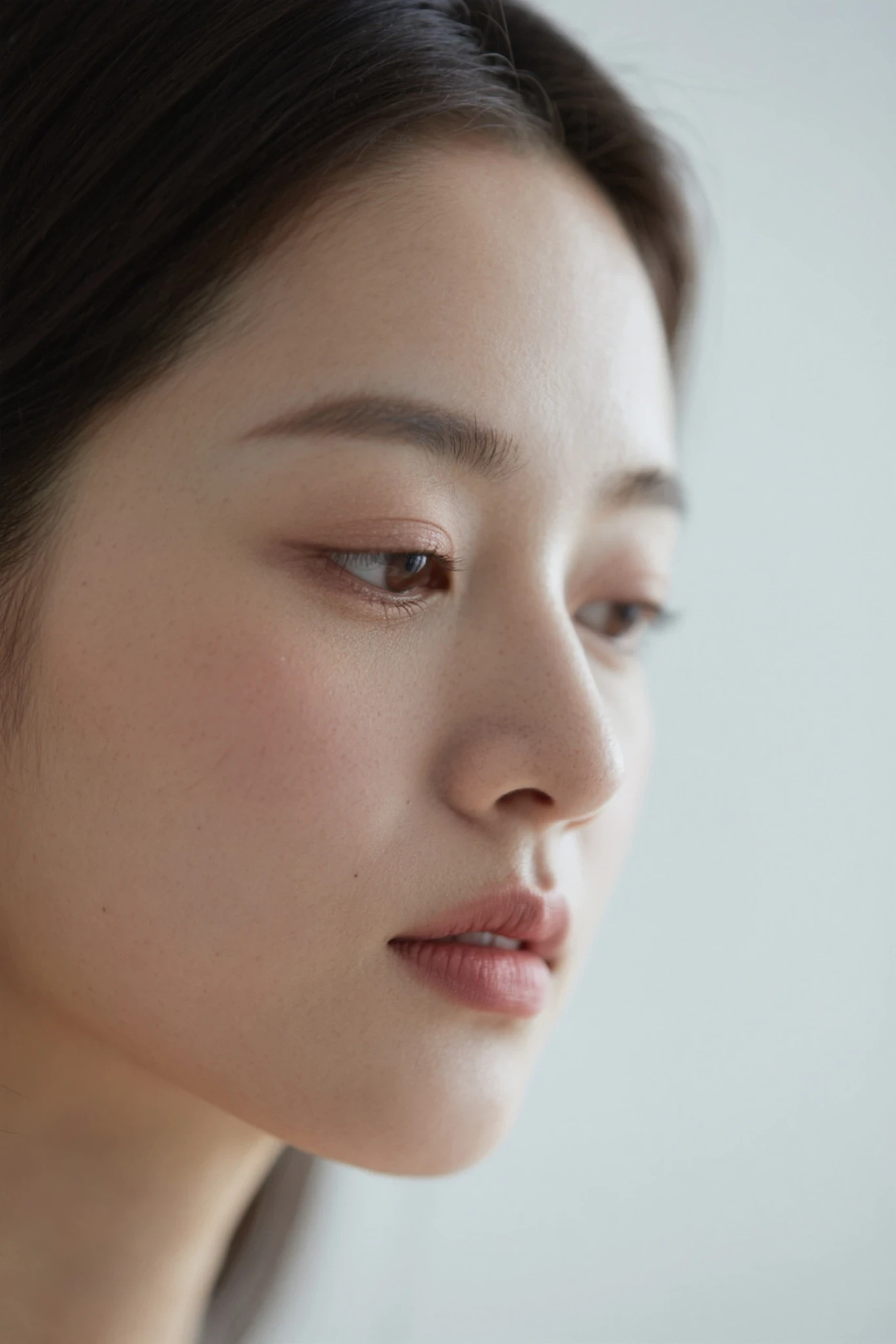
Realistic portrait of a young woman in a studio, with delicate facial features and clear composition.
📝 Prompt Example:
Masterpiece-level picture quality, 8K ultra-realistic, studio portrait cinematic, skin texture optimization, ultra-fine focus, zero distortion. A stunning East Asian woman with delicate facial features and moist skin. Wearing an off-white silk shirt, sitting on the ground against a white seamless curtain. The professional three-point cloth illuminates her perfectly symmetrical face, with subtle highlights jumping between her hair. The eyes are gentle and intellectual, and the eyes are naturally moist and reflective.
✅ Suggested Dynamic Shot Sequence:
- Shot 1 (Wide angle, slow push-in): A mid-wide angle reveals the studio setting. The camera slowly pushes in at eye level. She’s seated, hands resting on her knees. As she looks up toward the camera, lighting intensifies gradually to establish gentle eye contact.

- Shot 2 (Close-up, facial details): Smooth transition to a close-up above the shoulders. She tucks wind-blown hair behind her ear, revealing pearl earrings. A subtle, authentic smile appears, with soft creases at the eye corners. Eyelashes flutter and lips part slightly.
- Shot 3 (Orbit shot, sustained gaze): Smooth tracking around the subject. She turns her head to maintain eye contact with the camera. Neck muscles move realistically. The silk blouse reflects soft lighting as she turns.
🎞️ Visual Outcome:
- Natural eye movement and blinking
- Cinematic push-in enhances immersion
- Dynamic lighting simulates real studio reflections
🔗 Example Video:https://www.seaart.ai/zhCN/explore/detail/d1nijg5e878c739274p0

🎬 Example 2: Outdoor Fashion Shoot with Cinematic Motion
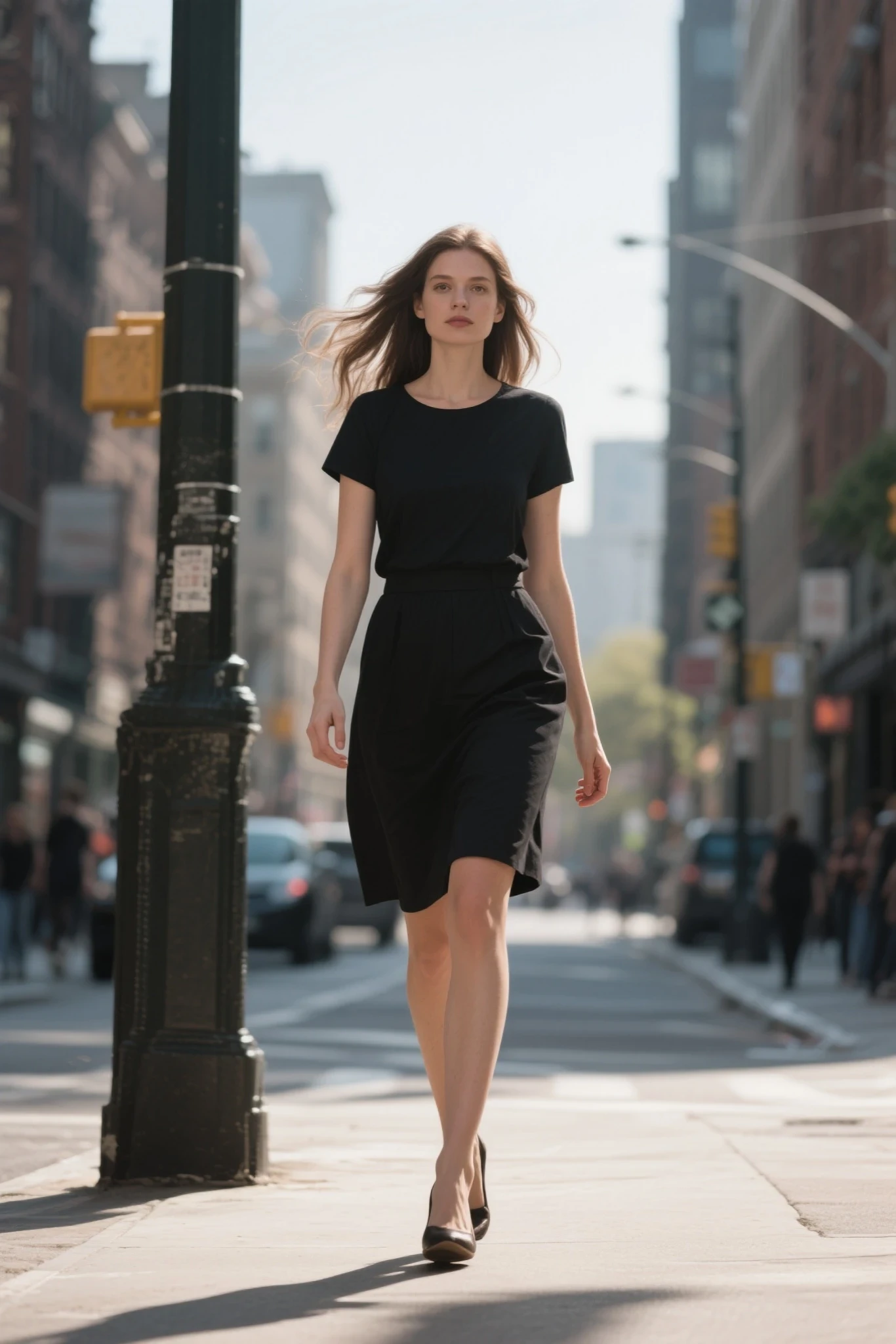
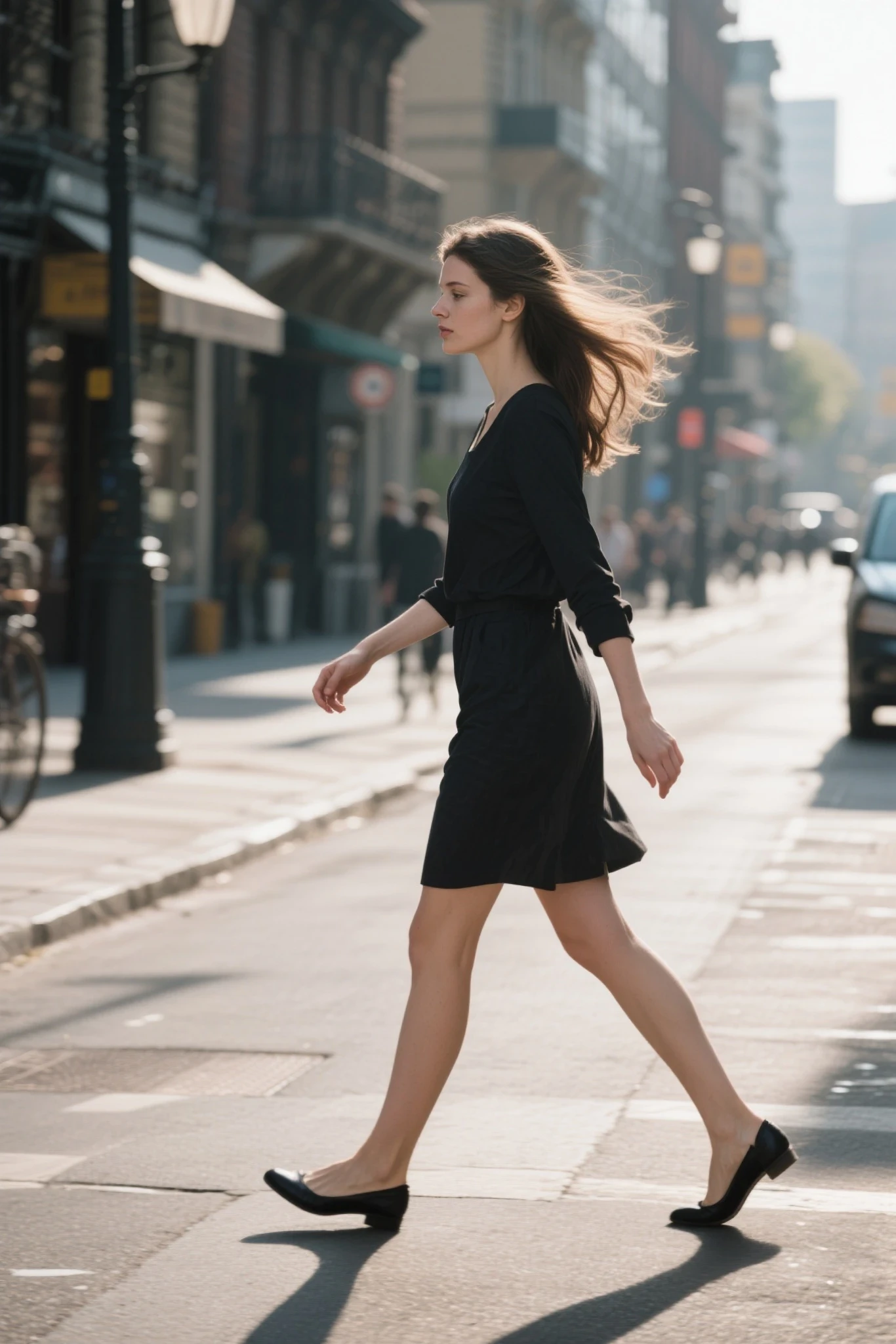
📷 Original Image Setup:
Model shot outdoors in natural lighting, background of trees or urban streets.
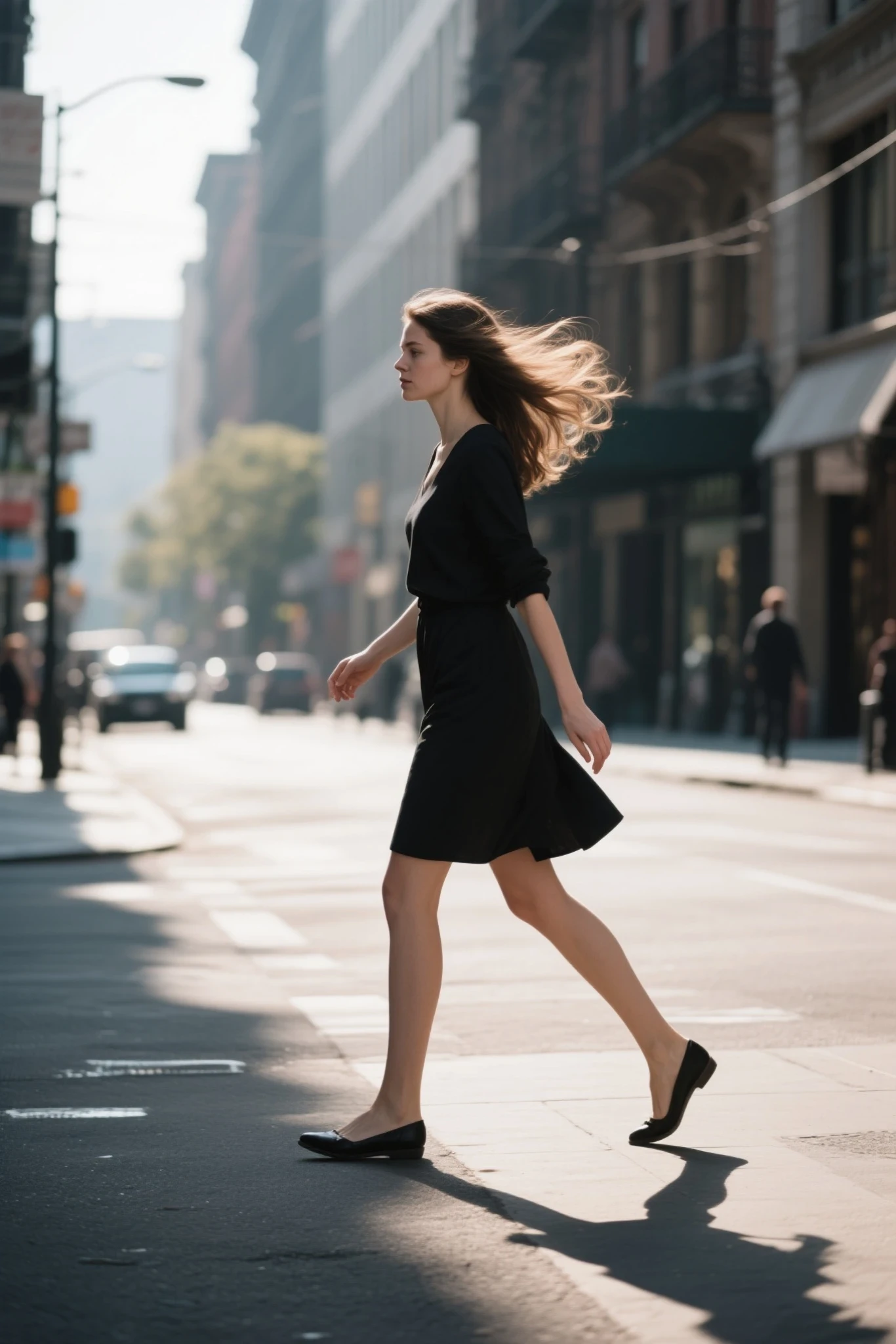
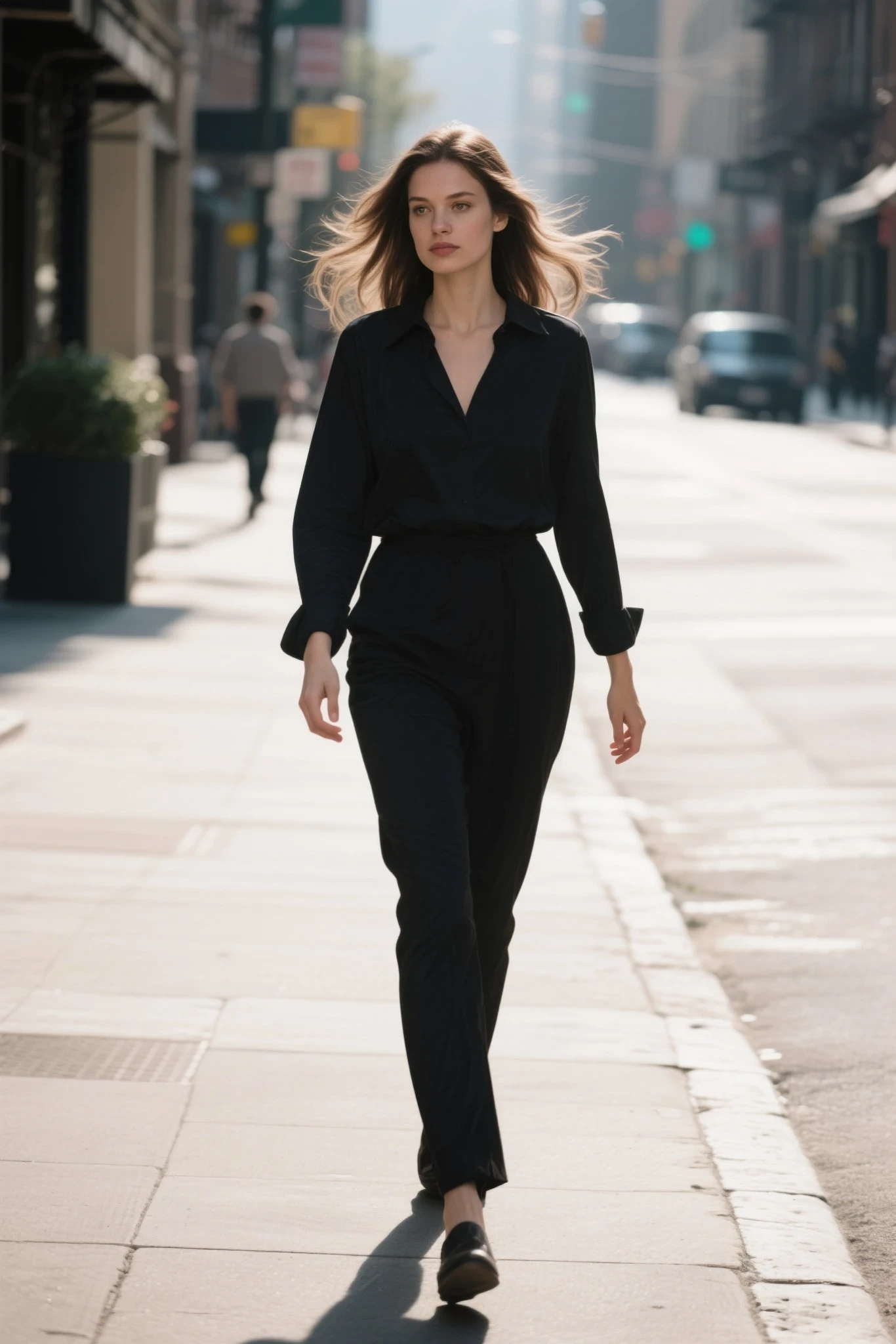
📝 Prompt Example:
Style: cinematic realism / urban fashion / high-end street photography.
Time: morning or afternoon cityscape with sunlight filtering between buildings.
Setting: real urban environment, minimal foot traffic, slightly blurred background for depth.
✅ Suggested Dynamic Shot Sequence:
- Shot 1 (Long shot, camera push-in): Action: Model walks slowly from a distance with a calm, steady pace. Arms swing naturally; skirt sways rhythmically. Camera: Slightly stabilized push-in from wide to medium shot, enhancing entrance. Atmosphere: Warm sunlight, layered urban background, subtle ambient contrast.
- Shot 2 (Mid-shot, horizontal dolly): Action: Side profile as she walks left to right. Hair moves gently in the breeze; body moves fluidly with upright posture. Camera: Tracking shot with smooth dolly at her pace. Effect: Background motion blur (traffic, lights, pedestrians) enhances realism.
- Shot 3 (Low-angle follow shot): Action: Close-up on her heels walking across a crosswalk—each step with strength and rhythm. Camera: Low-angle upward shot slowly rising, slight handheld movement matches her pace. Texture: Reflective sunlight on pavement and shadow interplay adds tension.
- Shot 4 (Orbit close-up): Action: Wind lifts her hair, face calm and confident, eyes fixed ahead. Camera: Slow orbit to front angle, creates a moving portrait effect. Lighting: Soft shadow gradients and rim lighting build cinematic quality.
- Shot 5 (Dramatic freeze frame): Action: She pauses in front of the camera, glances back. Subtle emotion in her gaze as wind touches her face. Camera: Low-angle close-up, blurred skyscrapers in background offer spatial contrast. Mood: Perfect for scene transition or ending shot—conveys presence and confidence.
🎞️ Visual Outcome:
- Subtle wind motion and natural walking
- Camera tracks subject smoothly for realism
- Background light and shadows transition realistically
🔗 Example Video:https://www.seaart.ai/zhCN/explore/detail/d1nn165e878c73c9ak7g
💬 3. Realism-Enhancing Vocabulary Reference
| Category | Keywords | Description |
|---|---|---|
| Texture | skin texture, fabric details, metal surface | Skin pores, clothing texture, metallic finishes |
| Lighting | soft lighting, rim light, cinematic light | Gentle glow, edge light, film-style illumination |
| Depth | shallow depth of field, bokeh | Blurred backgrounds, strong subject separation |
| Style | photo-realistic, 85mm photography, ultra detail | Real photography look, portrait lens effect, rich details |
| Quality | masterpiece, high quality, 8K, HDR | High-definition output, vibrant and detailed visuals |
🎯 4. Key Advantages of Realistic Style
| Benefit | Description |
|---|---|
| 🎨 High Detail Fidelity | Excellent handling of skin, fabric, architecture—no blurriness or plastic look |
| 📷 Photography-Level Quality | Natural lighting and realistic finishes rival real photography |
| 🏙️ Strong in Large Scenes | Clear structure and perspective for cities, streets, night views |
| 🍽️ Hyper-Realistic Food | Captures color, gloss, steam, and texture vividly and appetizingly |
🛠️ 5. Prompt Writing Tips
Recommended Structure:
Subject + Scene + Texture + Lighting + Style Keywords + Quality Enhancers
💡 Example 1: Realistic Portrait
Prompt:
realistic portrait of a young woman,natural lighting, smooth skin, soft expression, ultra detailed, cinematic lighting, photo-realistic, 85mm photography style,high resolution
Advanced Settings:
📌usage suggestion:
Set prompt strength to 3–15.
Higher values = closer adherence to prompt.
Lower values = more creative variation.
Expected Effects:
- Natural skin tone and texture
- Well-defined facial structure and features
- Realistic lighting with depth-of-field background
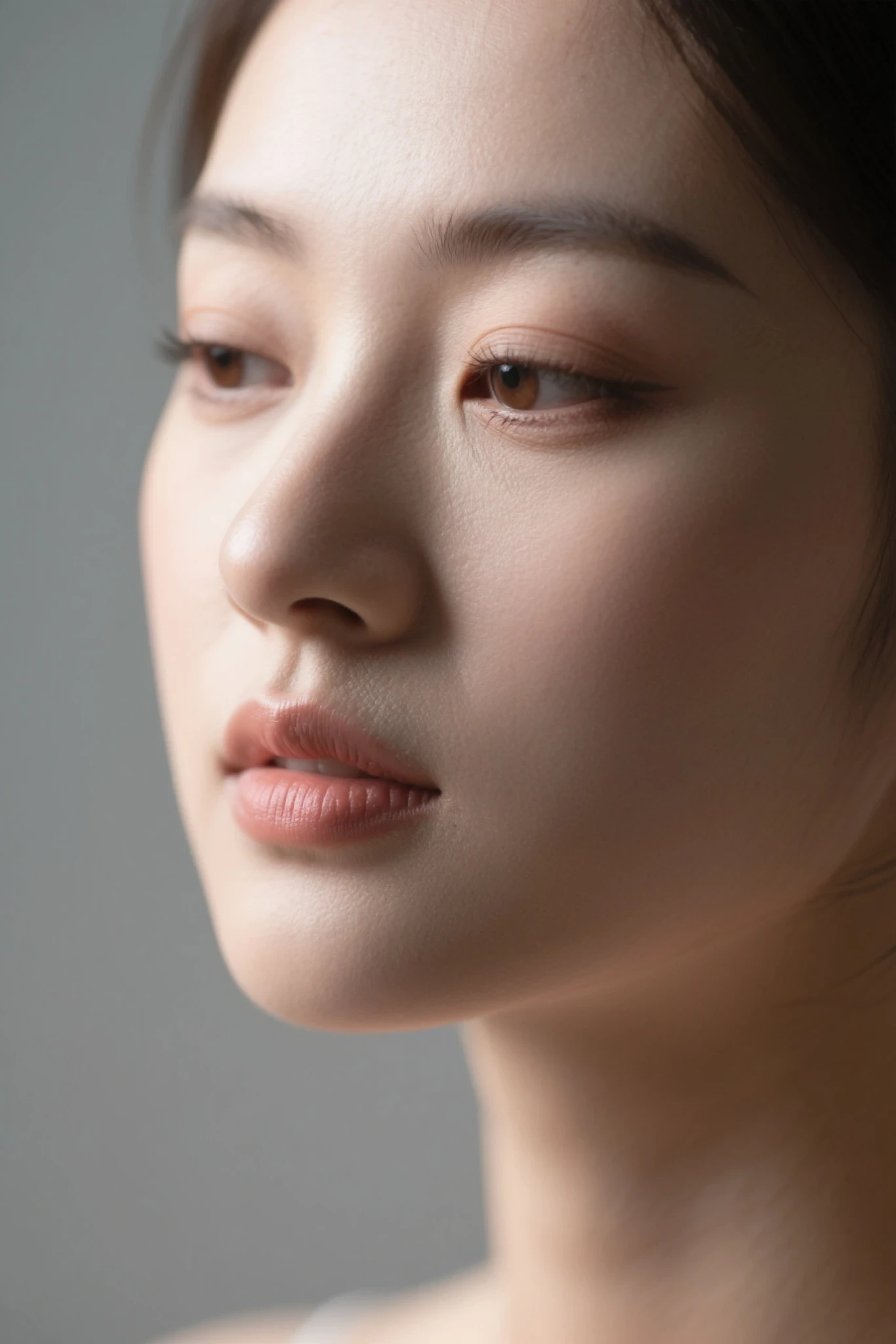
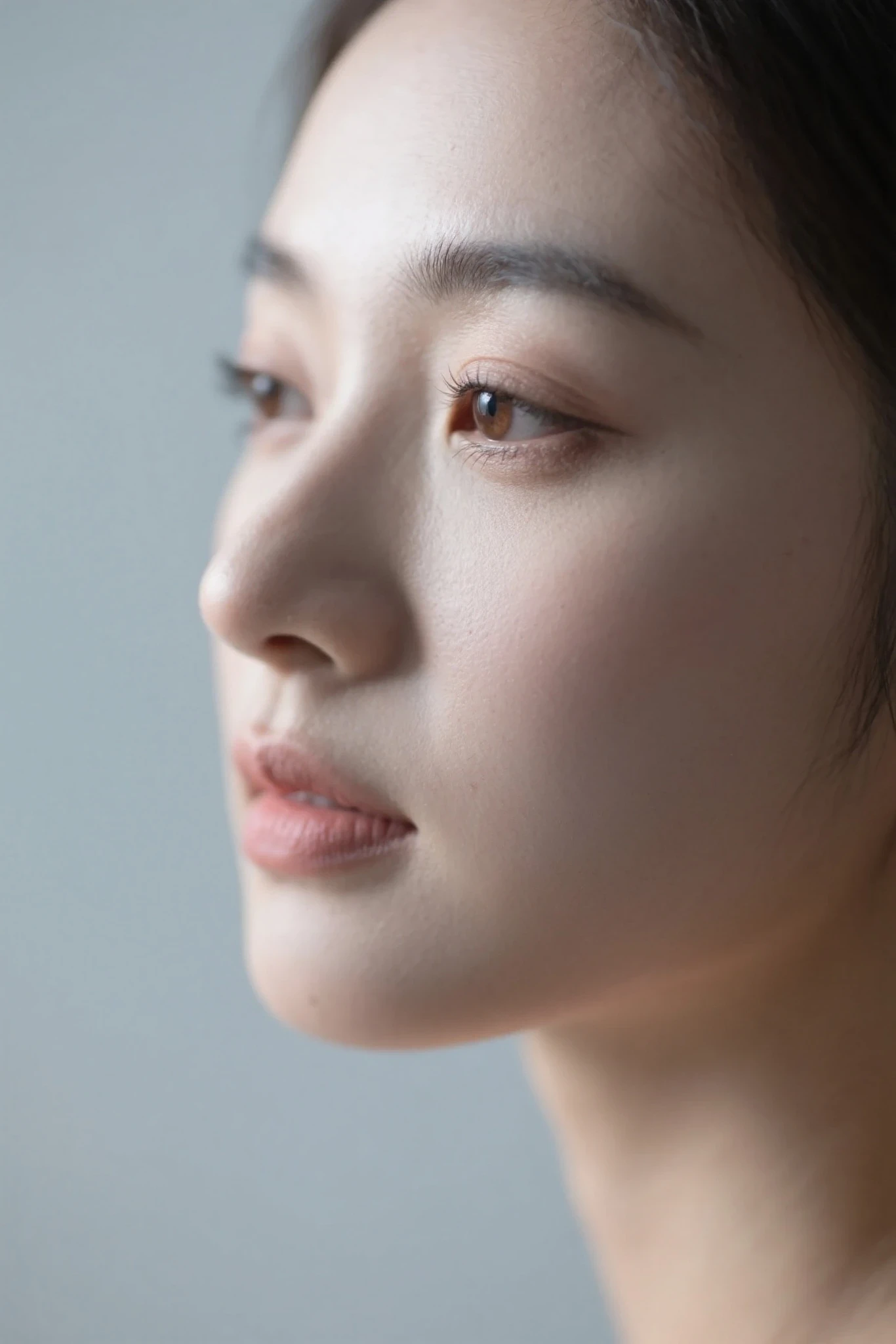
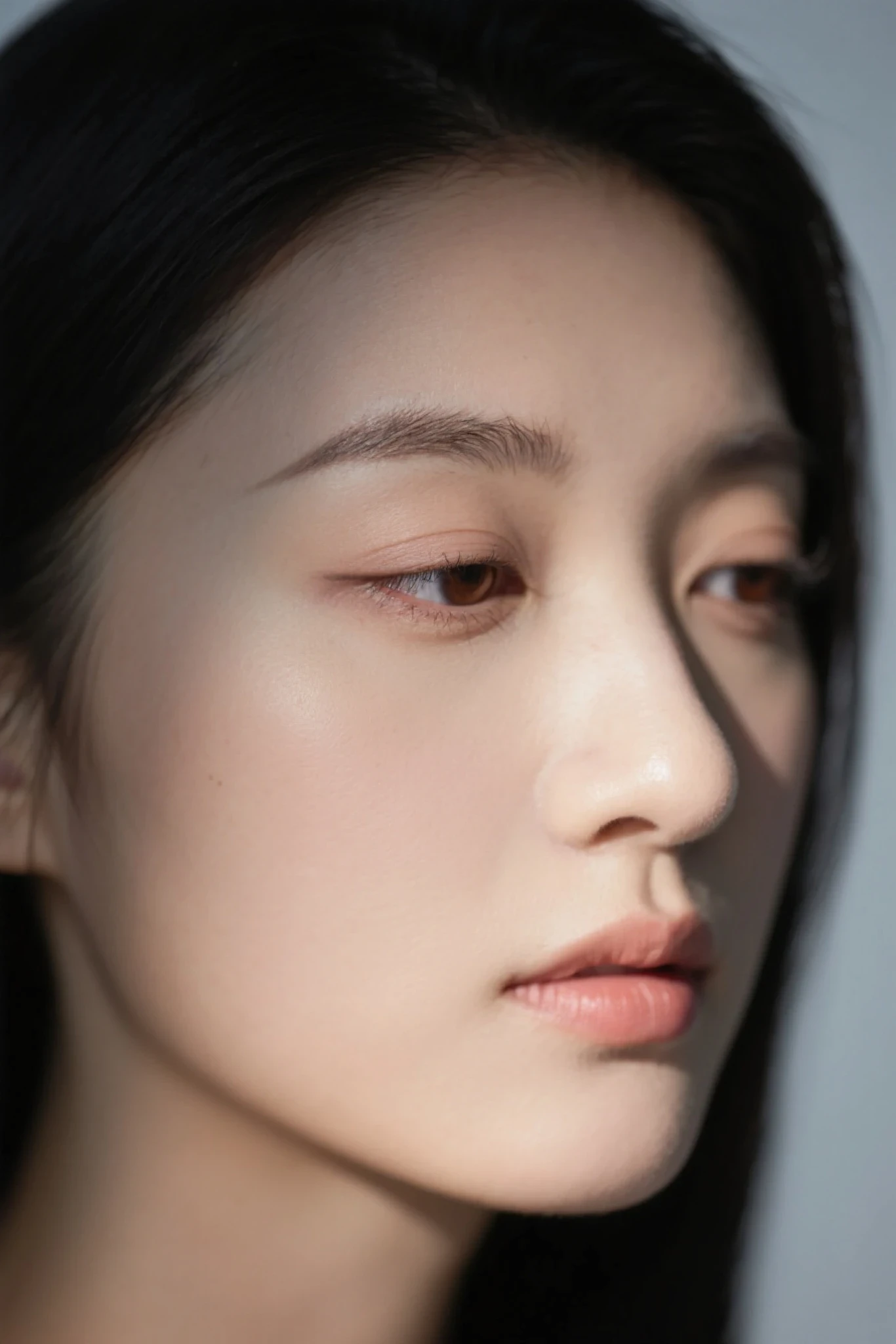
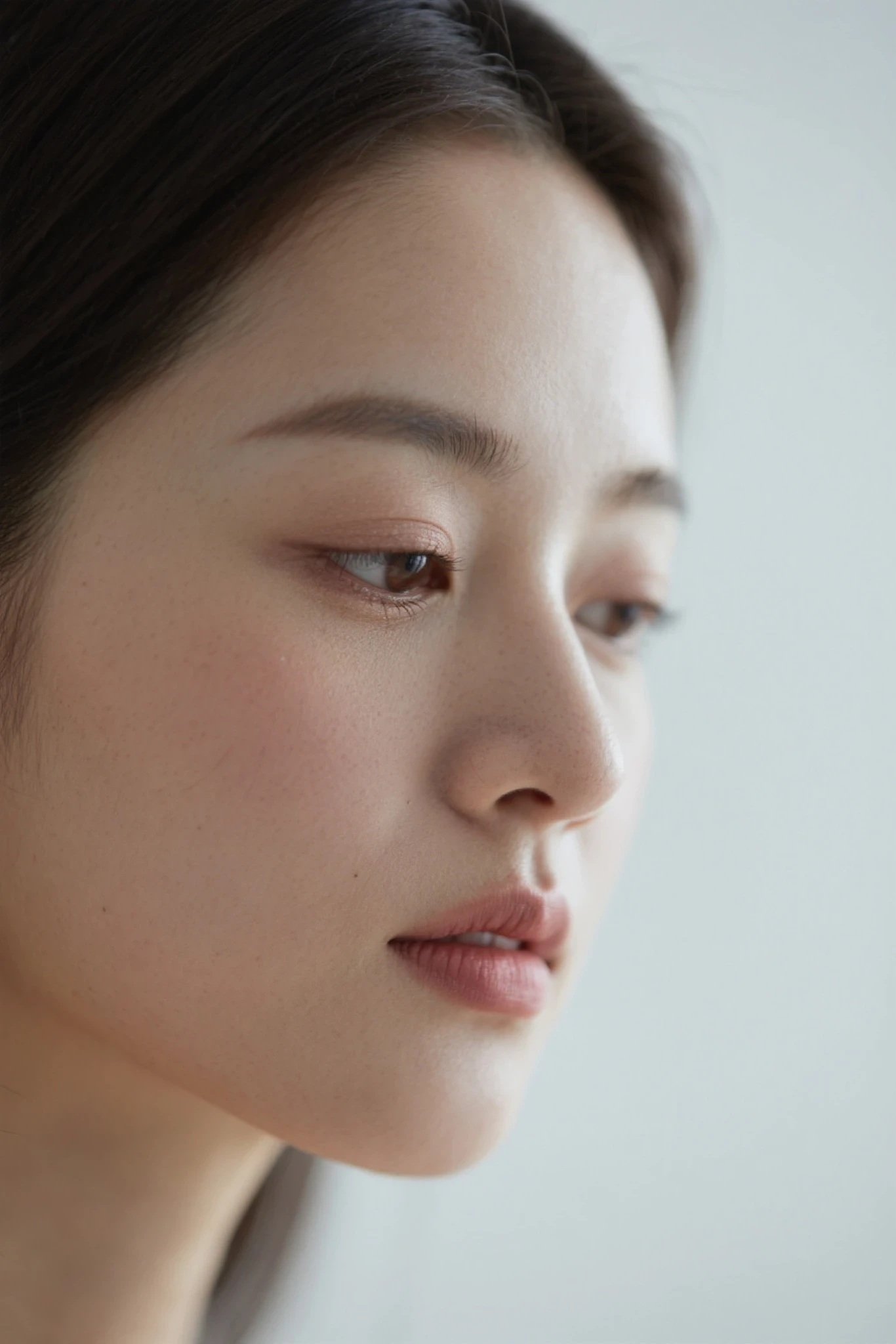
💡 Example 2: Ultra-Realistic Close-Up
Prompt:
ultra realistic close-up portrait of a young woman, sharp facial features, realistic skin pores, eyelash detail, soft diffused light, studio photography style, high resolution, photo-realistic, bokeh background
Advanced Settings:
📌usage suggestion:
Set prompt strength to 3–15.
Higher values = closer adherence to prompt.
Lower values = more creative variation.
Expected Effects:
- Clear pores and skin details
- Lifelike eyelashes and facial lighting
- Soft background bokeh with studio-quality results
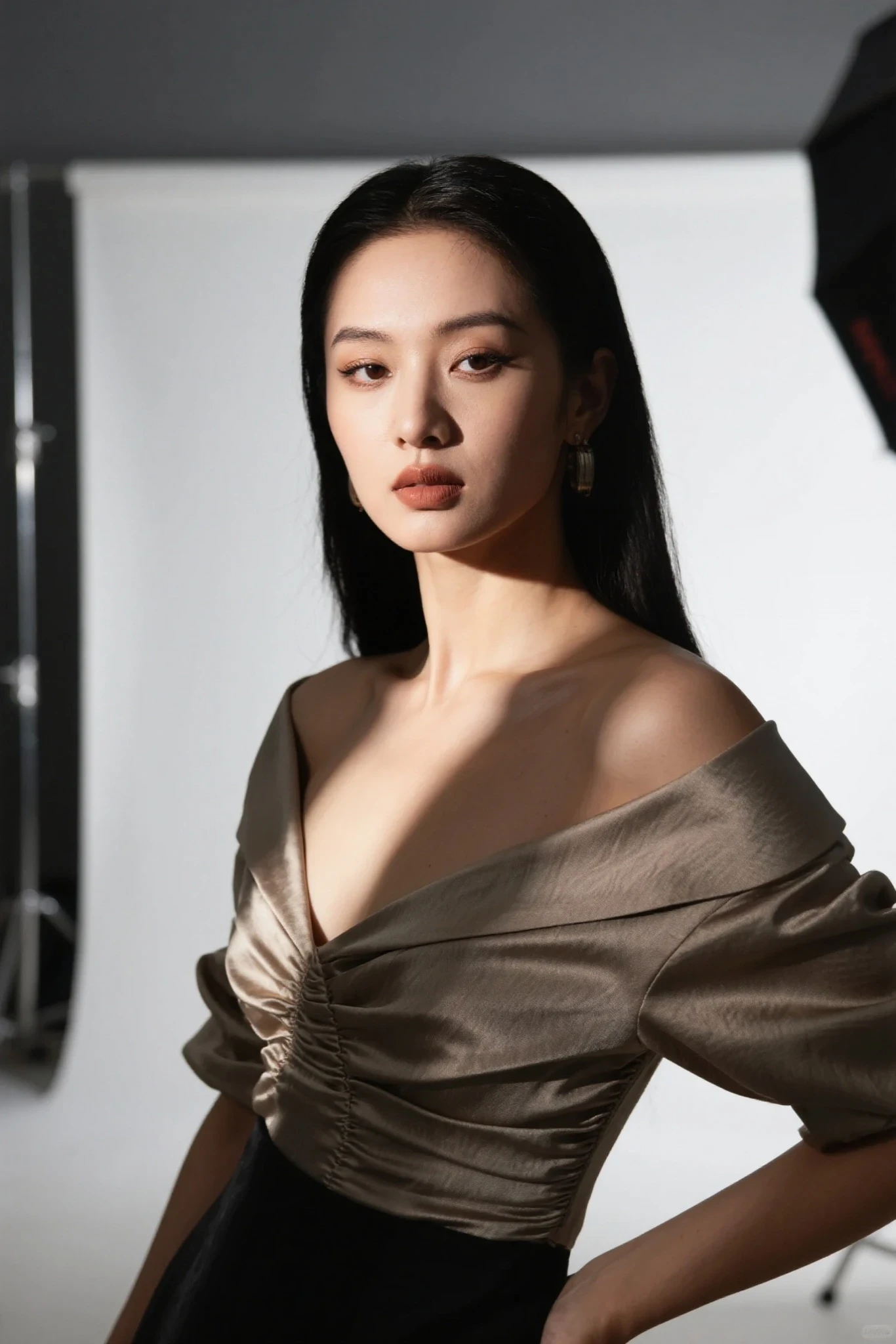
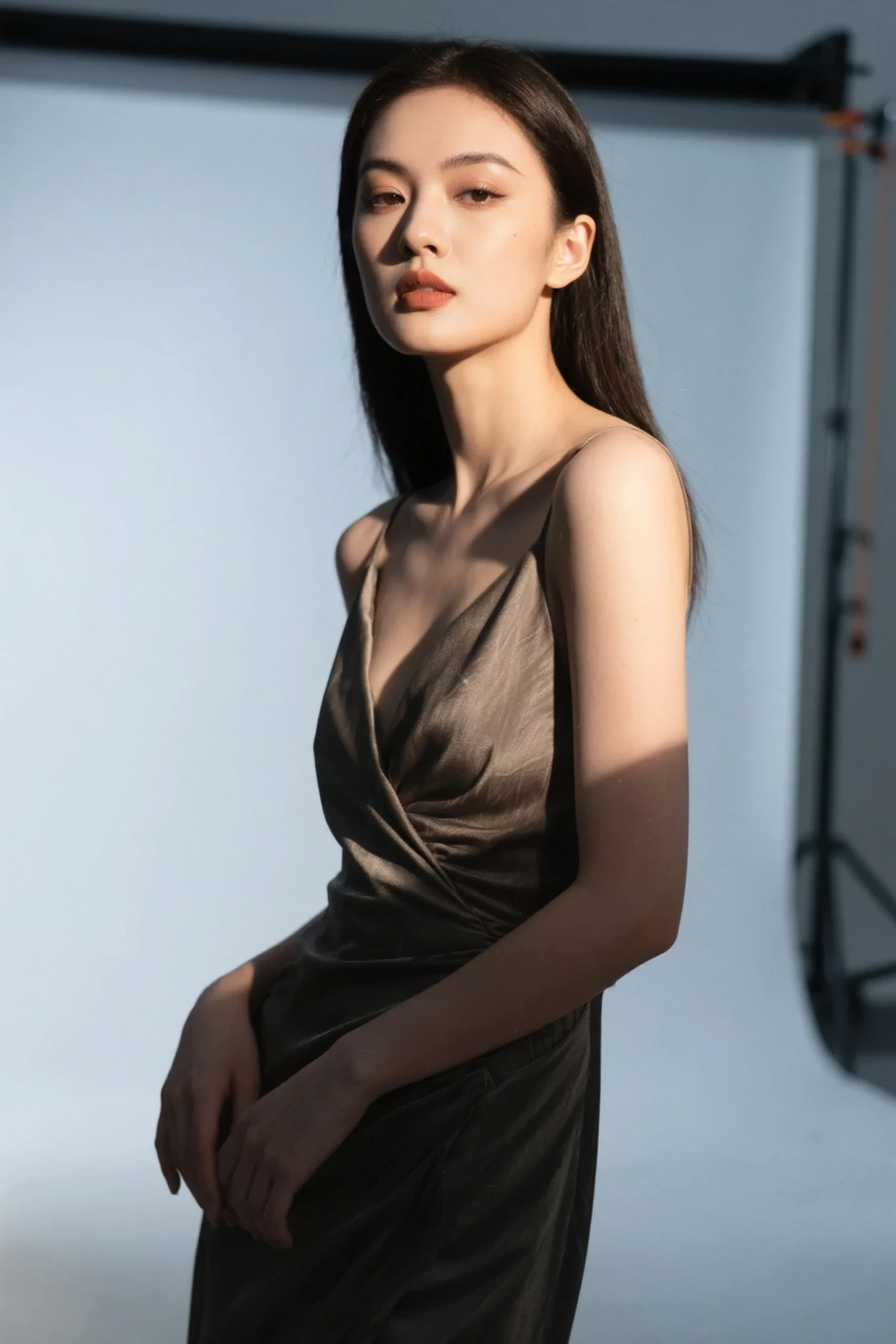
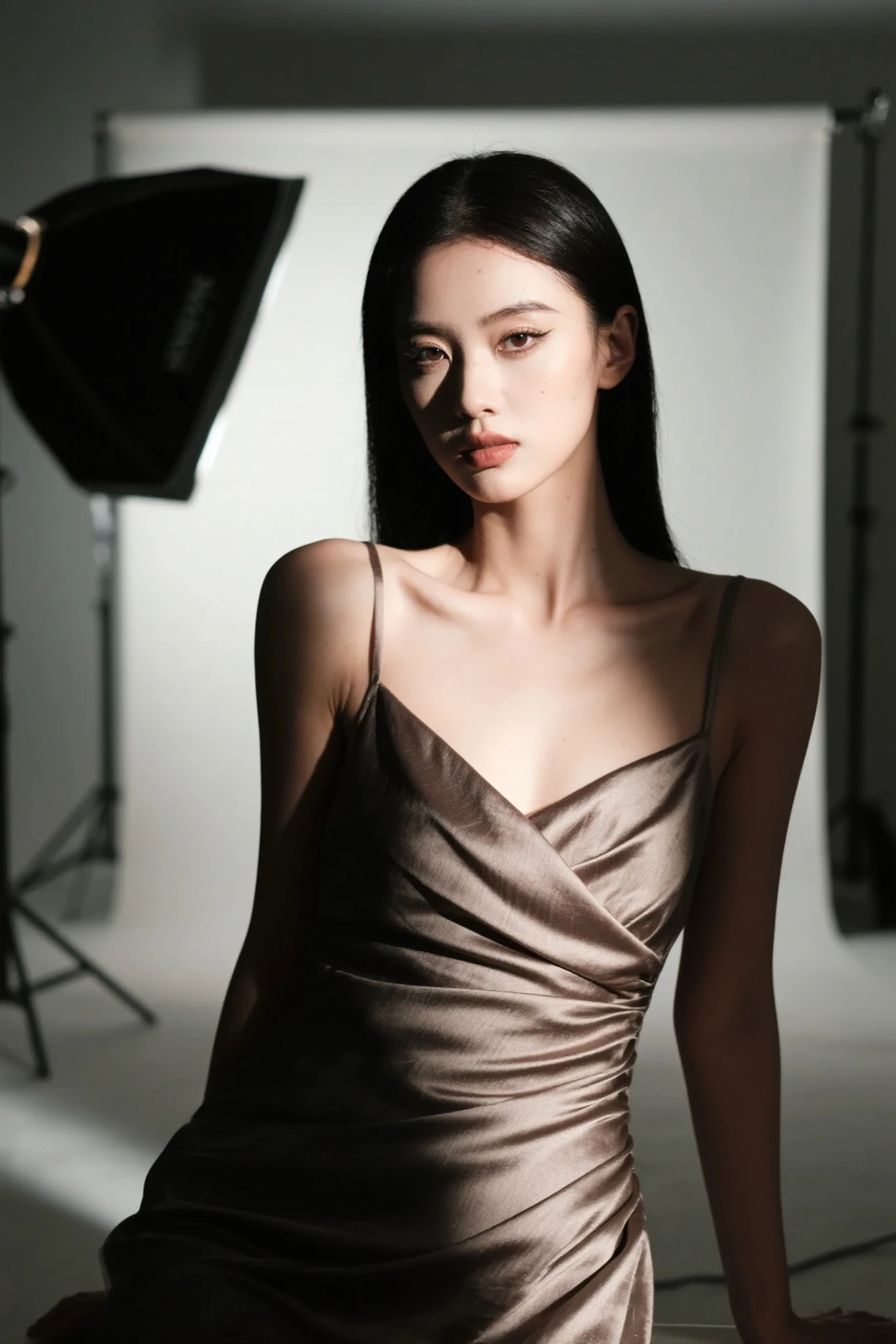
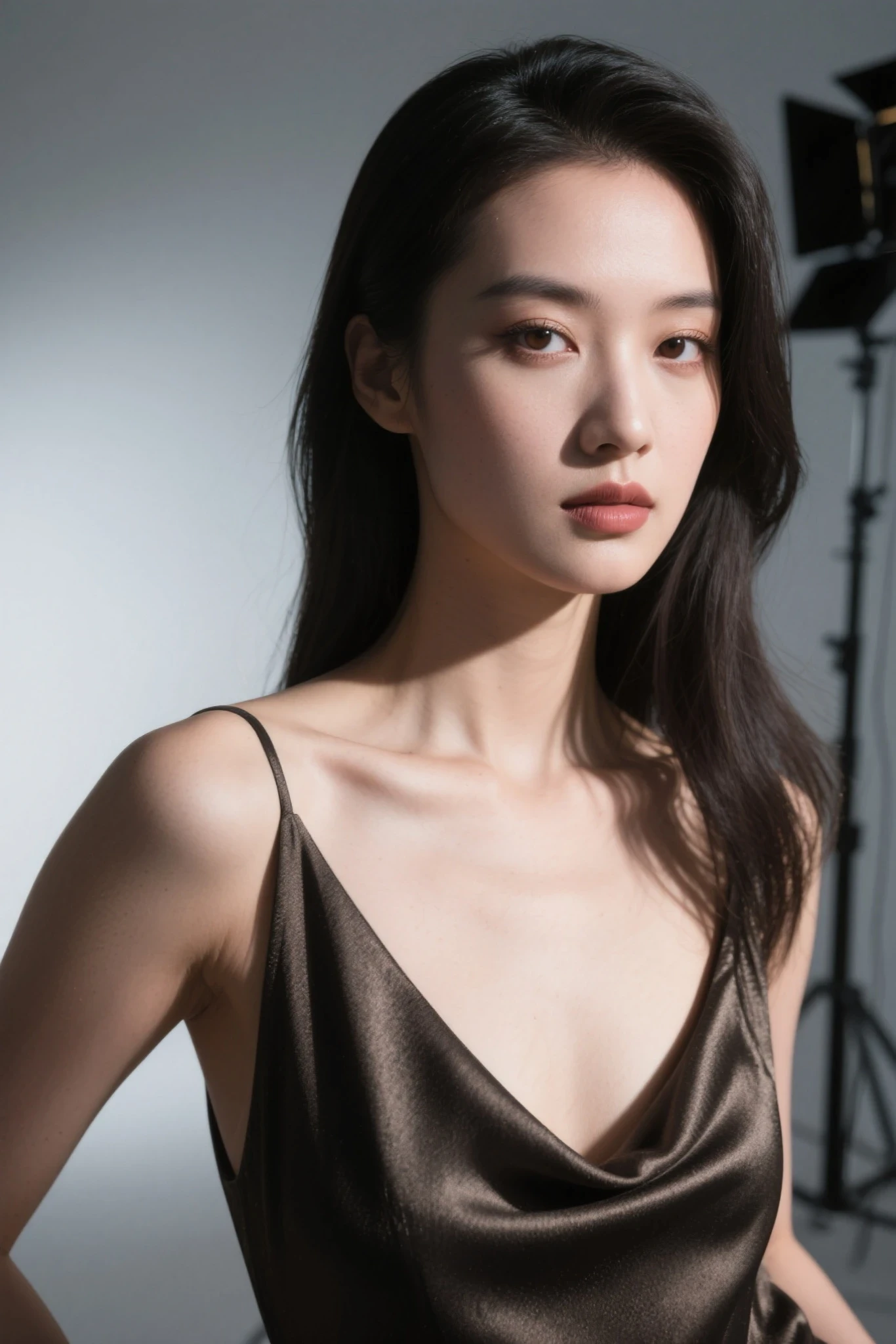
💡 Example 3: Fashion Editorial Style
Prompt:fashion photo of a stylish woman, posed in studio, realistic lighting, high-detail makeup, textured fabric clothing, 85mm portrait style, natural shadows, photo-realistic, ultra detail, 8k
Advanced Settings:
📌usage suggestion:
Set prompt strength to 3–15.
Higher values = closer adherence to prompt.
Lower values = more creative variation.
Expected Effects:
- Visible clothing texture and refined makeup
- Professional pose and balanced composition
- Ultra-clear quality, ideal for model portfolios or commercial covers
🖼️ 6. Recommended Composition & Parameters
| Setting | Value | Notes |
|---|---|---|
| Resolution | 1336×2048 / 1152×2048 | Ensures HD output and natural framing |
| Prompt Strength | 3–15 | For realism, use 8–12 for best accuracy |
📚 7. Troubleshooting Common Issues
Q: Image looks cartoonish, not realistic?
✅ Add keywords like photo-realistic, ultra detail; remove terms like anime, illustration.
Q: Image is blurry or colors are off?
✅ Increase steps and resolution; use keywords like sharp focus, realistic lighting.
Q: Perspective is distorted in architecture?
✅ Use terms like correct perspective, architectural detail, cityscape realism.
🎁 8. Best Practices for Realistic Output
- ✅ Simplify backgrounds to highlight subjects
- ✅ Use consistent style keywords (cinematic lighting ≠ anime style)
- ✅ Avoid conflicting keywords like 2D, cartoon, or illustration in realism prompts
🎨 9. Why Use SeaArt Film Video for Realistic Creation?
| Advantage | Description |
|---|---|
| 🔍 More Realism | Textures, lighting, and detail match real photography standards |
| 🧠 Smarter Understanding | Accurately interprets realism prompts, avoids style confusion |
| 📷 Professional Quality | Ready for commercial use, advertising, portfolio covers |
| 💡 Creative Freedom | Works across portraits, architecture, food, and landscapes |
📢 10. Start Creating Your Own “AI Photography”!
Let SeaArt Film Video become your virtual photography studio.
Generate personalized, ultra-realistic visuals and motion pieces with ease!