

Detalles
Recomendado
Version 1.0
Isopropanol Addiction Mix

Isopropanol Addiction Mix

5.7K
189
241
#Anime
#propósito general
#altamente detallado
#Modelo Base
#model
#Ilustración
#digital illustration
#Fantasía
#Fotografía
#photorealism
#semi-realistic
#Anime
#propósito general
#altamente detallado
#model
#Ilustración
#digital illustration
#Fantasía
#Fotografía
#photorealism
#semi-realistic

Introduction

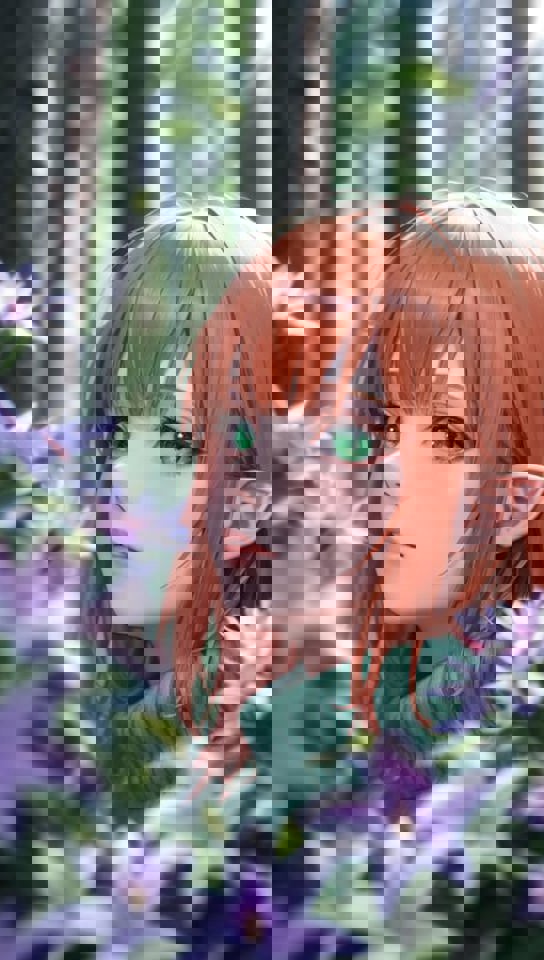
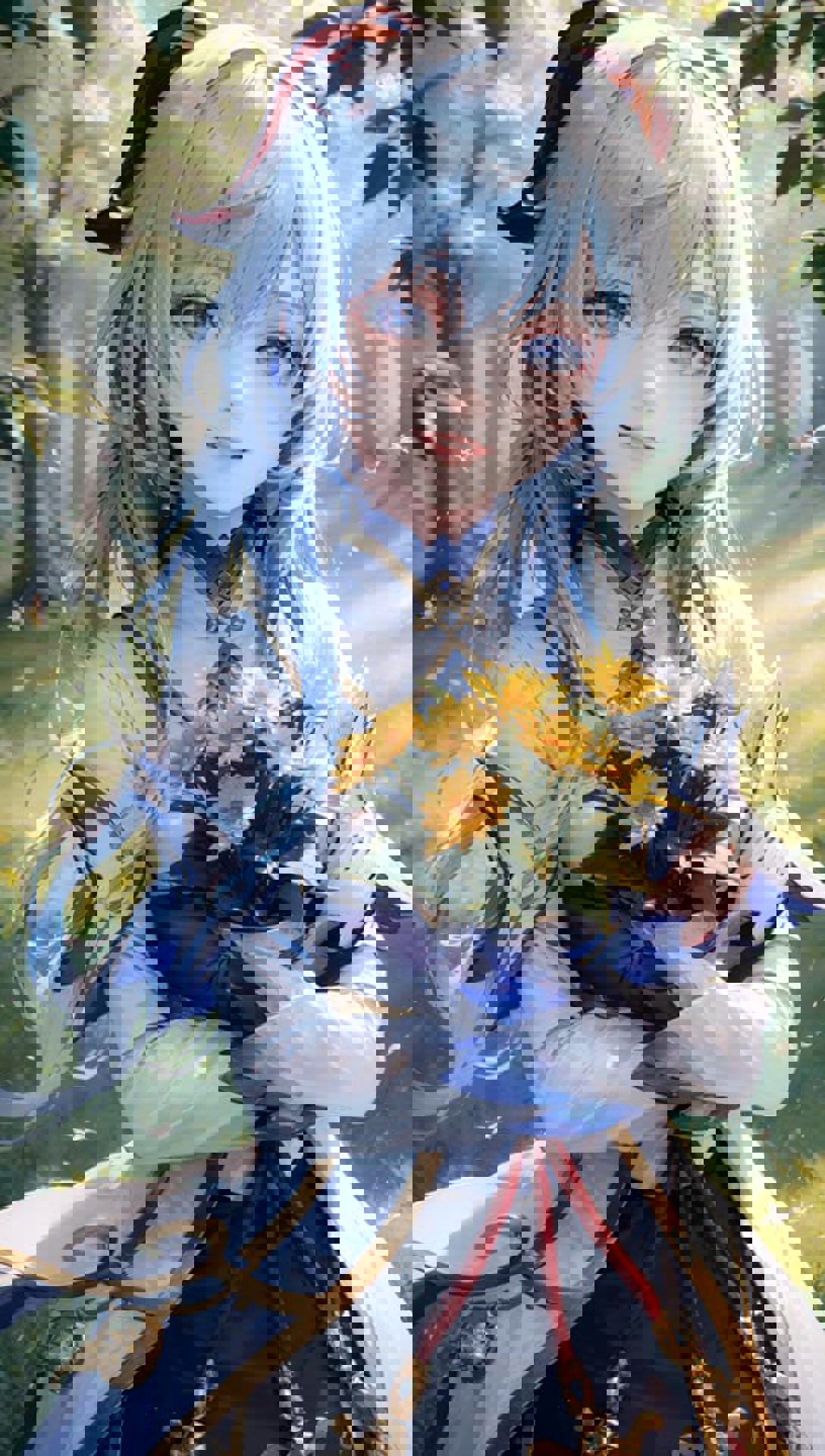
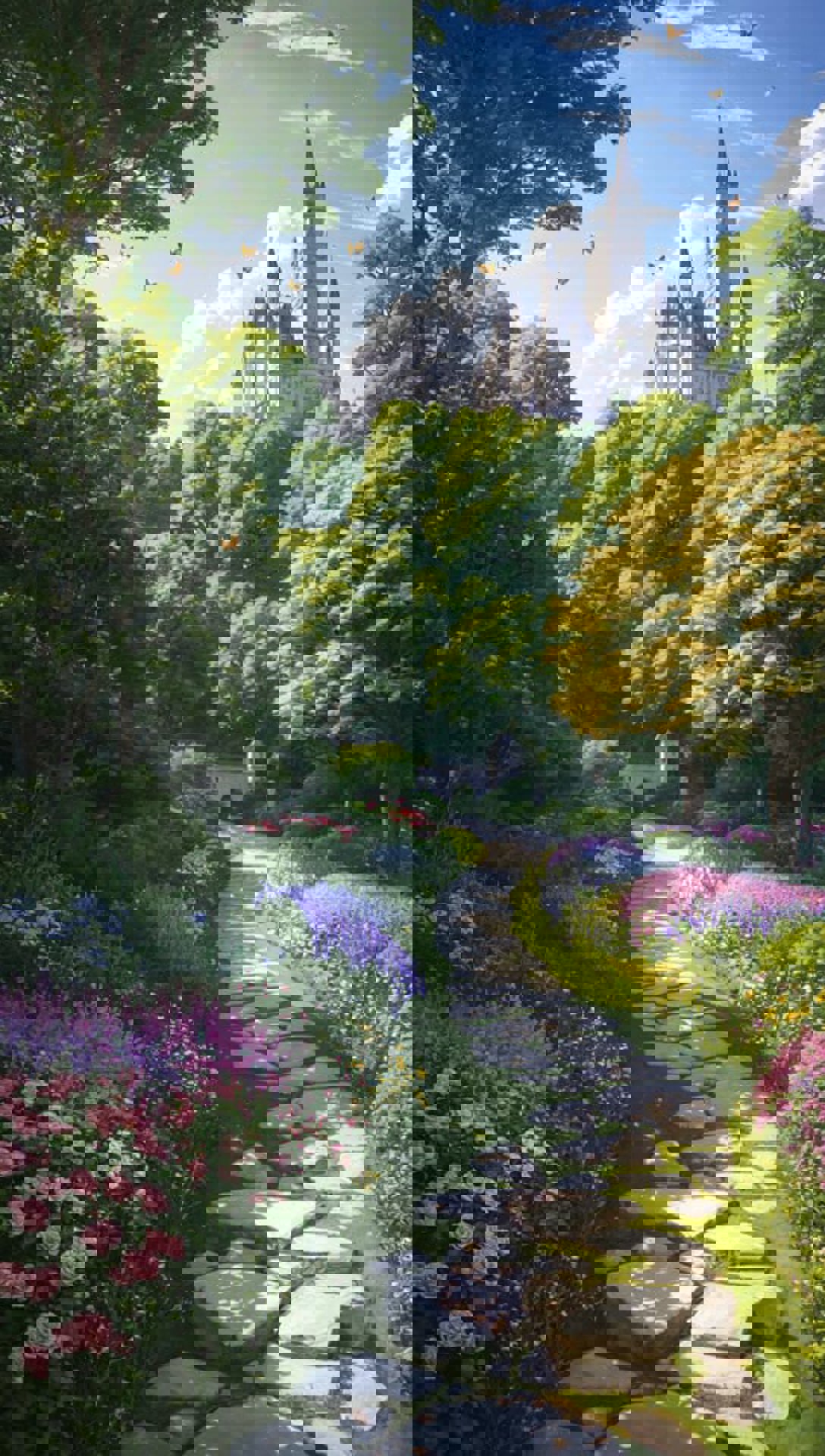
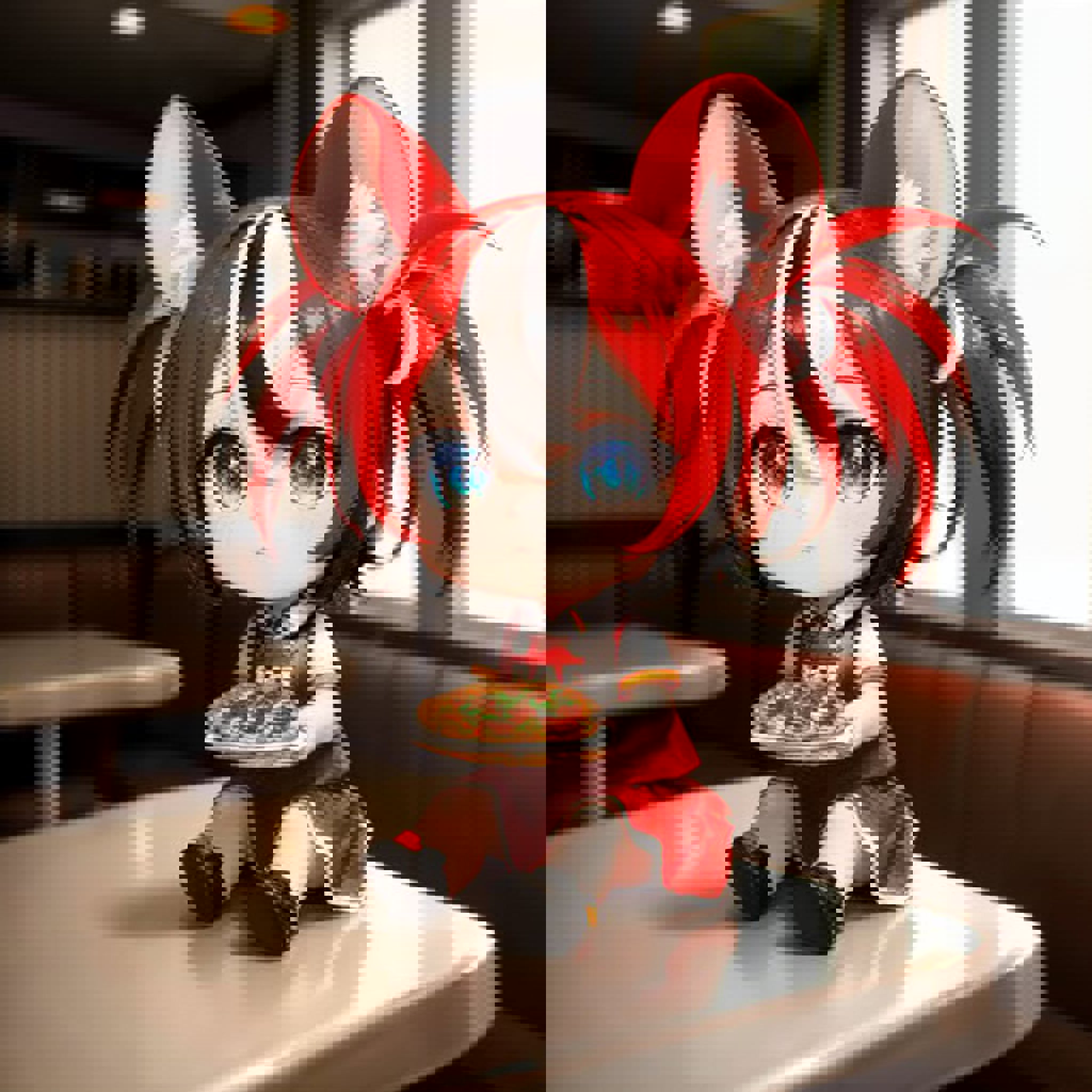
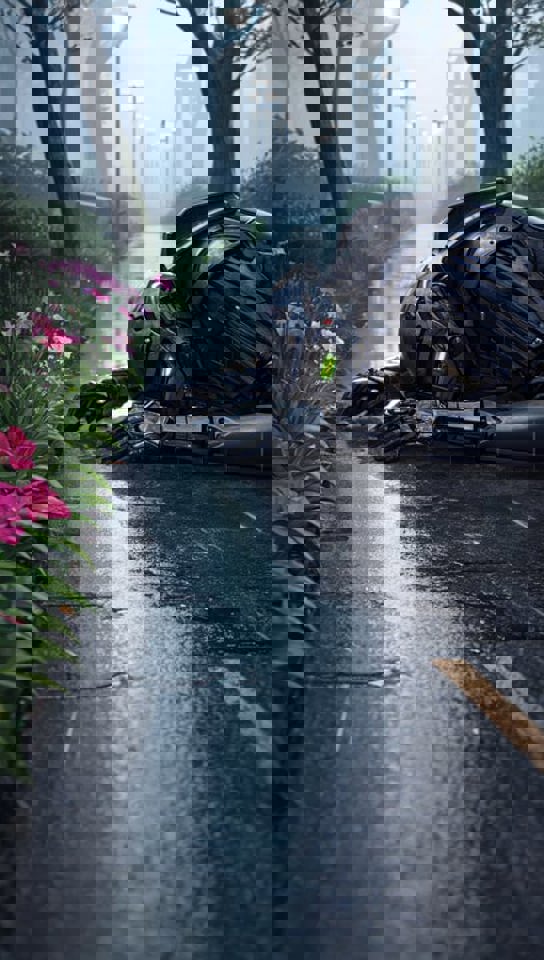
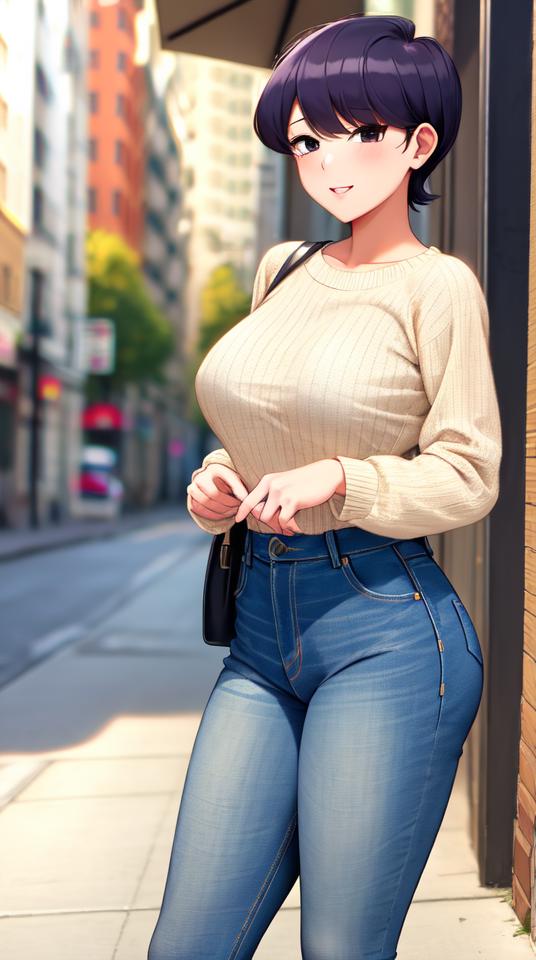
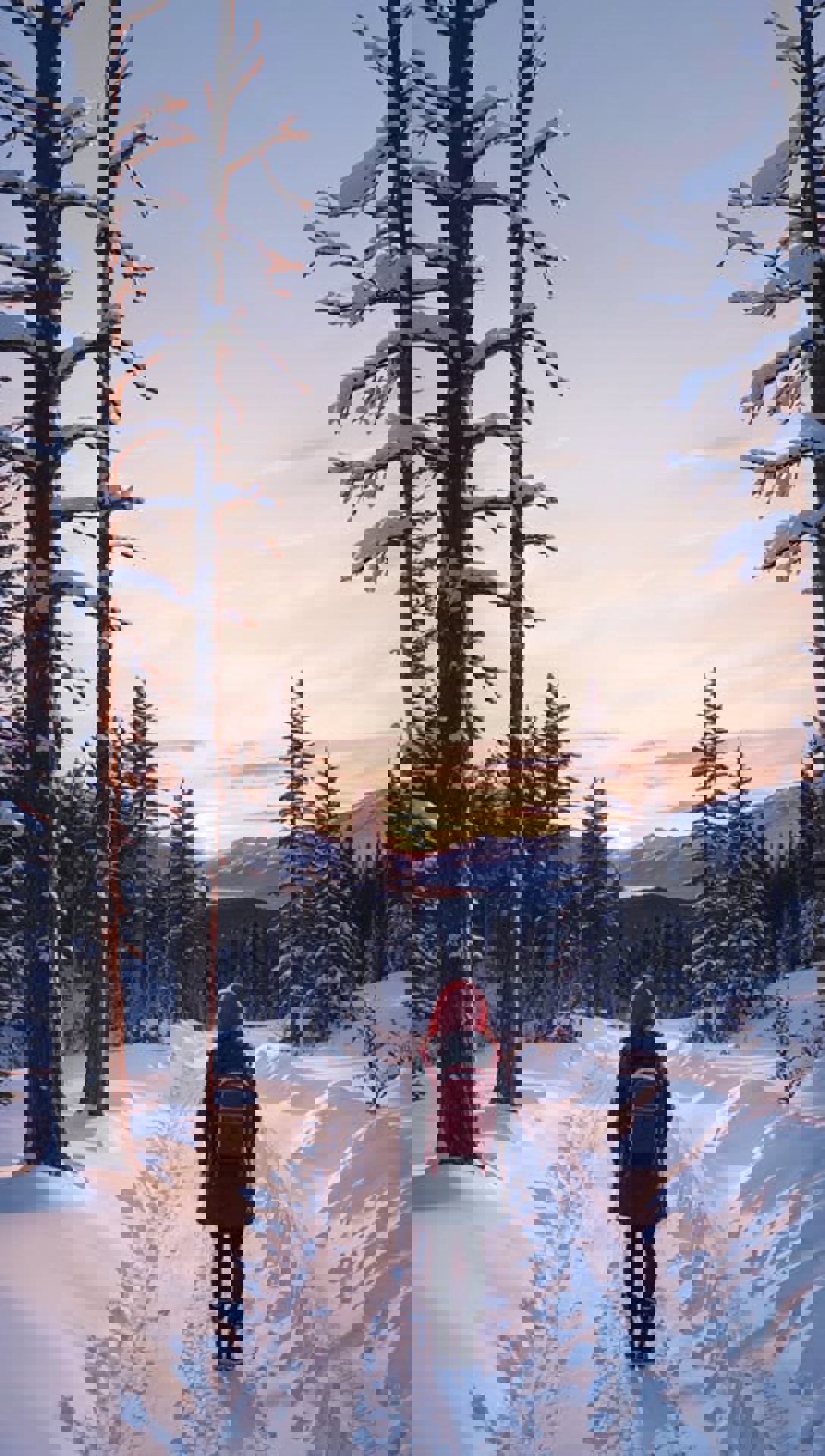
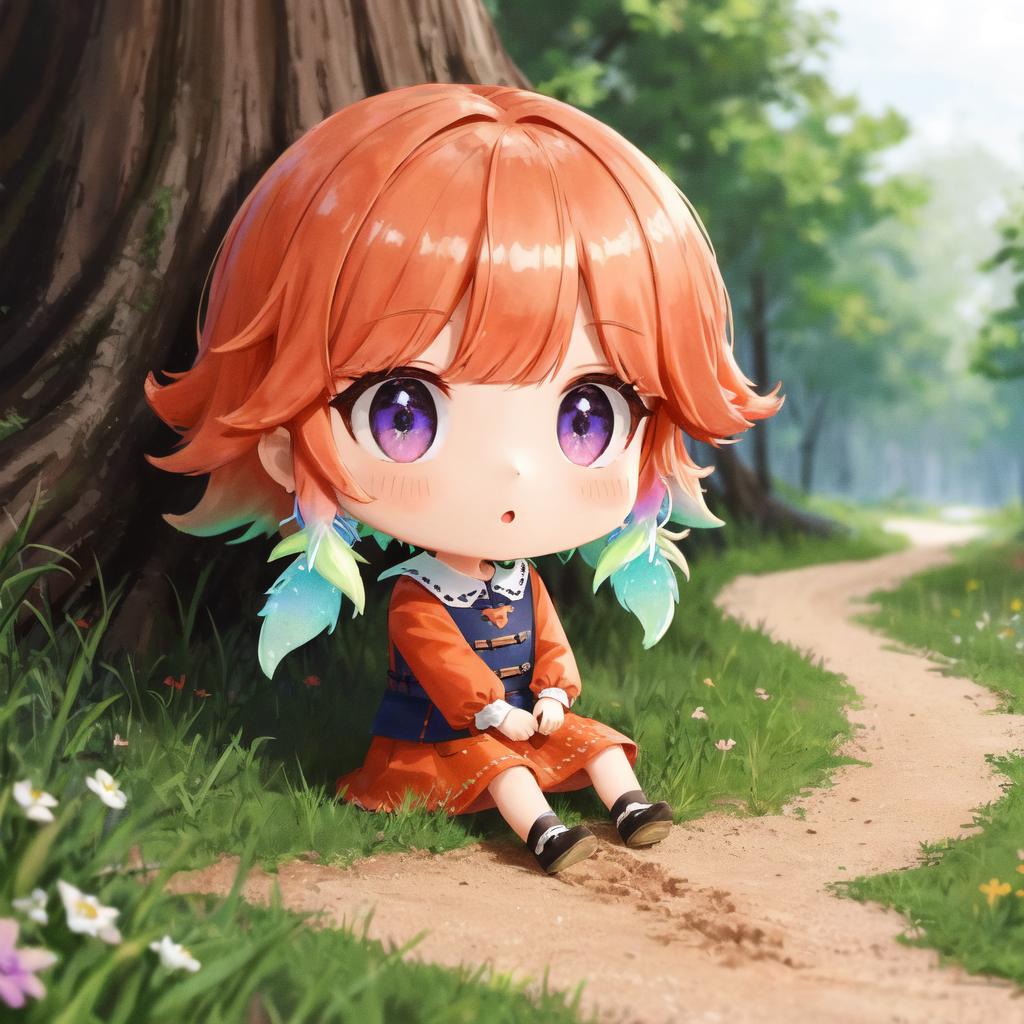
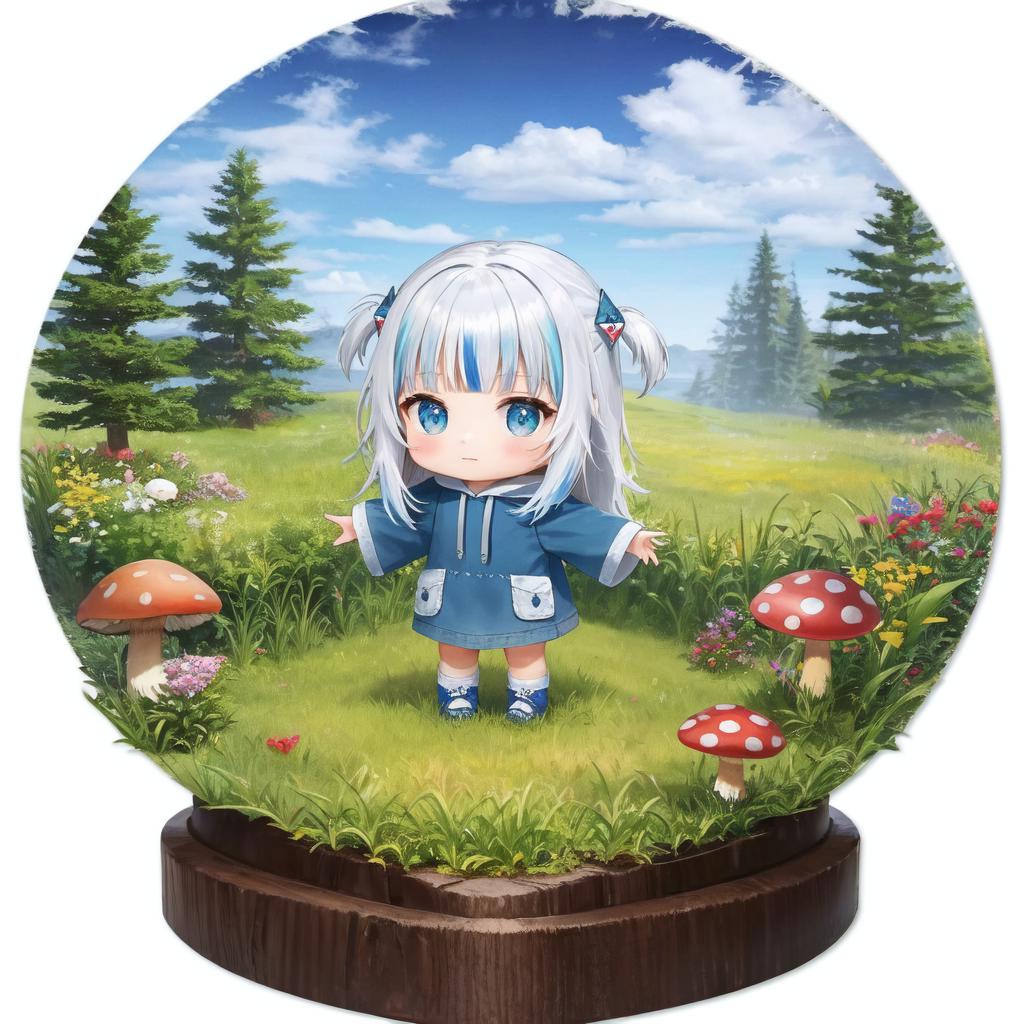
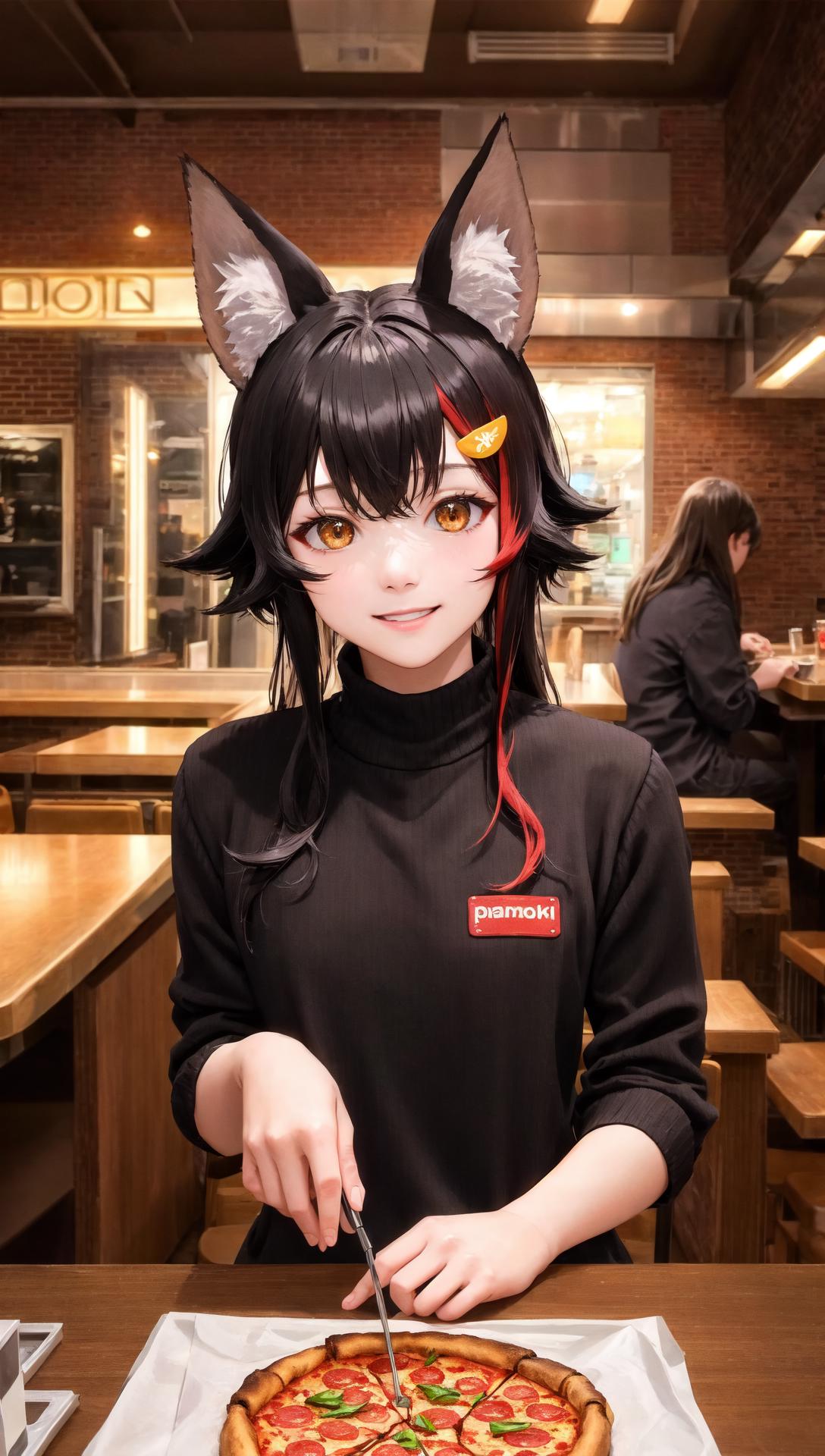
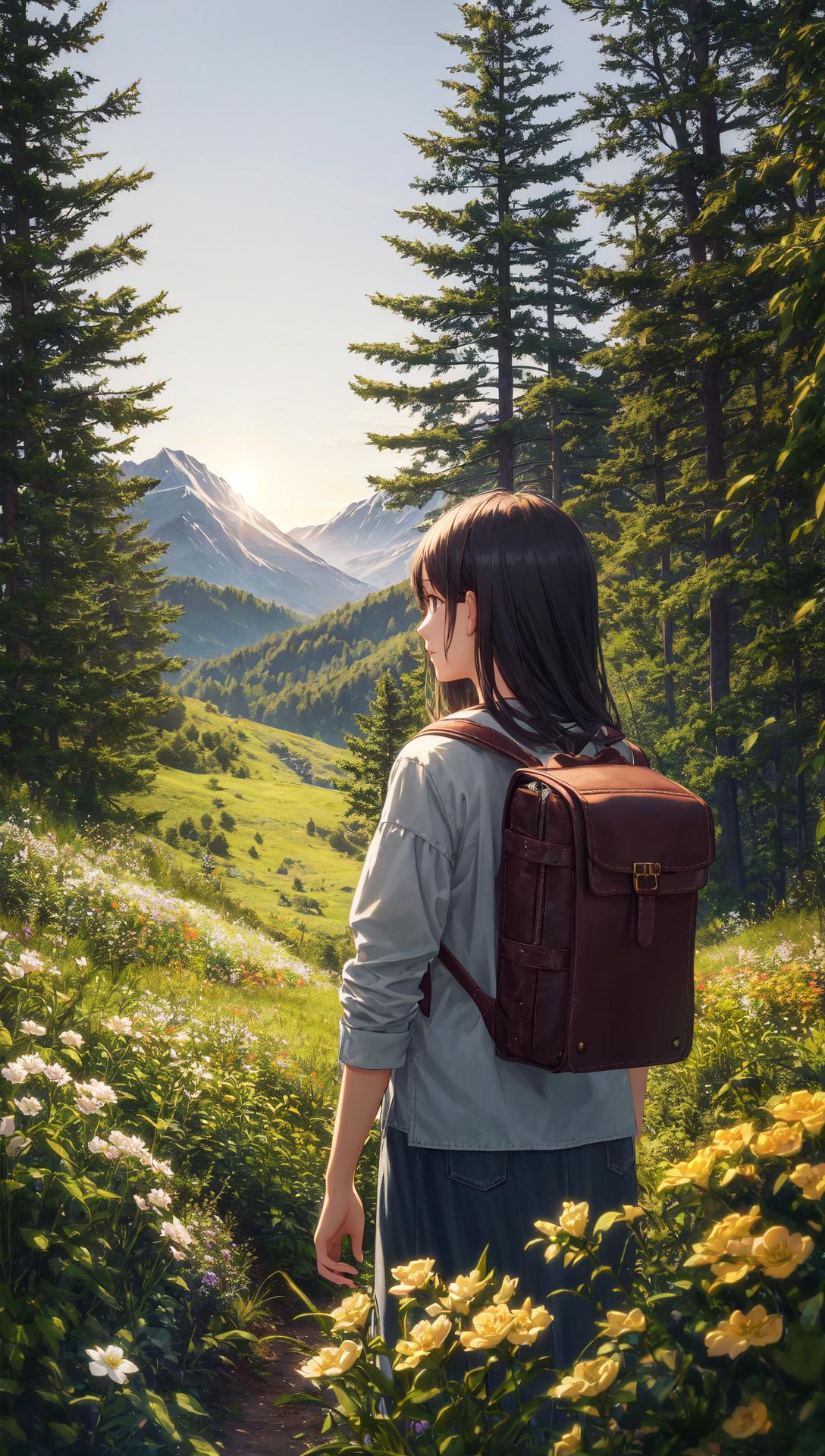
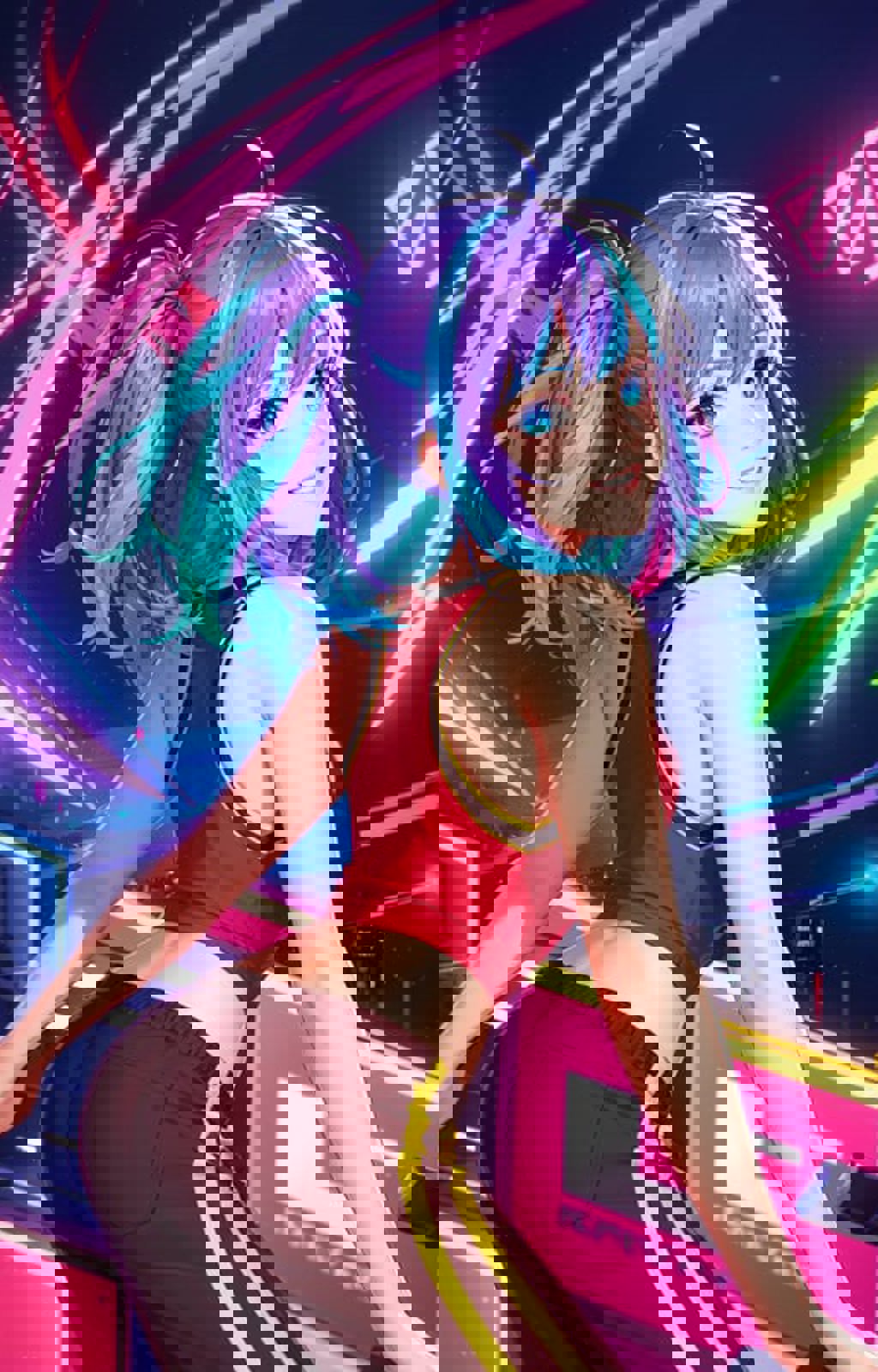
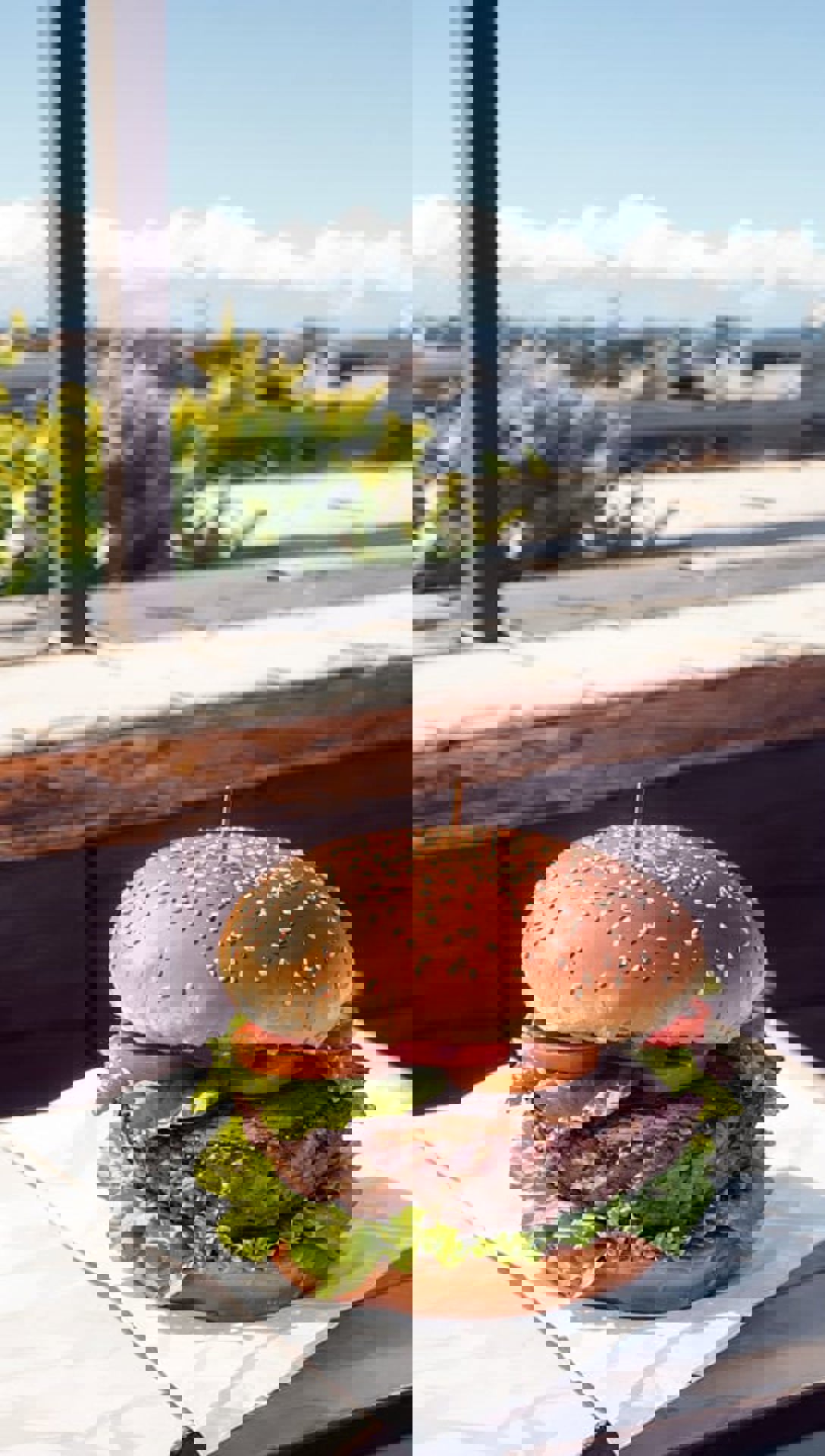
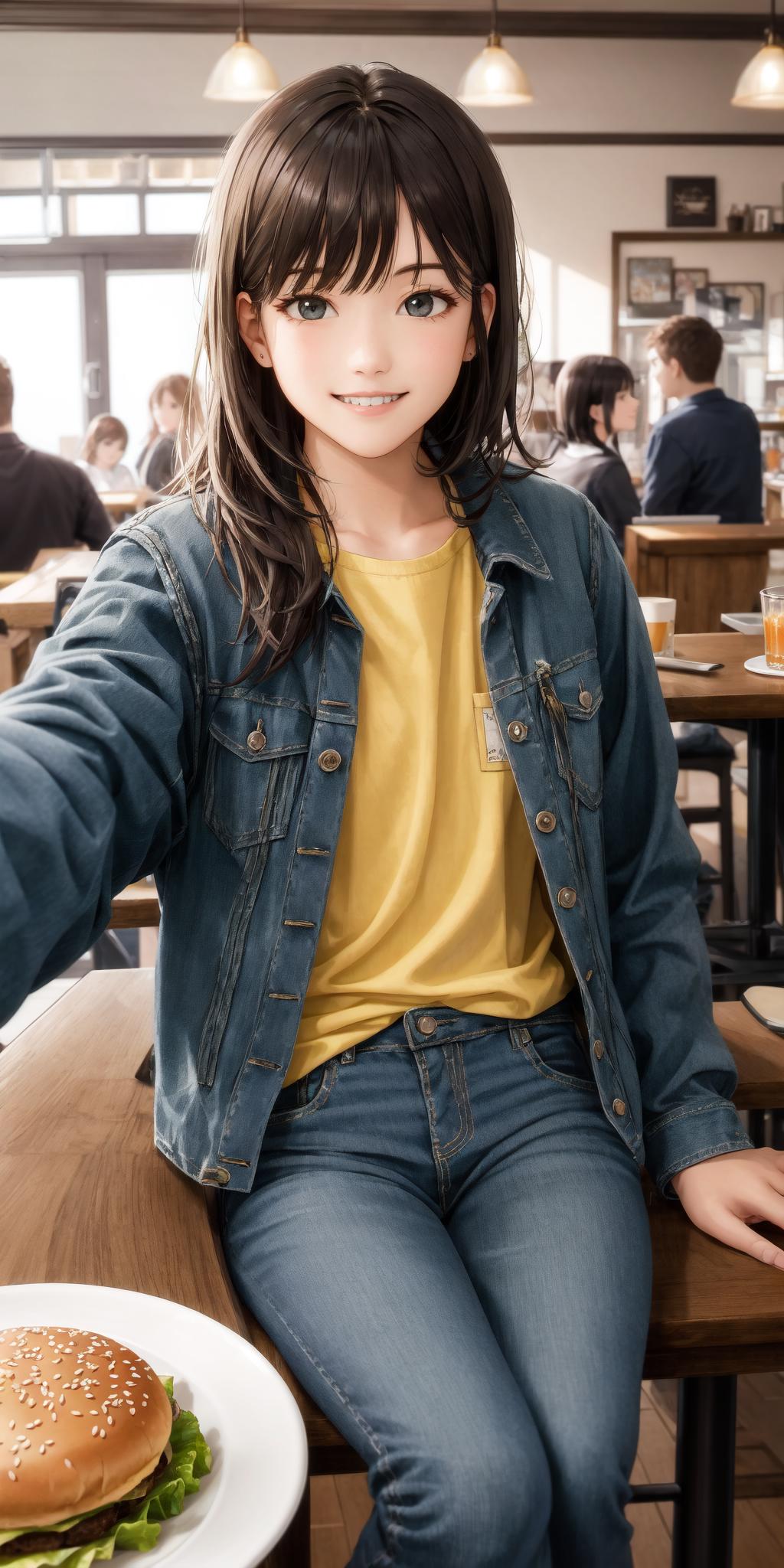
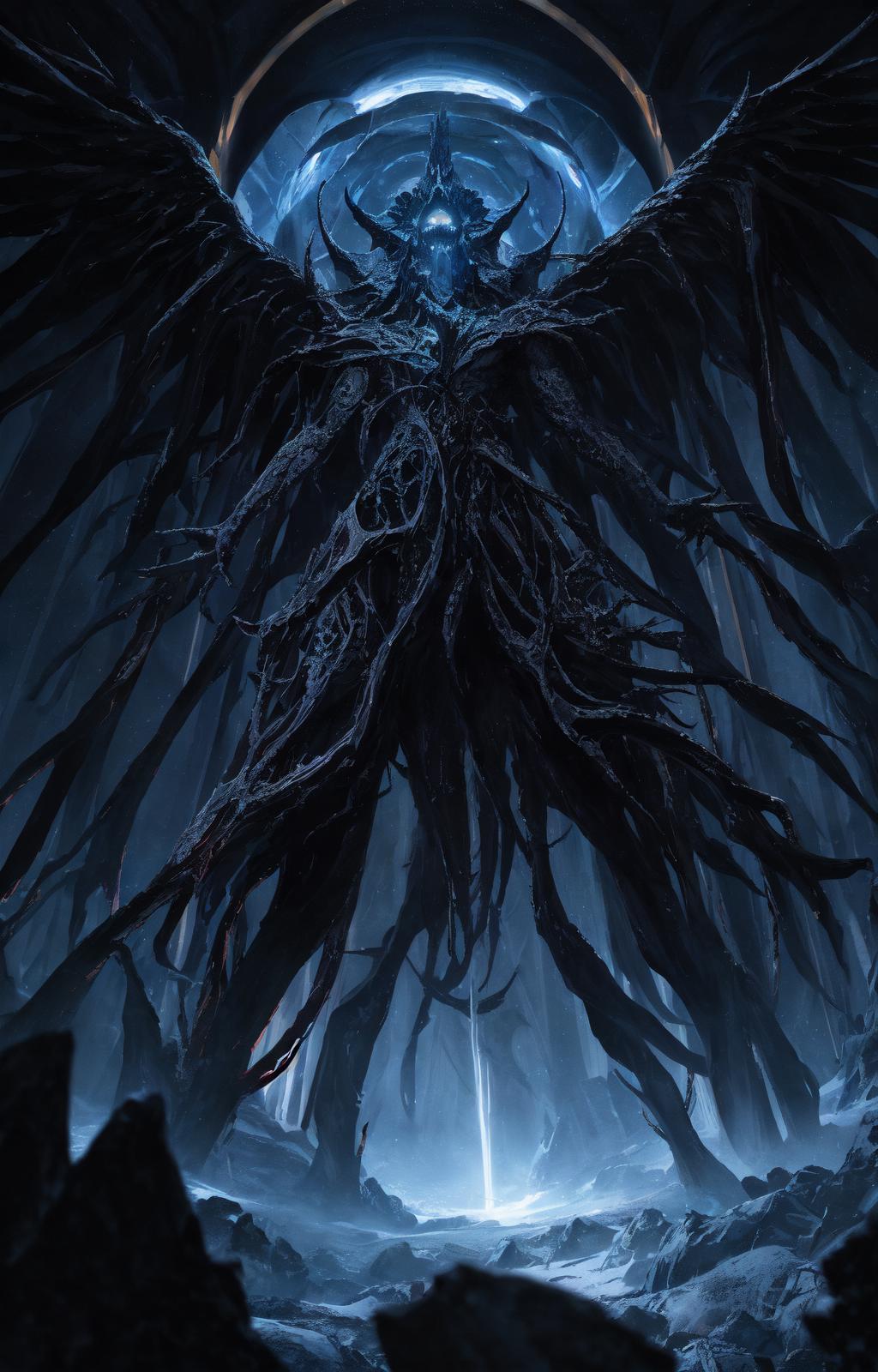
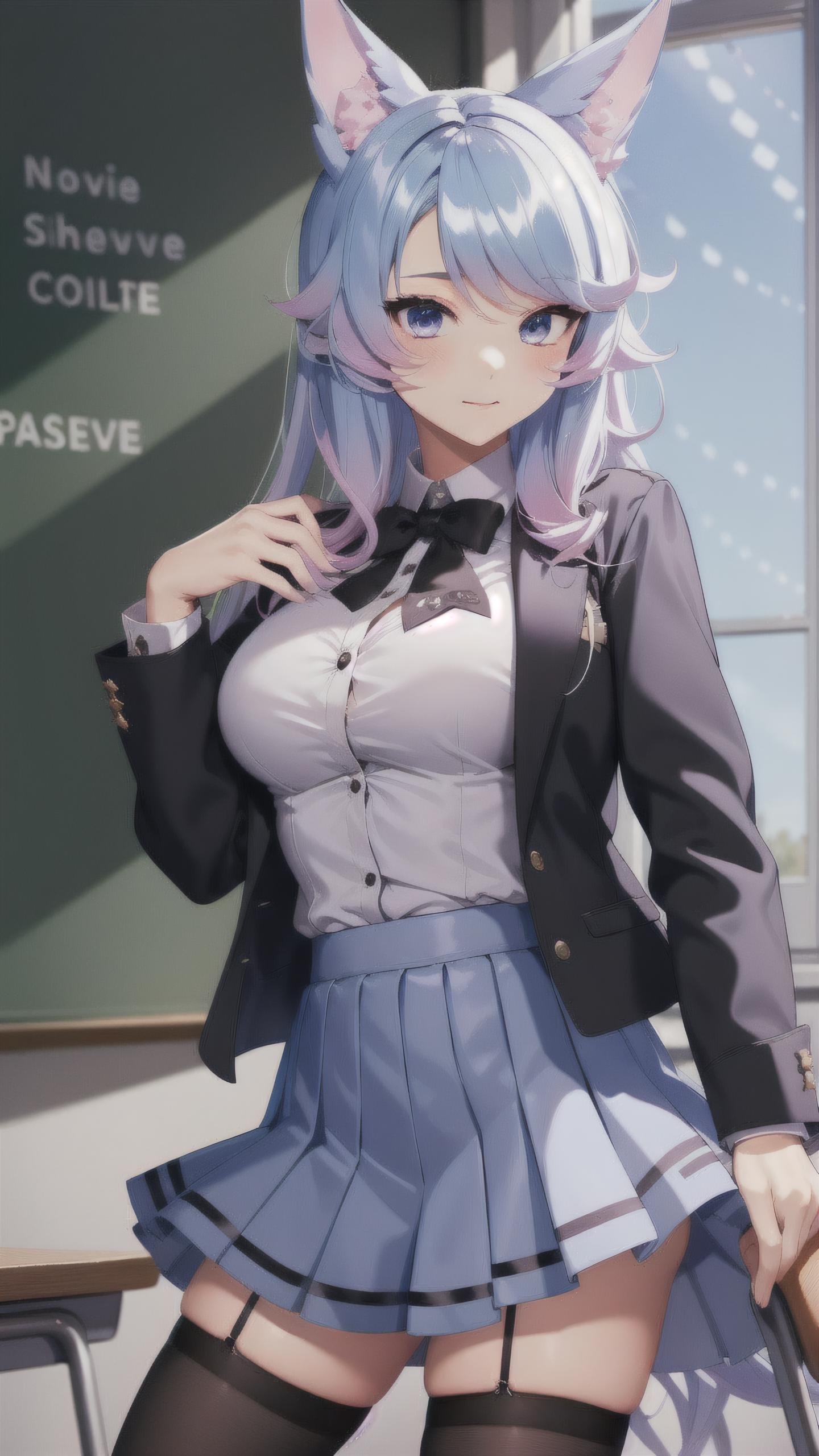
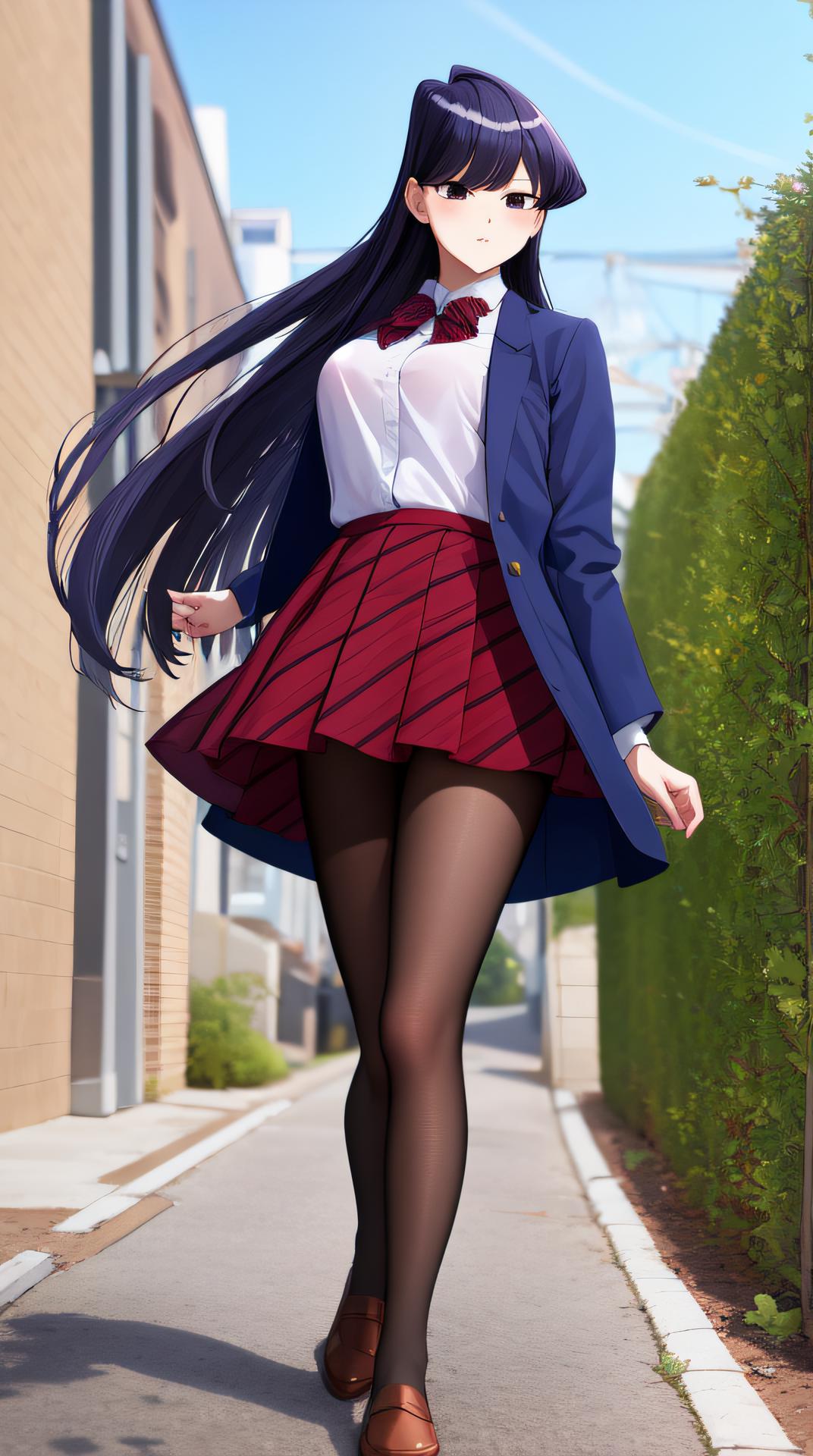
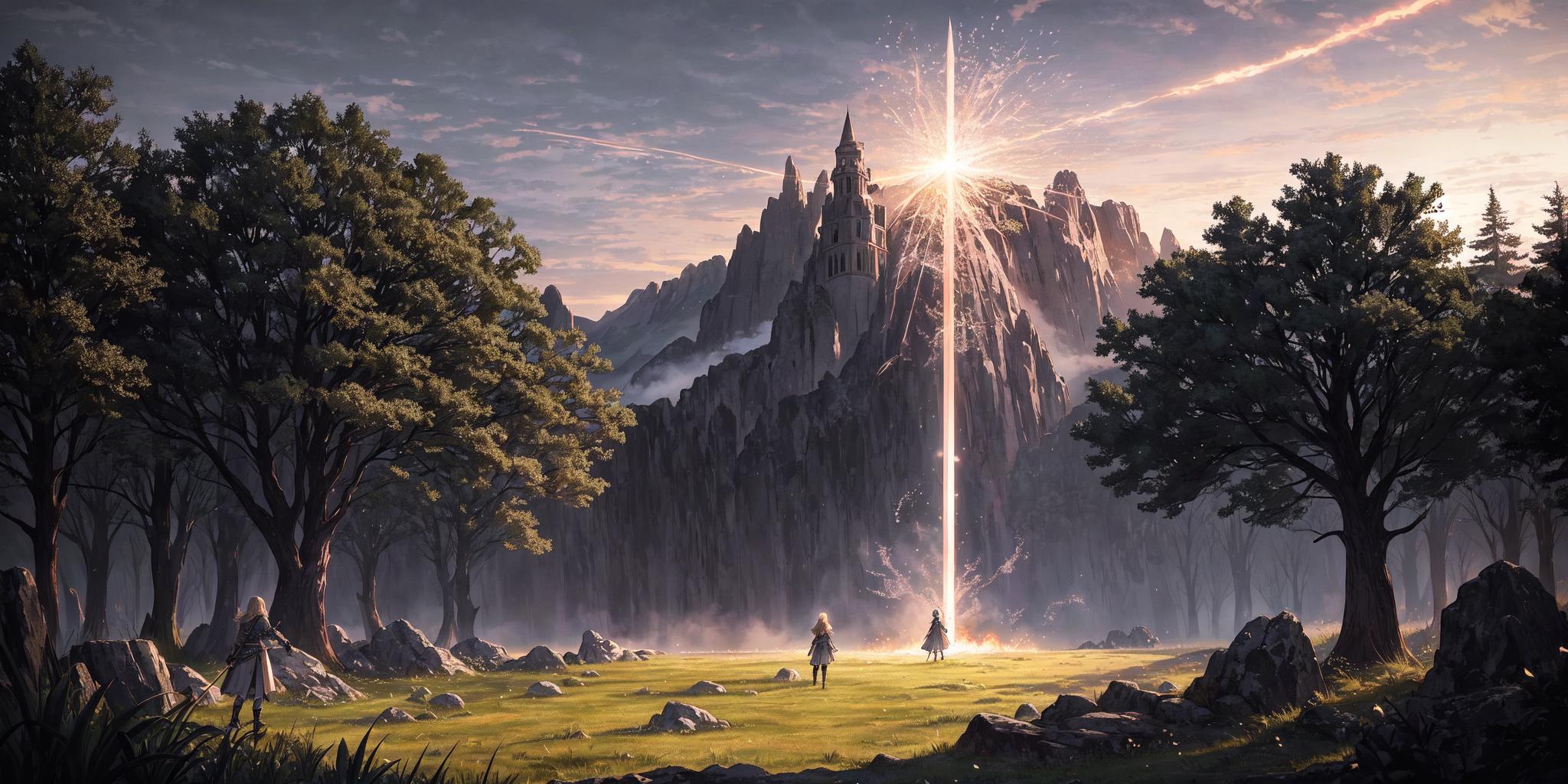
Isopropanol Addiction Mix (so named because of my ongoing struggles with drinking rubbing alcohol) is a semi-realistic merge of a few different models, mostly anime, that has resulted in a nice versatile model. It works surprisingly well with a lot of LoRAs, and produces very good close-up details. It is based, ultimately, on Anything v4.5 and BasilMix.

Recommended Settings

These are the settings that I use personally. Feel free to experiment.

  • Sampler: DPM++ 2M Karras

  • CFG Scale: 7.5

  • Steps: 20

  • Clip Skip: 2

  • Hires Upscale (best enjoyed with this): Either Latent (Nearest-Exact) or whatever your preferred upscaler is, such as 4x-UltraSharp. The former should have a higher denoising strength (0.5 is the hard minimum, sometimes a bit higher than that is needed, I like 0.6), and the latter can have any denoising strength, but I recommend 0.3-0.4 for it. Again, up to you. If your VRAM keeps getting gobbled up, try this extension.

  • VAE: kl-f8-anime2.ckpt, also known as the Waifu Diffusion VAE, is good and my personal choice. You can also use blessed2.vae.pt.

  • Positive prompt: See the examples above. For a more realistic look, try adding "hyperrealistic" to your prompt. Equally "anime" may shift you in the other direction, but only so far.

  • Negative prompt: A lot of models seem to have a bit of an issue with earrings and ear piercings being disproportionately common. Try adding "(ear piercing, earrings:1.2)" or similar. Beyond this, I recommend EasyNegative and bad-image-v2-39000. Try the negatives I use in the example images!

  • How Do I Get Darker Images Please Help: Behold! DarkKukiv1.safetensors at 0.3-0.4 LoRA strength. At least, that one is my favourite. You can try other offset noise LoRAs if you want.

Feel free to share what it creates in a review.

Ver traducción

Calificaciones y comentarios

4.8 /5
0 calificaciones

Aún no se han recibido suficientes calificaciones o comentarios

R
Refiner_Img
753
19.4K
Anuncio
2024-04-02
Publicar modelo
2023-03-22
Actualizar información del modelo
Detalles del modelo
Tipo
Checkpoint
Fecha de lanzamiento
2023-03-22
Modelo básico
SD 1.5
Introducción de versión

This is the initial version of Isopropanol Addiction Mix. I will copy the recommended (but not required) settings below.

Recommended Settings

These are the settings that I use personally. Feel free to experiment.

  • Sampler: DPM++ 2M Karras

  • CFG Scale: 7.5

  • Steps: 20

  • Hires Upscale: Either Latent (Nearest-Exact) or whatever your preferred upscaler is, such as 4x-UltraSharp. The former should have a higher denoising strength (0.5 is the hard minimum, sometimes a bit higher than that is needed, I like 0.6), and the latter can have any denoising strength, but I recommend 0.3-0.4 for it. Again, up to you.

  • VAE: kl-f8-anime2.ckpt, also known as the Waifu Diffusion VAE, is good and my personal choice. You can also use blessed2.vae.pt.

  • Positive prompt: See the examples above. For a more realistic look, try adding "hyperrealistic" to your prompt. Equally "anime" may shift you in the other direction, but only so far.

  • Negative prompt: A lot of models seem to have a bit of an issue with earrings and ear piercings being disproportionately common. Try adding "(ear piercing, earrings:1.2)" or similar. Beyond this, I recommend EasyNegative.

  • How Do I Get Darker Images Please Help: Behold! DarkKukiv1.safetensors at 0.3-0.4 LoRA strength. At least, that one is my favourite. You can try other offset noise LoRAs if you want.

Alcance de la licencia
Fuente: civitai

1. Los derechos de los modelos republicados pertenecen a los creadores originales.

2. Si los creadores originales desean reclamar su modelo, contacten al personal de SeaArt AI a través de canales oficiales. Haz clic para reclamar

Alcance de la licencia de creación
Transmisión en vivo
Fusión
Permitir descargas
Licencia comercial
Las imágenes generadas se pueden vender o usar con fines comerciales
Permitir reventa de modelos o su venta tras la integración
QR Code
Descargar la aplicación SeaArt
Continúa tu viaje de creación con IA en móvil