






Detalles
Recomendado
v1.0
JAY-Photographic Realism

JAY-Photographic Realism

61.4K
307
542
#Modelo Base

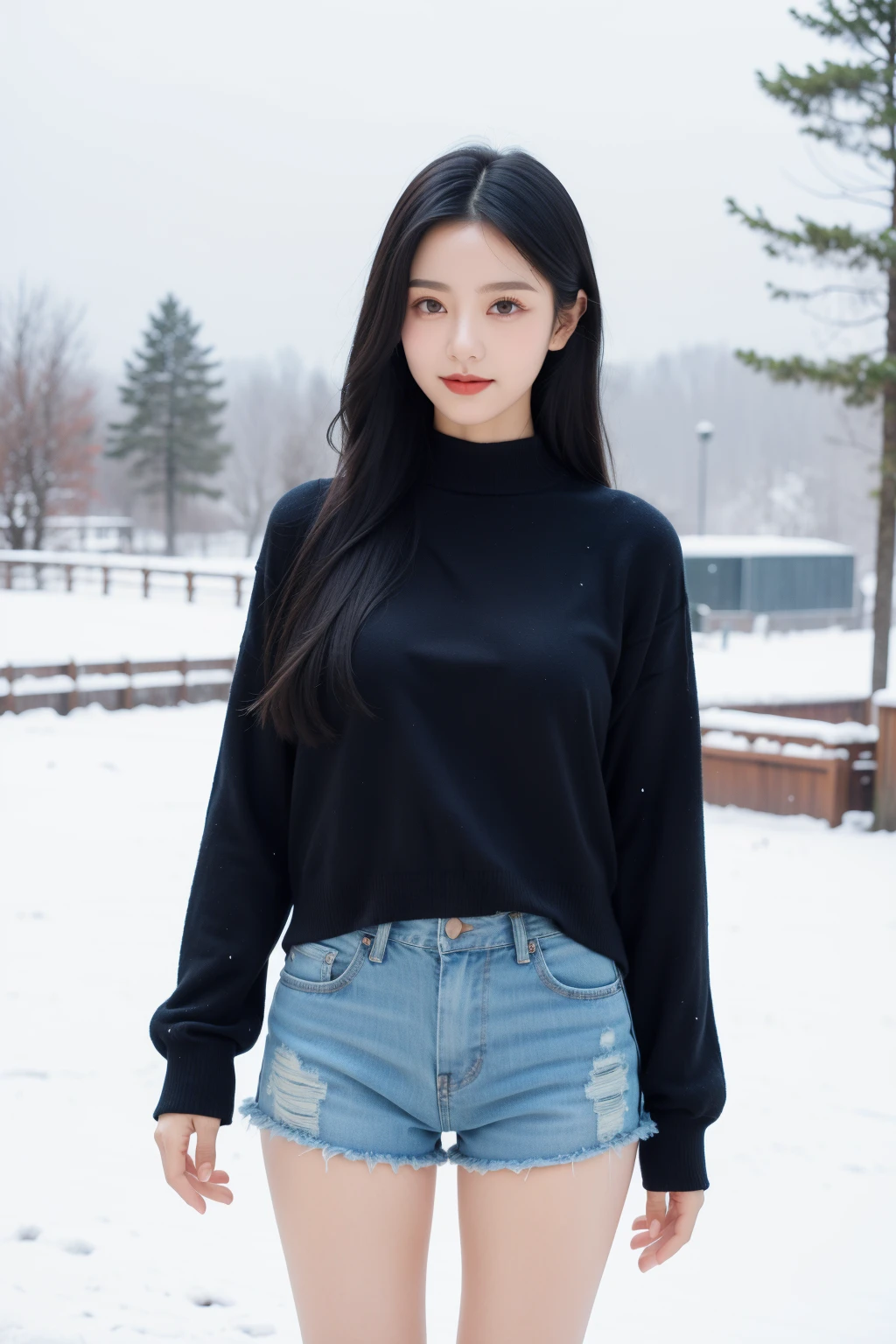
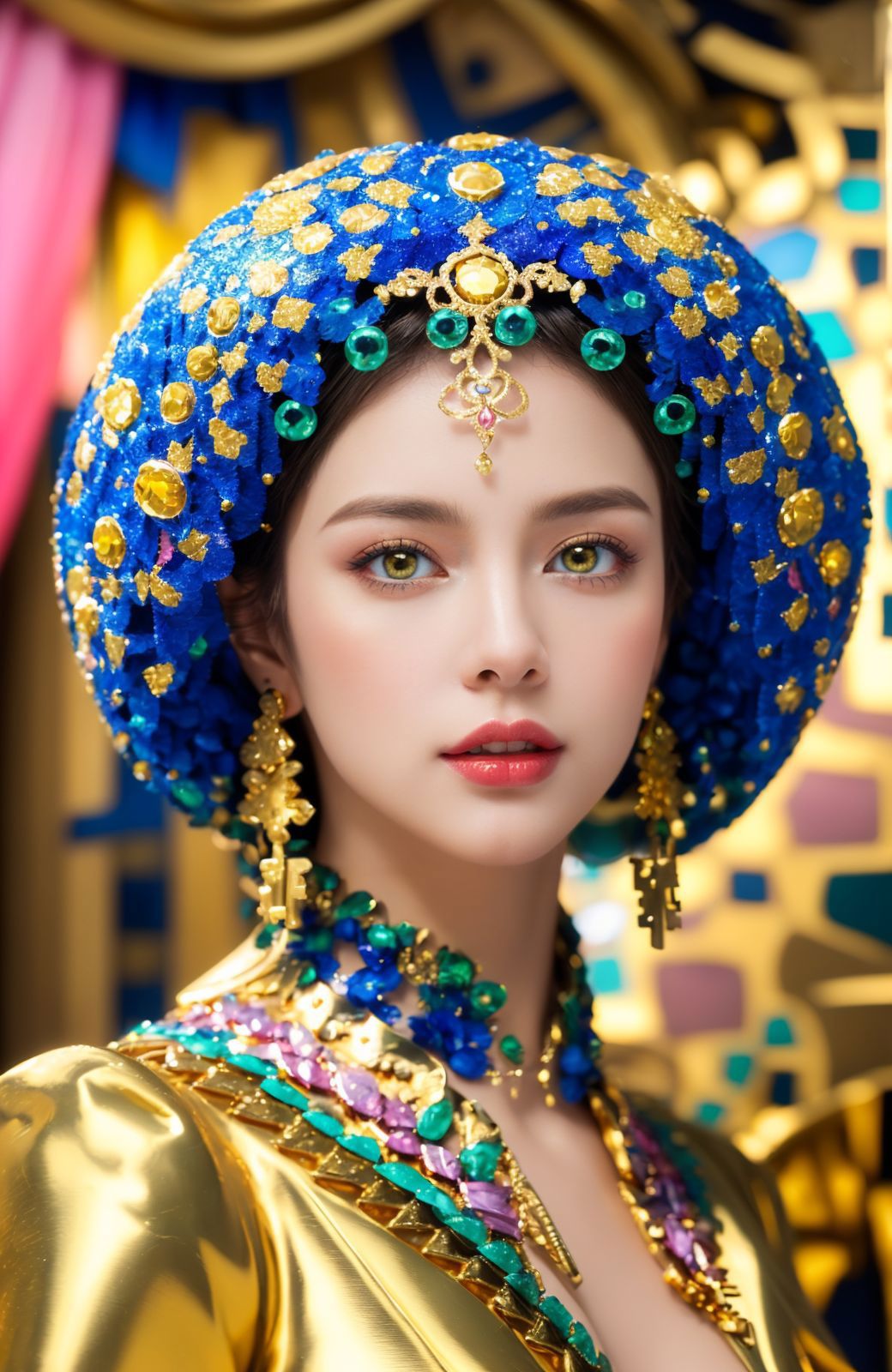
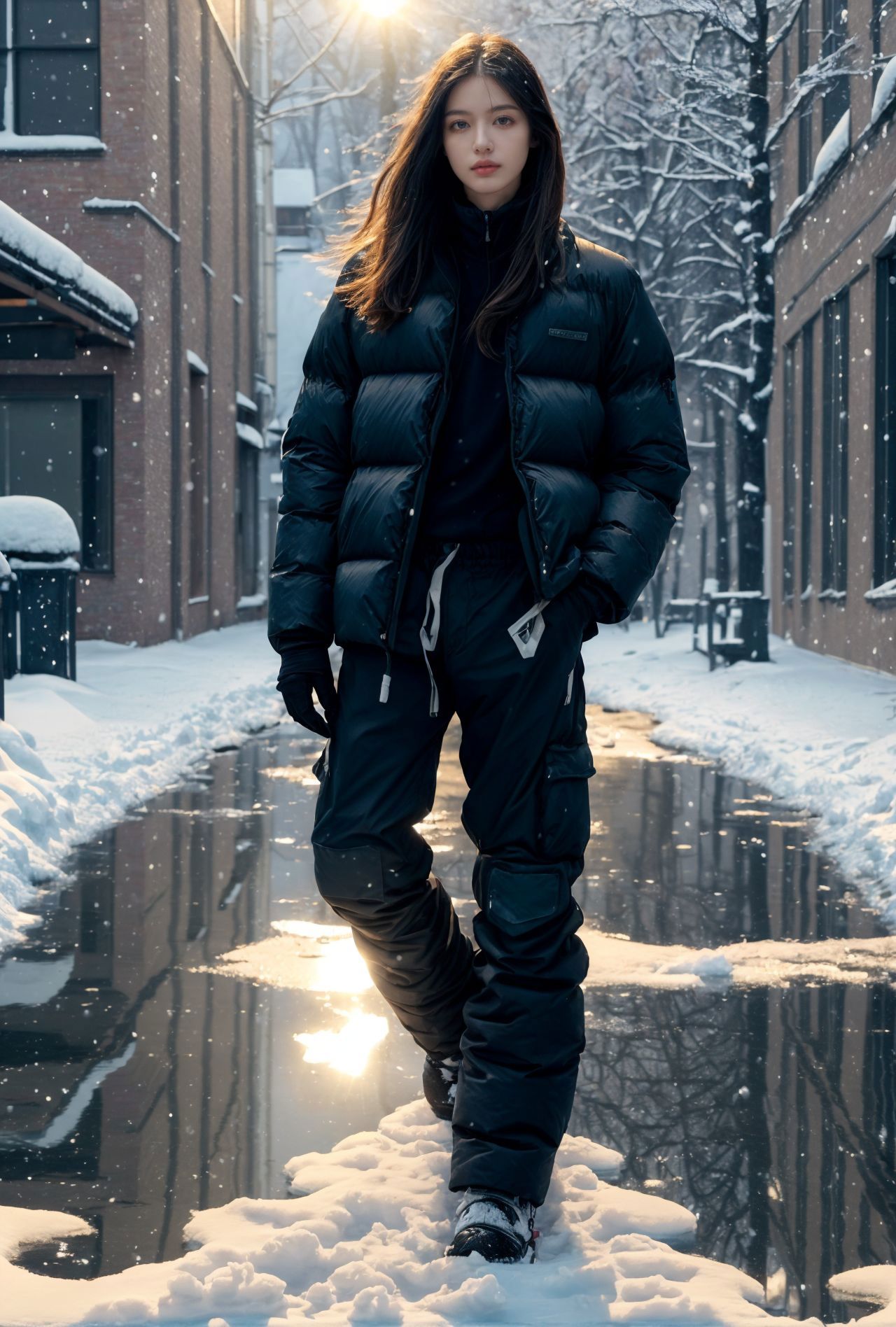
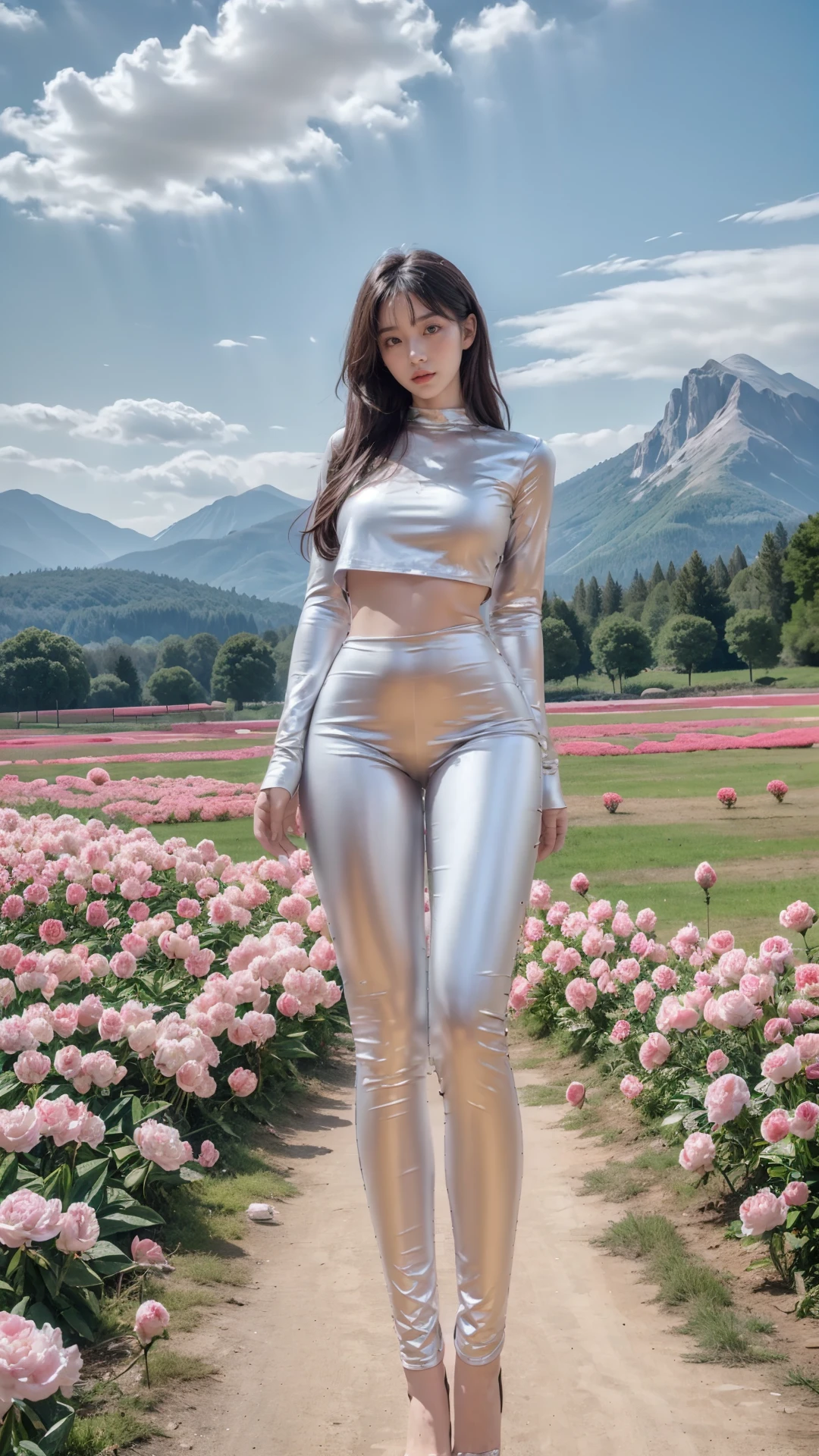
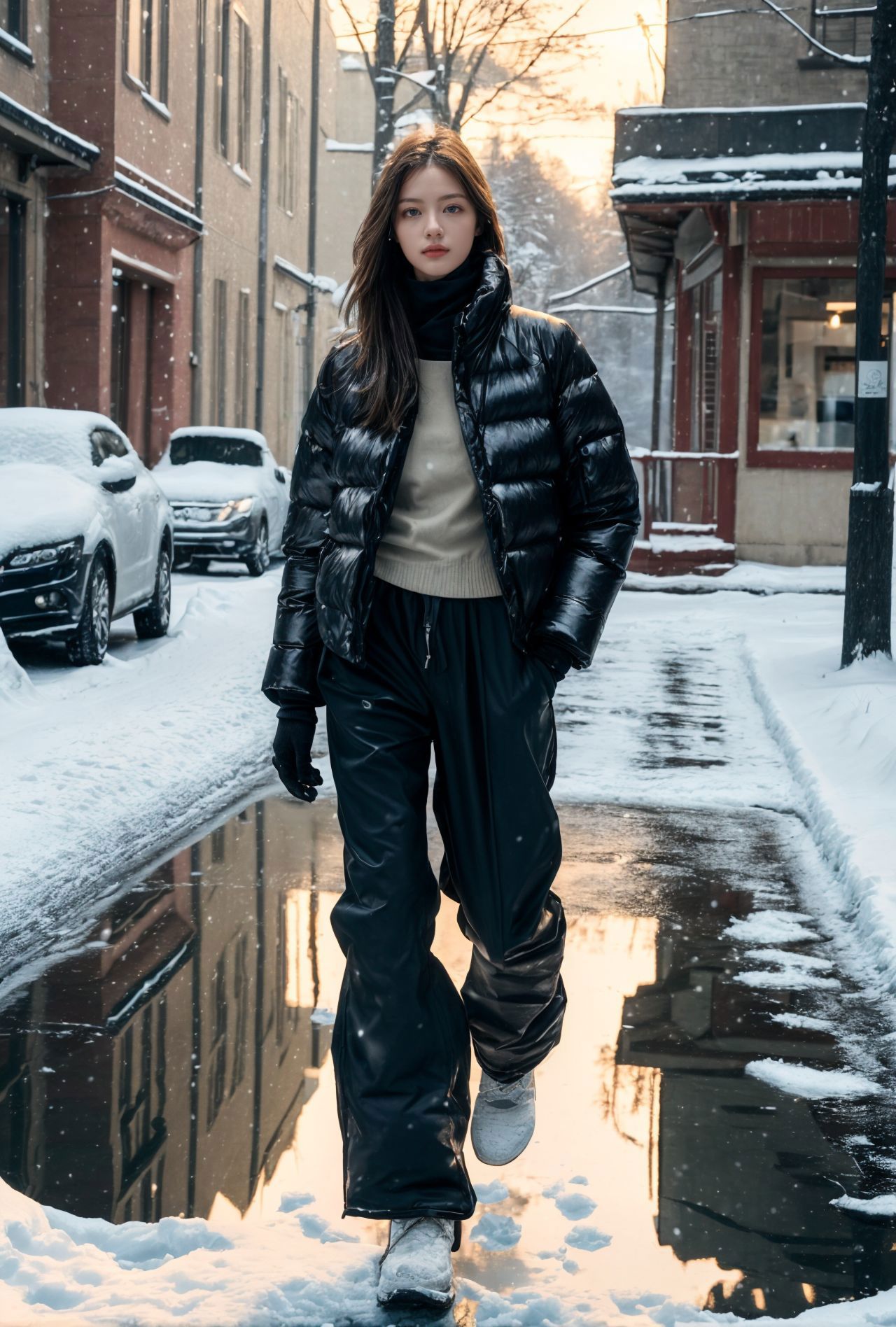
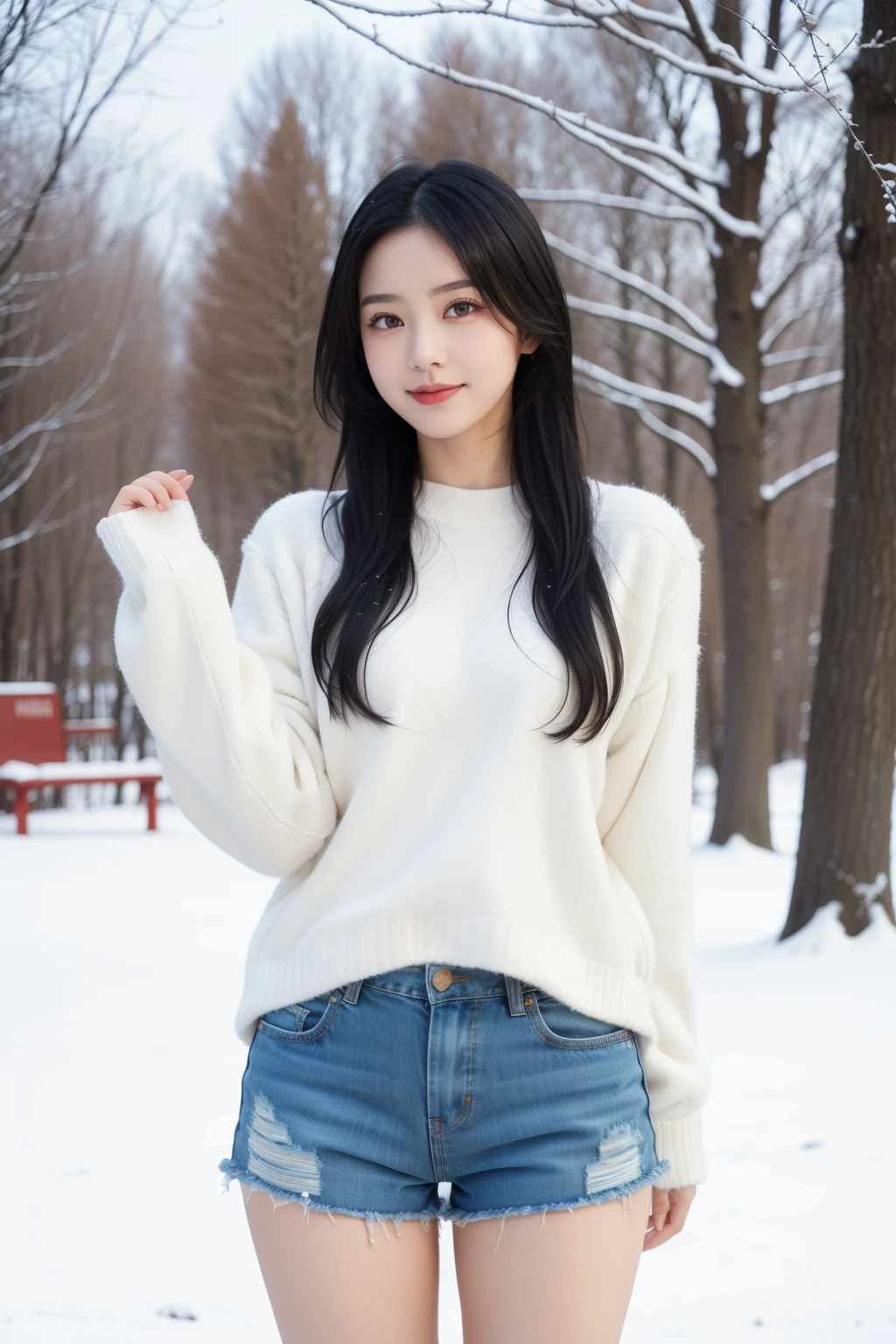
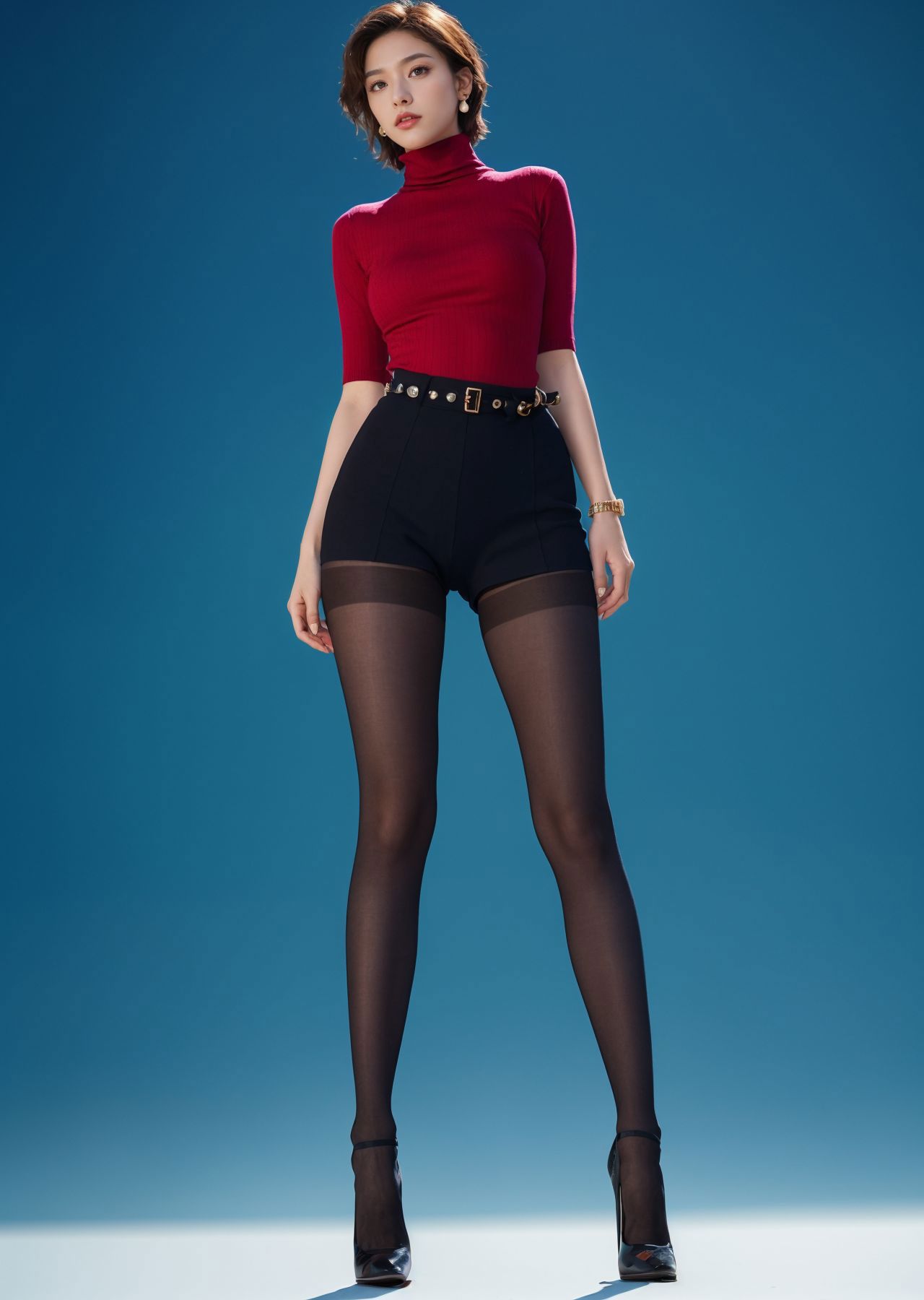
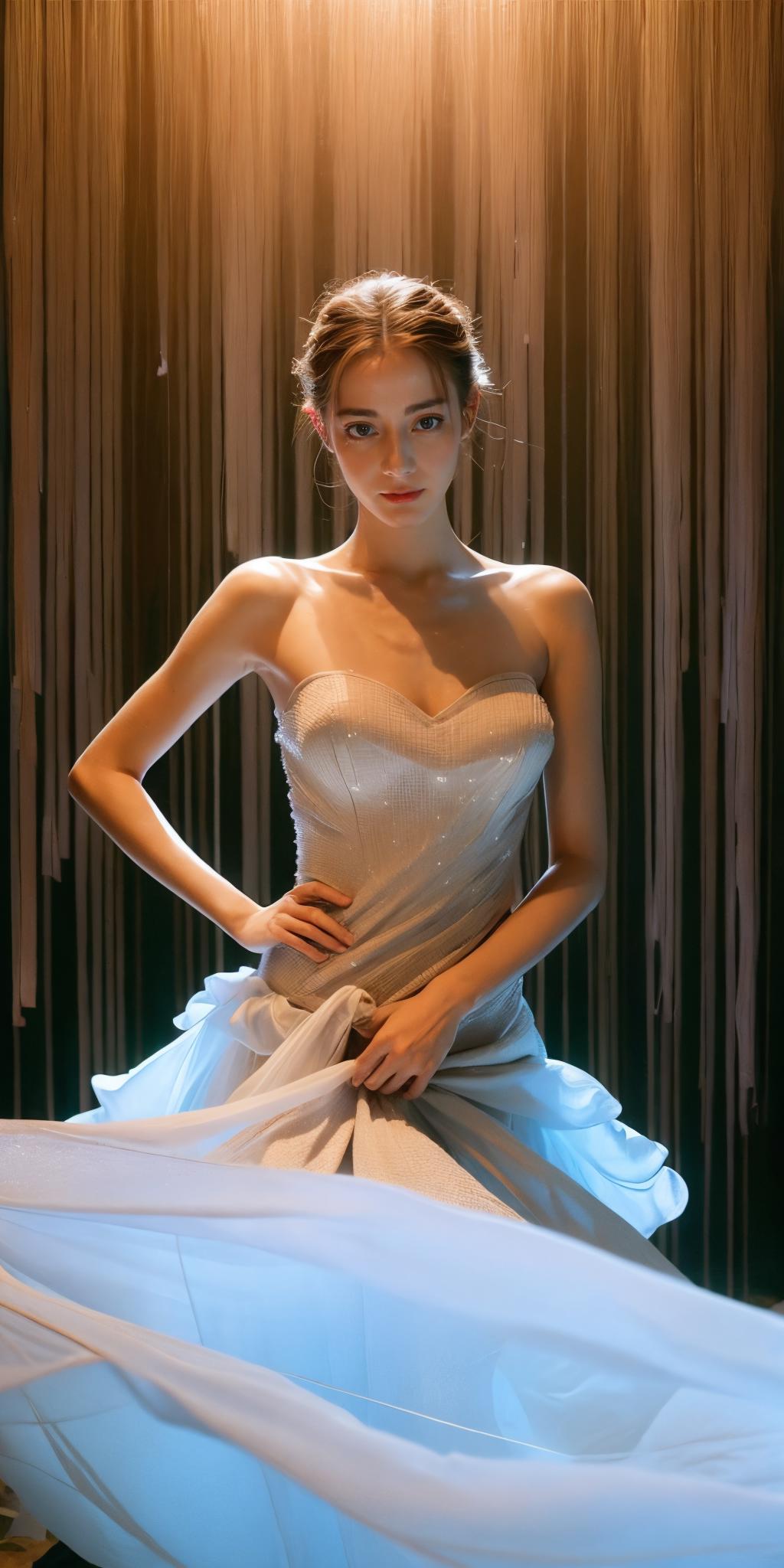
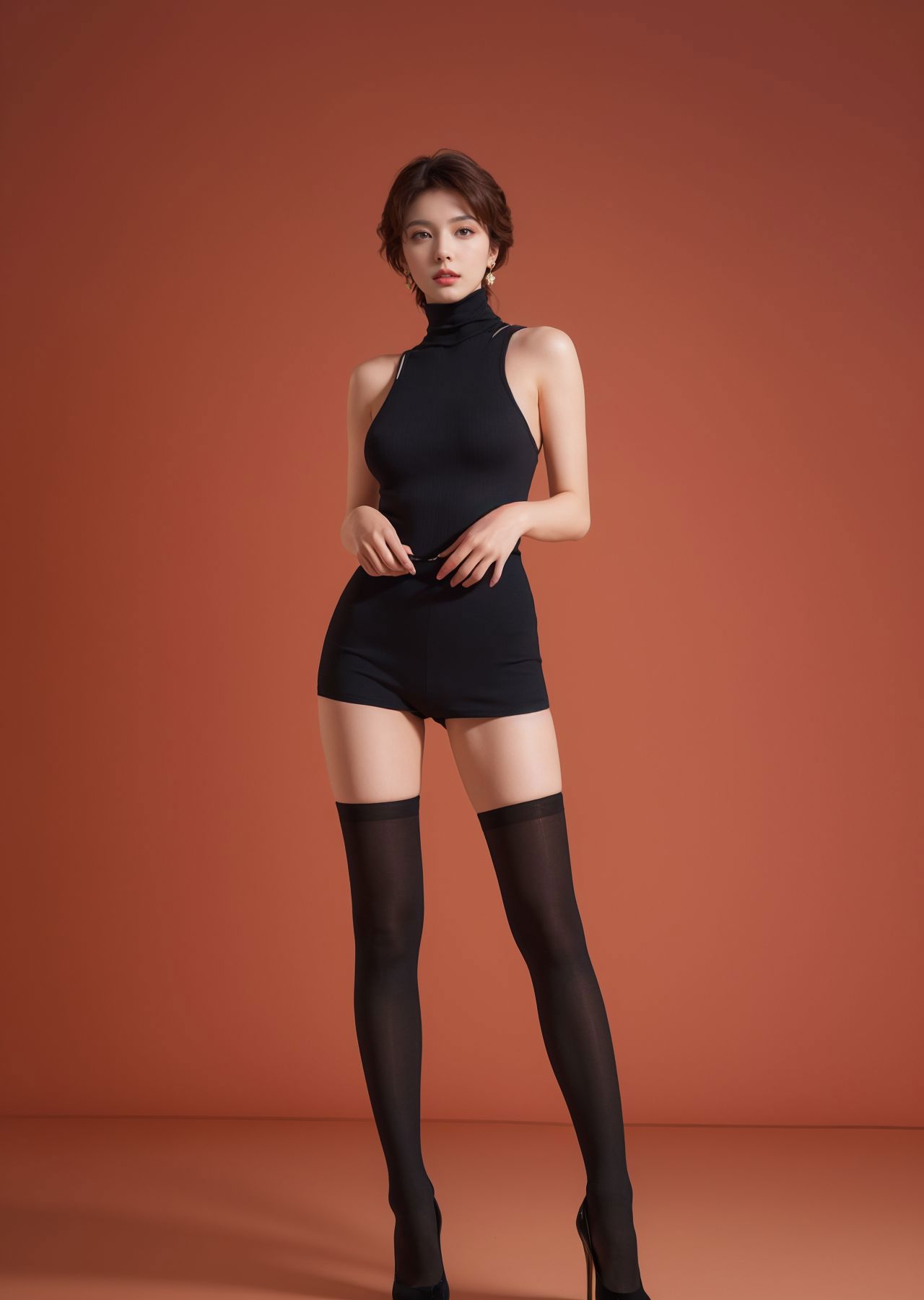
Regarding everyone’s feedback on the inconsistent proportions of the model’s body: The sample picture is 1024*2048, which is a fashion display photo, mainly to highlight the specific cut size of the clothes on the model.

If you don't like this size, you can set it to the default size, such as -512*768, 768*1024. It is recommended to use controlnet to fix the finger problem.

Recommended number of steps: 30-150 (30-50 is basically enough, unless you need to add more details on the clothing, you can open the large tag to adjust)

Sampling recommendation: spm++sde karras (I usually use this, you can test the others by yourself)

Recommended magnification algorithm: 4x-ultrasharp (redraw amplitude is about 0.2, magnification factor is generally 2)

Recommended size: 512x1024*2 (if you mind if your person is too long, you can use: 512*768/768*1024) cfg recommendation: 2-11 (if you are looking for some distinctive clothing or effects, 2-3.5 is recommended)

There isn’t much to share about controlnet.

Maybe it would be easier to understand by watching a video tutorial.

Version 1.0 is still very good, but version 2.0 is equally excellent, so choose yourself! E-commerce or other commercial graphics can be produced using post-processing software, so I won’t introduce them here.

Ver traducción

Calificaciones y comentarios

5.0 /5
0 calificaciones

Aún no se han recibido suficientes calificaciones o comentarios

avatar
jaysdvn
11
272
Anuncio
2024-05-06
Publicar modelo
2023-10-30
Actualizar información del modelo
Detalles del modelo
Tipo
Checkpoint
Fecha de lanzamiento
2023-10-30
Modelo básico
SD 1.5
Palabra activadora
realistic
Copiar
Introducción de versión

Regarding everyone’s feedback on the inconsistent proportions of the model’s body: The sample picture is 1024*2048, which is a fashion display photo, mainly to highlight the specific cut size of the clothes on the model.

If you don't like this size, you can set it to the default size, such as -512*768, 768*1024. It is recommended to use controlnet to fix the finger problem.

Recommended number of steps: 30-150 (30-50 is basically enough, unless you need to add more details on the clothing, you can open the large tag to adjust)

Sampling recommendation: spm++sde karras (I usually use this, you can test the others by yourself)

Recommended magnification algorithm: 4x-ultrasharp (redraw amplitude is about 0.2, magnification factor is generally 2)

Recommended size: 512x1024*2 (if you mind if your person is too long, you can use: 512*768/768*1024) cfg recommendation: 2-11 (if you are looking for some distinctive clothing or effects, 2-3.5 is recommended)

There isn’t much to share about controlnet.

Maybe it would be easier to understand by watching a video tutorial.

Version 1.0 is still very good, but version 2.0 is equally excellent, so choose yourself! E-commerce or other commercial graphics can be produced using post-processing software, so I won’t introduce them here.

Alcance de la licencia
Fuente: civitai

1. Los derechos de los modelos republicados pertenecen a los creadores originales.

2. Si los creadores originales desean reclamar su modelo, contacten al personal de SeaArt AI a través de canales oficiales. Haz clic para reclamar

Alcance de la licencia de creación
Transmisión en vivo
Fusión
Permitir descargas
Licencia comercial
Las imágenes generadas se pueden vender o usar con fines comerciales
Permitir reventa de modelos o su venta tras la integración
QR Code
Descargar la aplicación SeaArt
Continúa tu viaje de creación con IA en móvil