
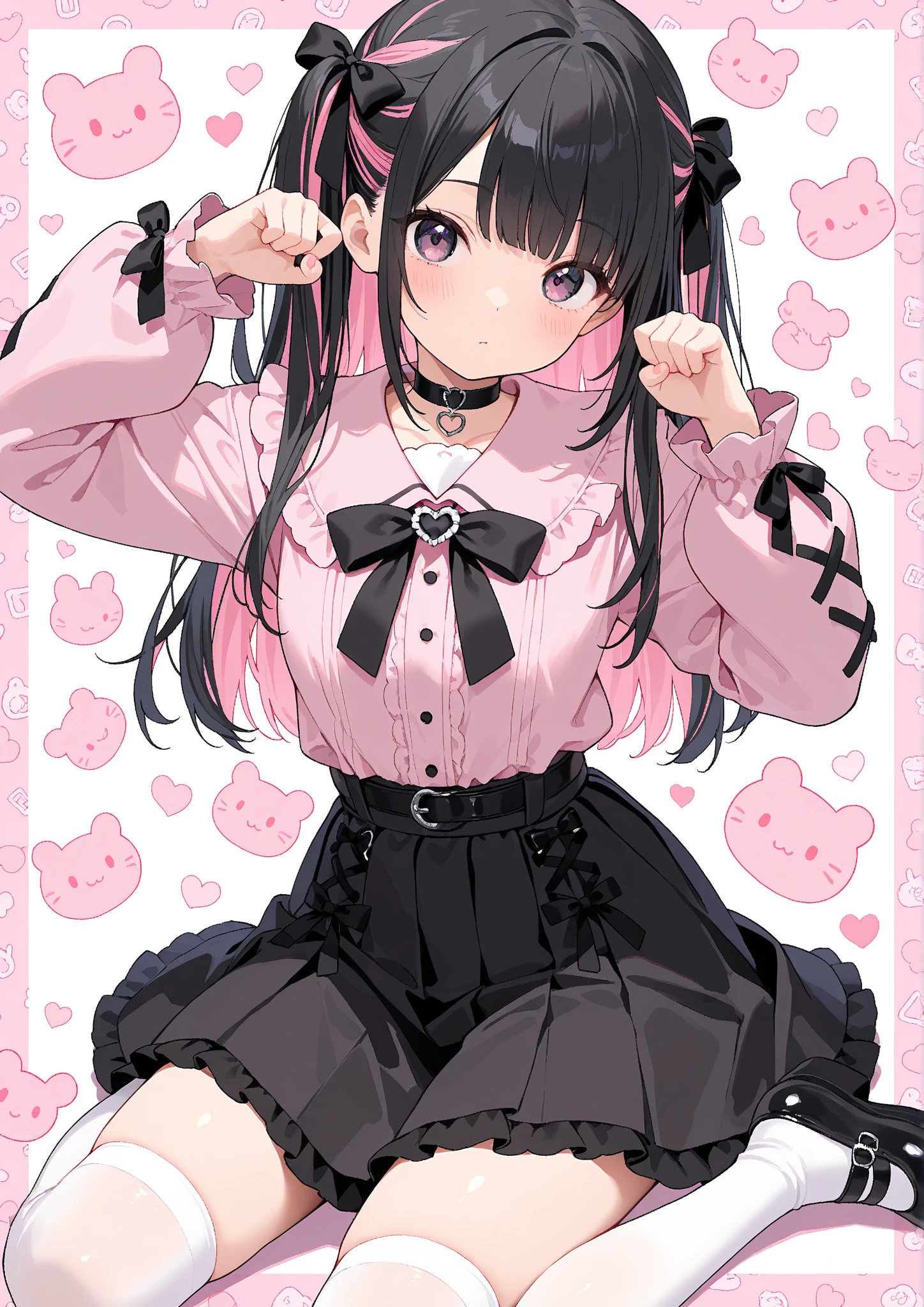
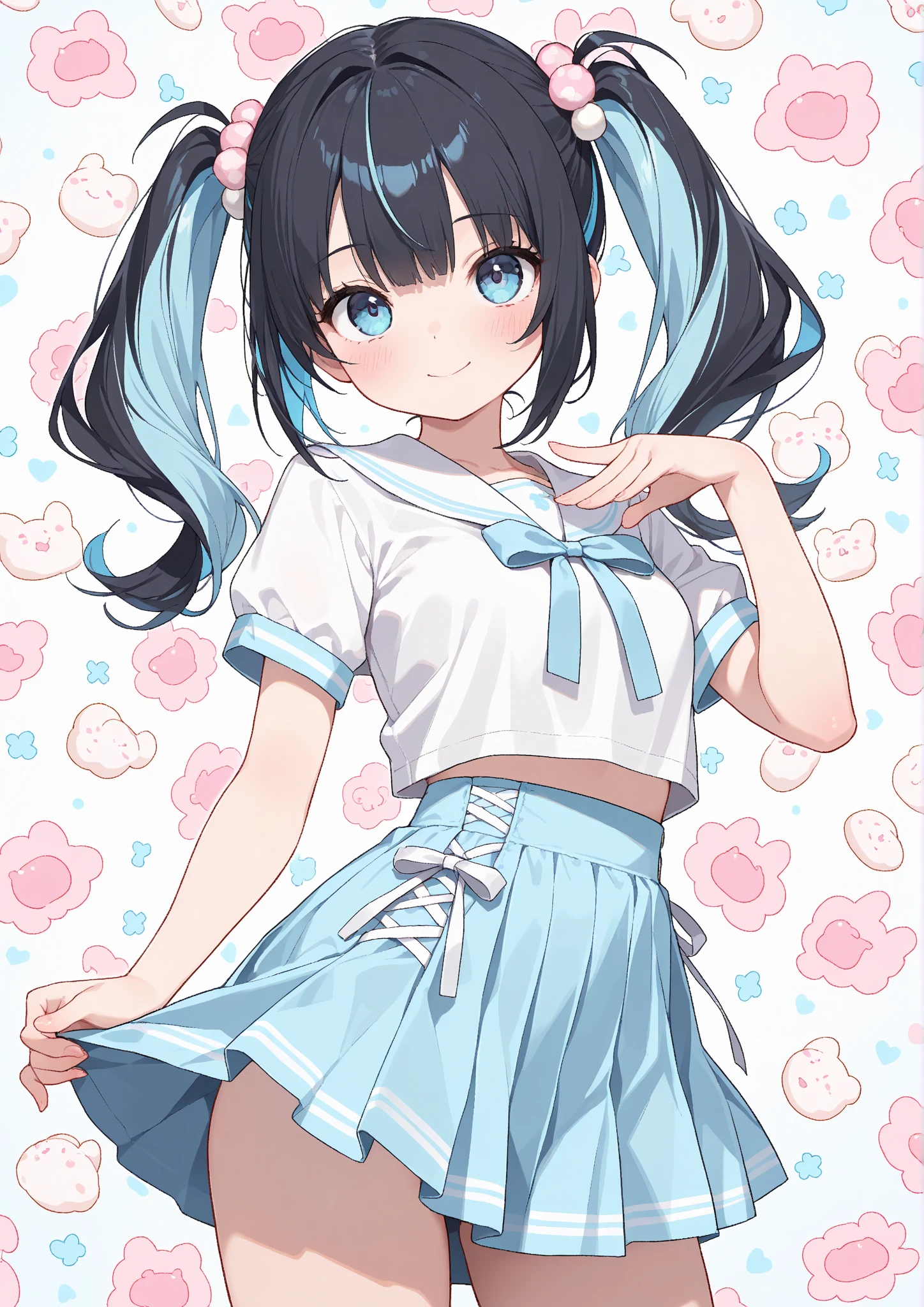
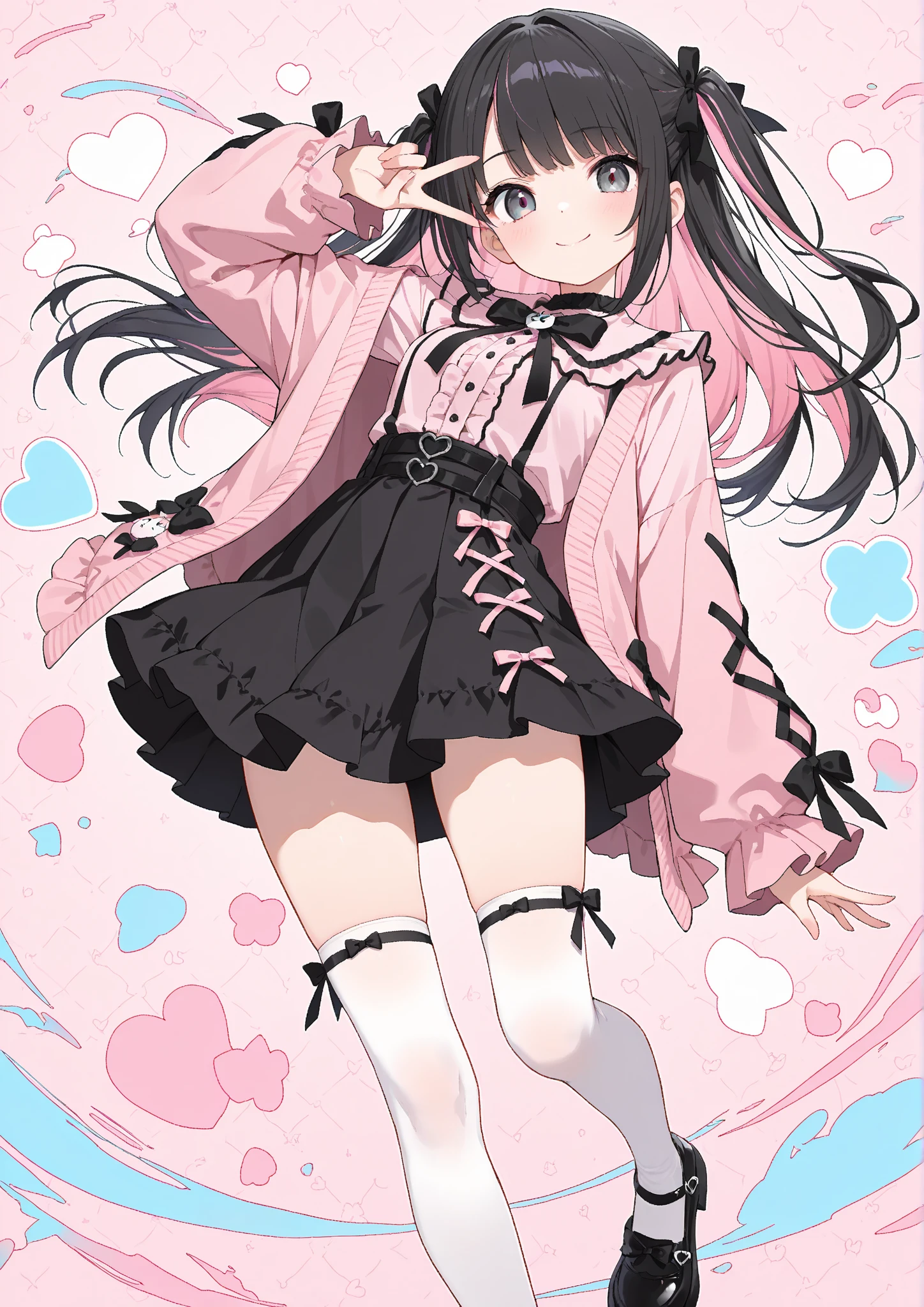
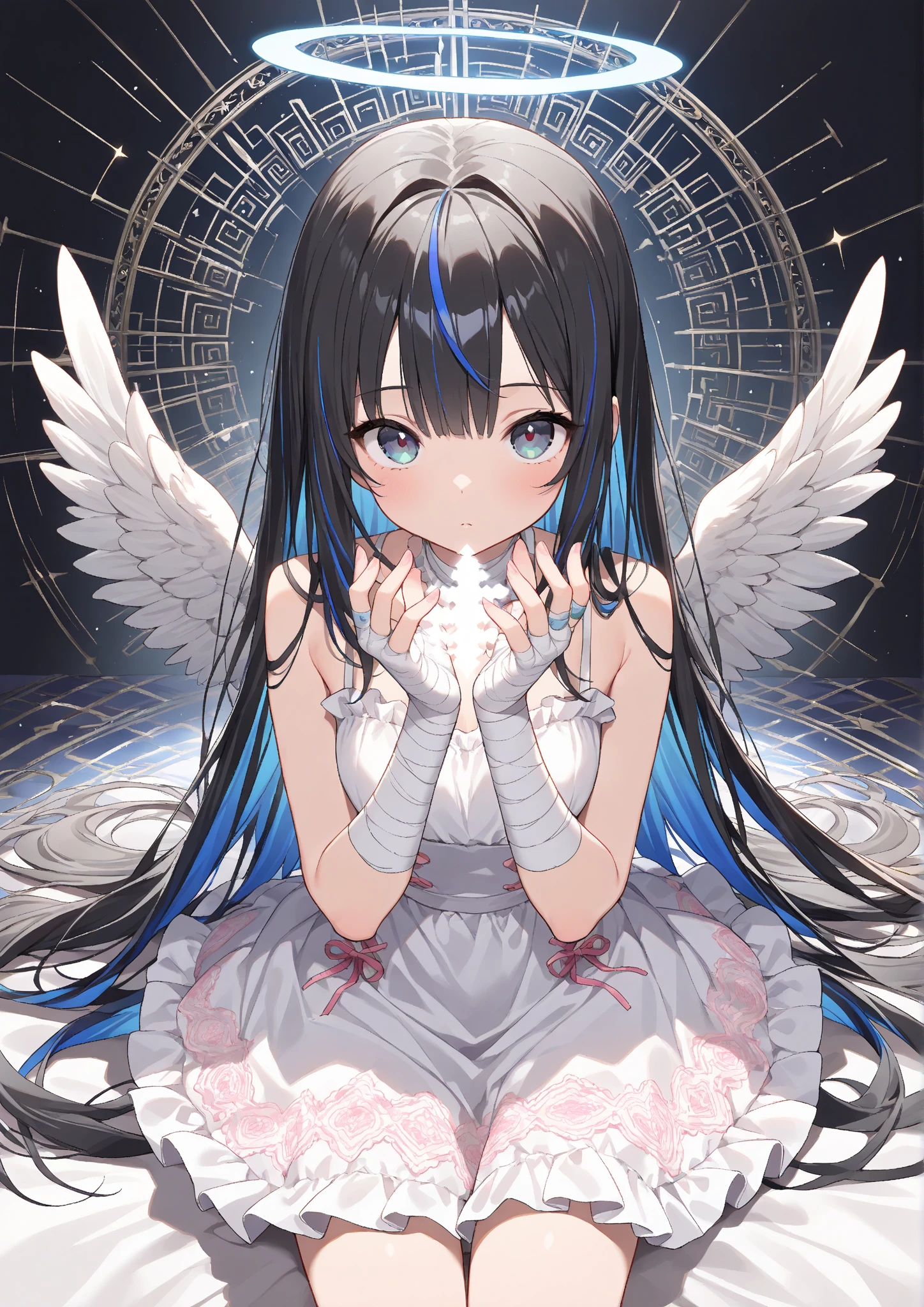

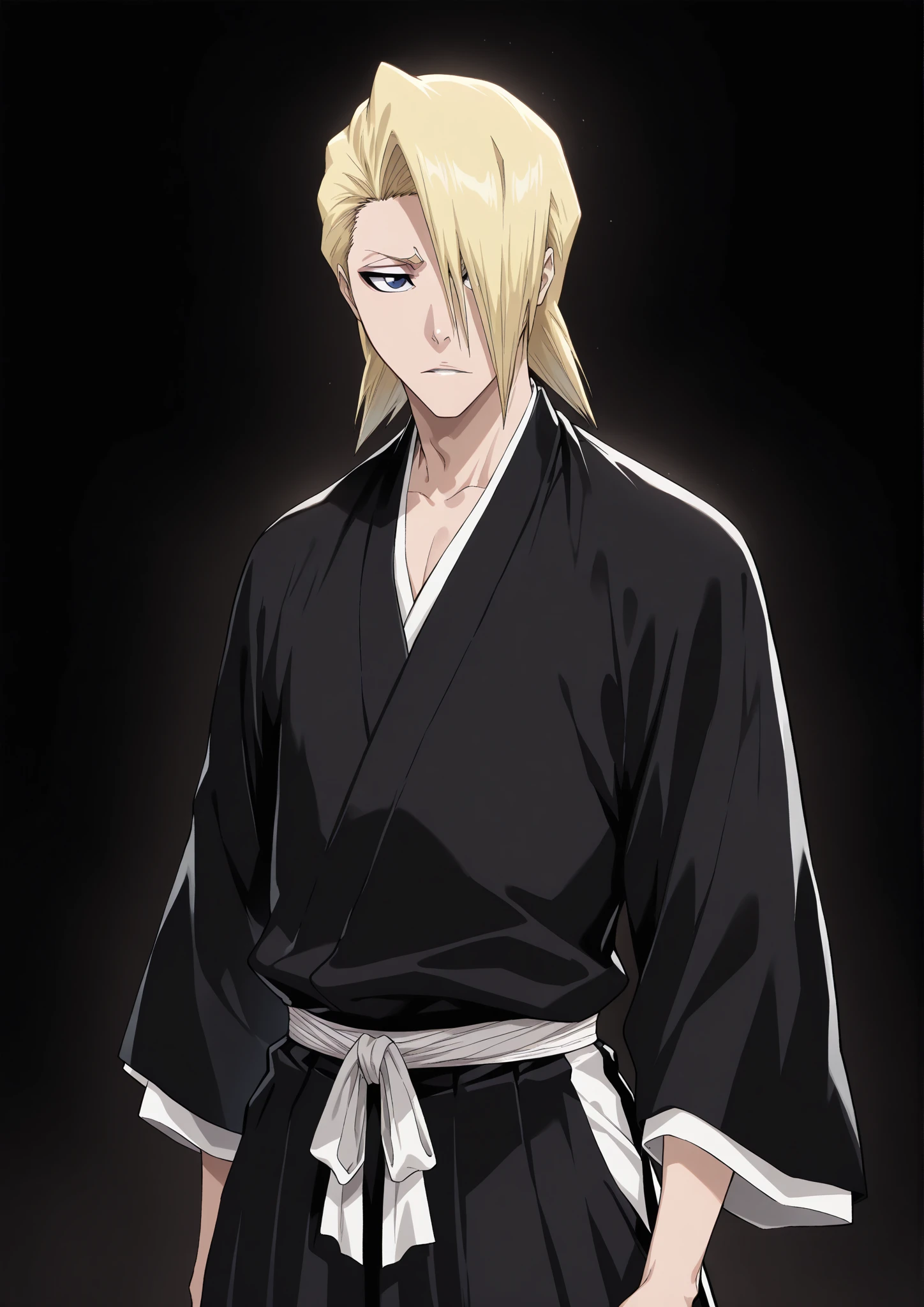
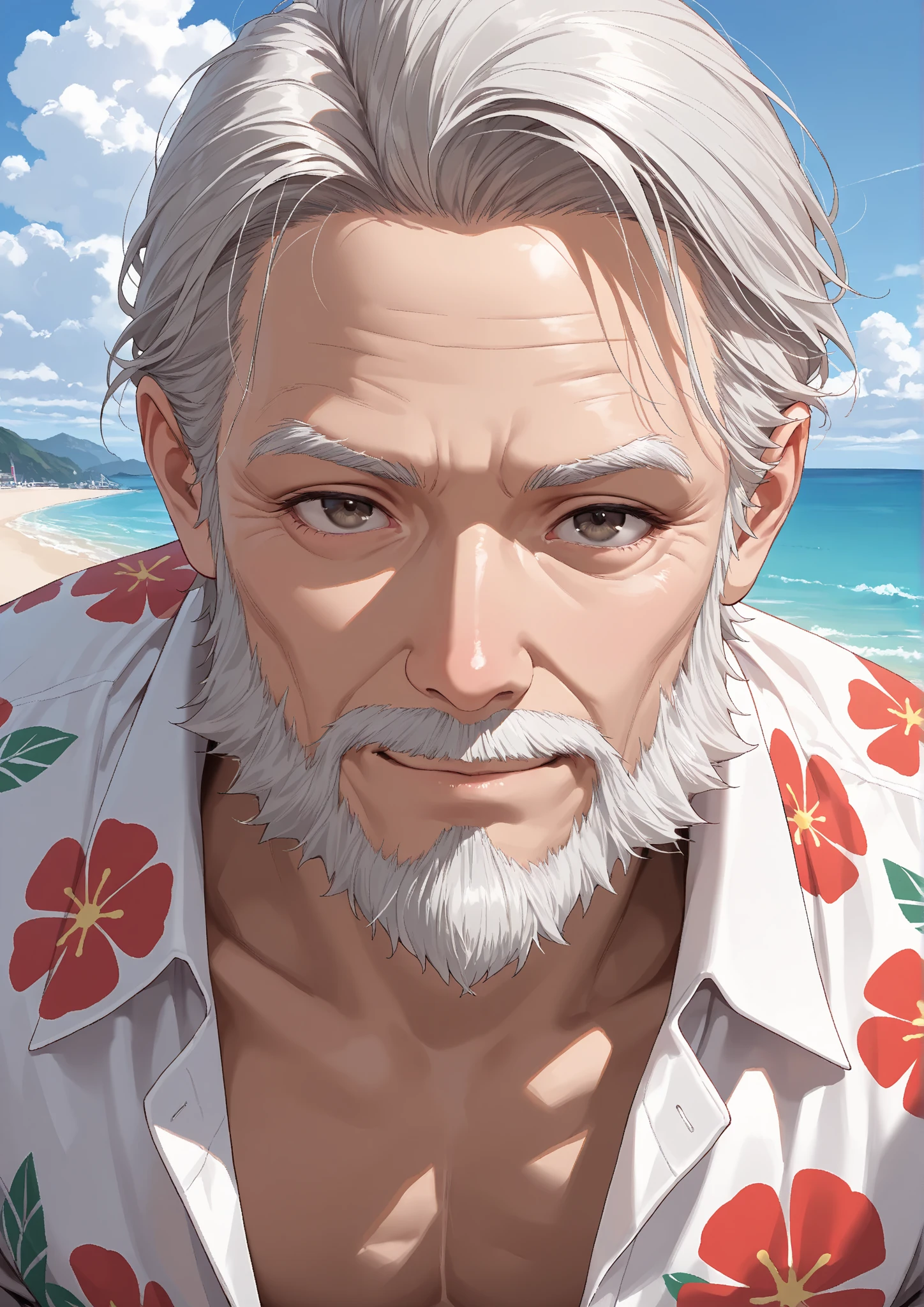
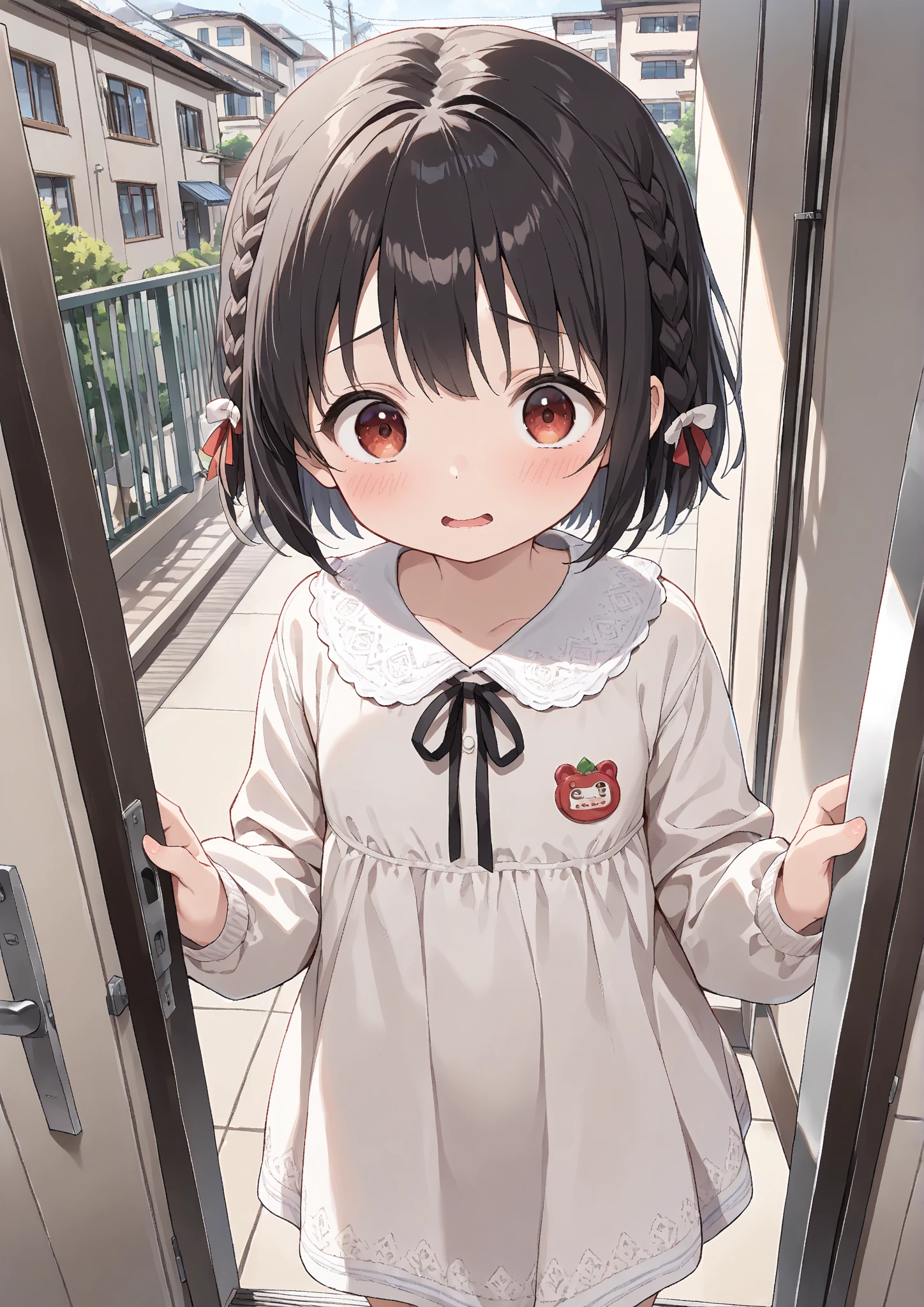
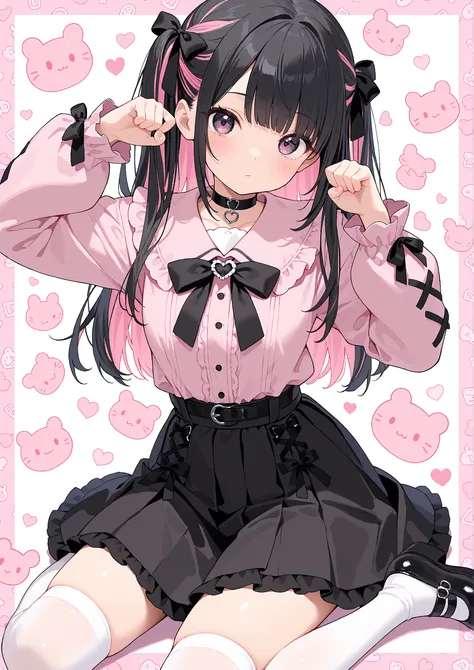


RedFukuについて / about RedFuku
RedFukuは、専ら個人的な画像生成技術への興味関心を動機に趣味で調整しているモデルです。
2Dイラスト生成における汎用性の高さとプロンプトへの忠実さを重視した使いやすいものを目指しています。
ご使用いただいた場合は嬉しいのでぜひ投稿してくださいね。今後のチューニングの参考にもなります。
This model is created purely as a hobby, driven by my personal interest in image generation technology.
It aims to be an easy-to-use model with high versatility in 2D illustration generation and strong faithfulness to prompts.
◆RedFukuのDiscordサーバーが爆誕!!!
生まれて初めて生成するんだけどどうしたらいい?レベルの相談でも誰でもお気軽にどうぞ⇨Discord RedFuku鯖
私が生成した画像も垂れ流してます。
◆SeaArt推奨設定 / SeaArt Recommended Settings
あくまでSeaArt上で生成する場合に限った推奨設定です
These recommendations apply specifically to generating on SeaArt.
◆生成モード / Generation Mode:標準 / Standard Recommended
品質モードでは白飛び・黒潰れ・髪や布の質感消失などの劣化が発生する場合があります。
標準モードが最もモデル本来の質感を再現する可能性が高いです。
Using “Quality” mode may cause loss of fine details such as:
– blown highlights
– crushed shadows
– reduced texture fidelity (hair/fabric/reflections)
The Standard mode provides the most faithful and reliable output.
◆サンプラー/Sampler:DDIM / Euler a
本モデル単体ではこの2種が最も品質が高く破綻が少ないようです。
RedFuku Negative併用時は他のサンプラーでも品質低下を抑える可能性があります。
These samplers provide the most stable performance with this model.
When combined with RedFuku Negative, other samplers also maintain good results.
◆ステップ数 / Steps:40
SeaArtのガイドでは、通常25ステップ程度で高品質な結果が得られるとされており、RedFukuも十分な品質を得られます。
ただし本推奨設定時はステップ数に関わらず消費クレジット数は変わりません…なら最大40全ツッパしなきゃ損でしょう。
On SeaArt, around 25 steps generally offer high-quality results.
However:
SeaArt charges the same Credit cost regardless of step count at the recommended resolution.
→ 生成時間の増加を許容でき、高品質を狙う場合は40ステップが最適。※あえて短ステップでやる表現手法もあります。
→ Lower steps may reduce quality, while higher steps rarely have downsides
◆CFG scale:6–7
RedFuku単体では基本は7で問題ありません。
ただし異なる設定・LoRA併用時は微調整が必要になる可能性があります。
A CFG of 7 usually provides excellent results.
Adjust slightly if using special prompts or LoRAs.
◆解像度 / Resolution:長辺1536pxがおすすめ
Set the long side to 1536 px and adjust aspect ratio as needed.
本モデルは低解像度で急激に品質が低下する傾向があります。
This model shows a noticeable quality drop at lower resolutions.
◆解像度例 / Sample Resolution Presets:
4:3 — 1536×1152
3:2 — 1536×1024
16:10 — 1536×960
16:9 — 1536×864
白銀比 / Silver Ratio — 1536×1088
◆推奨/Recommended:RedFuku Negative併用 / Use together with“RedFuku Negative”
より破綻の少ない手指表現と高い輪郭精度が期待できます。思った以上に良い感じですガチ。
◆お知らせ / Announcement
SeaArtでの生成結果改善を目指すRedFuku Negativeをリリースしました!試してみてね!
汎用的なNegative Embeddingとして多くのXL/IL派生2Dモデルで使用可能です(多分…)
これ一つで手指の事故防止やディテール向上など全体的な品質底上げが期待出来ます。
RedFuku Negative is now available! Boost your SeaArt generations with cleaner details and fewer structural issues!
◆Release Notes
・2025.11.1:おでこがやたら白くなるのをなんとかしようと試みたもの(マスピ顔ってやつ?)。少しイメチェンしてます。
・2025.10.0:2025.5.0に調整を加えたものです。
・2025.10.0-FP8:SeaArtでの生成には不向きです。DLして使って下さい。
・2025.5.0:2025.1.1に調整を加えたものです。
・2025.1.1:微調整。
・2025.1.1-FP8:SeaArtでの生成には不向きです。DLして使って下さい。
・2025.1.0:最初にリリースしたバージョンです。
表外のものの使用は非推奨です。
諸事情により現在Checkpointのダウンロードを出来ない設定としております。ご了承ください。
I've set things up so I can’t download checkpoints at the moment for various reasons.
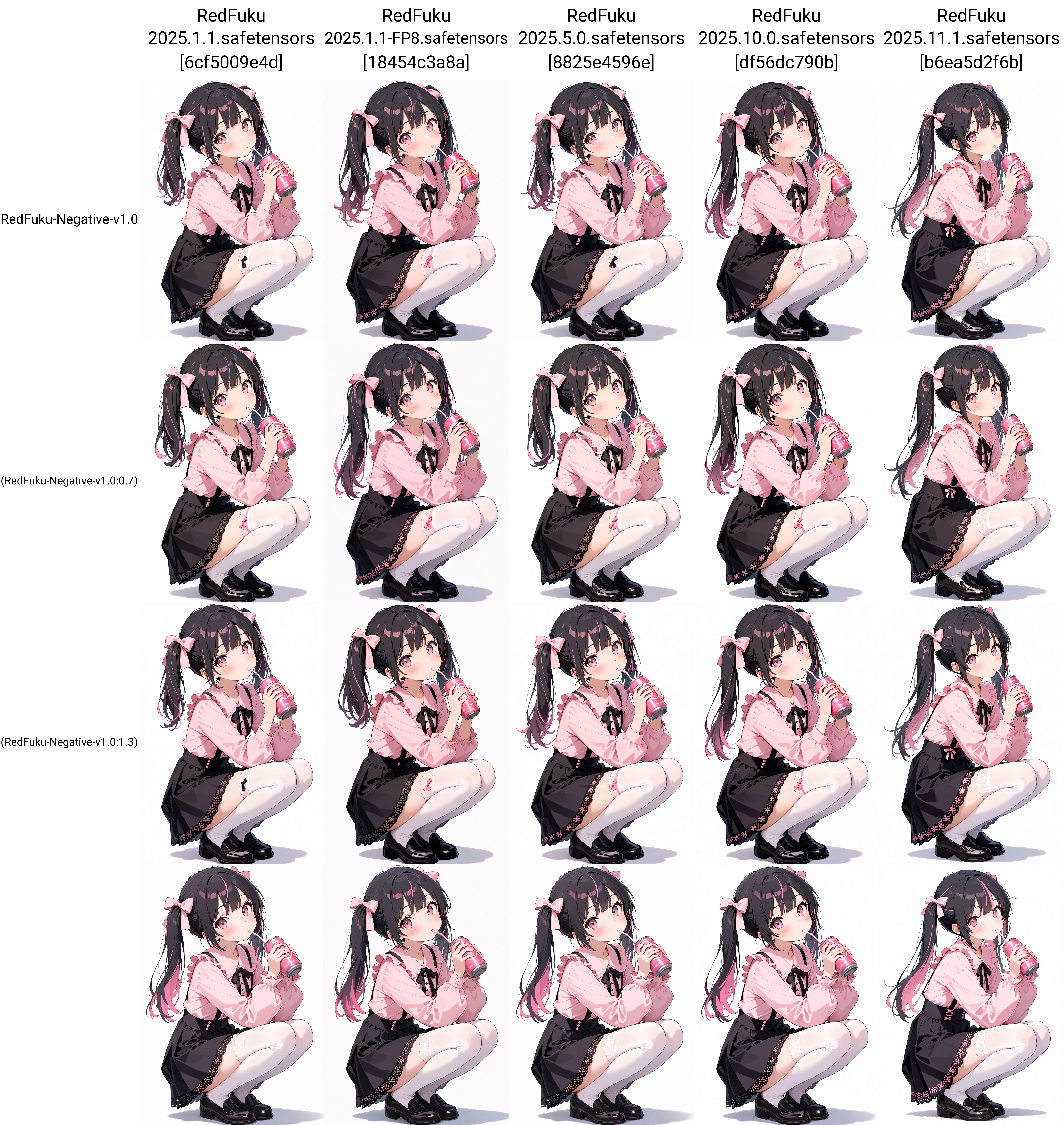
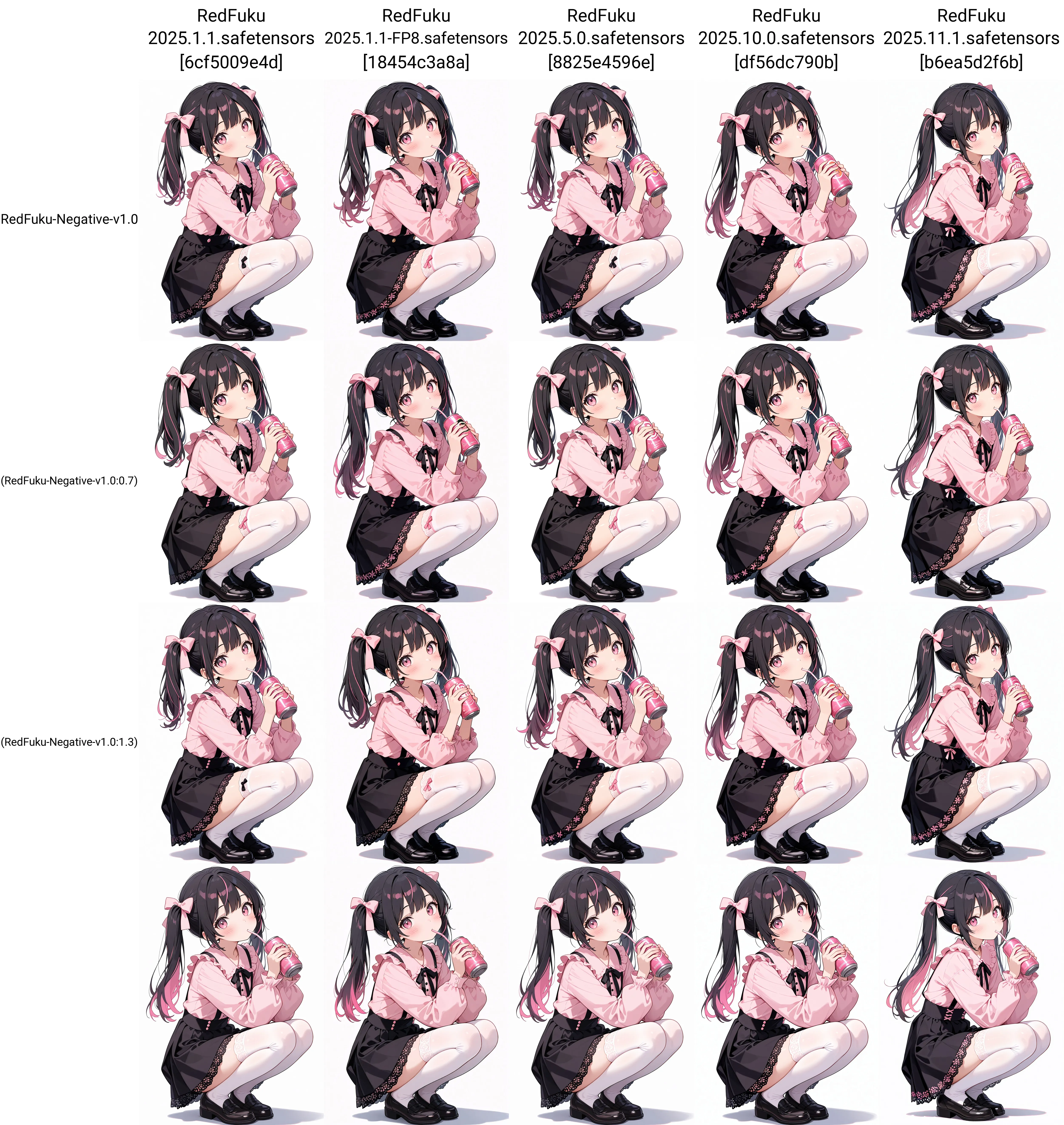
◆バージョン比較図
同一プロンプト・同一設定で、RedFuku各バージョンとRedFuku-Negativeの有無と強度を比較しています。
All images are generated with the same prompt and settings to compare versions and the effect of RedFuku-Negative.
RedFukuモデルと同一思想でチューンしているリアリスティックモデルRedFuku Realisticのベータバージョンを公開しました!試してみて!
