
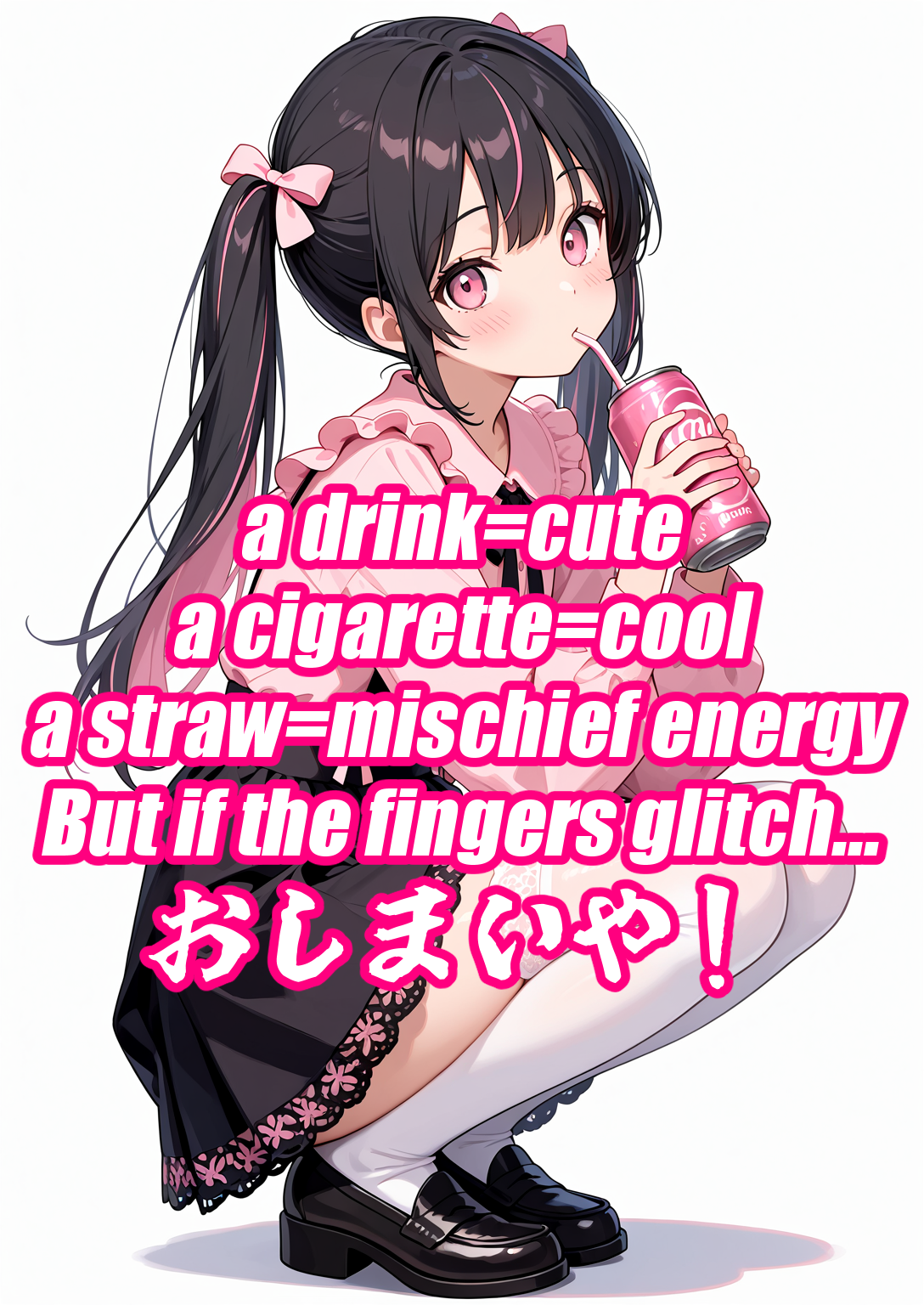


Detalles
Recomendado
1.0
RedFuku Negative
Original

RedFuku Negative

12
13
4
#ropa
#アニメ
#charactar
#ciencia ficción
#juegos
#de los hombres
#estilos
#2.5D
#negative embedding
#TextualInversion
#SDXL
#Illustrious
#negative
#デザイン
#Animagine XL
#embedding

RedFuku Negativeについて / About RedFuku Negative

RedFuku Negativeは、RedFukuモデルをはじめ、多くのSDXL / Illustrious派生の2Dモデルにおいて、SeaArtで発生しやすい細部の粗や輪郭のノイズを抑え、生成品質を向上させるために作られたNegative Embeddingです。SeaArt生成ではまだ十分テストが出来ていませんが、少なくともRedFukuモデルでは多くが改善、ローカルでは多くのモデルでモデル本来の特徴を保ちつつ全体的に品質が向上する傾向を認めました。これはLoRAではありません。

RedFuku Negative is a negative embedding designed to improve generation quality on SeaArt—particularly reducing artifacts, rough outlines, and detail noise commonly seen in many SDXL / Illustrious-based 2D models, including the RedFuku base model.


使い方 / How to Use

以下の例のように、ネガティブプロンプト側に RedFuku-Negative-v1.0 を追加してください。

Add RedFuku-Negative-v1.0 to your negative prompt, as shown below.

worst quality, low quality, normal quality, lowres, bad proportions, bad hands, extra limbs, RedFuku-Negative-v1.0

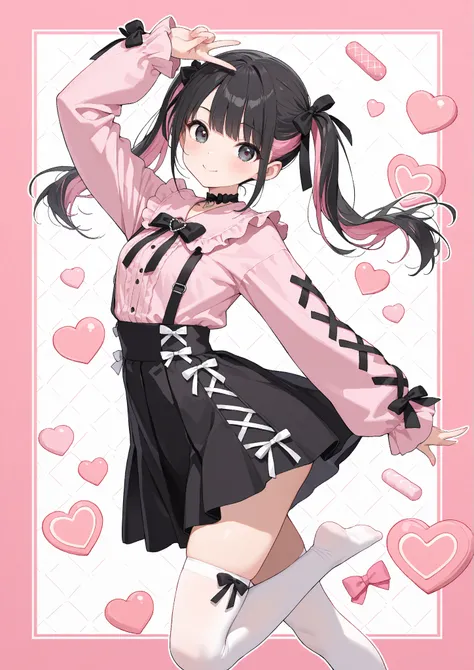
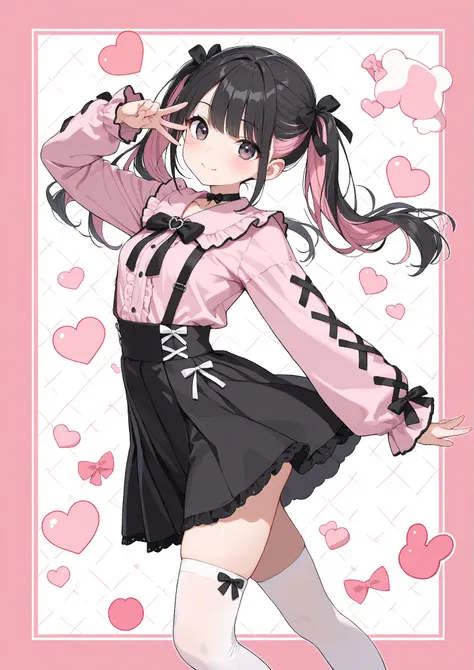
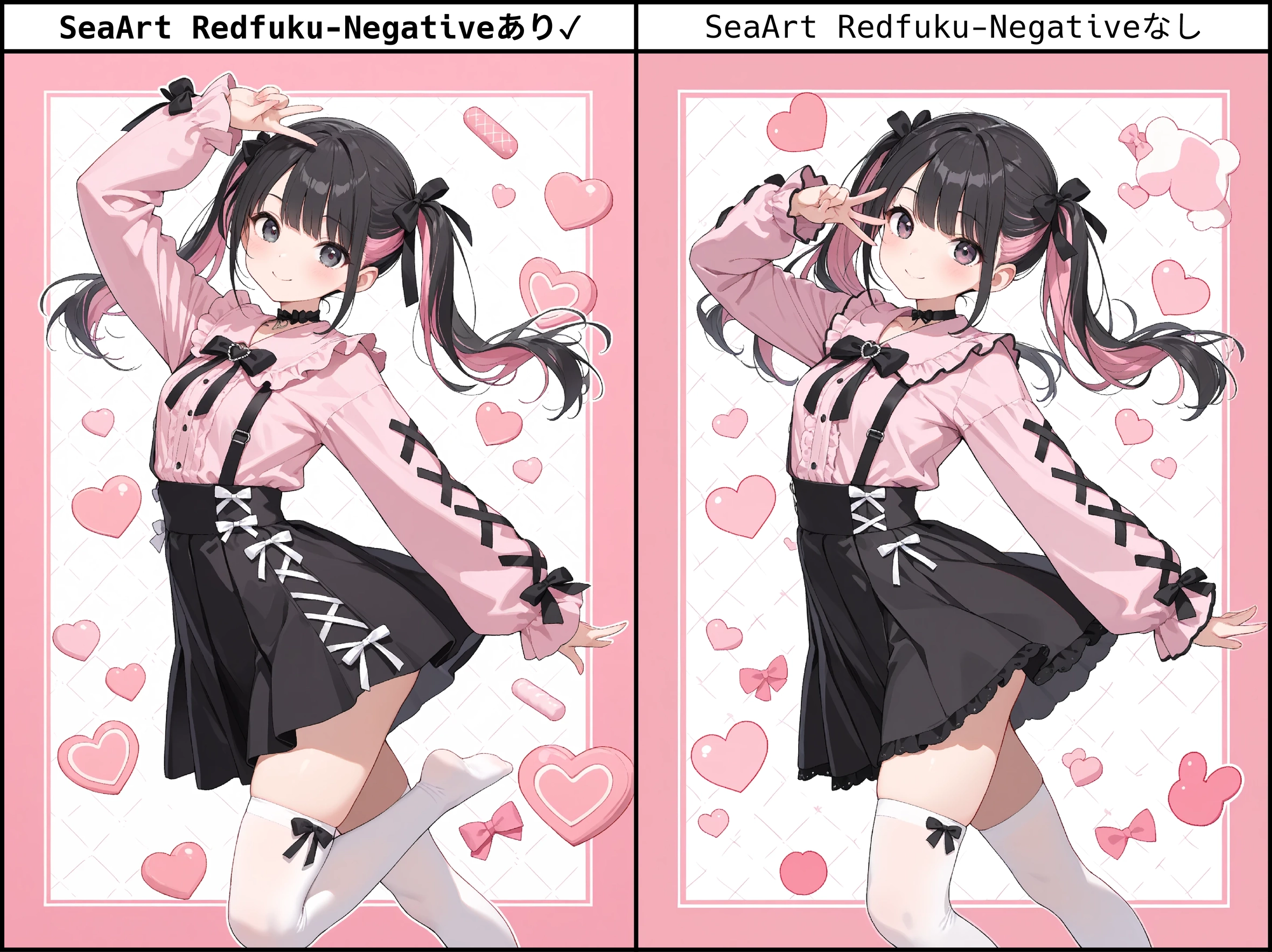
●SeaArtの生成に用いた場合の比較(RedFuku 2025.11.1)
●他のTIとの比較(使用させていただいた各TI、モデル作者様に敬意を表します)
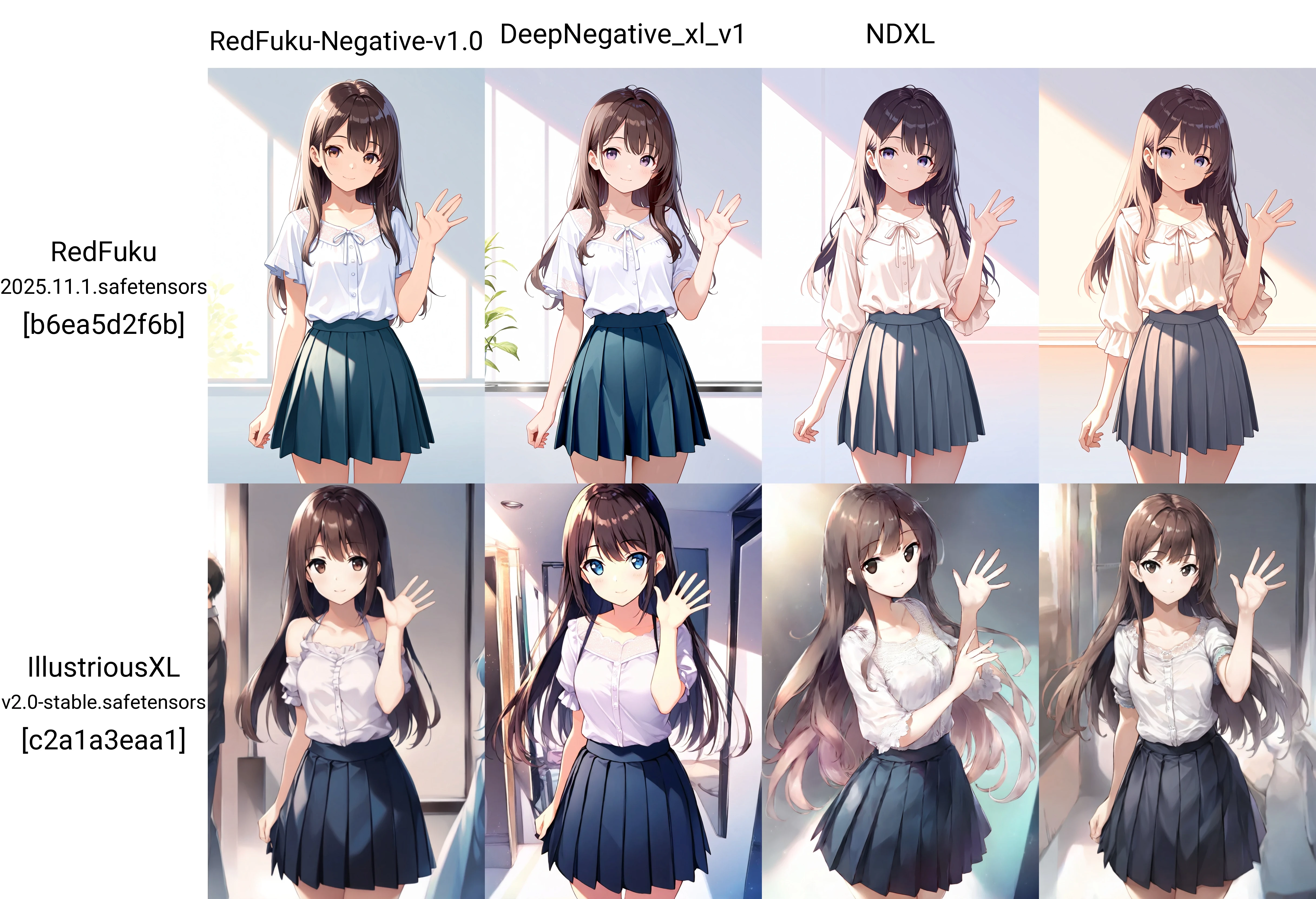
※この図はそれぞれのモデルの優劣やRedFuku Negativeの優位性を示すものでは決してありません。それぞれ異なる長所を持っています。

*This comparison does not imply superiority or inferiority of any model or embedding.

Each model has its own strengths and characteristics.

以下の同一条件下で単純な比較を行った結果であり、Checkpointやプロンプトとの相性が考慮されていないことに留意して下さい。

The grid simply shows output differences under identical conditions.

Model-prompt synergy and checkpoint compatibility are not reflected here.


比較に使用した設定 / Generation Settings Used in the Comparison

Positive prompt:

masterpiece, best quality, ultra detailed, 1girl, medium shot, standing,

soft smile, natural proportions, smooth skin, detailed eyes, long hair flowing,

casual outfit (simple blouse and pleated skirt), clean lighting,

highly detailed illustration, vibrant but balanced colors,

consistent ???????, clear outlines, well-defined hands, waving,

studio background, faint rim light

Negative prompt:

worst quality, low quality, lowres, RedFuku-Negative-v1.0

Steps: 35

Sampler: Euler a

Schedule type: Karras

CFG scale: 7

Seed: 3446417487

Size: 1024×1536

Model hash: b6ea5d2f6b

Model: RedFuku 2025.11.1

TI: "RedFuku-Negative-v1.0, RedFuku-Negative-v1.0"

Script: X/Y/Z plot

X Type: Prompt S/R

X Values: "RedFuku-Negative-v1.0, DeepNegative_xl_v1, NDXL,"

Y Type: Checkpoint name

Y Values: "RedFuku 2025.11.1.safetensors [b6ea5d2f6b], IllustriousXL v2.0-stable.safetensors [c2a1a3eaa1]"


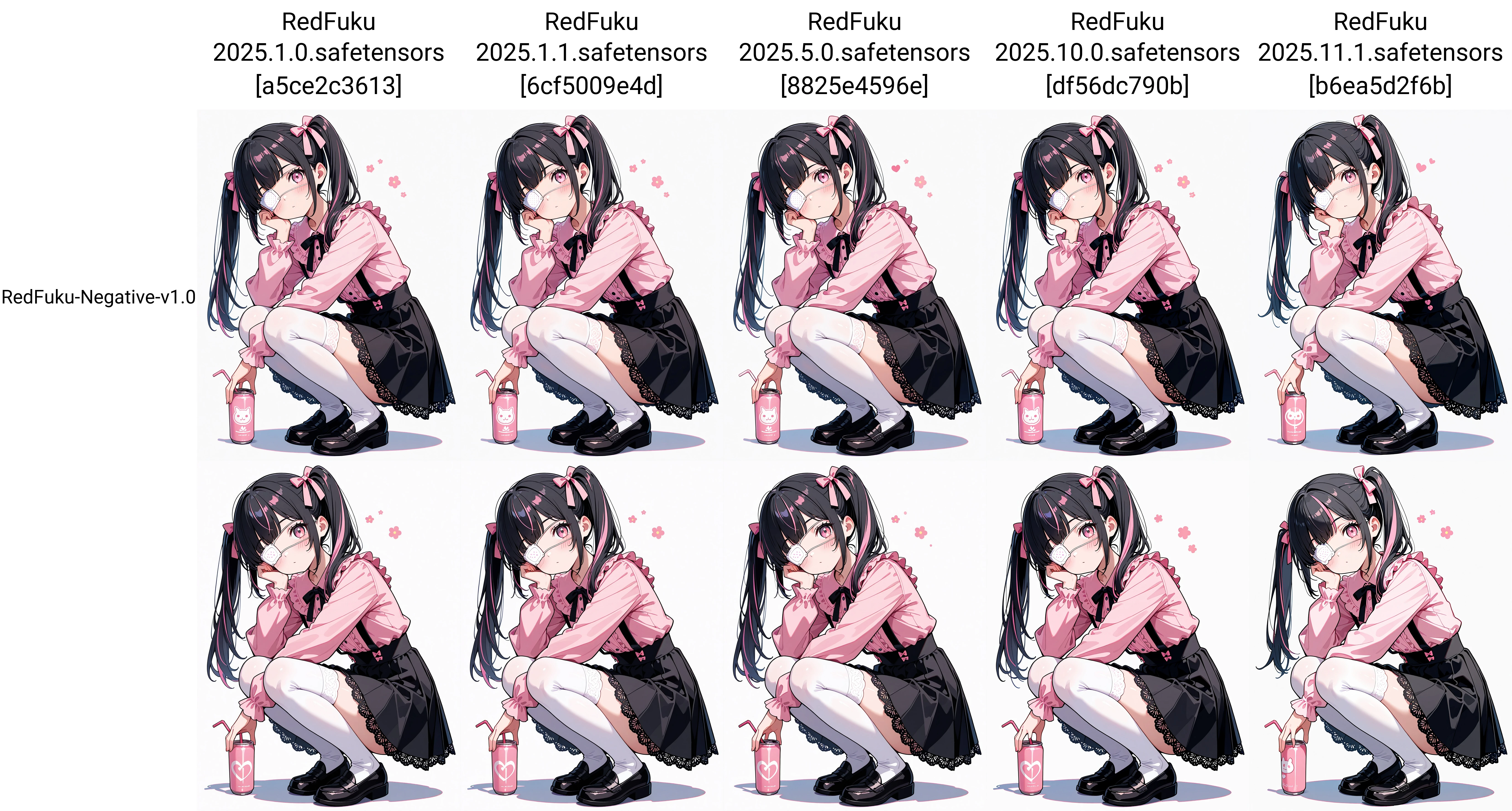
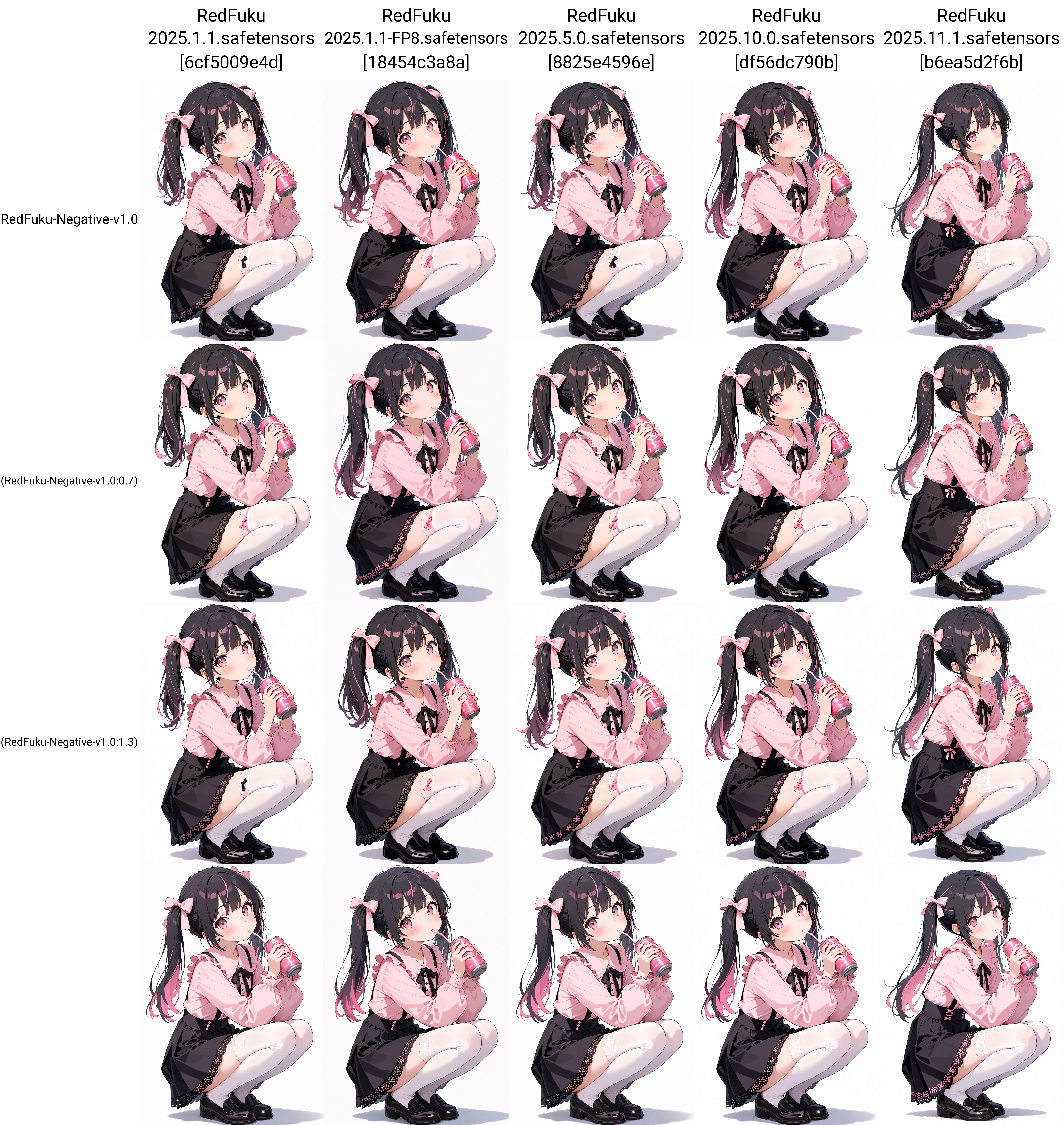
●その他の比較結果/Other Comparison Results
Ver traducción

Calificaciones y comentarios

5.0 /5
0 calificaciones

Aún no se han recibido suficientes calificaciones o comentarios

avatar
avatar_frame
RedFuku
135
2.8K
Anuncio
2025-12-03
Publicar modelo
2025-12-10
Actualizar información del modelo
Detalles del modelo
Tipo
TextualInversion
Fecha de lanzamiento
2025-12-03
Modelo básico
SDXL 1.0
Palabra activadora
RedFuku-Negative-v1.0
Copiar
Model Parameters
clip_skip:1
Parámetros de entrenamiento
Epochs:1
Steps:0
Introducción de versión

RedFuku Negativeについて / About RedFuku Negative

RedFuku Negativeは、RedFukuモデルをはじめ、多くのSDXL / Illustrious派生の2Dモデルにおいて、SeaArtで発生しやすい細部の粗や輪郭のノイズを抑え、生成品質を向上させるために作られたNegative Embeddingです。SeaArt生成ではまだ十分テストが出来ていませんが、少なくともRedFukuモデルでは多くが改善、ローカルでは多くのモデルでモデル本来の特徴を保ちつつ全体的に品質が向上する傾向を認めました。これはLoRAではありません。

RedFuku Negative is a negative embedding designed to improve generation quality on SeaArt—particularly reducing artifacts, rough outlines, and detail noise commonly seen in many SDXL / Illustrious-based 2D models, including the RedFuku base model.


使い方 / How to Use

以下の例のように、ネガティブプロンプト側に RedFuku-Negative-v1.0 を追加してください。

Add RedFuku-Negative-v1.0 to your negative prompt, as shown below.

worst quality, low quality, normal quality, lowres, bad proportions, bad hands, extra limbs, RedFuku-Negative-v1.0

●SeaArtの生成に用いた場合の比較(RedFuku 2025.11.1)

●他のTIとの比較(使用させていただいた各TI、モデル作者様に敬意を表します)

※この図はそれぞれのモデルの優劣やRedFuku Negativeの優位性を示すものでは決してありません。それぞれ異なる長所を持っています。

*This comparison does not imply superiority or inferiority of any model or embedding.

Each model has its own strengths and characteristics.

以下の同一条件下で単純な比較を行った結果であり、Checkpointやプロンプトとの相性が考慮されていないことに留意して下さい。

The grid simply shows output differences under identical conditions.

Model-prompt synergy and checkpoint compatibility are not reflected here.


比較に使用した設定 / Generation Settings Used in the Comparison

Positive prompt:

masterpiece, best quality, ultra detailed, 1girl, medium shot, standing,

soft smile, natural proportions, smooth skin, detailed eyes, long hair flowing,

casual outfit (simple blouse and pleated skirt), clean lighting,

highly detailed illustration, vibrant but balanced colors,

consistent ???????, clear outlines, well-defined hands, waving,

studio background, faint rim light

Negative prompt:

worst quality, low quality, lowres, RedFuku-Negative-v1.0

Steps: 35

Sampler: Euler a

Schedule type: Karras

CFG scale: 7

Seed: 3446417487

Size: 1024×1536

Model hash: b6ea5d2f6b

Model: RedFuku 2025.11.1

TI: "RedFuku-Negative-v1.0, RedFuku-Negative-v1.0"

Script: X/Y/Z plot

X Type: Prompt S/R

X Values: "RedFuku-Negative-v1.0, DeepNegative_xl_v1, NDXL,"

Y Type: Checkpoint name

Y Values: "RedFuku 2025.11.1.safetensors [b6ea5d2f6b], IllustriousXL v2.0-stable.safetensors [c2a1a3eaa1]"


●その他の比較結果/Other Comparison Results

Alcance de la licencia
Alcance de la licencia de creación
Transmisión en vivo
Fusión
Permitir descargas
Licencia comercial
Las imágenes generadas se pueden vender o usar con fines comerciales
Permitir reventa de modelos o su venta tras la integración
QR Code
Descargar la aplicación SeaArt
Continúa tu viaje de creación con IA en móvil