×
SeaArt AI Empresa

Create this image - Composition: Position of the Characters
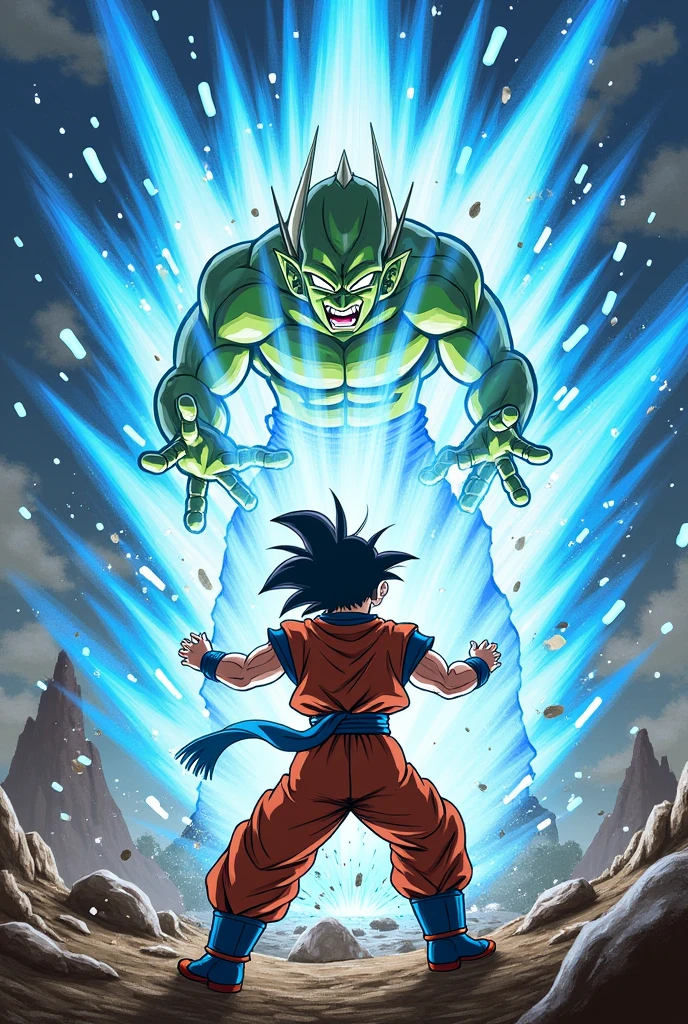

Create this image - Composition:

Position of the Characters: Goku must be in a dynamic pose, with hands extended in front of him while launching the Kamehameha. Piccolo Daimaoh must be in a defensive or retreating position, to show the strength of the attack.
Background: Choose a backdrop that complements the scene, like a devastated landscape or a battlefield. This helps create an environment that amplifies the tension of the moment..
Initial Drawing:

Character Sketch: Start with sketches of the characters in correct positions and proportions.. Goku should have a determined expression and Piccolo Daimaoh an expression of surprise or discomfort..
Figure Details: Add details to character costumes and features. Make sure you capture the energy and intensity of the Kamehameha.
Digital or Traditional Painting:

Color Base: Start with basic layers of color to define the palette. Utilize cores vibrantes para o Kamehameha, like bright blue and white, and contrasting colors for the characters and the background.
Shadows and Lights: Add shadows and highlights to add depth and realism. The Kamehameha must have an intense glow, illuminating Goku and affecting Piccolo Daimaoh's illumination.
Details and Textures: Refine the details, like the effect of the Kamehameha energy and Piccolo Daimaoh's reaction. Use textures to give a more professional finish.
especial effects:

Energia do Kamehameha: Create a bright, explosive effect for the Kamehameha. Can add particles, sparks and an aura to emphasize the strength of the attack.
Impact and Distortion: Add visual effects to show the impact of the Kamehameha hitting Piccolo Daimaoh, such as distortions and shock waves.
Review and Finalization:

Final Adjustments: Review painting to adjust colors, contrasts and final details. Make sure all elements are balanced and the scene conveys the desired intensity..
signature: Don't forget to sign your work!
image
avatar
T
Treflis
Información de creación
Remix
Registro
Prompts
Create this image - Composition: Position of the Characters: Goku must be in a dynamic pose , with hands extended in front of him while launching the Kamehameha . Piccolo Daimaoh must be in a defensive or retreating position , to show the strength of the attack . Background: Choose a backdrop that complements the scene , like a devastated landscape or a battlefield . This helps create an environment that amplifies the tension of the moment .. Initial Drawing: Character Sketch: Start with sketches of the characters in correct positions and proportions .. Goku should have a determined expression and Piccolo Daimaoh an expression of surprise or discomfort .. Figure Details: Add details to character costumes and features . Make sure you capture the energy and intensity of the Kamehameha . Digital or Traditional Painting: Color Base: Start with basic layers of color to define the palette . Utilize cores vibrantes para o Kamehameha , like bright blue and white , and contrasting colors for the characters and the background . Shadows and Lights: Add shadows and highlights to add depth and realism . The Kamehameha must have an intense glow , illuminating Goku and affecting Piccolo Daimaoh&#39 ; s illumination . Details and Textures: Refine the details , like the effect of the Kamehameha energy and Piccolo Daimaoh&#39 ; s reaction . Use textures to give a more professional finish . especial effects: Energia do Kamehameha: Create a bright , explosive effect for the Kamehameha . Can add particles , sparks and an aura to emphasize the strength of the attack . Impact and Distortion: Add visual effects to show the impact of the Kamehameha hitting Piccolo Daimaoh , such as distortions and shock waves . Review and Finalization: Final Adjustments: Review painting to adjust colors , contrasts and final details . Make sure all elements are balanced and the scene conveys the desired intensity .. signature: Don&#39 ; t forget to sign your work !
Tamaño
688X1024
Fecha
Aug 26, 2024
Modo
Estudio
Tipo
cell
Checkpoint & LoRA
SeaArt Infinity
Checkpoint
SeaArt Infinity
0 comentario(s)
0
0
0
0/400
Zona de ofertas especiales

Guardián del Trono Chibi
icon
Guardián del Trono Chibi
avatar
N
Neko89
Estiliza a tu Chica Soñada
icon
Estiliza a tu Chica Soñada
avatar
J
avatar_frame
Jensen
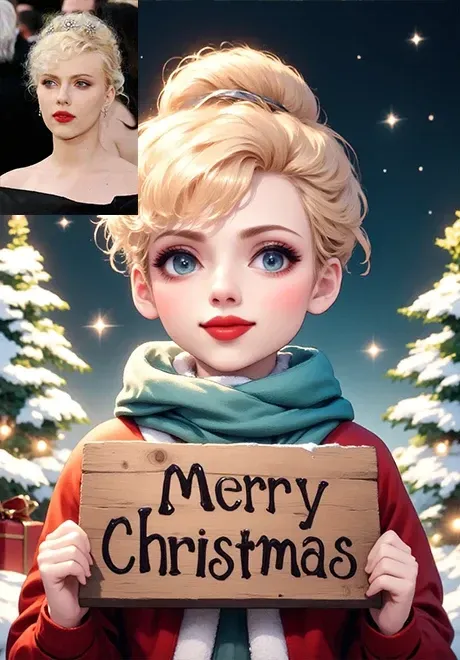
1 Foto a Dos imágenes de dibujos animados con estilo navideño·,Una foto se convierte en 2 imágenes de dibujos animados de Navidad de diferentes estilos
icon
1 Foto a Dos imágenes de dibujos animados con estilo navideño·,Una foto se convierte en 2 imágenes de dibujos animados de Navidad de diferentes estilos
avatar
洛
avatar_frame
洛希瓣酒徒
Cambia el fondo del retrato
icon
Cambia el fondo del retrato
avatar
指
avatar_frame
指鹿AI
Transferencia al estilo Vampire Final Fantasy
icon
Transferencia al estilo Vampire Final Fantasy
avatar
A
avatar_frame
AI-KSK
En la imagen tú:3D+versión Q
icon
En la imagen tú:3D+versión Q
avatar
X
avatar_frame
Xi
Fácil cambio de color de ropa
icon
Fácil cambio de color de ropa
avatar
J
avatar_frame
JAY
Eliminar marca de agua con un solo clic
icon
Eliminar marca de agua con un solo clic
avatar
S
avatar_frame
ShiShu
Wooly Transformer-
icon
Wooly Transformer-
avatar
A
AI神奇魔法屋
Generador de superhéroes
icon
Generador de superhéroes
avatar
A
avatar_frame
AI-KSK
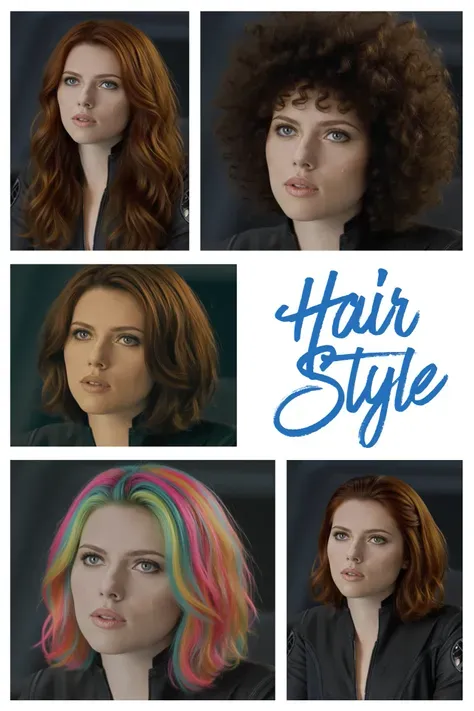
Cambia tu peinado
icon
Cambia tu peinado
avatar
南
南闲
Creador de avatares animados a partir de fotos
icon
Creador de avatares animados a partir de fotos
avatar
雨
avatar_frame
雨上がり
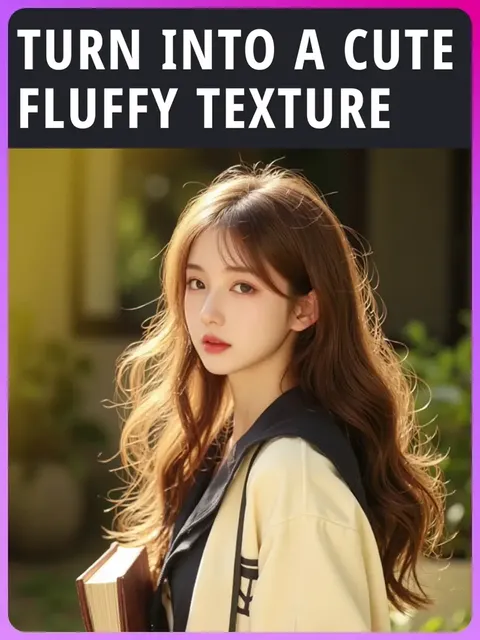
【top1】Conviértete en una textura de fieltro linda
icon
【top1】Conviértete en una textura de fieltro linda
avatar
青
avatar_frame
青苹果
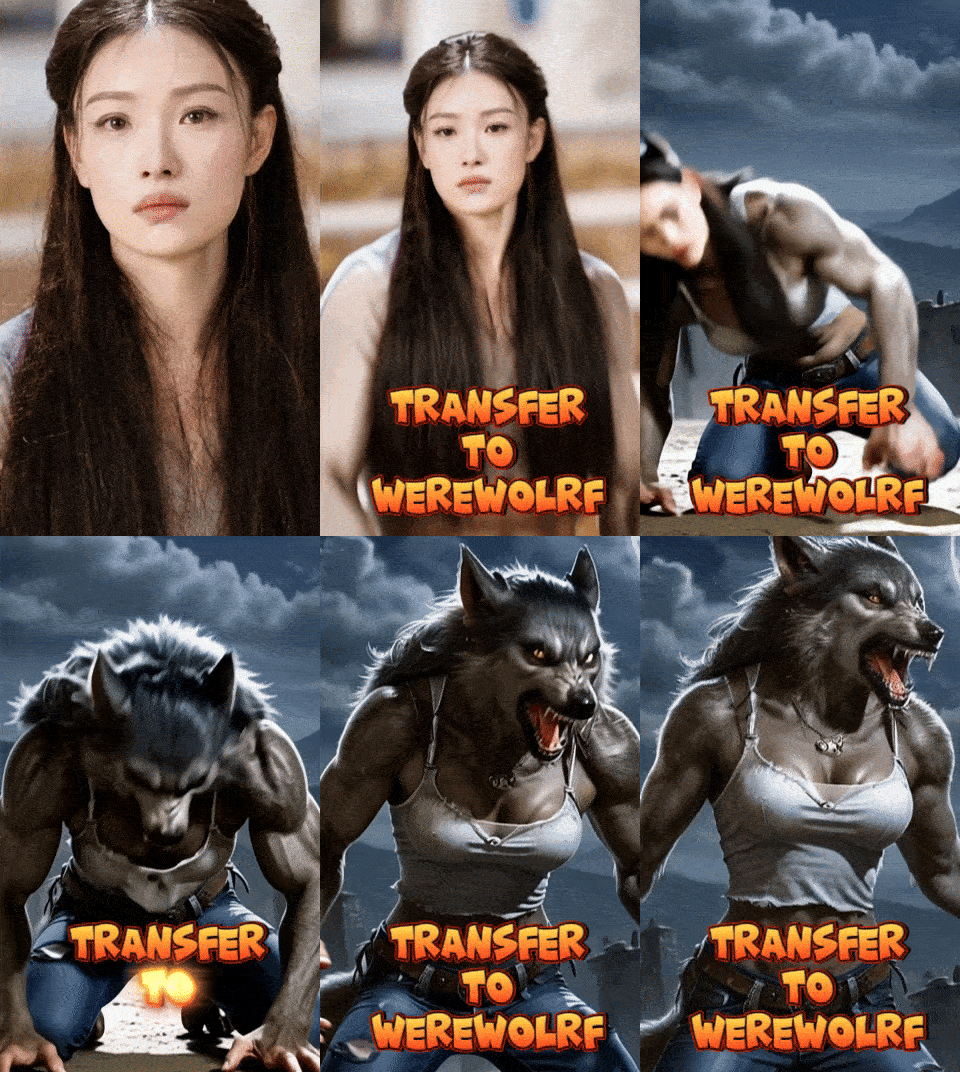
Transformar en Hombre Lobo
icon
Transformar en Hombre Lobo
avatar
C
avatar_frame
Crimson Intellect Ai
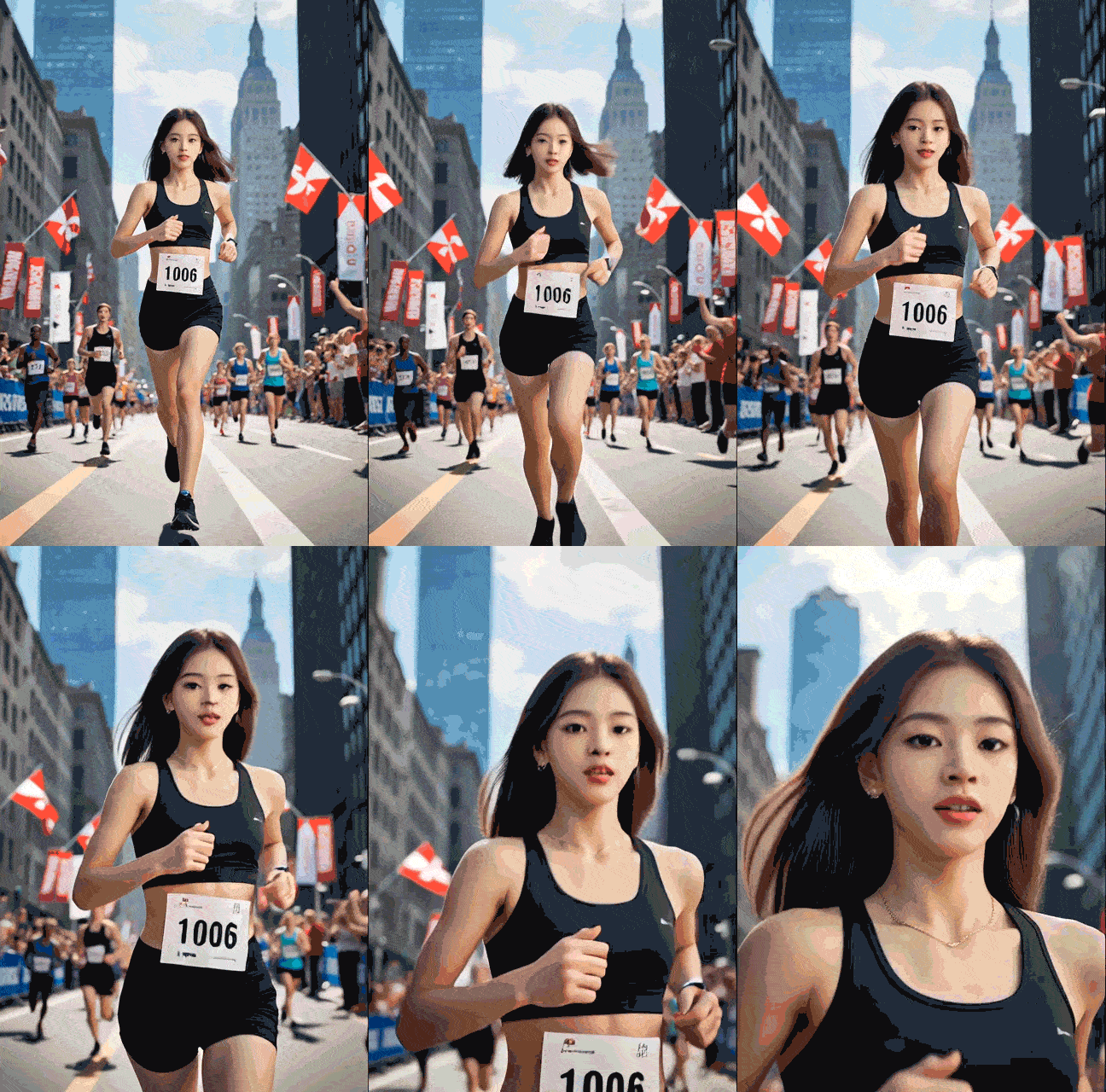
Maratón
icon
Maratón
avatar
人
人像大师
Caer juntos
icon
Caer juntos
avatar
9
avatar_frame
93GSD5
Transformación de muñeca con un solo clic
icon
Transformación de muñeca con un solo clic
avatar
雨
avatar_frame
雨上がり
imagen a vídeo (cara mejorada)
icon
imagen a vídeo (cara mejorada)
avatar
M
avatar_frame
Mia x
IMAGEN A VIDEO por WAN 2.1
icon
IMAGEN A VIDEO por WAN 2.1
avatar
V
ViciousNg
WAN2.2 T2V generación de video
icon
WAN2.2 T2V generación de video
avatar
M
avatar_frame
Matt
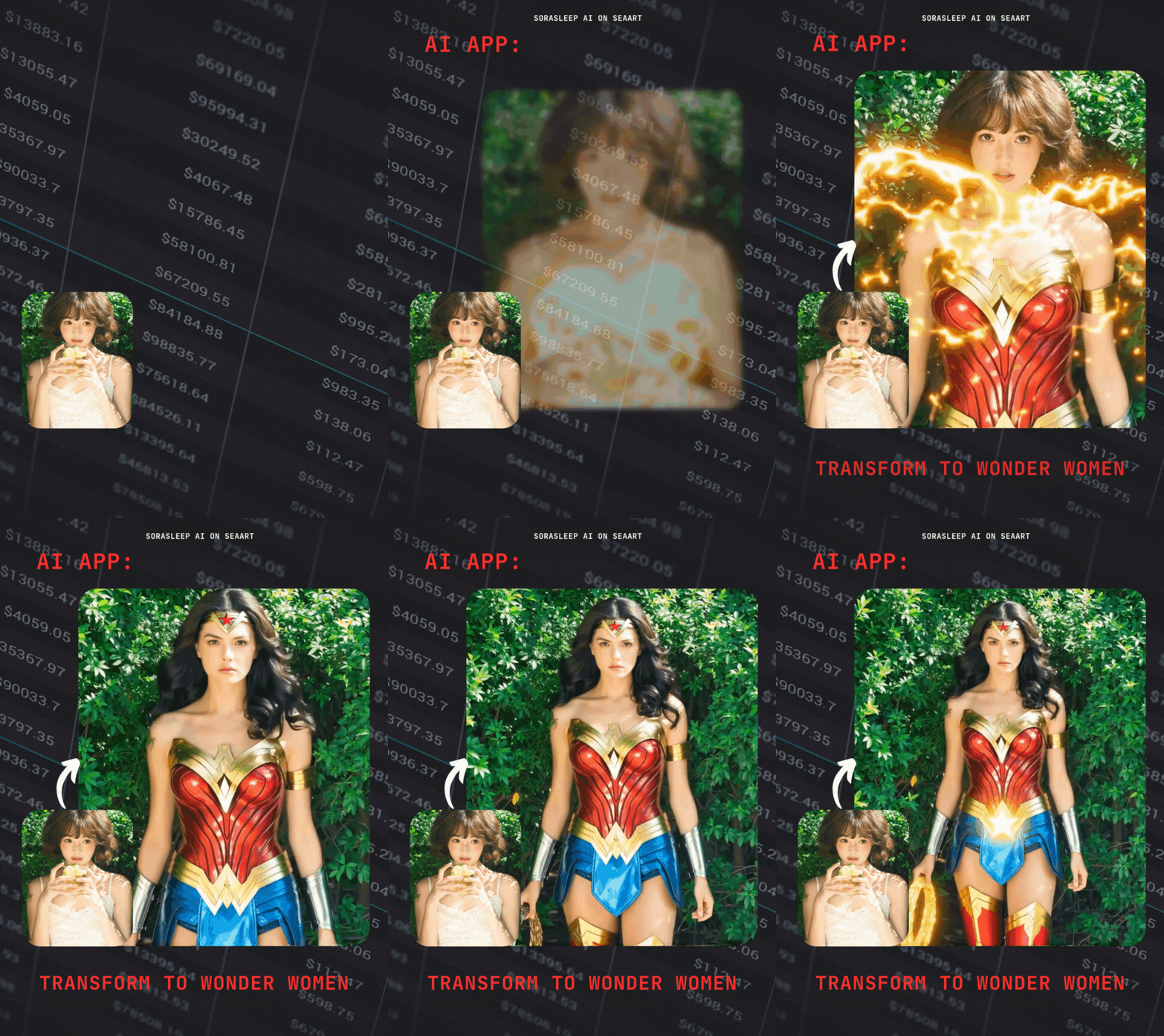
Transformar en Mujer Maravilla (CD)
icon
Transformar en Mujer Maravilla (CD)
avatar
S
avatar_frame
SoraSleep
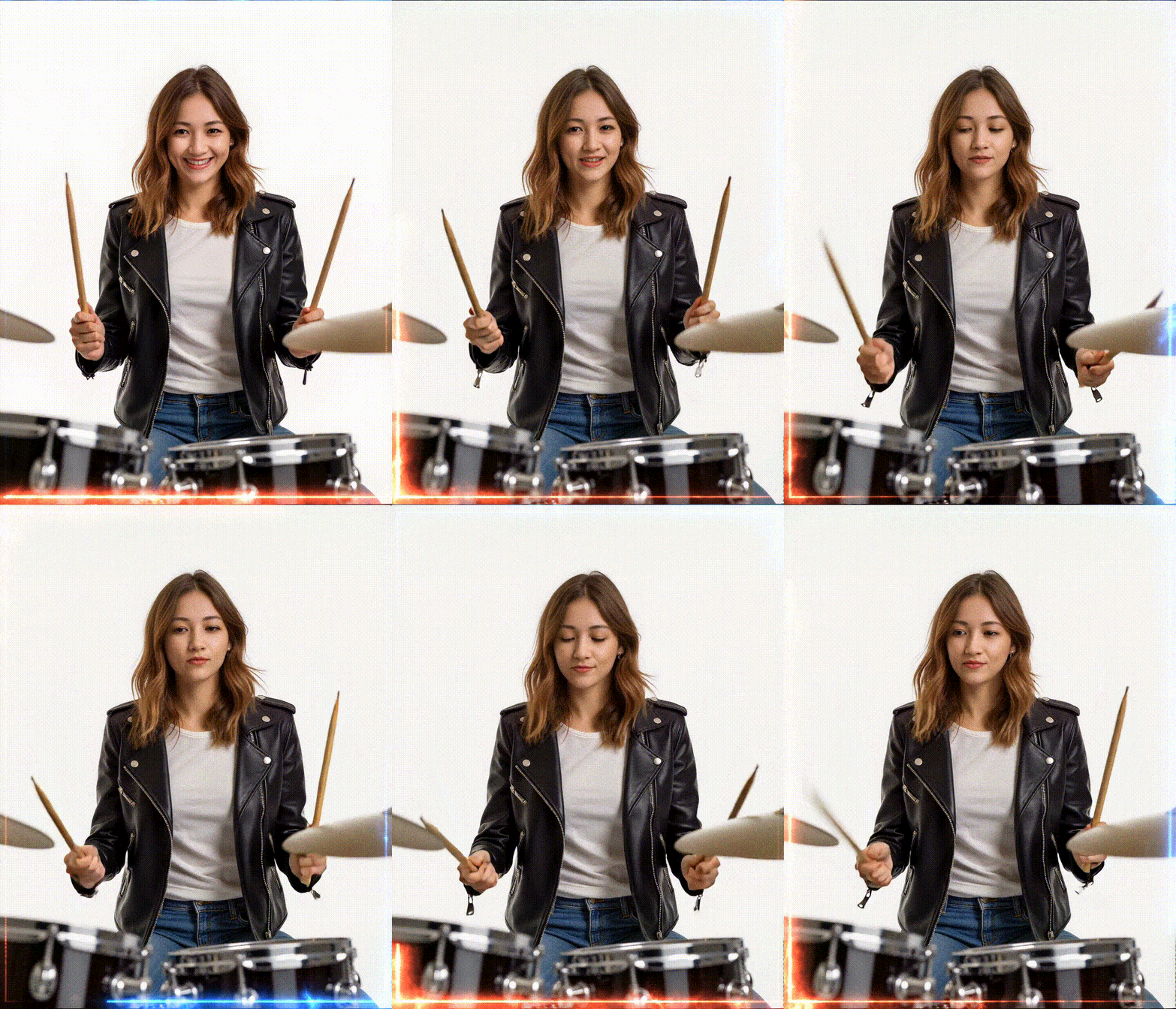
Clip de tambor V10s por iLegal Tech
icon
Clip de tambor V10s por iLegal Tech
avatar
I
avatar_frame
iLegal Tech
Generador de fondos de pantalla en vivo
icon
Generador de fondos de pantalla en vivo
avatar
A
avatar_frame
aniu
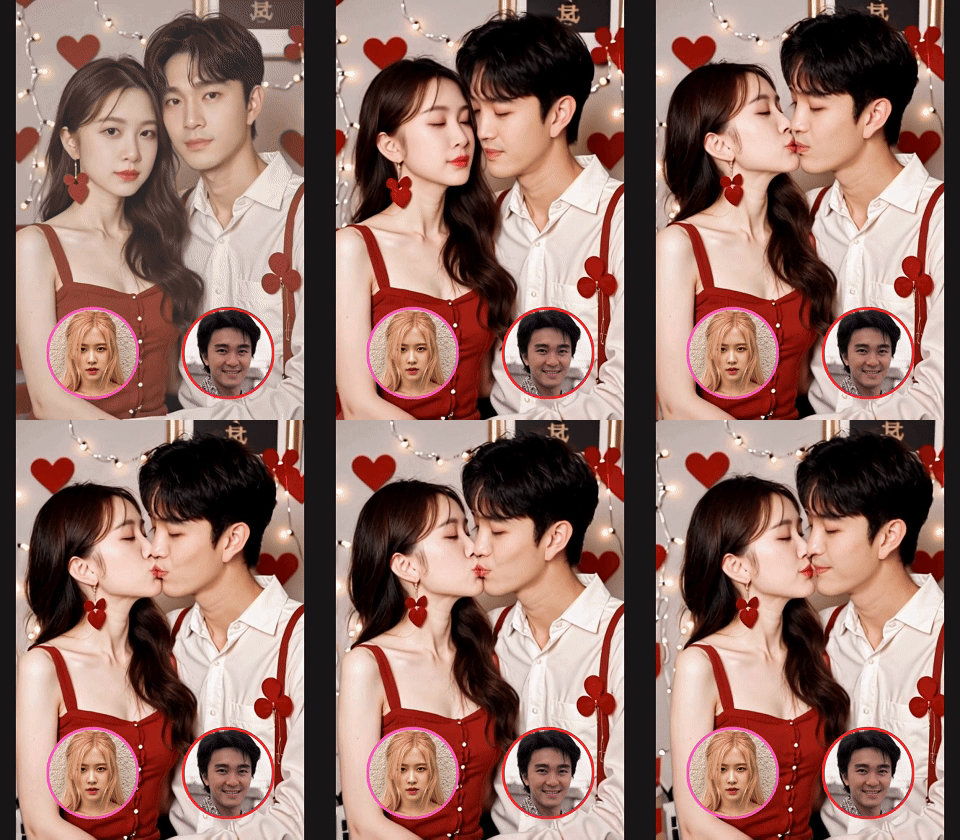
Beso de pareja San Valentín
icon
Beso de pareja San Valentín
avatar
J
avatar_frame
Jay Huang
Imagen a vídeo 3D
icon
Imagen a vídeo 3D
avatar
S
avatar_frame
SoraSleep
Danza de WuXin
icon
Danza de WuXin
avatar
C
avatar_frame
Crimson Intellect Ai
Ver más 

Recomendaciones relacionadas

ControlNet
logo
Español
Aplicación
Crear imagen Personajes AI Swift AI Entrenamiento de modelos Canvas Aplicación rápida Flujo de trabajo
Acerca de
Estudio Clasificación Chat IA AI blog AI noticias
Ayuda
Guías Servicio al cliente
Obtener aplicación
icon
Download on the
APP Store
icon
GET IT ON
Google Play
Síguenos
iconiconiconiconiconiconiconicon
© 2025 SeaArt, Inc.
Copyright Policy
Términos
Privacidad 特定商取引法 資金決済法に基づく表示
Más