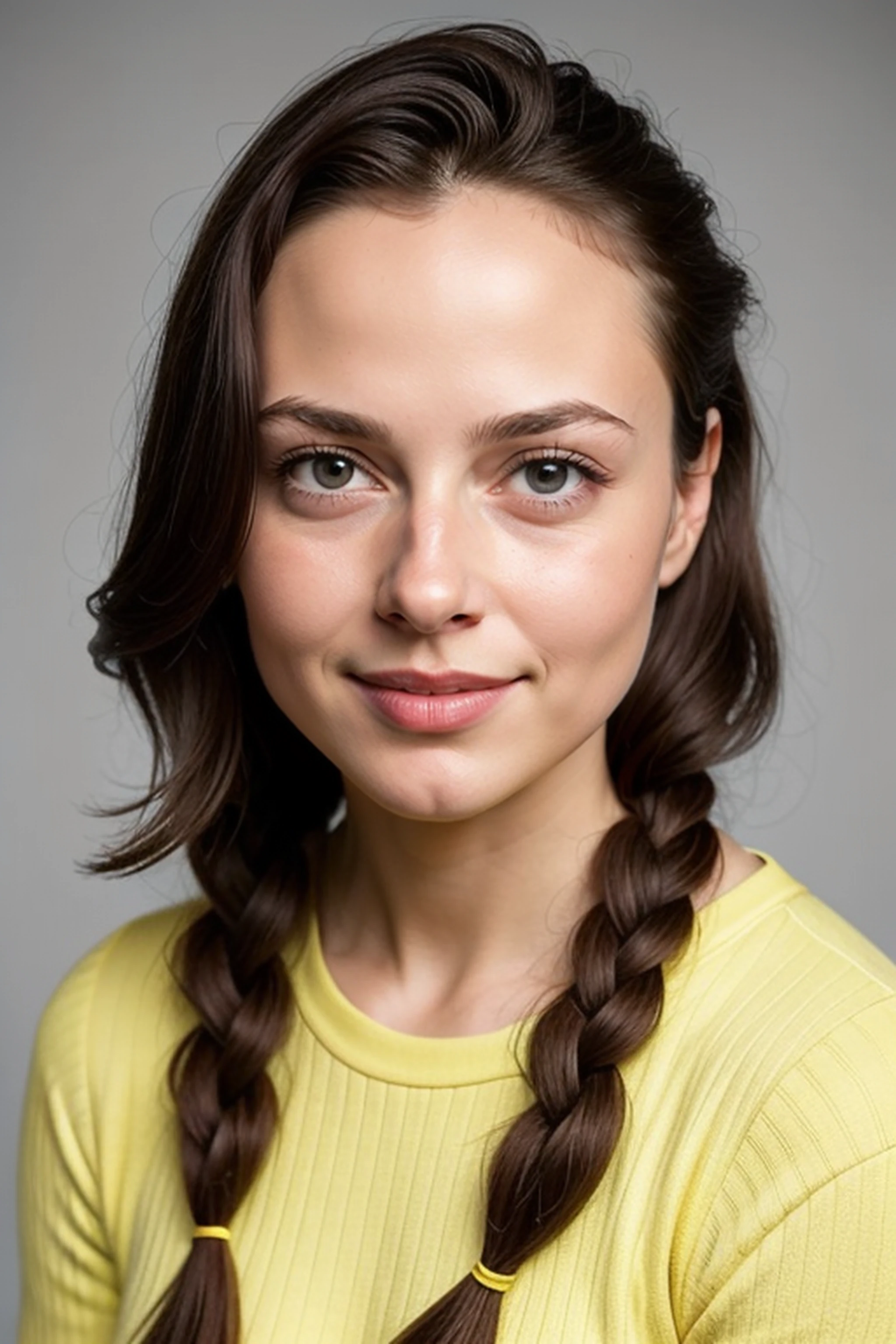
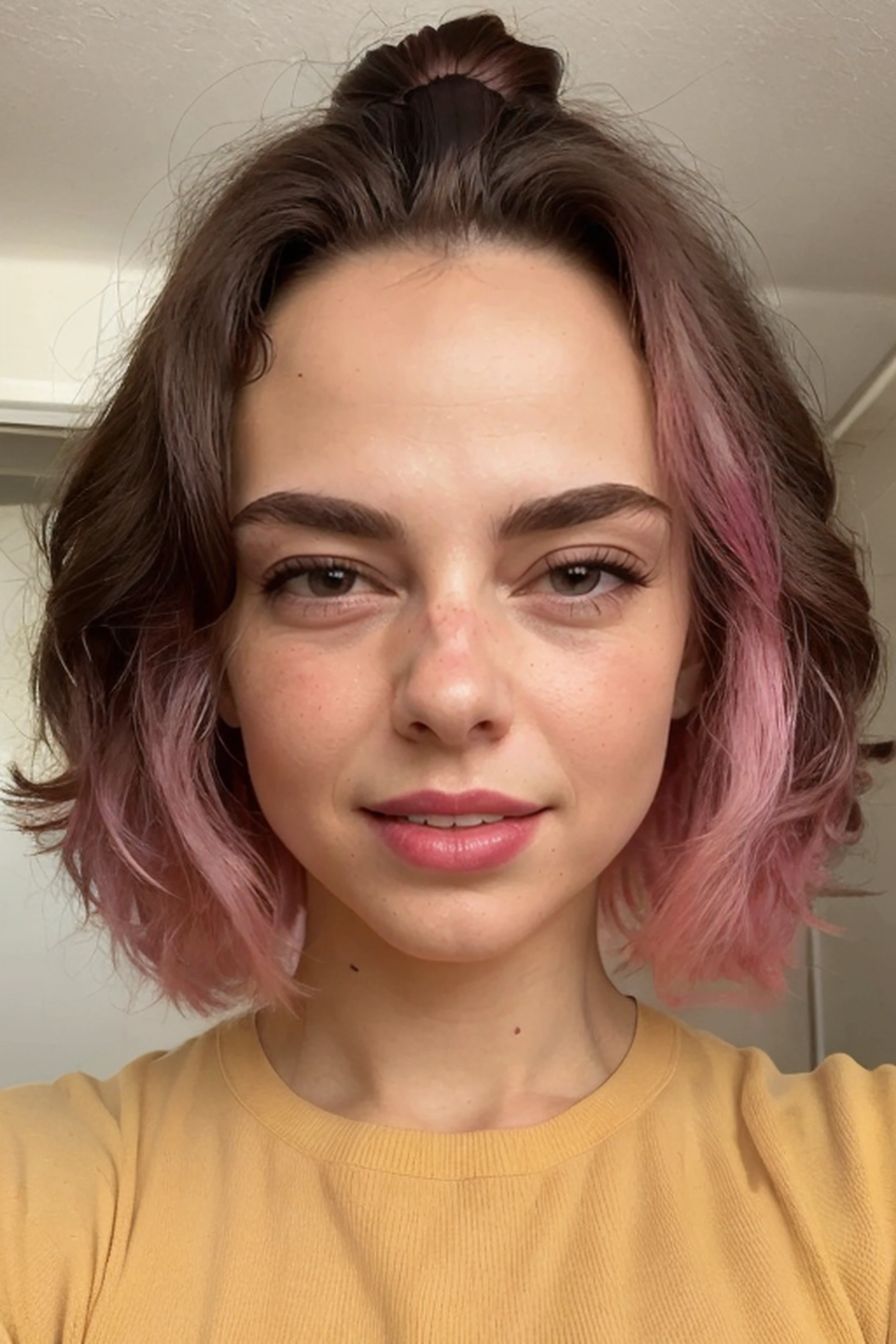
Anastasia Pronina was born on January 27, 1991, in Moscow, RSFSR, USSR [now Russia].
She is an actress, known for Noch Boytsa (2009), Peterburg. Tolko po lyubvi (2016) and Dostali! (2015). Graduated from the Moscow Art Theater School in 2013 (workshop of K.A. Raikin) with a degree in drama theater and film actress, worked at the Gogol Center, the Theater of Nations.
Professional pastry chef (graduate of the Ritz Escoffier Paris school).
----
I generally use a weight of between 0.6 and 0.9 to get the results I'm looking for.
As mentioned below, I haven't tested this with too many models other than my own which, I suppose, I should post. This is an embedding that I did prior to giving the LORA creation a try. It produces very similar results.
While not intended to generate ???? images, left to its own devices, it's a distinct possibility. So, if that's not your intent, I would just specify clothing to be on the safe (for work) side.
As with the Lora, I use negative prompts -- I've been using Beyondv4-neg and bad-hands-5 and I've not tried this with more than a couple models (PhotoBoopV4, boopXL, analogMadness) but when I don't include those, it generates fairly unpredictably.
It does, for whatever reason, decide that she needs a cleft chin. She doesn't have a cleft chin.
I've found it is a fairly strong trait if you use ADetailer. I've had decent luck with DPM++ 2M SDE - Kerras with ADetailer model face_yolov8n.pt.
----