banner_image ×
SeaArt AI Enterprise Version

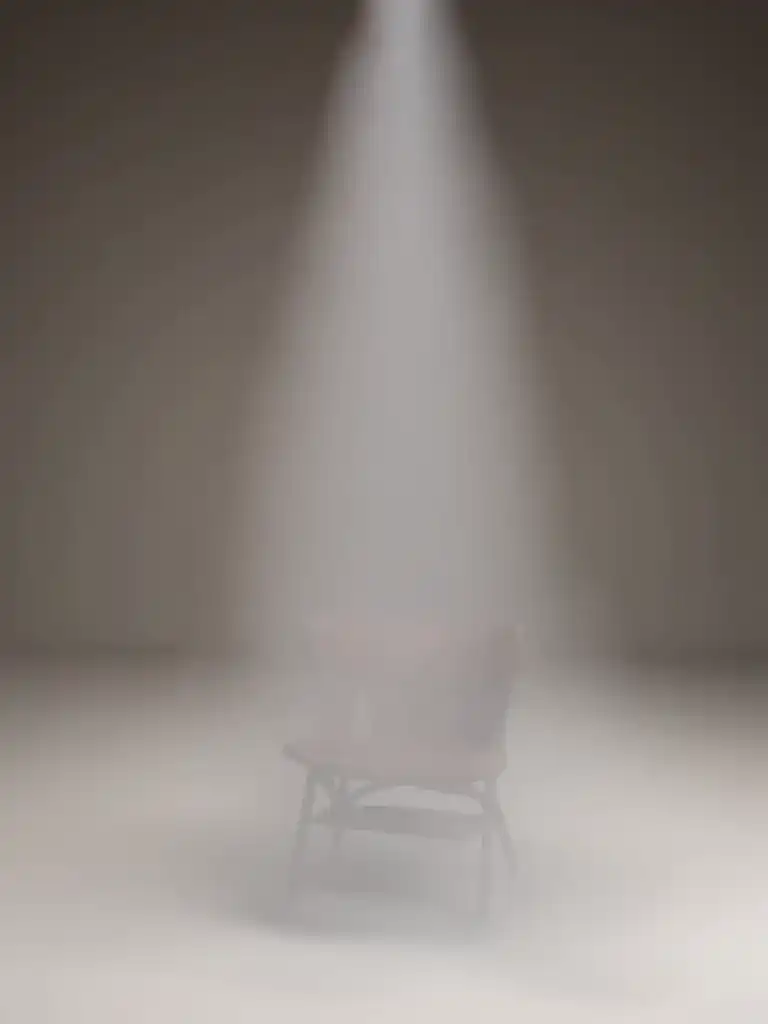
# Script: AI-Generated Art - Gothic Dark Souls-Inspired Woman with Dragon Eyes a
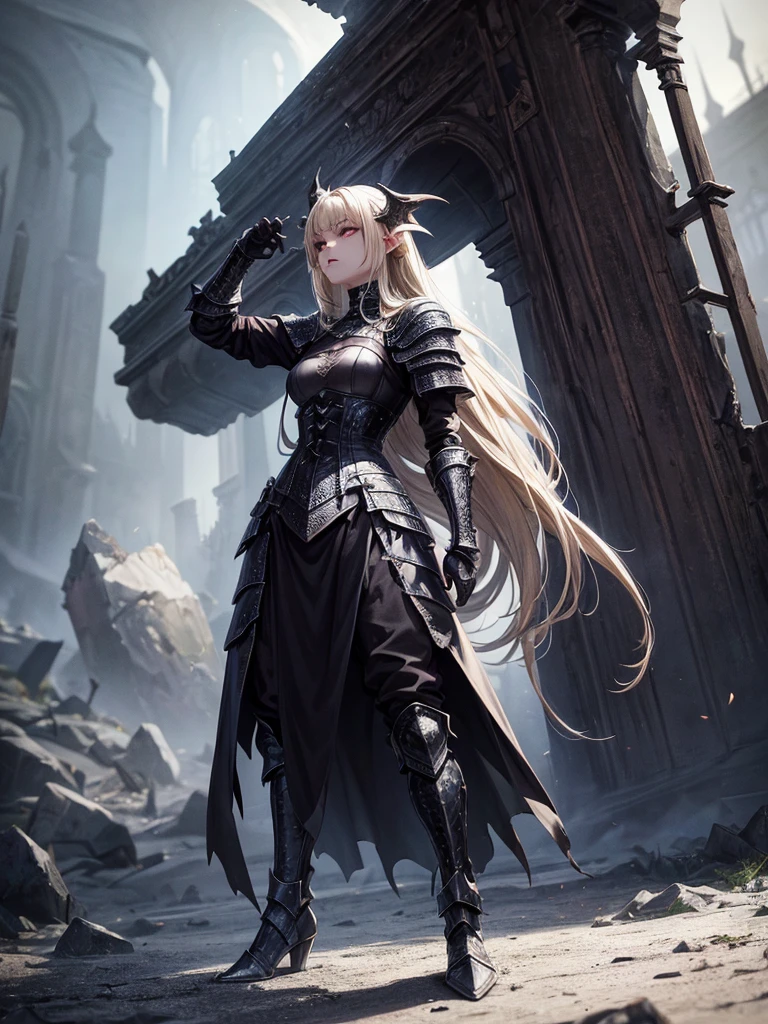

# Script: AI-Generated Art - Gothic Dark Souls-Inspired Woman with Dragon Eyes and Wings

**Objective:**
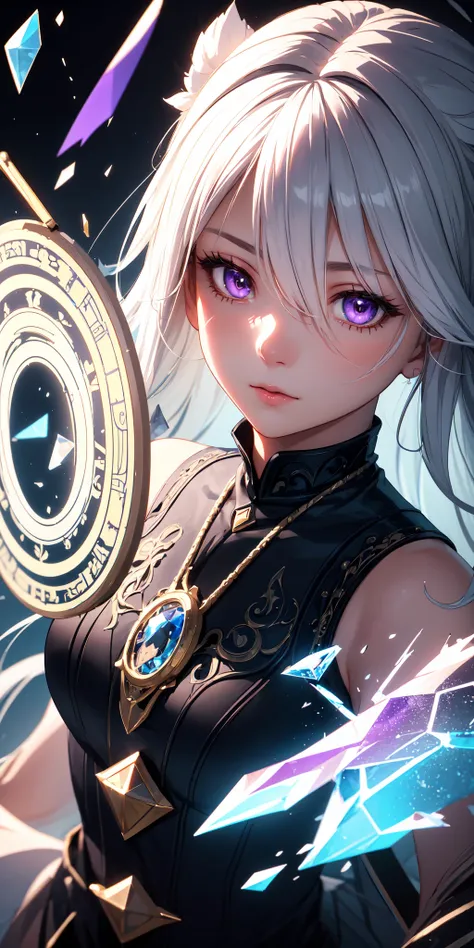
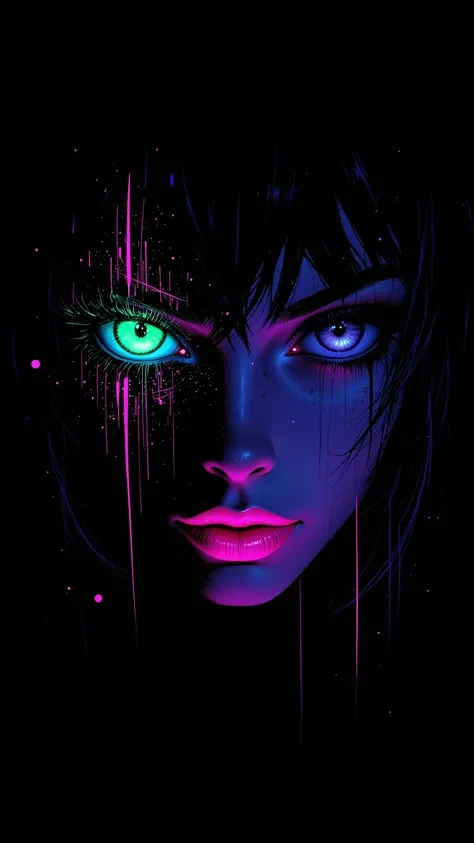
Create an AI-generated image of a woman with specific features and attire, inspired by the Gothic style of the Dark Souls series.

**Character Description:**
- **Gender:** Female
- **Hair:** Long blonde hair, tied back
- **Eyes:** Red, dragon-like
- **Dragon Features:** Small wings
- **Attire:** Full-body medieval armor
- **Style:** Gothic, similar to Dark Souls aesthetics

**Steps:**

1. **Gather Reference Images:**
   - Collect images of full-body medieval armor from the Dark Souls series.
   - Find examples of blonde hair tied back.
   - Look for images of red, dragon-like eyes and small dragon wings.
   - Compile Gothic art references to understand the desired aesthetic.

2. **Character Design:**
   - **Hair:** Design the long blonde hair tied back, ensuring it looks natural and flows realistically.
   - **Eyes:** Create piercing red eyes with elongated pupils to give a dragon-like appearance.
   - **Dragon Features:** Add small, subtle dragon wings that look natural on her back.
   - **Armor:** Design full-body medieval armor with intricate Gothic patterns and dark tones, appearing worn and battle-scarred. Ensure the armor covers the entire body, including helmet, chest plate, gauntlets, greaves, and boots.
   - **Overall Style:** Use dark, muted colors with high contrasts to emphasize the Gothic style. Incorporate dark shadows and dim lighting.

3. **Pose and Composition:**
   - Position the character in a dramatic pose, possibly standing or in mid-battle stance.
   - Choose a dark, eerie background that complements the Gothic theme, like a ruined castle or a foggy forest.
   - Use lighting to create a moody, atmospheric effect, casting shadows that highlight the character’s features and armor.

4. **AI Tools and Techniques:**
   - Use AI art generation tools like DALL-E, MidJourney, or Stable Diffusion.
   - Input the character description and upload refer
image
avatar
L
Luis Felipe Gomes Pereira
Generation Info
Remix
Records
Prompts
# Script: AI-Generated Art - Gothic Dark Souls-Inspired Woman with Dragon Eyes and Wings **Objective:** Create an AI-generated image of a woman with specific features and attire , inspired by the Gothic style of the Dark Souls series . **Character Description:** - **Gender:** Female - **Hair:** Long blonde hair , tied back - **Eyes:** Red , dragon-like - **Dragon Features:** Small wings - **Attire:** Full-body medieval armor - **Style:** Gothic , similar to Dark Souls aesthetics **Steps:** 1 . **Gather Reference Images:** - Collect images of full-body medieval armor from the Dark Souls series . - Find examples of blonde hair tied back . - Look for images of red , dragon-like eyes and small dragon wings . - Compile Gothic art references to understand the desired aesthetic . 2 . **Character Design:** - **Hair:** Design the long blonde hair tied back , ensuring it looks natural and flows realistically . - **Eyes:** Create piercing red eyes with elongated pupils to give a dragon-like appearance . - **Dragon Features:** Add small , subtle dragon wings that look natural on her back . - **Armor:** Design full-body medieval armor with intricate Gothic patterns and dark tones , appearing worn and battle-scarred . Ensure the armor covers the entire body , including helmet , chest plate , gauntlets , greaves , and boots . - **Overall Style:** Use dark , muted colors with high contrasts to emphasize the Gothic style . Incorporate dark shadows and dim lighting . 3 . **Pose and Composition:** - Position the character in a dramatic pose , possibly standing or in mid-battle stance . - Choose a dark , eerie background that complements the Gothic theme , like a ruined castle or a foggy forest . - Use lighting to create a moody , atmospheric effect , casting shadows that highlight the character’s features and armor . 4 . **AI Tools and Techniques:** - Use AI art generation tools like DALL-E , MidJourney , or Stable Diffusion . - Input the character description and upload refer
Size
768X1024
Date
Jun 30, 2024
Mode
Default
Type
upscale
Checkpoint & LoRA
MeinaUnreal
Checkpoint
MeinaUnreal
0 comment
0
0
0
0/400
SeaArt Swift AI Apps

ai_video_generationimg
AI Video Generation

Unleash your imagination and let AI create visual wonders for you

face_swap_titleimg
Face Swap Online Free

Create funny or realistic face swap videos & photos in a snap

vrtry_cloth_h1img
Virtual Try on Clothes

Try on any type of clothes virtually with AI.

ghibli_filter_h1img
Studio Ghibli Filter

Transform any photo into unique Ghibli-style art in just one click.

changePersonimg
Change the Person in the Photo

Easily replace the person in any photo with AI.

anime2realityimg
Anime to Reality

Instantly bring your favorite anime characters to life.

Explore More AI Apps 

Explore Related

ControlNet
logo
English
Application
Create Image AI Characters Swift AI Model Training Canvas AI Apps Workflow
About
Studio Rankings AI Chat AI Blog AI News
Help
Guides Customer Service
Get App
icon
Download on the
APP Store
icon
GET IT ON
Google Play
Follow Us
iconiconiconiconiconiconiconicon
© 2025 SeaArt, Inc.
Copyright Policy
Terms
Privacy 特定商取引法 資金決済法に基づく表示
More