

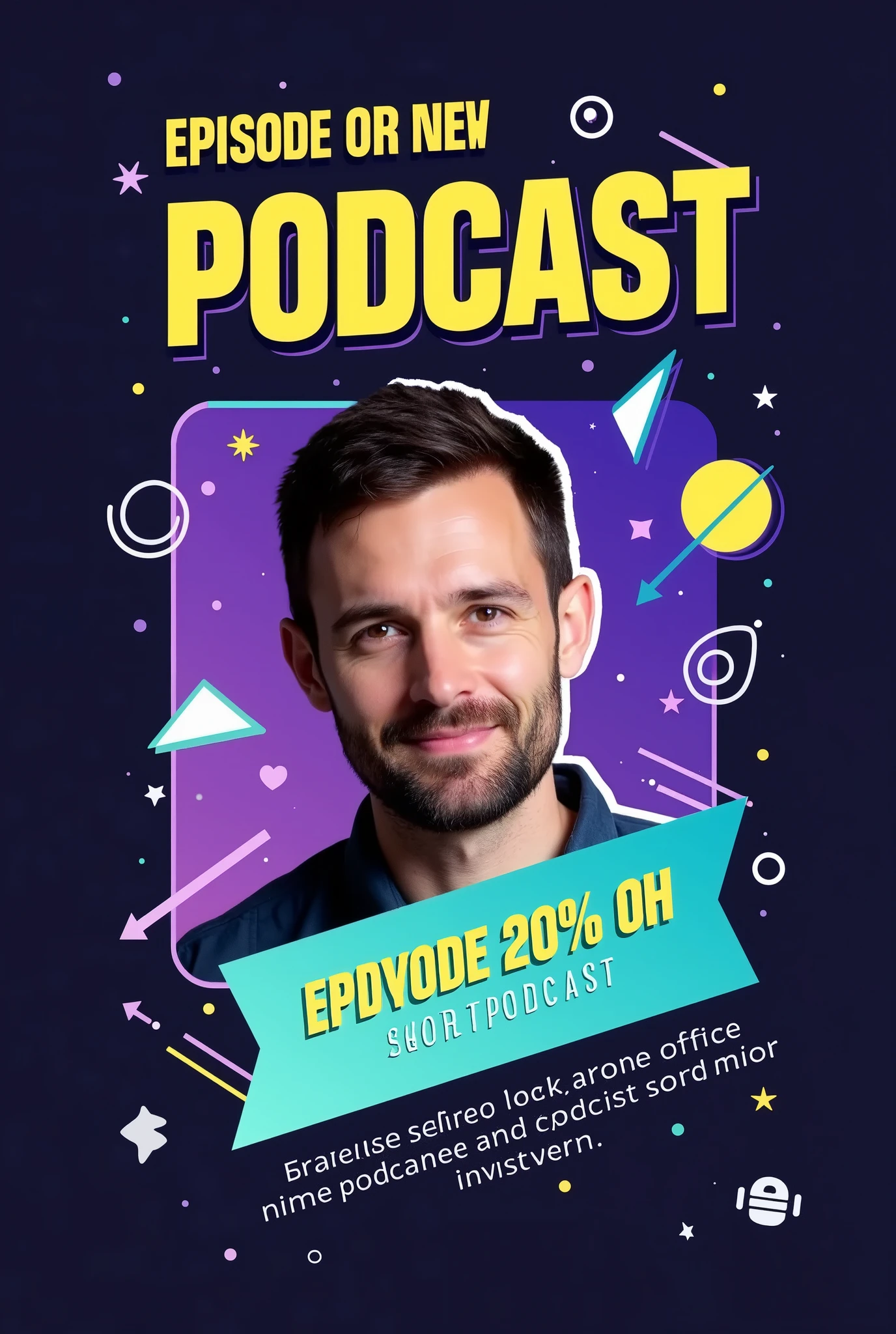
A man with a beard and a beardless face is smiling in front of a purple background with a blue

Generation Info
Prompts
Prompt:
"Create an eye-catching Instagram post announcing the release of a new podcast episode with the following details:
Background: Use a gradient background with a dark-to-light transition
,
such as deep navy fading into a vibrant color like purple or teal
.
This adds depth and makes the design more dynamic
.
Title Text: Place the episode title in a bold
,
modern sans-serif font like 'Montserrat' or 'Bebas Neue
,
' using a bright
,
contrasting color like neon yellow or white
.
The title should be large and centered at the top
,
reading something like 'New Episode Out Now
!
'
Subheadline or Short Description: Below the title
,
include a short description in a slightly smaller
,
sleek font like 'Open Sans
.
' Use a white or light gray color
.
The text could say something like 'Join us as we dive into the latest trends
.
'
Host or Guest Image: Feature a high-quality
,
cutout image of the host or guest in the center
,
slightly tilted or overlapped by graphic elements
.
Apply a subtle shadow or glow effect around the image to make it pop from the background
.
Visual Elements:
Sound Waves or Audio Lines: Add subtle but dynamic sound wave graphics or audio line visuals emanating from the sides of the host image or near the title
.
Use a matching color scheme
,
like neon yellow or blue
,
to create motion and energy
.
Geometric Shapes: Include overlapping circles
,
triangles
,
or rectangles in the background
,
with varying levels of transparency
.
These shapes can be in complementary colors (e
.
g
.,
light blues
,
purples
,
or pinks) to add depth and interest without overwhelming the main content
.
Icons: Place small
,
modern icons that represent the podcast theme (e
.
g
.,
a microphone
,
headphones
,
or a podcast symbol) near the bottom corners or integrated within the background elements
.
These should be in a bright color to ensure they stand out
.
Highlight Box: Use a semi-transparent highlight box or ribbon behind the subheadline text to make it stand out more
.
This box can be in a subtle gradient
,
ma
Checkpoint & LoRA
Checkpoint
SeaArt Infinity
0 comment
0
0
0
0/400
SeaArt Swift AI Apps
AI Video Generation
Unleash your imagination and let AI create visual wonders for you
Face Swap Online Free
Create funny or realistic face swap videos & photos in a snap
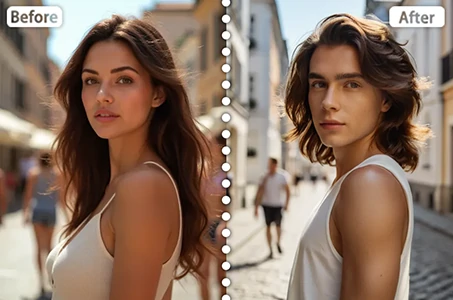
Gender Swap
Swap genders in photos and videos with SeaArt's AI gender swapper. Enjoy fun and realistic transformations effortlessly, free online!
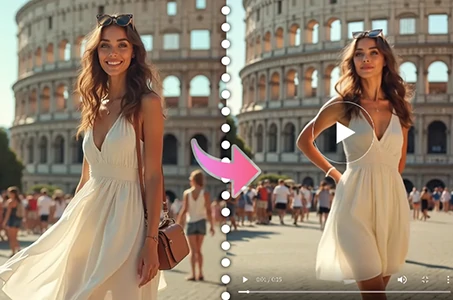
AI Dance Video Generator
Play with this AI dance video generator, unleash your inner dancer instantly!
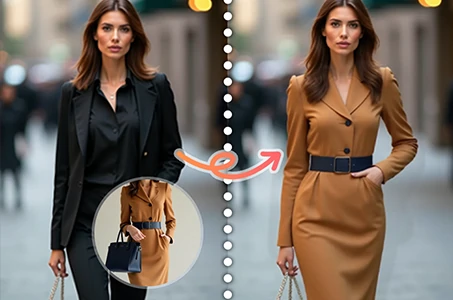
Virtual Try on Clothes
Try on any type of clothes virtually with AI.
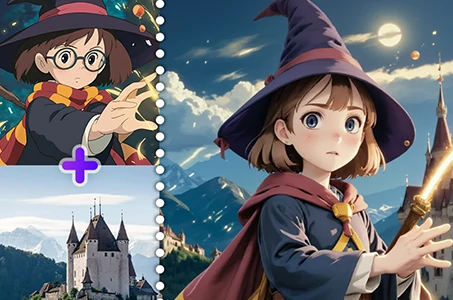
AI Image Fusion
Combine two images into new one stunning visual with AI Image Fusion.
Explore More AI Apps