
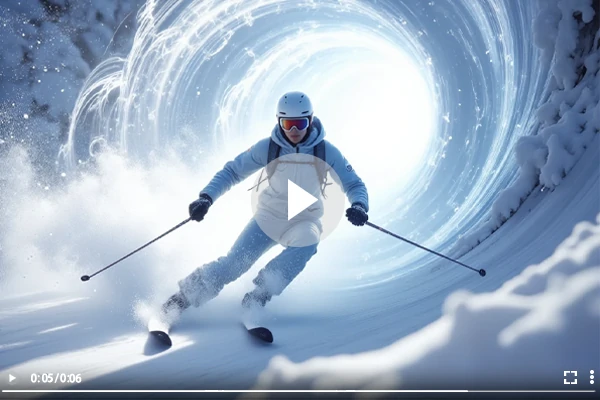
AI Animation Generator
Easily create captivating, high-quality animation videos with SeaArt's AI animation generator, transforming text or images into dynamic animations across diverse art styles, elevating your storytelling in minutes.

Transform Static Images into Animations
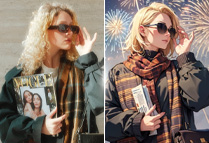
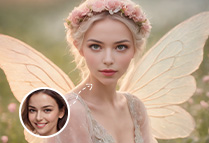
Revive your images with SeaArt AI's AI animation maker! Upload photos, and our AI tool applies smooth transitions, dynamic effects, and fluid motion. Customize pacing and styles effortlessly, creating vibrant animations from images in minutes—try it with our AI animation generator free!
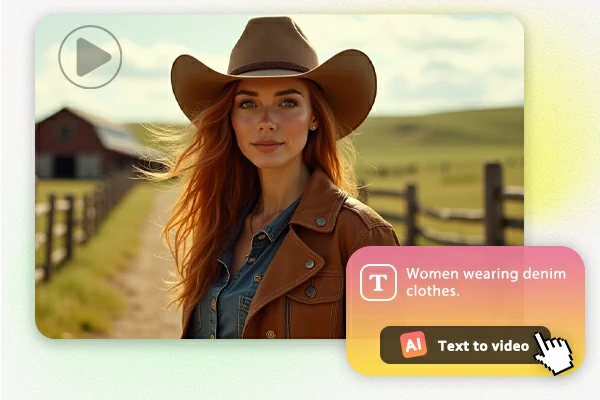
Turn Text into Engaging Video Content
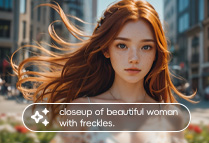
This AI animation generator also allows you to turn text into engaging video content by transforming scripts, articles, or short text prompts into animated videos. Simply input your text, and the AI adds dynamic motion and smooth transitions, turning your words into visually engaging animations. This function is convenient for creating explainer videos, product demonstrations, or promotional content, making your text come to life with impactful visuals.
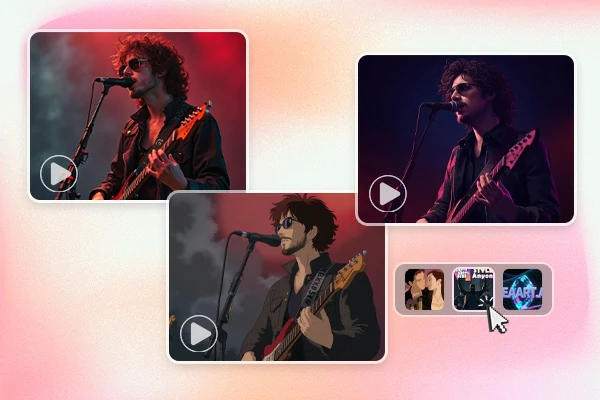
Improve Your Animations with AI tools
SeaArt's AI video generator creates a variety of animation styles, from vibrant 2D to immersive 3D, tailored to any project. Produce engaging content for marketing, social media, education, or storytelling. From polished ads to captivating narratives, our AI animation maker empowers businesses, influencers, and educators to stand out.

Diverse Animation Styles for Every Need
The AI animation generator offers a range of styles to suit every need. From AI 3D animation for lifelike, detailed models to AI 2D animation for classic anime visuals, it provides versatility for any project. You can create cinematic animations for professional use, playful animations for social media, or digital art styles for unique content. The tool also supports character and landscape animations, bringing stories and environments to life.
Why SeaArt's AI Animation Maker?


Effortless Creation
Produce professional animations in minutes with SeaArt's AI animation generator, no design skills needed, perfect for all users.

High-Quality Visuals
Using cutting-edge AI to create vibrant, high-quality visuals using our AI animation generator, ensuring stunning results every time.



Enhance Storytelling with AI
Craft compelling narratives for personal or branded projects with AI-generated videos. Blend AI animations with other media to create dynamic stories.

How the AI Animation Generator Works
Step 1: Input Your Content
Upload an image or enter a text description to start creating with SeaArt's AI animation generator.
Step 2: Customize Your Vision
Specify details like characters, actions, settings, or styles to shape your video using our AI animation video generator.
Step 3: Generate and Save
Click "Generate" to create your video with the AI animation video generator. Review, then download your dynamic animation.
Explore More AI Apps
FAQs About the AI Animation Generator

Why choose SeaArt AI Animation Generator?

Where can I post the generated animation to share with others?
You can use the AI animation generator to craft short videos of a few seconds and post them on YouTube shorts, Instagram Reel, and TikTok to get thumbs up and followings. Platforms like Reddit and Quora are also great for community sharing.
How can I add more accurate prompts when using the AI animation generator?
To create a better animation, start by following a prompt formula that includes the Main Subject + Background+ Atmosphere + Style + Shooting Method for clear direction. Provide detailed descriptions, using words with similar meanings such as "calm," "quiet" or "tranquil," to convey the desired mood and maintain consistency throughout the animation. Additionally, include specific and relevant terms to guide the AI in achieving the exact effects you want and ensuring a more accurate, polished result.