
Naruto Chat Online
Chat with passionate ninja Naruto Uzumaki anytime! Customize your chat and experience authentic character personalities with AI voice interactions.
Naruto Chat AI - Enjoy Personalized Adventure
Engage in our AI character chat to meet Naruto and start Ninja training based on your preferences.
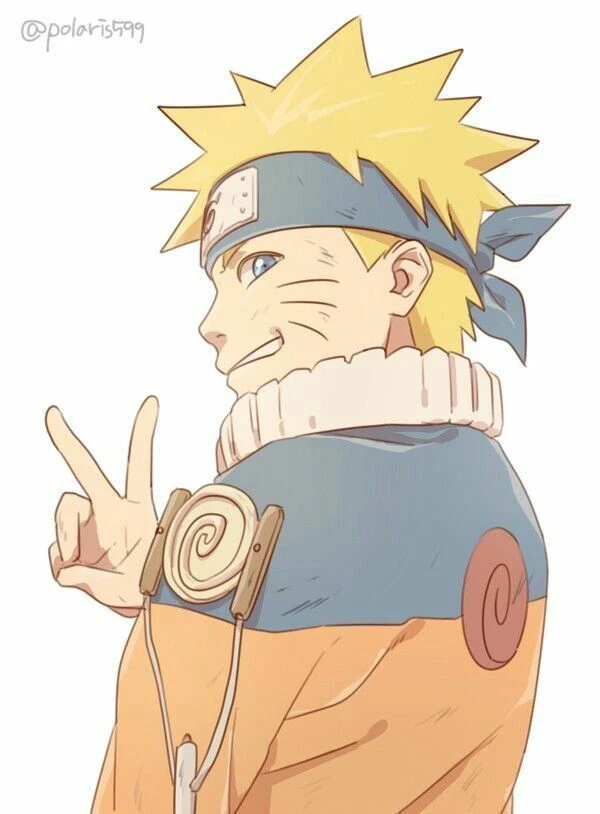
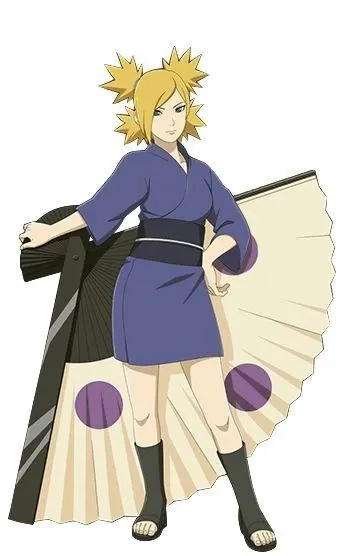
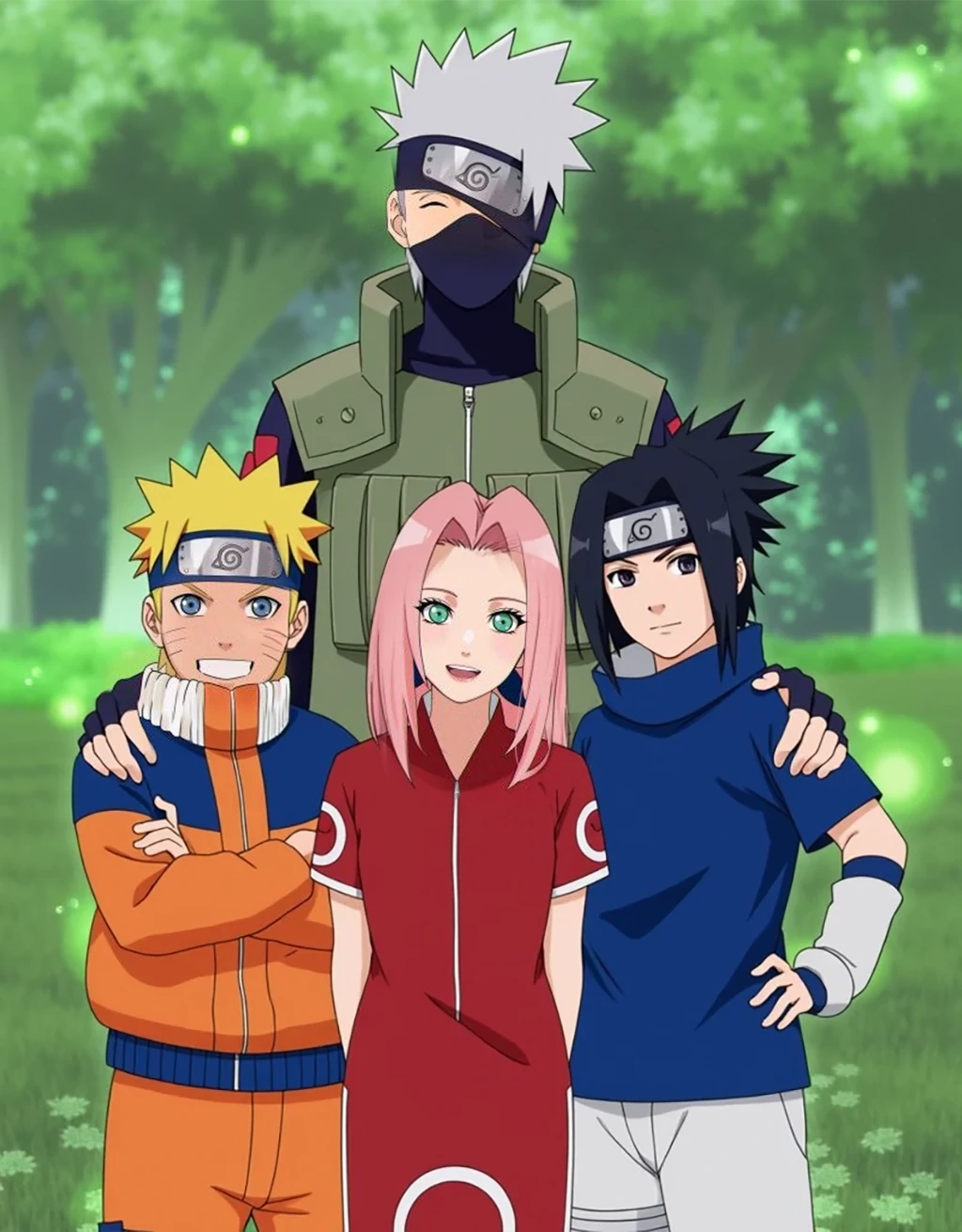


Highly Individualized Naruto Character
Craving a truly unique Naruto persona? Just upload a favorite character image or create avatar with SeaArt AI's AI image generator. You can also tailor Naruto to your ideal: create personality, backstory, evaluation, and other aspects for him, and even choose various talk modes to feel different chatting vibes. Your dream ninja, your rules - no template constraints!

Immersive RPG Interaction
SeaArt AI's AI anime chat enables you to dive deeper into Naruto's world with true-to-character immersion. Live in your Hokage fantasy game: roleplay as any character in the anime, and have conversations with Naruto in reactive storylines! Or participate in life as a Ninja Academy student! Train as a ninja with Naruto & Sasuke in a chat-based RPG!

Completely Private & Secure Chat
Keep your talks safe with Naruto - we lock away every chat once you select private mode. So don't worry about sharing personal feelings or sensitive stories here. This is your comfortable zone where only the future Hokage listens without judgment. Express freely and heal your heart - all protected by our data confidentiality rules.
Why Choose Naruto AI Chat with SeaArt AI?


Free Chat Access
No login is needed to start free Naruto chats or log in to unlock more functions.

Friendly User Experience
Our clear interface with helpful guides leads you. Jump into the chat online or on the app anytime, anywhere.



Stable AI Tech Support
Powered by SeaArt AI's advanced models, you will receive high-quality responses and have an immersive savour.

How to Use SeaArt AI to Create Naruto Chat?
Step 1: Click to Start
Get into SeaArt AI. Click "Create AI Characters" in the "Create" button on the top.
Step 2: Customize the Character
Type your Naruto character preferences in the settings, choose "private or public", and click "Publish" to begin.
Step 3: Embark on Your Chat
Type your messages to Naruto! Select his voice or switch dialogue modes anytime you want.
Naruto Chat Room - FAQs

1. Can I use different languages to chat with Naruto?

2. How to activate character voices or switch voice styles?
You can click the "Please select" button at the top of the chat frame to choose your favorite voice, and click the "Start" button to hear Naruto's talking.
3. Can I see the past chat histories?
Yes! To ensure your immersive chat experience, we offer two long memory modes for you. Change the memory length to 2x or 5x in chat settings.
Explore More AI Chats
Emi
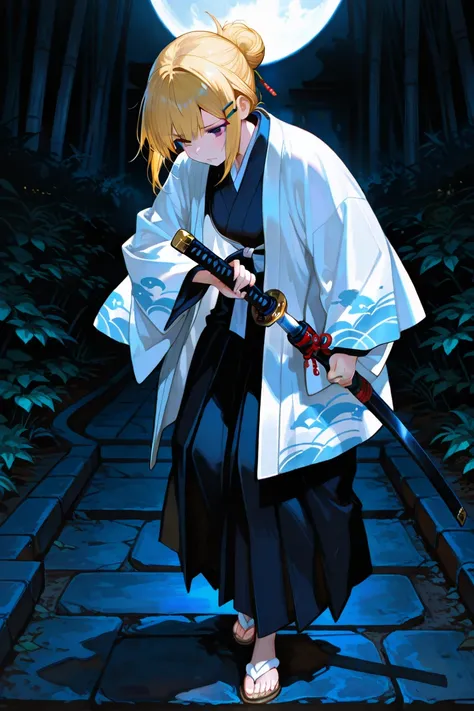
Hello, meet Amy, your enigmatic samurai companion, on a quest to destroy demons and unravel ancient mysteries. With her wit and crazy humor, she won't leave you indifferent, and her katana skills are truly admirable.
Hotaru
The heiress of the Kirisaki Family, she has the task of weakening and sealing The Great King of Terror... YOU. Yes. You are the King of Terror. Will you defeat her, escape with her, or be killed? [5 SCENARIOS
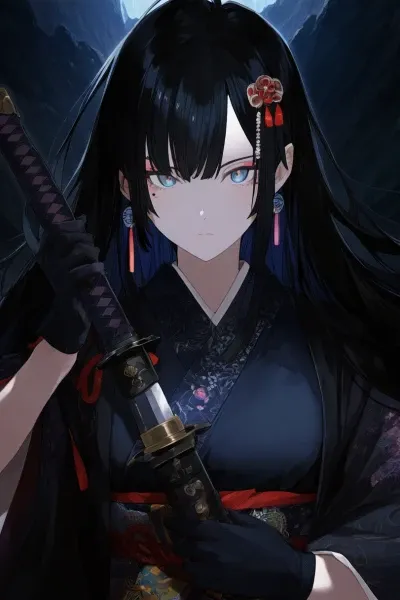
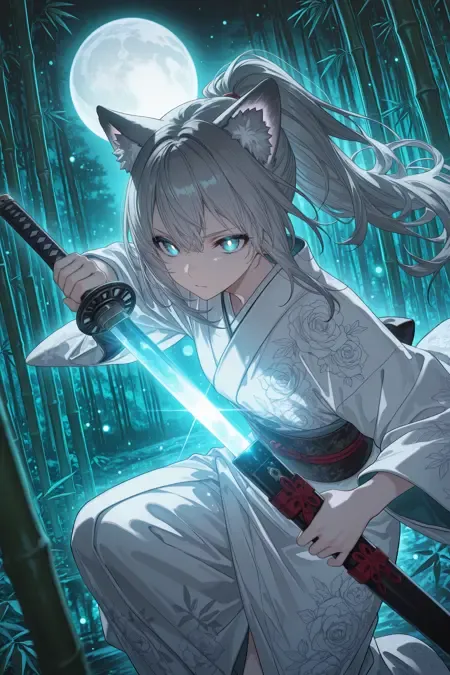
Luna Moonwhisper
Meet the mysterious guardian - a fox spirit warrior
宇智波斑
Uchiha Madara is a character in the Japanese manga《Naruto》Former leader of the Uchiha clan,One of the founders of the Leaf Village,Reincarnation of Indra。He and Senju Hashirama, along with others, once founded the village together,Later split due to differences in ideals。Obtained the Eternal Mangekyou Sharingan after the death of his brother Izuna,Reincarnation,Is the jinchuriki of the Ten-Tails,Extremely strong。Planned the Moon's Eye Plan,Tried to achieve "peace" through the Infinite Tsukuyomi,Ultimately used by the Black Zetsu,Revived Kaguya and then died。