
Type
LORA
Temps de Publication
2023-03-30
Modèle Basique
SD 1.5
Mots Déclencheurs
qxj
Copier

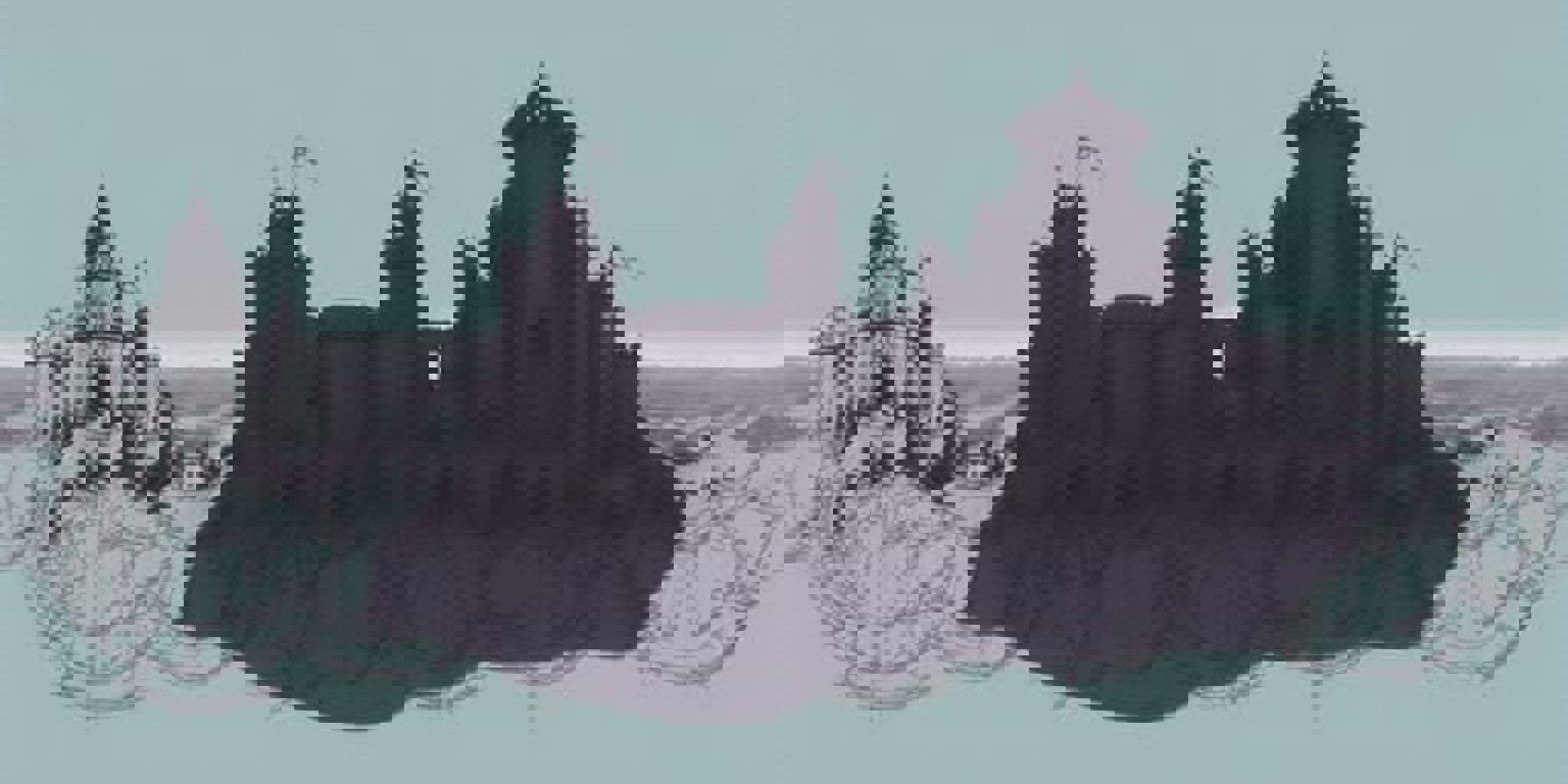

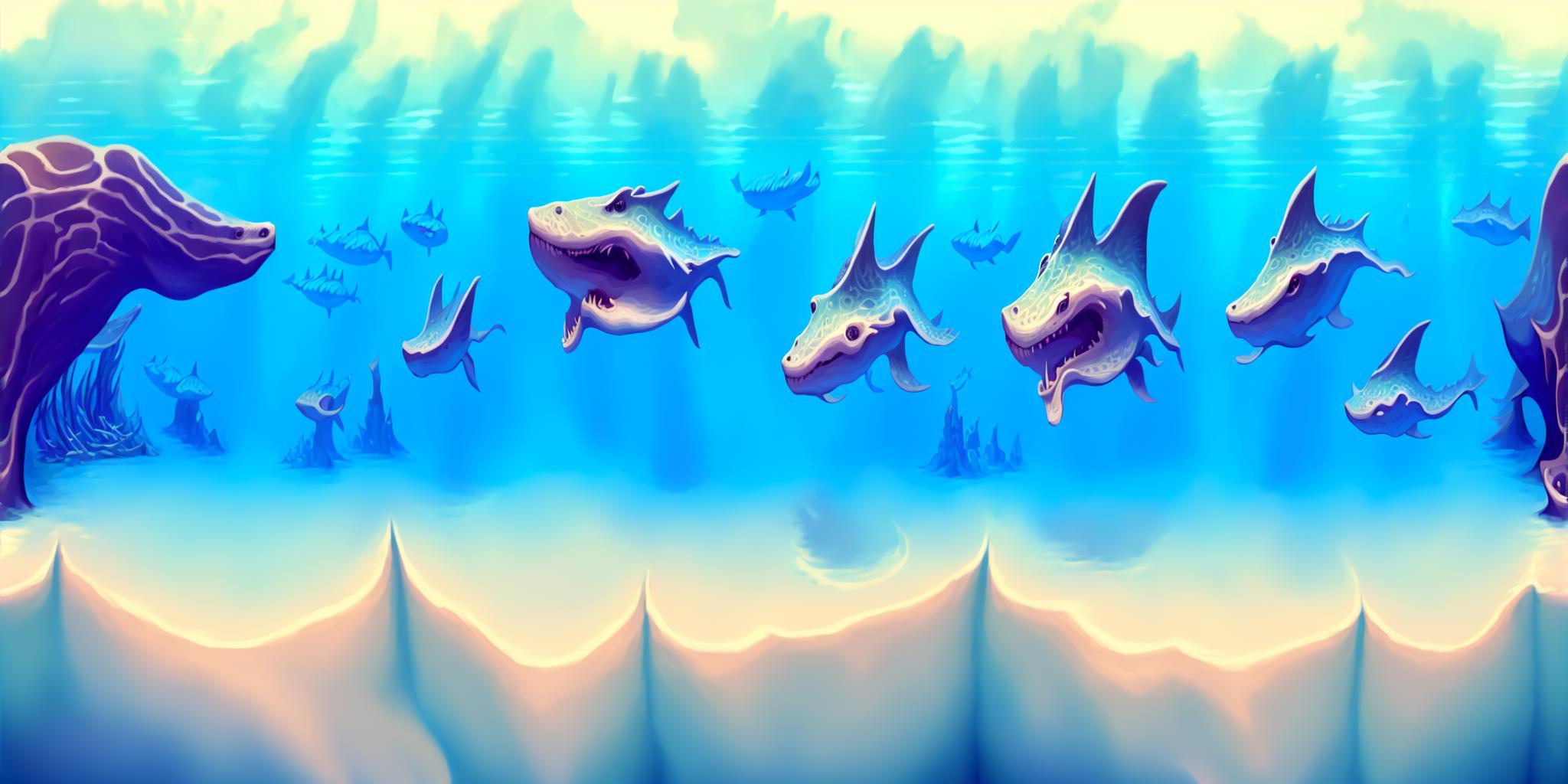

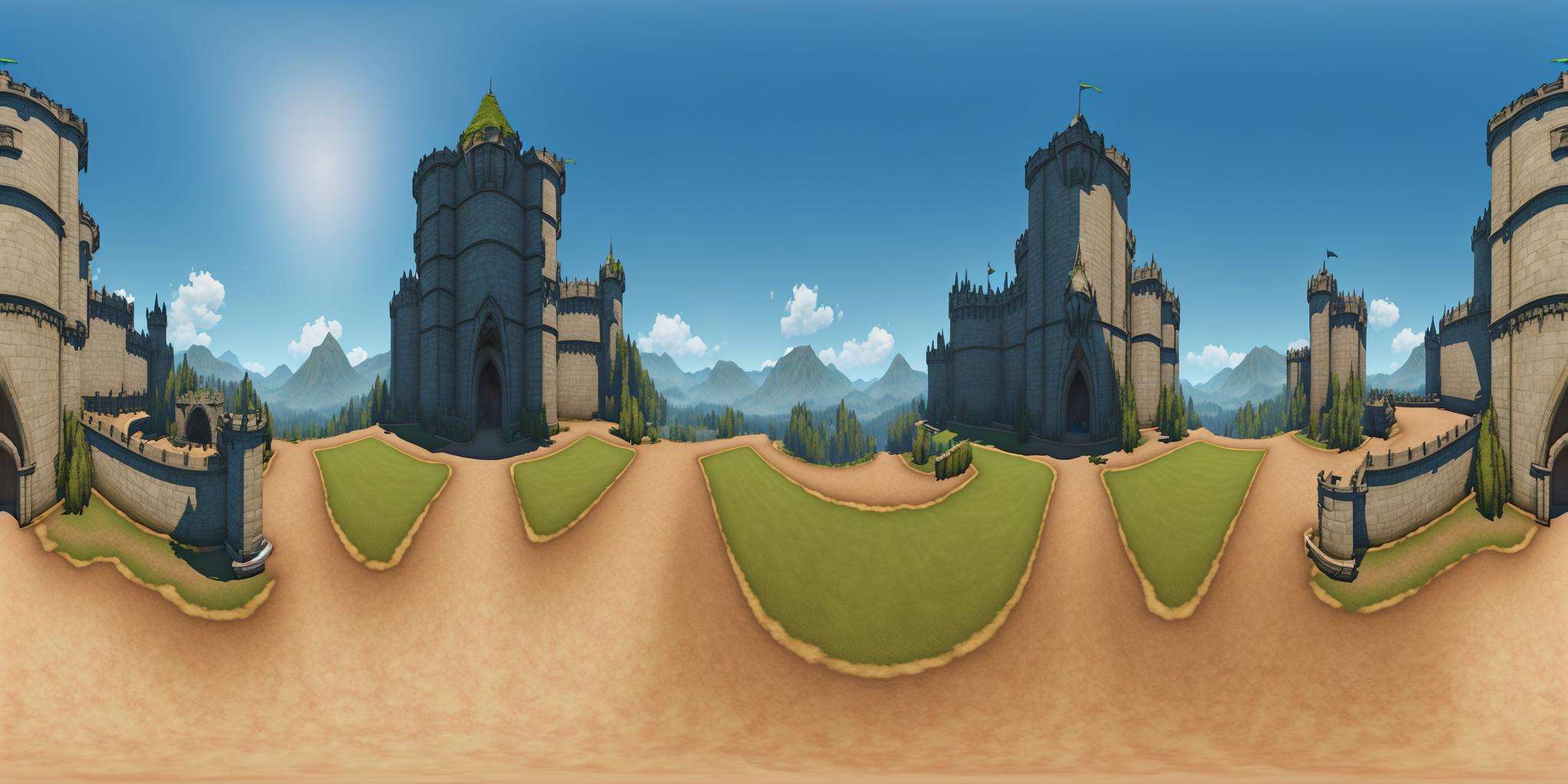


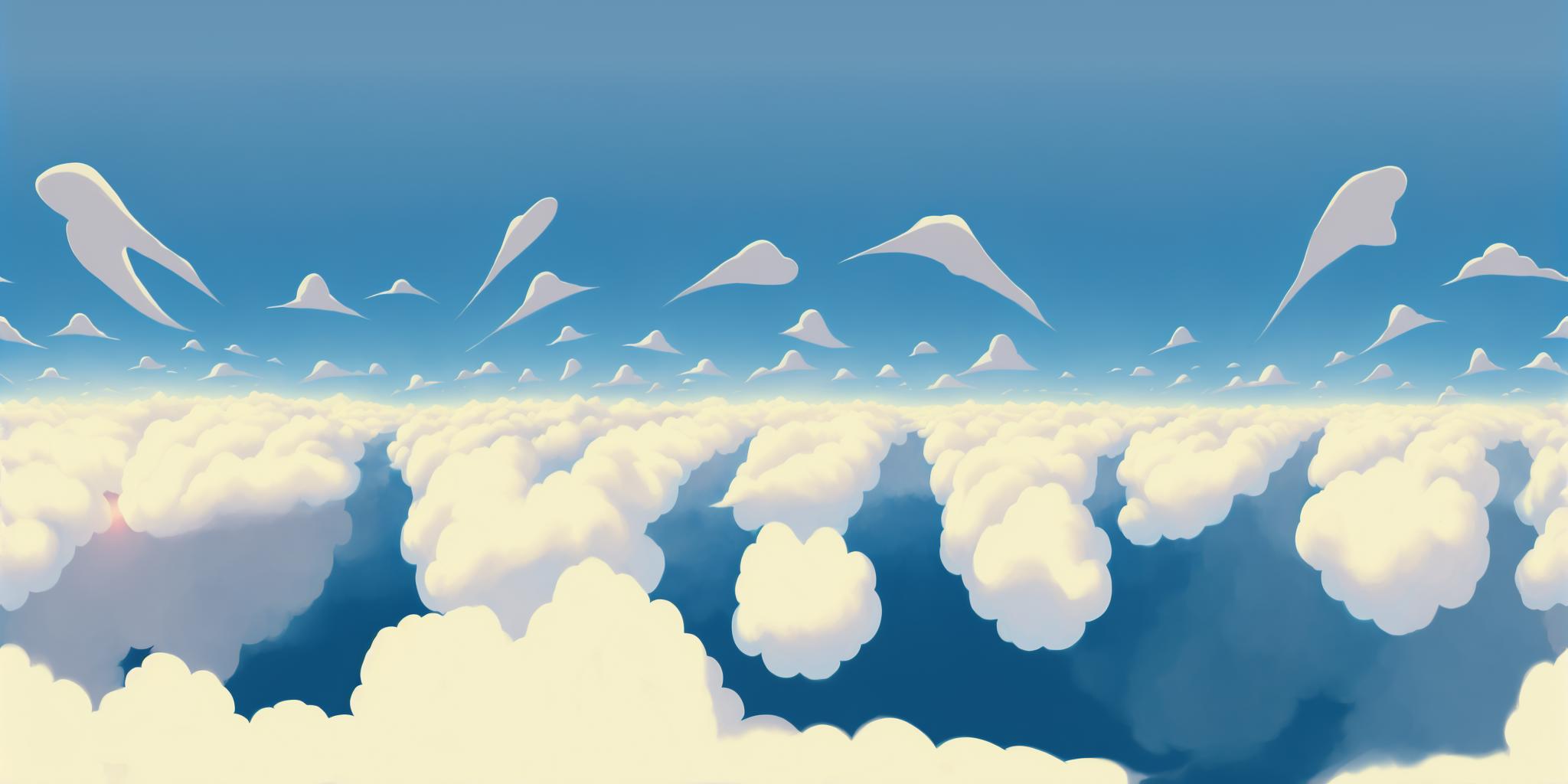
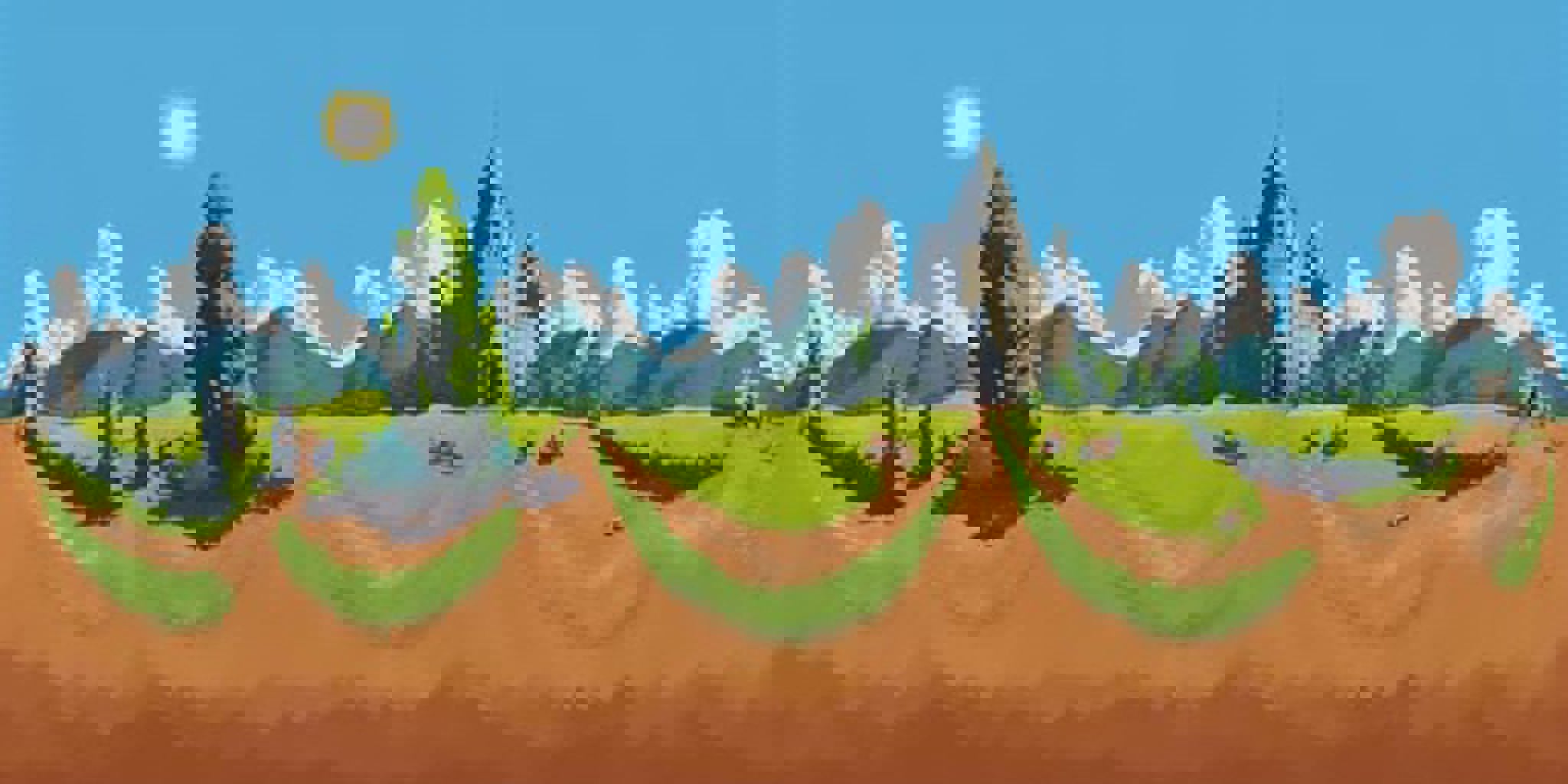
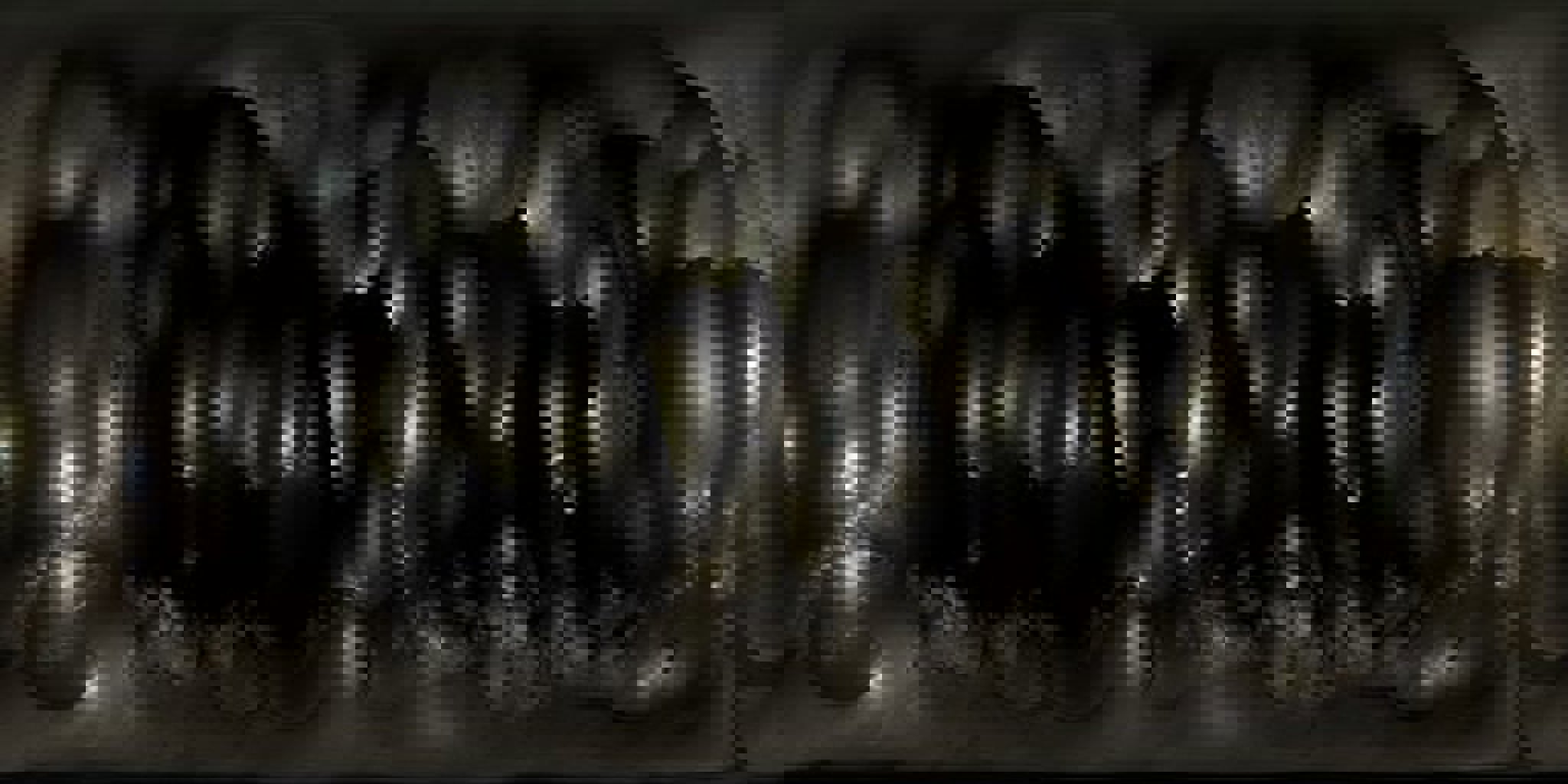

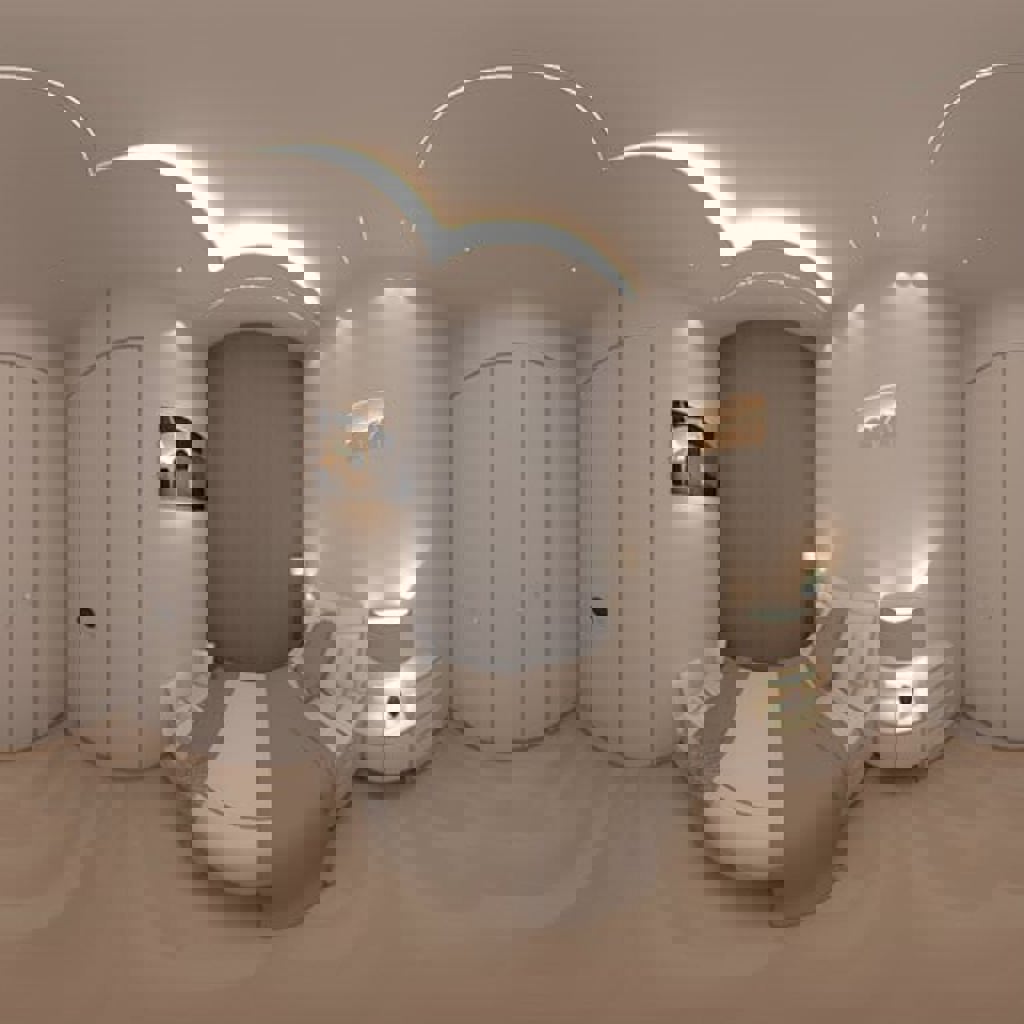

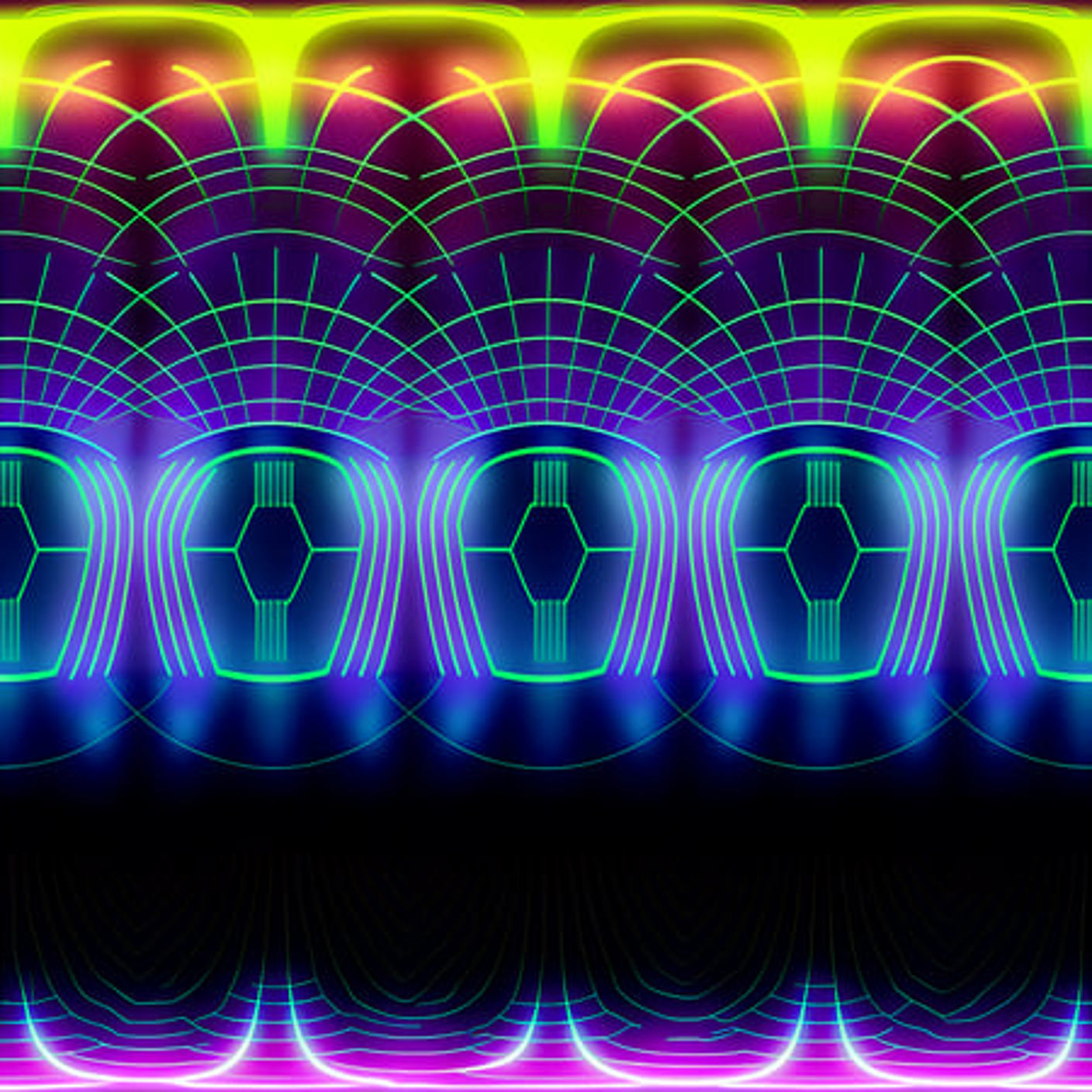


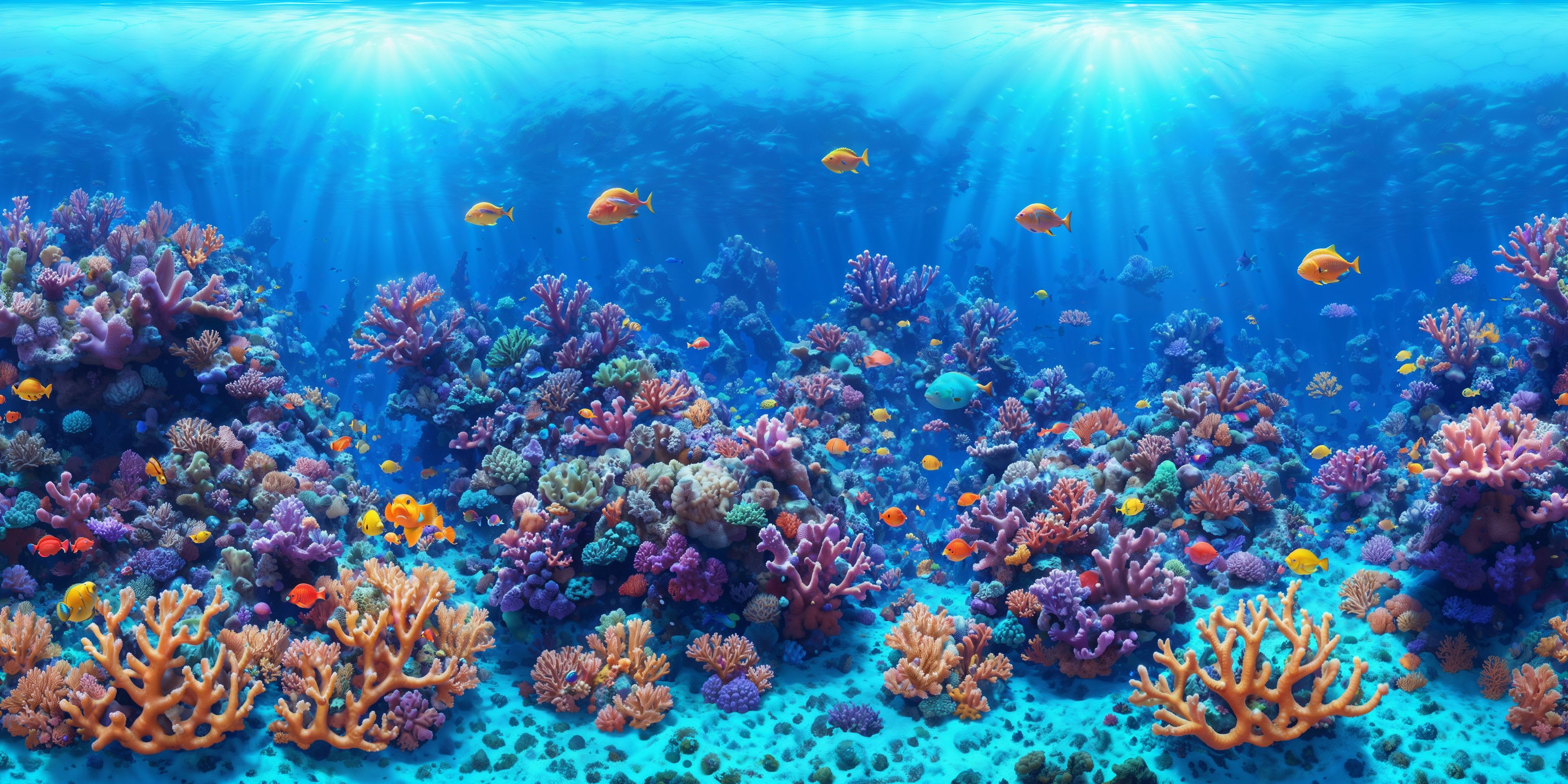
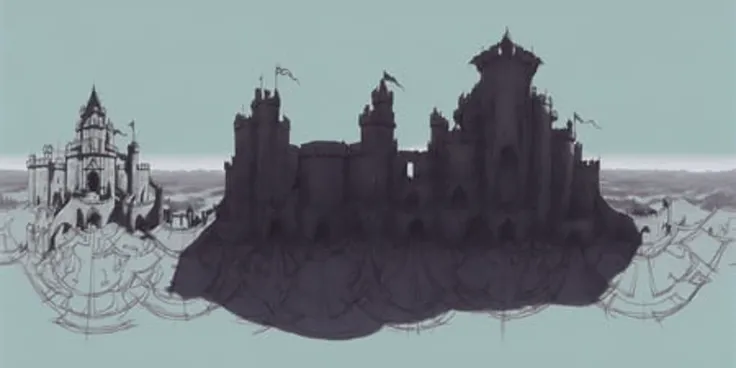
Posted first on HuggingFace.
This LoRA model was finetuned on an extremely diverse dataset of 360° equirectangular projections with 2104 captioned training images, using the Stable Diffusion v1-5 model.
This model was finetuned with the trigger word qxj. If using the AUTOMATIC1111 WebUI, then you will have to append <lora:360Diffusion_v1:1> to the prompt as well in order to activate the model.
When rendering, it is recommended that you use either a 1:2 ratio or a perfect square. Rendering as a 1:1 square can help improve concept coherence (like the walls of a room).
Details can lose coherence at large sizes with txt2img, so it is recommended that you initially render a smaller version with at least one dimension near 512px, and then upscale it with img2img (with denoising set to 0.5) or a built in high-res fix feature.
Details can sometimes be improved by looping the output back through img2img multiple times, with a denoising of 0.5 and seed resizing.
As Stable Diffusion only renders squares and rectangles, any equirectangular projections will have edges that may not fully match the other side. While these seams are generally pretty minimal, there are multiple ways to deal with them:
* Using the asymmetric-tiling extension's x-axis tiling feature can help eliminate seams entirely, but the extension can significantly degrade output. It is recommended that you set the 'Start tiling from step N' setting to start at around 50% in order to minimize the impact (ex: start at 9 if using 20 steps).
* Inpainting can be used across the seam after shifting the image horizontally to the right or left.
* GIMP (potentially with G'MIC) or Photoshop can be used to remove the seams.
In order to improve usability of the model, various words and phrases were used to tag objects, scenes, styles, and content. Note that these lists are based on the training data and do not include things added by the base model. These lists are also not comprehensive.
Styles
- "photo", "photobash", "render", "architectural rendering", "illustration", "digital illustration", "painting", "digital painting", "drawing", "watercolor painting" "concept art", "charcoal drawing", "sketch", "rough sketch", "fractal art", "crayon drawing", "anime", "pixel art"
Camera Locations
- "underwater", "aerial view", "interior", "exterior", "pov", "street level", "above the clouds", "low earth orbit", "underground"
Locations
- "library", "bedroom", "bathroom", "hallway", "corridor", "bridge", "helm", "cockpit", "driver's seat", "street", "road", "forest", "city", "train station", "railway", "greenhouse", "residential street", "dock", "hanger", "landing pad", "ferry", "cave", "observatory", "amusement park", "waterpark", "tunnel", "mine", "tropical", "beach", "desert", "steep slope", "cliff", "ocean", "body of water", "river", "mountain", "space", "underground bunker", "space station"
Skies
- "aurora borealis", "cloudy", "overcast sky", "blue sky", "stars"
Time
- "sunset", "sunrise" "night", "sunny day", "winter", "twilight", "fall"
Weather
- "rain", "raining", "snow", "snowing", "fog", "haze", "smoke", "storm", "stormy", "lightning", "flooded", "arid"
Lighting
- "bright", "dark", "dimly lit"
Themes
- "futuristic", "cyberpunk", "historical", "messy", "scifi", "minimalism", "minimalistic", "simple", "simplistic", "video game", "surrealism", "surrealistic", "cartoon", "comic", "black and white", "smooth", "ancient", "medieval", "vector art", "abandoned", "horror"
Humans & Animals
- "people", "women", "woman", "man", "men", "cat", "dog", "horse", "group of", various dinosaurs, "zombie", "fish", "shark"
The images created with this model are meant to be viewed by 360° viewers and thus will have weird distortions when viewed in 2D. Therefore, the following viewers are recommended:
Website (supports VR headsets): https://renderstuff.com/tools/360-panorama-web-viewer/
AUTOMATIC1111 WebUI Extension: https://github.com/GeorgLegato/sd-webui-panorama-viewer
WebUI Extension for converting your renders to stereoscopic 3D images: https://github.com/thygate/stable-diffusion-webui-depthmap-script
The example images used the following models:
- Landscape renders used: https://civitai.com/models/4384/dreamshaper
- Renders of people used: https://civitai.com/models/4823/deliberate
1. Modèle partagé uniquement à l'apprentissage et au partage. Droits d'auteur et interprétation finale réservés à l'auteur original.
2. Auteur souhaitant revendiquer le modèle : Contactez officiellement SeaArt AI pour l'authentification. Nous protégeons les droits de chaque auteur. Cliquer pour revendiquer
