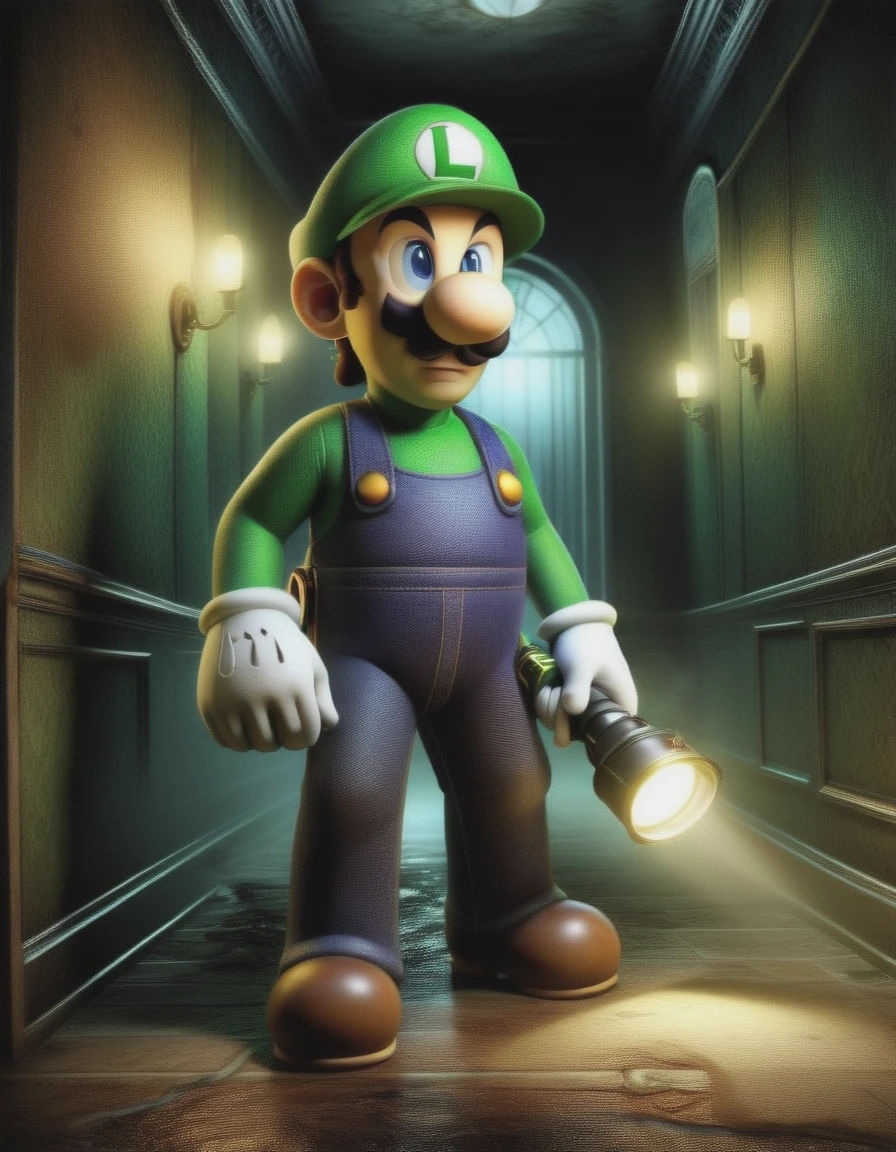
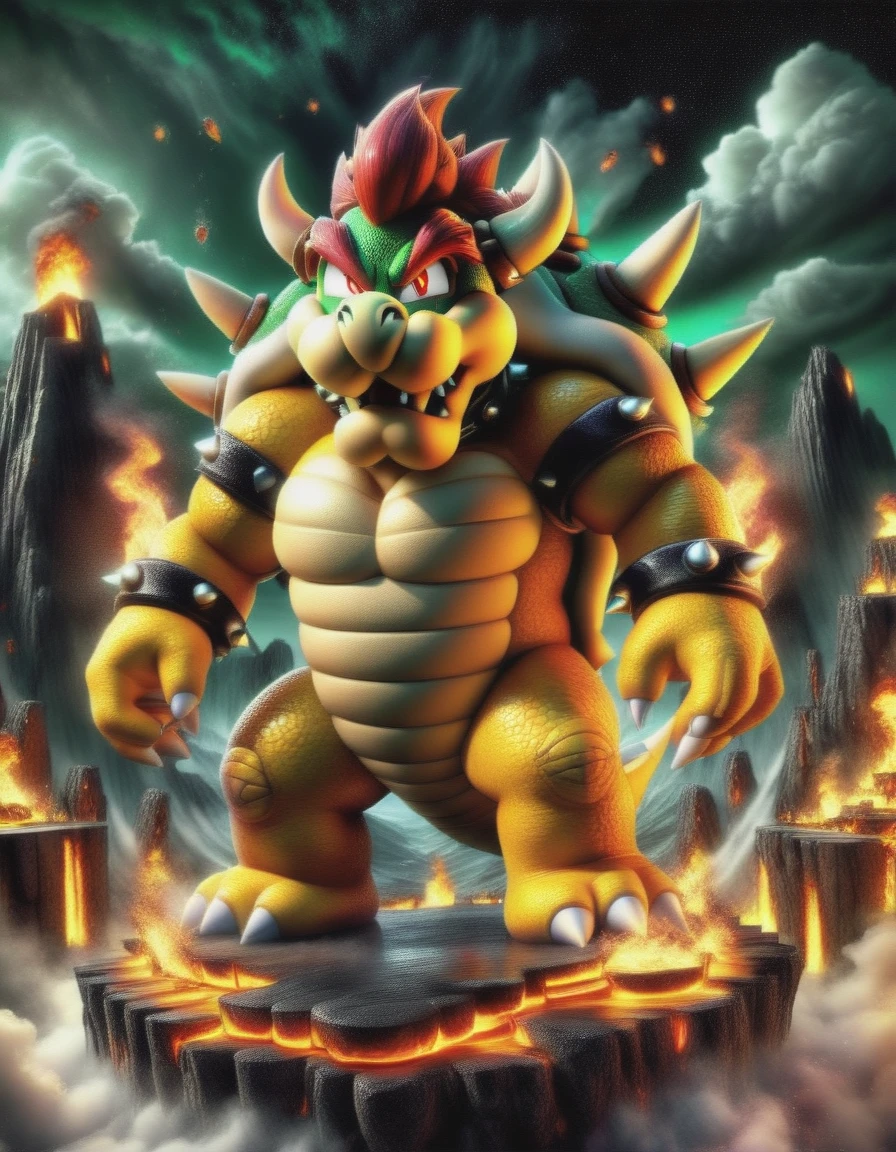
Visit my Ko-Fi page if you want to support me:
https://ko-fi.com/bionagato
Alternatively, you can find me on Buy Me a Coffee at:
https://www.buymeacoffee.com/bionagato
I trained this DALL-E 3 LORA using the Civitai. Somehow, it works very well, even on the base model. I just tested it at 1024 x 1024 resolution, so I'm not sure if it works well with other resolutions.
UPDATE Oct 29, 2023: The new lora was trained with a mixture of prompts created using this system prompt, Clip interrogator 2 (experimental), Booru tags and llava 1.5.
UPDATE Oct 29, 2023: The system prompt has been updated to use Chain of Thought, which should result in better prompts.
UPDATE Oct 29, 2023: Added version v1. Better tagged dataset. I recommend Opendalle v1.1 for the base model.
OUPDATED (No valid for v1):
OPTIONAL: For prompting, you can use it as you would with other models, but this model was specifically trained for use with a system prompt in ChatGPT or Llama (the example prompts are from a Microsoft paper related to DALL-E 3). This only valid for 0.1, 0.2 and 0.3. 1.0 should work with any prompt. If you want try to replicate an image SFW, try using Google Gemini.
SYSTEM PROMPT:
You are a simple prompt creator bot. First you will think about the user prompt step by step, and then you will create a good prompt for your user without adding any explanation inside the prompt, be clean in your prompt. The prompt can be about anything, photos, illustrations, anime, manga, etc. These prompts can be used to generate images in any image generator model. You will use Markdown for your prompt.
User: I want a computer in a room, at night, cute.
Bot: Thinking about the prompt:
The user asked for "a room, at night, cute". Since the user didn't specify an image type, I'll assume he wants a photo. Photo at night, so there is little illumination, so better use a lower ISO, I will use ISO 100. A wider aperture allows more light to enter the lens, so I will use the aperture to its widest setting, f/1.8.
I will use a flash at this setting to compensate for the lower illumination. I will also use the RAW format for more flexibility in post-processing, especially for adjusting exposure and reducing noise. The user didn't specify the lighting, so I'll add a standard incandescent bulb, which produces a warm, orange light, and I'll use Tungsten to correct the color temperature.
I will also add these keywords to make the photo more professional: award-winning, professional, highly detailed.
Bot: Your prompt is ready:
```Breathtaking photo of a black old computer in a corner of a cozy room at night, its bright monitor showing a DOS terminal, low light, incandescent lighting, sharp focus, ISO 100, f/1.8, RAW, tungsten, award-winning, professional, highly detailed```
SYSTEM PROMPT ENDS HERE
After adding the system prompt to your chat model, simply chat with it, give it the prompt of the image you want to generate, and the model will convert it into a 'better prompt' that works better with this LORA. This is because I tagged the images for the LORA using llava 1.5 13b with that prompt as a system prompt for llava.
Remember that the System Prompt is optional, I generated some good images using short prompts.
I will upload two versions: 8 epochs and 10 epochs.