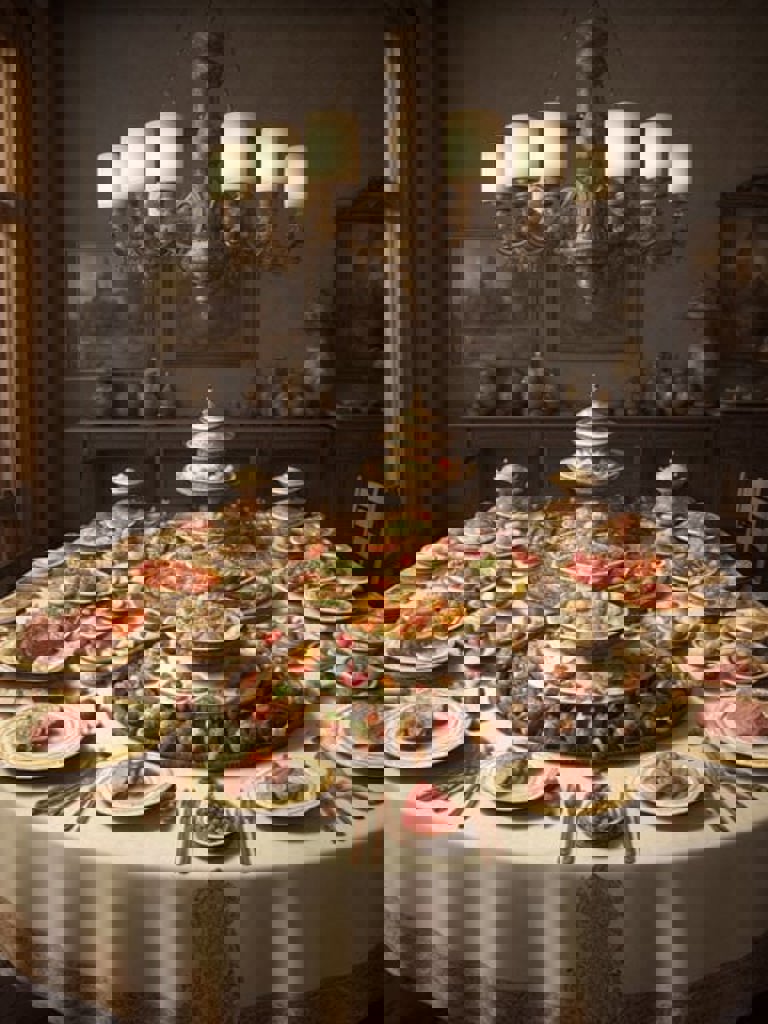
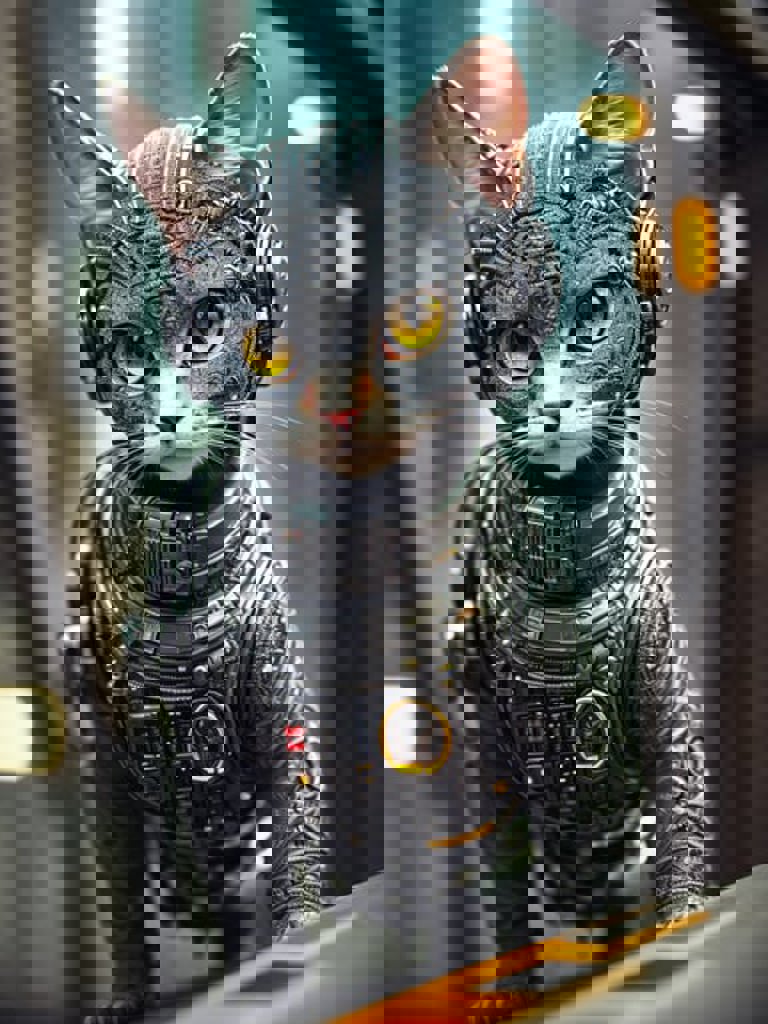
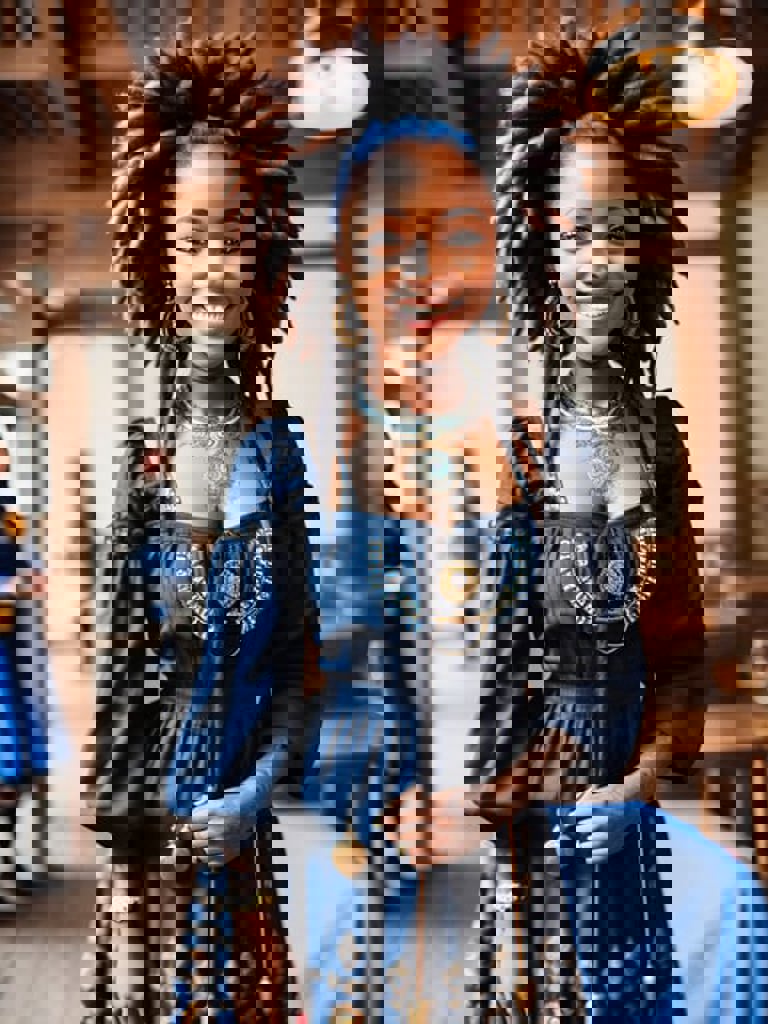
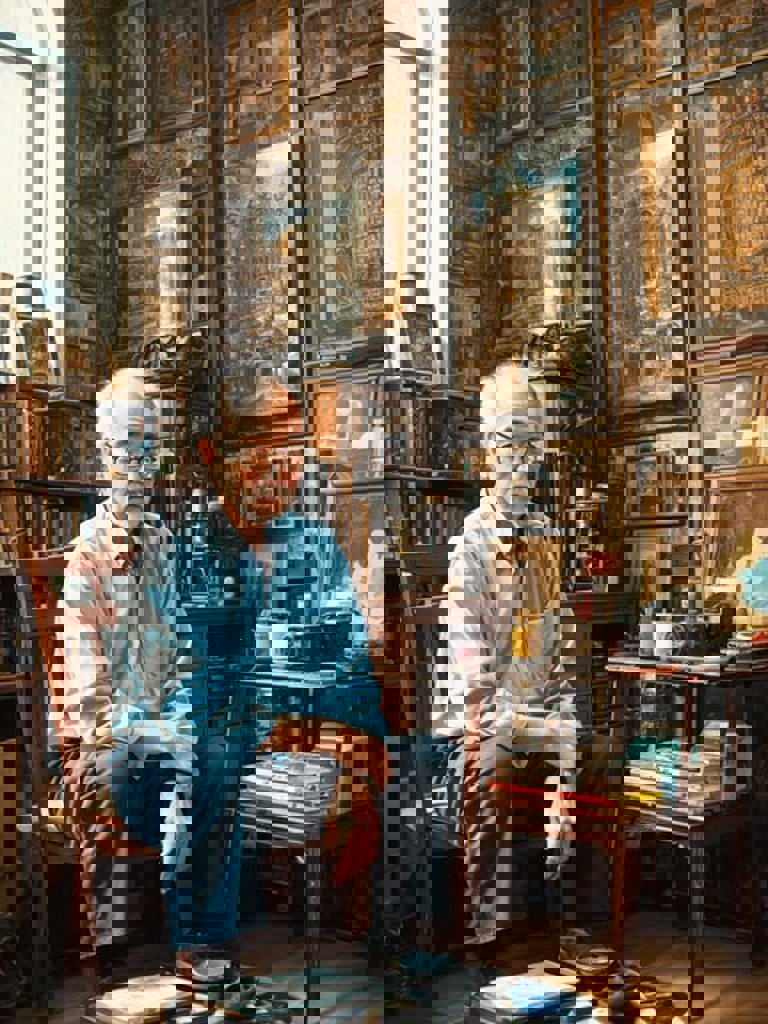
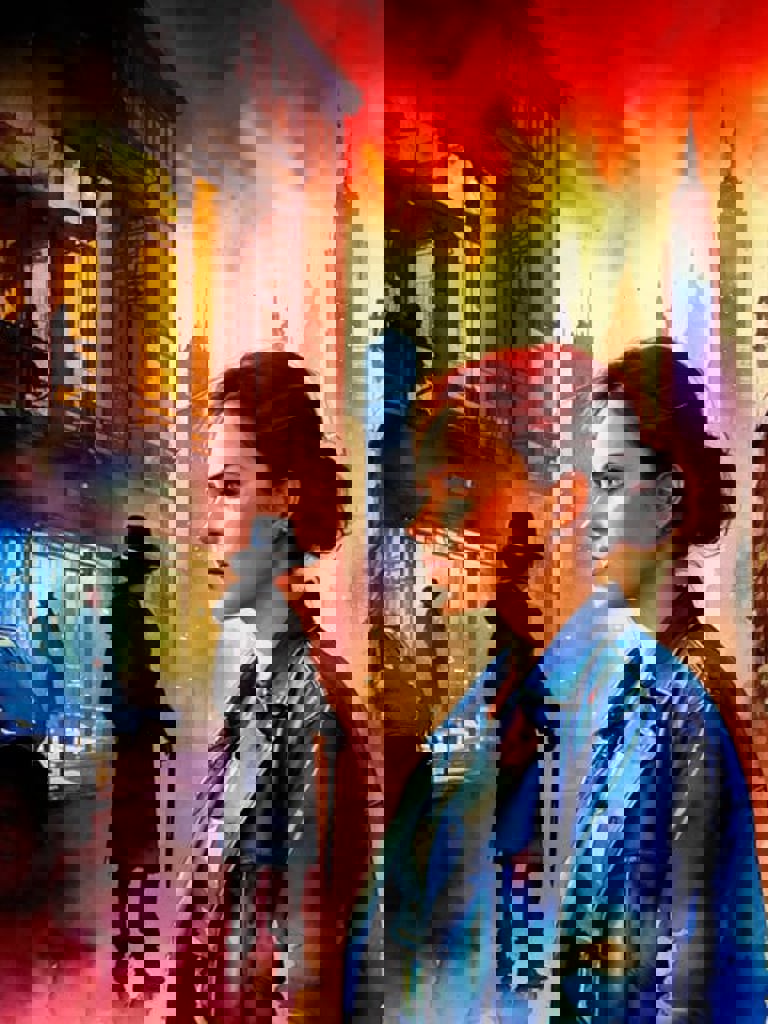
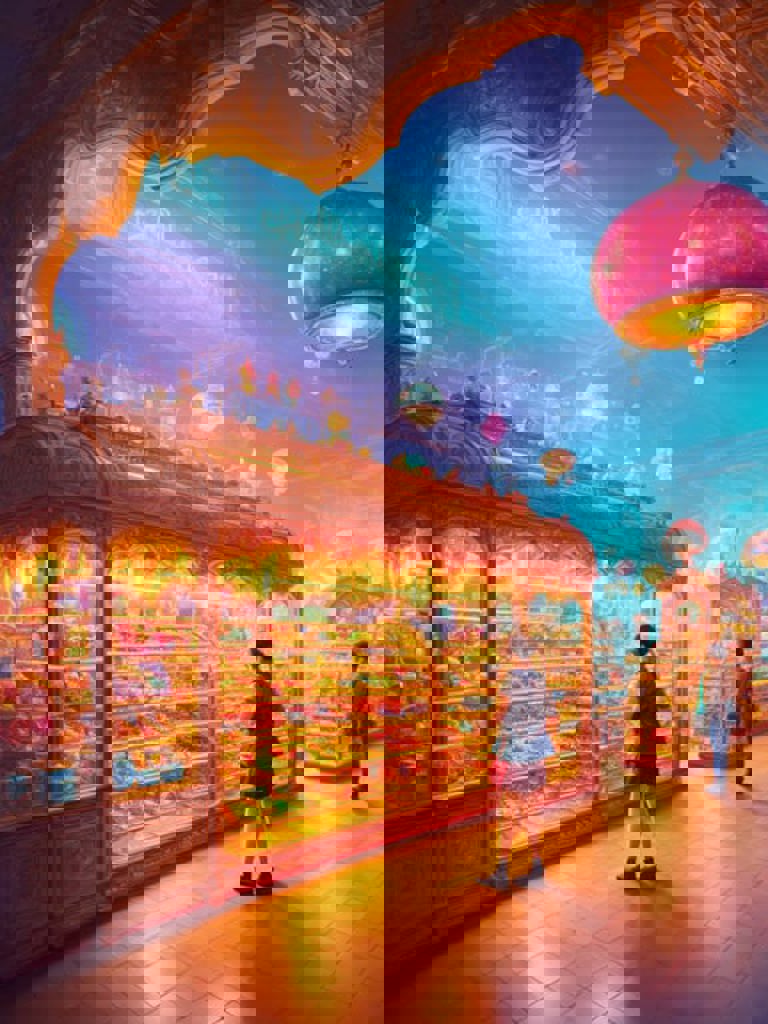
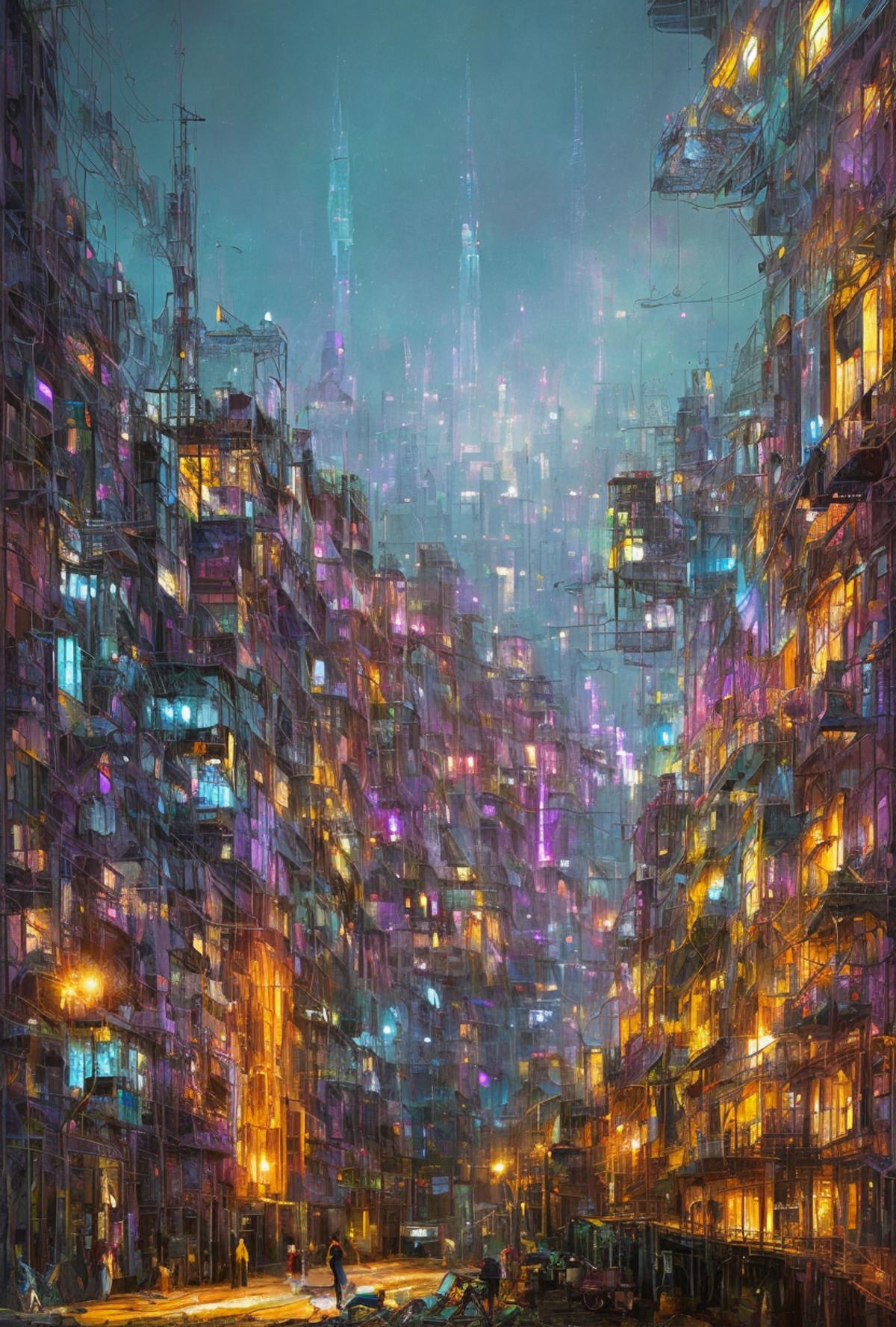
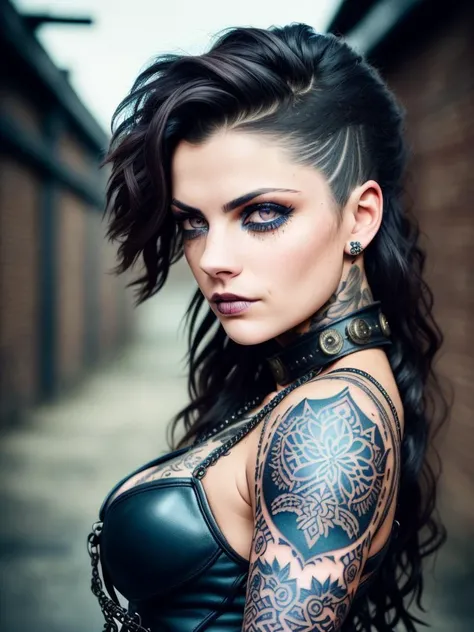
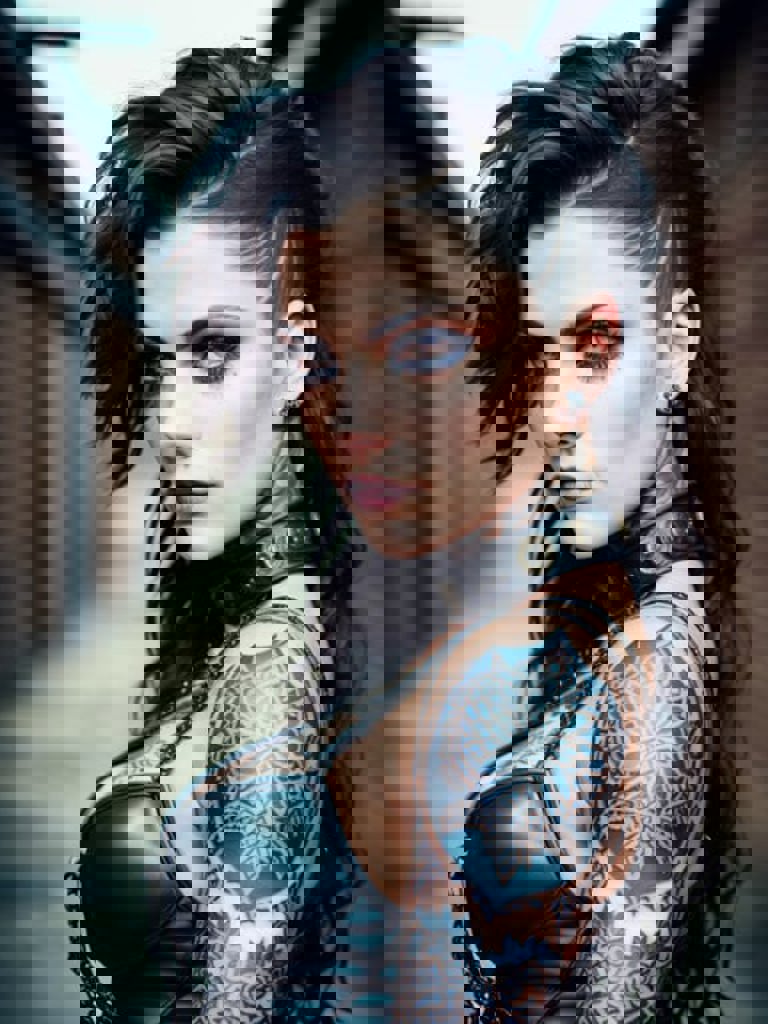
This is a forked version of Xpuct's phenomenal "Deliberate" v1.1 model that is designed to work in InvokeAI (and possibly other tools as well). It is an incredibly flexible model, capable of producing outstanding people, landscapes, architecture and more in a wide variety of styles.
NOTE: Xpuct's latest "Deliberate v2" works perfectly in Invoke! This forked version will still work and produce gorgeous results, but given that the purpose of this fork was to allow access to Deliberate in Invoke, I consider this forked version deprecated.
This forked version works with Invoke 2.2.5 and 2.3.0. Please note: If you convert this .ckpt file to a Diffuser model for 2.3, it will will produce different results than what you see in the samples, which were created with the .ckpt version.
All sample images posted here were created using InvokeAI 2.2.5. The prompts are formatted for Invoke. See below for details. I have tested a few of these prompts in Invoke 2.3 and can verify that they still work.
I wanted to make sure that InvokeAI users could recreate the sample images shown here, so I've included the full parameter data in the Prompt field of the image info. Since Invoke does not have a separate Negative Prompt field (negative prompts are just stored in [square brackets]), the negative prompt info that you need is included in the main Prompt field here on Civit. (Remember, this model is intended for Invoke users, not Auto1111 users.) I'm adding the size, seed, variation and seed weight info to the Negative prompt field here so you can easily copy that data into Invoke.
The samples are straight out of the Text to Image mode. No Image to Image or Unified Canvas (which tends to break or lose the metadata). If you want to recreate the samples shown, copy the full text from the Prompt field and paste it into the Prompt in Invoke. Then look down at the Negative Prompt field for the image here on Civit. That contains the details you need. Set the Steps in Invoke to what you see after the (-s), the Seed to what you see after the (-S), the width and height (-W and -H), the CFG (-C), and the Sampler (-A). If Variations are used, you'll see (-v) and (-V). Enable Variations in Invoke if you see these. Set the Variation amount to what you see after the (-v) and copy the numbers after the (-V) into the Seed Weights field in Invoke. If you do this, you should be able to recreate each of the sample images shown here.
The VAE is included in the model, so Invoke users should simply need to add it and be good to go.
All images shown were generated on a 7 year old Windows workstation with 32GB of RAM and a GTX1080 graphics card.
All the credit for this goes to Xpuct for creating such an amazing model. I'm hoping Xpuct eventually revises his model so that it works with other tools besides Automatic1111. I have no interest in maintaining a fork of his project. But I see a lot of people complaining that the model doesn't work in anything other than Automatic1111, so this is my simple attempt to fix that.