2024-FEB-21
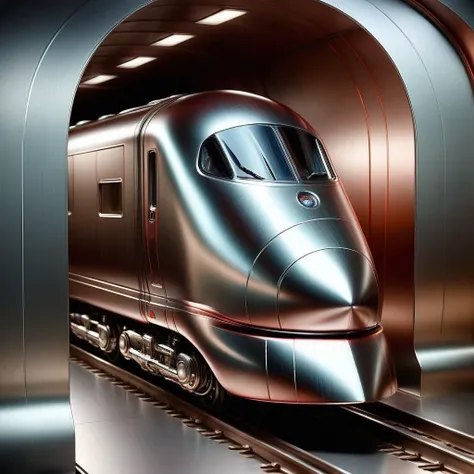
An even stronger version of Metallicity without the copper/orange bias of version 2.
This is a TI so you can change the trigger simply by renaming the model file. It’s only got a complex name for version tracking.
If you rename cs-m3tal-ok_v06-1000.safetensors to m3tal_v3.safetensors then the trigger becomes m3tal_v3. Use whatever you want but try and avoid words that SDXL knows unless you want some strange results.
Short prompts (even just the trigger) for this version should give full Metallicity.
Medium length prompts should give quite a lot of metal - clothes/people/things/walls.
Long prompts should usually metallise the main subject - could be converted, could be clothing, could be various items around the image.
Like most TIs (and LoRAs), Metallicity includes an aesthetic shift over and above the metal effects. I suspect that’s an unavoidable effect.
For quick playing with Metallicity, pick a prompt from a pic you like and regen it with this TI’s trigger somewhere in it. Leftmost for strong, middle so-so, rightmost for subtle(ish).
= = = = = = = = = = = = = = = = = = = = = = = = = = = = = = = = = = = = = = = = = = = =
2024-FEB-19
This is a stronger version of Metallicity using a different training set.
Many thanks to @raken for lots of testing, feedback and training suggestions.
There is a bias towards copper/orange. Some of the results are nice as-is. Longer prompts don’t have quite as much of a bias. If the orange/copper is annoying, either add a colour term (e.g. cold color palette) in your positive prompt, or use something like (orange:0.25) in your negative prompt.
I am working on a new version to remove the the copper/orange bias. Hopefully done in a day or so.
This is a TI so you can change the trigger simply by renaming the model file. It’s only got a complex name so that raken and I could check where we were.
If you rename cs-m3tal-ok_v03-1600.safetensors to m3tal.safetensors then the trigger becomes m3tal. Use whatever you want but try and avoid words that SDXL knows or you’ll ???????? strange results. Or maybe that’s what you want?
NOTE: if you change the filename while auto1111 webui is running you’ll need to refresh your Textual Inversion tab to see the new name.
The prompts for this version will give very different results than the original. But, hey, they’re TIs that weigh in at 33kb, so no diskspace worries... collect them all :-)
short prompts - heavy metal
medium prompts - symphonic metal
long prompts - easy-listening metal :-)
You can weight the trigger but, as usual, I’ve just been moving it left/right. The nicest (subjective!) results seem to be with the trigger about 2, 3 or 4 tokens in from the start of the prompt. However, even sticking it at the end of a long prompt will produce a stylistic change compared to the same prompt without the trigger.
The TI works with the half-dozen or so checkpoints I’ve tried, so should probably work with most checkpoints. I tend to use Crystal Clear XL, for no particular reason other than I’m used to its outputs.
Negative prompts - apart from the colour bias mentioned above, I’ve used:
haze,mist
with a lot of my test prompts because SDXL seems to misinterpret the sheen from metal as haze or mist sometimes. For some images, misty is fine, but if you don’t want it, use the negative.
Generation settings are still as for ver1 below.
= = = = = = = = = = = = = = = = = = = = = = = = = = = = = = = = = = = = = = = = = = = =
2024-FEB-07
How much metal is too much metal?
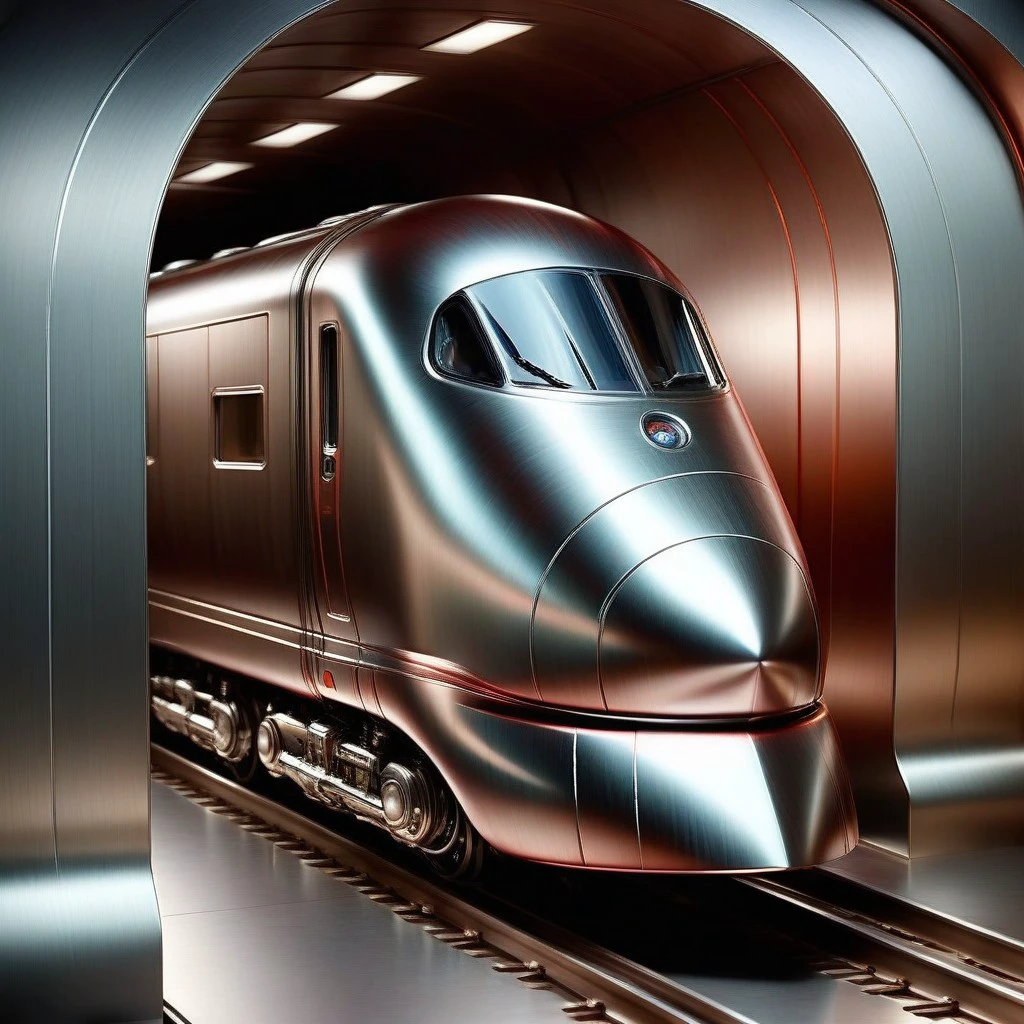
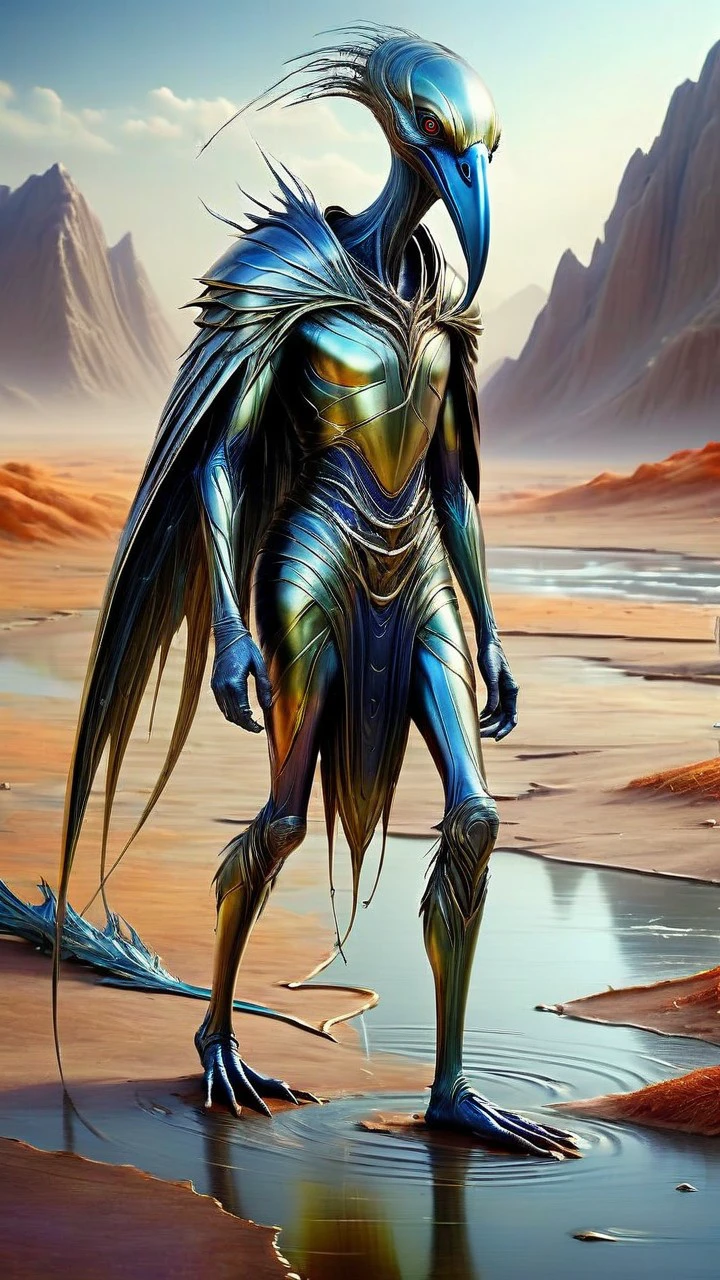
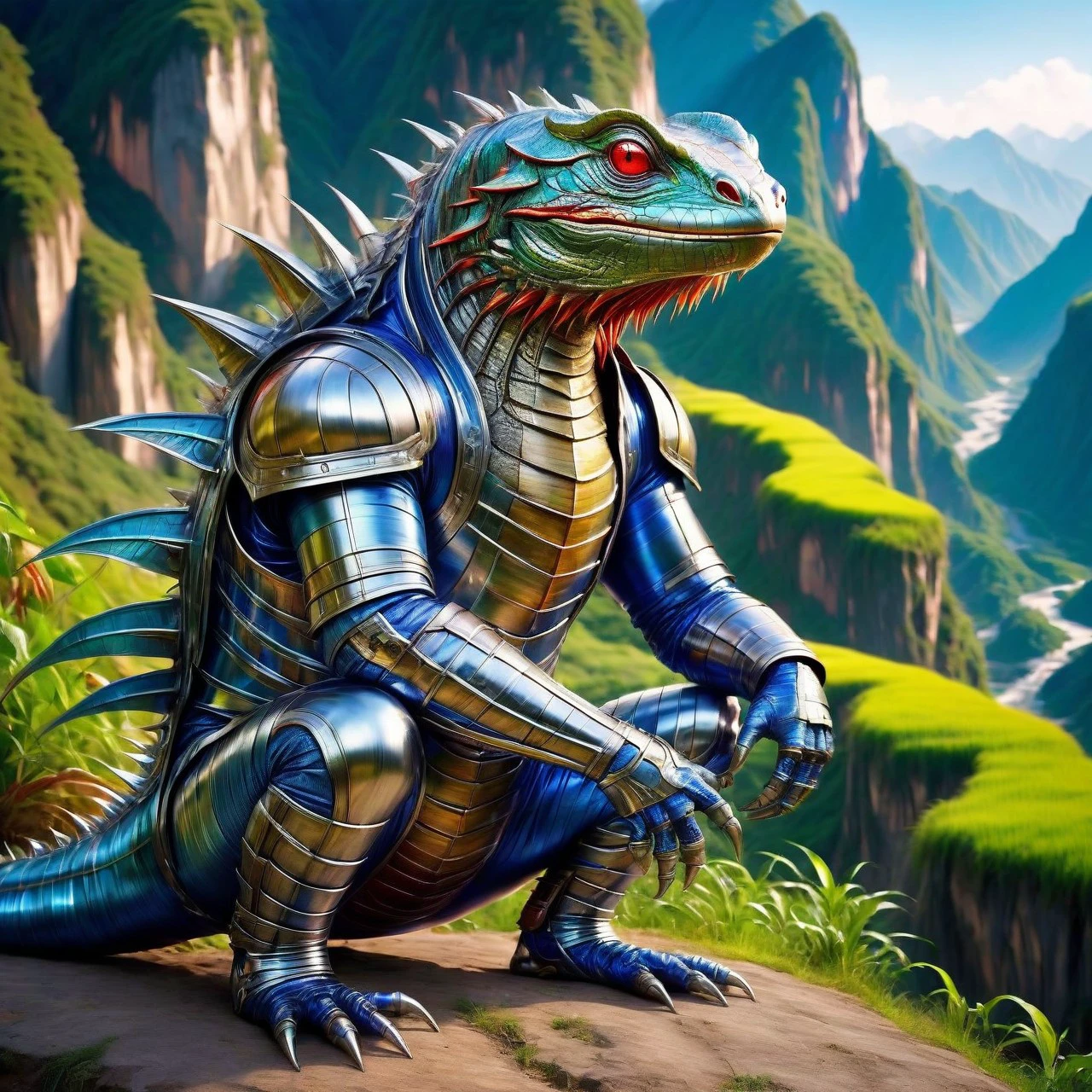
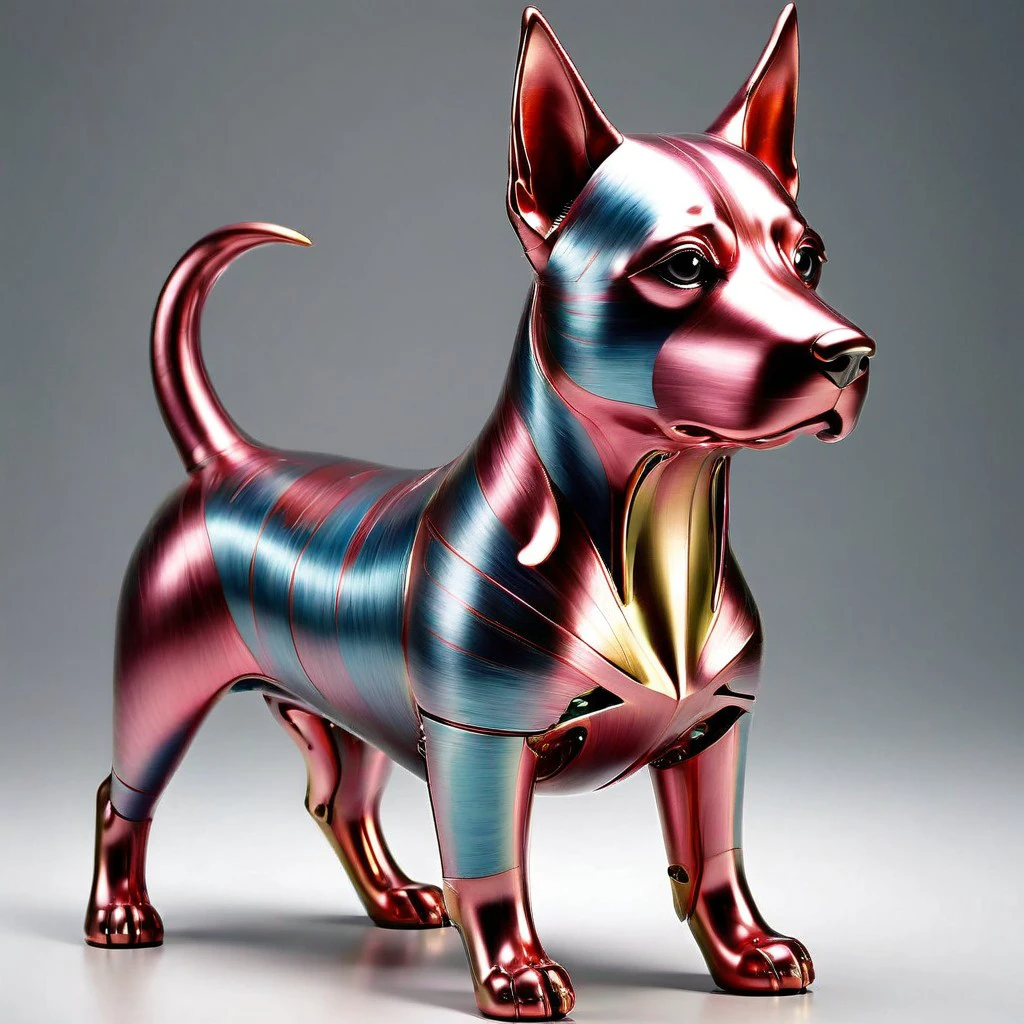
This TI embedding makes things metallic - either full metal or a sub-genre such as metallic clothing. Generally, it will have a go at people, creatures, objects and indoor locations. Sometimes it will try to make everything metal.
If you feel you’re not getting enough metal, add some metal jargon.
Short prompts will generate simple metal things. Longer prompts give more interesting results. Very long prompts will likely give partial metal. Start with the trigger at the beginning of the prompt, and move it rightwards if necessary. Or you can try weighting the trigger; 0.8 <---> 1.2 should be fine.
Generated metal things will usually be gold, silver, bronze, copper, steel or aluminium. You’ll have to add creative terms to get other colors.
The finish on surfaces will usually be matte or brushed - this TI will not make mirror/chrome finishes unless you prompt specifically for that.
I hoped that making pitted/corroded/tarnished metal would be quite easy with a couple of extra words in a prompt... but so far it’s difficult to get a decent level of damage or decay. Perhaps something to work on in a future version.
Sampler: worked well with
DPM++ 2M Karras around 40 steps
CFG scale: 5<--->10 seems to work well, generally I use 7
Mostly used Hires.fix at either 1.25 or 1.5 to increase the detail a bit. No other adjusters or post in use. Hires.fix steps 25<--->30, Latent (nearest-exact), denoising 0.7.
Model:
mostly Crystal Clear XL
https://civitai.com/models/122822/crystal-clear-xl
although I did ???????? interesting results with
PixelWave version 04
https://civitai.com/models/141592?modelVersionId=200756
For example prompts you should be able to pick them off the showcase images.
[PUBLISHEDTOCIVITAIONLY]