



Type
Checkpoint
Temps de Publication
2024-05-31
Modèle Basique
SDXL 1.0
Introduction de version
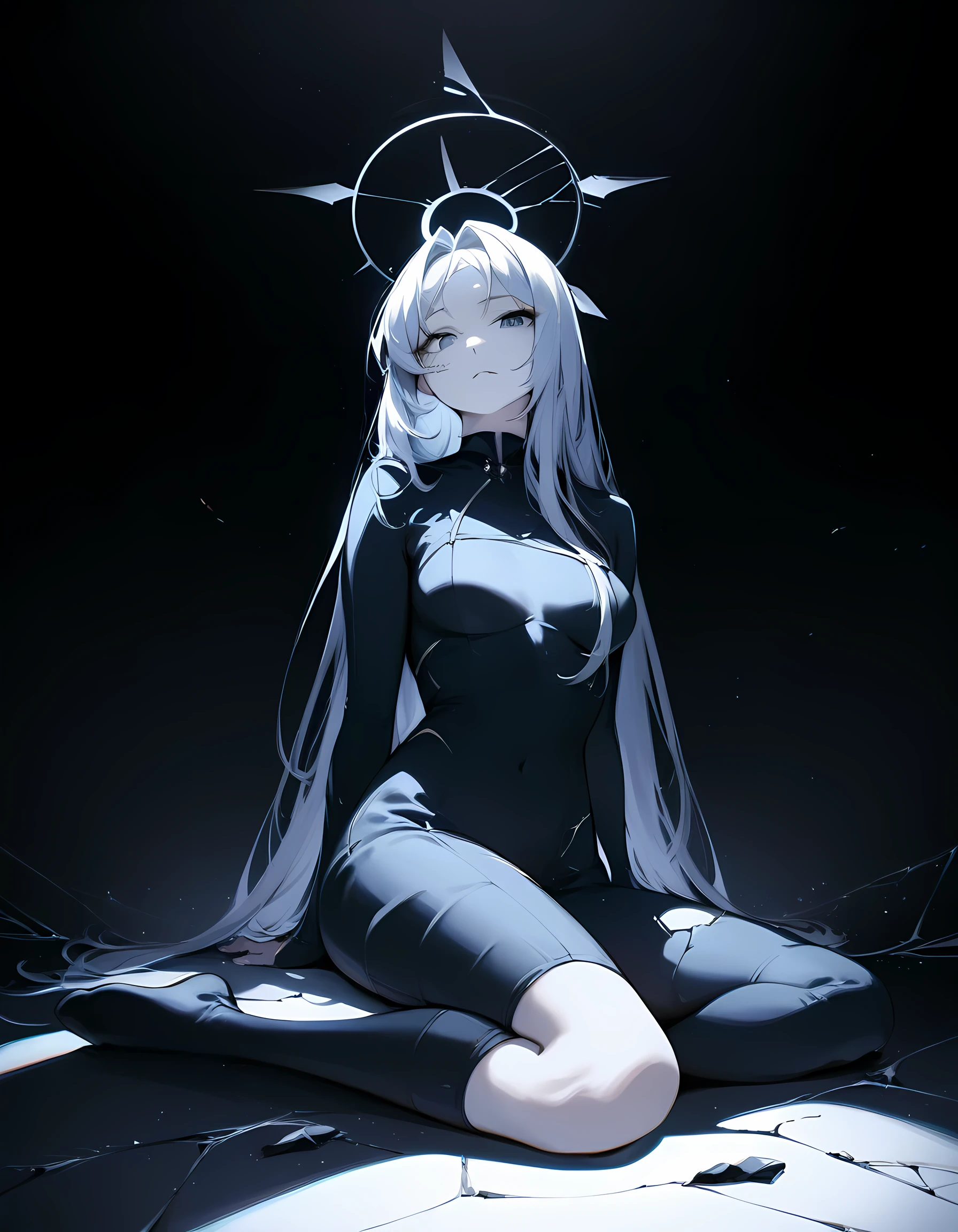
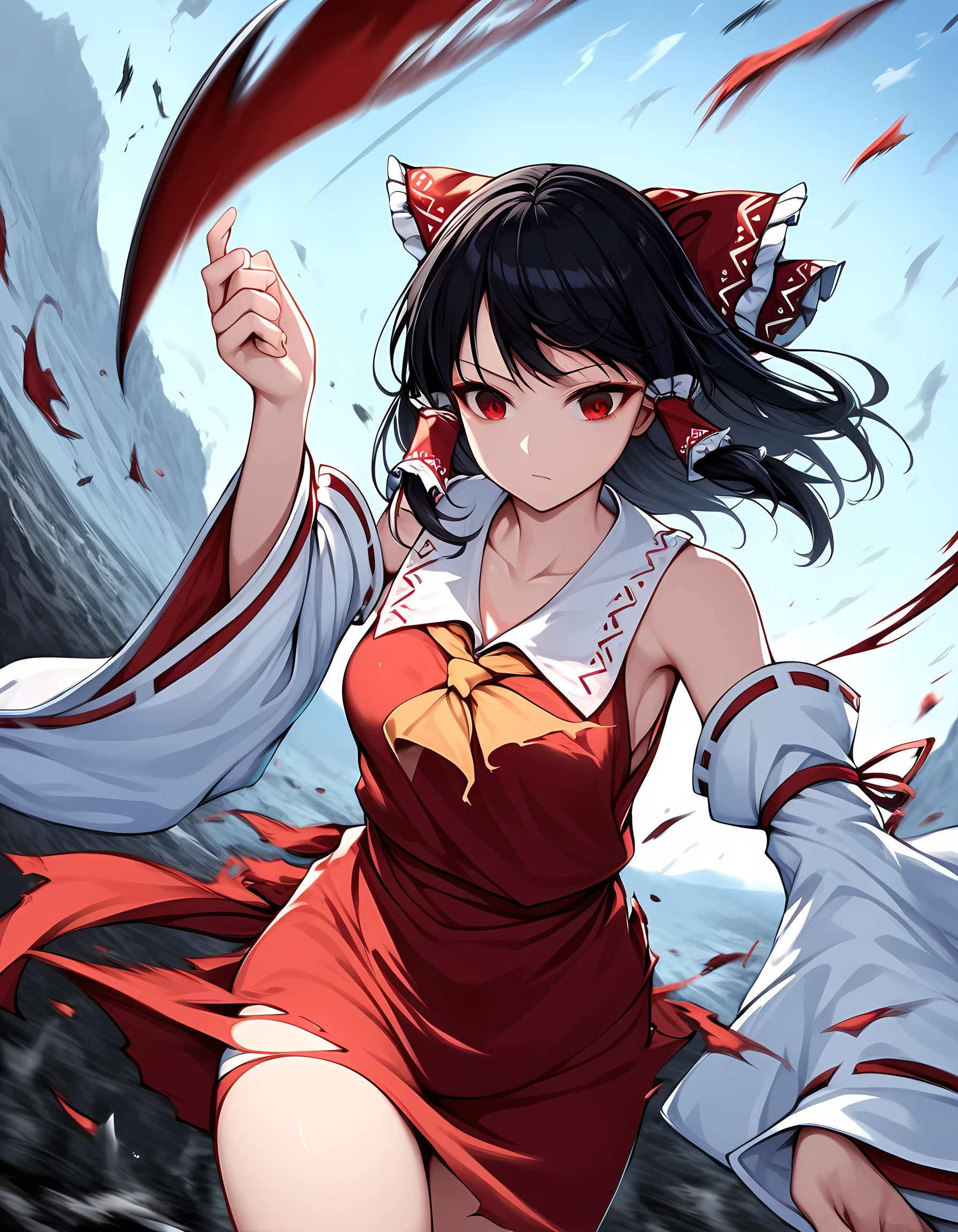
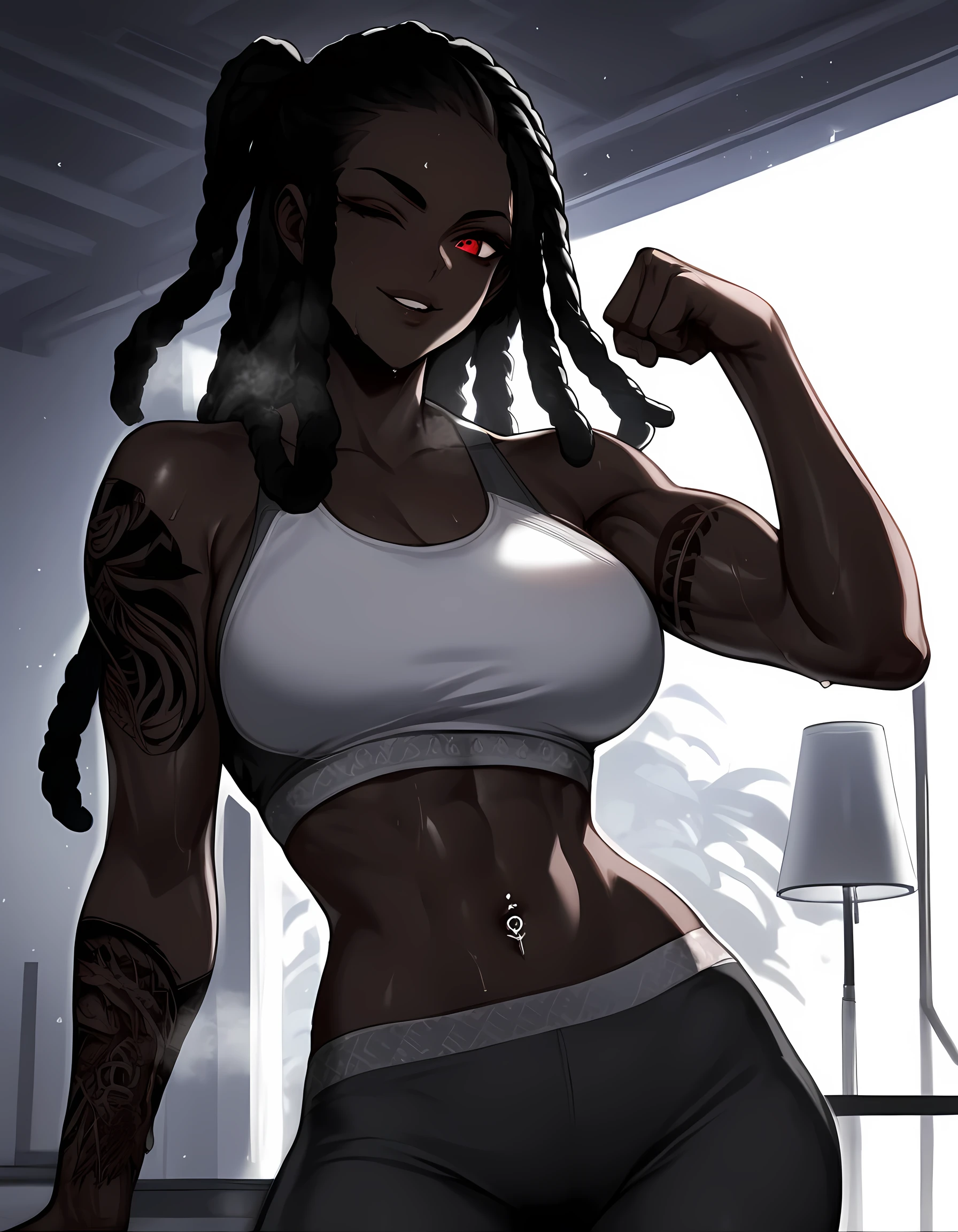
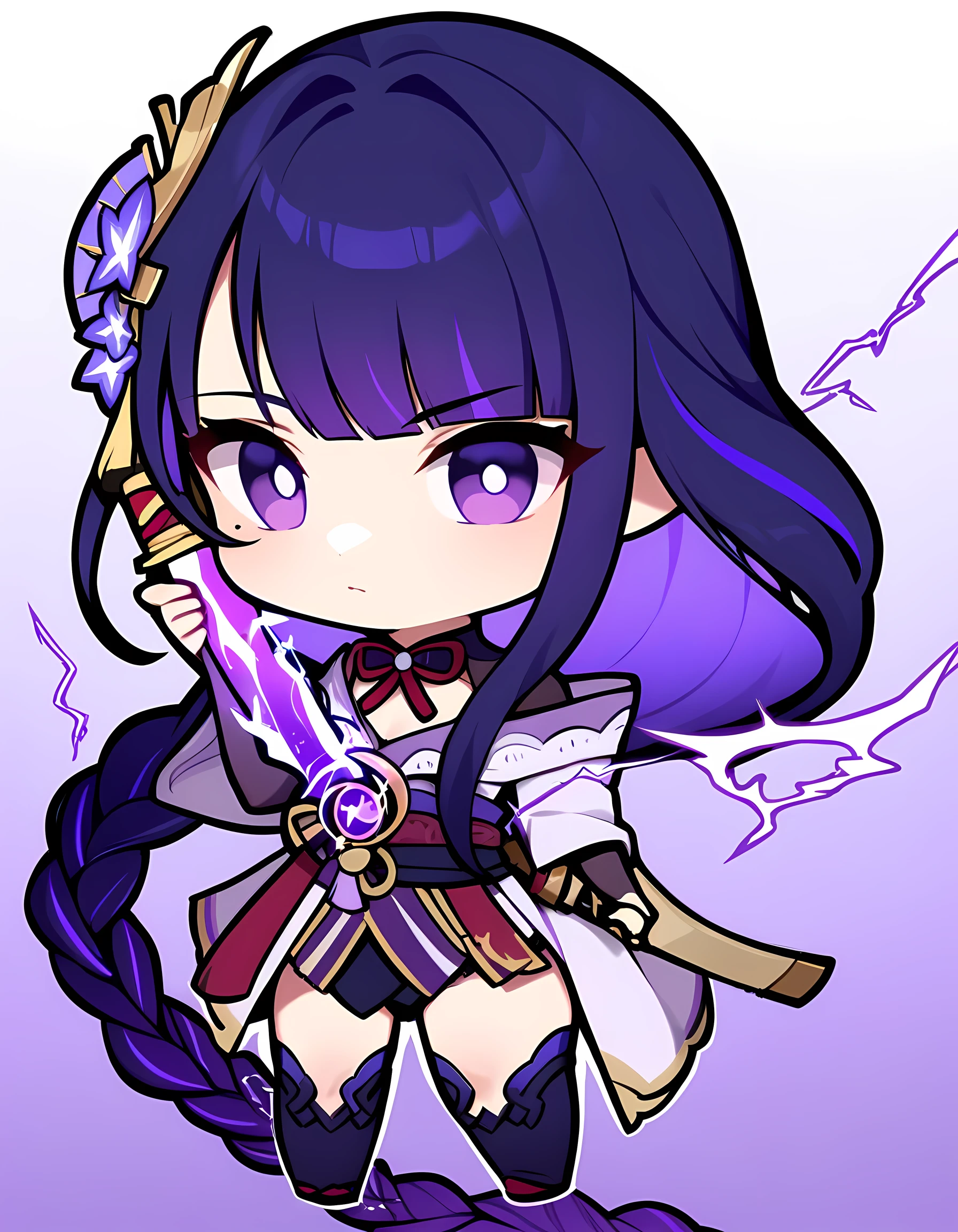
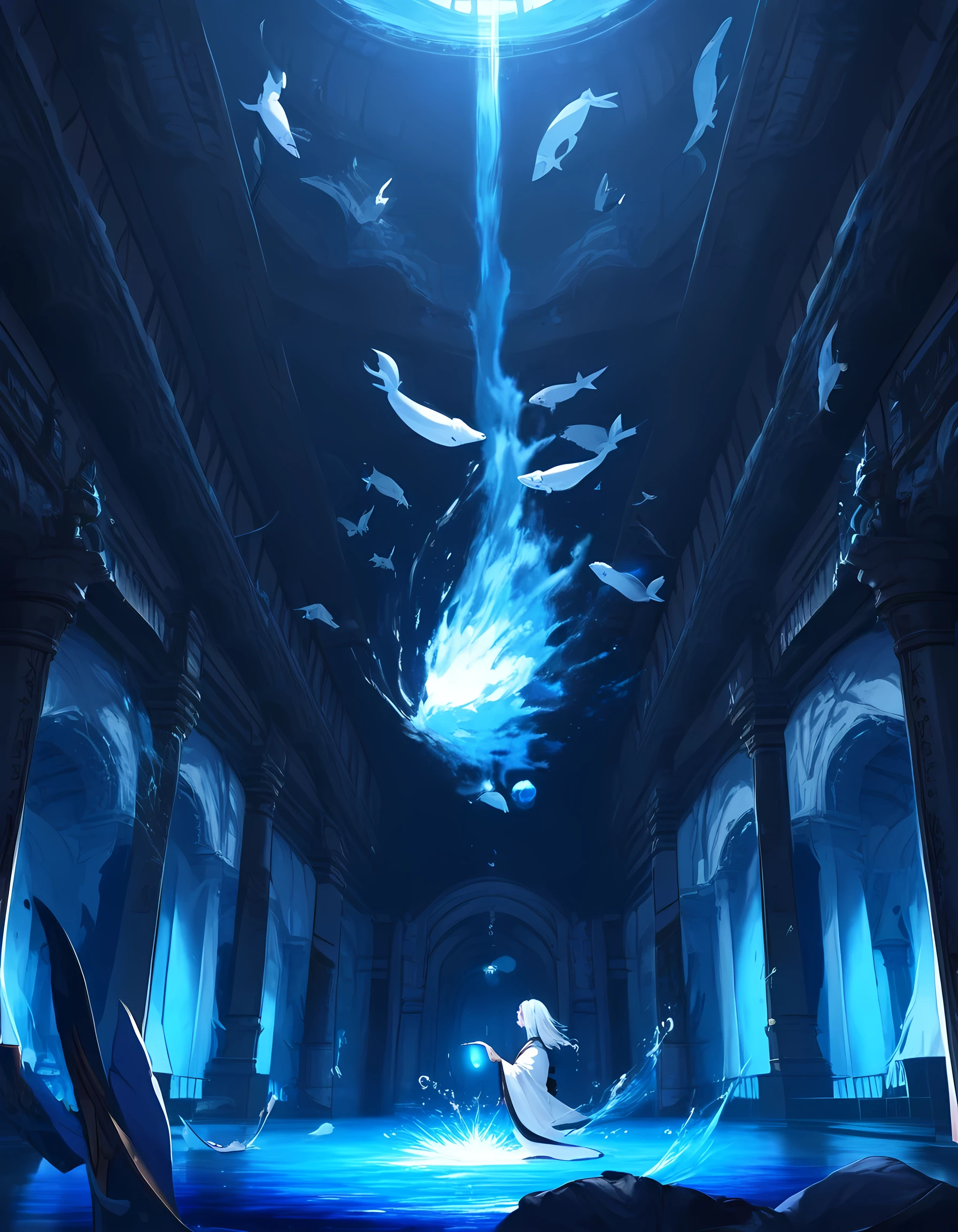
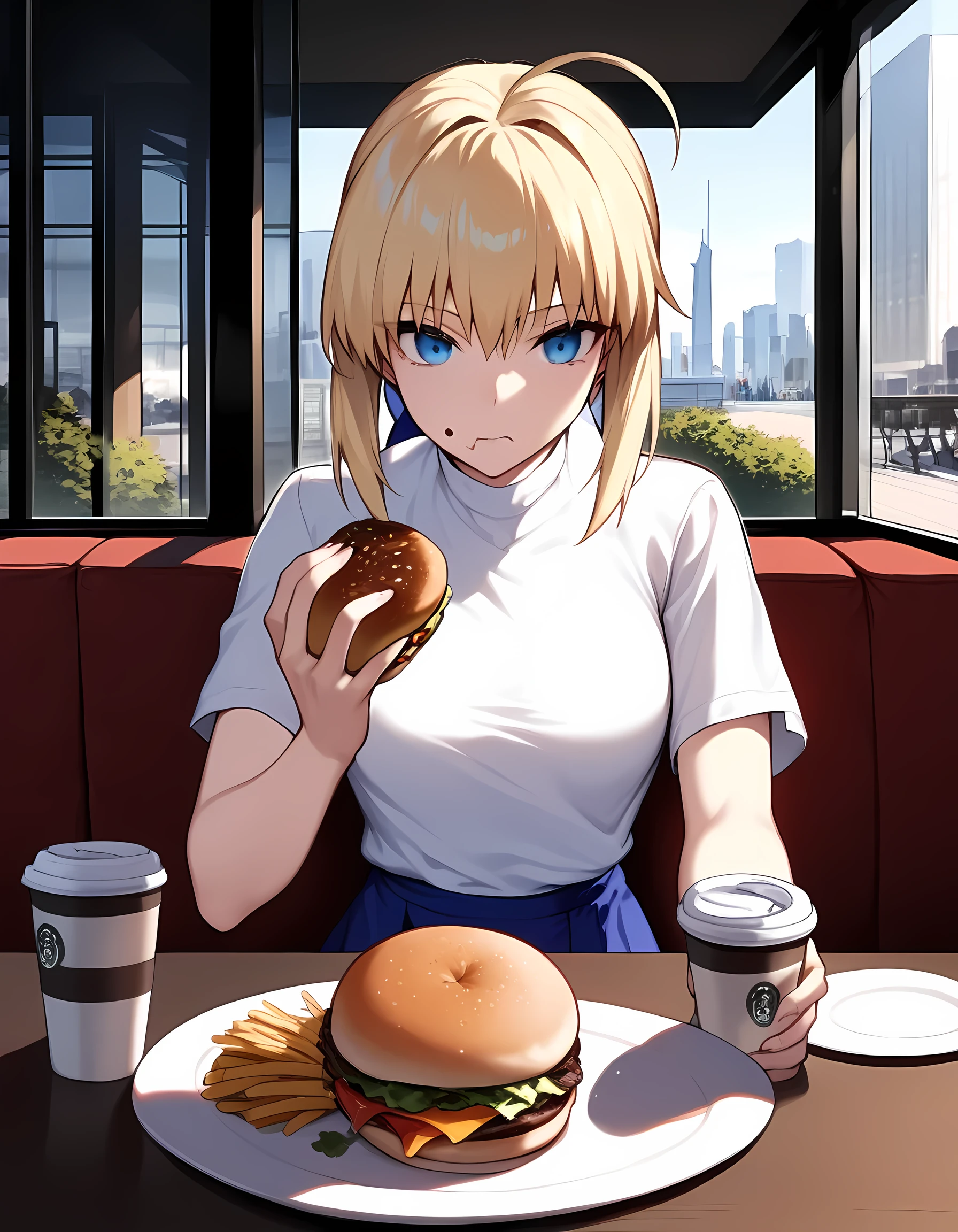
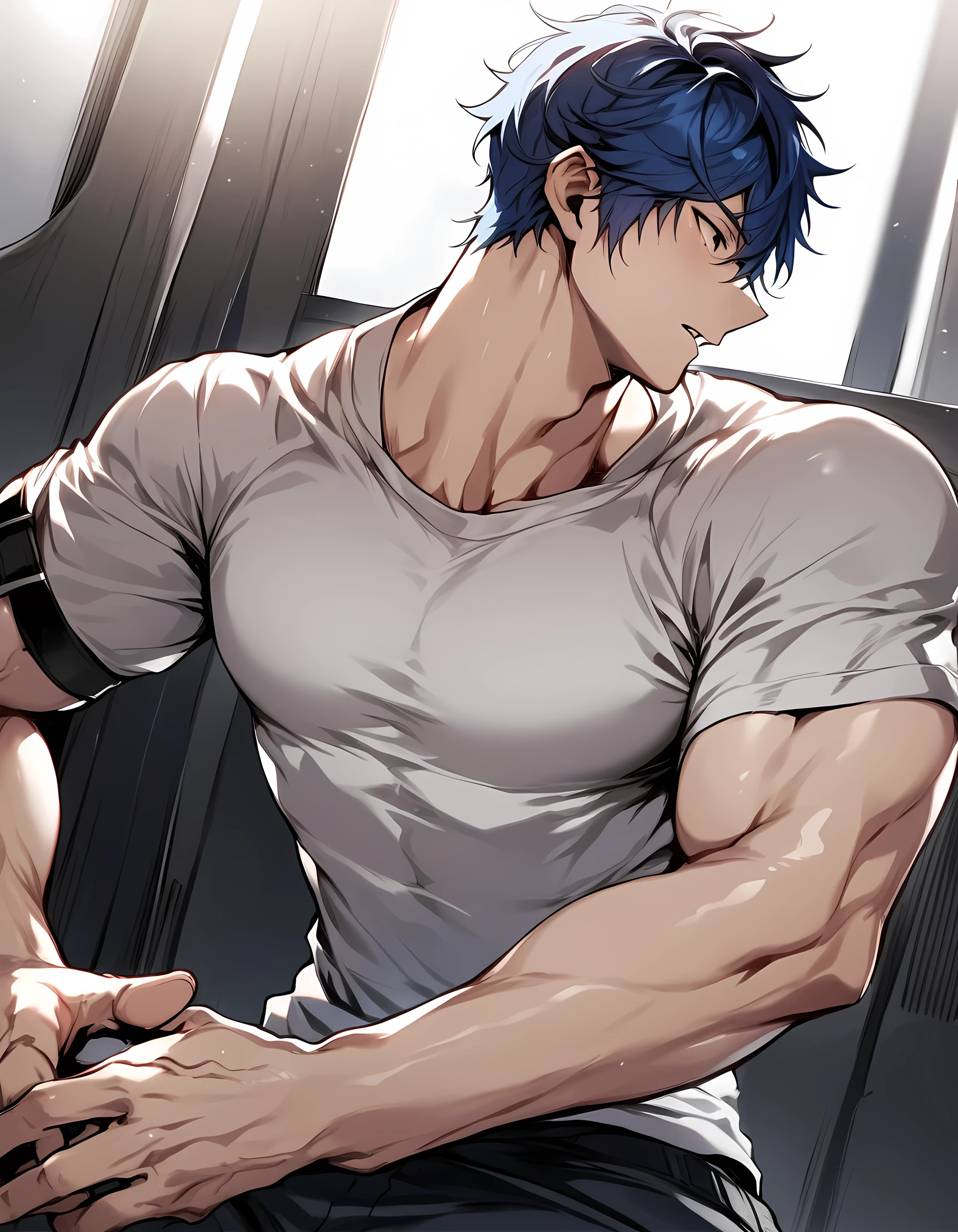
Eclipse XL v1.0 is a fine-tuned model trained on 63K images, aimed at creating a higher-fidelity base Anime XL model. This was a collaborative effort by Wasabi and Hecatonchirea. We tackled this project with a token-based approach, using a dataset primarily consisting of Booru-based tags, along with a few additional Rule34 tags and original tags. The tags were pruned and cleaned using our tag-editing application, which we will publish in a separate post, with semi-manual inspection.
Technically, the base model is Pony v6, so natural language prompting and Pony v6-based Loras will likely work with this model (although we don't recommend using Pony's quality tags, for reasons explained in the technical section). We introduced new tags for lighting (composition tags), new quality tags, and various other features to achieve better control over our generations. Our focus was not on characters or styles, as people will create Loras anyway, and using Loras will produce better images.
We had many subgoals for the project, such as improving lighting, enhancing sensitivity to tags, overwriting the knowledge of Pony, separating the style tied to tags, achieving a consistent and flexible style, and preventing it from being style-hungry like Pony (more details in the technical section). We will provide more in-depth details in the technical article.
We operate without any funding or sponsors, so if you appreciate the model, any amount of tips would be highly appreciated. You can also support us through our Patreon.
This versatile model is capable of generating both SFW and ???? images. Please use it responsibly. If you are unable to run XL models and haven't heard of SD Forge, I highly recommend looking it up, as it may help you run XL models more efficiently. We also recommend checking out the related article because it contains the csv for the tags used in this model which you can drop it into your webui tag-autocomplete extension.
How to use:
Recommended starter prompt:
Positive prompt [prompt like any other tag based model]:
masterpiece, best, great, ...
Negative prompt (NO NEED for a long negative):
worst, worse, average, signature, watermark
recommended resolutions and prompting method:
(768, 1280), 3:5 ratio
(768, 1344), 4:7 ratio
(832, 1216), 13:19 ratio
(896, 1152), 7:9 ratio
(960, 1088), 15:17 ratio
(1024, 1024), square ratio
We recommend CFG between 5-8, sampling steps above 20 (we use 36 steps), and CLIP SKIP 1 (Pony Says to use 2, but Clip Skip is disabled for XL training on kohya so it doesn't make sense to use 2, people are probably gaslighting themselves from SD 1.????perience).
Special tag info:
We introduced new tags based on their understood meaning (or the lack there of) by the text encoder model (Vit and BIG) that is in the XL model. Most new tokens are 1~2 token long, so the information is better absorbed in the training.
quality tags:
masterpiece, best, great, good, average, worse, worst
The quality tags were assigned using the aesthetic scorer from imgutils, we're aware of it's many biases so we manually corrected them. Although flawed, it's better than other options, so we ran with this, more info on the technical detail article.
additional detail tags:
dense, intricate
These tags were added for images with many details or parts, some images had both:
intricate : the details on objects/subject is tightly packed and is not a simple design (ex: lingerie, complex dress, designed armor trims, multiple accessories, etc)
dense : image that has multiple objects/subjects that makes the image more densely packed
lighting tags:
dim composition, ambient composition, dun composition, dark composition, contrast composition, bright composition, vibrant composition, dark background
These are not necessary for basic lighting but these tags were added to images with very extreme lighting or darkness. We followed the definitions below for tagging the images for specific lighting scenarios so we're consistent with our tagging for the training, but you can mix them in generation to get interesting effects:
dim composition : Dark fully visible image, but there are multiple sources of light
ambient composition : Dark fully visible image, but there's one single source of light
dun composition : Dark fully visible image with diffused light, no apparent light source
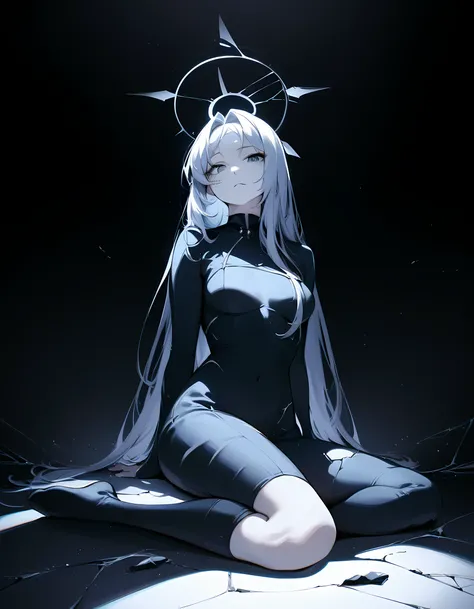
dark composition : Fully dark, no light source, close to pitch black image
contrast composition : Contains both dark and bright parts in the image, the dark and bright doesn't necessarily need to work together (ex: heaven & hell, day & night, or just a big shadow)
bright composition : Very bright image with strong highlights (close to white highlights)
vibrant composition : Image with high intensity (saturated) colors for majority of the image, independent of light source
style tags:
illustration style, western style, anime coloring, realistic, photorealistic, bold lines, 3d, 3d blender, 3d koikatsu, 3d mmd, 3d filmmaker
These tags were introduced/utilized to absorb styles that are different from what we wanted in the base model. We also tagged specific styles that were present in our dataset to properly separate it from the main style (list on technical details). If the generation deviates from the base style, you can include tags like "3d" and "western style" in the negative prompts. Sometimes the base Pony's knowledge leaks out, but we plan to document and fix these issues as we identify more untrained tags.
illustration style : anime style image with basic shading (little to no gradients used for shade)
western style : any western styled images that doesn't match the base style
anime coloring : images with anime coloring
realistic/photorealistic : this model is not intended for this but we used these tags for hyperreal illustrations or photo looking images. followed danbooru's definition
bold lines : Common with western style but also in some illustration. used for images with thick lines.
3d : Images tagged with just "3d" are 3d images that didn't fall under the categories below.
3d blender : 3d images made using blender
3d mmd : 3d images made using mmd
3d koikatsu : 3d images made using koikatsu
3d filmmaker : 3d images using 3d filmmaker
Translated tags:
Since we don't live in a perfect world where all tokens are properly learned without concept bleeding, we made adjustments to few tags to train them accurately. The reasoning and a list of translated tags can be found in the technical details article, but here are a few examples:
"torii" -> split into "red torii" and "stone torii"
"clothed ???? " -> split into "???? " and "clothed " to better absorb them as separate concepts
Known problems:
Some tags were left untouched or are not sufficiently trained by our current model, causing it to invoke the base Pony's knowledge (e.g., "bimbo" and other minor tags not in the dataset). We plan to add images with these concepts in future versions to overwrite the base knowledge. The pseudo-signature problem from the base Pony model is weaker in our model but still present. We know it can be resolved with a combination of brute force and clever strategies to prevent bleeding, so we expect to solve it in the next version.
Version history, and what to expect:
version history:
Eclipse XL v2: TBA
Eclipse XL v1: this includes phase 0 ~ phase 2 of our project, using finalized config
Beta version (unnamed): phase 0 and phase 1 dataset, testing configs
Eclipse XL v2 will include our phase 3 dataset which will incorporate the following:
Weapons (swords, gun, etc)
More fantasy races, furry & non furry, robots (gundam and stuff)
More angles
We currently have a long list of concepts to add, and we will take feedback for things that don't work in the current version and we will add to the list based on priority.
What not to expect:
We want to make a good "base" model, so anything that's entirely closed within a small circle/fandom is probably not on the list.
We don't care about supporting some random character from a minor show. Just imagine training every single character listed on Mudae, that's ~50 imgs per char x 110,000 characters = ~5.5 million imgs. That's a task for lora creators or look towards pony v7.
Same for random movie reference or something, the required dataset size easily stacks and they're a better task for loras.
Acknowledgements:
Authors: Wasabiya, Hecatonchirea
Testers: Nebuchadnezzar, and other anonymous people
We thanks Anzhc and Shippy for helping getting started. We thanks people at deepGHS for their python libraries and models, which helped a lot. And many thanks to all anonymous people involved in or helped shaping this project.
Technically, the base model is Pony v6, so natural language prompting and Pony v6-based Loras will likely work with this model (although we don't recommend using Pony's quality tags, for reasons explained in the technical section). We introduced new tags for lighting (composition tags), new quality tags, and various other features to achieve better control over our generations. Our focus was not on characters or styles, as people will create Loras anyway, and using Loras will produce better images.
We had many subgoals for the project, such as improving lighting, enhancing sensitivity to tags, overwriting the knowledge of Pony, separating the style tied to tags, achieving a consistent and flexible style, and preventing it from being style-hungry like Pony (more details in the technical section). We will provide more in-depth details in the technical article.
We operate without any funding or sponsors, so if you appreciate the model, any amount of tips would be highly appreciated. You can also support us through our Patreon.
This versatile model is capable of generating both SFW and ???? images. Please use it responsibly. If you are unable to run XL models and haven't heard of SD Forge, I highly recommend looking it up, as it may help you run XL models more efficiently. We also recommend checking out the related article because it contains the csv for the tags used in this model which you can drop it into your webui tag-autocomplete extension.
How to use:
Recommended starter prompt:
Positive prompt [prompt like any other tag based model]:
masterpiece, best, great, ...
Negative prompt (NO NEED for a long negative):
worst, worse, average, signature, watermark
recommended resolutions and prompting method:
(768, 1280), 3:5 ratio
(768, 1344), 4:7 ratio
(832, 1216), 13:19 ratio
(896, 1152), 7:9 ratio
(960, 1088), 15:17 ratio
(1024, 1024), square ratio
We recommend CFG between 5-8, sampling steps above 20 (we use 36 steps), and CLIP SKIP 1 (Pony Says to use 2, but Clip Skip is disabled for XL training on kohya so it doesn't make sense to use 2, people are probably gaslighting themselves from SD 1.????perience).
Special tag info:
We introduced new tags based on their understood meaning (or the lack there of) by the text encoder model (Vit and BIG) that is in the XL model. Most new tokens are 1~2 token long, so the information is better absorbed in the training.
quality tags:
masterpiece, best, great, good, average, worse, worst
The quality tags were assigned using the aesthetic scorer from imgutils, we're aware of it's many biases so we manually corrected them. Although flawed, it's better than other options, so we ran with this, more info on the technical detail article.
additional detail tags:
dense, intricate
These tags were added for images with many details or parts, some images had both:
intricate : the details on objects/subject is tightly packed and is not a simple design (ex: lingerie, complex dress, designed armor trims, multiple accessories, etc)
dense : image that has multiple objects/subjects that makes the image more densely packed
lighting tags:
dim composition, ambient composition, dun composition, dark composition, contrast composition, bright composition, vibrant composition, dark background
These are not necessary for basic lighting but these tags were added to images with very extreme lighting or darkness. We followed the definitions below for tagging the images for specific lighting scenarios so we're consistent with our tagging for the training, but you can mix them in generation to get interesting effects:
dim composition : Dark fully visible image, but there are multiple sources of light
ambient composition : Dark fully visible image, but there's one single source of light
dun composition : Dark fully visible image with diffused light, no apparent light source
dark composition : Fully dark, no light source, close to pitch black image
contrast composition : Contains both dark and bright parts in the image, the dark and bright doesn't necessarily need to work together (ex: heaven & hell, day & night, or just a big shadow)
bright composition : Very bright image with strong highlights (close to white highlights)
vibrant composition : Image with high intensity (saturated) colors for majority of the image, independent of light source
style tags:
illustration style, western style, anime coloring, realistic, photorealistic, bold lines, 3d, 3d blender, 3d koikatsu, 3d mmd, 3d filmmaker
These tags were introduced/utilized to absorb styles that are different from what we wanted in the base model. We also tagged specific styles that were present in our dataset to properly separate it from the main style (list on technical details). If the generation deviates from the base style, you can include tags like "3d" and "western style" in the negative prompts. Sometimes the base Pony's knowledge leaks out, but we plan to document and fix these issues as we identify more untrained tags.
illustration style : anime style image with basic shading (little to no gradients used for shade)
western style : any western styled images that doesn't match the base style
anime coloring : images with anime coloring
realistic/photorealistic : this model is not intended for this but we used these tags for hyperreal illustrations or photo looking images. followed danbooru's definition
bold lines : Common with western style but also in some illustration. used for images with thick lines.
3d : Images tagged with just "3d" are 3d images that didn't fall under the categories below.
3d blender : 3d images made using blender
3d mmd : 3d images made using mmd
3d koikatsu : 3d images made using koikatsu
3d filmmaker : 3d images using 3d filmmaker
Translated tags:
Since we don't live in a perfect world where all tokens are properly learned without concept bleeding, we made adjustments to few tags to train them accurately. The reasoning and a list of translated tags can be found in the technical details article, but here are a few examples:
"torii" -> split into "red torii" and "stone torii"
"clothed
Known problems:
Some tags were left untouched or are not sufficiently trained by our current model, causing it to invoke the base Pony's knowledge (e.g., "bimbo" and other minor tags not in the dataset). We plan to add images with these concepts in future versions to overwrite the base knowledge. The pseudo-signature problem from the base Pony model is weaker in our model but still present. We know it can be resolved with a combination of brute force and clever strategies to prevent bleeding, so we expect to solve it in the next version.
Version history, and what to expect:
version history:
Eclipse XL v2: TBA
Eclipse XL v1: this includes phase 0 ~ phase 2 of our project, using finalized config
Beta version (unnamed): phase 0 and phase 1 dataset, testing configs
Eclipse XL v2 will include our phase 3 dataset which will incorporate the following:
Weapons (swords, gun, etc)
More fantasy races, furry & non furry, robots (gundam and stuff)
More angles
We currently have a long list of concepts to add, and we will take feedback for things that don't work in the current version and we will add to the list based on priority.
What not to expect:
We want to make a good "base" model, so anything that's entirely closed within a small circle/fandom is probably not on the list.
We don't care about supporting some random character from a minor show. Just imagine training every single character listed on Mudae, that's ~50 imgs per char x 110,000 characters = ~5.5 million imgs. That's a task for lora creators or look towards pony v7.
Same for random movie reference or something, the required dataset size easily stacks and they're a better task for loras.
Acknowledgements:
Authors: Wasabiya, Hecatonchirea
Testers: Nebuchadnezzar, and other anonymous people
We thanks Anzhc and Shippy for helping getting started. We thanks people at deepGHS for their python libraries and models, which helped a lot. And many thanks to all anonymous people involved in or helped shaping this project.
