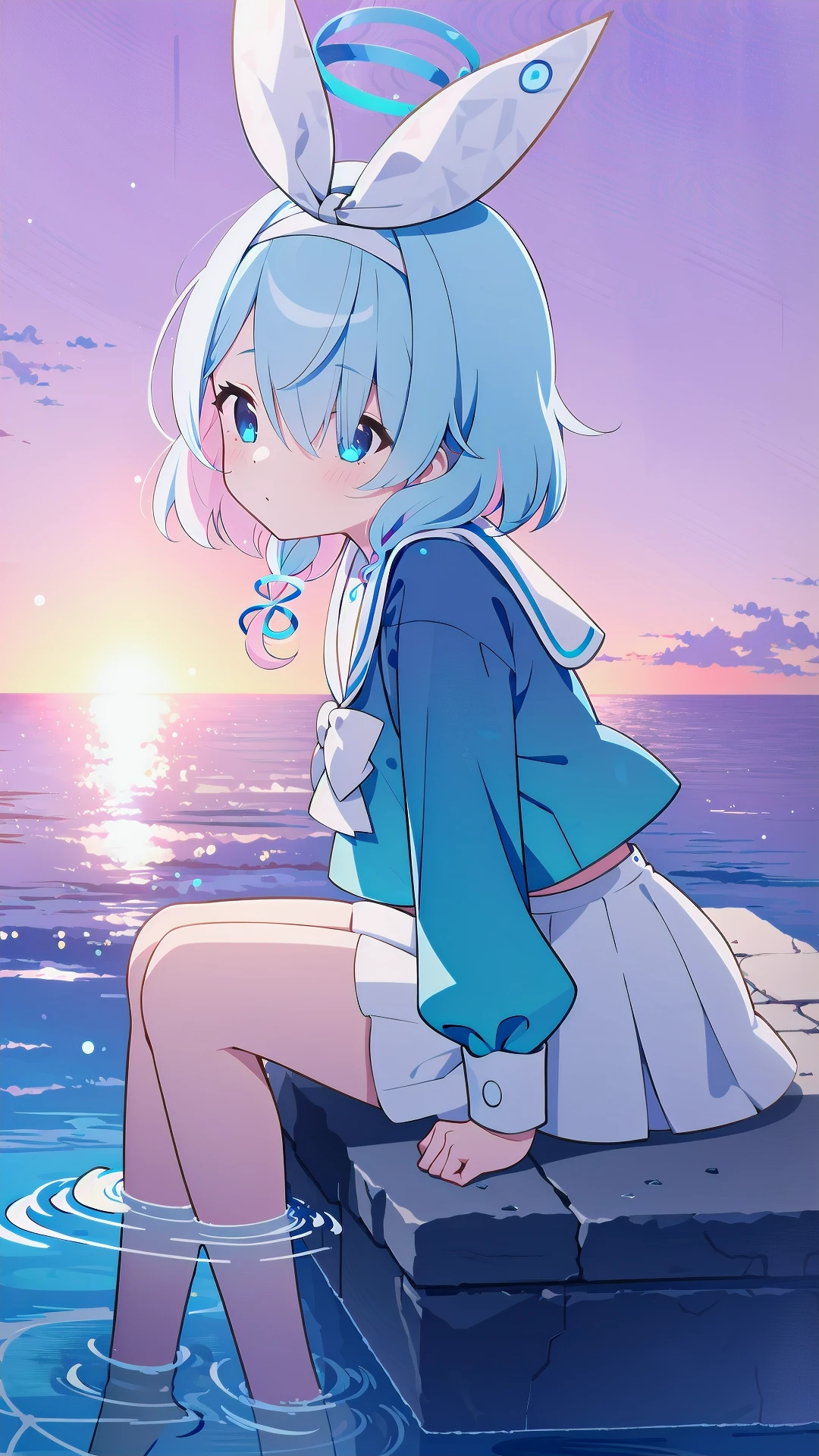
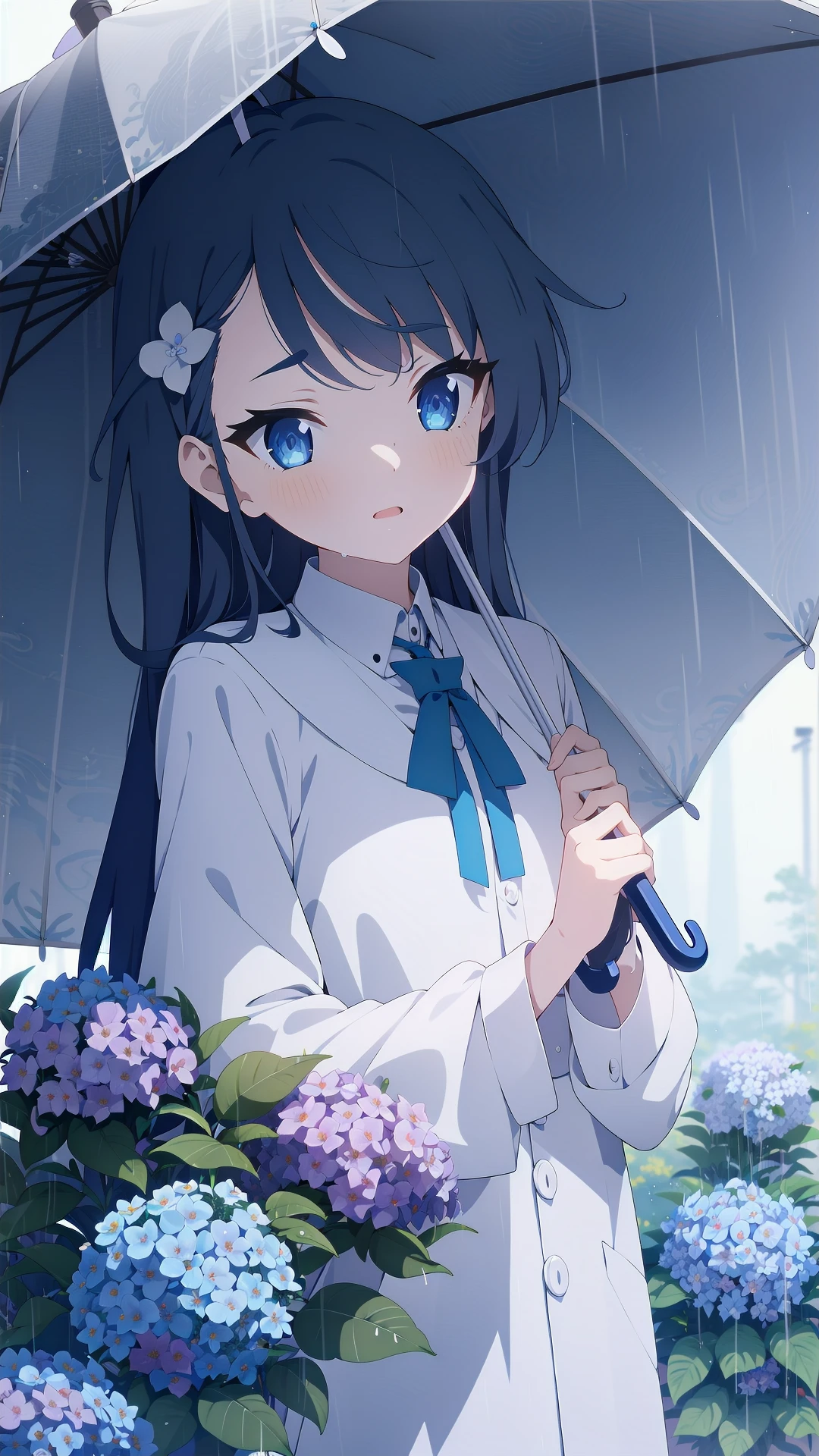
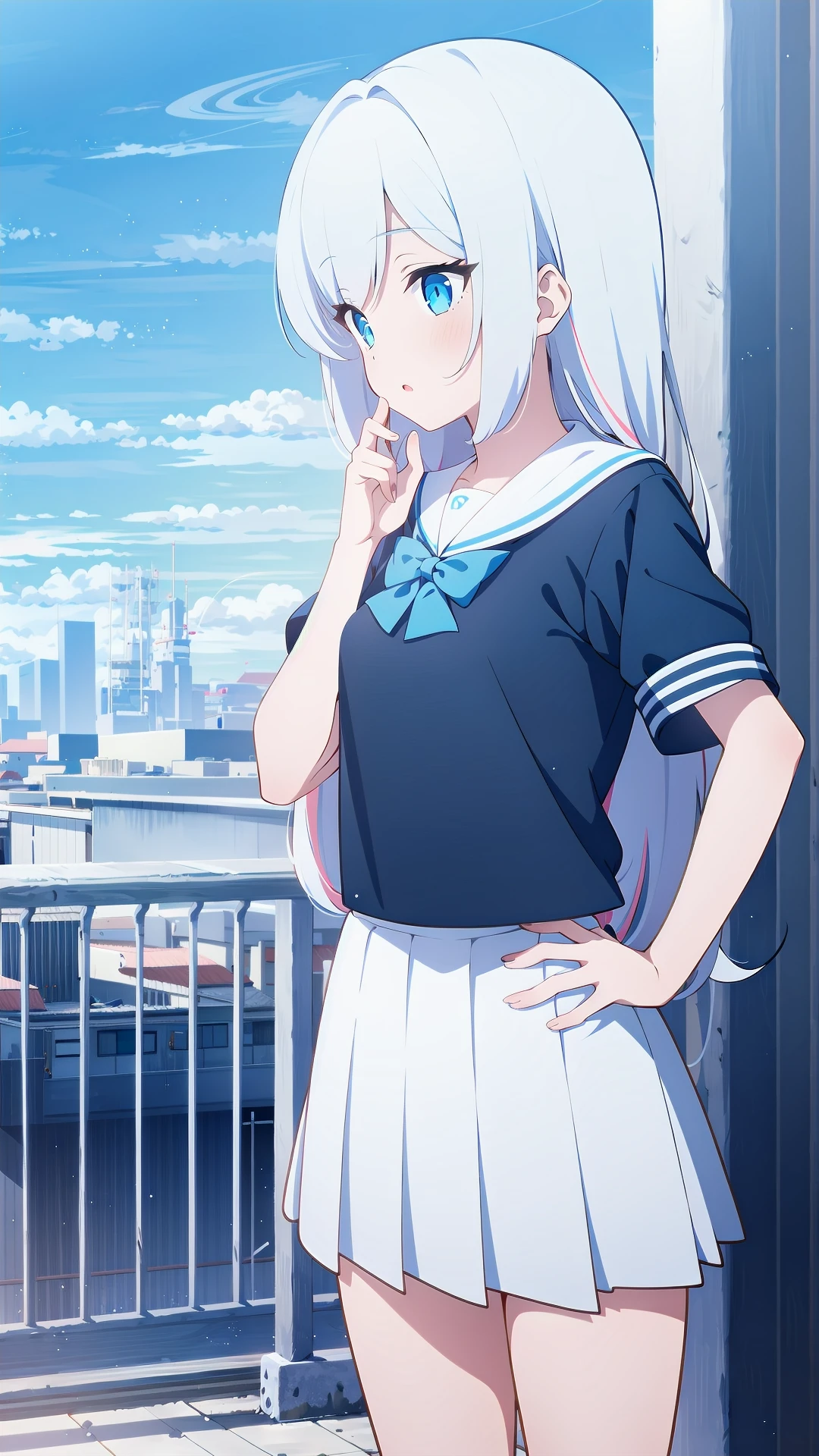
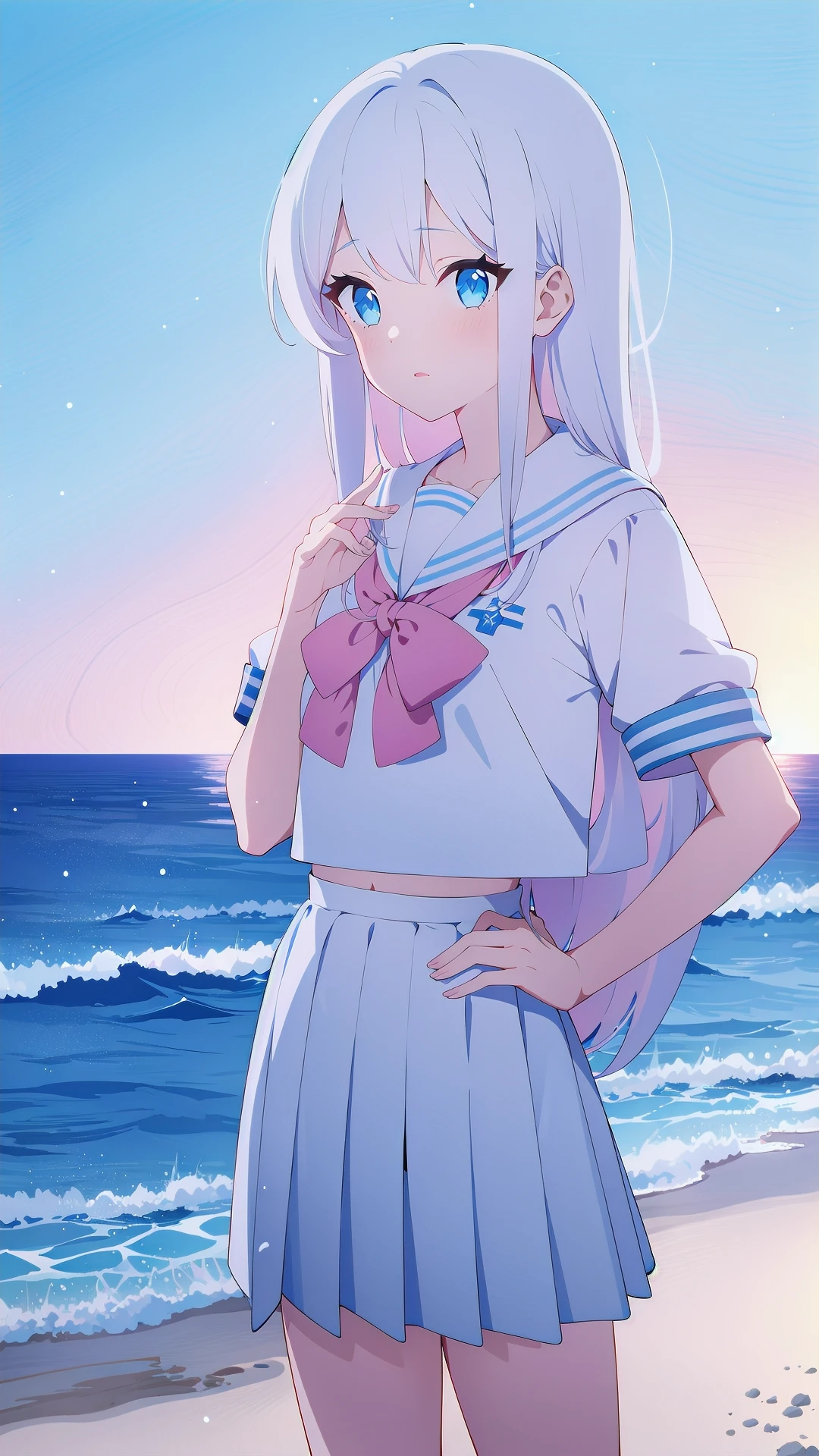
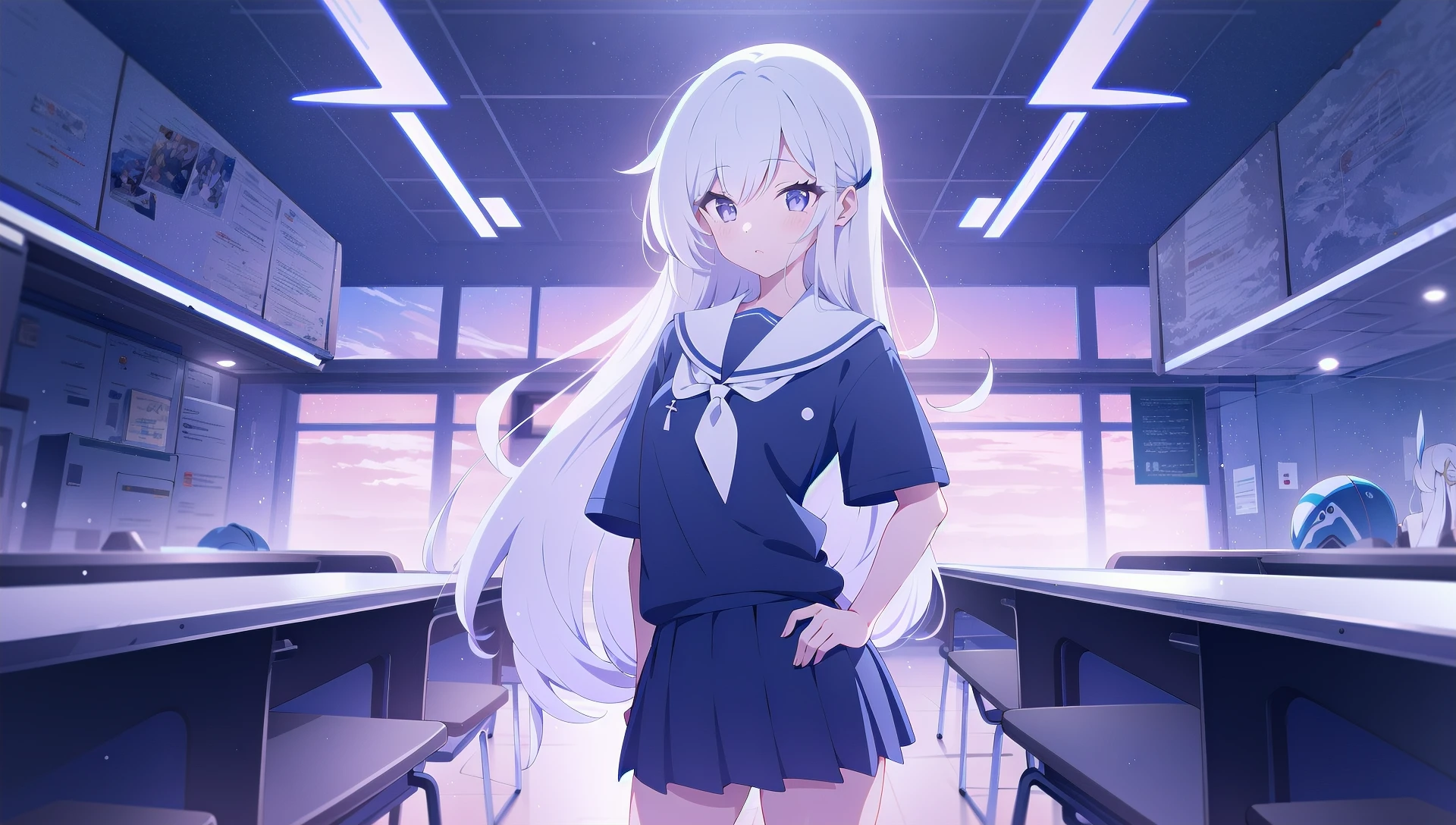
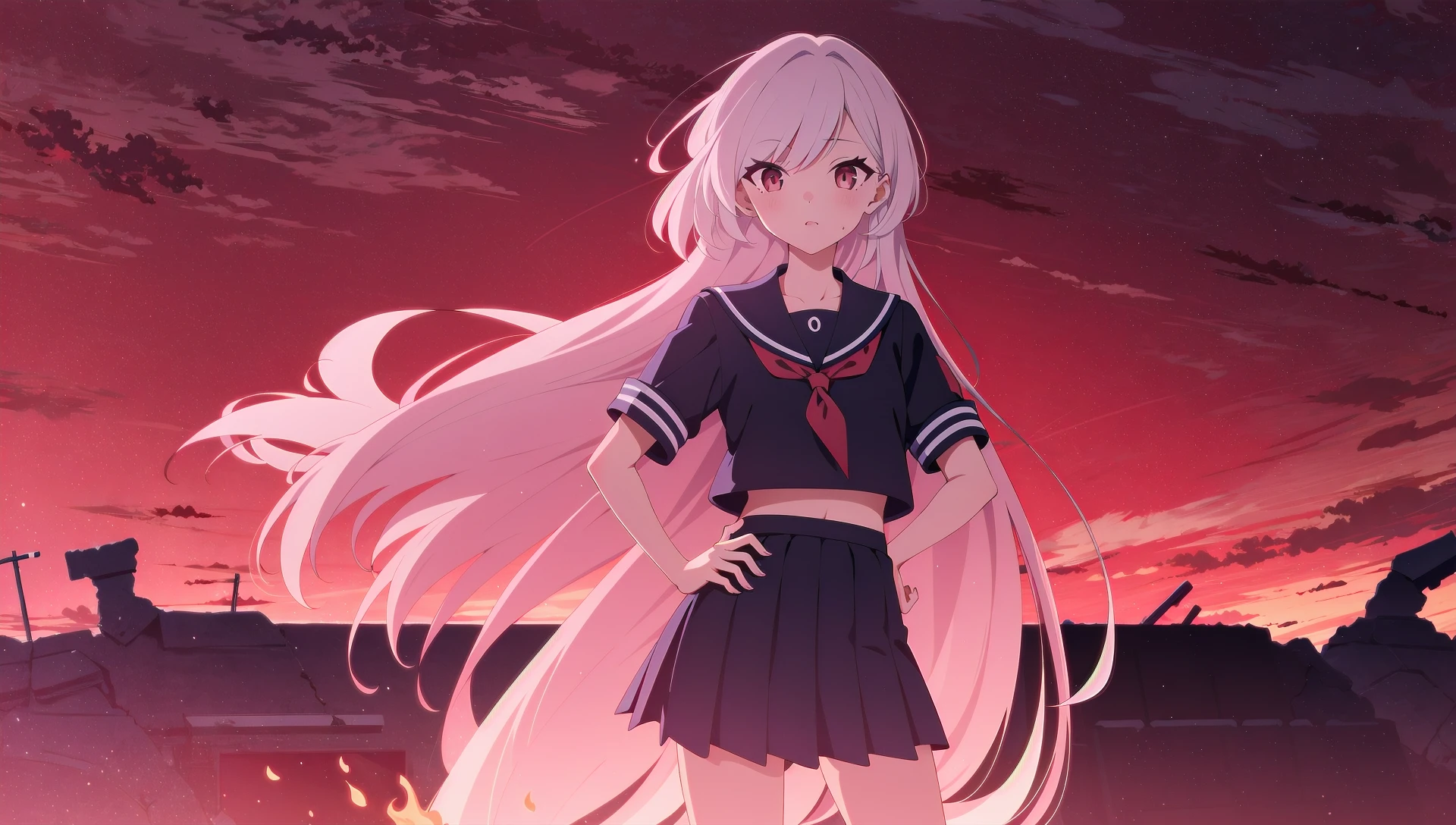
I've wasted too much time on this model... Probably this will be the final update, I may focus on SDXL when 4090 be affordable to me, or just fixing other LoRA I made if 4090 is still cost way too much in next half year.
The original decision was using dreambooth for update, but I'm using 3060 so the time effort is not good. So, still LoRA.
REv3 Change Log:
Base model now have 3 versions, which have different feature:
CF3 - Have a good balance between replica art style and user-friendly.
You should use it on CounterFeitV3 (and those CF3's mixed model, e.g. PrimeMix/MixPro)
DO NOT USE IT WITH Anything SERIES. I tried and it looks awful.
Silicon29 - Trained on Silicon29-Dark, it sacrificed a bit BA's clean line art, but it has a more BA-ish vivid color+god ray than CF3 version.
I strongly recommend this version (at least you should try it out!)
It has a better variety with non-base model when still kept the base model's characteristic.
Pink theme is its weakness. If you want to generate the BA Finale's blue-pink gradient scenery, use CF3/ANY version instead.
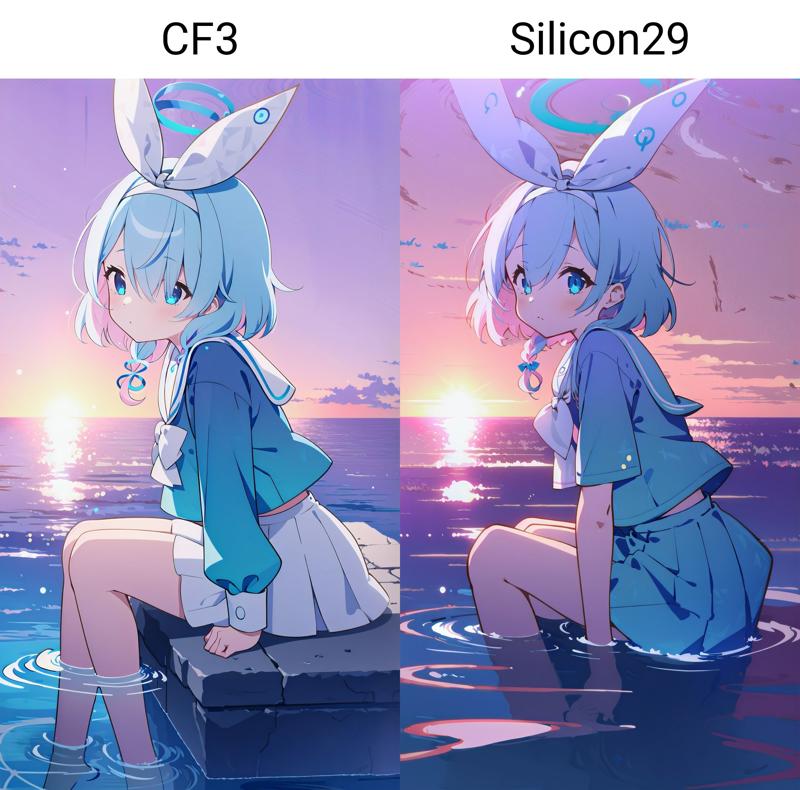
ANY - Trained on ANYv5, harder to use than CF3 or Silicon29, but it seems to be the most BA one. Only suggest when you using AnythingV5 or those model based on it.
Dataset rehauled
Concept change
now the typical BA style (blue sky+ modern city / ruined classroom + water) has its own concept.
blue theme now can generate nighttime.
Preivew (test on Silicon29 ver.)
Block Weight Training
Use a more conservative set. So these LoRAs will affect more ??????? but not sacrificed too much effect.
While using REv3, your LoRA weight can up to 1, since the ??????? is basically hopeless XD
joke aside, v9b has sacrificed too much color for meh ??????? while STILL CAN NOT use at a higher weight.
REv3's ??????? is better than v7 I guess.
I've tested some sampler.
==================
V9b Change Log:
Base model changed to CounterFeit V3.
Use Block Weight Training. ??????? should be way better than V7.
BAPV no longer used as trigger word. You can still use color scheme to trigger typical color.
For the best result, you should choose DPM++ 2S a Karras sampler & use 4x-ultrasharp as upscaler.
Known Issue:
Color shifting has been noticeably sacrificed for better ???????. Check the last preivew for more info. V9b will affect less on the whole image's composition and charactor posing. I might release a version without Block Weight Training, which has better colors, but you should know how to properly use LoRA Block Weight.
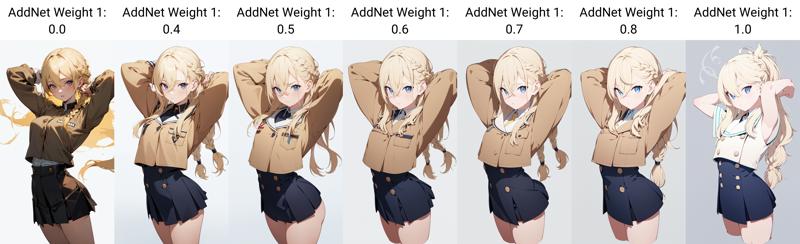
It tends to give a high-contrast two-tone shadow even on nighttime. Consider combine with night concept if you need to generate dark scene.
Bad Composition still occurs if you are using a relatively high weight (over 0.7), consider use LoRA Block Weight (LBW) with OUTALL setting to reduce the affect. If you use LBW, higher weight up to 1 is Okay.
V7: Since the training data is based on Blue Archive's PV & CG screenshot, this LoRA do not very capable with ???? content.
V9 might be better. But I haven't tried it out. Feel free to test it by yourself!
Weight 0.6-0.7 is good enough. About 0.4-0.8 is working zone. Higher will have a better color scheme but worse anatomy.
==================
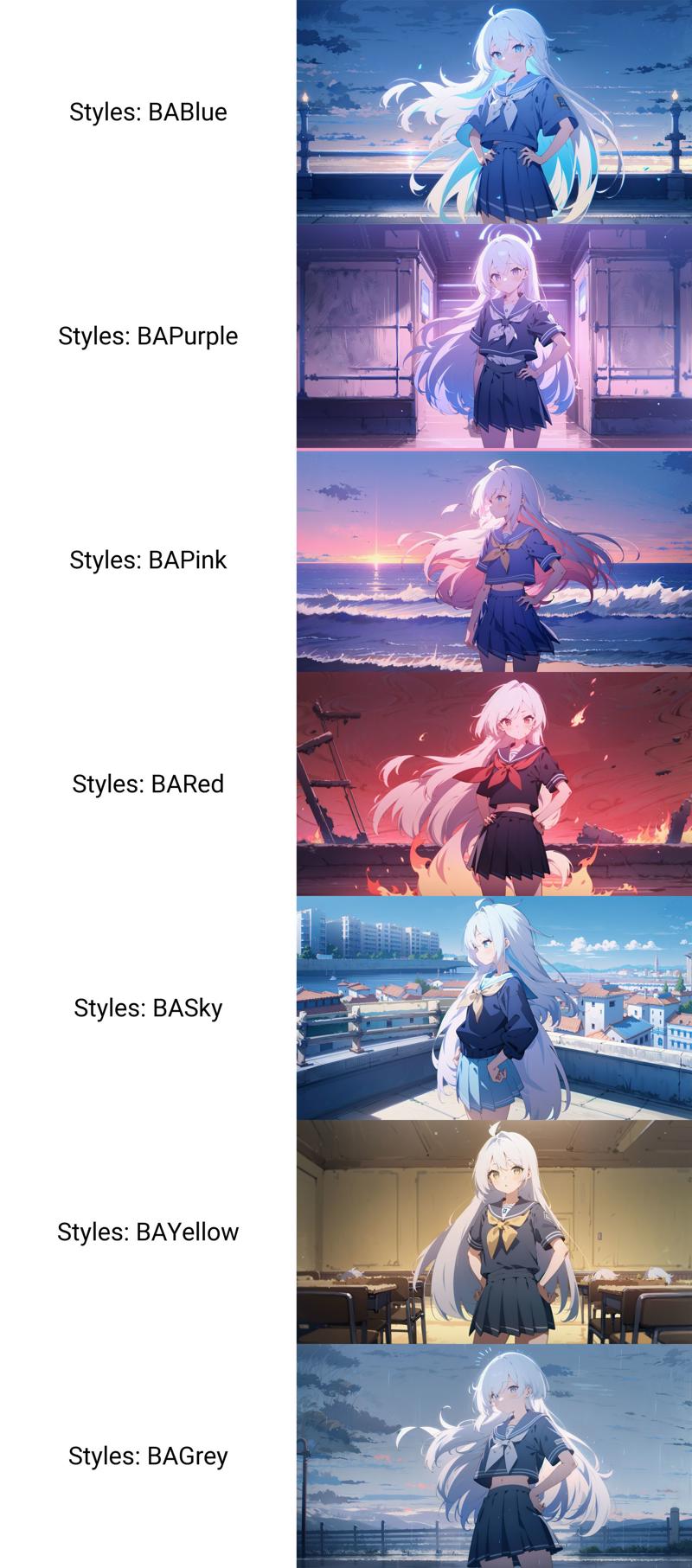
Support color scheme in grid: (V7 sample)

Still, it only works perfectly without any charactor LoRA. You can get similar result with charactor LoRA, but you need to be patient. V9b has been MUCH better, but still you need to roll dices.
The method below is only for older LoHA version.
===============
Compared to Bluemix (the 4g ckpt model), this LoHA is more capable with character LoRA, it will tend to be keeping character's facial characteristic and outfit, only change the line and coloring. (like a color filter rather than totally different art style).
If you like the character be fully switch to BA art style, generating OC or don't care about the LoRA character's outfit, I suggest you to use BlueMix instead.
Suggestion:
use nature language to generate base environment (e.g. A girl is standing alongside the river.)
weight 0.8-1, (higher value for better result but worse ???????, vice versa.)
base resolution: w or h lower than 768x768, over will cause the image broken more often.
base model: suggest anyv3/v5, not recommend any oil painting/pastel model like AOM series or counterfeit. It CAN use, but is only a color filter.
environment prompts (still work!):
Blue Archive-ish theme (Millennium?): tree, cloud, road, city, day, blue sky, outdoors
Japanese theme (Hyakkiyako?): cloud, day, outdoors, cherry blossoms,
Nightsky: night, night sky, starry sky,
You can try other tags generated by taggers of Blue Archive CGs.
===
I'm learning how to make a LoHA/artstyle model. This is my first step result, my PC isn't very good for testing so I release it for more feedbacks from your side, so this is basically an Alpha test, the model do work but not very user-friendly.
If you want to get a good result, you should know how to use lora block weight.
If you don't know how to use it but still have interest on learning some new tricks, then read the following guide.
My goal is make a artstyle LoHA that is capable to most of chara LoRAs.
So I trained it on Animefull-pruned, works perfectly on that one and Anything V3, will work on AnythingV4.5 without character LoRA, but almost won't work on Counterfeit or AOM3. It will more likely a color filter than an art style on those models.
Maybe I should train another version based on AnythingV4.5. If you have any suggestion about art style training, let me know. I will be very appreciate of that.
It can work without tags, but sometimes will make weird color.
Here are some tag groups for more stable results:
Blue Archive-ish theme (Millennium?): tree, cloud, road, city, day, blue sky, outdoors
Japanese theme (Hyakkiyako?): pink theme, cloud, day, outdoors, cherry blossoms,
Nightsky: blue theme, night, night sky, starry sky, cityscape,
You can try other tags generated by taggers of Blue Archive CGs.
You 'd better use it with LoRA block weight if you want to input a character lora. You can get it as webui plugin. Otherwise you should lower this model's weight to below 0.6, which will work bit poorly but still work, or it will make the image color very awful.
↓If you get something like this, lower the artstyle model weight, or use the method below.

When you use it with LoRA block weight, there are 2 methods:
A: By default, you should remove your charactor lora's artstyle by this:
<YourCharaModelName:1:1,1,1,1,1,0,0,0,1,1,1,1,1,1,1,0,0>
don't forget to add :ALLto this model or it may won't be working.
e.g. <BArstylev1c:1:ALL>
B: If you noticed that your character's appearance has been obviously affected by this model, keep only the color of the artstyle model instead like this:
<BArstylev1c:1:1,0,0,0,0,0,0,0,0,0,0,0.8,1,1,1,1,1>
In this situation, you can keep Charactor model in full.
e.g. <YourCharaModelName:1:ALL>
Basically, method A will works more like the original artstyle than method B.
It seems that LoHA model have more block weights, I don't have much time to test since my PC will easily crash on it, if you have some information about it, please tell me. But so far using LoRA block weight is fine.
↓Still, if you get everything right but still got something like this, try to use the second way instead.

Method A when the charactor is affected.

Method B