Type
Poses
Temps de Publication
2023-09-12
Modèle Basique
SD 1.5










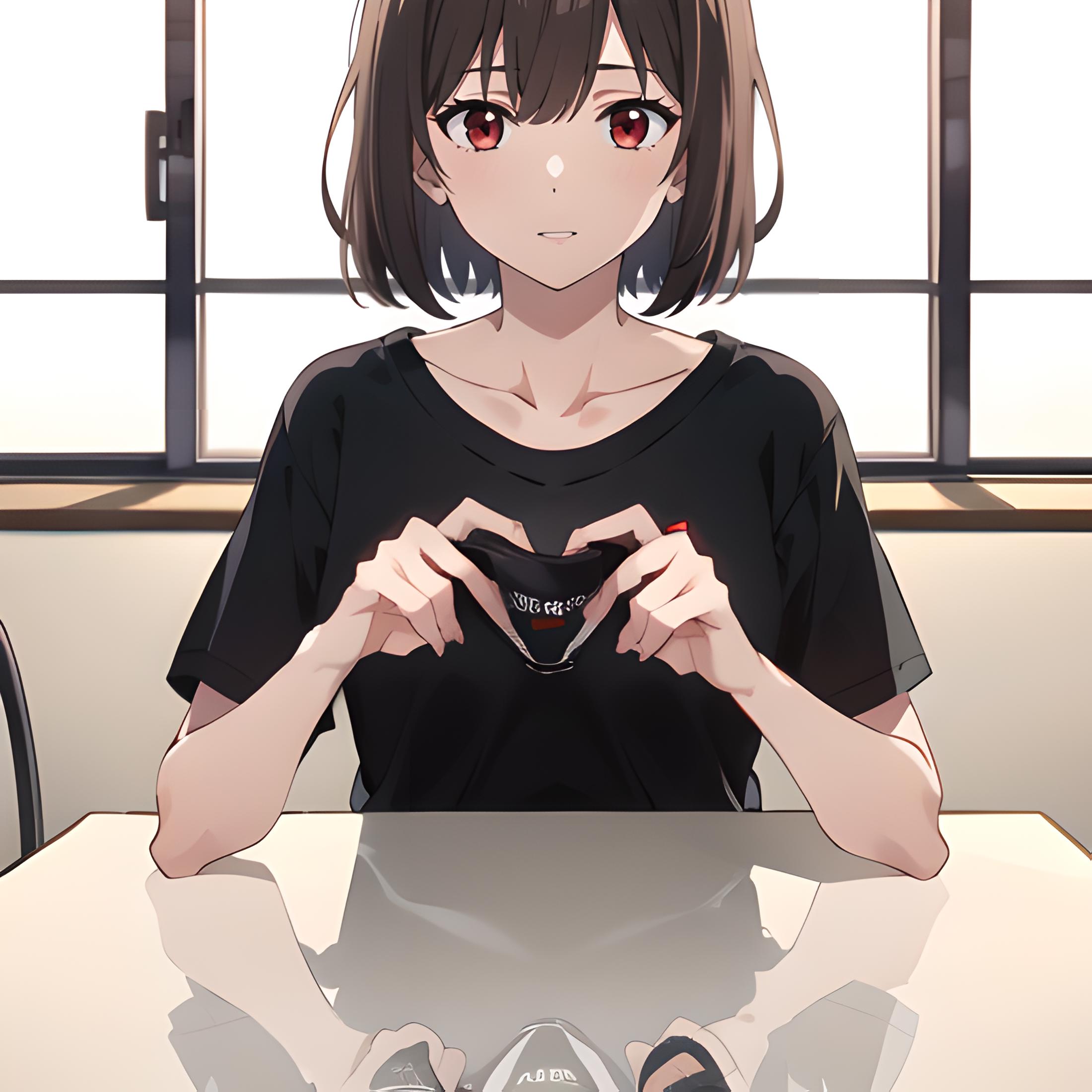
![[OpenPose + Lineart] Heart hands](https://image.cdn2.seaart.me/temp-convert-webp/jpeg/static/2ad8d638c24fbccca4f86097468483b7/1694539391193/a187da13fa19d904e79e63740b2bba0a_low.webp)
If you have only one ControlNet unit go to the Settings > ControlNet and set "Multi-ControlNet: ControlNet unit number" to 2 or more. Click "Apply settings" and restart UI.
In ControlNet unit 0 use Preprocessor: none and Model: openpose. Drop openpose image here and enable it.
ControlNet mode for OpenPose set to "Balanced".
In ControlNet unit 1 use Preprocessor: none and Model: lineart. Drop lineart image here and enable it.
ControlNet mode for Lineart set to "ControlNet is more important".
If you want to use img2img (which I recommend) use img2img + ControNet Lineart with Ending Control Step set to 0.8.


1. Modèle partagé uniquement à l'apprentissage et au partage. Droits d'auteur et interprétation finale réservés à l'auteur original.
2. Auteur souhaitant revendiquer le modèle : Contactez officiellement SeaArt AI pour l'authentification. Nous protégeons les droits de chaque auteur. Cliquer pour revendiquer
