Type
Checkpoint
Temps de Publication
2023-08-07
Modèle Basique
SD 1.5
Introduction de version
This is V1.0 (the first version), which was the original model with the longest name ever



Color coded in red is highly recommended
Color coded in yellow is clearly unsure
Color coded in lime green is optional
Sorry I’m late; I was a bit too lazy/nervous to upload if.
So, Basically, this model is a checkpoint merge of the following models:
More checkpoints to be merged in later versions if you suggest me one because I'll try my best to train my models to look better due to my disability and my potato devices
If these links don’t work, please let me know
All models above belongs to their respective owners/creators, not me (I'm the one crediting them)
As I said [due to my disability and my low-end device], these are the tips I could give you so far:
I don’t know what VAE to use, so please let me know in the comments
If your image looks weird or abnormal than what you expected, then you may need to add these to the prompt: i.e. ((best quality)), ((masterpiece)), (detailed) from Rev's; ((8k resolution)), ultradetailed, (perfect quality), highest quality, ((perfect proportion)); fine details.
For the negative prompt: i.e. ((worst quality, blurry, watermark, noise, noisy, pixelated, corrupted, glitched, too much contrast, now enough contrast, imbalanced quality)).
If your character looks ugly and have messy body parts, you may need to put the prompts like: (((perfect proportion, perfect ???????, perfect face, perfect eyes, perfect nose, perfect mouth, perfect hands, all 5 fingers, perfect feet, all 5 toes, even body parts))). Unfortunately, I do not know the order/strength so you may need to figure it out :(
The negative prompt is basically an opposite of what is above (the third point in tips): i.e. (((worst proportion, worst ???????, worst face, worst eyes, worst nose, worst mouth, worst hands, missing fingers, more than 5 fingers, worst feet, missing toes, uneven body parts)))
The best negative textual inversion to use is <ng_deepnegative_v1_75t> (https://civitai.com/models/4629/deep-negative-v1x) I couldn’t convert it to link for some reason
Use the line break if they offer one
The best image size depends
If your device runs perfectly or can handle things "without burning", then these are following upscalers you can use: Remacri, Universal Upscaler V2 Sharp, Real-Esrgan X2+ (for low ends who wants the best quality)
Depending on your device, use steps ranged from 25-45
Text guidance should be from 5-7
Take the lowest clip skip as possible
request me some tips to use this model so I can change them asap
Also, sorry for me grammar/spelling, especially when writing on a phone (oof, uncomfortable)
The text input has freedom/unrestricted, making it pretty flexible
Most of the time, the model creates well-made quality so I don’t want to get further into this.
They did a decent job on poses
Easy to generate women and non-binary folks (what I meant is androgynous).
Loras seem to work but certain prompts, especially related to centaurs, Have a few change to work. Maybe adding enough strength works
Even with negative prompts, the hands and faces seemed off
Doesn’t really work great with low ends
Inpainting/tiles/refining is difficult to do
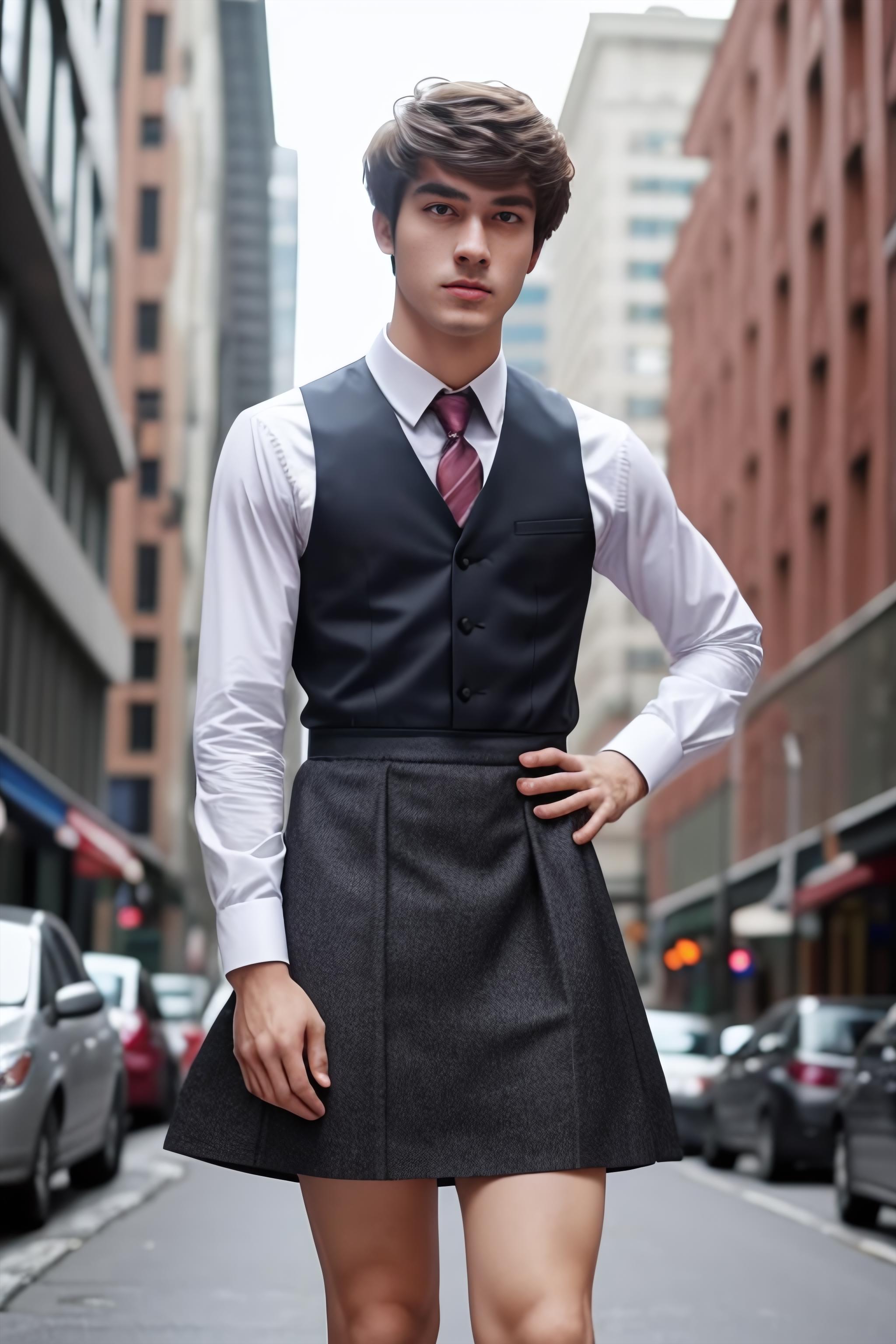
It can get sexist because when you prompts (such as "man wearing a dress and skirt"), it generates a woman instead of a man. If you want a man instead, then you should strengthen it and put woman/women/female/girls in the negative prompt with enough strength (what I’m saying is by using parentheses).
This model was originally used to make an unreleased model with the longest name ever, but my phone couldn’t handle it
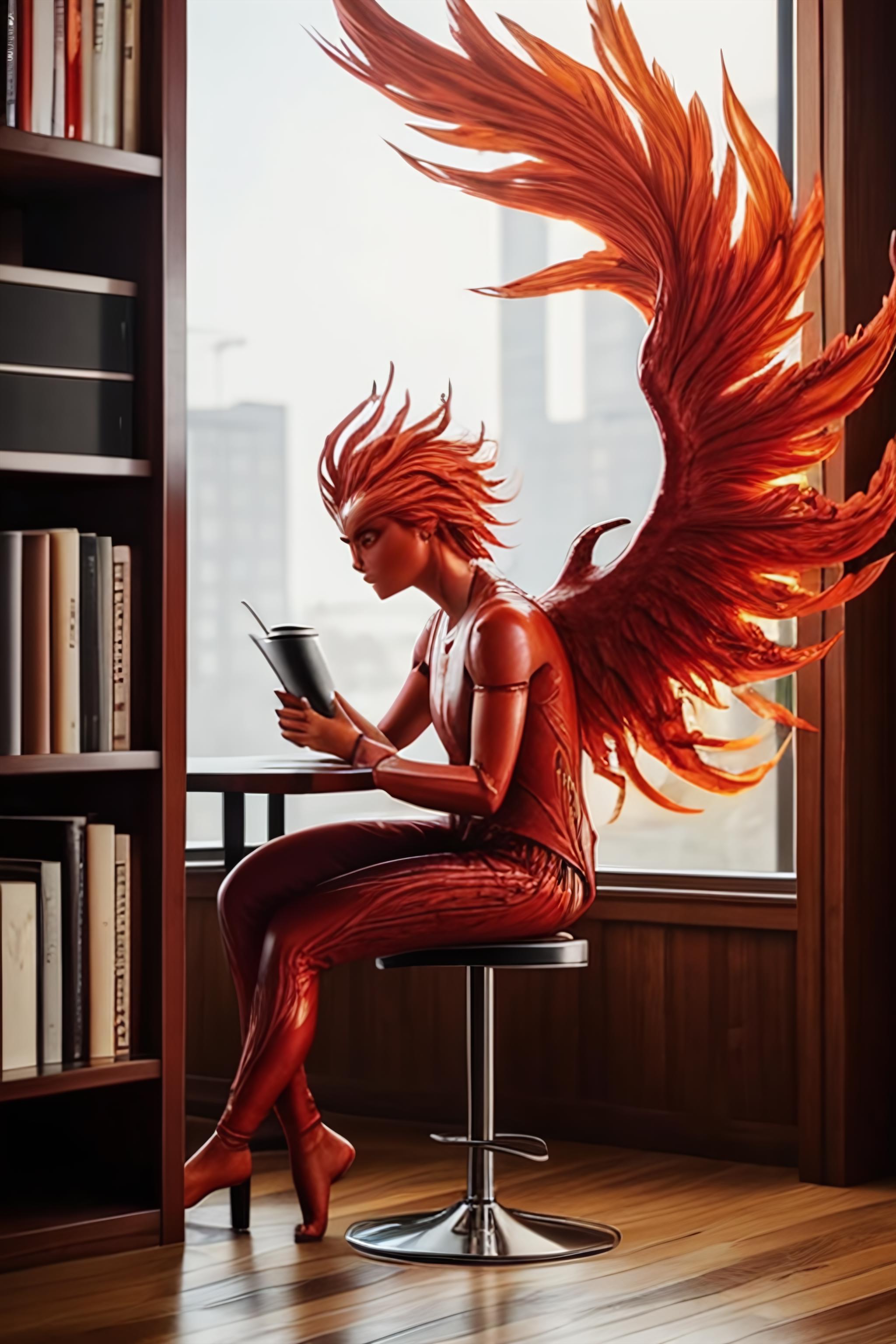
I named this model [PhoenixMix] because Phoenixes are my favorite mythical birds/creatures (besides mermaids). My apology for the bias.
This is the first uploaded model I created
if you want to merge this model, then you should definitely credit me. Every time I see merged models/or used ones, only a few credit someone for using it. =(
If you generate an image, please provide everything (such as positive/negative prompts, steps, cfg, and models) so I can gain more influence.
Do not sell anything (i.e. models and images) that revolves around PhoenixMix, because it fan cause conflicts with an NFT (very controversial) and I don’t like to get into conflicts with anything like those.
Again, sorry about the spelling/grammar (although my english seems to be great)
Again, comment me if you suggest me
This is V1.0 (the first version), which was the original model with the longest name ever
1. Modèle partagé uniquement à l'apprentissage et au partage. Droits d'auteur et interprétation finale réservés à l'auteur original.
2. Auteur souhaitant revendiquer le modèle : Contactez officiellement SeaArt AI pour l'authentification. Nous protégeons les droits de chaque auteur. Cliquer pour revendiquer
