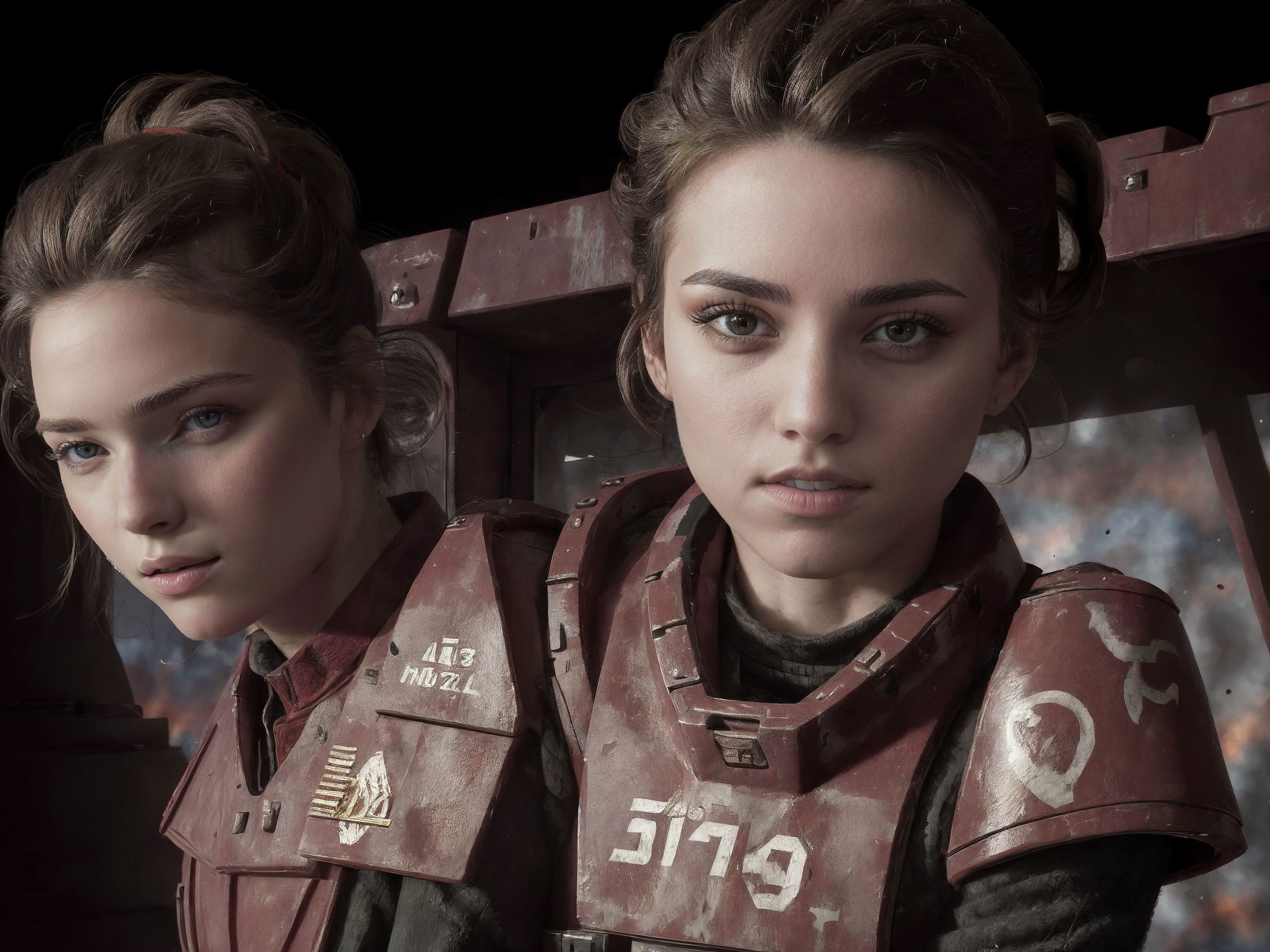
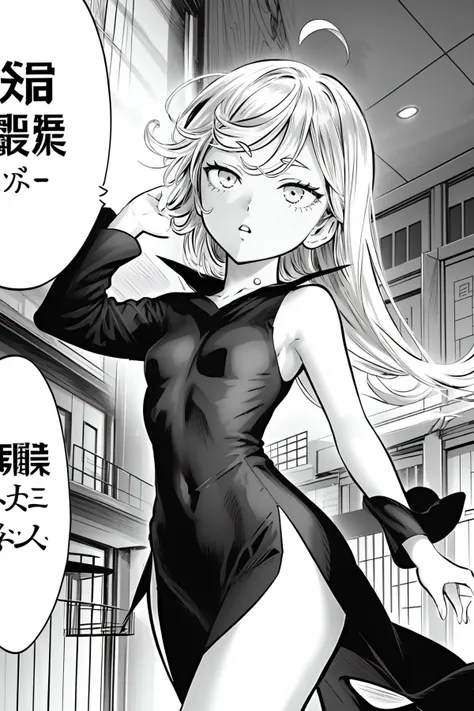
?????? Manga Style
This is a embedding i trained on just ?????? images. Therefore you will get a lot of open mouths, ??????, sweating, saliva etc.. from just using the embedding.
There is no Trigger word
All training images were ???? so even if you try to go for something SFW you have to properly build your prompt. The lineart gets weaker the longer your prompt is. In other words, the longer the prompt is, the weaker the 2D style gets. You can reinforce the embedding with prompts like:
monochrome, lineart, comic, cross-section,
If you want to keep the embedding relative simple use the above tags, but if you want to get the manga panels etc.. then use:
monochrome, lineart, comic, cross-section, manga \(object\), left-to-right manga,
A good negative prompt is:
(worst quality, low quality:1.4), zombie, watermark, username, patreon username, patreon logo, (extra fingers, deformed hands, polydactyl:1.5), censored, bar censor, child, loli,
This embedding is a hit or miss. As i said earlier, you have to build your prompt properly if you want to get something specific, else it will throw random ???? stuff at you.
The example images were not all first generations. Some are inpainted, some just went through hires fix, and some just img2img.
Here is my recommended setup:
First of all USE a VAE!!! I have gotten comments from people telling me that they are getting washed out colors and artifacts when using my models, that is because you are NOT using a VAE.
Two of my favorite VAEs are:
ft-mse: https://huggingface.co/stabilityai/sd-vae-ft-mse-original/blob/main/vae-ft-mse-840000-ema-pruned.ckpt
kl-f8-anime: https://huggingface.co/hakurei/waifu-diffusion-v1-4/blob/main/vae/kl-f8-anime2.ckpt
Download one or both, put the file in your stable diffusion folder -> models -> VAE
Then go to the webui and settings -> stable diffusion -> SD VAE and choose the VAE from the drop down. Some models have integrated VAE, my DarkRevPikas model does not, so you have to use one. The "Automatic" option does not work.
You should also consider using Stable Diffusion Dynamic Thresholding (CFG Scale Fix) extension, if you wanna use higher CFG scale without getting artifacts.
Txt2img:
512x768 or 768x512 or 512x512
steps: 30-60
CFG: 10-12 With CFG scale fix set mimic CFG scale 6
Without the extension use CFG 6-8
Img2img
Basically whatever your pc can generate, i use:
896x1344 or 1344x896 or 1024x1024
steps: 30-60
CFG: 10-12 With CFG scale fix set mimic CFG scale 6
Without the extension use CFG 6-8
Denoise strength: 0.5
Hires fix:
Hires steps: 10-20
Denoising Strength: 0.3-0.45
Upscale by: 1.5-2