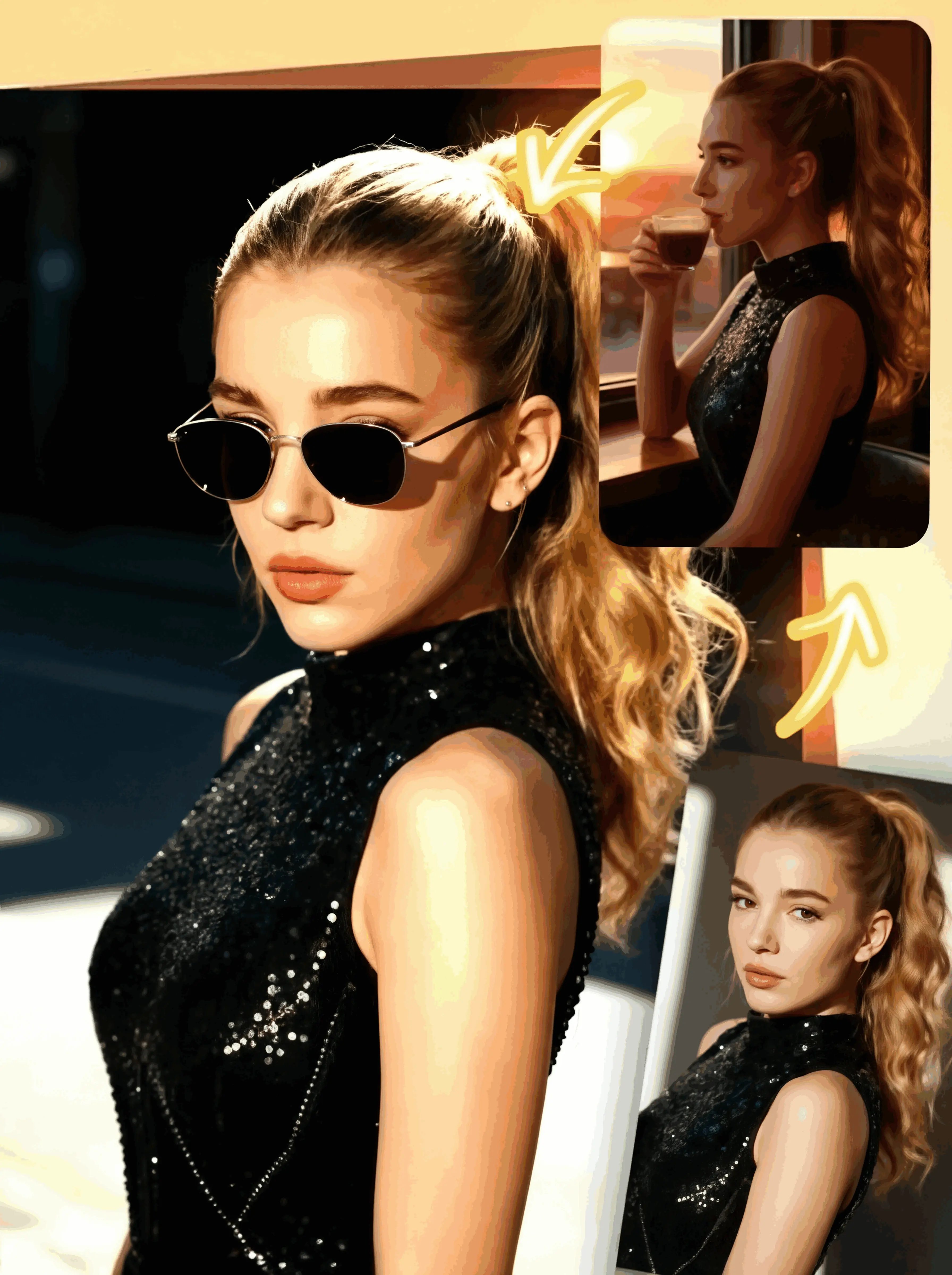
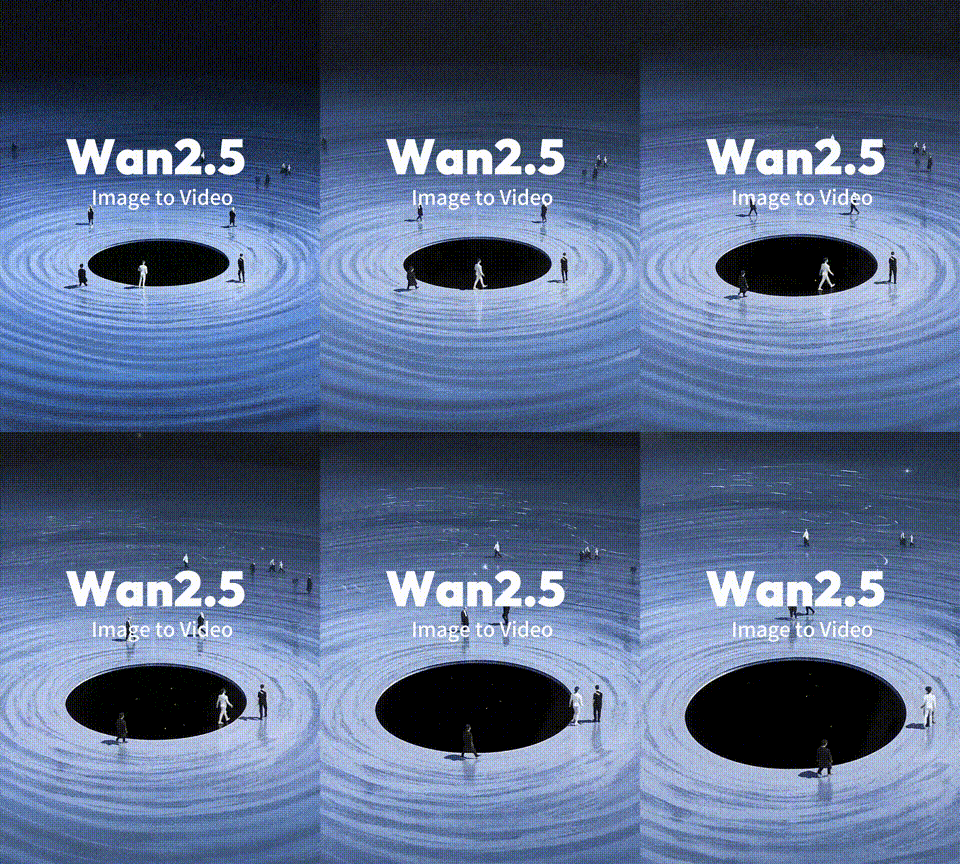
1. angle (en degrés)This controls the direction of the motion se brouiller.Angle Direction de l'effet0 Horizontal se brouiller (gauche → droite)90 Vertical se brouiller (haut → bas)45 Diagonal se brouiller (haut-gauche → bas-droite)135 Diagonal se brouiller (haut-droite → bas-gauche)→ Think of this like a compass — the angle defines which way the se brouiller is "mobile."2. se brouiller (valeur entière)This controls the intensity and length of the motion se brouiller.Valeur Résultat5–10 Soft se brouiller, mouvement subtil15–30 Medium se brouiller, effet de traînée visible40+ Strong motion se brouiller, used for speed effects or full background se brouiller✅ Paramètres recommandés (Cas d'utilisation)Cas d'utilisation Angle FlouBackground motion se brouiller (horizontal) 0 20–40Portrait with falling se brouiller (vertical) 90 15–30Énergie diagonale/effet de mouvement 45 / 135 20–35Faux radial (angles combinés) utiliser plusieurs calques avec 0, 45, 90, etc.. 10–20💡 Conseil pro:To simulate a radial se brouiller effect, tu peux:Dupliquer l'arrière-plan plusieurs foisAppliquer MotionBlur avec différents angles (e.g., 0°, 45°, 90°, 135°)Les fusionner ensemble en utilisant Image Composite (avec une opacité plus faible par calque)This creates a soft zoom-like se brouiller pointing outward — great for dramatic focus effects!
Effet de flou de mouvement d'image
Notes & Commentaires
5.0/5
0 Notes
Pas encore reçu suffisamment d'évaluations ou de commentaires