50M
+Creator

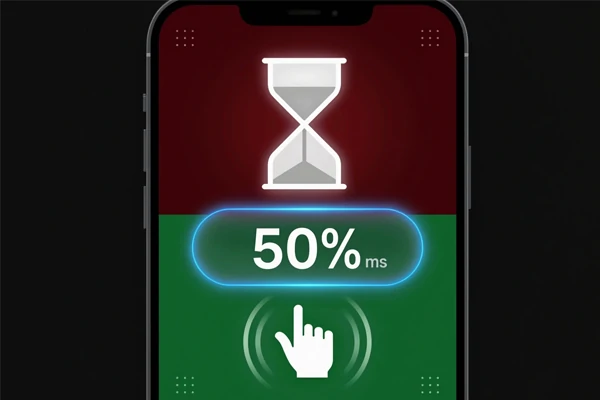
Challenge your memory, focus, reaction speed, logic, and more with 12 quick brain games you can play in your browser.


12 Games in One
Try a broad mix of memory, focus, speed, logic, visual, and language tasks.

Short Rounds
Each challenge is quick enough for a break, but varied enough to keep the session from feeling repetitive.



Easy to Compare
Check results after each round, retry weak areas, and compare different types of cognitive tasks.

Browser-Based Play
Open the page, start the assessment, and use the tool on desktop or mobile without a long setup.
Move through 12 short challenges that test different mental skills instead of repeating one reaction-time task.
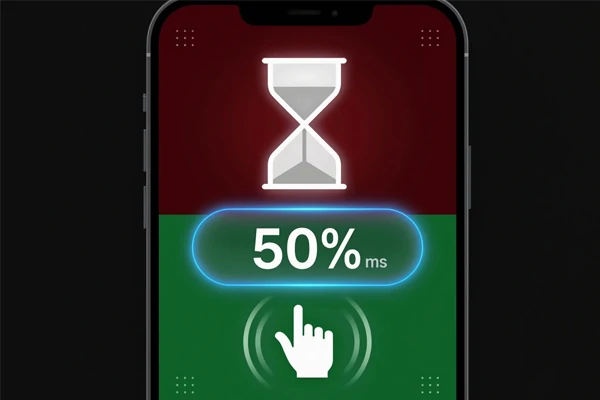
Real users do not land here for only one click-speed score. They want a quick way to test different sides of focus without sitting through a long quiz. The card-based layout makes that clear from the start: you can pick a fast reflex round, a memory task, a logic puzzle, a typing challenge, or a visual test right away. Speed Reaction is still a useful entry point, but the stronger value is choice. Each mini game gives a different kind of pressure, so the page feels like a compact brain challenge hub instead of a single timer for one skill.
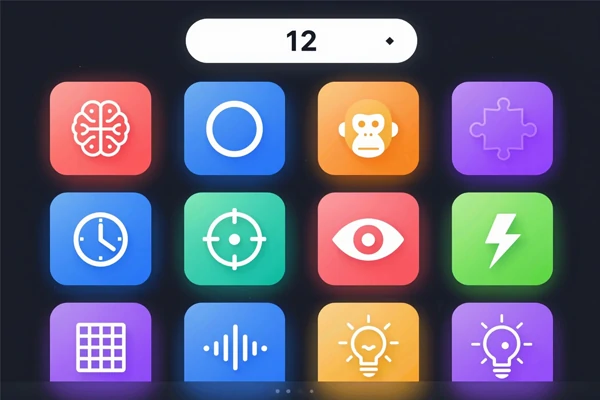
The range is the reason the page works. Number Memory checks recall, Stroop Test pushes impulse control, Chimp Test rewards order tracking, Logic Puzzle looks for pattern sense, and Aim Trainer adds hand control. Speed Typing and Speed Math bring accuracy under time pressure. None of these tasks needs a long tutorial, which matters for a browser tool. A casual visitor can understand the rule, play one round, and decide which skill feels strongest or weakest. That low-friction structure keeps the page movingwithout turning it into homework, a formal assessment, or a long training session for most online users.
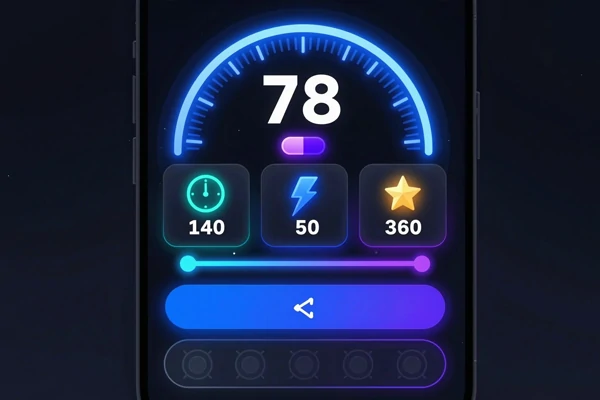
Results should feel useful without pretending to be clinical. The page gives quick feedback after a round, then lets you retry or switch tasks. That works because different games reveal different things: fast clicking, short-term memory, attention control, hand accuracy, or simple calculation speed. Scores can still change with fatigue, device input, or focus, so one result should not be treated as final. Use it like a repeatable mini challenge where patterns matter more than a single number. It is best for quick comparisons, not serious measurement. For another quick interactive format, try this interactive SeaSpark test after the run.
Open brain test, choose a mini game, and move through the full set of focus, memory, speed, logic, aim, and word challenges at your own pace.
Open the Page
Launch the tool in your browser and scan the full set of mini games.
Pick a Challenge
Choose the skill you want to test first, from speed to memory or logic.
Play a Short Round
Follow the simple rule for that task, then finish the round and read the result.
Try Other Skills
Switch tasks to compare different strengths, weak spots, and focus patterns.

What kinds of games are included?

Is Speed Reaction the main point?
Speed Reaction is only one of the easier entry points because the rule is instantly clear: wait for green, then click. The fuller value comes from switching between different mini games, where the same user may feel strong in one round and weak in another task or skill area during play.
Why do my results change between games?
Different games test different skills, so the scores should not all feel the same; you may be quick at clicking, slower at number recall, and surprisingly good at pattern tasks. Device input, fatigue, focus, and the type of task can also change the result, especially in timed rounds or after repeated attempts.
Can I use it on mobile?
Yes, the tool works in a browser, and mobile is fine for casual play, especially for memory, logic, word, and attention tasks. Mouse clicks, trackpads, and touchscreens can produce different timing, so compare scores on the same device type when the challenge depends on speed, aim, precision, or quick taps.
Is there anything else to try on SeaArt AI?
Yes, visit SeaArt AI for creative tools, interactive apps, and browser-based experiments beyond cognitive games. If you want a visual follow-up, use the AI image generator to make a poster, thumbnail, game concept, or score-sharing image later for social posts, challenge recaps, or playful results with friends or groups online.